


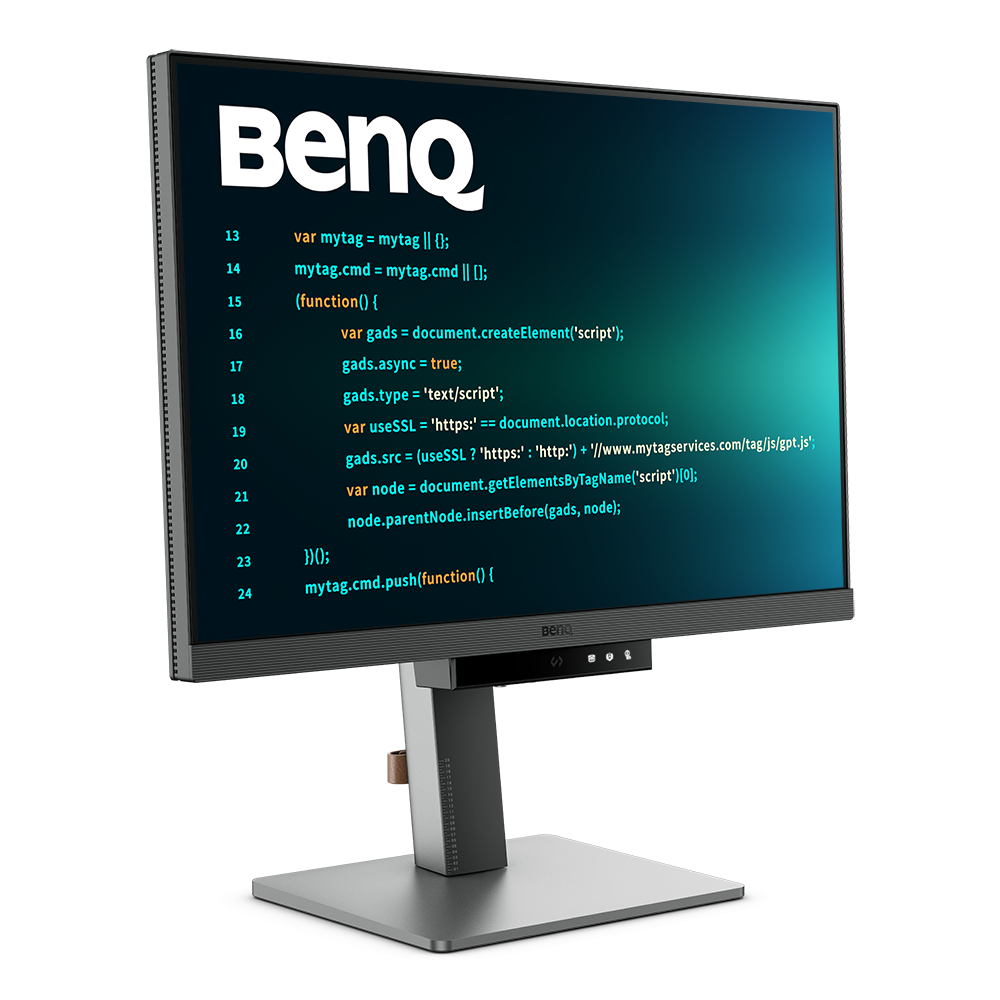
RD280UG|28” 4K+ 120Hz BenQ Programming Monitor with MoonHalo Backlight
Relax and Code with Clarity
Every Coding Session Flows with Clarity and Comfort

By Series
Home Projectors Cinema Projectors Portable Projectors Gaming Projectors TV Projectors Golf Simulator ProjectorsBy Feature
Best 4K Projectors Best Gaming Projectors Best Projectors for Sports GV Series Portable Ceiling Projectors House Mapping ProjectorsBy Trending Word
4K UHD (3840×2160) Short Throw 2D, Vertical/Horizontal Keystone LED Laser With Android TV With Low Input LagExplore Commercial Projector
Professional Installation Simulation Projection Small Business Corporation K12 & Higher EducationBy Series
Monitor Light Bar Dual Monitor Desk Lamp e-Reading Desk Lamp Piano Lights Parenting Reading LampLighting Tips & Guide
Find Your Perfect Monitor Light Bar Monitor Lighting for Programmers Best Lighting for Dark Rooms Best Dual Monitor Desk Setup Best Home Office LightingAccessories
Explore treVolo Speaker
Carry Case & Stand

Projectors
Monitors
Lighting
GV31 Recall
Accessories
Interactive Displays | Signage
Wireless PresentationStore
Hit the Coding HotKey to activate the Function Bar and dive straight into coding. Instantly apply coding modes, adjust brightness, contrast, and eye-care settings, toggle Night Hours Protection, or control the MoonHalo Backlight.
Your eyes and proper ergonomics are important, so we prioritize them in every design.
Pivot
Swivel
Tilt
Height Adjustable Stand
Not just a monitor, but also an acclaimed backlight too! With customizable color temperature, brightness, light modes, plus Auto Dimming, MoonHalo ensures optimal eye protection and focus, whether at home or in the office.
With 120Hz refresh rate, enjoy ultra-smooth visuals, effortless scrolling, universal performance, and gentle experience that keep your eyes comfortable all day.
Coding late at night just flows. Night Hours Protection with ultra-low brightness technology keeps your eyes safe while letting your creativity flow.
Equipped with visual optimizer for automatic brightness, and color temperature adjustments to adapt seamlessly to your working environment. The RD280UG is TÜV-certified for Flicker-Free, Reflection-Free, Low Blue Light, Eye Comfort 2.0, and Eyesafe 2.0, ensuring minimal distractions, reduced harmful blue light, and a comfortable, safe viewing experience without compromising vivid, lifelike colors.

In the exclusive Coding Modes, displays are finely tuned for optimal clarity in both dark and light themes. The new Paper Color Mode simulates the look and feel of printed media and is an additional way to read while being easy on the eyes.
Dark Theme
Dark Theme enhances readability, boosts coding speed, and improves debugging precision.
Light Theme
Light Theme for clear viewing without eye strain.
Paper Color
The new - Paper Color Mode lets you enjoy the comfort of paper-like reading.
Featuring a low reflection coating to minimize distractions, this advanced technology enhances focus and boosts productivity, delivering unparalleled clarity and eye-strain relief for peak performance.

The RD280UG features a 2000:1 contrast ratio with multi-layered High Pixel Contrast Technology. Static and dynamic contrast tuning, combined with Local Contrast Optimization, reveal fine details and enhanced dark-area clarity, for your IDE, movies, or games after work.

Transform your desk into a productivity hub. With the RD280UG, experience a workspace designed for comfort, focus, and inspiration.

Picture by Picture
Picture in Picture
DualView Plus
Achieve more and scroll less. With its rare 3:2 aspect ratio, the RD280UG is designed specifically for coders, providing an expanded field of view that makes multitasking and reviewing code more efficient and comfortable.
Versatile ports within easy reach, making connecting devices effortless, quick, and simple.

KVM Switching
Connect multiple devices and share peripherals, like a mouse or keyboard, via the built in KVM switch.
You can download Display Pilot 2 to support the Smart KVM Basic.
Daisy Chain*
Expand your view with Multi-Stream Transport via USB Type-C. A single 90W cable handles visuals, data, and charging simultaneously.
Supported resolutions may vary when using daisy chain connections. Please refer to the User Manual of each model for detailed specifications.
*Please note that Mac® and MacBook® devices only support daisy chaining via Thunderbolt. Daisy chaining is not supported via HDMI or using regular USB ports on any device. Also, you can only connect a single external display using a Mac device with the M1 or M2 chips. For more information, please refer to the Apple website.
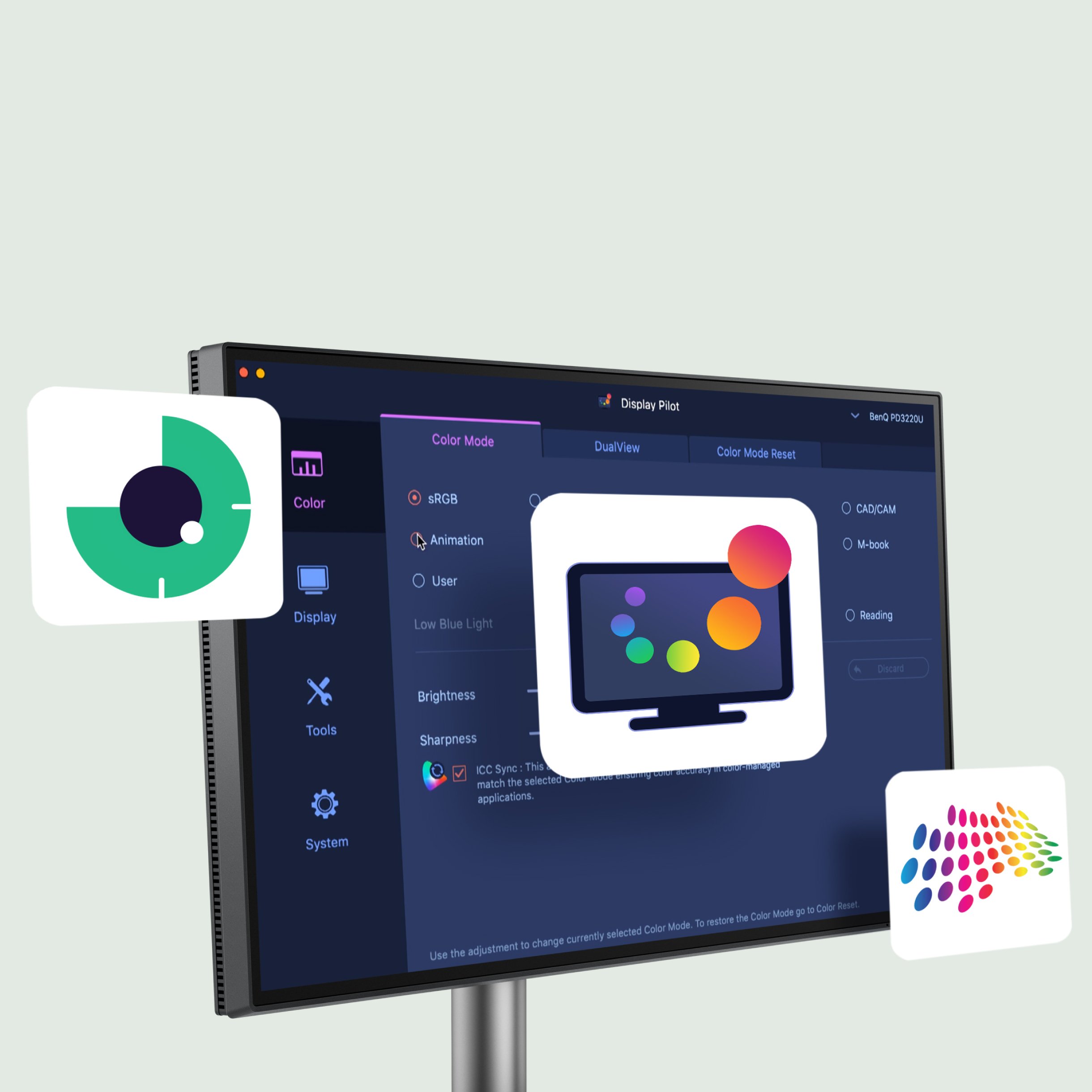
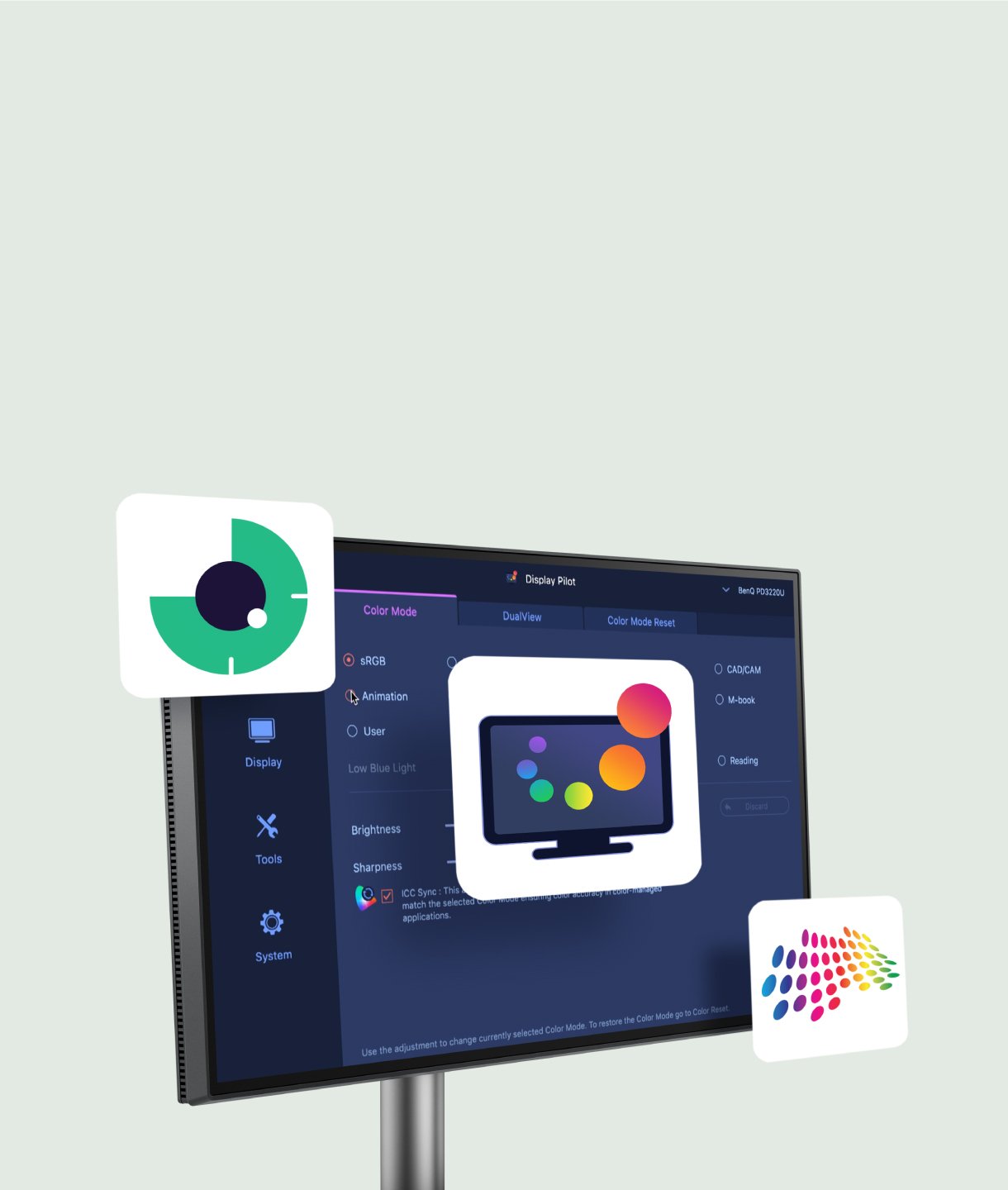
The BenQ Programming Series software caters to your needs with intuitive control of features like MoonHalo, Night Hours Protection, and KVM onscreen control. It also offers programmer-focused tools such as FloW, Shortcuts, Desktop Partition, Application Mode, Software Dimming, and Circadian Mode, making your workflow smarter and more efficient.

MoonHalo Adjustment
Color Mode Binding
Desktop Partition Setting
Dual Copy & Paste Shortcuts



Screen Size
28.2 inch
28.2 inch
28.2 inch
31.5 inch
31.5 inch
Resolution (max.)
3840x2560
3840x2560
3840x2560
3840x2160
3840x2160
Refresh Rate (Hz)
120
60 (DP, USB-C)
60 (DP, USB-C)
60
60
Display Screen Coating
Nano Matte
Nano Matte
Nano Matte
Nano Matte
Nano Matte
Night Hours Protection
Yes
Yes
Yes
Yes
Yes
Power Delivery(USB C / Thunderbolt )
90
90
90
90
90


FAQ
Download
FAQs
Browse all related FAQsWhat is BenQ Eye-Care Technology?
BenQ Eye-Care Technology works by reducing your eye strain and headaches and alleviating blurred vision. BenQ brings viewing comfort for you and your family during work, play, and study in everyday life.
How can I light up the LED indicator on the Function Bar?
First, Go to Menu > Coding Booster > Function Bar > LED Indicator and set the function to 10 sec. or ON.
Then, please check whether all accessible functions are activated. Please find out more information in the user manual.
How to successfully activate the Coding HotKey on the Function Bar and quick transitions between various color modes?
First, remove the protective sticker from the Function Bar, then swiftly press the Coding HotKey located at the center of the function bar. After that, you're all set.
What is Night Hours Protection?
BenQ-exclusive Night Hours Protection, created specifically for nocturnal programmers in low-light environments, leverages minimum brightness technology to provide the ultimate eye-care filter for those coding late into the night or in dimly lit spaces.
How can I benefit from multi-screen setups via Multi-Stream Transport (MST)?
Extend your screen across more visual displays without clutter in your workspace by following several steps. Please click and follow the instructions below, or read on to learn more about this topic.
How does KVM switch function?
Connect Computer 1 and Computer 2 to your monitor and the Computer 1 and Computer 2 will be identified. Then to switch the input video source is possible. Please click and follow the instructions below, or read on to learn more about this topic.


?$ResponsivePreset$)