


If your projector is showing any of these signs, it's not your setup, it's your lamp.
The Telltale Signs of an Aging Lamp

By Series
Home Projectors Cinema Projectors Portable Projectors Gaming Projectors TV Projectors Golf Simulator ProjectorsBy Feature
Best 4K Projectors Best Gaming Projectors Best Projectors for Sports GV Series Portable Ceiling Projectors House Mapping ProjectorsBy Trending Word
4K UHD (3840×2160) Short Throw 2D, Vertical/Horizontal Keystone LED Laser With Android TV With Low Input LagExplore Commercial Projector
Professional Installation Simulation Projection Small Business Corporation K12 & Higher EducationBy Series
Monitor Light Bar Dual Monitor Desk Lamp e-Reading Desk Lamp Piano Lights Parenting Reading LampLighting Tips & Guide
Find Your Perfect Monitor Light Bar Monitor Lighting for Programmers Best Lighting for Dark Rooms Best Dual Monitor Desk Setup Best Home Office LightingAccessories
Explore treVolo Speaker
Carry Case & Stand

Projectors
Monitors
Lighting
GV31 Recall
Accessories
Interactive Displays | Signage
Wireless PresentationStore
The Telltale Signs of an Aging Lamp
Washed Out Colors and Poor Contrast
A Picture That's Dimmer Than It Used to Be
Reoccurring Lamp Replacement Costs


Step 1. Submit Survey
Step 2. Receive $200 Discount Code
Step 3. Purchase the W4100i Projector
BenQ is committed to protecting and respecting your privacy, and we’ll only use your personal information to administer your account and to provide the products and services you requested from us. From time to time, we would like to contact you about our products and services, as well as other content that may be of interest to you but only based on your consent and you can unsubscribe from these communications at any time. Your personal data might be transferred within the BenQ group – if we do so, it will be solely for the purposes above, and we will implement all necessary measures to safeguard your privacy and data security. You may inquire about, correct, or delete your personal information at any time. If you want to do so, or have any question about your privacy rights, please contact us. For more information on our privacy practices, please review our Privacy Policy and Terms & Conditions.



FAQ
What's the difference between LED and lamp projectors?
LED projectors feature instant power-on, quieter operation, and 6 to 10 times longer lifespans (20,000+ hours) with consistent picture quality and color accuracy throughout their life. In contrast, traditional lamp projectors carry lower initial purchase costs but require frequent bulb replacements, undergo color drift as the lamp ages, and demand warm-up time. Learn More
How do I claim my $200 discount?
You will receive your discount code after you submit a completed survey.
Can I use the discount code on any projector?
The discount code applies exclusively to the BenQ W4100i projector and cannot be redeemed toward other models.
Can I use this promo code on other retail websites like Amazon or Best Buy?
No. this discount code is exclusive to BenQ.com and can only be applied during checkout on our official online store. It cannot be redeemed through third-party retailers or authorized dealers.

AI Cinema Mode | HDR-PRO

AI Cinema Mode | 4LED

New HDR-Pro I Laser
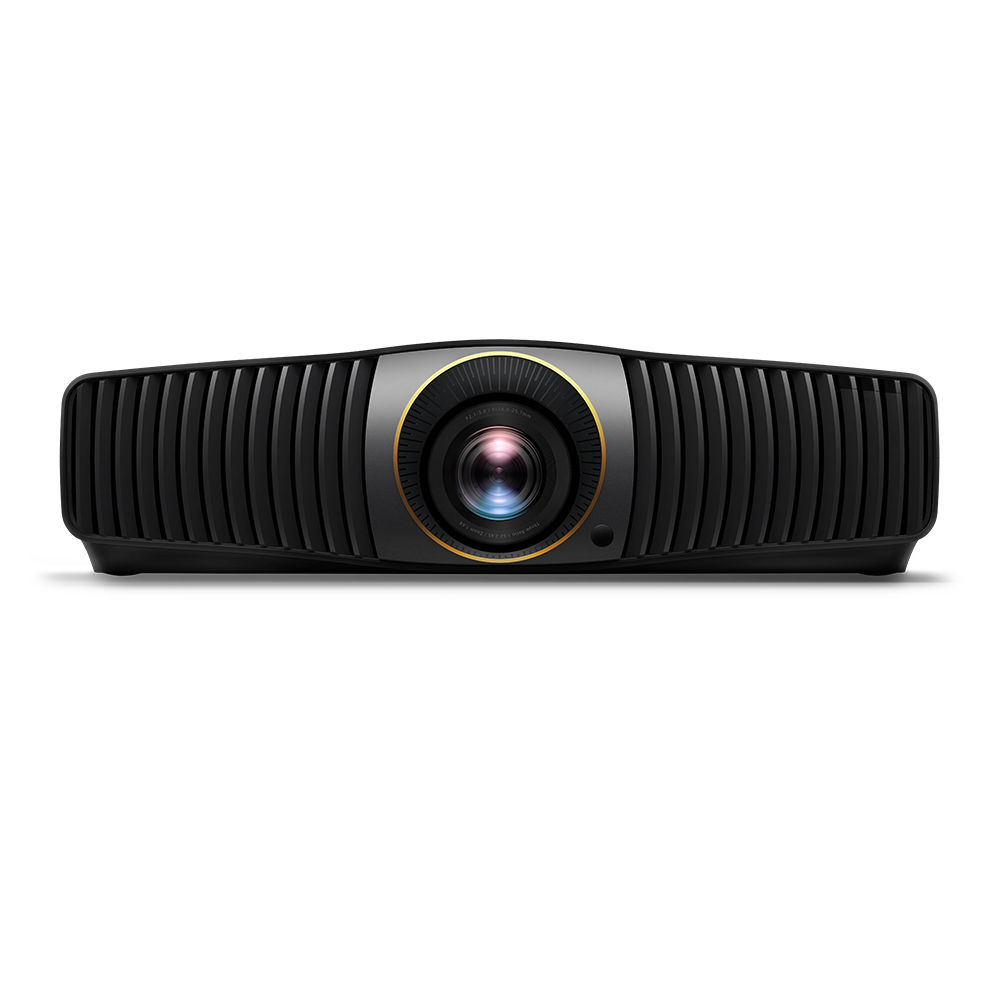
New HDR-Pro I Laser
3200 ANSI Lumens
100% Rec.709 Color Coverage with Delta E<2
4-Way Lens Shift
2500 ANSI Lumens
100% Rec.709 Color Coverage with Delta E<3
QS02 Android TV Dongle
2600 ANSI Lumens
100% Rec.709/ DCI-P3 Color Coverage
1.0-1.6 Throw Ratio
2600 ANSI Lumens
100% Rec.709/ DCI-P3 Color Coverage
1.52-2.45 Throw Ratio
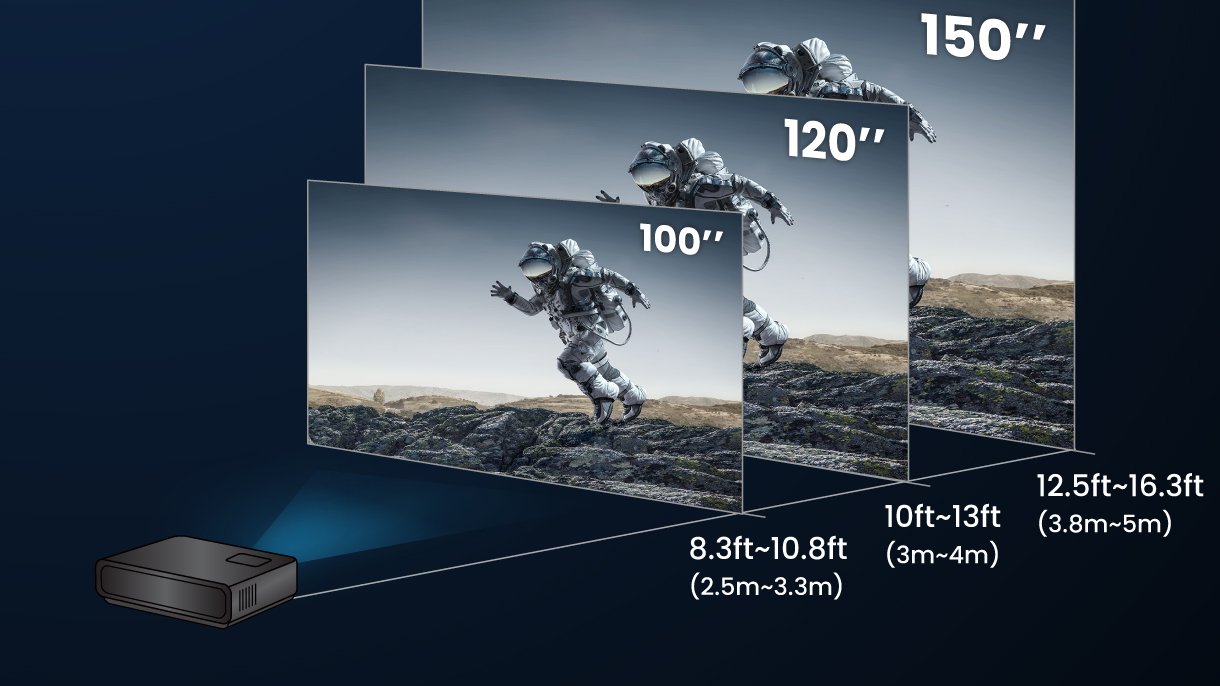
Visualize screen size, distance, and placement right in your room.
*Compatibility Notice: BenQ AR Planner works with iPhones and iPads that support ARKit. Requires iOS 11 or later and an A9 chip or newer. For best performance—including LiDAR-based room scanning—we recommend using supported iPhone Pro or iPad Pro models.
BenQ AR Projector Planner
Visualize screen size, distance, and placement right in your room.
*Compatibility Notice: BenQ AR Planner works with iPhones and iPads that support ARKit. Requires iOS 11 or later and an A9 chip or newer. For best performance—including LiDAR-based room scanning—we recommend using supported iPhone Pro or iPad Pro models.


