


Trusted Colors for Every Deliverable
Consistent Color Alignment from the Entire Screen to Every Screen, Over Time.

By Series
4K Gaming Projectors Home Cinema Series TV Projector Series Portable Projectors Golf Simulator ProjectorsBy Feature
Home Entertainment Best 4K Projectors Best Gaming Projectors Best Projectors for Sports GV Series Portable Ceiling Projectors House Mapping ProjectorsBy Trending Word
4K UHD (3840×2160) Short Throw 2D, Vertical/Horizontal Keystone LED Laser With Android TV With Low Input LagExplore Commercial Projector
Professional Installation Simulation Projection Small Business Corporation K12 & Higher EducationBy Feature
Photographer Monitors Designer Monitors Best 4K Monitors Best Monitors for MacBook Pro & Mac Best Monitors for Versatile MacBook Users Best Monitors for ProgrammingRemote Work & Learning
Explore treVolo Speaker
Dialogue Speaker for Learning Electrostatic Bluetooth Speaker Carry Case & Stand

Projectors

Monitors
Lighting
Remote Work & Learning
Interactive Displays | Signage
Store
Trusted Colors for Every Deliverable
Consistent Color Alignment from the Entire Screen to Every Screen, Over Time.
Trusted Colors for Every Deliverable
Consistent Color Alignment from the Entire Screen to Every Screen, Over Time.
Designed for professionals, we help you take full control with precision your craft relies on.
No Color Shifts & Lost Details
Ensure accuracy from day one to the long run
No Color Misjudgment & Client Doubt
Deliver uniform precision that’s subtle but critical
No Endless Reworks & Revisions
Guarantee consistent output that ends reworks
Uniformity Control
Full Screen Calibration via Micro-Zone Correction
Color Tolerance Management
High-Precision Instrument Alignment
Industry Standards Compliance
From Rec.709, DCI-P3 to Adobe RGB and Beyond
Offers effortless calibration with no experience needed. Follow visual menus and clear prompts for calibration that meets international standards for various kinds of design workflow, including graphic design, web design, 3D design, video editing, photo editing, etc.
*Calibrator Suggestions: X-Rite i1 Display Pro, X-Rite i1 Display Pro Plus, Datacolor Spyder X, Datacolor Spyder X2
Achieve More Precise Color Matching
Offers effortless calibration with no experience needed. Follow visual menus and clear prompts for calibration that meets international standards for various kinds of design workflow, including graphic design, web design, 3D design, video editing, photo editing, etc.
*Calibrator Suggestions: X-Rite i1 Display Pro, X-Rite i1 Display Pro Plus, Datacolor Spyder X, Datacolor Spyder X2
See why creative professionals trust BenQ Creative Pro monitors

Read more

Read more

Read more

Read more

Read more
Select
BenQ Creative Pro monitors that fit your creative needs with out-of-box color accuracy
Calibrate
Calibration software maintains color fidelity over time, intuitively and effortlessly.
Deliver
Consistent, uniform color ensures predictable, reliable results.
PD2730S
27” | 5K
Ideal monitor for creative professionals and designers who need high-resolution clarity and seamless connectivity for precise, color-accurate work.
PD3225U
32” | 4K UHD
Ideal monitor for graphic designers and professionals who benefit from a larger screen and versatile connectivity options.
PD2706U
27” | 4K UHD
Best monitor for graphic designers and digital artists needing accurate colors in a smaller form factor.
Pivot 90°
Swivel 30°/30°
Tilt -5°~20°
Height Adjustable
Palette Master Ultimate
More accurate and faster calibration with a calibrator
Display Pilot 2
Take control of your display settings efficiently
Display QuicKit
Easily update your monitor’s firmware to stay up to date
What to Know Before You Buy
Are all monitors accurate out of the box?
Most aren’t. BenQ monitors give you out-of-the-box color accuracy from day one, with calibrated panel uniformity and multi-monitor consistency you can trust.
Do colors shift as the monitor ages?
Yes, all panels drift over time. BenQ’s long-term color management keeps your colors stable without extra effort.
Can multiple monitors really match each other?
Yes. Palette Master Ultimate keeps colors aligned across screens, reducing errors, rework, and delivery risks.
Is calibration complicated?
Not at all. BenQ’s guided interface makes setup simple, so you can spend more time creating and less time adjusting.
BenQ Creative Pro Monitors
Compare all BenQ Creative Pro Monitors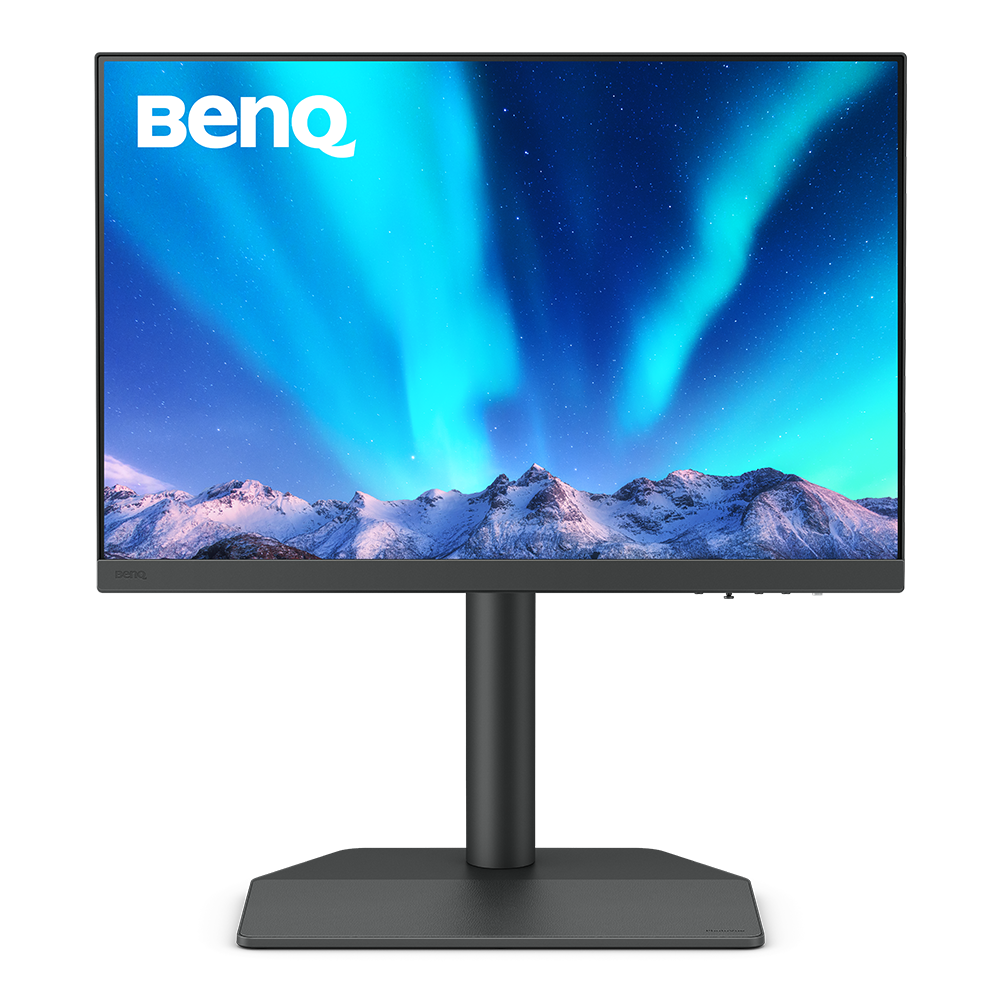
Hardware Calibration
with calibrators and BenQ software PME/PMU
From {{currency}}{{ n[1]| numberThousandsCommas | numberDecimalPoint }} -
Learn moreUp to
99% Adobe RGB
Color Gamut
WQXGA (2560x1600)
Resolution
Delta E ≤ 1.5
Color Accuracy
Color Certification
HDR10
High Dynamic Range
USB-C
All-in-One Connection
Display Pilot 2,Palette Master Ultimate
Assistant Tool
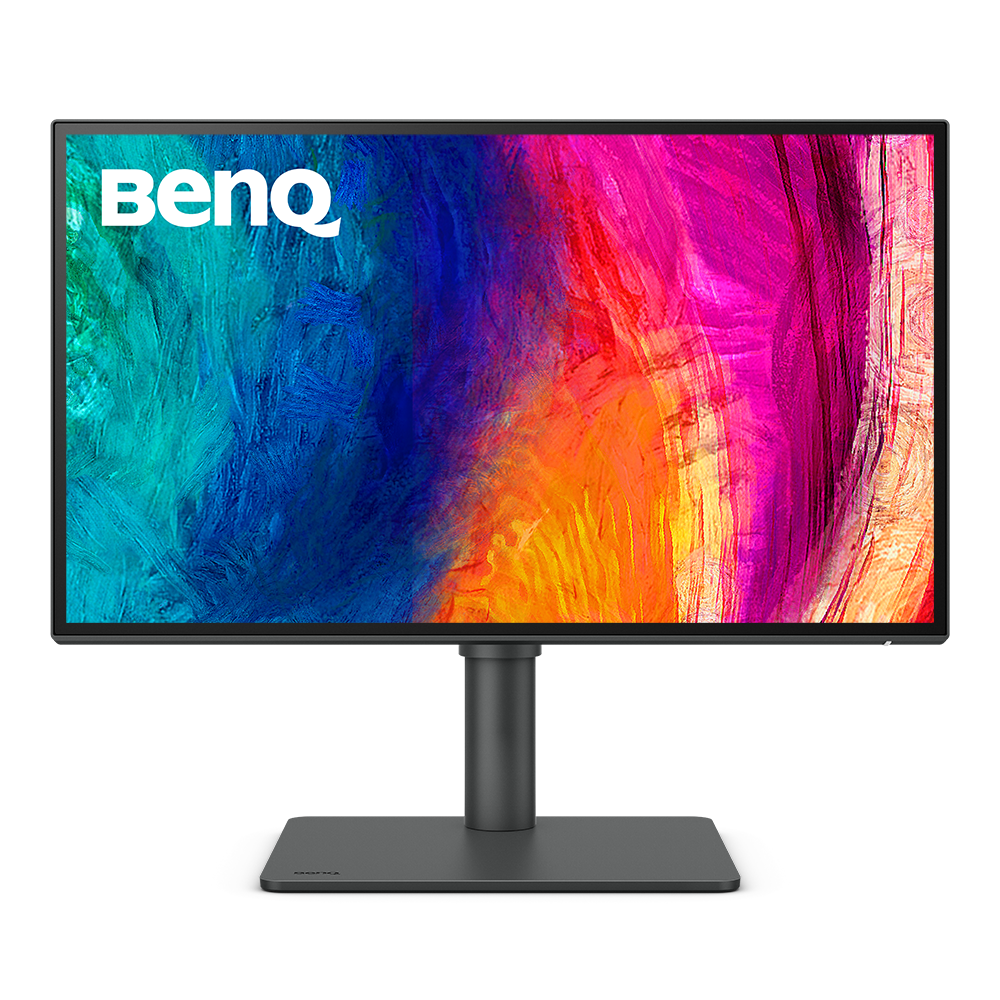
Factory Calibration
is done to ensure highest color accuracy
From {{currency}}{{ n[1]| numberThousandsCommas | numberDecimalPoint }} -
Learn moreUp to
95% P3
Color Gamut
Up to
2K (2560x1440)
Resolution
Delta E ≤ 3
Color Accuracy
Color Certification
VESA DisplayHDR 400
High Dynamic Range
USB-C
All-in-One Connection
Display Pilot ,Display ColorTalk
Assistant Tool
Color Gamut
Color gamut is defined as the range of colors which a particular device can produce or record , with some commonly used standards such as Rec.2020, DCI-P3, AdobeRGB, sRGB, and NTSC.
Color Accuracy
Delta E is often used to evaluate perceived color differences. A delta of less than 1.00 means that there is no perceivable difference for color experts when two colors are compared side by side.
Color Certification
Certifications that test, evaluate, or verify the monitor's ability to accurately reproduce Pantone colors and lifelike skin tones that match and include all consumers,or whether a display has met the criteria for video post-production editing and reviewing purposes.
Assistant Tool
BenQ Assistant Tool enables photographers and designers to facilitate their workflow while doing color management, screen-to-print adjustment and color gamuts switching in color critical projects.
Color Gamut
Color gamut is defined as the range of colors which a particular device can produce or record , with some commonly used standards such as Rec.2020, DCI-P3, AdobeRGB, sRGB, and NTSC.
Color Accuracy
Delta E is often used to evaluate perceived color differences. A delta of less than 1.00 means that there is no perceivable difference for color experts when two colors are compared side by side.
Color Certification
Certifications that test, evaluate, or verify the monitor's ability to accurately reproduce Pantone colors and lifelike skin tones that match and include all consumers,or whether a display has met the criteria for video post-production editing and reviewing purposes.
HDR
High Dynamic Range (HDR) is a technology that produces images with a large perceptible difference between bright and dark regions for realistically bright or dark pictures without subtle detail loss.
Assistant Tool
BenQ Assistant Tool enables photographers and designers to facilitate their workflow while doing color management, screen-to-print adjustment and color gamuts switching in color critical projects.
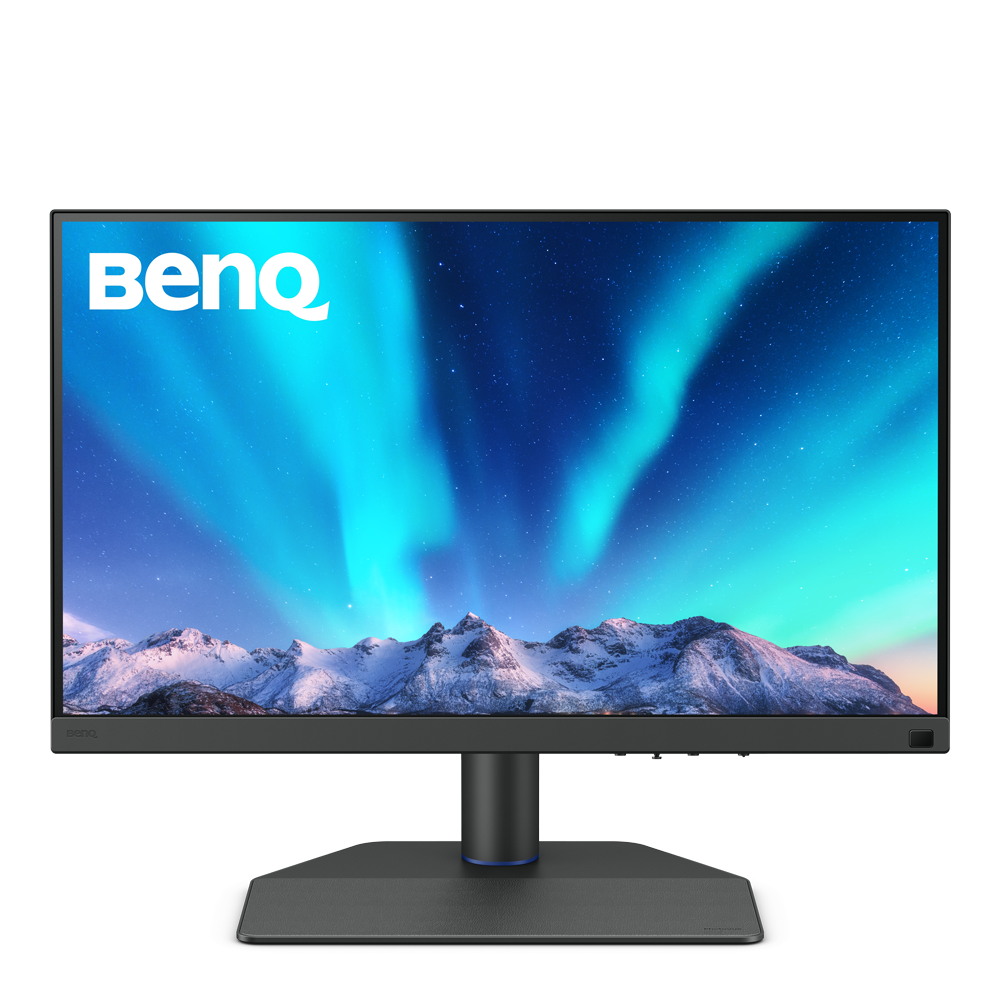
Hardware Calibration
with calibrators and BenQ software PME/PMU
From {{currency}}{{ n[1]| numberThousandsCommas | numberDecimalPoint }} -
Learn moreUp to
99% Adobe RGB
Color Gamut
Up to
4K (3840x2160)
Resolution
Up to
Delta E ≤ 1.5
Color Accuracy
Color Certification
HDR10,HLG
High Dynamic Range
Up to
Nano Matte Panel
Reducing Screen Glare and Reflections
USB-C
All-in-One Connection
Paper Color Sync,Palette Master Element,Palette Master Ultimate
Assistant Tool
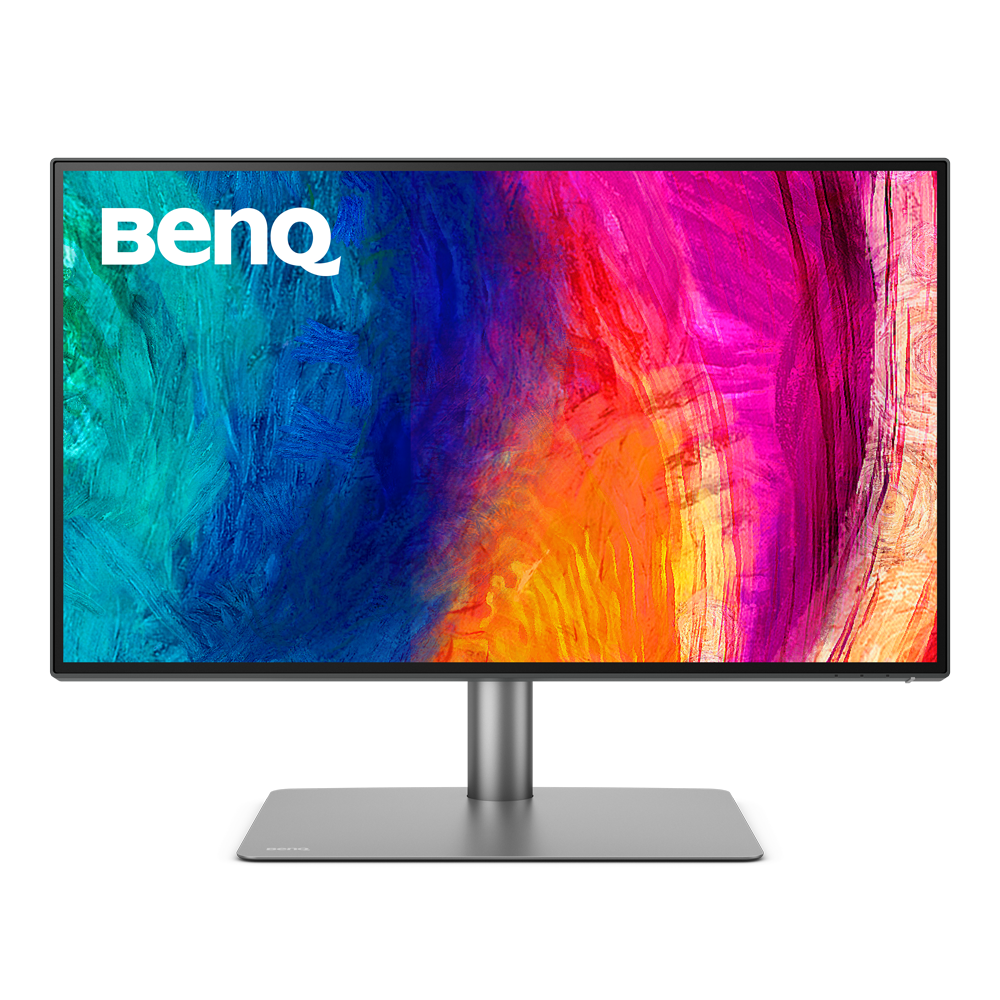
Factory Calibration
is done to ensure highest color accuracy
From {{currency}}{{ n[1]| numberThousandsCommas | numberDecimalPoint }} -
Learn moreUp to
95% P3
Color Gamut
Up to
4K (3840x2160)
Resolution
Delta E ≤ 3
Color Accuracy
Color Certification
VESA DisplayHDR 400
High Dynamic Range
-
Reducing Screen Glare and Reflections
Thunderbolt 3
All-in-One Connection
Display Pilot ,Display ColorTalk
Assistant Tool
Color Gamut
Color gamut is defined as the range of colors which a particular device can produce or record , with some commonly used standards such as Rec.2020, DCI-P3, AdobeRGB, sRGB, and NTSC.
Color Accuracy
Delta E is often used to evaluate perceived color differences. A delta of less than 1.00 means that there is no perceivable difference for color experts when two colors are compared side by side.
Color Certification
Certifications that test, evaluate, or verify the monitor's ability to accurately reproduce Pantone colors and lifelike skin tones that match and include all consumers,or whether a display has met the criteria for video post-production editing and reviewing purposes.
HDR
High Dynamic Range (HDR) is a technology that produces images with a large perceptible difference between bright and dark regions for realistically bright or dark pictures without subtle detail loss.
Fine-Coated Panel
BenQ Fine-Coated is an anti-reflection display panel for outstanding anti-glare and anti-reflection performance, guaranteeing professional outputs for photographers and video editors.
Assistant Tool
BenQ Assistant Tool enables photographers and designers to facilitate their workflow while doing color management, screen-to-print adjustment and color gamuts switching in color critical projects.
Color Gamut
Color gamut is defined as the range of colors which a particular device can produce or record , with some commonly used standards such as Rec.2020, DCI-P3, AdobeRGB, sRGB, and NTSC.
Color Accuracy
Delta E is often used to evaluate perceived color differences. A delta of less than 1.00 means that there is no perceivable difference for color experts when two colors are compared side by side.
Color Certification
Certifications that test, evaluate, or verify the monitor's ability to accurately reproduce Pantone colors and lifelike skin tones that match and include all consumers,or whether a display has met the criteria for video post-production editing and reviewing purposes.
HDR
High Dynamic Range (HDR) is a technology that produces images with a large perceptible difference between bright and dark regions for realistically bright or dark pictures without subtle detail loss.
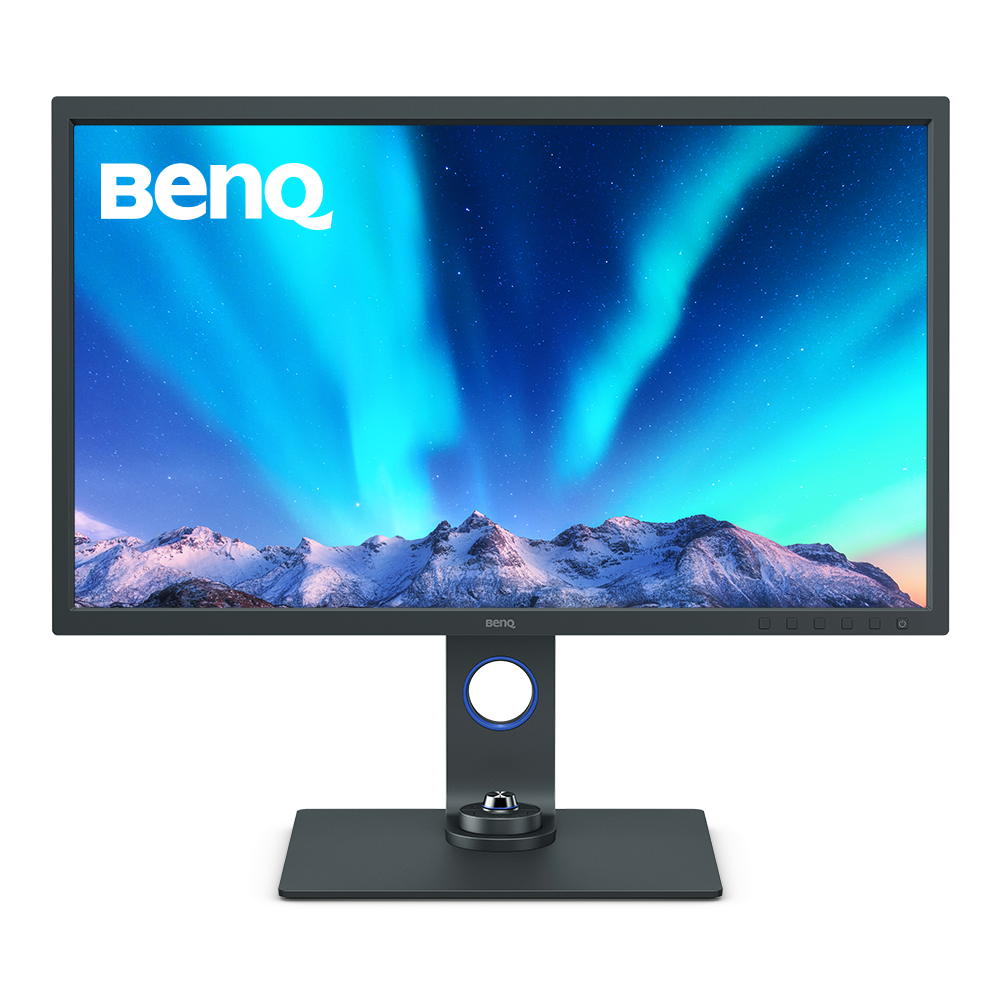
Hardware Calibration
with calibrators and BenQ software PME/PMU
{{currency}}{{ n[1]| numberThousandsCommas | numberDecimalPoint }} -
Learn moreUp to
99% Adobe RGB
Color Gamut
Up to
4K (3840x2160)
Resolution
Delta E ≤ 2
Color Accuracy
Color Certification
HDR10,HLG
High Dynamic Range
Nano Matte Panel
Reducing Screen Glare and Reflections
USB-C
All-in-One Connection
Paper Color Sync,Palette Master Element
Assistant Tool
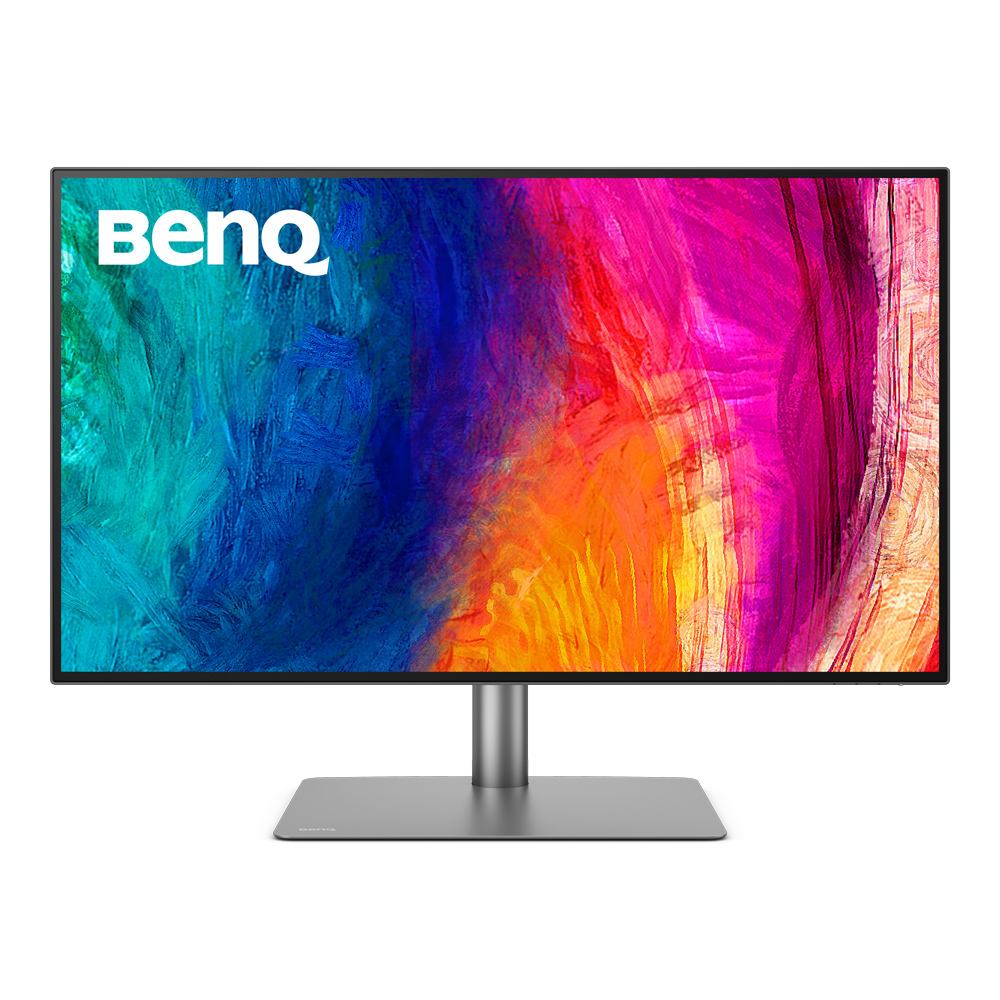
Factory Calibration
is done to ensure highest color accuracy
From {{currency}}{{ n[1]| numberThousandsCommas | numberDecimalPoint }} -
Learn moreUp to
98% P3
Color Gamut
Up to
4K (3840x2160)
Resolution
Delta E ≤ 2
Color Accuracy
Color Certification
HDR10
High Dynamic Range
-
Reducing Screen Glare and Reflections
Thunderbolt 3
All-in-One Connection
Display Pilot ,Display Pilot 2,Display ColorTalk
Assistant Tool
Color Gamut
Color gamut is defined as the range of colors which a particular device can produce or record , with some commonly used standards such as Rec.2020, DCI-P3, AdobeRGB, sRGB, and NTSC.
Color Accuracy
Delta E is often used to evaluate perceived color differences. A delta of less than 1.00 means that there is no perceivable difference for color experts when two colors are compared side by side.
Color Certification
Certifications that test, evaluate, or verify the monitor's ability to accurately reproduce Pantone colors and lifelike skin tones that match and include all consumers,or whether a display has met the criteria for video post-production editing and reviewing purposes.
HDR
High Dynamic Range () is a technology that produces images with a large perceptible difference between bright and dark regions for realistically bright or dark pictures without subtle detail loss.
Fine-Coated Panel
BenQ Fine-Coated is an anti-reflection display panel for outstanding anti-glare and anti-reflection performance, guaranteeing professional outputs for photographers and video editors.
Assistant Tool
BenQ Assistant Tool enables photographers and designers to facilitate their workflow while doing color management, screen-to-print adjustment and color gamuts switching in color critical projects.
Color Gamut
Color gamut is defined as the range of colors which a particular device can produce or record , with some commonly used standards such as Rec.2020, DCI-P3, AdobeRGB, sRGB, and NTSC.
Color Accuracy
Delta E is often used to evaluate perceived color differences. A delta of less than 1.00 means that there is no perceivable difference for color experts when two colors are compared side by side.
Color Certification
Certifications that test, evaluate, or verify the monitor's ability to accurately reproduce Pantone colors and lifelike skin tones that match and include all consumers,or whether a display has met the criteria for video post-production editing and reviewing purposes.
HDR
High Dynamic Range (HDR) is a technology that produces images with a large perceptible difference between bright and dark regions for realistically bright or dark pictures without subtle detail loss.
Assistant Tool
BenQ Assistant Tool enables photographers and designers to facilitate their workflow while doing color management, screen-to-print adjustment and color gamuts switching in color critical projects.
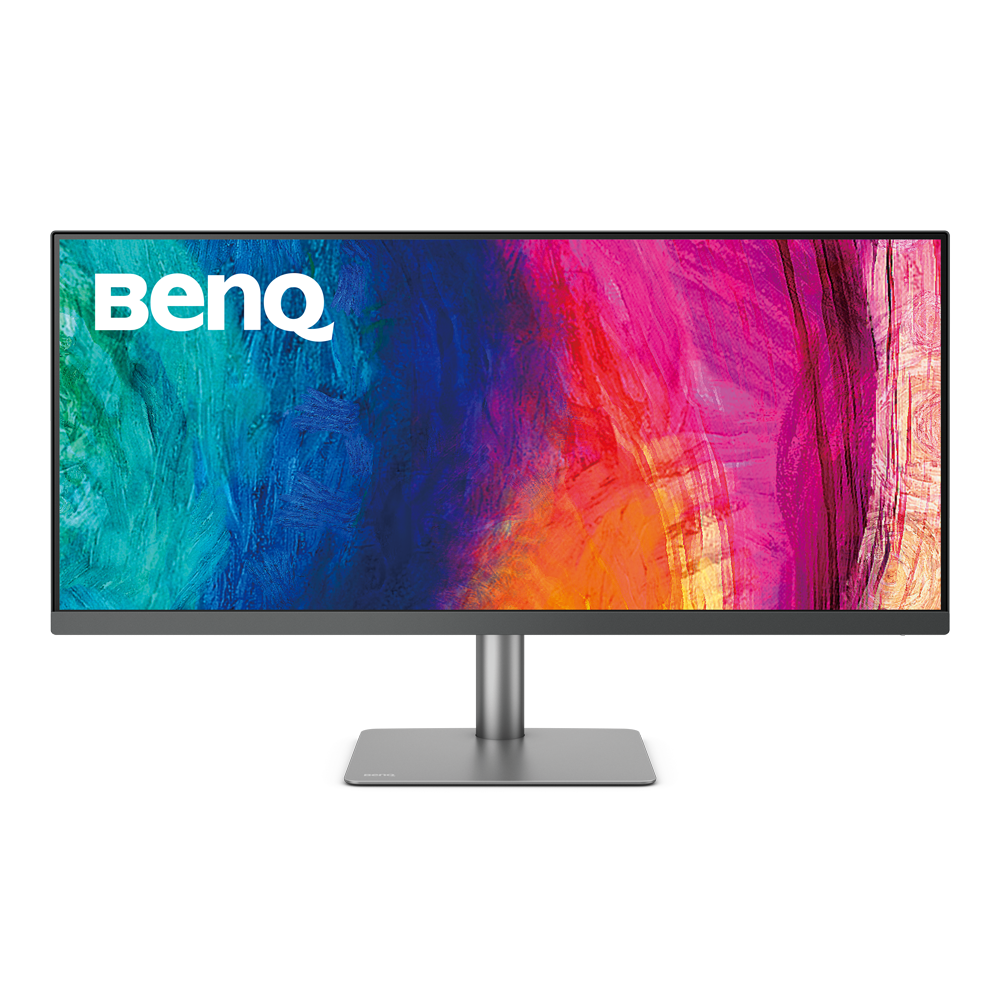
Factory Calibration
is done to ensure highest color accuracy
{{currency}}{{ n[1]| numberThousandsCommas | numberDecimalPoint }} -
Learn moreUp to
98% P3
Color Gamut
Up to
WQHD (3440x1440)
Resolution
Delta E ≤ 3
Color Accuracy
Color Certification
VESA DisplayHDR 400
High Dynamic Range
USB-C
All-in-One Connection
Display Pilot ,Display ColorTalk
Assistant Tool
Color Gamut
Color gamut is defined as the range of colors which a particular device can produce or record , with some commonly used standards such as Rec.2020, DCI-P3, AdobeRGB, sRGB, and NTSC.
Color Accuracy
Delta E is often used to evaluate perceived color differences. A delta of less than 1.00 means that there is no perceivable difference for color experts when two colors are compared side by side.
Color Certification
Certifications that test, evaluate, or verify the monitor's ability to accurately reproduce Pantone colors and lifelike skin tones that match and include all consumers,or whether a display has met the criteria for video post-production editing and reviewing purposes.
HDR
High Dynamic Range (HDR) is a technology that produces images with a large perceptible difference between bright and dark regions for realistically bright or dark pictures without subtle detail loss.
Assistant Tool
BenQ Assistant Tool enables photographers and designers to facilitate their workflow while doing color management, screen-to-print adjustment and color gamuts switching in color critical projects.


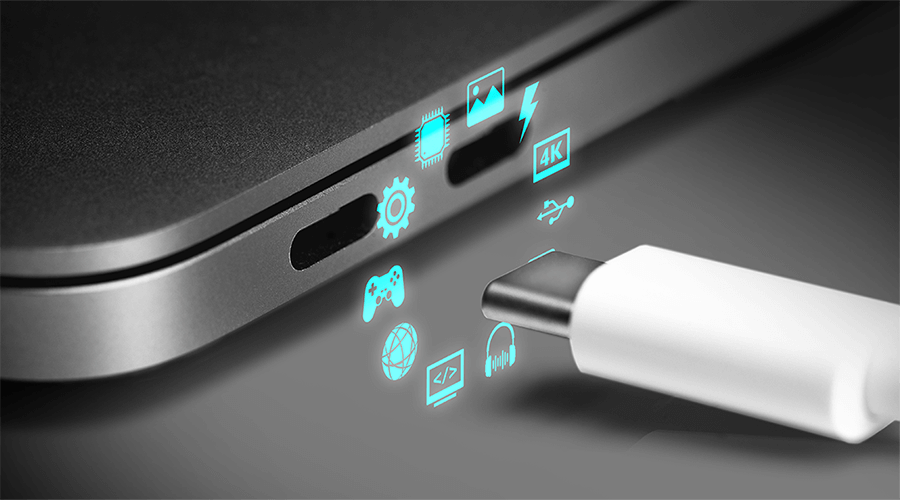
USB-C Introduction: What is USB-C DisplayPort (DP Alt Mode)
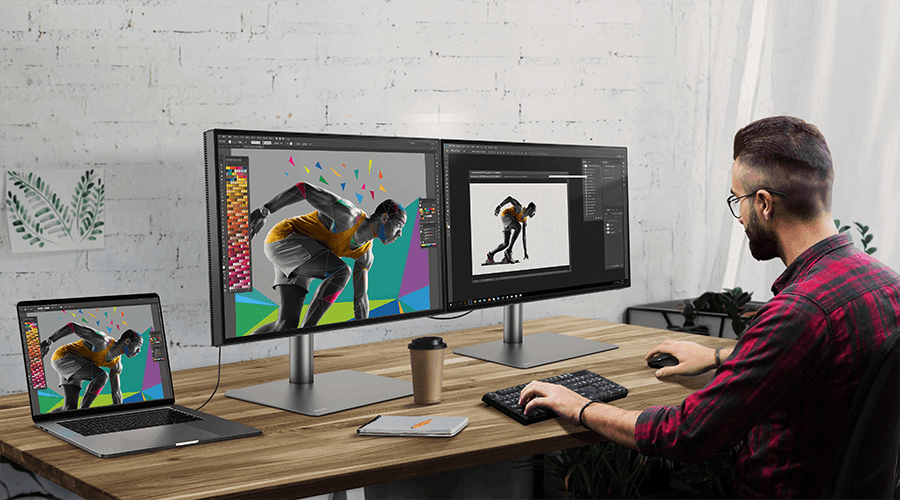
How to Daisy Chain Monitors Using Thunderbolt or DisplayPort
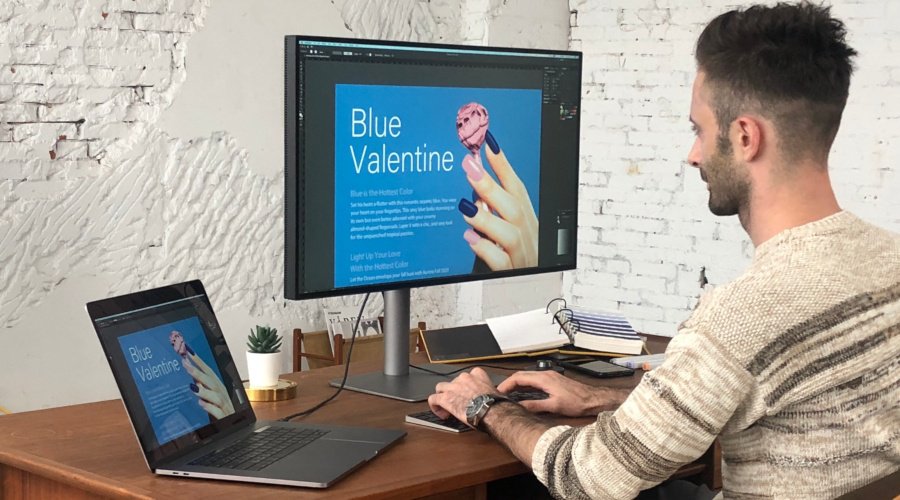
How Can I Connect My Mac M1/M2 to a BenQ Monitor?
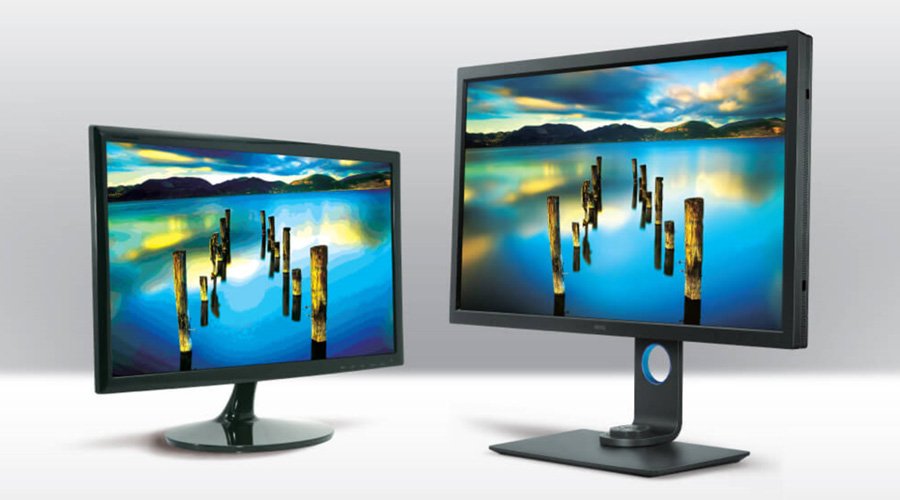
10-Bit vs. 8-Bit + FRC: Monitor Panel Difference
Support Center
Contact Us


