GW2490 I 23.8" 1080p BenQ Eye Care Monitor
Switch Between Work and Play Smoothly

By Series
Home Projectors Cinema Projectors Portable Projectors Gaming Projectors TV Projectors Golf Simulator ProjectorsBy Feature
Best 4K Projectors Best Gaming Projectors Best Projectors for Sports GV Series Portable Ceiling Projectors House Mapping ProjectorsBy Trending Word
4K UHD (3840×2160) Short Throw 2D, Vertical/Horizontal Keystone LED Laser With Android TV With Low Input LagExplore Commercial Projector
Professional Installation Simulation Projection Small Business Corporation K12 & Higher EducationBy Series
Monitor Light Bar Dual Monitor Desk Lamp e-Reading Desk Lamp Piano Lights Parenting Reading LampLighting Tips & Guide
Find Your Perfect Monitor Light Bar Monitor Lighting for Programmers Best Lighting for Dark Rooms Best Dual Monitor Desk Setup Best Home Office LightingAccessories
Explore treVolo Speaker
Carry Case & Stand

Projectors
Monitors
Lighting
GV31 Recall
Accessories
Interactive Displays | Signage
Wireless PresentationStore
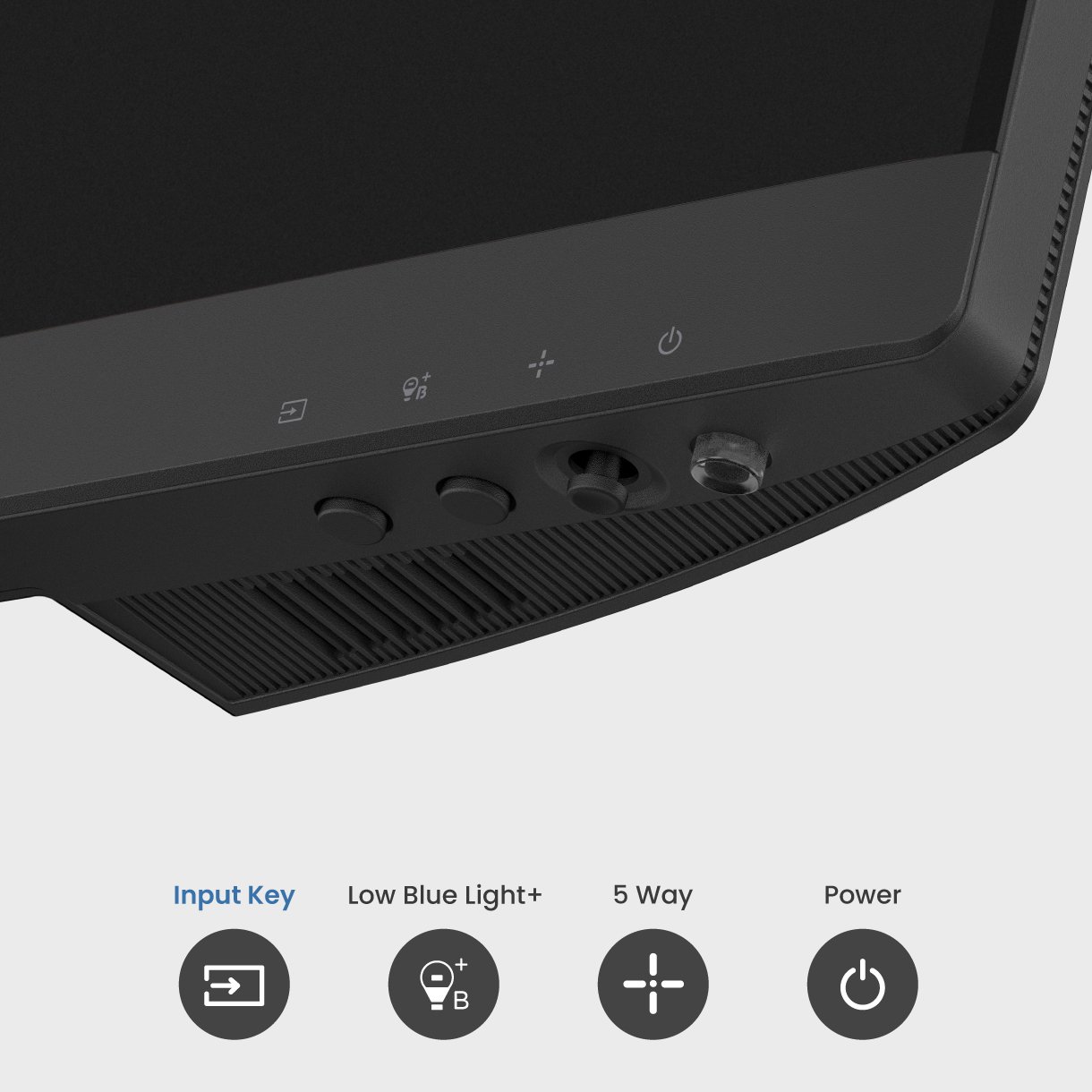
Stay effortlessly connected to your daily devices, with multiple ports for ultimate convenience. Switch between all your display needs with seamless efficiency.
Text scrolling
Video streaming
Gaming

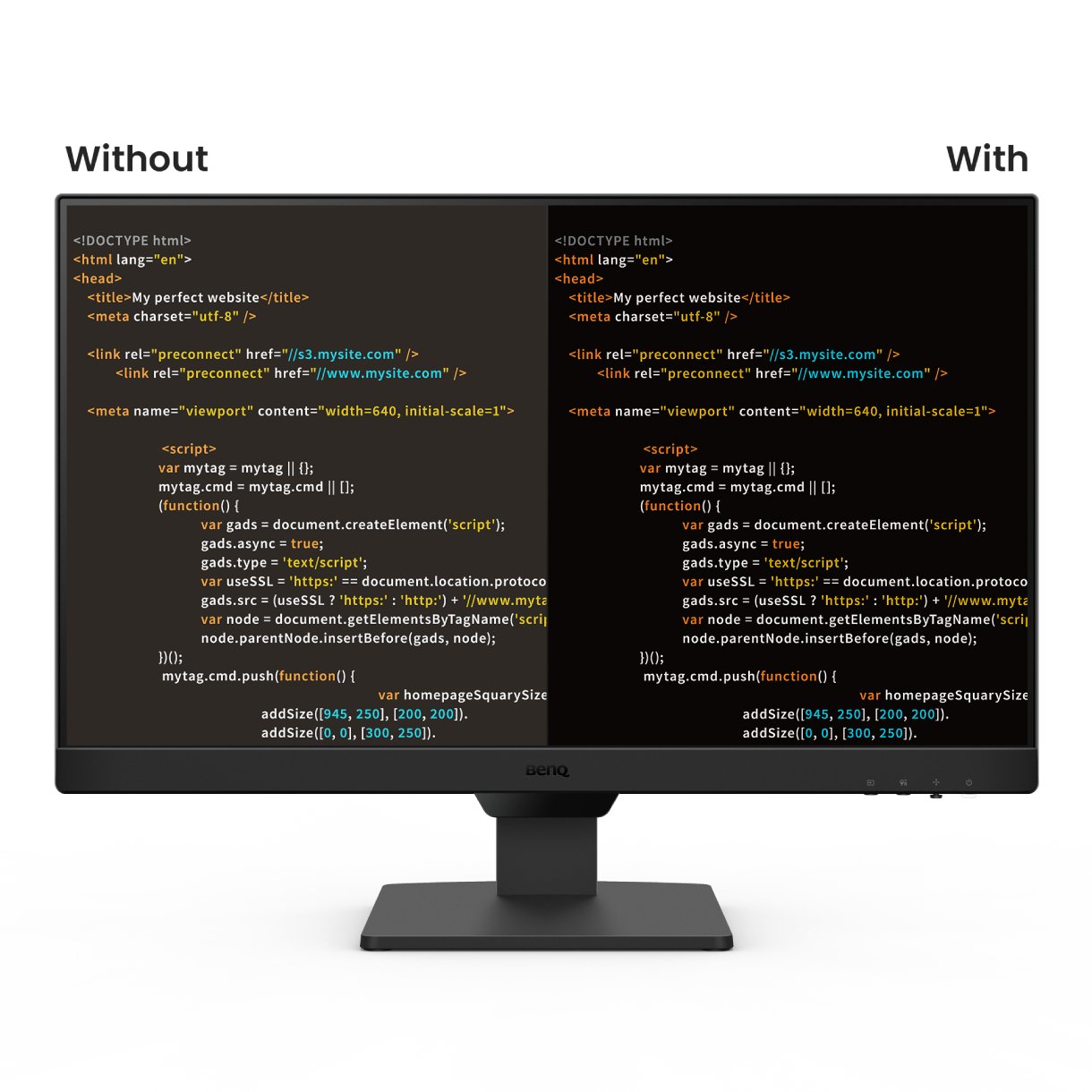
You shouldn’t have to adjust setting after setting just to protect your eyes. That’s why BenQ Eye-Care Monitors come equipped with Triple Eye Protection, with Visual Optimizer, Low Blue Light, and Flicker-Free technology to deliver effortless, all-day eye comfort.
day
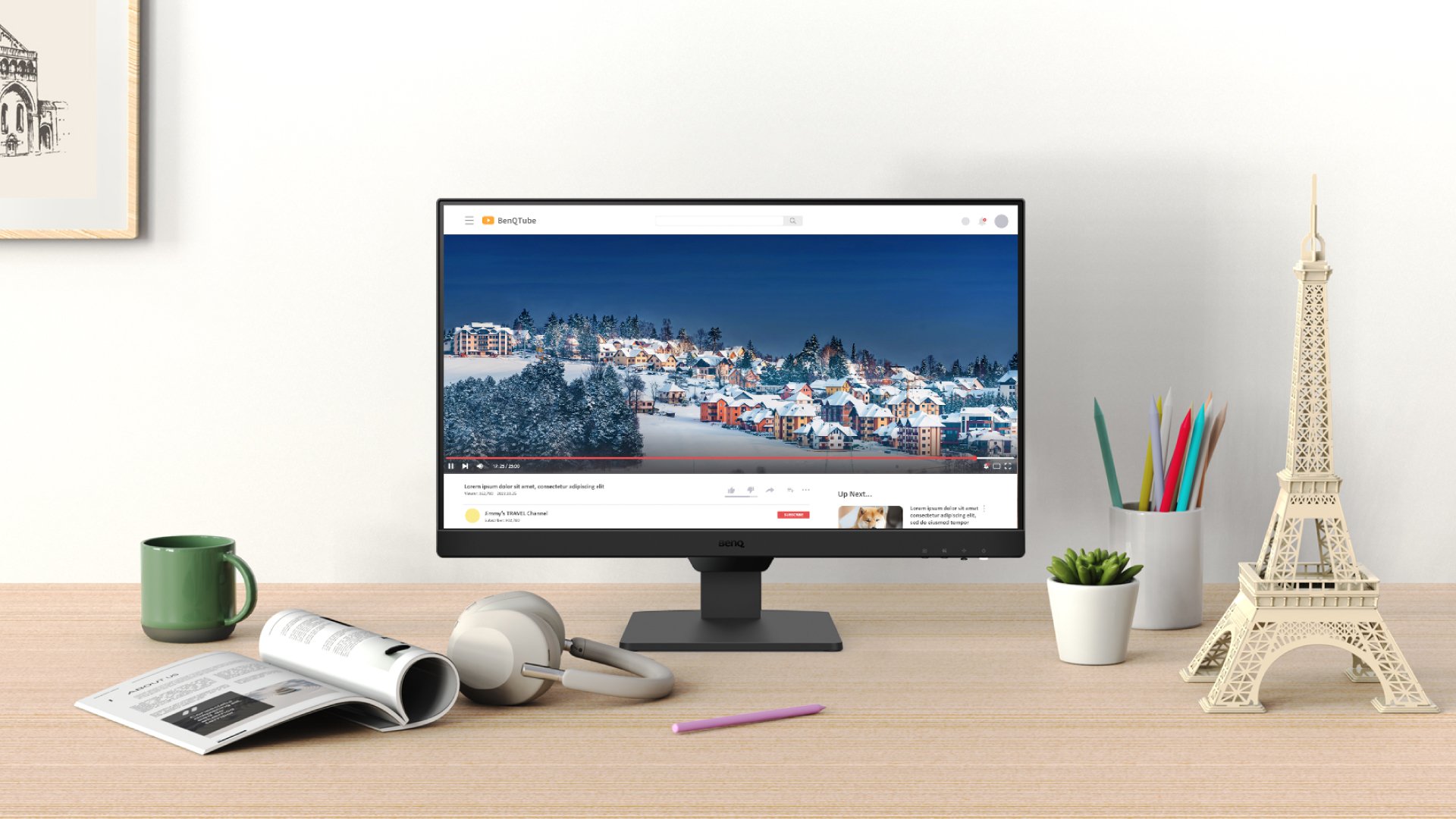
night
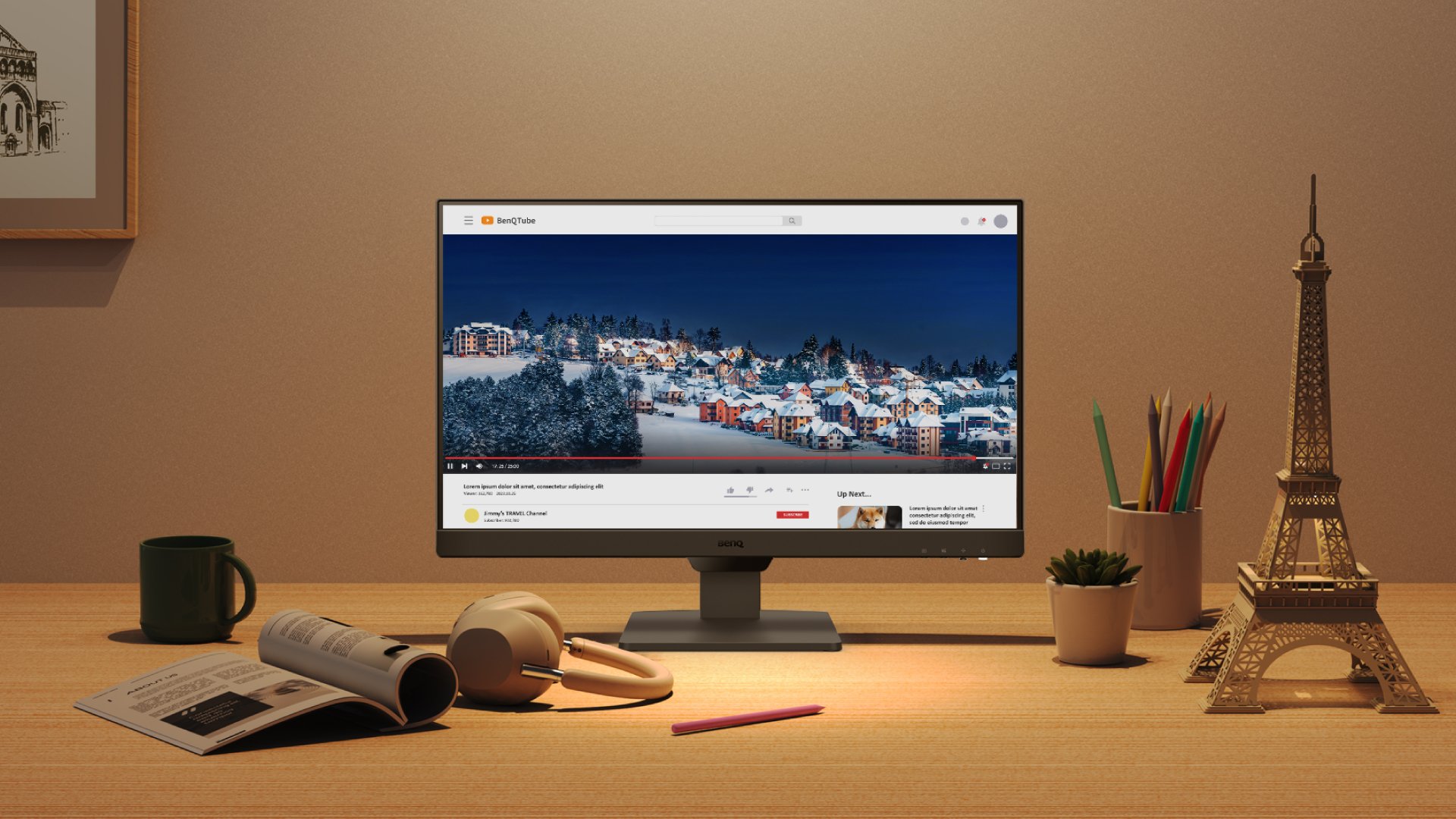
Visual Optimizer (formerly B.I.+), or V.O. for short, puts an end to eye strain. With a built-in sensor that optimizes brightness and color temperature for your environment, BenQ has thought of eye health well beyond just blue light protection. No guesswork, no fiddling—just comfortable viewing, from 9 to 5 and beyond.
Color Weakness Mode
Improves color clarity for users with red-green color deficiency.
ePaper Mode
Reduces contrast and glare for more paper-like reading comfort.
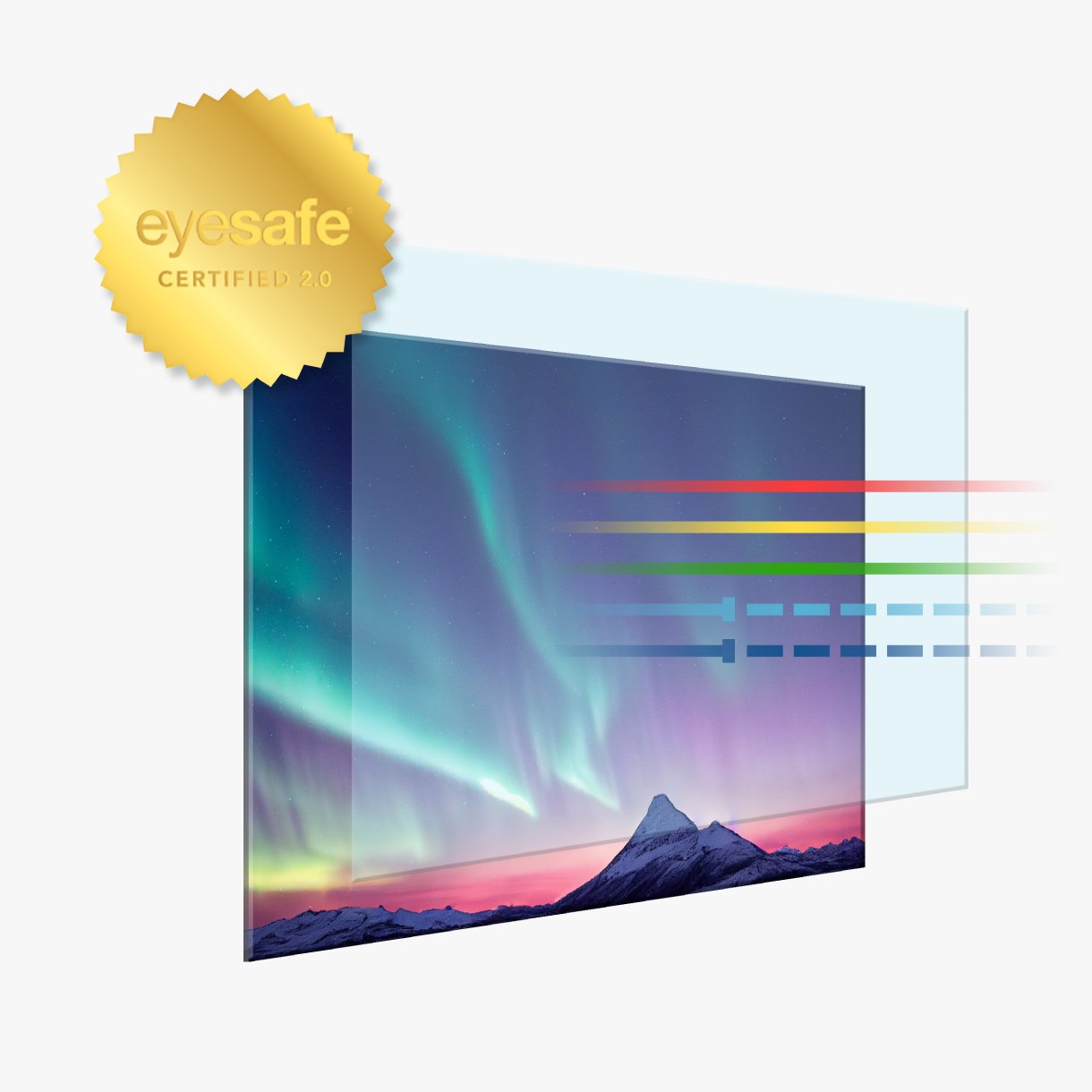
Global safety authority, TÜV Rheinland, certified the GW2490's Flicker-Free and Low Blue Light Technology as truly friendly to the human eye. Eyesafe 2.0 certification ensures that the display reduces blue light while maintaining vivid colors.
Meet Eye-CareU—your screen-time sidekick on the BenQ GW monitor. It helps manage time with quick controls that keep you focused.
*Available in both Light and Dark themes for your eye comfort.
Try Eye-CareU for a Healthier Viewing Experience
Meet Eye-CareU—your screen-time sidekick on the BenQ GW monitor. It helps manage time with quick controls that keep you focused.
*Available in both Light and Dark themes for your eye comfort.
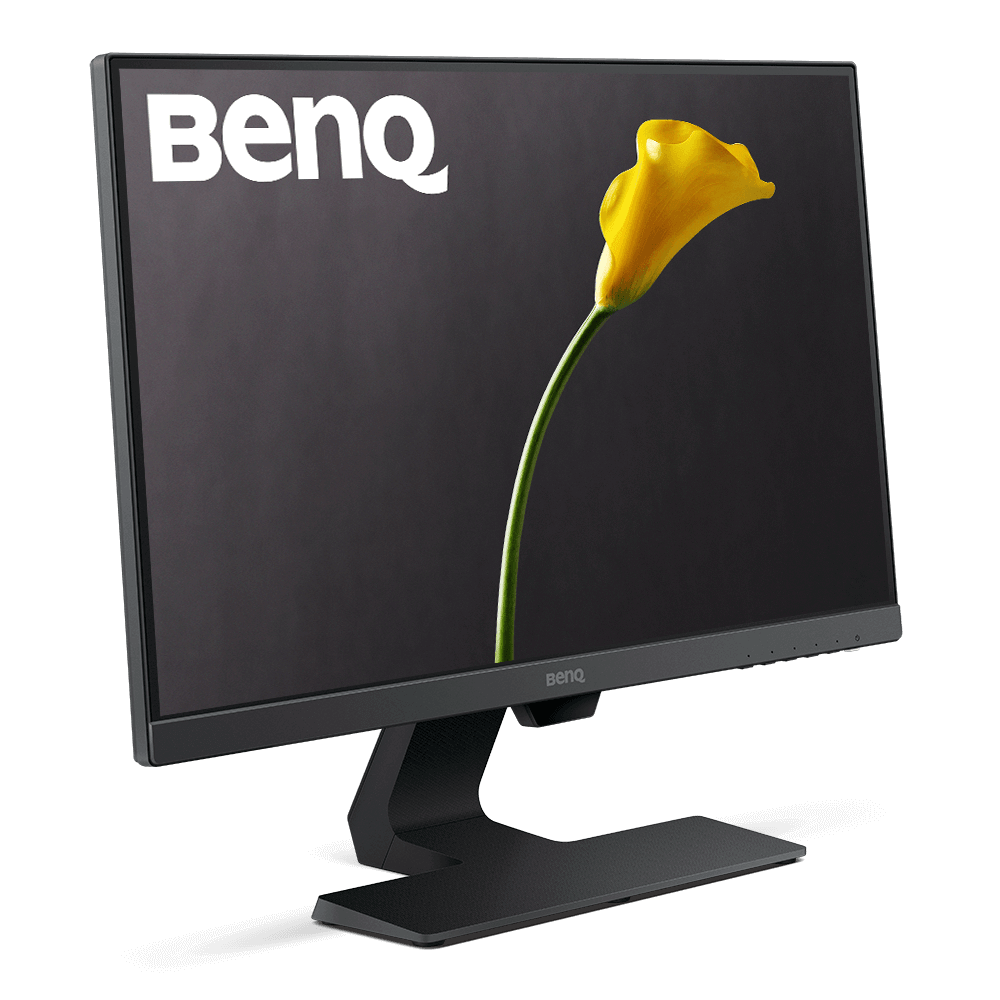
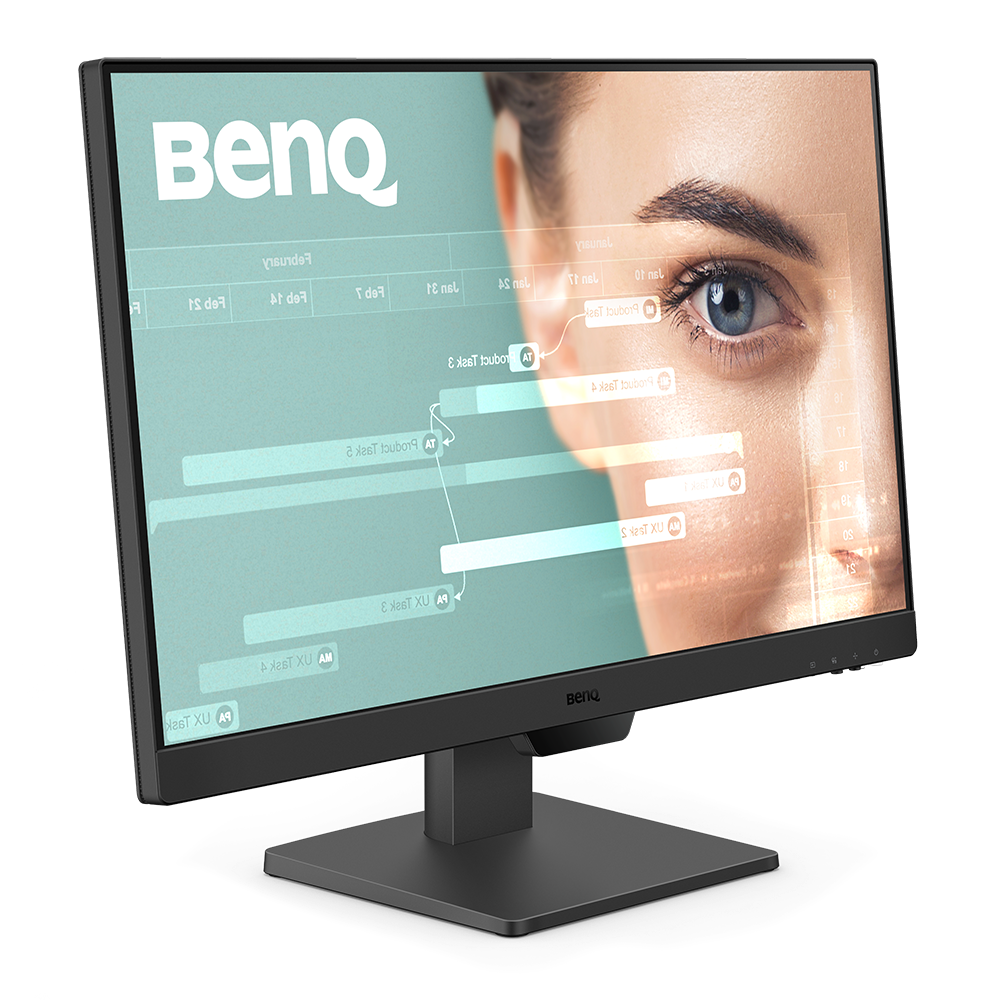
Resolution (max.)
1920x1080
1920x1080
Refresh Rate (Hz)
60
100
Color Gamut
72% NTSC
99% sRGB
Brightness Intelligence Gen2 (B.I. Gen2)
Yes
Eye-CareU
Yes
HDMI (v1.4)
1
2

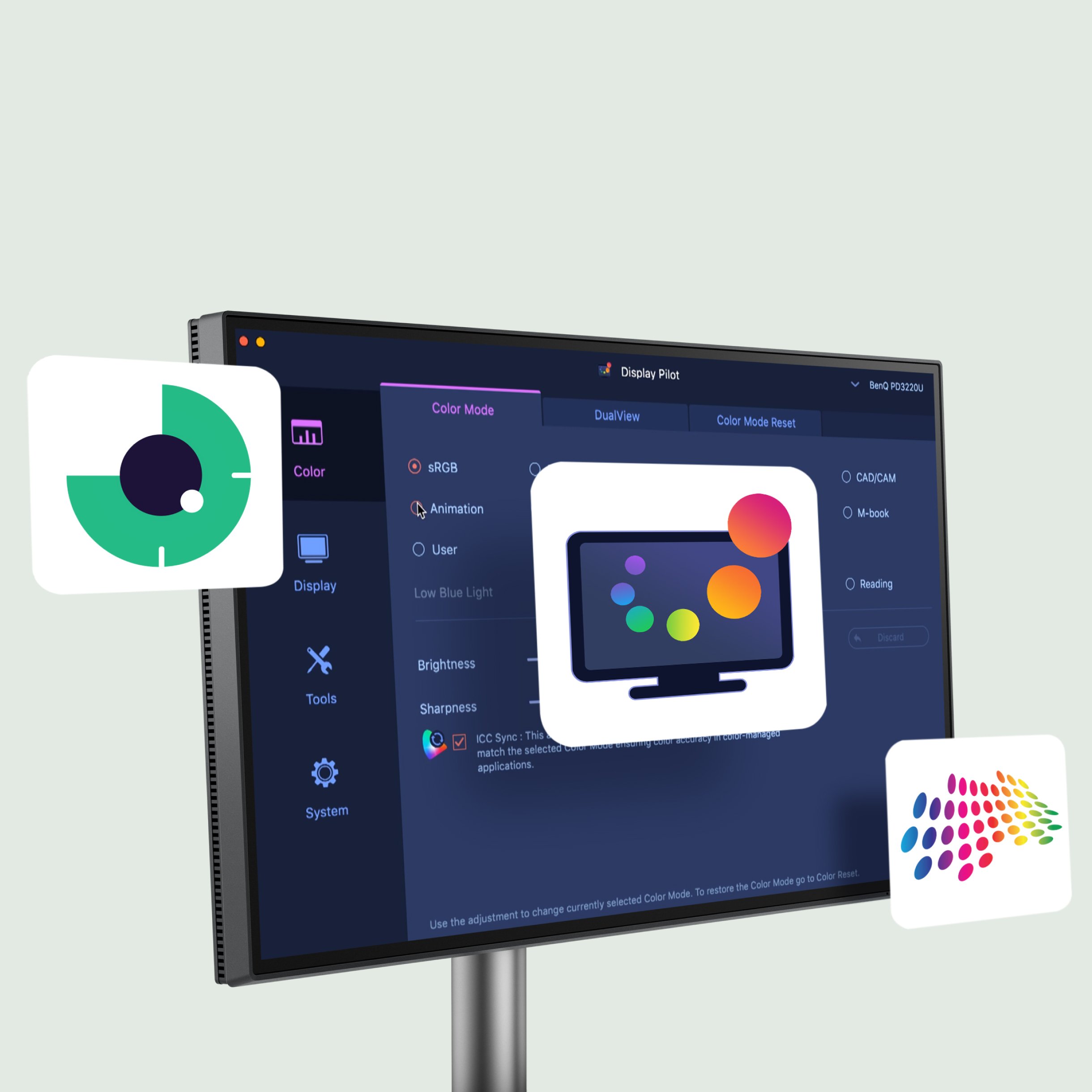
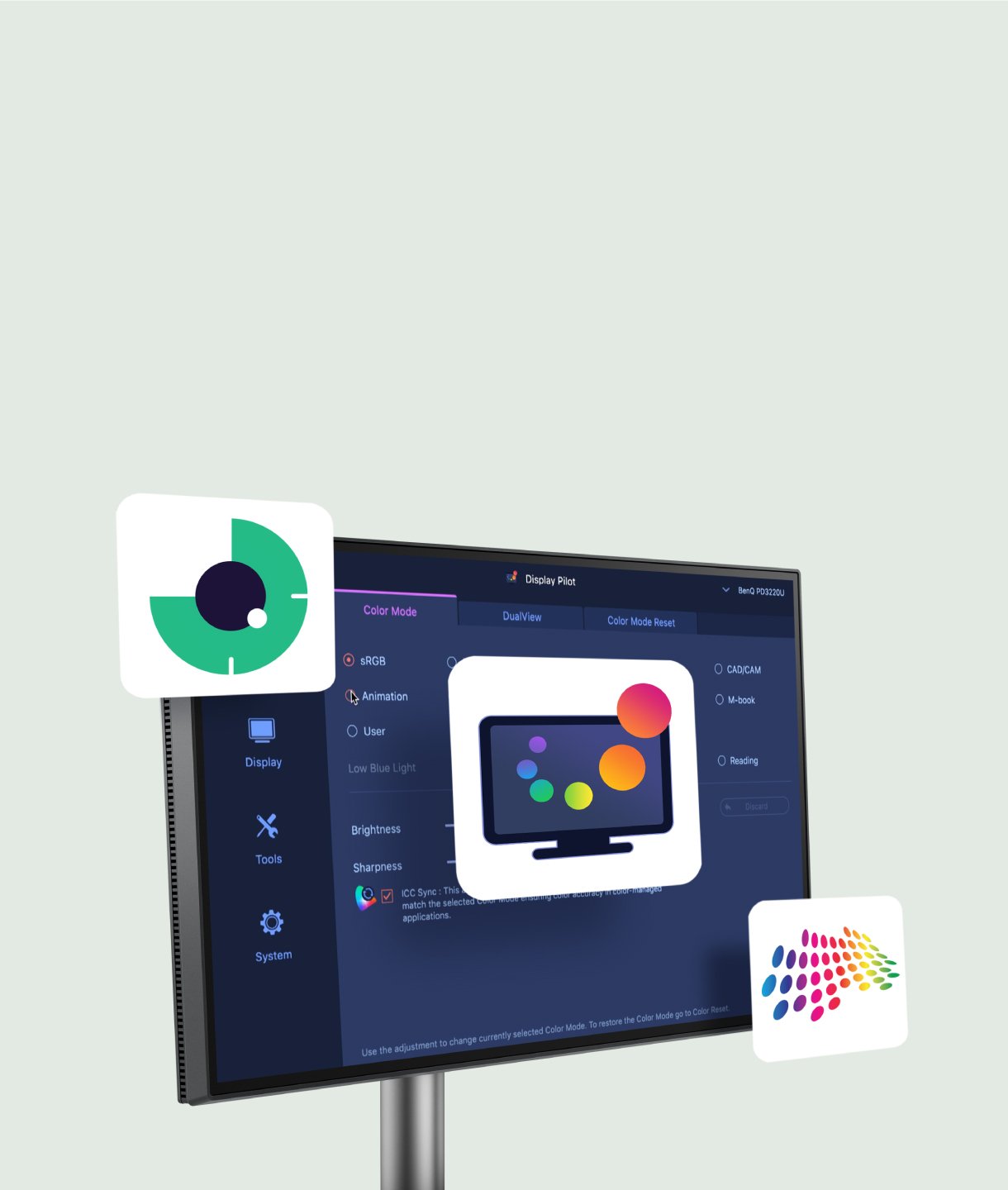
FAQ
Download
FAQs
Browse all related FAQsCan I use Eye-CareU on my PC and monitor at the same time?
No, Eye-CareU could only be applied on a single device at a time.
What is the required OS to install Eye-CareU?
Please click and follow the instructions below, or read on to learn more about this topic.
What's the difference between break reminder and force break?
Break reminder sends a notification message every work period time. If you keep skipping breaks, force break will act to lock the screen for 10 minutes. If you want to unlock the screen before the break's up, you need to enter the right answer to the question.
Can I use Eye-CareU on non-compatible monitors?
Eye-CareU supports non-compatible monitor and devices with only limited functions. Please click and follow the instructions below, or read on to learn more about this topic.
Check if your BenQ monitor/software is compatible with M1/M2/M3?
Find more info to see if your BenQ monitor/software is compatible with M1/M2/M3 here. Please click and follow the instructions below, or read on to learn more about this topic.