


顯示 Mac 顏色
只需一條電線即可顯示一致的顏色,擴闊 MacBook® 的視野
*「Apple」、「Mac」和「MacBook」是 Apple Inc. 的註冊商標。



顯示 Mac 顏色
只需一條電線即可顯示一致的顏色,擴闊 MacBook® 的視野
*「Apple」、「Mac」和「MacBook」是 Apple Inc. 的註冊商標。
使用 BenQ Display Pilot 2 軟體體驗 Mac 般的簡化設定。
使用 Display Pilot 2 完成任務
使用 BenQ Display Pilot 2 軟體體驗 Mac 般的簡化設定。
它不僅是 MacBook 的時尚外接顯示器,也是桌面 Apple 生態系統的強大中心。內建 15W 集線器可在您工作時為您的 iPad 和 iPhone 充電。
MacBook
iPad
iPhone
Mac mini
Game Console
連接到各種裝置以進行多工處理
內建 90W 和 15W USB-C 可為您的裝置充電*並擴展連接性
*即使顯示器關閉,始終在線充電也能確保您的裝置保持充電狀態。
除了 MacBook 螢幕限制之外,BenQ 顯示器還提供更多自由度,具有多個角度和高度靈活性,可帶來更好的觀看體驗。
1. 透過 USB-C 無縫連接
2.顯示Mac顏色
3. 擴展 MacBook 的視野
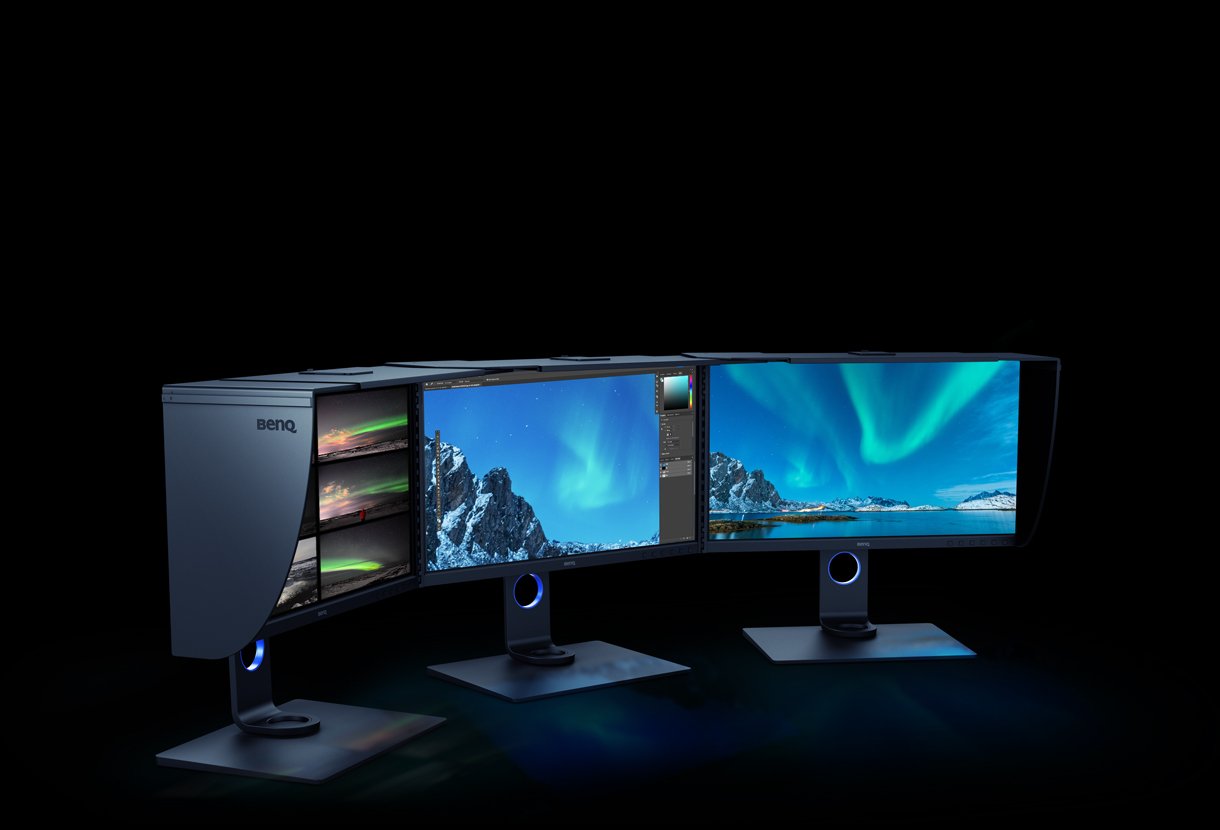
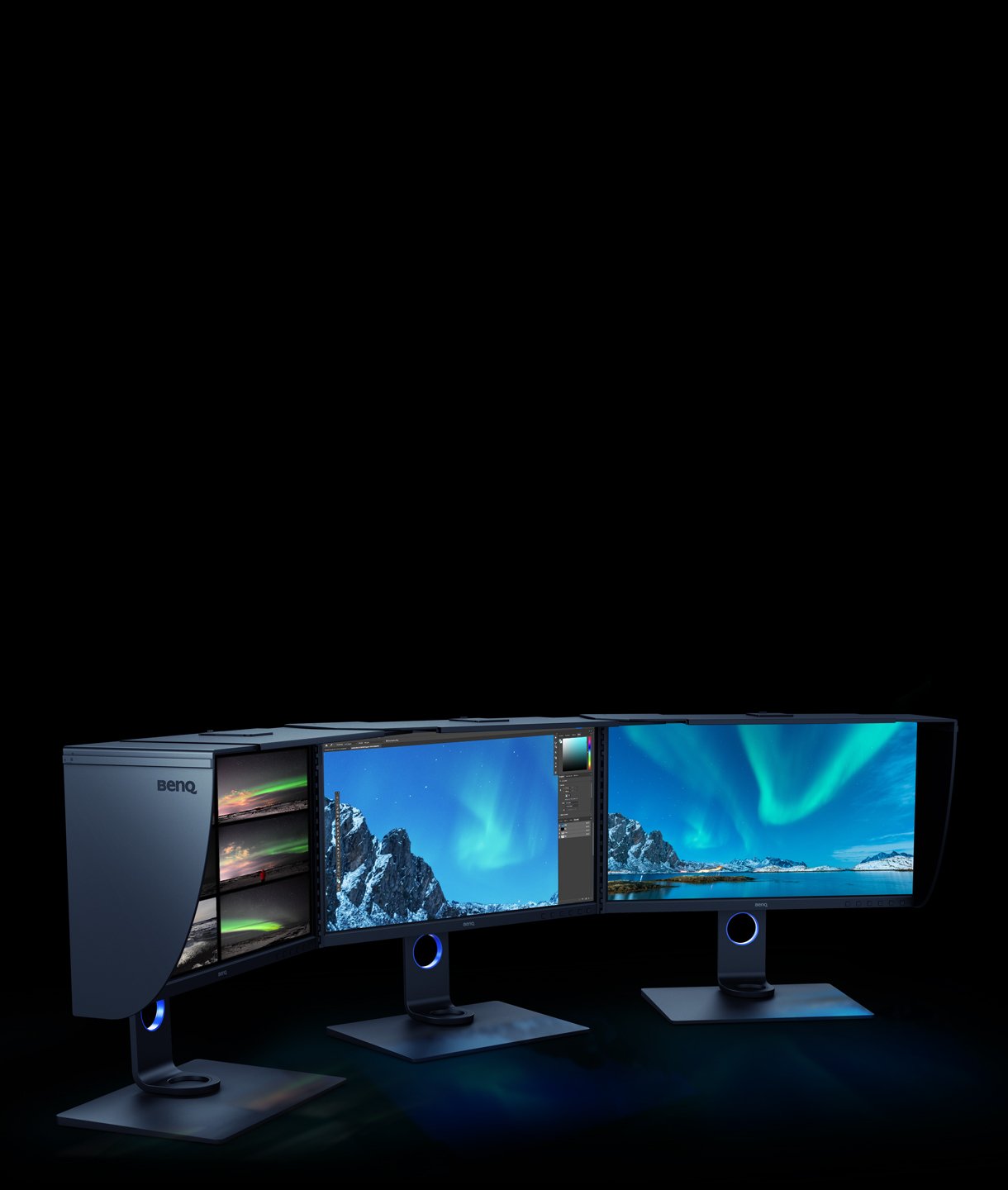
和您一樣,我們相信簡單最能表達個性。 這就是為什麼您需要一款時尚的外接顯示器,可以輕鬆地與 MacBook Pro 或 MacBook Air 整合。 全新 BenQ MA 系列讓您的創意不受限制。 透過我們獨有的 Mac 顏色調整,您可以享受從 MacBook 無縫複製的一致顏色。 立即購買適用於 MacBook 的 BenQ MA 系列 4K 顯示器,擴展 MacBook 的絢麗顯示屏,以滿足您的精緻需求。
保護面板
BenQ 製造最好的顯示器,呵護您的眼睛。創新的精細塗層面板和 BenQ Eye-Care 技術消除了反射和眩光等可能損害視力的因素。
TUV 無反射認證
獲得 TUV 無反射認證可確保多任務處理並最大限度地減少干擾。全球安全權威TÜV萊茵也認證MA系列的低藍光功能真正對人眼友好,確保顯示器減少有害藍光。

FAQ
下載
常見問題解答
How do BenQ monitors for MacBooks achieve high color consistency?
The BenQ Color Lab experts, renowned for their authority in color science, apply meticulous Mac color-tuning technology to BenQ MA series monitors to ensure high color consistency with MacBooks. According to test data, MA monitors closely match the MacBook Pro* regarding color gamut volume, area coverage, and color difference, providing users with a consistent color experience. (*The measurements were benchmarked against the MacBook Pro 13” M2 2022. While the results are ensured to be within a reasonable range, they do not represent identical measurement data for every MA model)
What should I do if I cannot find the settings to adjust in the OSD menu?
To adjust more display settings or enable functions, such as color modes, audio modes, B.I.+ Gen2, and Low Blue Light, please download Display Pilot 2 software to manage the display settings and functions of your MA series monitor. Please click and check the download page below.
Why can't I adjust the brightness or volume of my BenQ monitor using the keyboard of my MacBook?
To adjust the brightness or volume of your BenQ monitor using the keyboard of your MacBook, please download the Display Pilot 2 software and enable the iKeyboard Control function. Additionally, ensure that you switch the audio output option to the monitor in your MacOS system settings.
Can the monitor keep charging devices when turned off? How do I enable this feature?
Yes, the monitor has an Always-on Power Charging feature, allowing it to charge your devices through USB-C and USB hubs (including USB-C (15W) and USB-A ports) even when in sleep mode or turned off.
How do the five audio modes differ and how are they individually optimized?
- Standard mode sound everyday video.
- Dialogue mode human voices.
- Music mode live music concerts.
- Cinema mode impactful sounds.
- Game mode sound localization.
Please click and follow the instructions below, or read on to learn more about this topic.
Can I use USB-C to charge my MacBook or Windows laptop or USB-C devices?
The monitor's USB-C port delivers 90W which is sufficient for MacBook/ Windows laptops /USB-C devices. However, you still need to check if your laptop supports. Please click and follow the instructions below, or read on to learn more about this topic.


