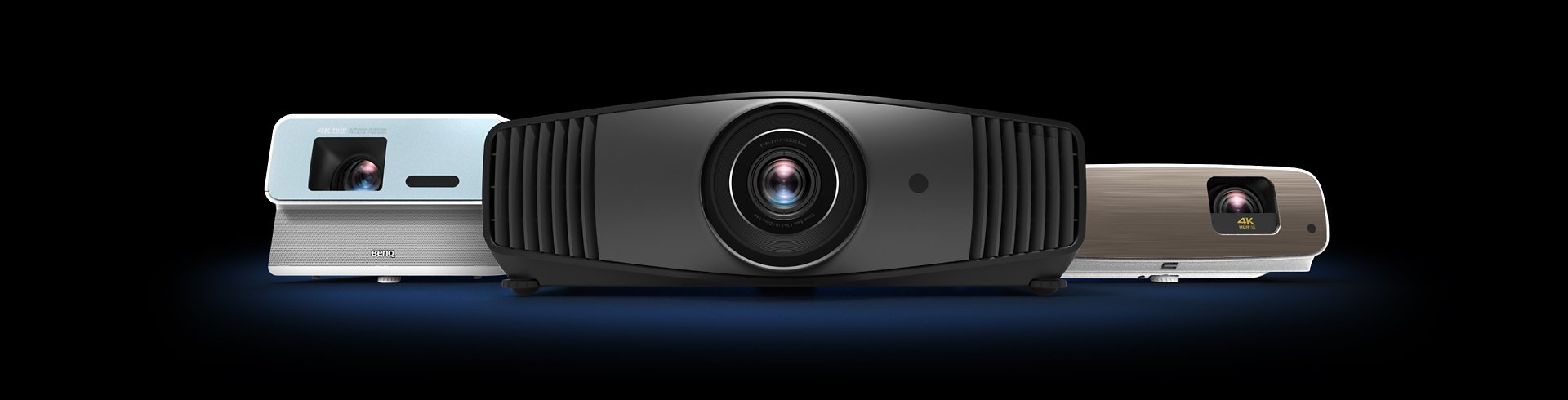
BenQ 家庭劇院投影機
打造屬於你的頂級劇院
Cookie 設定
How can I change my BenQ cookie settings?
Page updated: May 2020
Some essential features on BenQ sites just won’t work without cookies. And having other cookies switched off can seriously affect the way you’ll be able to enjoy our services.
Please check your cookie settings below and turn on any cookies you’re happy with.
“Strictly necessary” cookies can’t be turned off. But Functional and Performance cookies can be turned on or off below. You can learn more about cookies and what they do on our other pages.
If you've chosen to block third-party cookies on your browser, your cookie preferences won't carry over from benq.eu to benq.xx and vice versa. Please make sure to set your cookie preferences in both places.
On
Strictly necessary cookies
These cookies are essential so that you can move around the website and use its features. Without these cookies services you have asked for cannot be provided.
On
Off
Functional cookies
These cookies allow the website to remember choices you make to give you better functionality and personal features.
On
Off
Performance cookies and advertising cookies
Performance cookies
These cookies help to improve the performance of BenQ. If you want to opt-out of advertising cookies, you have to turn-off performance cookies. We also use Google Analytics, SessionCam and Hotjar to track activity and performance on the BenQ website. You can control the information provided to Google, SessionCam and Hotjar. To opt out of certain ads provided by Google you can use any of the methods set forth here or using the Google Analytics opt out browser add-on here. To opt-out of SessionCam collecting data, you can disable tracking completely by following link:https://sessioncam.com/choose-not-to-be-recorded/. To opt-out of Hotjar collecting data, you can disable tracking completely by following link:https://www.hotjar.com/privacy/do-not-track/.
Advertising cookies
These cookies are used to track your activity on the BenQ website and other websites across the Internet, help measure the effectiveness of our advertising campaign and deliver advertisements that are more relevant to you and your interests. We use various advertising partners, including Amazon, Facebook, and Google. These cookies and other technologies capture data like your IP address, when you viewed the page or email, what device you were using and where you were. You can find out how to avoid them below.
打造屬於你的頂級劇院
透過呈現電影真實顏色,喚起觀眾在電影中悲傷、歡樂、浪漫和激動的情感。 BenQ 色彩管理實驗室透過精湛工藝讓投影機真實呈現導演心中的正確色彩,並提供投影機的色彩校正報告,確保開機即可享受電影真色彩。
呈現真實顏色
透過呈現電影真實顏色,喚起觀眾在電影中悲傷、歡樂、浪漫和激動的情感。 BenQ 色彩管理實驗室透過精湛工藝讓投影機真實呈現導演心中的正確色彩,並提供投影機的色彩校正報告,確保開機即可享受電影真色彩。
除了支援完整的家庭劇院音響系統,BenQ 劇院投影機的內建喇叭採用聲學和心理聲學科學,促使低頻元件能夠充分呈現聲音和細節,讓您享受震撼性身歷其境的聽覺體驗。
震撼的聽覺體驗
除了支援完整的家庭劇院音響系統,BenQ 劇院投影機的內建喇叭採用聲學和心理聲學科學,促使低頻元件能夠充分呈現聲音和細節,讓您享受震撼性身歷其境的聽覺體驗。
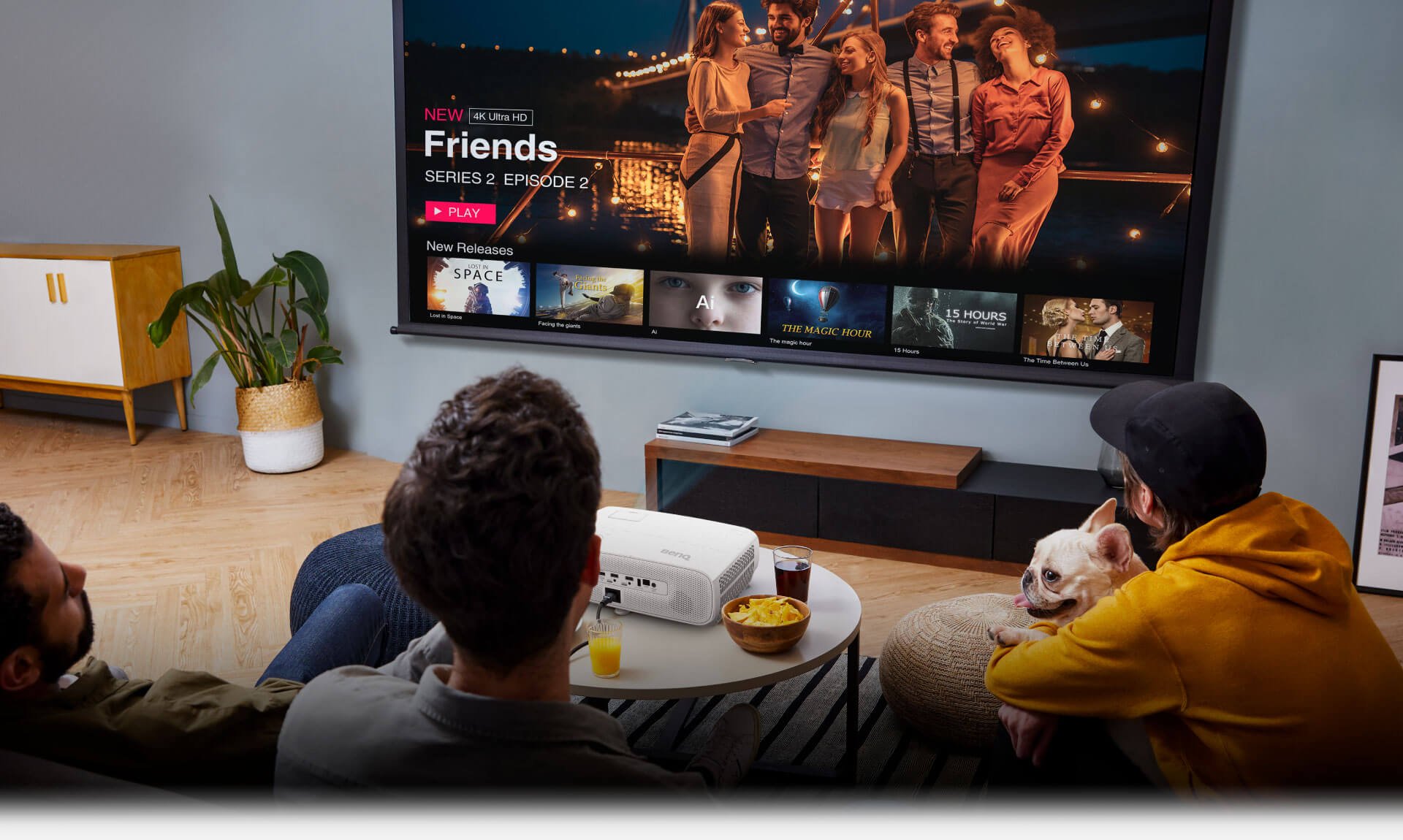
在明亮的客廳,大家一起在大畫面追劇、睇波。
以最佳畫面、最高品質,呈現最極致的私人家庭劇院。
簡單的智慧設定,隨心所欲的享受家庭劇院。
在明亮的客廳,大家一起在大畫面追劇、睇波。
以最佳畫面、最高品質,呈現最極致的私人家庭劇院。
簡單的智慧設定,隨心所欲的享受家庭劇院。
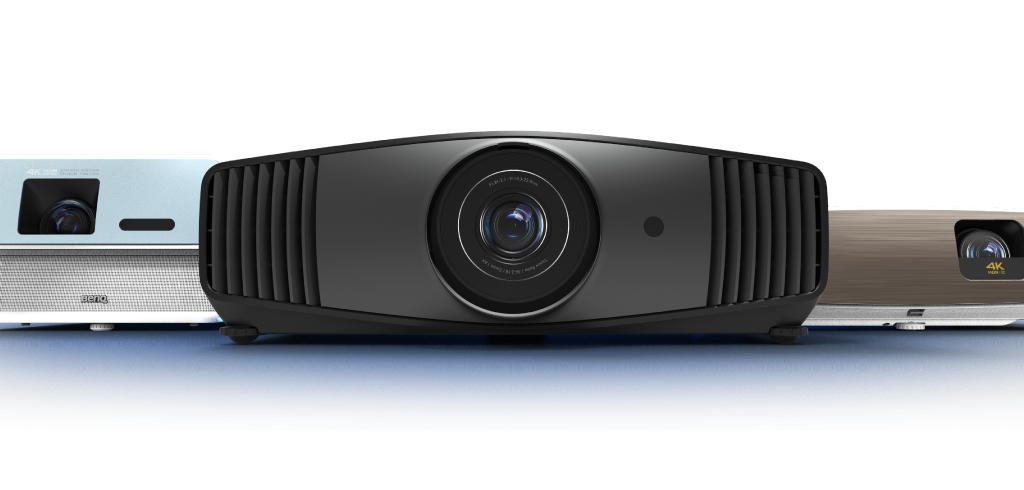
家庭劇院投影機
比較所有家庭劇院投影機Rec.709 色彩空間
Rec.709Rec.709 是國際電信聯盟(ITU, International Telecommunication Union),使用特定的紅色、綠色、藍色,以及定義光源D65(6500K)為白色制定出的色域標準,百分比越高,色域覆蓋率越大。但不會超出標準範圍。
縮放比例
縮放比例是用於指示鏡頭的變焦範圍,通常用“X”表示。縮放比不等同於鏡頭的總縮放能力,僅表示鏡頭的縮放範圍。
>50,000:1
為觀影愛好者帶來真正的電影體驗。
{{currency}}{{ n[1]| numberThousandsCommas | numberDecimalPoint }} -
了解更多4K UHD
解析度
2200lm~1800lm
ANSI 流明亮度
100% DCI-P3,100% Rec.709
色域覆蓋率
高壓汞燈
光源類型
1.6x
縮放比例
± 40° 垂直
梯形校正
-
聲音
Android TV 認證
串流
DCI-P3色彩空間
DCI-P3是美國電影工業推出的一種廣色域標準,是目前數位電影播放設備的色彩標準之一。 DCI-P3的範圍比sRGB / Rec.709大26%,百分比越高,色域覆蓋率越大,但不會超出標準範圍。
縮放比例
縮放比例是用於指示鏡頭的變焦範圍,通常用“X”表示。縮放比不等同於鏡頭的總縮放能力,僅表示鏡頭的縮放範圍。
DCI-P3色彩空間
DCI-P3是美國電影工業推出的一種廣色域標準,是目前數位電影播放設備的色彩標準之一。 DCI-P3的範圍比sRGB / Rec.709大26%,百分比越高,色域覆蓋率越大,但不會超出標準範圍。
縮放比例
縮放比例是用於指示鏡頭的變焦範圍,通常用“X”表示。縮放比不等同於鏡頭的總縮放能力,僅表示鏡頭的縮放範圍。
DCI-P3色彩空間
DCI-P3是美國電影工業推出的一種廣色域標準,是目前數位電影播放設備的色彩標準之一。 DCI-P3的範圍比sRGB / Rec.709大26%,百分比越高,色域覆蓋率越大,但不會超出標準範圍。
縮放比例
縮放比例是用於指示鏡頭的變焦範圍,通常用“X”表示。縮放比不等同於鏡頭的總縮放能力,僅表示鏡頭的縮放範圍。