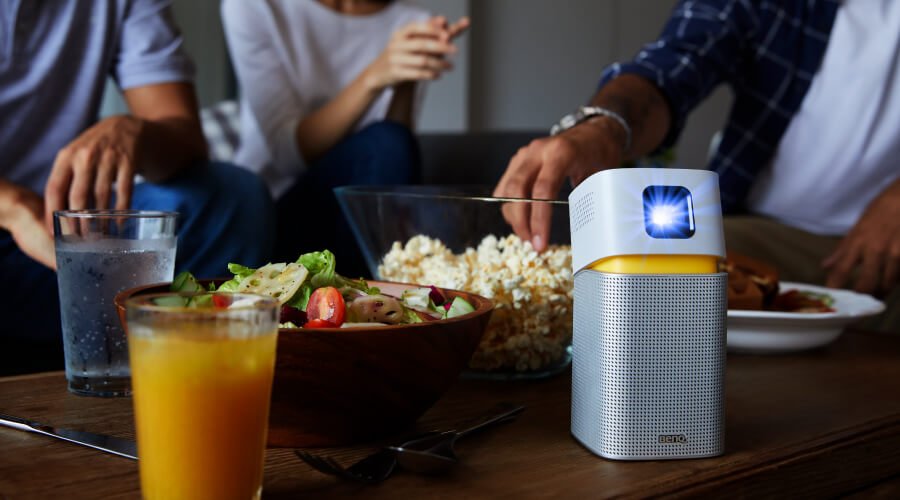
完美滿足每樣需求
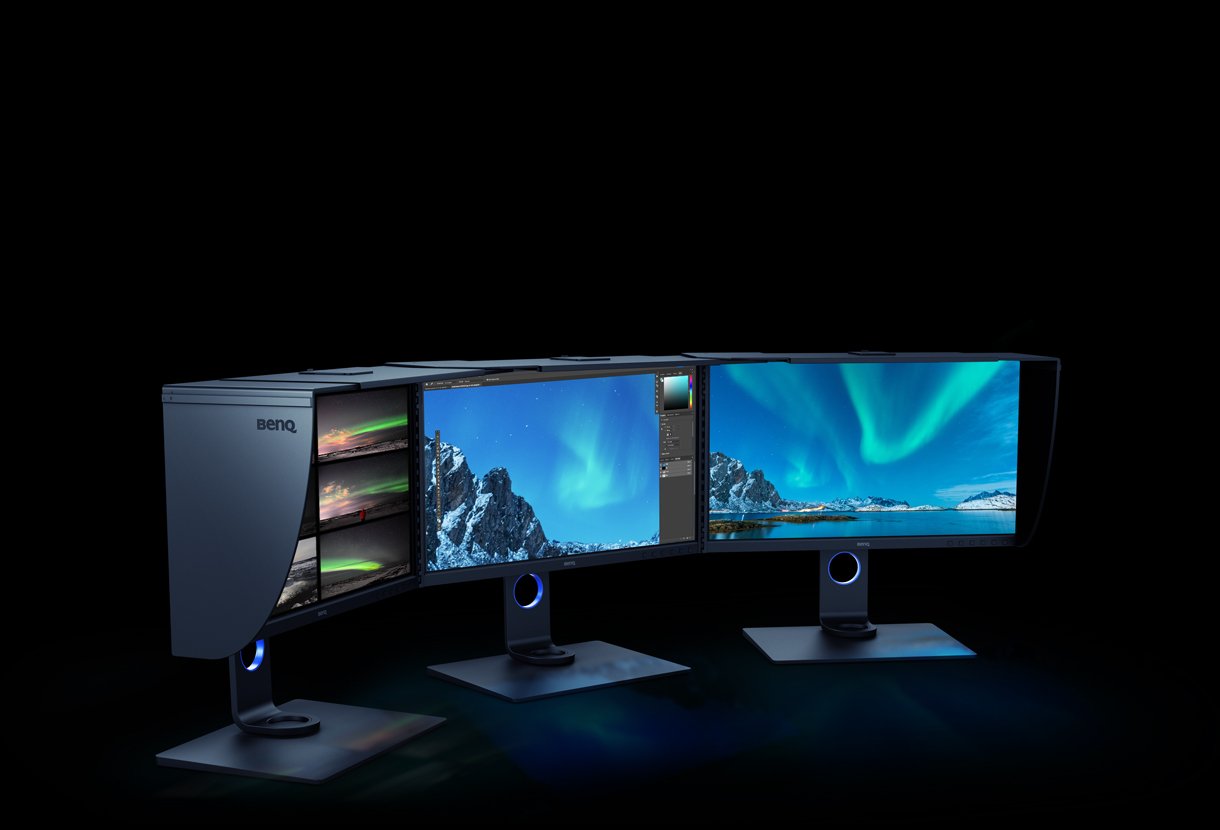
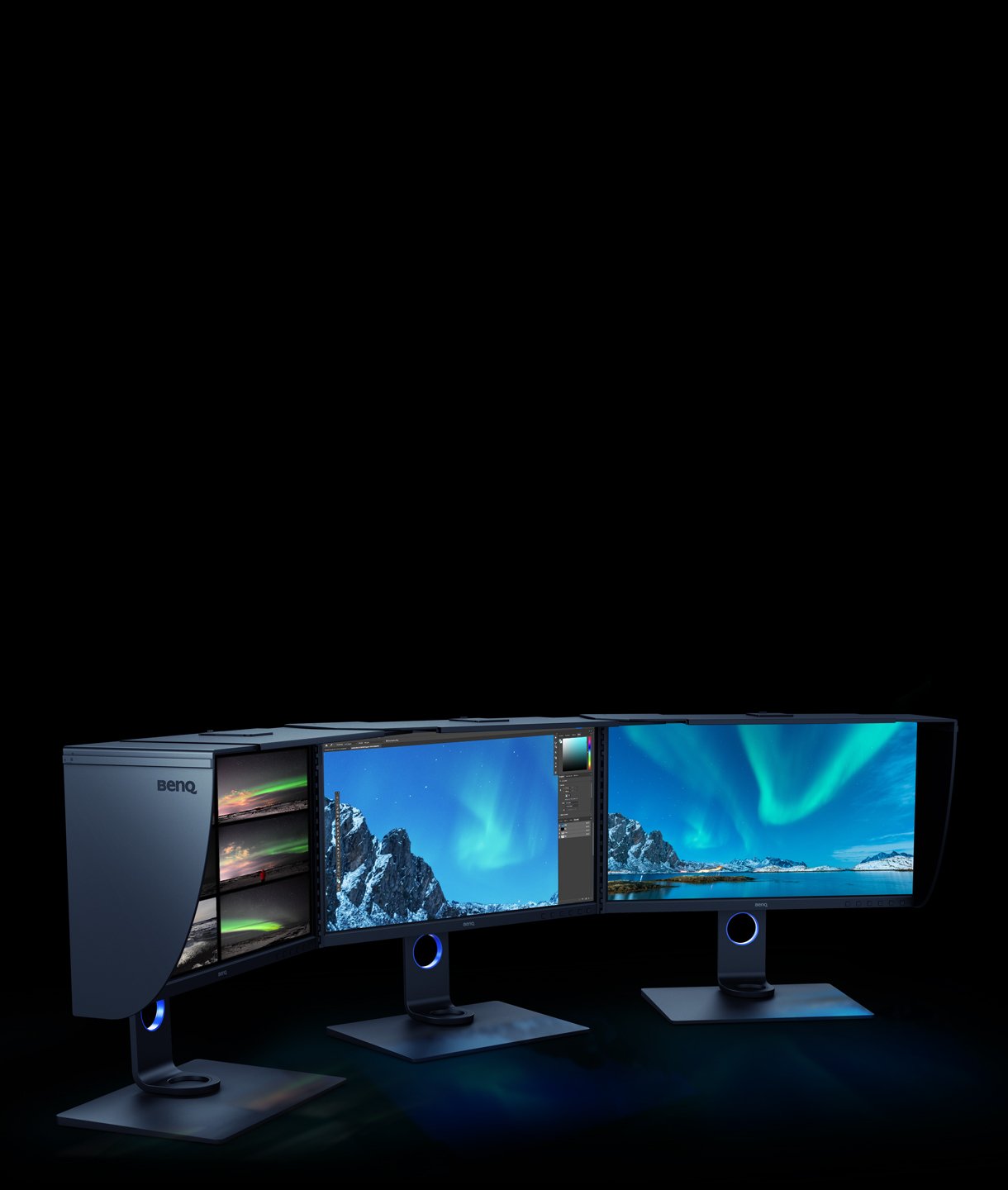
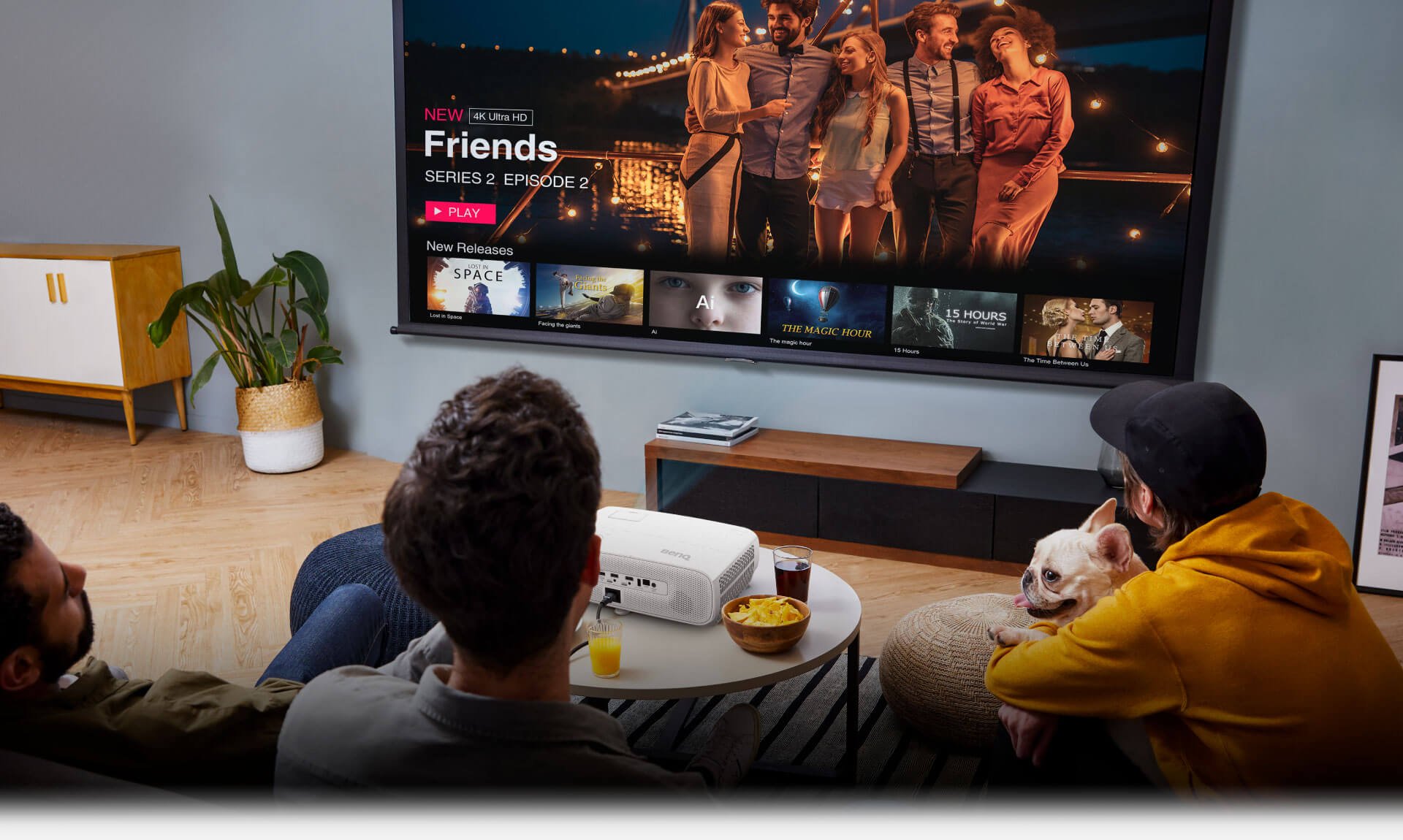
適用所有空間與用途的顯示器
Cookie 設定
How can I change my BenQ cookie settings?
Page updated: May 2020
Some essential features on BenQ sites just won’t work without cookies. And having other cookies switched off can seriously affect the way you’ll be able to enjoy our services.
Please check your cookie settings below and turn on any cookies you’re happy with.
“Strictly necessary” cookies can’t be turned off. But Functional and Performance cookies can be turned on or off below. You can learn more about cookies and what they do on our other pages.
If you've chosen to block third-party cookies on your browser, your cookie preferences won't carry over from benq.eu to benq.xx and vice versa. Please make sure to set your cookie preferences in both places.
On
Strictly necessary cookies
These cookies are essential so that you can move around the website and use its features. Without these cookies services you have asked for cannot be provided.
On
Off
Functional cookies
These cookies allow the website to remember choices you make to give you better functionality and personal features.
On
Off
Performance cookies and advertising cookies
Performance cookies
These cookies help to improve the performance of BenQ. If you want to opt-out of advertising cookies, you have to turn-off performance cookies. We also use Google Analytics, SessionCam and Hotjar to track activity and performance on the BenQ website. You can control the information provided to Google, SessionCam and Hotjar. To opt out of certain ads provided by Google you can use any of the methods set forth here or using the Google Analytics opt out browser add-on here. To opt-out of SessionCam collecting data, you can disable tracking completely by following link:https://sessioncam.com/choose-not-to-be-recorded/. To opt-out of Hotjar collecting data, you can disable tracking completely by following link:https://www.hotjar.com/privacy/do-not-track/.
Advertising cookies
These cookies are used to track your activity on the BenQ website and other websites across the Internet, help measure the effectiveness of our advertising campaign and deliver advertisements that are more relevant to you and your interests. We use various advertising partners, including Amazon, Facebook, and Google. These cookies and other technologies capture data like your IP address, when you viewed the page or email, what device you were using and where you were. You can find out how to avoid them below.
適用所有空間與用途的顯示器
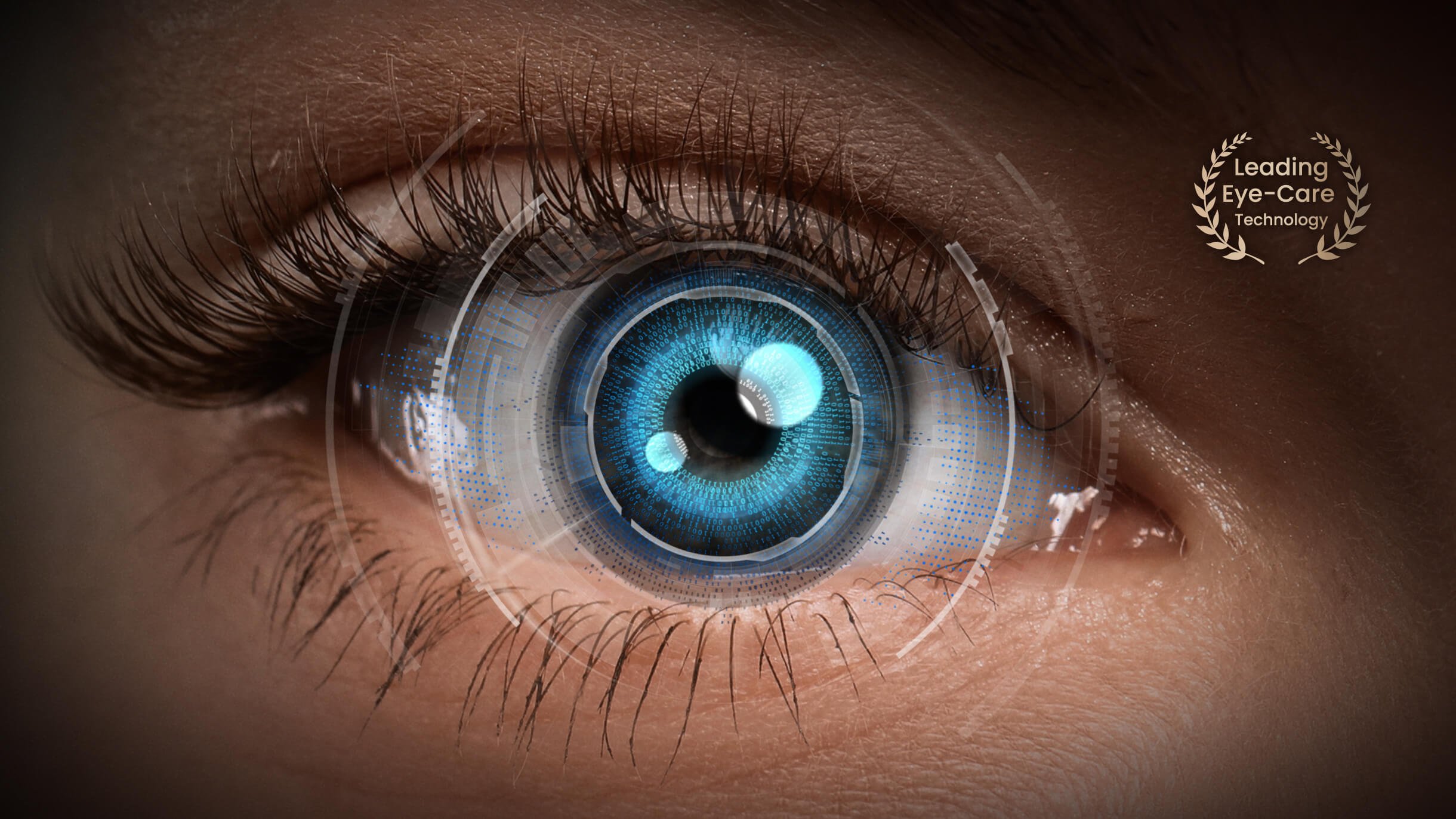
首先保護眼睛的健康和舒適度
遊玩
可進行更長時間的遊戲過程
建立
使用 Flicker-Free™ 提升創造力
混合工作
使用調適性亮度隨時隨地工作
選擇適合你的顯示器
比較所有顯示器專業
我的角色 我作主
From {{currency}}{{ n[1]| numberThousandsCommas | numberDecimalPoint }} -
了解更多27"
螢幕尺寸
-
色彩準確度
P3
色域
平面
VESA DisplayHDR 600
HDR
144Hz
更新率
0.1ms
反應速度 (GtG)
支援2.1聲道環繞音場
內建喇叭
家用
重現記憶中的真實色彩
From {{currency}}{{ n[1]| numberThousandsCommas | numberDecimalPoint }} -
了解更多23.8"~34"
螢幕尺寸
Delta E ≤ 2
色彩準確度
P3,AdobeRGB
色域
平面
VESA DisplayHDR 400
HDR
60Hz
更新率
4ms
反應速度 (GtG)
5W 喇叭
內建喇叭
程式設計
工作與娛樂的舒適享受
From {{currency}}{{ n[1]| numberThousandsCommas | numberDecimalPoint }} -
了解更多21.5"~37.5"
螢幕尺寸
-
色彩準確度
P3
色域
平面
VESA DisplayHDR 400
HDR
60Hz~75Hz
更新率
4ms
反應速度 (GtG)
支援2.1聲道環繞音場
內建喇叭
Color Gamut
在色彩表現領域裡,我們習慣制定各種「標準色域」,確保各種顯示設備可以呈現一樣的色彩,符合專家所規範的「標準色域」有一些常用的標準,如 Rec.2020、DCI-P3、AdobeRGB、sRGB 和 NTSC。
HDR
HDR 為高動態範圍(High Dynamic Range)的縮寫,是一種高動態範圍技術,能有效而明顯地提升畫面的明暗細節與色彩範圍 ,明顯感受畫面中生成中陰影暗處以及亮光區域的差異,呈現出更加自然和真實的圖像。
Color Accuracy
Delta E 是一種度量標準,用於量化顯示兩種色彩之間的差異,Delta E 值愈低就表示準確度愈高,而 Delta E 值愈高就表示色差愈明顯。一般而言差值在2之內,受過專業訓練的人才能辨別差異;差值在3之內,一般人無法分辨差異。
Color Gamut
在色彩表現領域裡,我們習慣制定各種「標準色域」,確保各種顯示設備可以呈現一樣的色彩,符合專家所規範的「標準色域」有一些常用的標準,如 Rec.2020、DCI-P3、AdobeRGB、sRGB 和 NTSC。
Color Gamut
在色彩表現領域裡,我們習慣制定各種「標準色域」,確保各種顯示設備可以呈現一樣的色彩,符合專家所規範的「標準色域」有一些常用的標準,如 Rec.2020、DCI-P3、AdobeRGB、sRGB 和 NTSC。
HDR
HDR 為高動態範圍(High Dynamic Range)的縮寫,是一種高動態範圍技術,能有效而明顯地提升畫面的明暗細節與色彩範圍 ,明顯感受畫面中生成中陰影暗處以及亮光區域的差異,呈現出更加自然和真實的圖像。