localNavigation.type = g6-product-overview-page

PD2725U

Mua ngay

BenQ Creative Pro PD2725U| 27" 4K Designer Monitor

Make Inspirations Come Alive Across Devices Seamlessly

BenQ Creative Pro PD2725U| 27" 4K Designer Monitor

Make Inspirations Come Alive Across Devices Seamlessly

Looks perfect as you'd expect

Monitor for Mac and MacBook Pro

Looks perfect as you'd expect

Monitor for Mac and MacBook Pro

aqcolor

Corner-to-Corner Color Precision, From Panel to Production

  • Uniformity Control

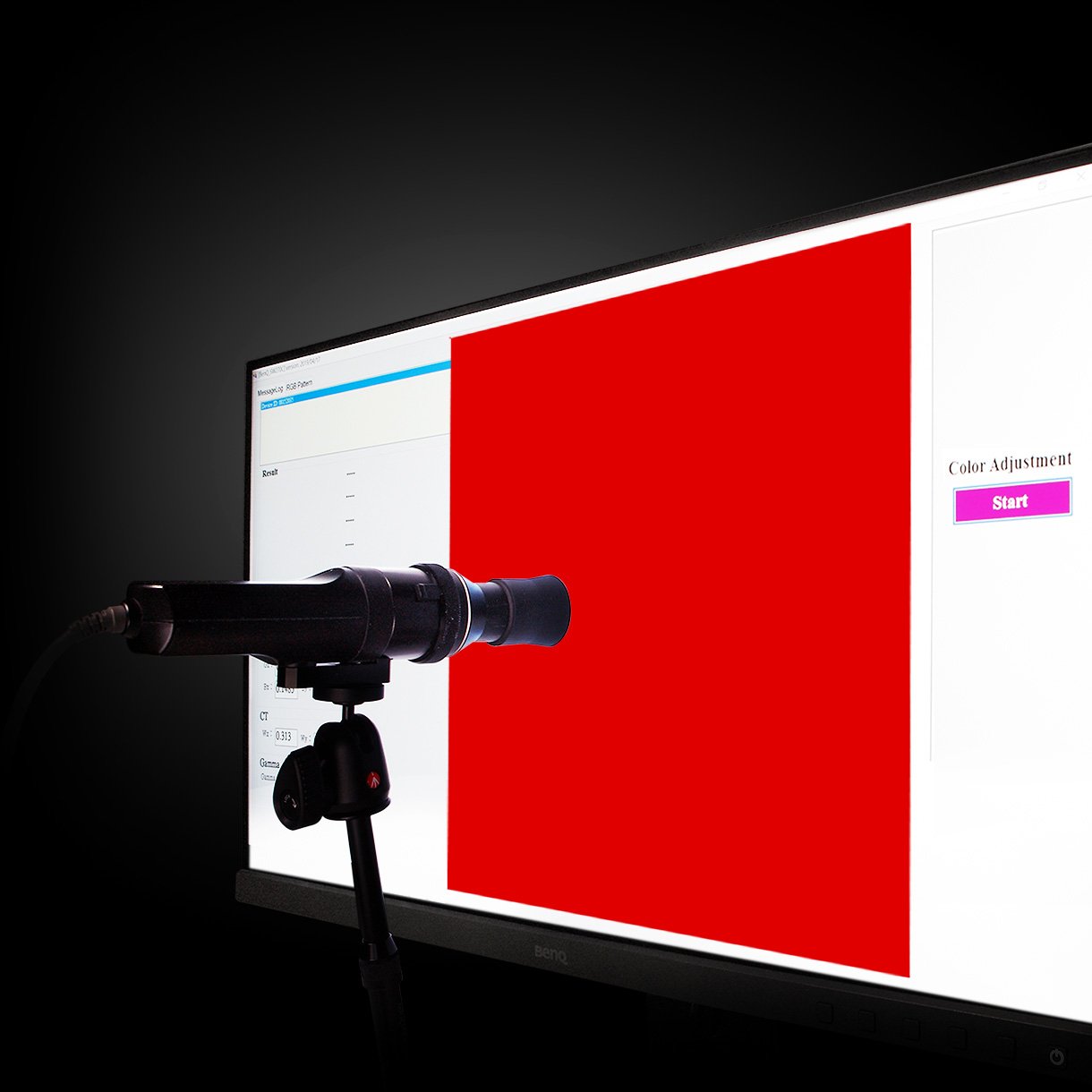
    Full Screen Calibration via Micro-Zone Correction

  • Color Tolerance Management

    High-Precision Instrument Alignment

  • Industry Standards Compliance

    From Rec.709, DCI-P3 to Adobe RGB and Beyond

Corner-to-Corner Uniformity

Uneven color and dim corners aren’t just annoying, they distort your work. BenQ tackles what others overlook. Through full screen calibration, we ensure consistent brightness and color across the entire screen. So whether you're editing center frame or checking the edges, you can create with total confidence.

Non-Uniformity

Color Non-Uniformity

BenQ Color Uniformity

BenQ Color Uniformity

Industry Leading Color Performance

Incredible Color Space Coverage

PD2725U covers 95% P3, 100% sRGB, and 100% Rec.709 color spaces and has amazing Delta E ≤ 3 ensures superb accuracy and absolute color confidence.

Industry Leading Color Performance

Attentive Color Modes for Creators

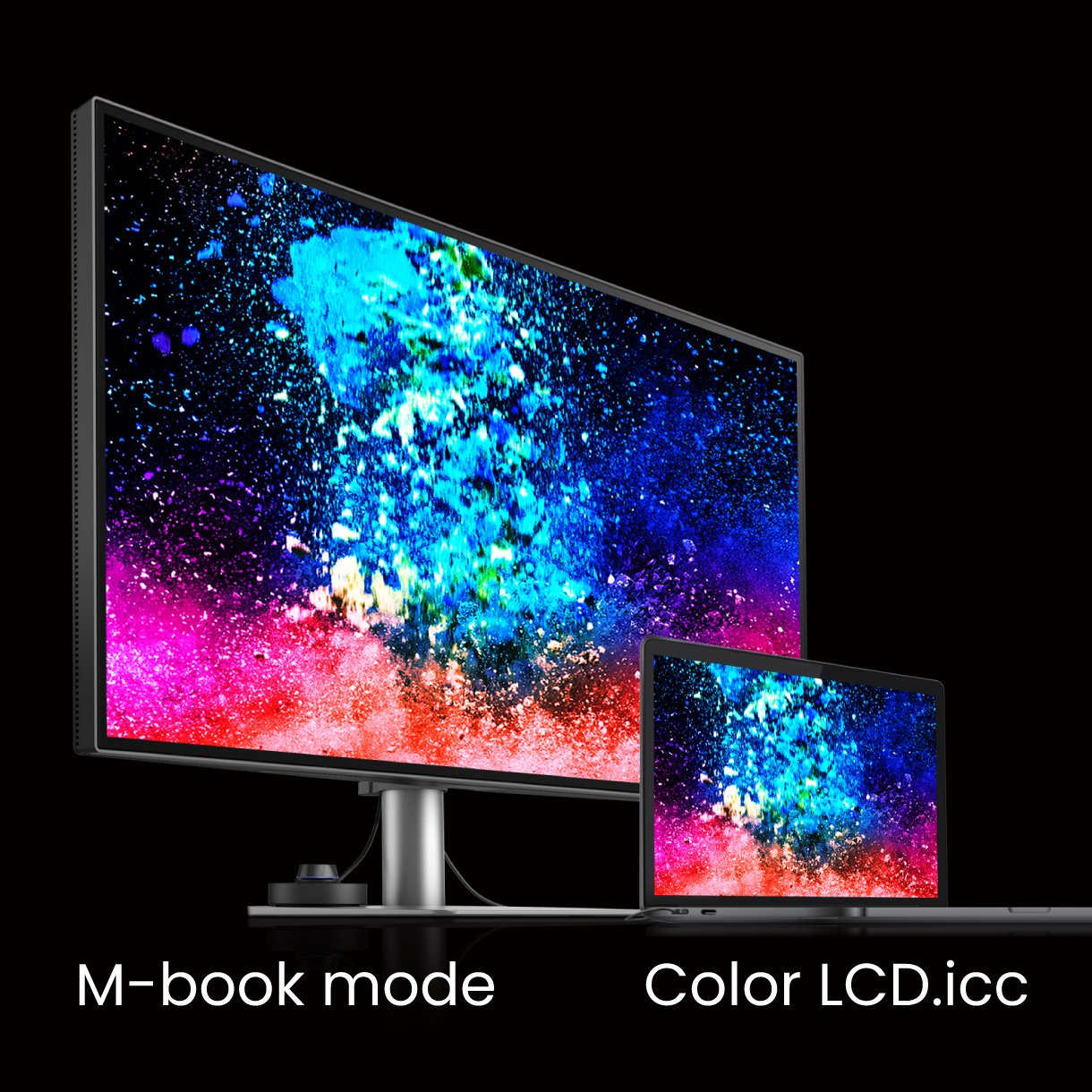
BenQ PD models ship from the factory with default color settings that perfectly match Mac® and MacBook® Pro laptop colors and BenQ exclusive M-Book mode on the PD3220U provides active color syncing between Macs and the monitor while you work.

One Click Syncs Mac Device Colors

The monitor ships from the factory with default color settings that perfectly match Mac and MacBook Pro laptop colors. Exclusive M-Book mode provides active color syncing, creating an additional layer of color precision assurance. Mac and MacBook are trademarks of Apple Inc.

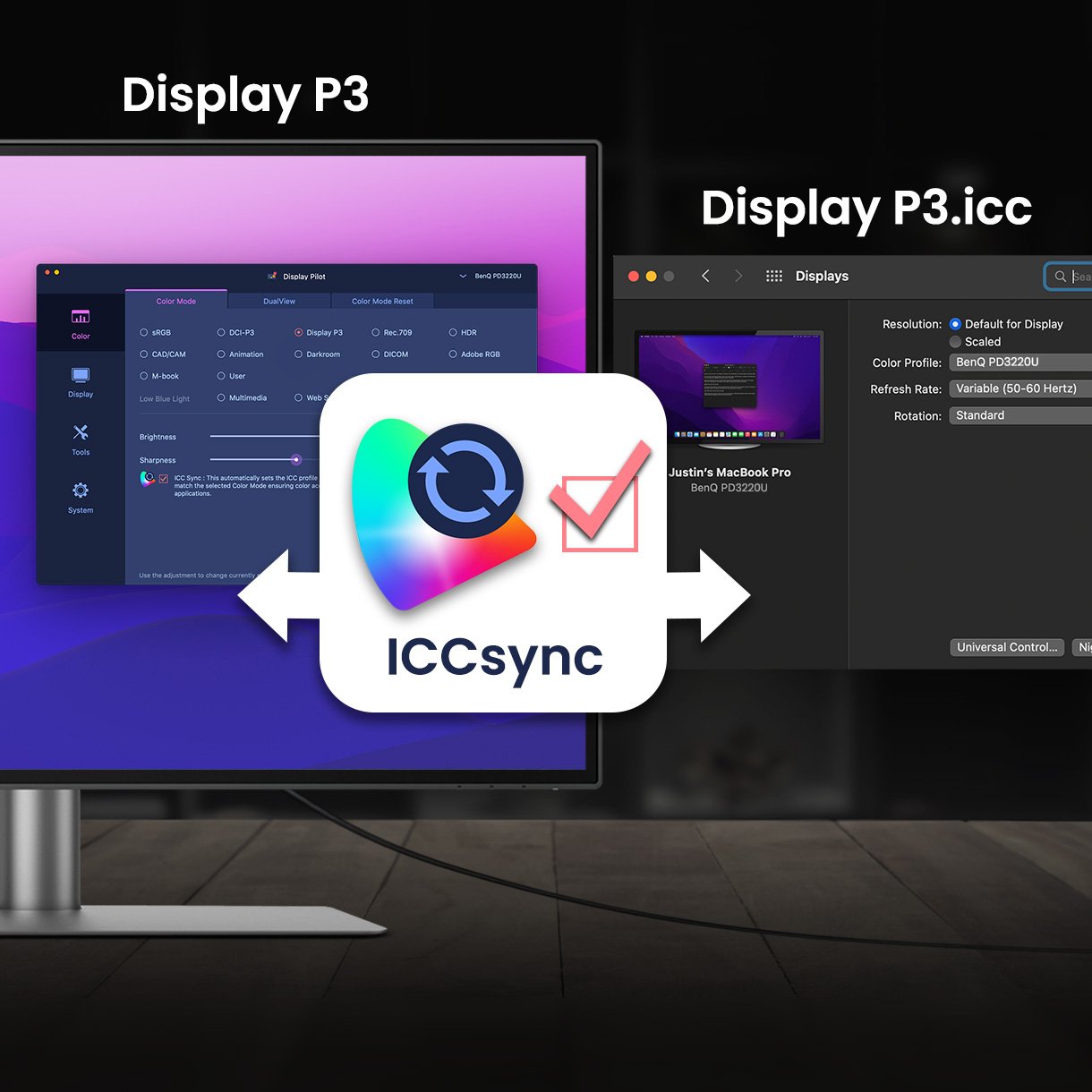
BenQ ICCsync not only directly installs pre-calibrated ICC profiles onto your Mac. Free from all exhausting settings, with BenQ Display Pilot 2, one step does all.

Color Consistency at Your Fingertips

The ICCsync feature in Display Pilot 2 software automatically matches and synchronizes ICC profiles on the monitor when changing color modes and also between your Mac and BenQ monitor. All of this is done instantly.

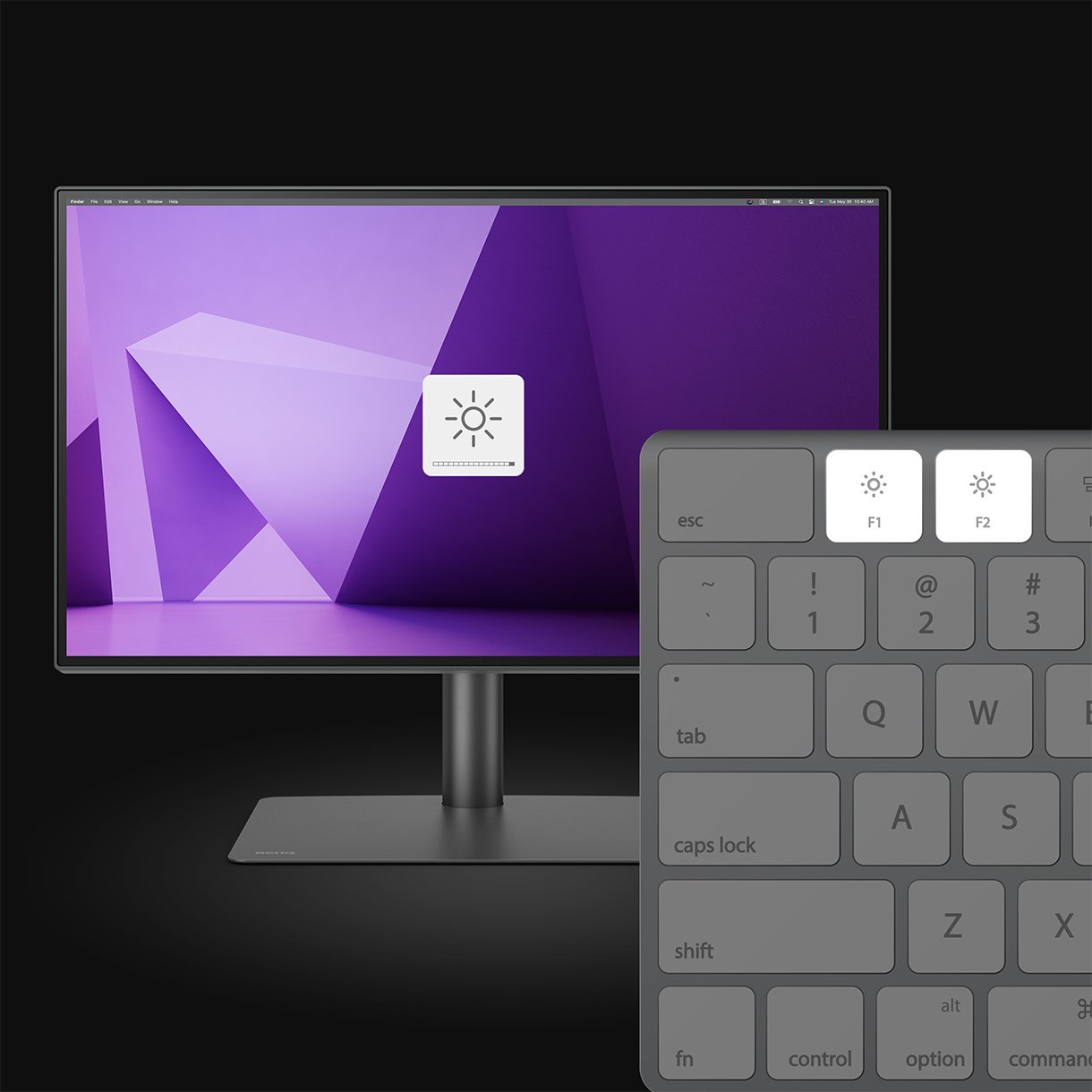
Unique Hotkey by Your Mac Keyboard

Effortlessly adjust display brightness using your Mac keyboard through Display Pilot 2 software. Only applicable on Mac® devices.

One Click Syncs Mac Device Colors

The monitor ships from the factory with default color settings that perfectly match Mac and MacBook Pro laptop colors. Exclusive M-Book mode provides active color syncing, creating an additional layer of color precision assurance. Mac and MacBook are trademarks of Apple Inc.

Color Consistency at Your Fingertips

The ICCsync feature in Display Pilot 2 software automatically matches and synchronizes ICC profiles on the monitor when changing color modes and also between your Mac and BenQ monitor. All of this is done instantly.

Unique Hotkey by Your Mac Keyboard

Effortlessly adjust display brightness using your Mac keyboard through Display Pilot 2 software. Only applicable on Mac® devices.

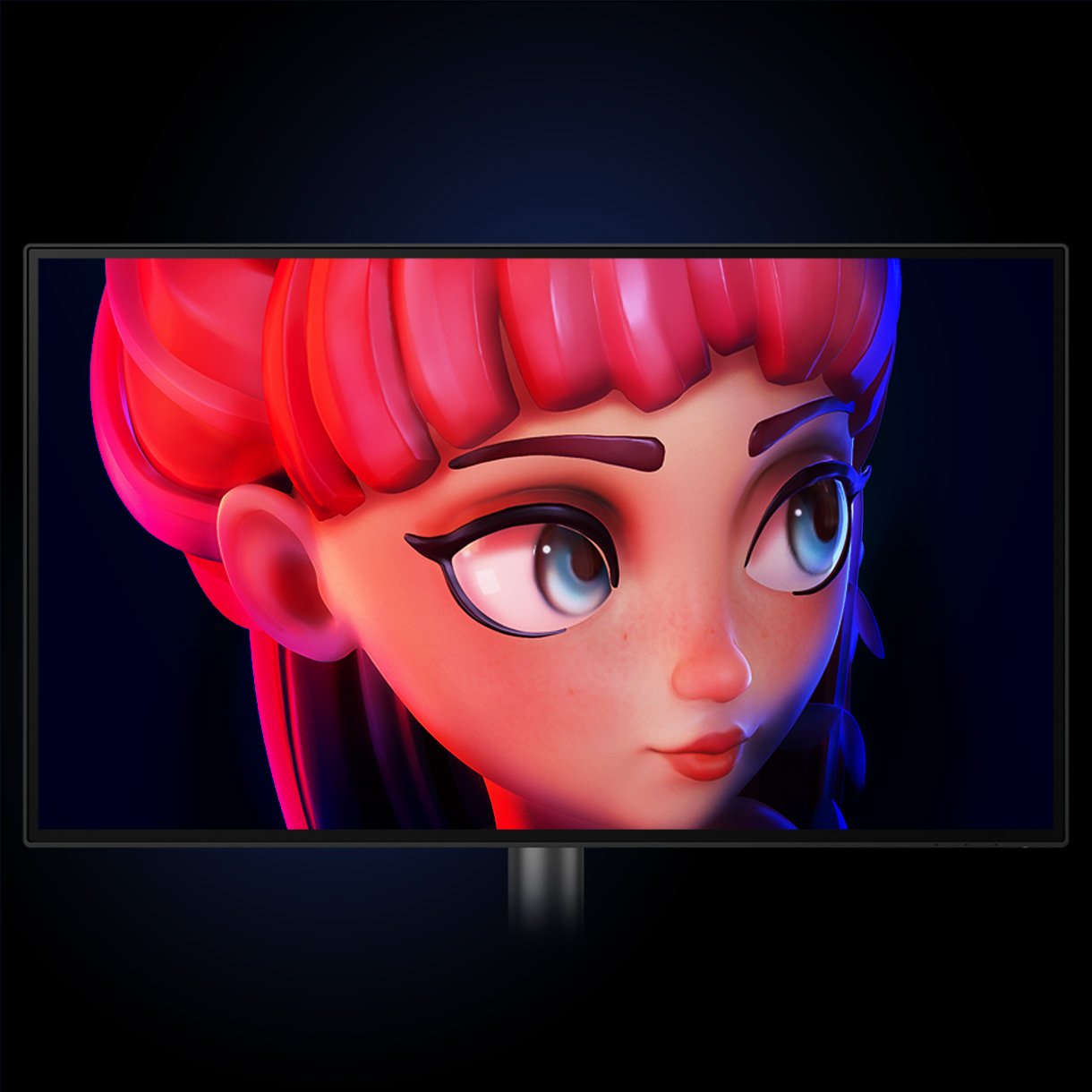
BenQ DesignVue Monitors Animation Mode Enhances the clarity of dark areas without overexposing bright regions.

Animation Mode

Enhance the clarity of dark areas without overexposing bright regions.

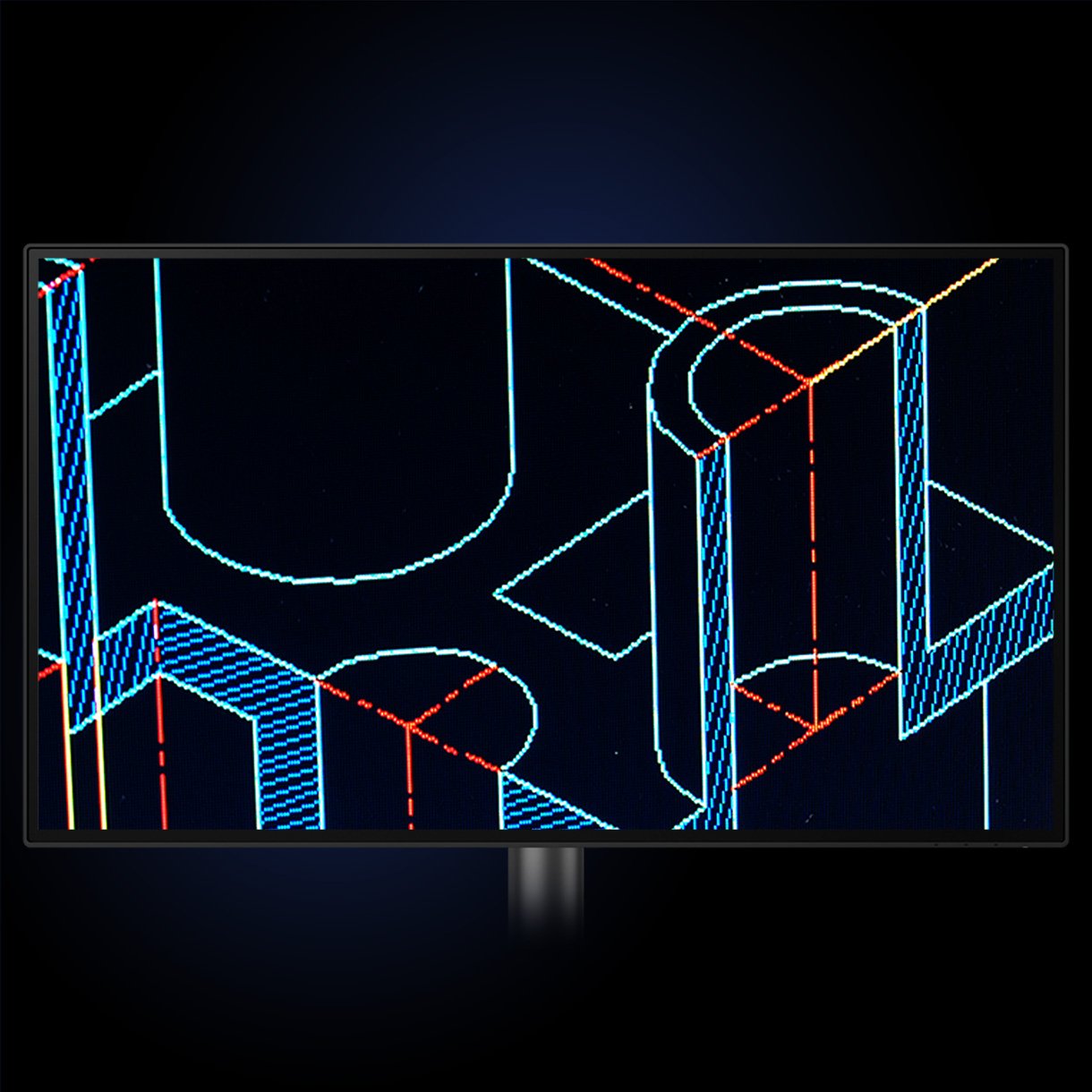
BenQ DesignVue Monitors CAD/CAM Mode let you Enjoy superior contrast of lines and shapes in technical illustrations.

CAD/CAM Mode

Enjoy superior contrast of lines and shapes in technical illustrations.

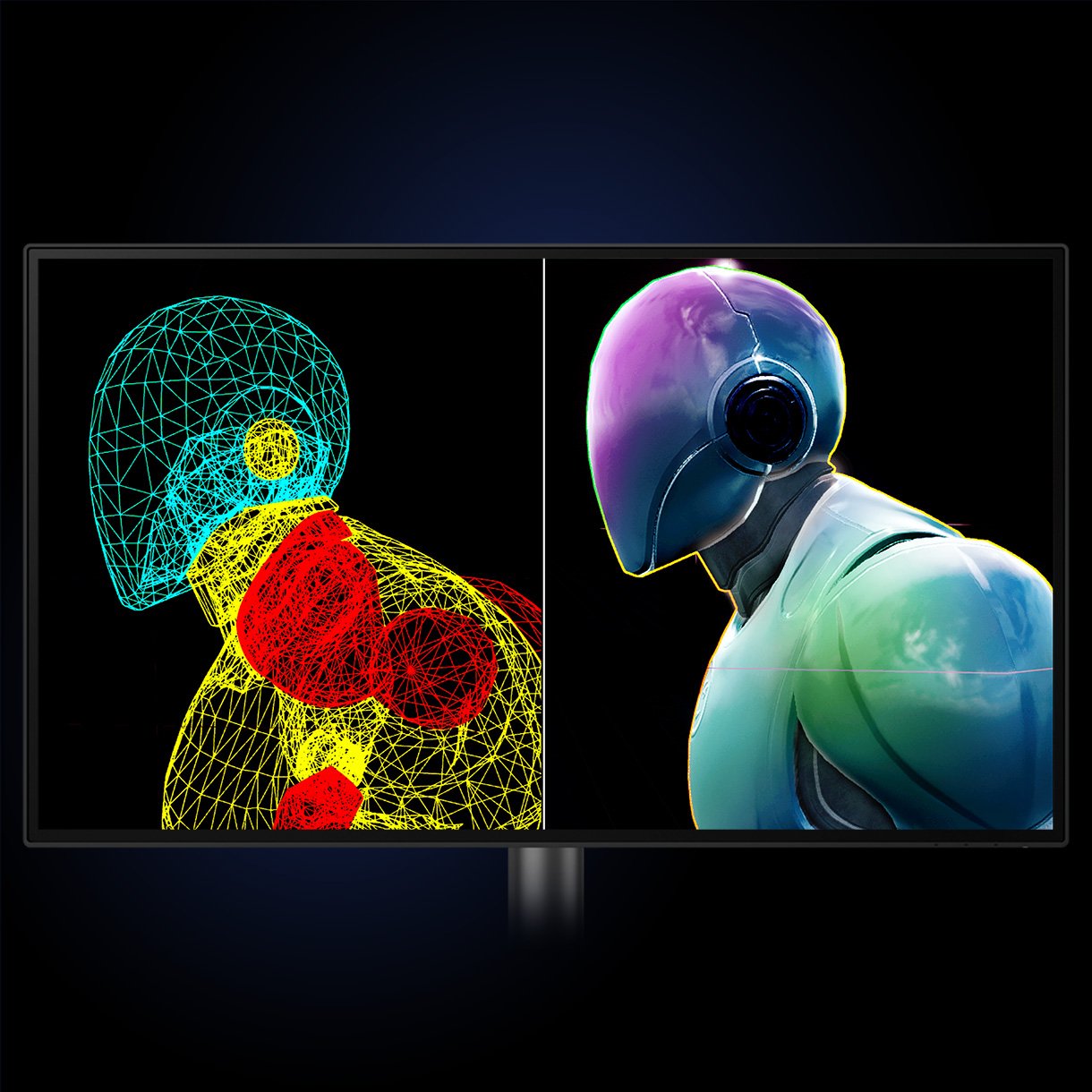
BenQ DesignVue Daul Mode showcases designs in two modes side-by-side for improved workflow and enhanced productivity.

DualView

Showcase designs in two modes side-by-side for improved workflow and enhanced productivity.

Animation Mode

Enhance the clarity of dark areas without overexposing bright regions.

CAD/CAM Mode

Enjoy superior contrast of lines and shapes in technical illustrations.

DualView

Showcase designs in two modes side-by-side for improved workflow and enhanced productivity.

Your Handy Display Assistant

Experience simplified workflows with BenQ Display Pilot 2, which provides a customizable interface for organizing functions such as ICCsync, Application Mode, and Software Dimming, making design work more convenient and flexible.

Your Handy Display Assistant

Experience simplified workflows with BenQ Display Pilot 2, which provides a customizable interface for organizing functions such as ICCsync, Application Mode, and Software Dimming, making design work more convenient and flexible.

BenQ DesignVue monitors feature meticulous factory calibration, so designers make full use of total display color accuracy from the get go.

Accuracy Guarantee

Factory Calibrated for Color Accuracy

BenQ DesignVue monitors feature meticulous factory calibration, so designers make full use of total display color accuracy from the get go.

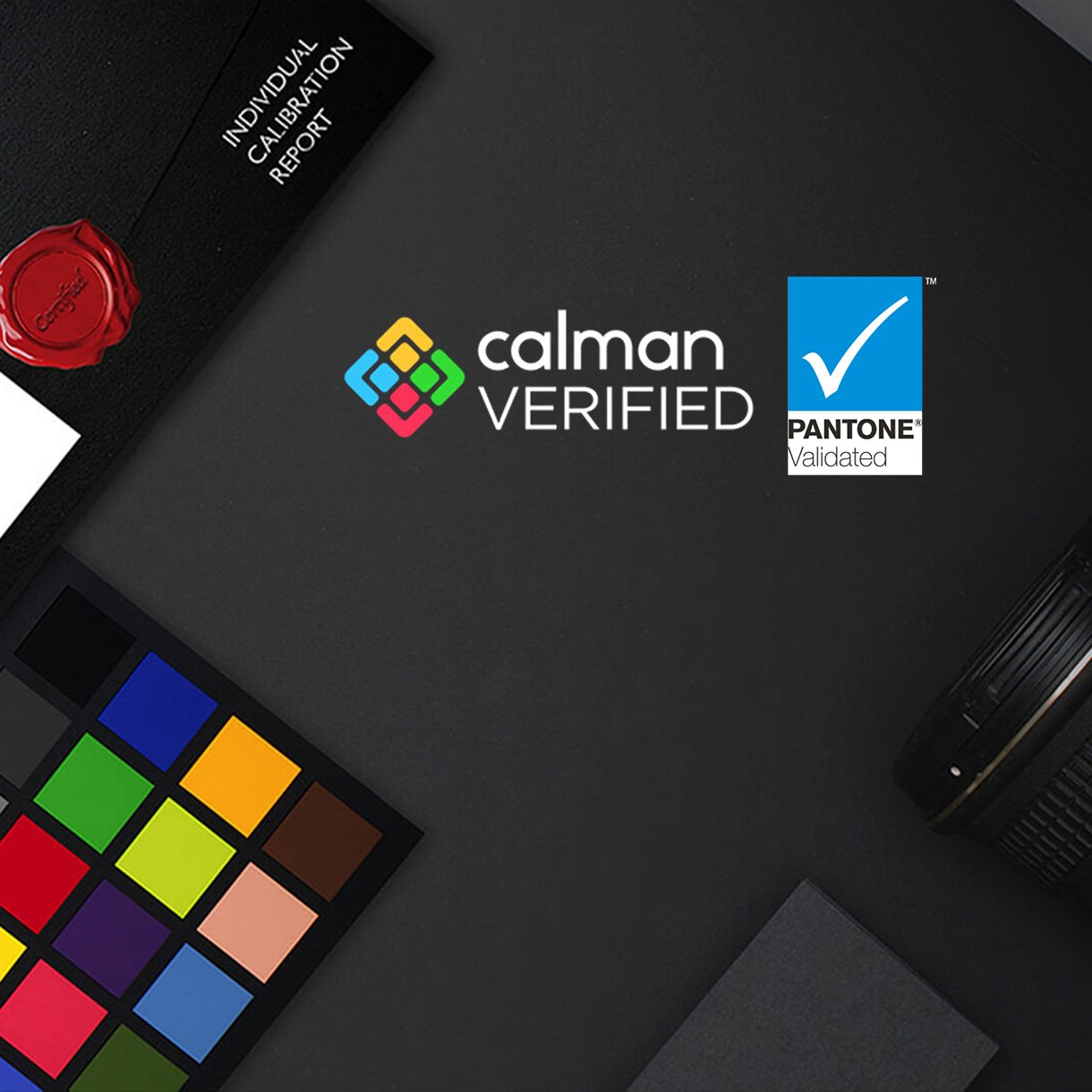
BenQ PD2725U earns Calman Verified and Pantone Validated status. Creative professionals demand excellence, and BenQ delivers.

Accuracy Guarantee

Out-of-the-Box GUARANTEE

PD2725U has earned CalMan Verified and Pantone Validated certificates. Creative professionals demand excellence, and BenQ delivers.

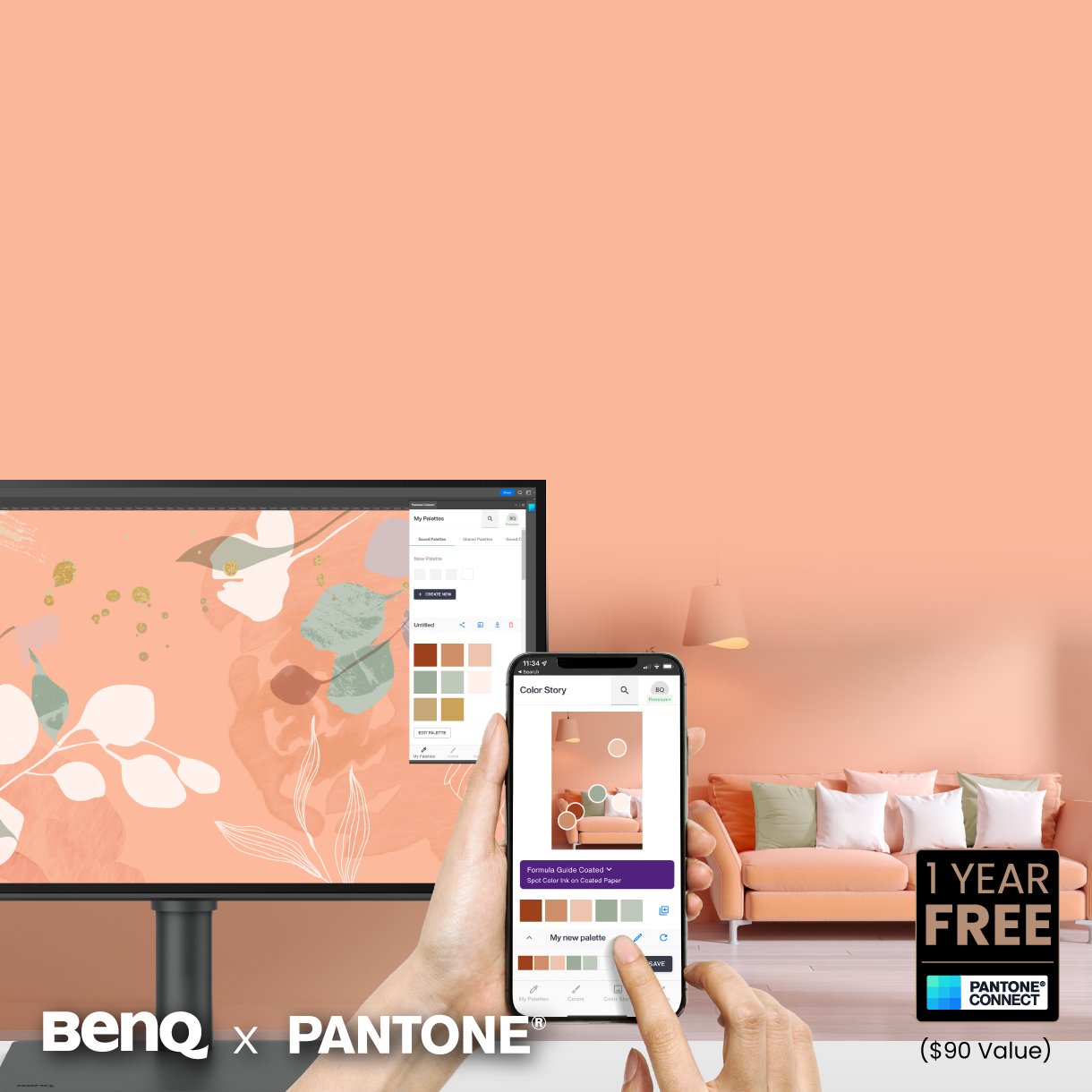
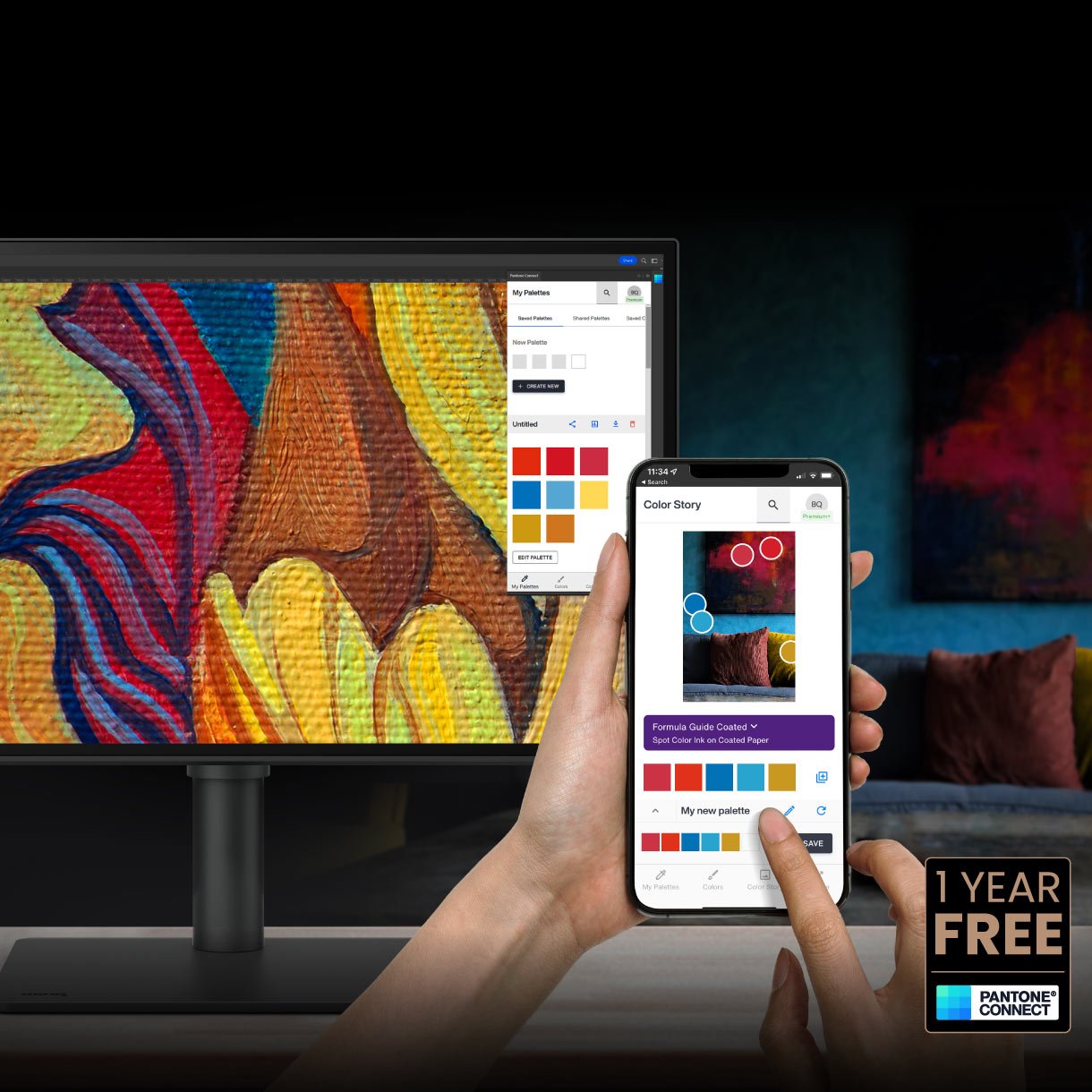
Go digital with BenQ, the first brand to work with Pantone on a mobile app. As an existing owner or a new purchaser of BenQ professional monitors, you get one year of free Pantone Connect Premium for digitally mobile color consistency and accuracy.

Accuracy Guarantee

Pantone Connect Premium

Go digital with BenQ, the first brand to work with Pantone on a mobile app. As an existing owner or a new purchaser of BenQ professional monitors, you get one year of free Pantone Connect Premium for digitally mobile color consistency and accuracy.

Accuracy Guarantee

Factory Calibrated for Color Accuracy

BenQ DesignVue monitors feature meticulous factory calibration, so designers make full use of total display color accuracy from the get go.

Accuracy Guarantee

Out-of-the-Box GUARANTEE

PD2725U has earned CalMan Verified and Pantone Validated certificates. Creative professionals demand excellence, and BenQ delivers.

Accuracy Guarantee

Pantone Connect Premium

Go digital with BenQ, the first brand to work with Pantone on a mobile app. As an existing owner or a new purchaser of BenQ professional monitors, you get one year of free Pantone Connect Premium for digitally mobile color consistency and accuracy.

Expand Your Mac Devices

Thunderbolt 3 carries images, videos, and other data seamlessly plus charges your mobile devices at the same time all with one cable.

The Thunderbolt 4 cable provided is backward compatible with Thunderbolt 3 displays to offer full functionality. Your Thunderbolt 4 devices are compatible with USB-C on BenQ displays, ensuring consistent and seamless work efficiency.

.

.

Link Mac Displays

Daisy chain via Thunderbolt 3 extends your workspace on up to dual 4K monitors thanks to high speed transfer.

Since Apple Silicon M1 and M2 chips do not support multiple monitors natively, Daisy Chain cannot be applied on M1 and M2-based devices. Daisy Chain can be applied on Apple Silicon Pro, Max, and Ultra-based devices.

.

.

Wide Connectivity

To help you set up a powerful workstation, PD2725U comes equipped with USB-C ports for Thunderbolt 3, HDMI ports, DisplayPort, and a USB hub. You can easily setup KVM and also connect to Hotkey Puck G2, headphones, and external storage for greater productivity.

.

.

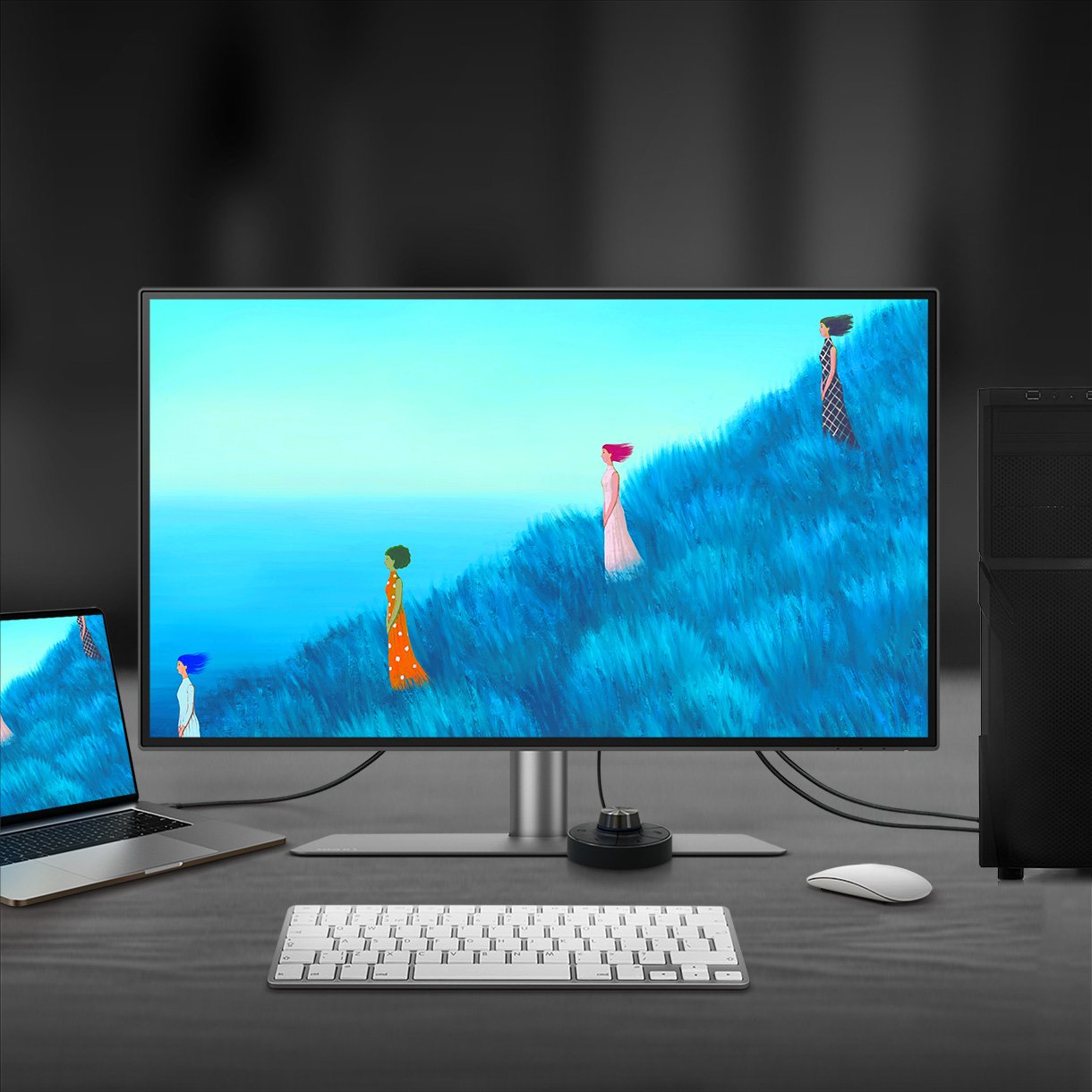
With built-in KVM (keyboard, video, mouse) switch functionality, BenQ PD2725U allows users to control two systems from one keyboard and mouse set. Click to switch between systems via Hotkey Puck G2 to boost efficiency.

KVM

With built-in KVM (keyboard, video, mouse) switch functionality, PD2725U allows users to control two systems from one keyboard and mouse set. Click to switch between systems via Hotkey Puck G2 to boost efficiency.

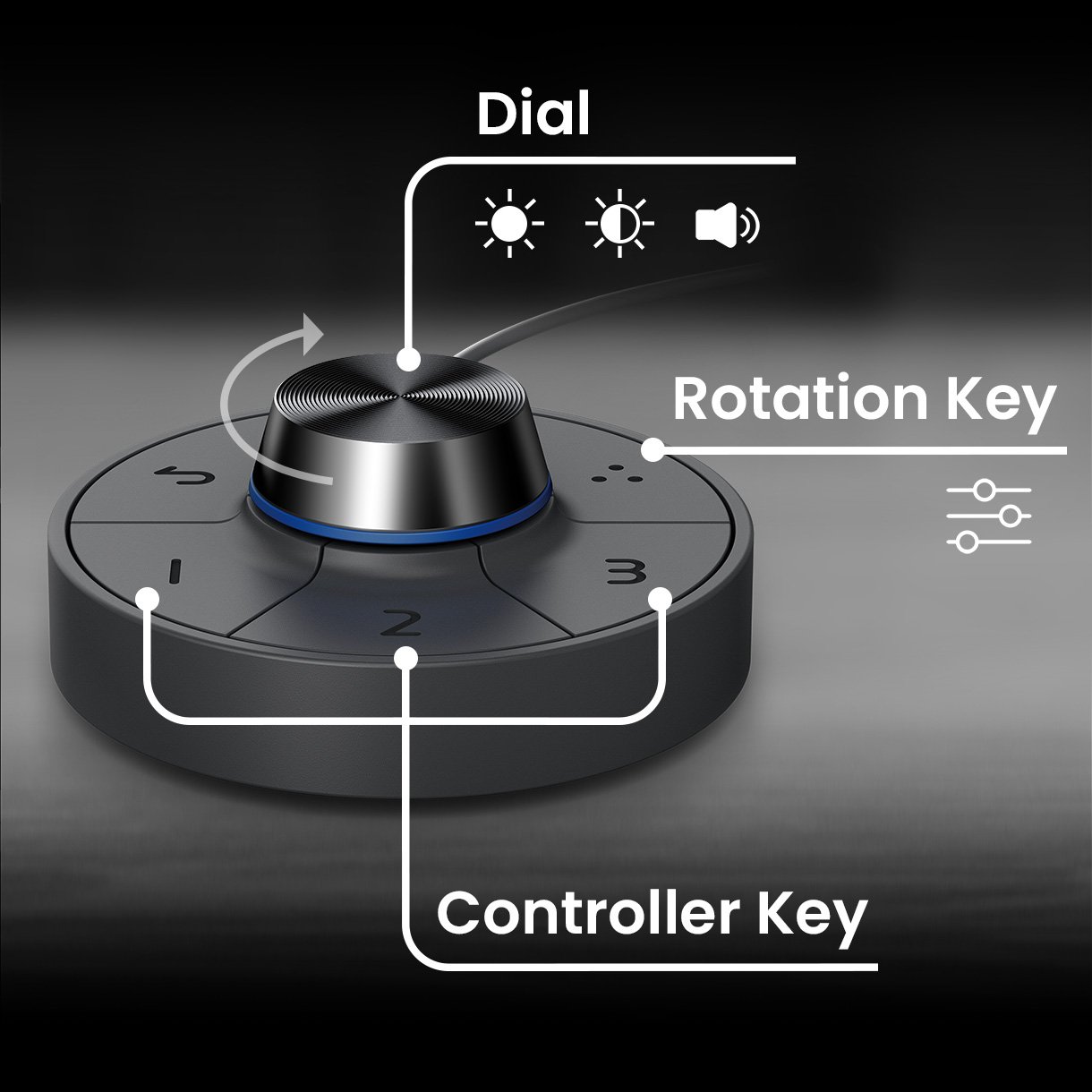
BenQ Hotkey Puck G2 designates three single function keys, a rotation key, and a dial to adjust most-used features.

Hotkey Puck G2

BenQ Hotkey Puck G2 offers users the flexibility to customize and access their most-used features. Press and switch the dial to access brightness, contrast, and volume adjustment, plus assign shortcuts to feature sets using the three function keys. Additionally, the rotation key allows users to assign custom shortcuts to settings.

KVM

With built-in KVM (keyboard, video, mouse) switch functionality, PD2725U allows users to control two systems from one keyboard and mouse set. Click to switch between systems via Hotkey Puck G2 to boost efficiency.

Hotkey Puck G2

BenQ Hotkey Puck G2 offers users the flexibility to customize and access their most-used features. Press and switch the dial to access brightness, contrast, and volume adjustment, plus assign shortcuts to feature sets using the three function keys. Additionally, the rotation key allows users to assign custom shortcuts to settings.

BenQ's industry-leading eye-care technologies reduce eye fatigue while ensuring greater user comfort during long periods of use.

Matching Colors Across Displays Has Never Been Easier

Made simple. Display ColorTalk provides an intuitive interface for creative professionals to effortlessly match the colors of two displays, whether it’s a MacBook display with a single monitor or across two monitors.

Matching Colors Across Displays Has Never Been Easier

Made simple. Display ColorTalk provides an intuitive interface for creative professionals to effortlessly match the colors of two displays, whether it’s a MacBook display with a single monitor or across two monitors.

HDR Technology

With VESA DisplayHDR 400, designers can preview video content’s HDR effect during the editing process, facilitating superior final products.

HDR Technology

With VESA DisplayHDR 400, designers can preview video content’s HDR effect during the editing process, facilitating superior final products.

BenQ's industry-leading eye care technologies reduce eye fatigue while ensuring greater user comfort during long periods of use.

Create with Fresh Eyes

BenQ's industry-leading Eye-Care Technology reduces eye fatigue while ensuring greater user comfort during long periods of use.

Create with Fresh Eyes

BenQ's industry-leading Eye-Care Technology reduces eye fatigue while ensuring greater user comfort during long periods of use.

  • Global safety authority TÜV Rheinland certifies BenQ PD2725U Flicker-Free, and Low Blue Light as truly friendly to the human eye.

    TÜV Rheinland Certification

    TÜV Rheinland certifies Flicker-Free and Low Blue Light, resulting in a truly human eye-friendly monitor.

  • BenQ DesignVue Monitors with low blue light technology filters harmful blue light to protect eyes of all ages.

    Low Blue Light

    Low blue light technology filters harmful blue light to protect your eyes and increase comfort.

  • BenQ DesignVue Monitors with Flicker-Free™ eliminates screen flickers found in traditional LCD monitors during extended viewing.

    Flicker-Free™

    Flicker-Free™ eliminates screen flicker found in traditional monitors for vastly improved comfort during extended usage.

Key to Consistent, Drift-Free Studio Color

Trusted Colors for Every Deliverable

Professional monitors designed for precision and reliability across all creative workflows

Trusted Colors for Every Deliverable

Professional monitors designed for precision and reliability across all creative workflows

Recommended Software

  • AQCOLOR Pilot (formerly Palette Master Ultimate)

    AQCOLOR Pilot

    More accurate and faster calibration with a calibrator

    *Formerly Palette Master Ultimate

  • Display ColorTalk

    Display ColorTalk

    Matching colors across displays without a calibrator

  • Display Pilot 2

    Take control of your display settings efficiently

BenQ Ambassador

BenQ Ambassador

BenQ ESG sustainable product infographic

BenQ sustainable monitor showing carbon footprint reduction journey and eco design innovation

Hỗ trợ

Câu hỏi thường gặp

Tải xuống

Hướng dẫn sử dụng

Hỏi/đáp nhanh

Browse all related FAQs
  • Những lợi ích của Hotkey Puck là gì?

    Hotkey Puck có ba phím chức năng và một phím xoay, cho phép người dùng chỉ định các chế độ màu và tính năng ưa thích như lối tắt đến các cài đặt thường sử dụng. Vui lòng nhấn và làm theo hướng dẫn dưới đây, hoặc tiếp tục đọc để tìm hiểu thêm về chủ đề này.

    Tìm hiểu thêm
  • Làm thế nào để thiết lập hai màn hình với một cổng Thunderbolt 3?

    Để chuỗi nối hai màn hình thông qua Thunderbolt, vui lòng kết nối hai màn hình với cáp chứng nhận Thunderbolt 3/4 và làm theo các bước dưới đây:

    Tìm hiểu thêm
  • Kiểm tra xem màn hình/phần mềm BenQ của bạn có tương thích với M1/M2/M3 không?

    Tìm thông tin để xem màn hình/phần mềm BenQ của bạn có tương thích với M1/M2/M3 không ở đây. Vui lòng nhấp và làm theo hướng dẫn dưới đây, hoặc đọc tiếp để tìm hiểu thêm về chủ đề này.

    Tìm hiểu thêm
  • Chức năng của KVM switch ra sao?

    Kết nối Máy tính 1 và Máy tính 2 với màn hình của bạn và Máy tính 1 và Máy tính 2 sẽ được nhận dạng. Sau đó có thể chuyển đổi nguồn video đầu vào. Vui lòng nhấp và làm theo chỉ dẫn dưới đây, hoặc đọc tiếp để tìm hiểu thêm về chủ đề này.

    Tìm hiểu thêm
  • ICC Profile và ICC sync là gì?

    ICC sync cho phép các màn hình dòng PD đơn giản hóa quá trình ánh xạ màu bằng cách đồng bộ các hồ sơ ICC của thiết bị đầu ra và thiết bị nguồn để có cài đặt màu chính xác. Vui lòng bấm vào và làm theo các hướng dẫn dưới đây, hoặc tiếp tục đọc để tìm hiểu thêm về chủ đề này.

    Tìm hiểu thêm
  • Cách Display Pilot giúp sử dụng màn hình DesignVue dễ dàng hơn?

    Display Pilot là một phần mềm tích hợp truy cập nhanh và dễ dàng vào các tính năng màn hình khác nhau, bao gồm Phân Vùng Màn Hình, Print Assist, Phím Nóng Bàn Phím và Chế Độ Ứng dụng. Vui lòng nhấp và làm theo hướng dẫn dưới đây, hoặc đọc thêm để tìm hiểu về chủ đề này.

    Tìm hiểu thêm
  • Tôi có thể sử dụng Thunderbolt 3 để sạc MacBook Pro hoặc laptop Windows của mình không?

    Có, bạn có thể sử dụng Thunderbolt 3 để truyền tải âm thanh, video, và dữ liệu, và nó có thể cung cấp lên đến 65W/85W/90W (tùy thuộc vào thông số kỹ thuật sản phẩm) cho MacBook Pro hoặc laptop Windows của bạn với USB-C/Thunderbolt 3/4. Tuy nhiên, khả năng cấp nguồn của Thunderbolt 3 không phải là phổ biến cho tất cả các laptop. Vui lòng kiểm tra các thông số kỹ thuật của nhà sản xuất chính thức để biết thêm chi tiết.

    Tìm hiểu thêm
  • Mục đích của cổng USB-C là gì?

    Cổng USB-C nhận dữ liệu, video, âm thanh, và nguồn từ một cáp duy nhất.

    Tìm hiểu thêm
  • Delta E là gì?

    Delta E được sử dụng để đánh giá sự khác biệt màu sắc được cảm nhận. Một delta nhỏ hơn 3.00 có nghĩa là không có sự khác biệt lớn mà một người bình thường có thể cảm nhận được. Hãy nhấp và làm theo hướng dẫn dưới đây, hoặc đọc tiếp để tìm hiểu thêm về chủ đề này.

    Tìm hiểu thêm
  • Màn hình của tôi có cần được hiệu chuẩn trước khi sử dụng không?

    Với hiệu chuẩn nhà máy tối ưu, bạn có được màn hình tốt nhất cho công việc quan trọng liên quan đến màu sắc ngay khi mở hộp với nhiều chế độ thiết lập tiêu chuẩn công nghiệp. Vui lòng nhấp vào và làm theo hướng dẫn dưới đây, hoặc đọc thêm để tìm hiểu về chủ đề này.


    Tìm hiểu thêm