Powerful enough to transform. Simple enough to teach.
A unified smart board solution that simplifies onboarding, everyday teaching, and day-to-day support across campus.
Scaling is complicated
Rolling out smart boards to many classrooms takes time, training, and coordination, making adoption harder than expected.
Unfamiliar tools slow teacher buy-in
If teachers need extensive training just to get started, classroom use often stalls before it becomes routine.
Minor issues turn into major friction
Small tech problems can disrupt lessons, frustrate teachers, and lead to more IT support tickets.


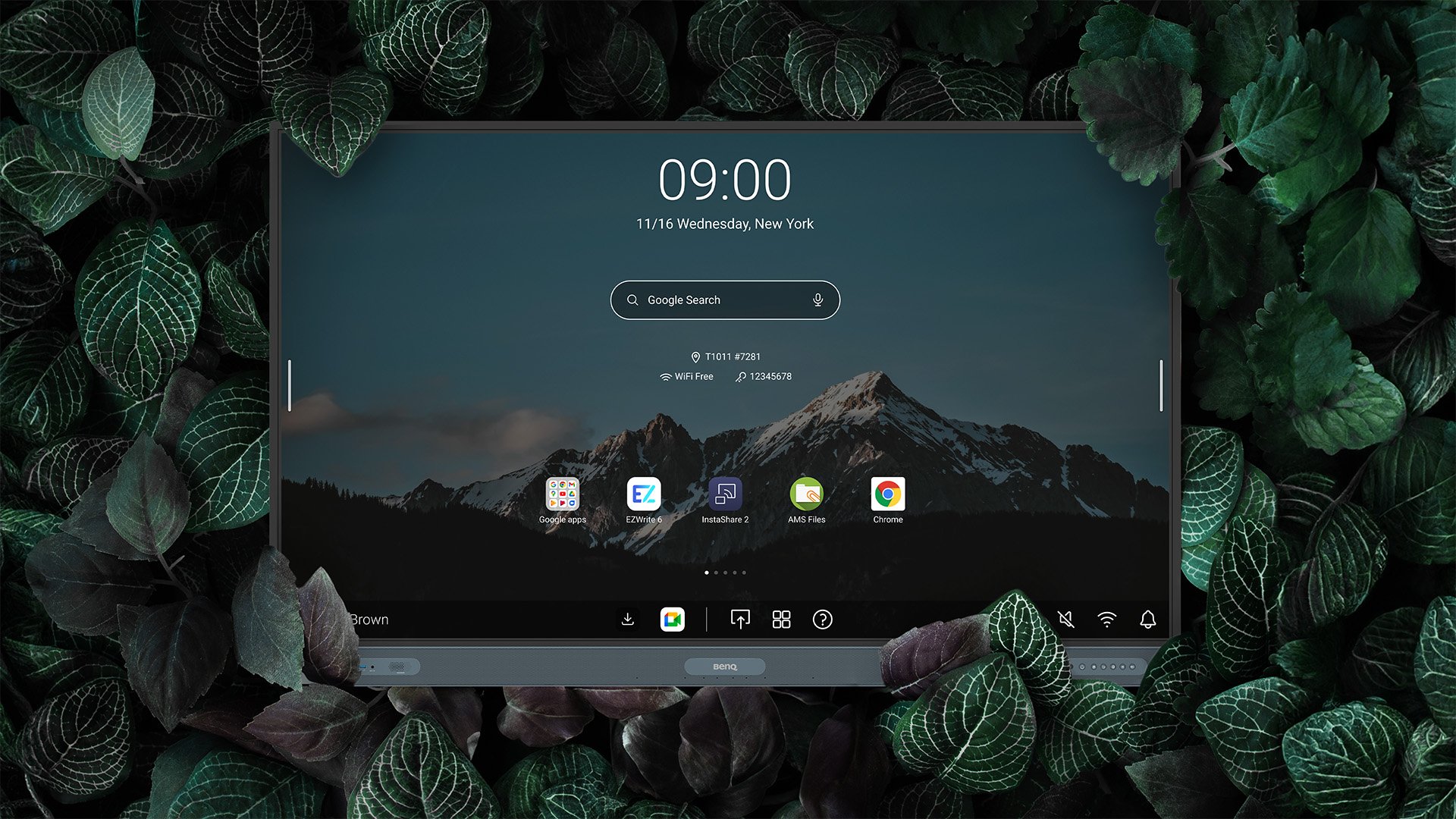
Go beyond writing and drawing. Expand the canvas, split screens for group activities, and enrich lessons with 3D images, templates, and live camera feeds.

Cast from a laptop or mobile device whether it's the full screen, an app, or media like photos, videos, camera feed, or Office files.

The most advanced AI built right into your BenQ Boards. Smart tools. Effortless to teach with. Transform lessons into engaging experiences.

BenQ Academy provides educators with training and practical resources that help them use BenQ solutions with confidence.

Onboard with ease
Remotely deploy and configure devices across campuses, saving time and effort.
Sync with existing directory
Directory sync streamlines access, role, and permission management at scale, reducing errors and saving time.
Get teachers up to speed faster
Access tutorials and courses on BenQ Academy to help teachers learn key tools quickly and use them confidently in class.
EdTech Breakthrough Award 2026 - Classroom Technology Solution of the Year
BenQ Board RP05
EdTech Smartbrief Reader's Choice Awards
BenQ Board RP05
Digital Signage Magazine - Best of Show at ISE 2026
SH04 Pantone® Validated Pro Signage
Tech&Learning Back to School 2025
BenQ Board RE04 & BenQ SL04 Pantone® Validated Signage
2025 ProAV Best in Market
BenQ SL04 Pantone® Validated Signage
Kevin Holiday Director of Instructional Technology
Our goal for education is that we can provide personalized, engaging learning experience for our kids. And with BenQ, we finally see the magic happened.
Sherine Brown 3rd Grade Math Teacher
BenQ Board is amazing! After the training, I was able to use it as soon as the board to my classroom. Kids love to be mini teachers, almost became an incentive for them to work a but harder!
Benjamin Leung Executive Director - Technology Service
BenQ enables a small team like us to hit our KPI, and gave about 10% drop in ticket count. It's the training, it's everything else included that we knew that BenQ was able to support.

We do not charge you extra fees. Our whiteboarding, screen sharing, and IT solutions are all free to use for your teaching and management convenience.
EZWrite
Whiteboarding
Instashare
Screen sharing
DMS
Device management
IAM
Access management
AMS
Account personalization
We know how important your school’s data is, so we’re helping you safeguard it.
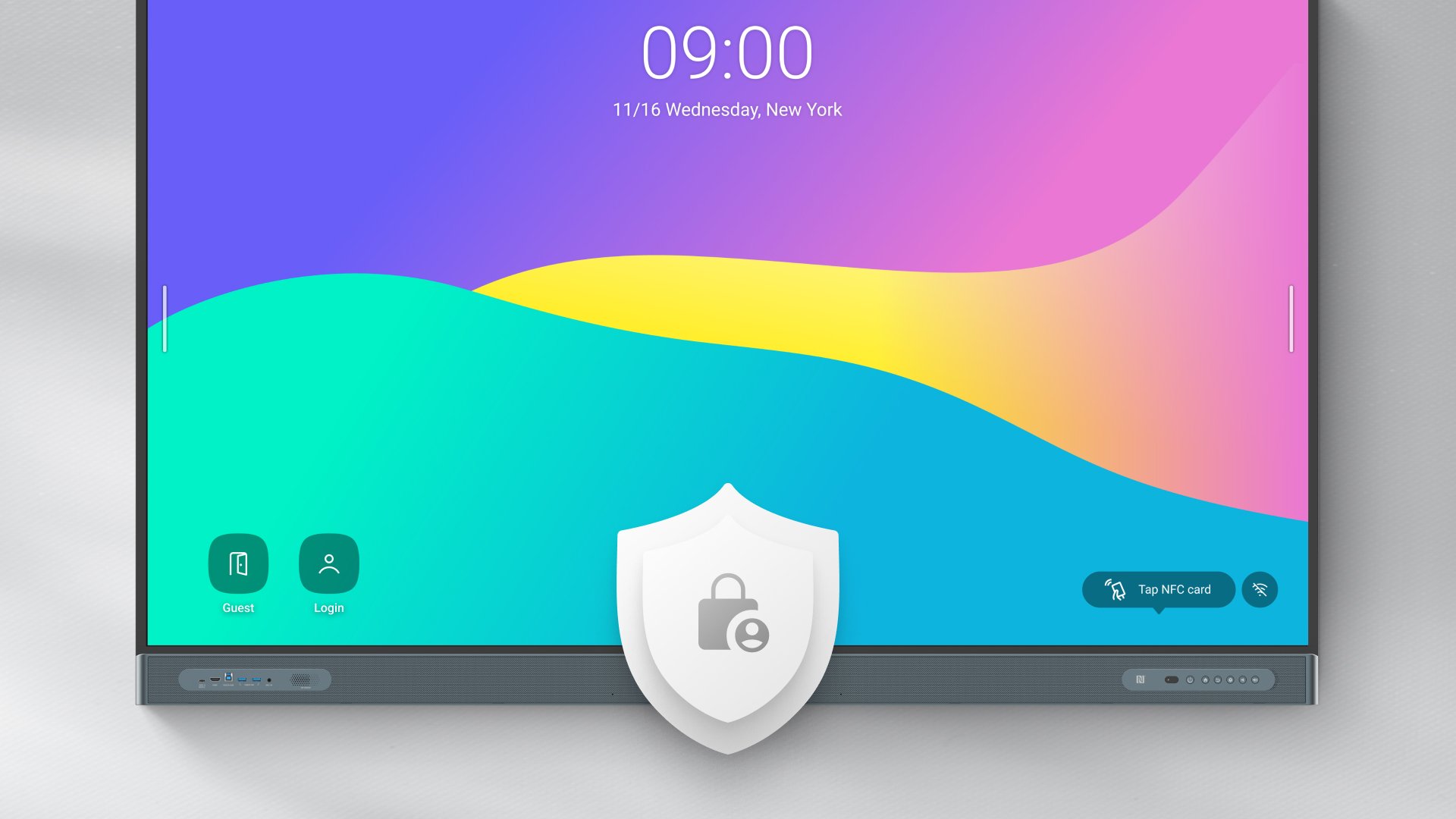
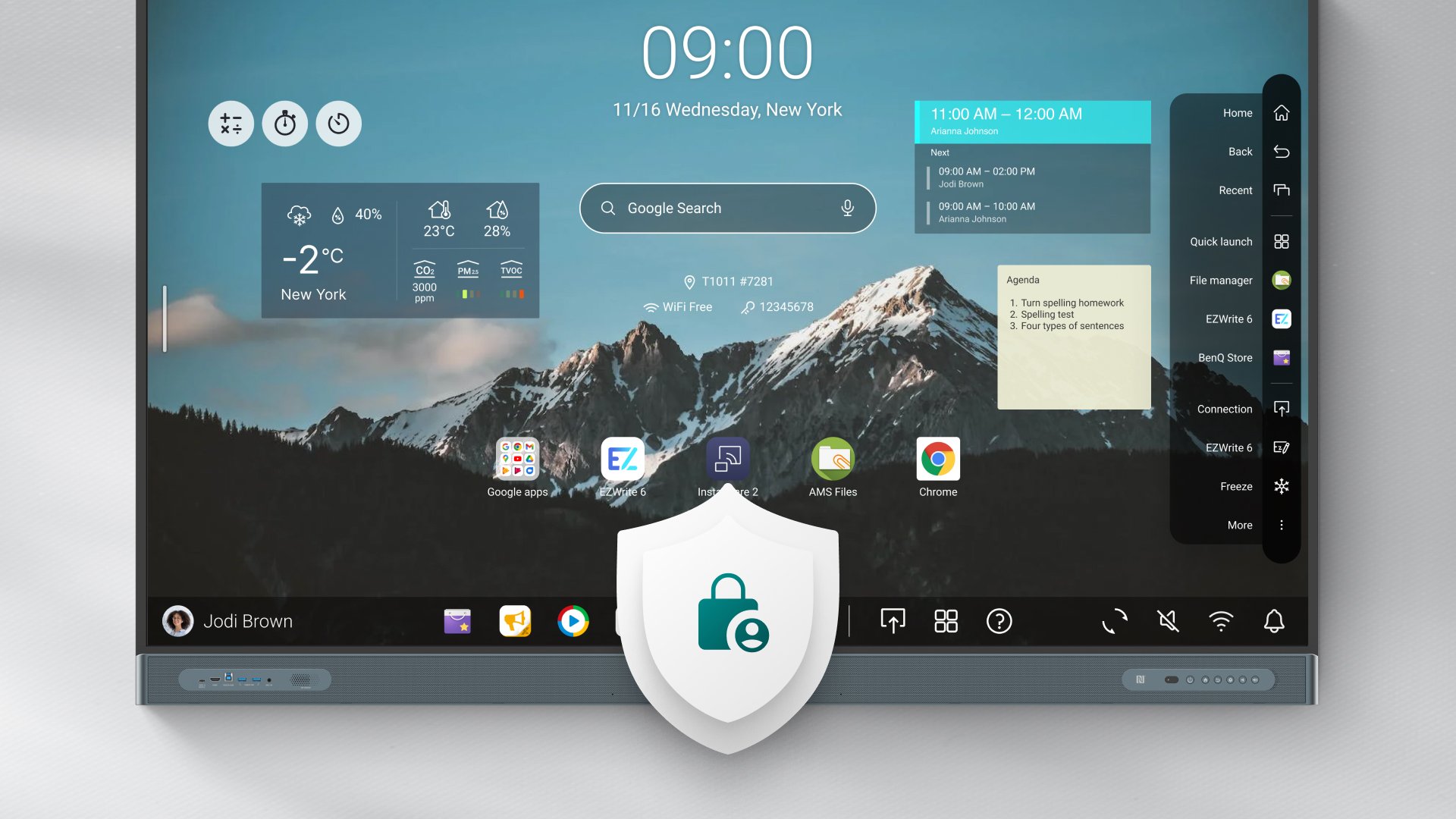
Data privacy
We uphold your right to privacy and adhere to strict global standards.
System security
We provide ways to secure your devices and networks from threats.
Strict authorization
We offer secure access to your boards, user accounts, and files.
Restricted access
Minimize risks by limiting who can modify the board’s settings.
App security
Google Play Protect helps screen for potentially harmful applications.
App blocking
Prevent unauthorized installations by blocking apps or Play Store access.
Unlike other interactive displays for education, the BenQ Board has a comprehensive set of ClassroomCare® features designed to protect student and teacher health.
Safe to touch
BenQ Board screens and peripherals have an antimicrobial coating that helps prevent the spread of germs in class.
Easy on the eyes
Prevent eye strain and other related eye issues with our anti-glare, flicker-free, Eyesafe® Certified 2.0 screens.
Breathe easy
Maintain good air quality in your classrooms with the help of the BenQ Board’s built-in air quality sensors and air ionizer.
BenQ Boards have energy-saving features that allow you to significantly reduce costs and decrease your digital carbon footprint.
Power saving modes
The Power Save and ENERGY STAR®-certified Eco modes effectively regulate energy consumption without affecting board performance.
Energy waste prevention
Set power schedules or put boards to sleep to reduce the amount of energy your boards consume when they are not actively in use.
Energy monitoring
Generate your boards’ power consumption reports to identify excessive power use and plan your energy-saving strategy accordingly.
FAQs
What are the different BenQ Board models? / Is there different models of BenQ Board?
The BenQ Board is divided into three series: Pro, Master, and Essential.
How much does the BenQ Board cost?
Contact our sales experts on this page to get your personal quotation.
What training resources are available for the BenQ Board?
We have several dedicated resources available: BenQ Academy for online lessons, the BenQ Education YouTube channel for how-to videos, and live or online training by BenQ professionals, depending on your country of residence.
Is there any subscription fee associated with the BenQ Board?
No. When you buy the BenQ Board, you have access to our entire software ecosystem free of any charge or subscription.
What tools are available for managing the BenQ Board?
The BenQ Board comes with cloud-based management solutions to help IT specialists and administrators manage boards and accounts with ease.
Is the BenQ Board secure?
The BenQ Board has several key security features, such as Single Sign-On, Multi-Factor Authentication, user and board access control, as well as Google Play Protect.
Can I use Office files on the BenQ Board?
Yes. You can open Office files and also import them directly to our whiteboarding software, EZWrite.
What makes the BenQ Board safer to use?
BenQ is the leading innovator in terms of health-focused features on interactive displays. BenQ Boards are Eyesafe® Certified 2.0, fitted with germ-resistant screens and peripherals, and have built-in air quality technologies, such as CO₂ and PM₂.₅ sensors as well as an air ionizer. Learn more on our ClassroomCare® page.
Can I use my laptop with the BenQ Board?
Yes. You can connect your laptop to the BenQ Board with a USB-C cable and enjoy full control of your laptop directly from the board.
Where can I buy the BenQ Board?
Learn more on how to buy our product on this page.