Projector
Explore Business Projector
Professional Installation Exhibition & Simulation Conference Room Meeting Room Education ProjectorsMonitor
Lighting
Interactive Display | Signage
Cookie Setting
How can I change my BenQ cookie settings?
Page updated: May 2020
Some essential features on BenQ sites just won’t work without cookies. And having other cookies switched off can seriously affect the way you’ll be able to enjoy our services.
Please check your cookie settings below and turn on any cookies you’re happy with.
“Strictly necessary” cookies can’t be turned off. But Functional and Performance cookies can be turned on or off below. You can learn more about cookies and what they do on our other pages.
If you've chosen to block third-party cookies on your browser, your cookie preferences won't carry over from benq.eu to benq.xx and vice versa. Please make sure to set your cookie preferences in both places.
On
Strictly necessary cookies
These cookies are essential so that you can move around the website and use its features. Without these cookies services you have asked for cannot be provided.
On
Off
Functional cookies
These cookies allow the website to remember choices you make to give you better functionality and personal features.
On
Off
Performance cookies and advertising cookies
Performance cookies
These cookies help to improve the performance of BenQ. If you want to opt-out of advertising cookies, you have to turn-off performance cookies. We also use Google Analytics, SessionCam and Hotjar to track activity and performance on the BenQ website. You can control the information provided to Google, SessionCam and Hotjar. To opt out of certain ads provided by Google you can use any of the methods set forth here or using the Google Analytics opt out browser add-on here. To opt-out of SessionCam collecting data, you can disable tracking completely by following link:https://sessioncam.com/choose-not-to-be-recorded/. To opt-out of Hotjar collecting data, you can disable tracking completely by following link:https://www.hotjar.com/privacy/do-not-track/.
Advertising cookies
These cookies are used to track your activity on the BenQ website and other websites across the Internet, help measure the effectiveness of our advertising campaign and deliver advertisements that are more relevant to you and your interests. We use various advertising partners, including Amazon, Facebook, and Google. These cookies and other technologies capture data like your IP address, when you viewed the page or email, what device you were using and where you were. You can find out how to avoid them below.
Buying a projector? Brightness can be one of the trickiest specs to figure out. What is lumens in projector? ANSI lumens or lumens—what do they really mean? You’re not alone in wondering. Here’s the thing: how bright your image actually looks depends on more than just the numbers. Factors like ambient light in your room, the size of your screen, and even how well your projector handles color accuracy all come into play.
In this article, we’ll show you how brightness is affected by ambient light, image size, and color accuracy—so you can choose the right projector with confidence.
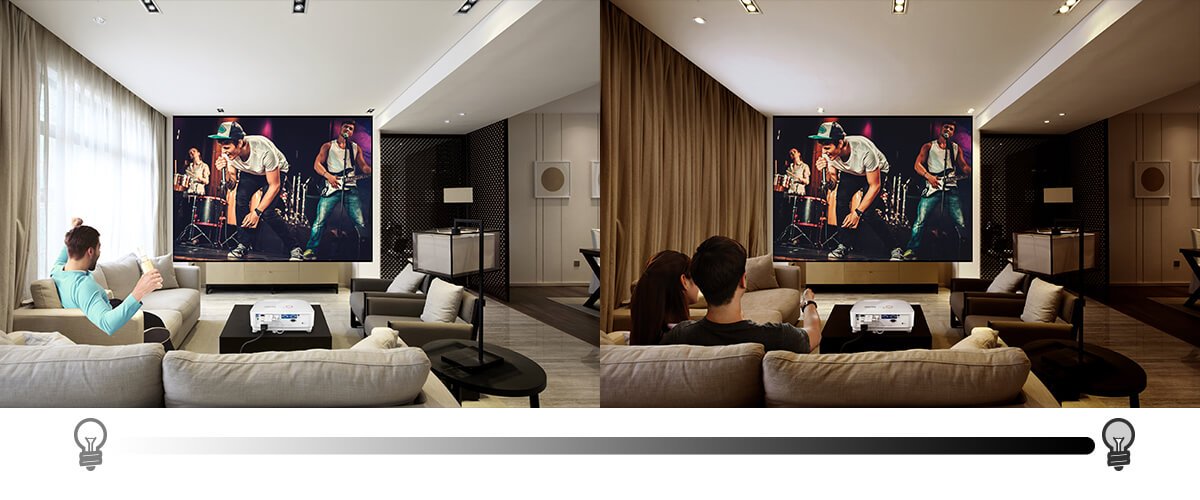
To understand this, think of projector brightness like car headlights. In a dark environment, headlights appear bright and powerful the moment you turn them on. But under midday sunlight, even the strongest high beams seem barely noticeable.
Projectors behave the same way. In low light, even modest brightness can look vivid. But once ambient light comes into play—whether from lamps, windows, or overhead lighting—you’ll need higher lumens to keep your image sharp and visible.
The larger the image, the more light is required to maintain a bright, clear picture. That’s because the projector’s brightness gets spread over a bigger surface area—reducing how bright the image appears to your eyes. Smaller screens, on the other hand, require less brightness to look vivid.
When projecting a 100” to 120” screen, most home theater setups perform well with 1,500 to 2,000 lumens in dark rooms. But if your throw distance increases or if you’re in a room with ambient light, you’ll want to look for projectors with 3,000 lumens or more to avoid a dull image.
In short, size and distance matter—make sure your projector’s brightness can keep up with your setup.
At this point, you might be wondering: if higher brightness works across screen sizes and lighting conditions, does it also guarantee great color? Not quite. For home theater setups, the key is using the right amount of brightness—to get crisp images with accurate colors and a strong contrast ratio effect.
A projector’s image quality relies on both its light source, which provides brightness, and its color wheel, which manages color performance. While higher brightness can help in certain environments, too much can reduce RGB purity and negatively affect color accuracy. To deliver rich, lifelike visuals, brightness needs to stay within a range that preserves color integrity.
Learn more about how BenQ’s CinematicColor™ for Colors as Directors Envisioned for detailed information on projector color performance.
The best projector brightness depends on your environment, image size, and how important color accuracy is to you. Instead of going for the highest lumens, focus on what truly fits your setup.
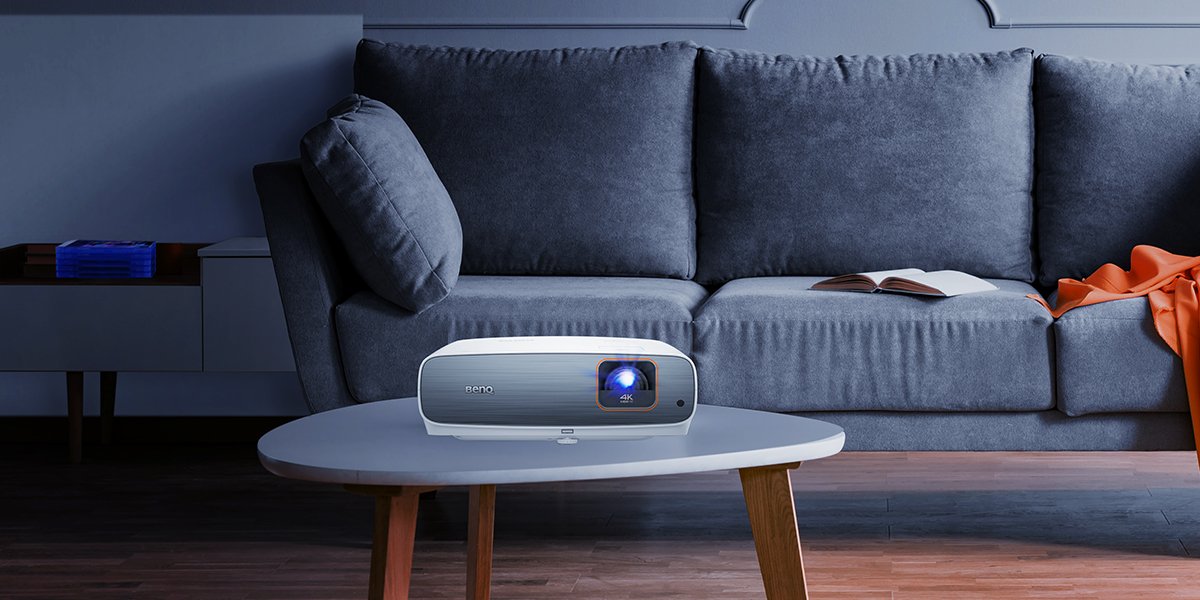
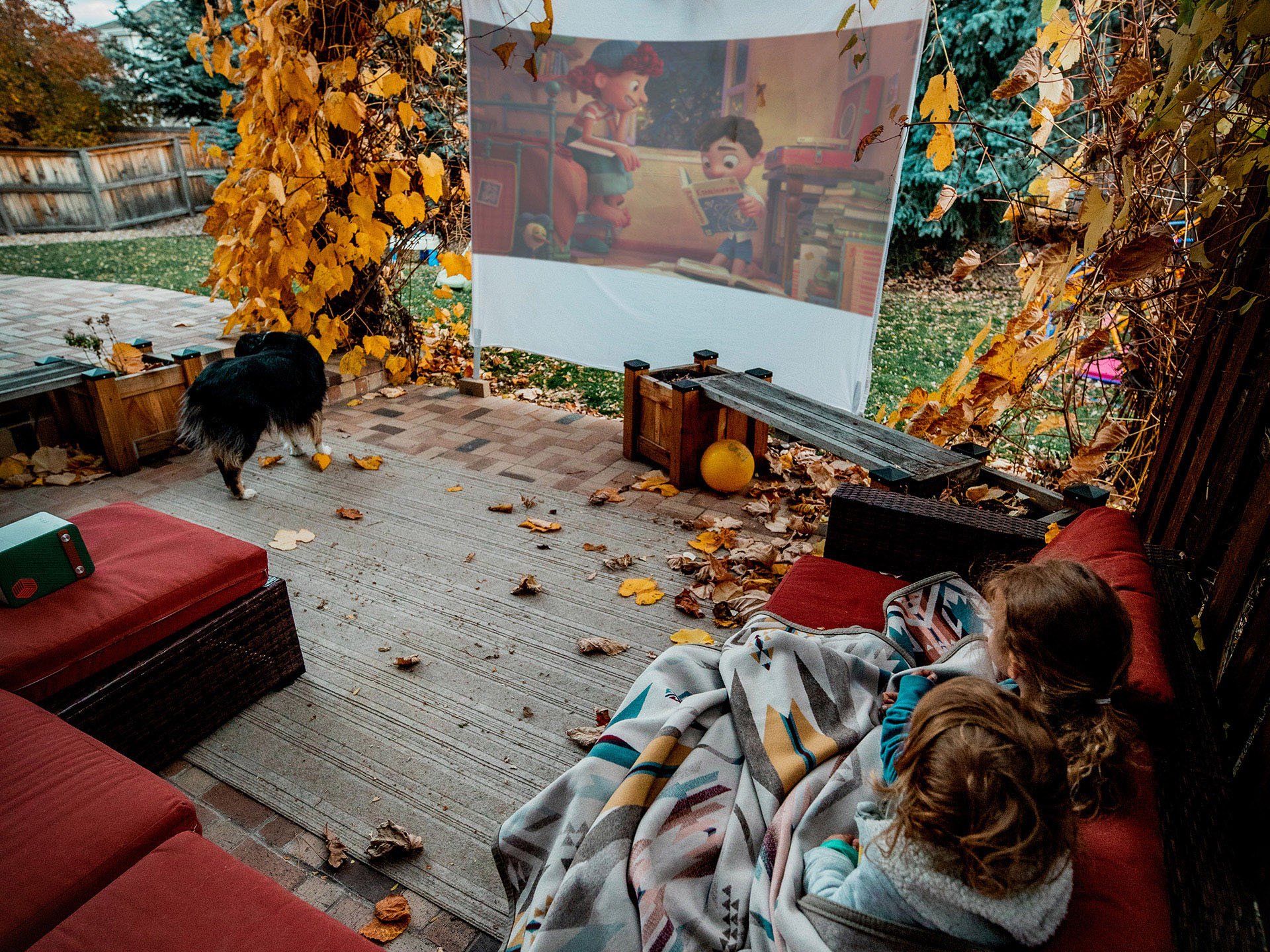
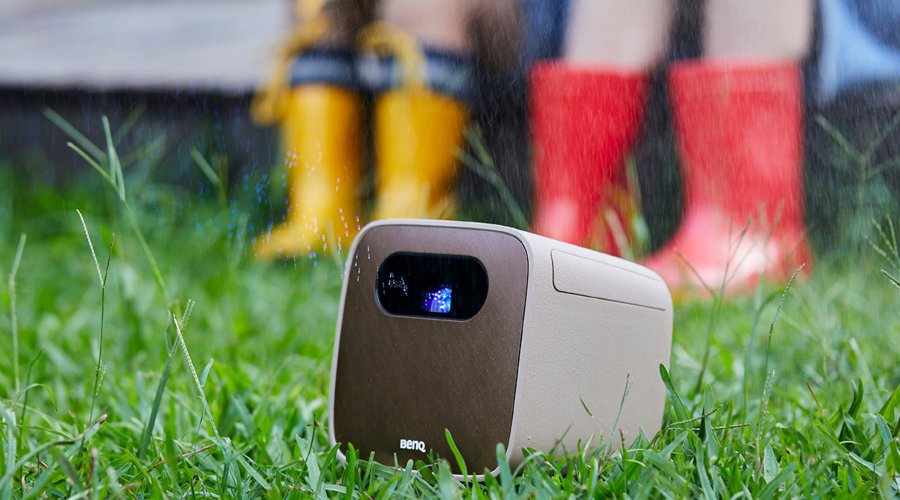
BenQ offers a wide range of projectors to match different needs—whether you're setting up a dark home cinema, a bright living room, a gaming setup, or an outdoor movie night. From portable models to high-performance home cinema projectors with CinematicColor™ technology, there’s a BenQ projector made for your space!
The latest gaming projector discount and set-up tips
{{item.productWordingTag}}
{{currency}}{{item.finalPrice| numberThousandsCommas | numberDecimalPoint}} Save {{currency}}{{item.saveAmount | numberThousandsCommas | numberDecimalPoint}} Save {{item.savePercent | numberThousandsCommas | numberDecimalPoint}}%
new device price{{currency}}{{item.regularPrice| numberThousandsCommas | numberDecimalPoint}}