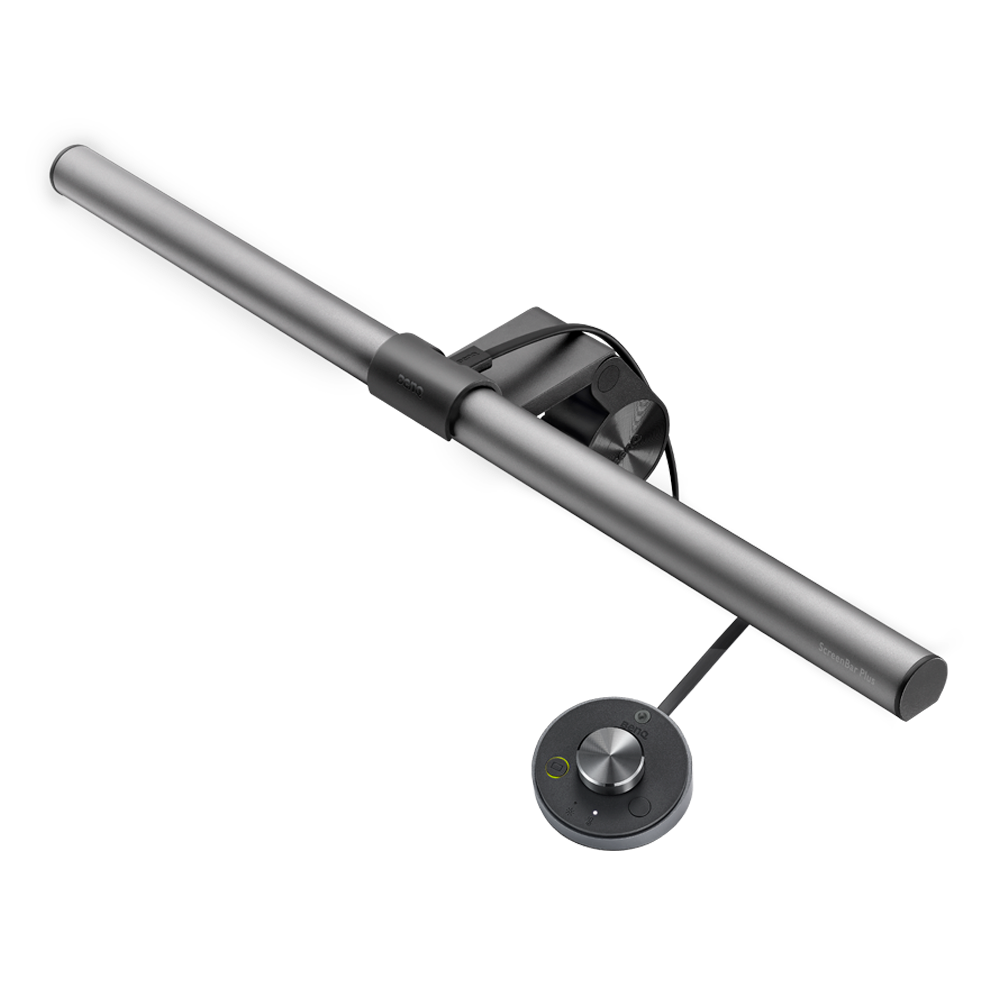
ScreenBar® Pro

zowie
Support Knowledge
{{cartTotal.length}}
thumbnail
{{item.name}}
Price: {{currency}}{{item.price| numberThousandsCommas | numberDecimalPoint}}
Qty: {{item.amount}}
Cart Subtotal:
{{currency}}{{cartTotal.price| numberThousandsCommas | numberDecimalPoint}}
Check out
account-setting

Account

sign-in

Sign in

sign-in

Sign Out{{userName}}

logo
Projector
Explore All Projector Series

By Series

4K Gaming Projectors Home Cinema Series TV Projector Series Portable Projectors

By Features

Casual Gaming Outdoor Projectors

By Trending Word

4K UHD (3840×2160) LED Laser With Android TV With Low Input Lag

Explore Business Projector

Professional Installation Exhibition & Simulation Conference Room Meeting Room Education Projectors
Compare All Projectors Find Your Perfect Projector Accessories Projector Lamps
Monitor
Explore All Monitor Series

By Series

Gaming Series Home Series

By Feature

Photographer Monitors Designer Monitors

By Trending Word

4K(3840x2160) With HDR 21:9 Ultrawide USB-C Thunderbolt P3 With HAS

Explore e-Sport Monitors

e-Sport Monitors Business Monitors
Compare All Monitors Accessories Software
Lighting
Explore All Lighting Series

By Series

e-Reading Desk Lamp e-Reading Floor Lamp Monitor Light Bar PianoLight
Compare All Lightings Accessories
Interactive Display | Signage
Explore All Interactive Display | Signage
Corporate Interactive Displays Education Interactive Displays 4K Smart Signage Video Wall Scretched Displays Interactive Signage
Education Software Accessories Software
Speaker Wireless Presentation
search-open
search
Search Clear
{{ history }}

{{ result[0] }}

{{ list[0] }}
search-close
logo
{{cartTotal.length}}
thumbnail
{{item.name}}
Price: {{currency + item.price}}
Qty: {{item.amount}}
Cart Subtotal:
{{currency}}{{cartTotal.price | numberThousandsCommas | numberDecimalPoint}}
Check out
close
search
Cancel
Search Clear
{{ history }}

{{ result[0] }}

{{ list[0] }}

Projector

Back Logo
Explore All Projector Series

By Series

4K Gaming Projectors Home Cinema Series TV Projector Series Portable Projectors

By Features

Casual Gaming Outdoor Projectors

By Trending Word

4K UHD (3840×2160) LED Laser With Android TV With Low Input Lag

Explore Business Projector

Professional Installation Exhibition & Simulation Conference Room Meeting Room Education Projectors
Compare All Projectors Find Your Perfect Projector Accessories Projector Lamps

Monitor

Back Logo
Explore All Monitor Series

By Series

Gaming Series Home Series

By Feature

Photographer Monitors Designer Monitors

By Trending Word

4K(3840x2160) With HDR 21:9 Ultrawide USB-C Thunderbolt P3 With HAS

Explore e-Sport Monitors

e-Sport Monitors Business Monitors
Compare All Monitors Accessories Software

Lighting

Back Logo
Explore All Lighting Series

By Series

e-Reading Desk Lamp e-Reading Floor Lamp Monitor Light Bar PianoLight
Compare All Lightings Accessories

Interactive Display | Signage

Back Logo
Explore All Interactive Display | Signage
Corporate Interactive Displays Education Interactive Displays 4K Smart Signage Video Wall Scretched Displays Interactive Signage
Education Software Accessories Software
Speaker Wireless Presentation
Support Knowledge account Account account Sign in shopping-chart Track order shopping-chart Track order account Sign Out{{userName}}
Zowie

Cookie Setting

BenQ respect your data privacy. We use cookies and similar technologies to ensure you get the best experience when visiting our website. You can either accept these cookies by clicking “Accept Cookies”, or click “Only Required Cookies” to refuse all non-essential technologies. You can customise your cookie settings here at any time. For further information, please visit our Cookie Policy and our Privacy Policy.

How can I change my BenQ cookie settings?

Page updated: May 2020

Some essential features on BenQ sites just won’t work without cookies. And having other cookies switched off can seriously affect the way you’ll be able to enjoy our services.

Please check your cookie settings below and turn on any cookies you’re happy with.

“Strictly necessary” cookies can’t be turned off. But Functional and Performance cookies can be turned on or off below. You can learn more about cookies and what they do on our other pages.

If you've chosen to block third-party cookies on your browser, your cookie preferences won't carry over from benq.eu to benq.xx and vice versa. Please make sure to set your cookie preferences in both places.

On

Strictly necessary cookies

These cookies are essential so that you can move around the website and use its features. Without these cookies services you have asked for cannot be provided.

See list of strictly necessary cookies

On

Off

Functional cookies

These cookies allow the website to remember choices you make to give you better functionality and personal features.

See list of functional cookies

On

Off

Performance cookies and advertising cookies

Performance cookies

These cookies help to improve the performance of BenQ. If you want to opt-out of advertising cookies, you have to turn-off performance cookies. We also use Google Analytics, SessionCam and Hotjar to track activity and performance on the BenQ website. You can control the information provided to Google, SessionCam and Hotjar.  To opt out of certain ads provided by Google you can use any of the methods set forth here or using the Google Analytics opt out browser add-on here. To opt-out of SessionCam collecting data, you can disable tracking completely by following link:https://sessioncam.com/choose-not-to-be-recorded/. To opt-out of Hotjar collecting data, you can disable tracking completely by following link:https://www.hotjar.com/privacy/do-not-track/.


Advertising cookies

These cookies are used to track your activity on the BenQ website and other websites across the Internet, help measure the effectiveness of our advertising campaign and deliver advertisements that are more relevant to you and your interests. We use various advertising partners, including Amazon, Facebook, and Google. These cookies and other technologies capture data like your IP address, when you viewed the page or email, what device you were using and where you were. You can find out how to avoid them below.


localNavigation.type = g6-series-page

Monitor Light Bar

Compare
  • Compare

New

The world's first monitor light surpassing LED desk lamps

ScreenBar® Pro

Learn More
ScreenBar Pro ScreenBar Pro

Create an Immersive Space with Ease​

ScreenBar Halo

Learn More

Create an Immersive Space with Ease​

ScreenBar Halo

Learn More
G6

Enjoy the Best Light in the Simplest Way​

ScreenBar Plus

Learn More

Enjoy the Best Light in the Simplest Way​

ScreenBar Plus

Learn More
G6

The First Monitor Light Bar in the World​

ScreenBar

Learn More

The First Monitor Light Bar in the World​

ScreenBar

Learn More
G6

A lamp you can carry with you to anywhere​

ScreenBar Lite

Learn More

A lamp you can carry with you to anywhere​

ScreenBar Lite

Learn More

ScreenBar Series

Compare ScreenBar Series
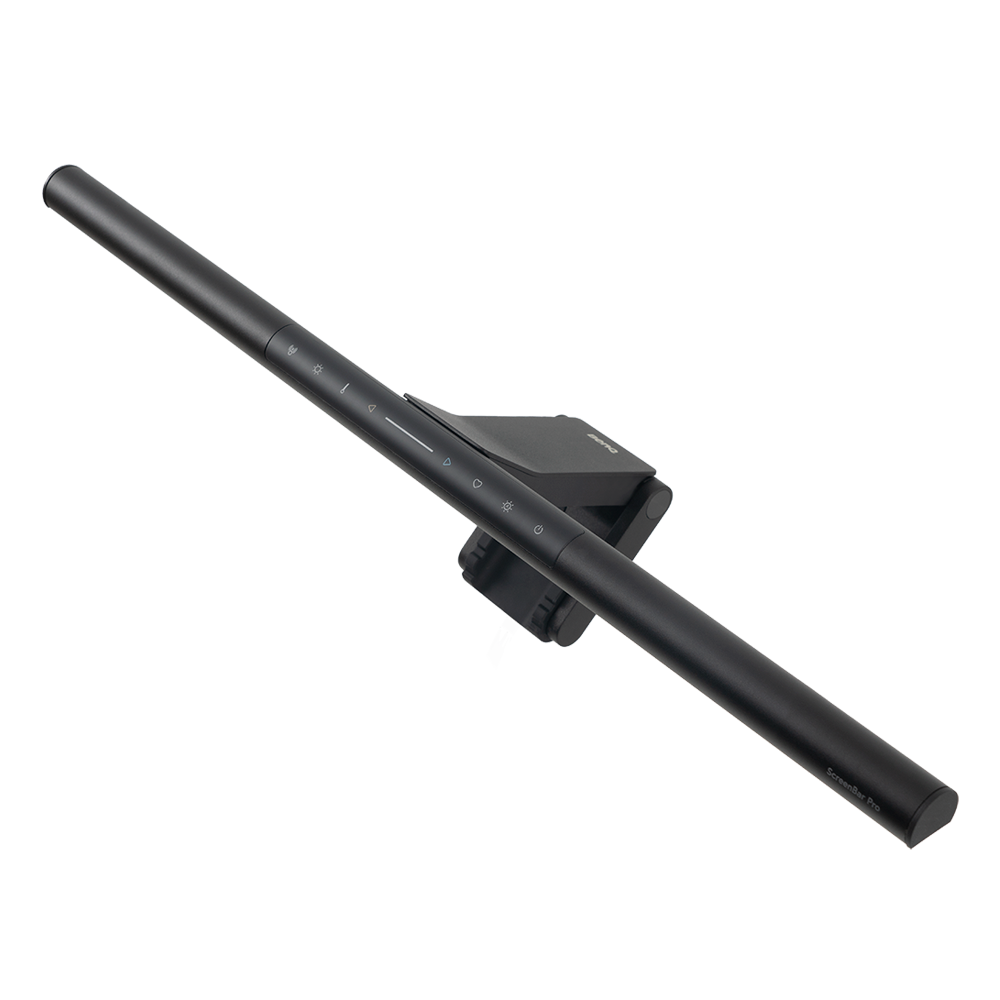
ScreenBar Halo 2
ScreenBar Pro
ScreenBar
ScreenBar Plus
ScreenBar Halo
ScreenBar Pro

New

ScreenBar Halo 2

{{currency}}{{ n[1]| numberThousandsCommas | numberDecimalPoint }} -

Learn more

Integrated

Type & Thickness(cm)

Curved Monitor/Flat Monitor

33.5"-19.7"

Lighting Coverage ( ≧ 500 lux )

Power Supply

Real-time Auto-Dimming

ScreenBar

ScreenBar Pro

{{currency}}{{ n[1]| numberThousandsCommas | numberDecimalPoint }} -

Learn more

Integrated

Type & Thickness(cm)

Curved Monitor/Flat Monitor

23.6"-11.8"

Lighting Coverage ( ≧ 500 lux )

Power Supply

Real-time Auto-Dimming
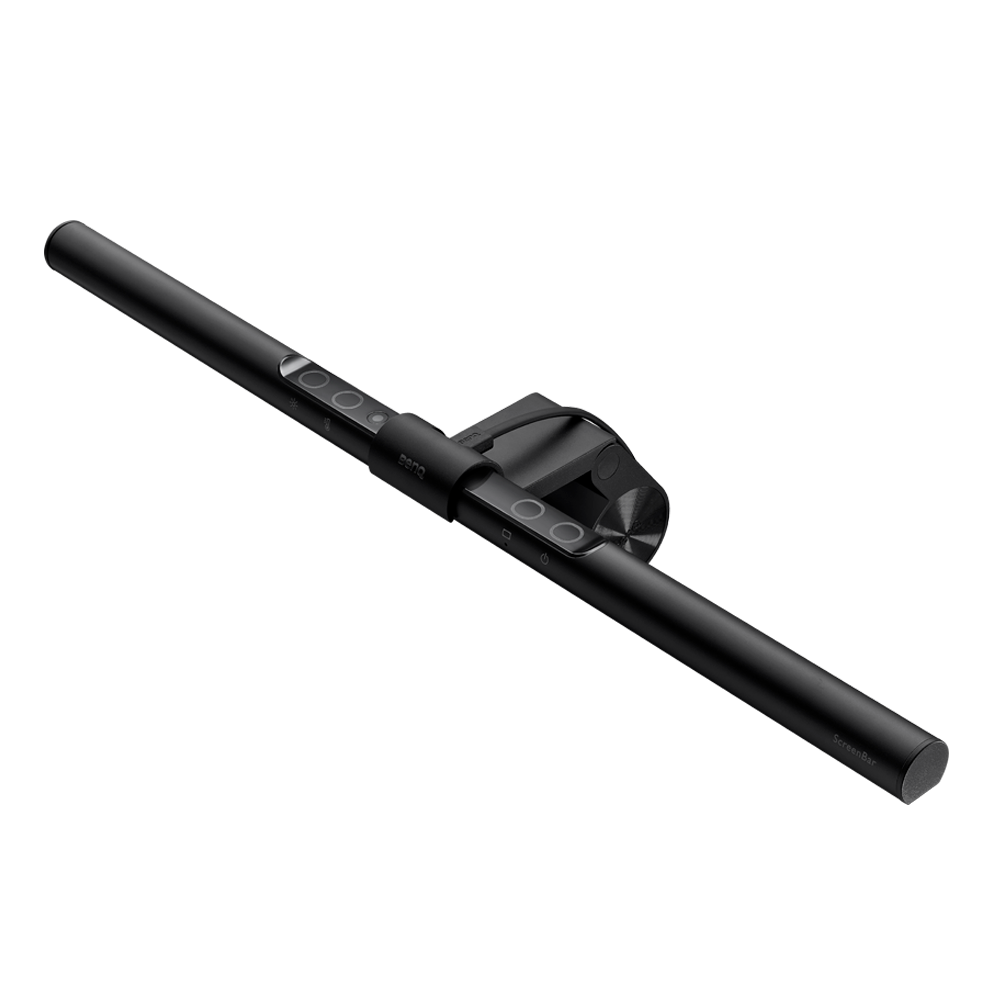
ScreenBar Plus

ScreenBar

{{currency}}{{ n[1]| numberThousandsCommas | numberDecimalPoint }} -

Learn more

Controller

Type & Thickness(cm)

Curved Monitor/Flat Monitor

23.6"-11.8"

Lighting Coverage ( ≧ 500 lux )

Power Supply

Smart-Dimming

ScreenBar Halo

ScreenBar Plus

{{currency}}{{ n[1]| numberThousandsCommas | numberDecimalPoint }} -

Learn more

Wireless controller

Type & Thickness(cm)

Curved Monitor/Flat Monitor

Lighting Coverage ( ≧ 500 lux )

Power Supply

Real-time Auto-Dimming
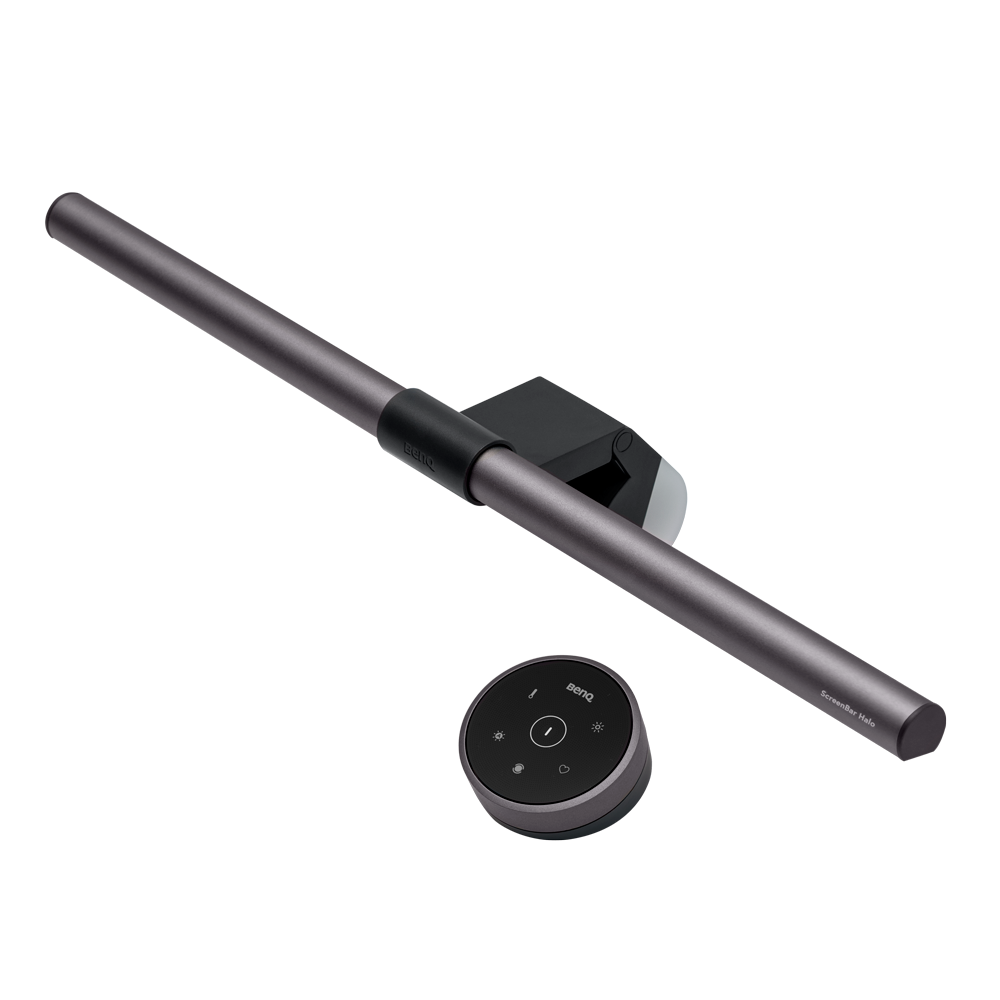
ScreenBar Halo

{{currency}}{{ n[1]| numberThousandsCommas | numberDecimalPoint }} -

Learn more

Real-time Auto-Dimming

The lamp changes the lighting according to the ambient brightness.

Real-time Auto-Dimming

The lamp changes the lighting according to the ambient brightness.

Smart-Dimming

It requires the user to press the button when the ambient lighting has changed, and will not continuously detect ambient lighting. This feature is designed as to avoid any possible disturbances to the light sensor, which could lead to an incorrect illuminance.

Auto-Dimming

The lamp changes the lighting according to the ambient brightness.

Explore Other BenQ Lighting

Support Center

Tell us how we can help?

Go Support Center

Contact Us

Need To Get In Touch?

Get Support
facebook instagram twitter youtube linkedin

Products

Projector Monitor Lighting Speaker

Solutions

BenQ AQCOLOR Expert Program BenQ Eye-Care Solution Digital Display

Support

Contact Us Download & FAQ Recycling & Ecolabel

Resources

Create Big Screen Cinema in Your Small Apartment Find Your Perfect Projector BenQ Knowledge Center Deal Registration

About BenQ

Corporate Introduction Leadership News Sustainability

Copyright © 2024 BenQ. All rights reserved.

Privacy Policy About Cookies Terms of Use Notice Import/Export Compliance

Copyright © 2024 BenQ. All rights reserved.

Canada - English