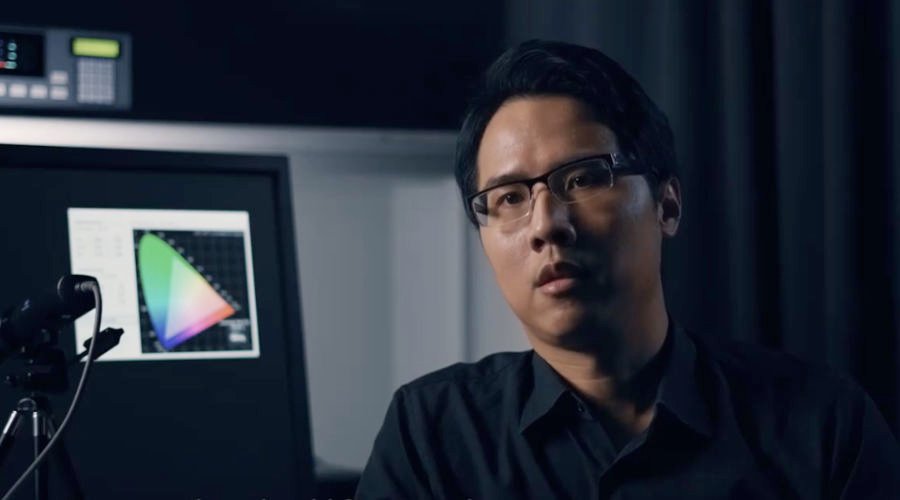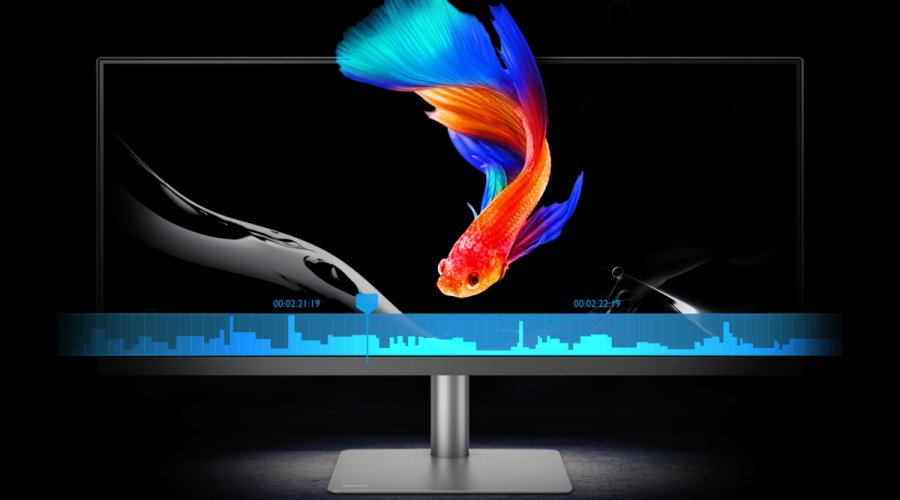
Paper Color Sync is a proprietary technology developed by BenQ with its unique A.R.T. panel equipped on SW321C. A.R.T. stands for Advanced Reflectionless Technology, and its biggest benefit is that it leaves almost no reflection spotted even by the experts. Therefore, the colors displayed are not distorted by the ambient light, and the eyes will be less prone to fatigue when viewing content on SW321C for a long period of time. The idea of anti-reflectiveness came from paper; when we read a book under the light, our eyes won’t feel tired after reading for 3 or 4 hours since there’s no annoying reflection occurring on the paper. We were thus inspired with the goal to make our monitors bear similar optical properties of paper. BenQ R&D team spent first two years building the A.R.T. panel from scratch and another six months fine-tuning the colors to make SW321C an ideal monitor to display closer-to-reality previews.
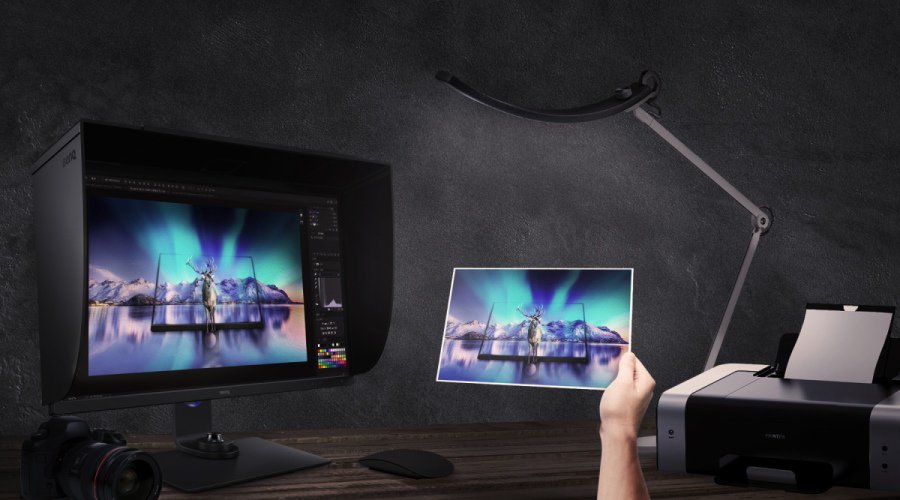
Now we have the panel capable of mimicking the paper-like surface, what about the content displayed on the screen? Can we simulate a photo print on the screen under a specified light source? Of course, we could follow the traditional soft proofing procedure: to measure the paper white under the illuminant, calibrate the monitor to the paper white, and then view the photo in Photoshop using “Proof Colors” function with the printer ICC profiles. This still may not seem trivial to some users, but to others, viewing booths and good quality printer ICC profiles are not accessible. Hence, in order to simplify the process, BenQ had developed Paper Color Sync software to help users enjoy the color matching process from simulated photo previews shown on SW321C to hardcopy photos. Paper Color Sync software makes this happen in 4 easy steps after installation:
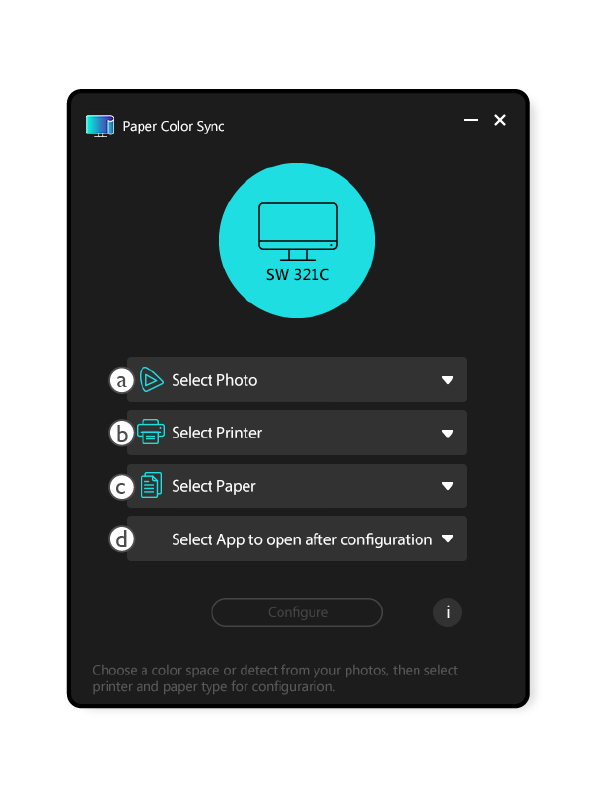
ⓐ Select the photo
ⓑ Select the printer model
ⓒ Select the paper type
ⓓ Choose Photoshop or Lightroom Classic for retouching
After you select the four attributes, the software will automatically load the necessary data to SW321C’s internal IC. In a short while, SW321C will display your works according to the attributes you have selected. You can now match the photo previews on SW321C and the hardcopy photos under the 5000K light source. It is easy and straightforward; no measurement or adjustment is needed. Besides SW321C, what you need is just a lamp with 5000K LED light bulb or light tube. Or even better, BenQ’s WiT series lamp with adjustable color temperature.
BenQ Paper Color Sync offers a flawless simulation of Epson and Canon printers and papers and currently supports the Epson printer models like SureColor P600 and SureColor P800 and the Canon printer models such as PIXMA Pro-100 and PIXMA Pro-10. These are the popular models that photographers use nowadays. As for the paper types, Paper Color Sync supports Epson Premium Glossy Photo Paper, Epson Premium Semigloss, Epson Velvet Fine Art Paper, Canon Photo Paper Plus Glossy, and Canon Photo Paper Plus Semi-Gloss. BenQ plans to add more paper types in the future, including those from the third-party paper manufactures. Find out what BenQ Supports for now.
In short, Paper Color Sync does soft proofing without all the hassles. You can view the color simulation on SW321C just clicks away, and obtain a decent comparison by putting your hardcopy photos under 5000K LED light against the display. The ultimate goal of Paper Color Sync is to provide an easy-to-use interface and a procedure for all photographers and users of SW321C, making it a breeze to match the prints and the on-screen previews. With the ultra-low reflective characteristic of A.R.T. panels of SW321C, Paper Color Sync delivers impeccable performance by mimicking hardcopy photos, drawings, even oil paintings. Give Paper Color Sync a try, and you will love the simplicity and the performance it delivers.

![Are AQCOLOR Monitors Compatible with Apple M1/M2 Macs? [Updated]](https://image.benq.com/is/image/benqco/aqcolor-compatible-with-m1_thumb?$ResponsivePreset$)