Page updated: May 2020
Some essential features on BenQ sites just won’t work without cookies. And having other cookies switched off can seriously affect the way you’ll be able to enjoy our services.
Please check your cookie settings below and turn on any cookies you’re happy with.
“Strictly necessary” cookies can’t be turned off. But Functional and Performance cookies can be turned on or off below. You can learn more about cookies and what they do on our other pages.
If you've chosen to block third-party cookies on your browser, your cookie preferences won't carry over from benq.eu to benq.xx and vice versa. Please make sure to set your cookie preferences in both places.
On
These cookies are essential so that you can move around the website and use its features. Without these cookies services you have asked for cannot be provided.
On
Off
These cookies allow the website to remember choices you make to give you better functionality and personal features.
On
Off
Performance cookies
These cookies help to improve the performance of BenQ. If you want to opt-out of advertising cookies, you have to turn-off performance cookies. We also use Google Analytics, SessionCam and Hotjar to track activity and performance on the BenQ website. You can control the information provided to Google, SessionCam and Hotjar. To opt out of certain ads provided by Google you can use any of the methods set forth here or using the Google Analytics opt out browser add-on here. To opt-out of SessionCam collecting data, you can disable tracking completely by following link:https://sessioncam.com/choose-not-to-be-recorded/. To opt-out of Hotjar collecting data, you can disable tracking completely by following link:https://www.hotjar.com/privacy/do-not-track/.
Advertising cookies
These cookies are used to track your activity on the BenQ website and other websites across the Internet, help measure the effectiveness of our advertising campaign and deliver advertisements that are more relevant to you and your interests. We use various advertising partners, including Amazon, Facebook, and Google. These cookies and other technologies capture data like your IP address, when you viewed the page or email, what device you were using and where you were. You can find out how to avoid them below.
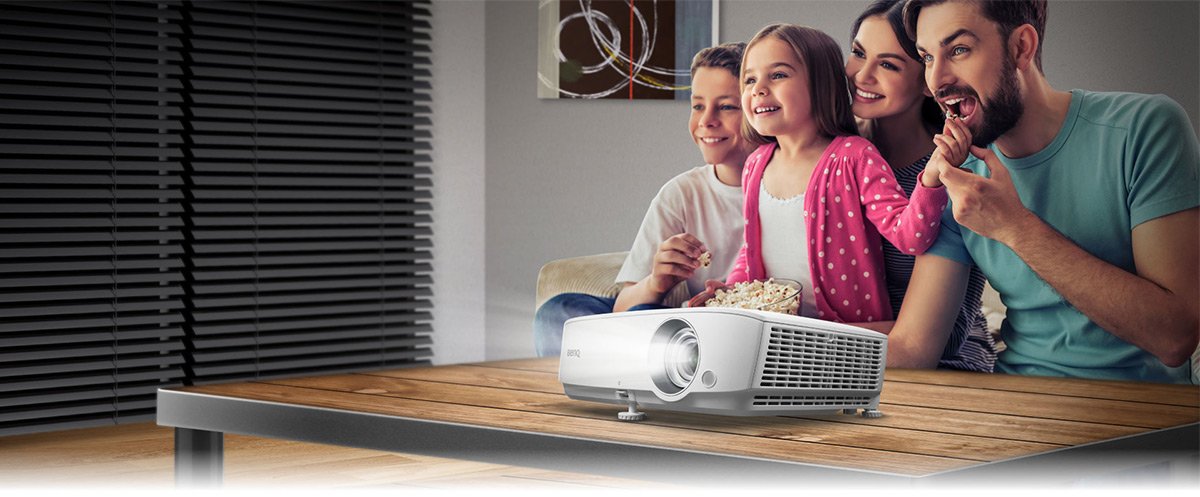
相信熱愛看電影的消費者,一定都對投影機充滿興趣,然而該怎麼找到最符合自己需求的機種,滿足家人對於觀影、遊戲各種目的呢?其實只要簡單三步驟找到最適家庭劇院投影機種,並且帶來夢想已久的優質觀影生活,創造家人同樂的美好時光。
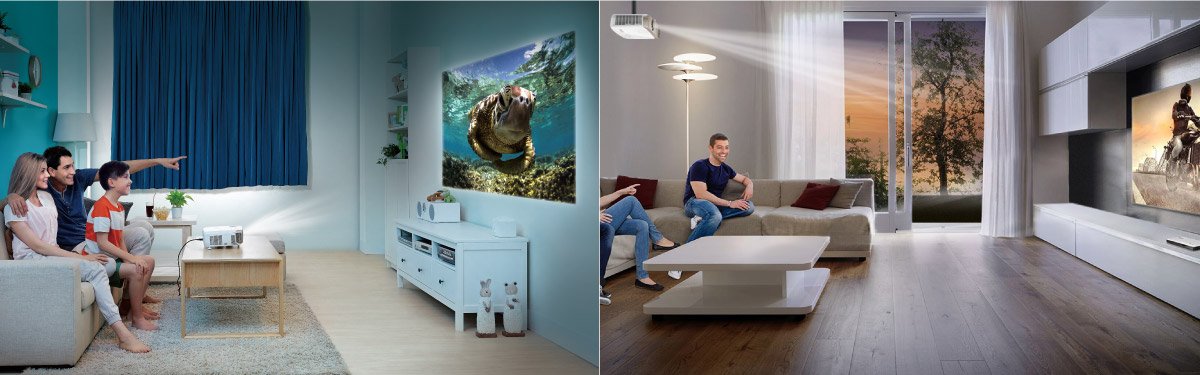
要找到符合家庭需求的劇院投影機,首先檢視投影環境的空間大小,透過預期可架設投影機位置,與銀幕間的最大距離,作為找尋投影機的首要考量,一般小型居家空間,投影機與銀幕距離為1.5米~2.5米間 之投影環境,建議可挑選較短距離投影100吋畫面的短焦投影機(BenQ 三坪機系列) ,若是投影環境空間充足,則可挑選標準鏡頭焦段設計之投影機 , 於投影距離2.5米~4米間 可投射100吋畫面之機種。
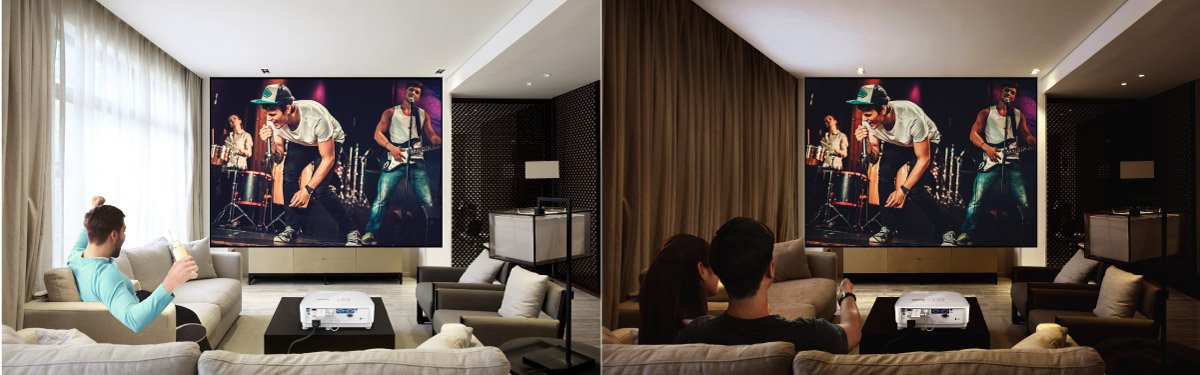
在不同的家庭環境中,除了空間面積的大小決定劇院投影機的選擇,其實投影空間內的使用型態與家具擺設方式、使用者家中移動路線,也牽涉到該挑選那類投影機型,因為若是礙於空間運用型態,無法將投影機擺放在投射銀幕的正前方,才能避開投射影像路徑中的物件,或是讓使用者可以走動,那就需要挑選可以將投影機擺設在銀幕前方左、右側邊的機種,具備可進行水平/垂直梯形修正功能 的劇院投影機,讓採用側投影方式運作的投影畫面,也保持正確比例的影像表現;當然一般可將投影機架設於銀幕前方的使用空間,則僅需挑選可因應投影機擺放於桌面或是架設在天花板方式,具備垂直梯形修正功能 的劇院投影機種,利於進行簡單的影像比例修正,達到無須更動家中裝潢,並兼顧人員動線便利性,還能盡情享受大畫面樂趣的影音生活。
BenQ持續推出功能先進、畫質優異且能對應各種不同使用環境,和使用需求之消費者的劇院投影機種,以期達成提升觀影品質、生活樂趣的目的,而經由投影機選購指南的教學,相信無論是入門新手或是進階玩家,都能找到最佳劇院投影機,開創全新的視覺感動。
Thanks for your feedback!