BenQ respect your data privacy. We use cookies and similar technologies to ensure you get the best experience when visiting our website. You can either accept these cookies by clicking “Accept Cookies”, or click “Only Required Cookies” to refuse all non-essential technologies. You can customise your cookie settings here at any time. For further information, please visit our Cookie Policy and our Privacy Policy.
Page updated: May 2020
Some essential features on BenQ sites just won’t work without cookies. And having other cookies switched off can seriously affect the way you’ll be able to enjoy our services.
Please check your cookie settings below and turn on any cookies you’re happy with.
“Strictly necessary” cookies can’t be turned off. But Functional and Performance cookies can be turned on or off below. You can learn more about cookies and what they do on our other pages.
If you've chosen to block third-party cookies on your browser, your cookie preferences won't carry over from benq.eu to benq.xx and vice versa. Please make sure to set your cookie preferences in both places.
On
These cookies are essential so that you can move around the website and use its features. Without these cookies services you have asked for cannot be provided.
On
Off
These cookies allow the website to remember choices you make to give you better functionality and personal features.
On
Off
Performance cookies
These cookies help to improve the performance of BenQ. If you want to opt-out of advertising cookies, you have to turn-off performance cookies. We also use Google Analytics, SessionCam and Hotjar to track activity and performance on the BenQ website. You can control the information provided to Google, SessionCam and Hotjar. To opt out of certain ads provided by Google you can use any of the methods set forth here or using the Google Analytics opt out browser add-on here. To opt-out of SessionCam collecting data, you can disable tracking completely by following link:https://sessioncam.com/choose-not-to-be-recorded/. To opt-out of Hotjar collecting data, you can disable tracking completely by following link:https://www.hotjar.com/privacy/do-not-track/.
Advertising cookies
These cookies are used to track your activity on the BenQ website and other websites across the Internet, help measure the effectiveness of our advertising campaign and deliver advertisements that are more relevant to you and your interests. We use various advertising partners, including Amazon, Facebook, and Google. These cookies and other technologies capture data like your IP address, when you viewed the page or email, what device you were using and where you were. You can find out how to avoid them below.
BenQ respect your data privacy. We use cookies and similar technologies to ensure you get the best experience when visiting our website. You can either accept these cookies by clicking “Accept Cookies”, or click “Only Required Cookies” to refuse all non-essential technologies. You can customise your cookie settings here at any time. For further information, please visit our Cookie Policy and our Privacy Policy.
Projector
Explore Business Projector
Professional Installation Exhibition & Simulation Conference Room Meeting Room Education ProjectorsMonitor
Lighting
Interactive Display | Signage
With the growing popularity of the new generation of consoles, 4K gaming has finally become a commonplace living room reality. And gamers everywhere are wondering what the best screen size is for their PS5 and Xbox Series X consoles. Usually, people wonder what the best TV size would be, and whether TV size affects the quality of gaming. We’re here to help with that.
Room size and viewing distance make all the difference when you’re trying to figure out the best screen size for your situation. While for something like a 65”-75” TV the best distance for viewing is around six feet, if you prefer a larger, more cinematic screen, then of course seating location needs to change. For an 80” to 100” screen (whether TV or projector), you should be seated 12 to 15 feet away from the display.
It’s important to remember that the higher the resolution, the more essential the viewing distance. If you sit too far, 4K becomes indistinguishable from 1080p, and thus you waste the power of your PS5 or Xbox Series X. Sitting very close to the screen may cause not just eye strain, but will make the graphics too detailed, making you aware of individual pixels, and that’s not good.
As a whole, the higher the resolution, the bigger your screen should be. If you want to be seated comfortably away from your screen, then a larger display is recommended, otherwise the benefits of higher resolutions may be wasted. Naturally, the bigger your display, the more spacious the room where it’s located needs to be. This is something only you can determine, we can only recommend the best viewing distances, as it’s something we test for at BenQ labs all the time.
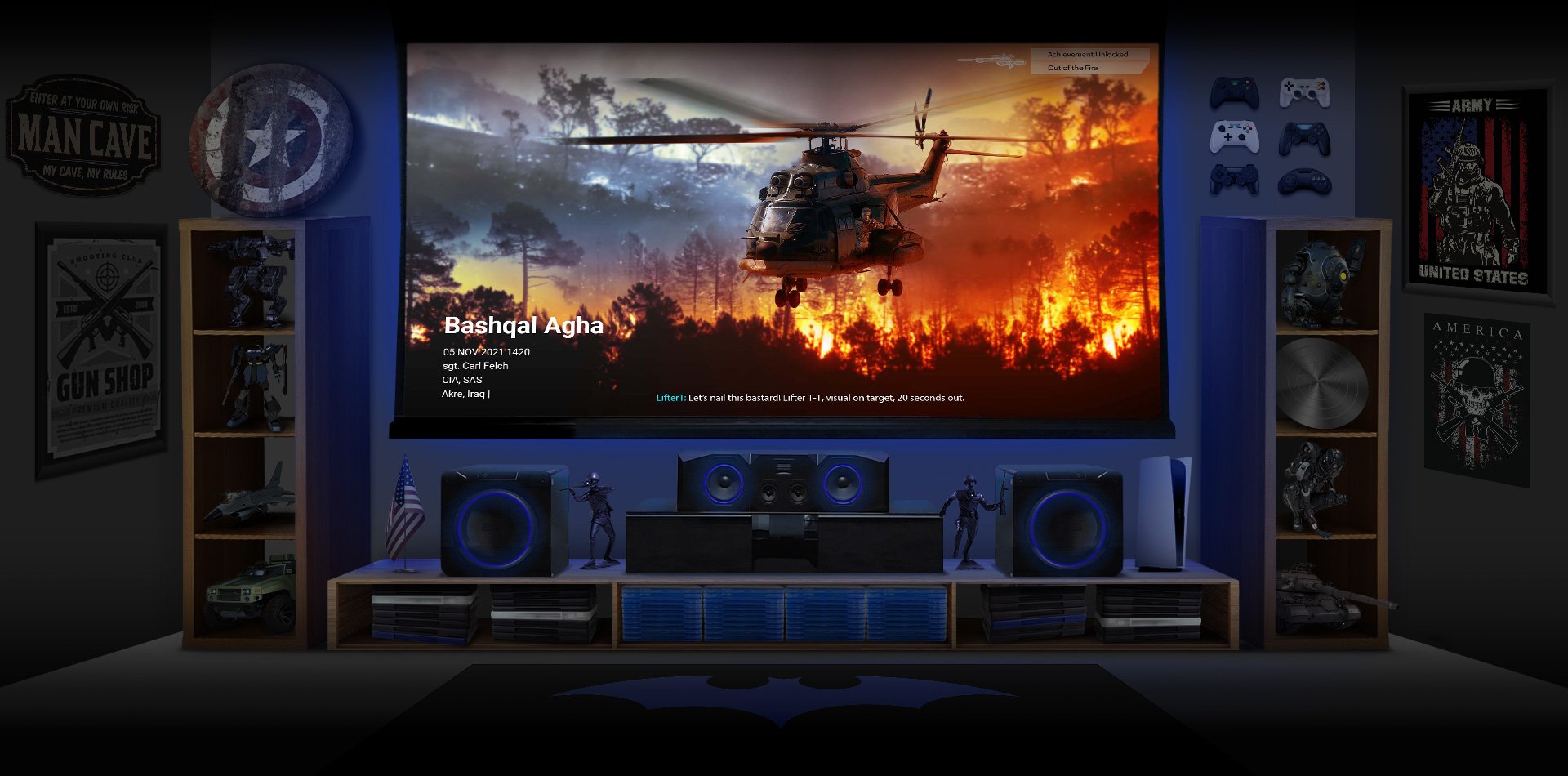
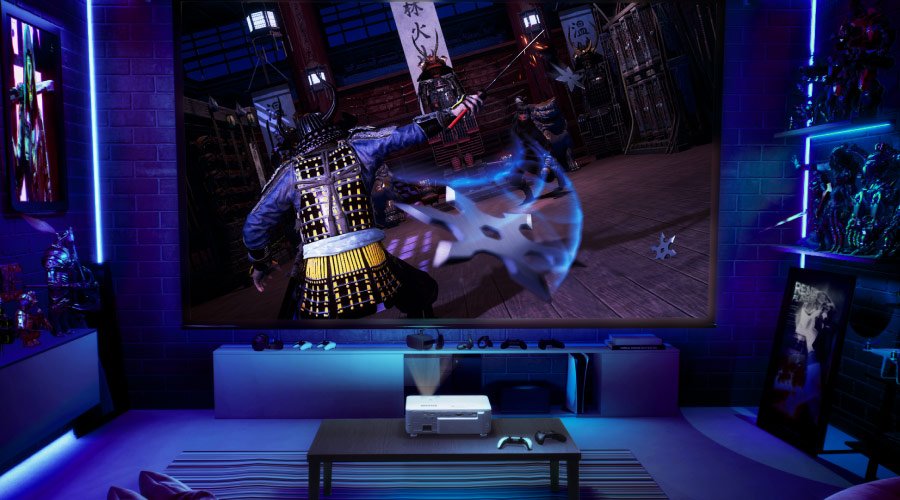
Sure, TVs in the 80” to 100” range do exist, but they’re not so easy to find, are super expensive, heavy, and difficult to setup, especially on your own. Conversely, 4K projectors provide displays larger than 100” with ease and are far more compact. But most importantly, they’re much more affordable inch-to-inch. For large screen entertainment, projectors cannot be beat. If you want a 100” display, you should opt for a good 4K gaming projector. You’ll pay a lot less than for a 100” TV (assuming you can find one), and get a far more flexible device with fewer encumbrances. When calculating cost per inch, projectors very handily beat larger TVs.
We’re not saying TVs are bad, not at all. But the larger the display, the more distance signals need to cover across the panel, and sheer physics mean latency and lag thus increase. Advances in TV CPUs mean that now there’s very little difference between a 55” TV and a 75” TV, but it’s still there.
That’s a disadvantage of internal displays, while projectors are external. To the projector’s processing components, it matters little if you have an 80” image or a 120” one. Total latency will be the same.
Screen size with TVs means the space a 4K screen’s 8.3 million pixels/transistors cover, so of course if that space is bigger, data takes longer to reach every pixel. That’s not an issue for projectors, as the processing is done in the projector, and the projected image is simply light, and not directly generated on transistors or pixels.
Another aspect of this to consider is resolution, which affects TVs and projectors in a similar fashion. The higher the resolution, the lower the framerate due to processing burden in the gaming console (or PC). Combined with screen size and other factors, higher resolutions result in high total input lag or latency.
Modern, high quality 4K gaming projectors give you 4K 60Hz, which is more than fine for PS5 and Xbox Series X, at just over 16ms of total input lag. That’s very competitive with the quickest TVs, and faster than most.
Clear All
{{displaySortType}}
{{item.displaySortType}}
{{spec}}
{{item.price}}
{{item.price}}
{{item.promotePrice}}
Save {{item.savePrice}}
Pre-order Now Pre-order will be available starting {{item.localReleaseDate}}
{{item.created}}
{{item.img}}
{{item.link}}
{{item.gamodelid}}
{{item.skucode}}
{{item.stock}}
{{item.price}}
{{item.category}}
{{title}}
We will notify you when the product becomes available.
{{notifyMeNote}}
We will send you an email once the product becomes available.
Sorry, our store is currently down for maintenance.We should be back shortly. Thank you for your patience!
The requested qty is not available
The requested qty exceeds the maximum qty allowed in shopping cart
Product that you are trying to add is not available.
To get the most of out of your PS5 or Xbox Series X you may want to consider a gaming projector that’ll give you a nice 80” to 100” screen for a much more affordable price than a similarly-sized TV. And that’s assuming you can find a TV in that size range, as they’re quite rare given supply issues.
Contemporary gaming projectors deliver 4K with little input lag, while providing you with the big and vibrant HDR-enhanced image quality you expect. They also showcase the latest games on a big display that does 4K viewing justice, and offer more flexibility in terms of seating distance and location. Something to think about!
Thanks for your feedback!