Page updated: May 2020
Some essential features on BenQ sites just won’t work without cookies. And having other cookies switched off can seriously affect the way you’ll be able to enjoy our services.
Please check your cookie settings below and turn on any cookies you’re happy with.
“Strictly necessary” cookies can’t be turned off. But Functional and Performance cookies can be turned on or off below. You can learn more about cookies and what they do on our other pages.
If you've chosen to block third-party cookies on your browser, your cookie preferences won't carry over from benq.eu to benq.xx and vice versa. Please make sure to set your cookie preferences in both places.
On
These cookies are essential so that you can move around the website and use its features. Without these cookies services you have asked for cannot be provided.
On
Off
These cookies allow the website to remember choices you make to give you better functionality and personal features.
On
Off
Performance cookies
These cookies help to improve the performance of BenQ. If you want to opt-out of advertising cookies, you have to turn-off performance cookies. We also use Google Analytics, SessionCam and Hotjar to track activity and performance on the BenQ website. You can control the information provided to Google, SessionCam and Hotjar. To opt out of certain ads provided by Google you can use any of the methods set forth here or using the Google Analytics opt out browser add-on here. To opt-out of SessionCam collecting data, you can disable tracking completely by following link:https://sessioncam.com/choose-not-to-be-recorded/. To opt-out of Hotjar collecting data, you can disable tracking completely by following link:https://www.hotjar.com/privacy/do-not-track/.
Advertising cookies
These cookies are used to track your activity on the BenQ website and other websites across the Internet, help measure the effectiveness of our advertising campaign and deliver advertisements that are more relevant to you and your interests. We use various advertising partners, including Amazon, Facebook, and Google. These cookies and other technologies capture data like your IP address, when you viewed the page or email, what device you were using and where you were. You can find out how to avoid them below.
身處「S世代=螢幕世代」(Screen Generation)的孩子們,無論是學習或遊戲、勞作,除了紙本書籍之外,更離不開電子螢幕,因此需要挑選一盞良好的護眼檯燈,陪伴孩子一起長大!
挑選孩子的第一盞護眼檯燈,其實是一門學問!掌握5大重點,送孩子站上一個以健康為基石的起跑點。
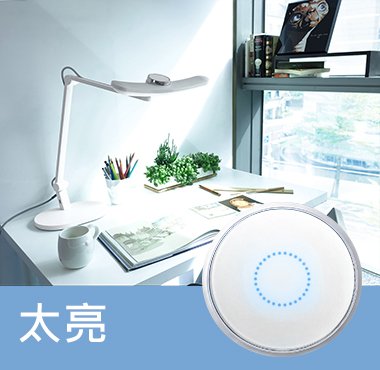
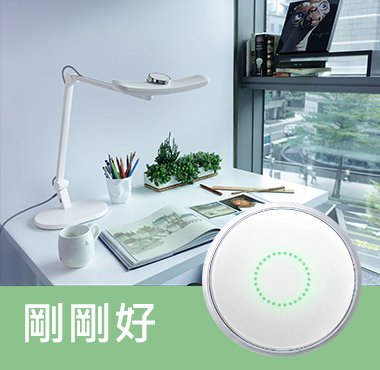
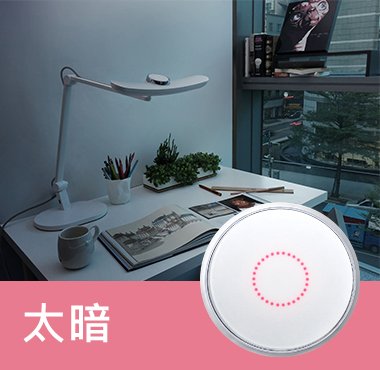
檯燈的燈光並不是越亮越好,太過強烈光線,會使眼睛感到不適,對物體的辨識力下降,甚至頭痛;但太過昏暗,也會導致眼睛疲勞、閱讀吃力,甚至進一步造成近視,因此檯燈的「照度」是一個重要關鍵!所謂的「照度」,是指每單位面積所接受到的光,也就是被照到的地方的明亮度,單位為勒克斯(LUX),而就教育部中小學教室桌面照度的要求,照度500lux才符合標準,因此建議家長們在挑選時,以垂直桌面距離40公分測量,照度為500lux的檯燈,光線才夠充足又不至於過亮。
另外配光的均勻度也是護眼條件之一,光線分佈越均勻,視覺感受會較舒服,明暗不均則會造成視覺疲勞,家長也要注意。當然因為科技的進步,聰明的智慧護眼檯燈,可以做到透過內建的光感應器,並根據環境亮度和距離,主動輸出最合適的照明光線!
不論在網路裡、電視上或賣場中,我們越來越常看到所謂的「LED 燈」,強調與過往的白熾燈泡及省電燈泡有截然不同的特性。到底實際上 LED 燈跟過去的燈具有什麼不同呢?LED 燈究竟有什麼好處?以下就提出五個讓您不得不馬上換上 LED 燈的理由。
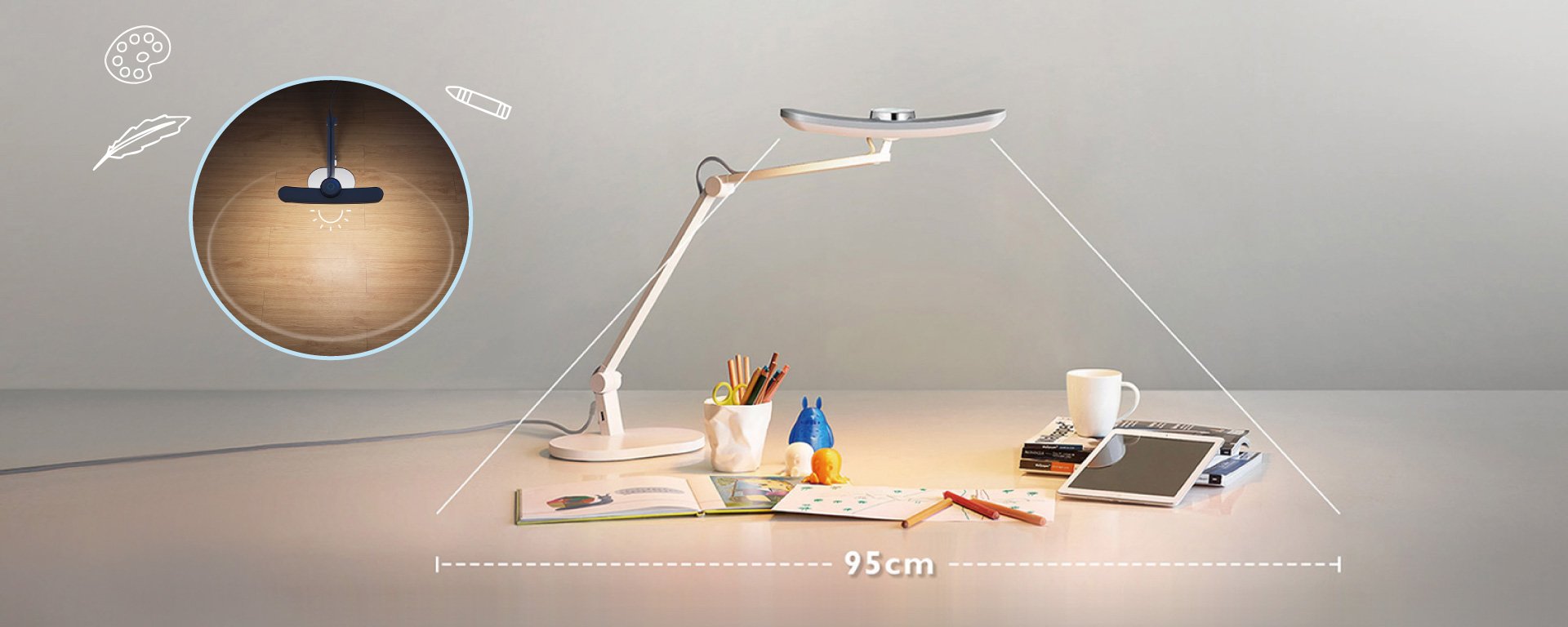
從人體工學的角度來看,人們需要的是前後窄左右寬的工作平面,這就是為何多數的桌子是長方形而不是正方形的,桌子如此,檯燈創造的光型當然也一樣。BenQ 護眼檯燈就是從這個角度出發,利用獨特的光學設計,創造出左右照射範圍95cm的照明設計。這樣的照明範圍不僅可以涵蓋書本,也可以照亮書本旁的筆記或是習作本,而在這個類梯形範圍裏面,任何一點的照度都高於照明學會建議的500 Lux,因為了解你與孩子實際的需求,所以 WiT MindDuo 護眼檯燈做得比標準更多。
Thanks for your feedback!