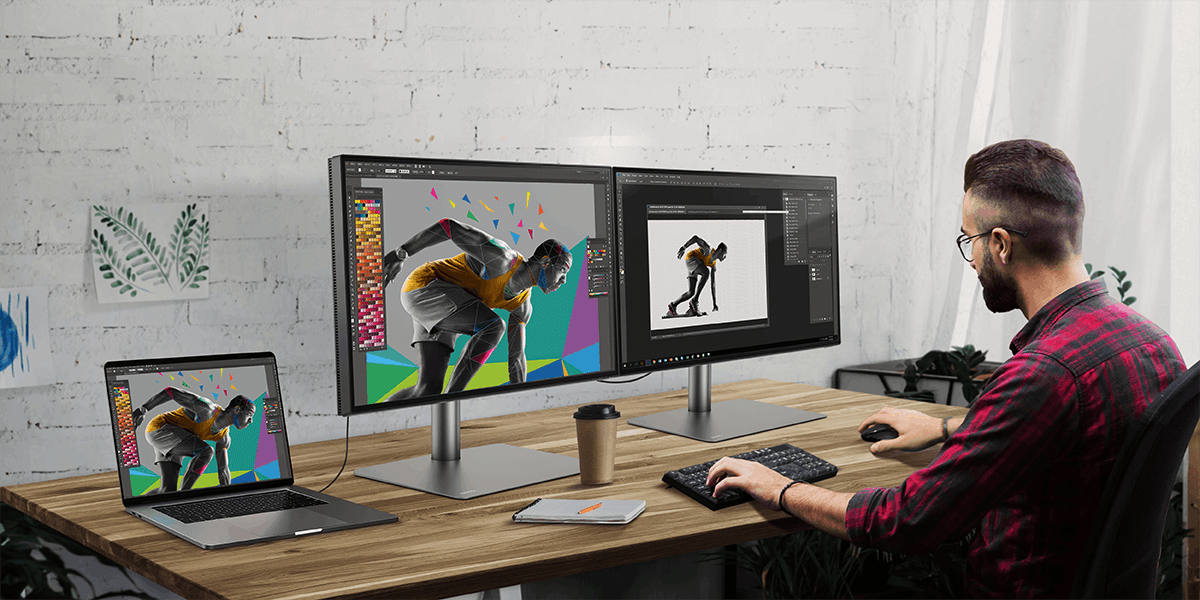
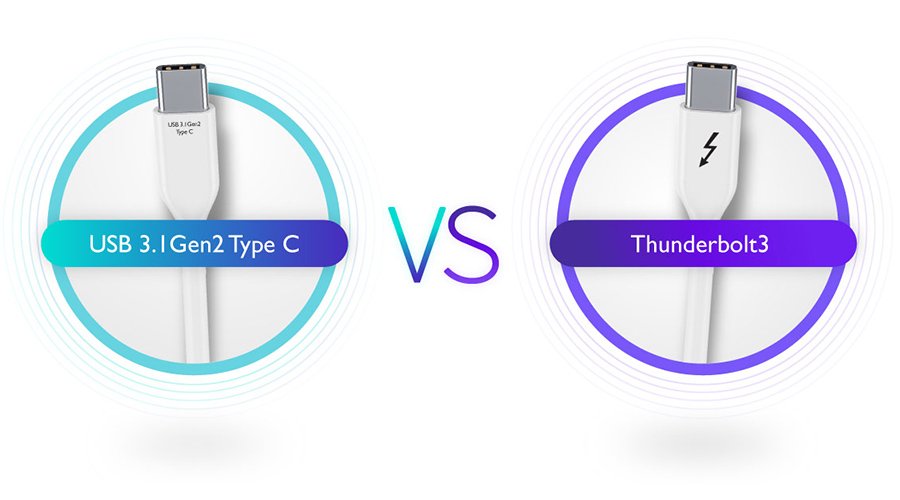
If you find yourself needing more monitor real estate for your various usage needs, you really only have two options. One is to get a bigger monitor, but that will only go so far. The other is to connect multiple monitors, and thankfully that’s made simple with daisy chaining. Essentially, using the daisy chain method, you can have several monitors connect to your laptop or desktop with a single DisplayPort or Thunderbolt connection. All you need is one cable to the first monitor, and then one additional cable for each additional monitor in the chain.
With DisplayPort or Thunderbolt daisy chaining, you enjoy the flexibility of having several displays for all of your work or entertainment needs. You can duplicate the displays or have each dedicated to a different app or task. How you use them is entirely up to you. The whole idea behind daisy chaining is simple flexibility, while keeping the cables to a minimum.