


Fitting Perfectly to Your Every Need
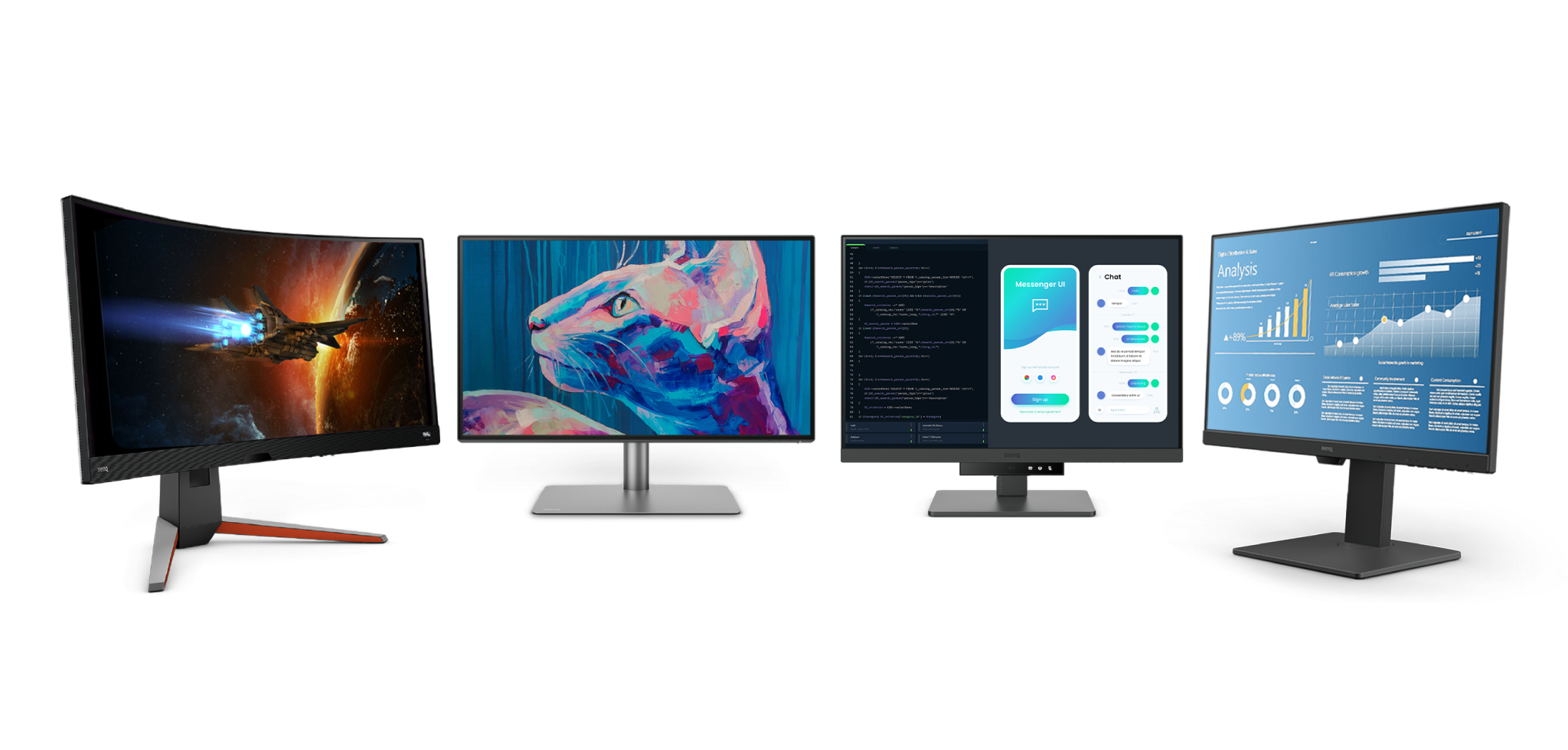
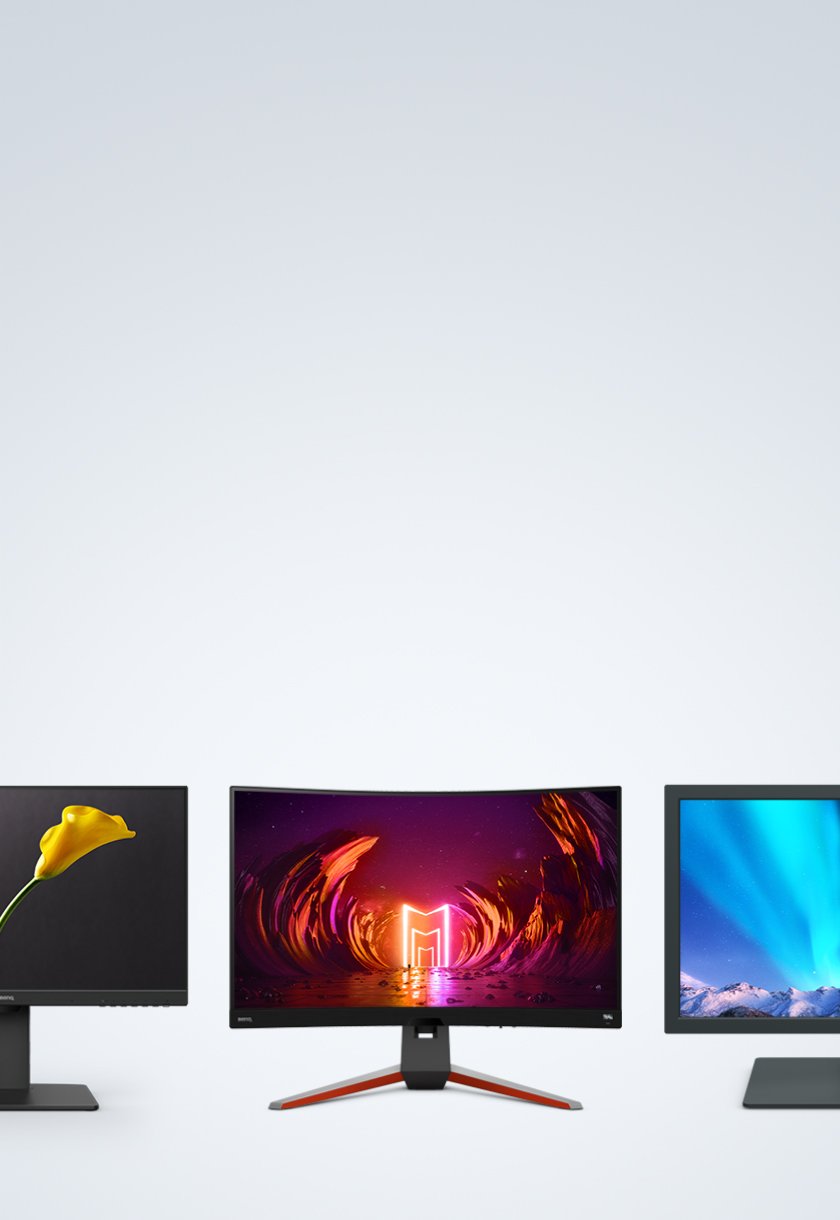
Monitors for All Spaces and Uses

Job References


Monitors for All Spaces and Uses

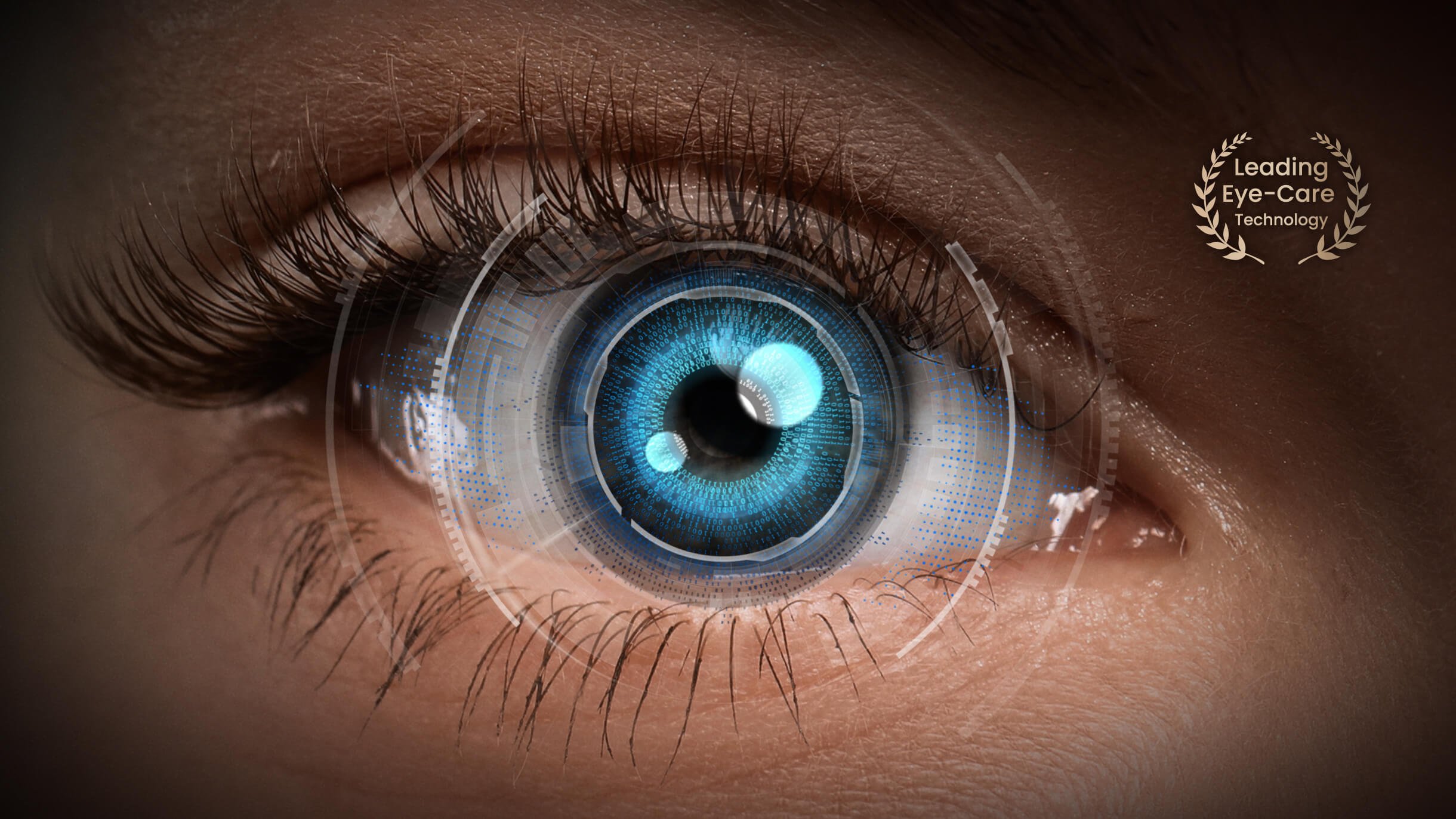
Taking the lead in safeguarding the health and comfort of your eyes
Play
Longer Gaming Sessions Become Available
Create
Boost Your Creativity with Flicker-Free™
Hybrid Work
Work Anywhere with Adaptive Brightness
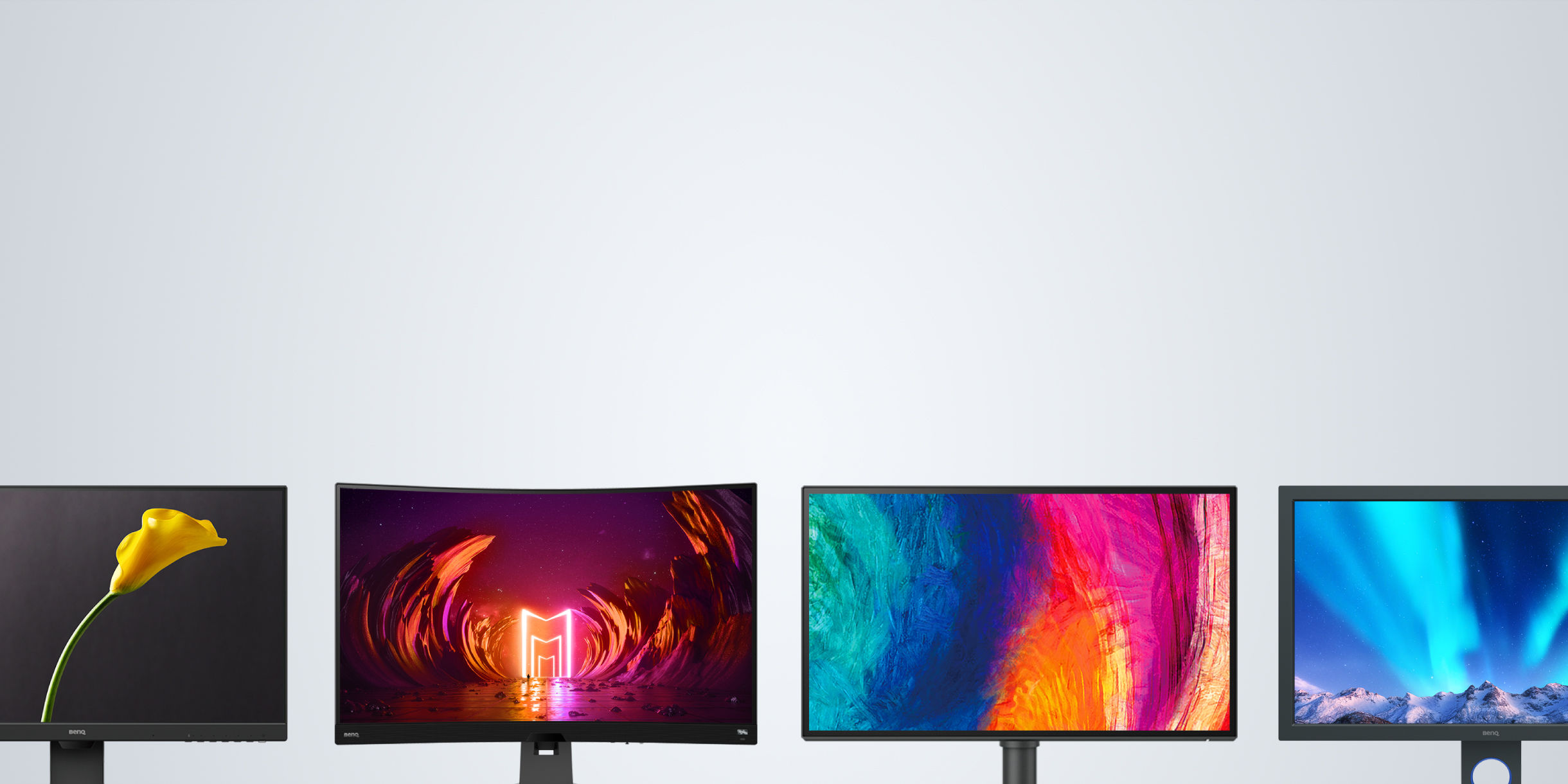
Which Monitor is right for you?
Compare all monitors
Gaming
Total immersion in the game
{{currency}}{{ formatPrice(n[1]) }} -
Learn more23.8"~48"
Screen Size
-
Color Accuracy
Up to
P3
Color Gamut


Flat/Curved
Up to
VESA DisplayHDR 600
High Dynamic Range
120Hz~240Hz
Refresh Rate
Fastest from
0.1ms
Response Time(GtG)
Up to
2.1 Channel with subwoofer
Audio Output
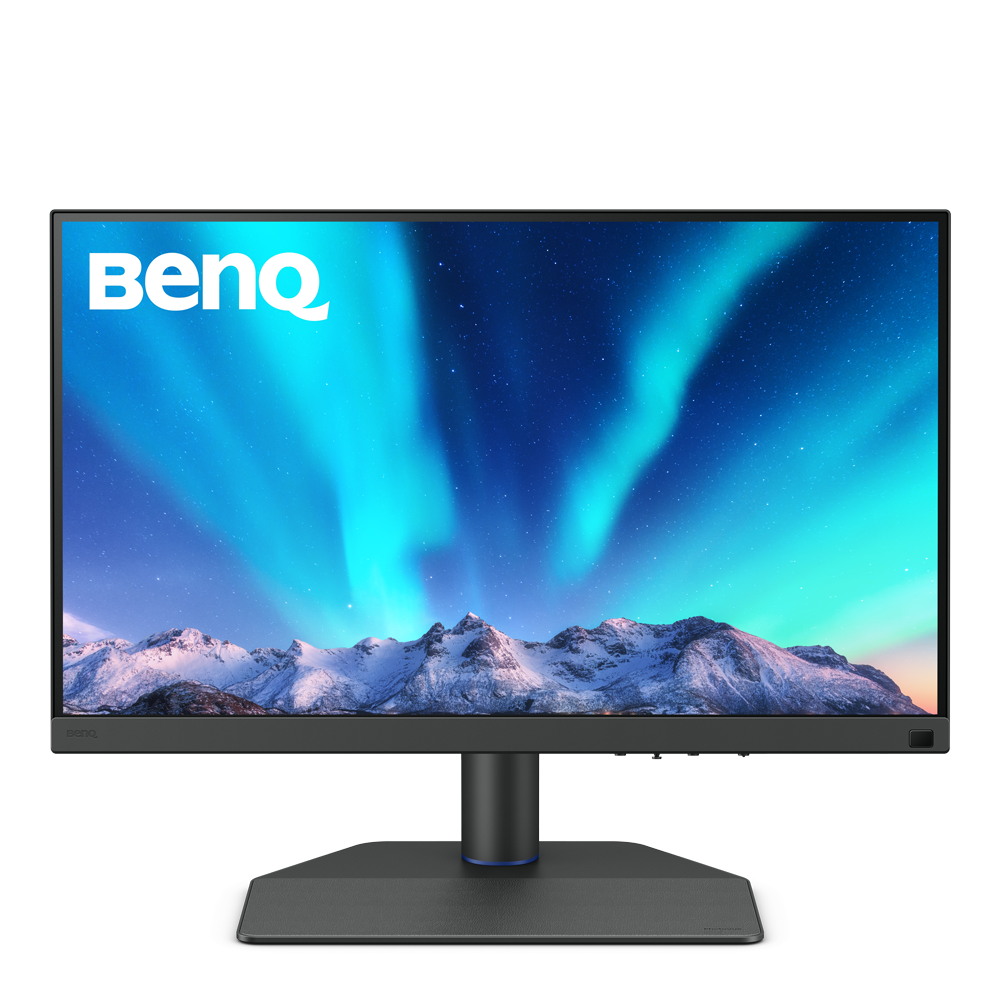
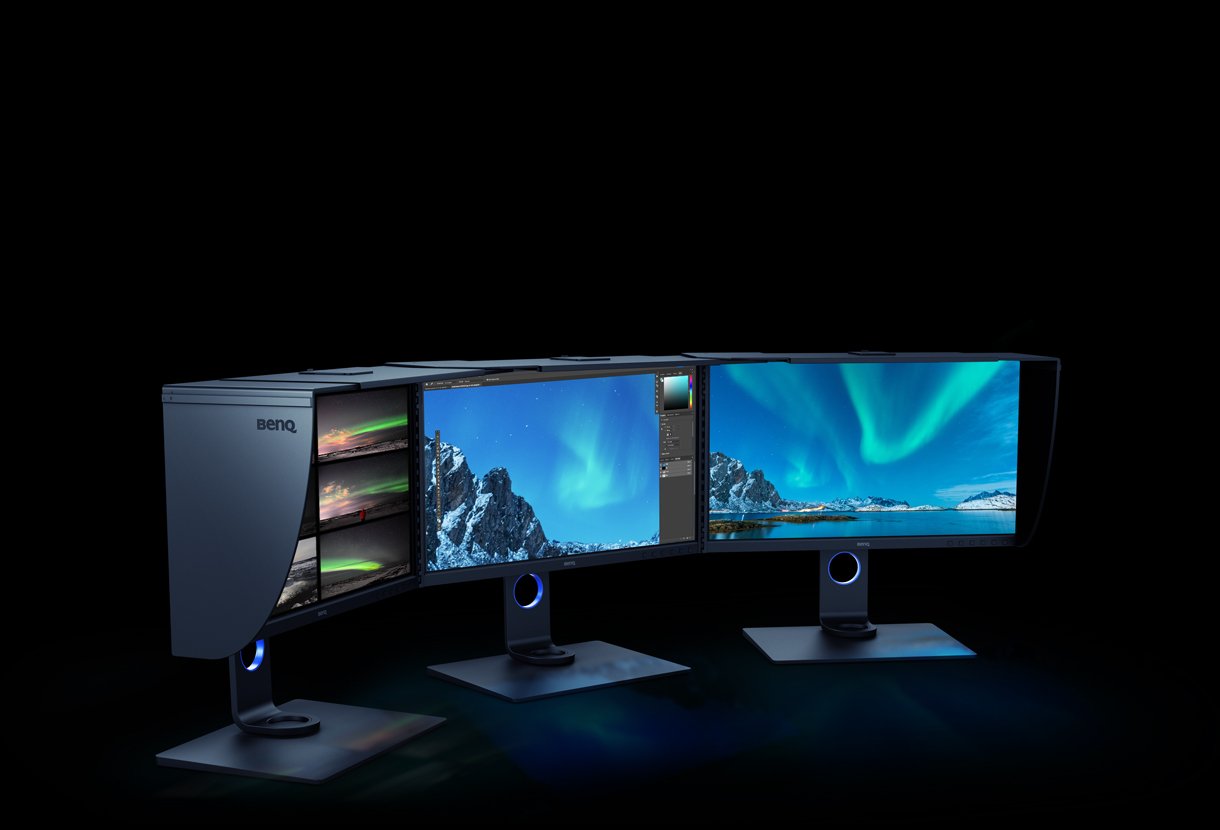
Professional
Color accuracy for professional creations
{{currency}}{{ formatPrice(n[1]) }} -
Learn more23.8"~34"
Screen Size
Up to
Delta E ≤ 1.5
Color Accuracy
Up to
Color Gamut
Flat
Up to
VESA DisplayHDR 400
High Dynamic Range
60Hz
Refresh Rate
Fastest from
4ms
Response Time(GtG)
Up to
5W Stereo Speaker
Audio Output

Home
Working and entertaining from home
{{currency}}{{ formatPrice(n[1]) }} -
Learn more21.5"~37.5"
Screen Size
-
Color Accuracy
Up to
P3
Color Gamut
Flat/Curved
Up to
VESA DisplayHDR 400
High Dynamic Range
60Hz~75Hz
Refresh Rate
Fastest from
4ms
Response Time(GtG)
Up to
2.1 Channel with subwoofer
Audio Output

Programming
Crafted to meet the needs of programmers
{{currency}}{{ formatPrice(n[1]) }} -
Learn more23.8"~24.5"
Screen Size
-
Color Accuracy
Up to
P3
Color Gamut
Flat
HDR10
High Dynamic Range
60Hz
Refresh Rate
Fastest from
5ms
Response Time(GtG)
2W Stereo Speaker
Audio Output
Color Gamut
Color gamut is defined as the range of colors which a particular device can produce or record , with some commonly used standards such as Rec.2020, DCI-P3, AdobeRGB, sRGB, and NTSC.
HDR
High Dynamic Range (HDR) is a technology that produces images with a large perceptible difference between bright and dark regions for realistically bright or dark pictures without subtle detail loss.
Color Accuracy
Delta E is often used to evaluate perceived color differences. A delta of less than 1.00 means that there is no perceivable difference for color experts when two colors are compared side by side.
Color Gamut
Color gamut is defined as the range of colors which a particular device can produce or record , with some commonly used standards such as Rec.2020, DCI-P3, AdobeRGB, sRGB, and NTSC.
Color Gamut
Color gamut is defined as the range of colors which a particular device can produce or record , with some commonly used standards such as Rec.2020, DCI-P3, AdobeRGB, sRGB, and NTSC.
HDR
High Dynamic Range (HDR) is a technology that produces images with a large perceptible difference between bright and dark regions for realistically bright or dark pictures without subtle detail loss.
Color Gamut
Color gamut is defined as the range of colors which a particular device can produce or record , with some commonly used standards such as Rec.2020, DCI-P3, AdobeRGB, sRGB, and NTSC.

Support Center
Contact Us


