


New
The world's first monitor light surpassing LED desk lamps
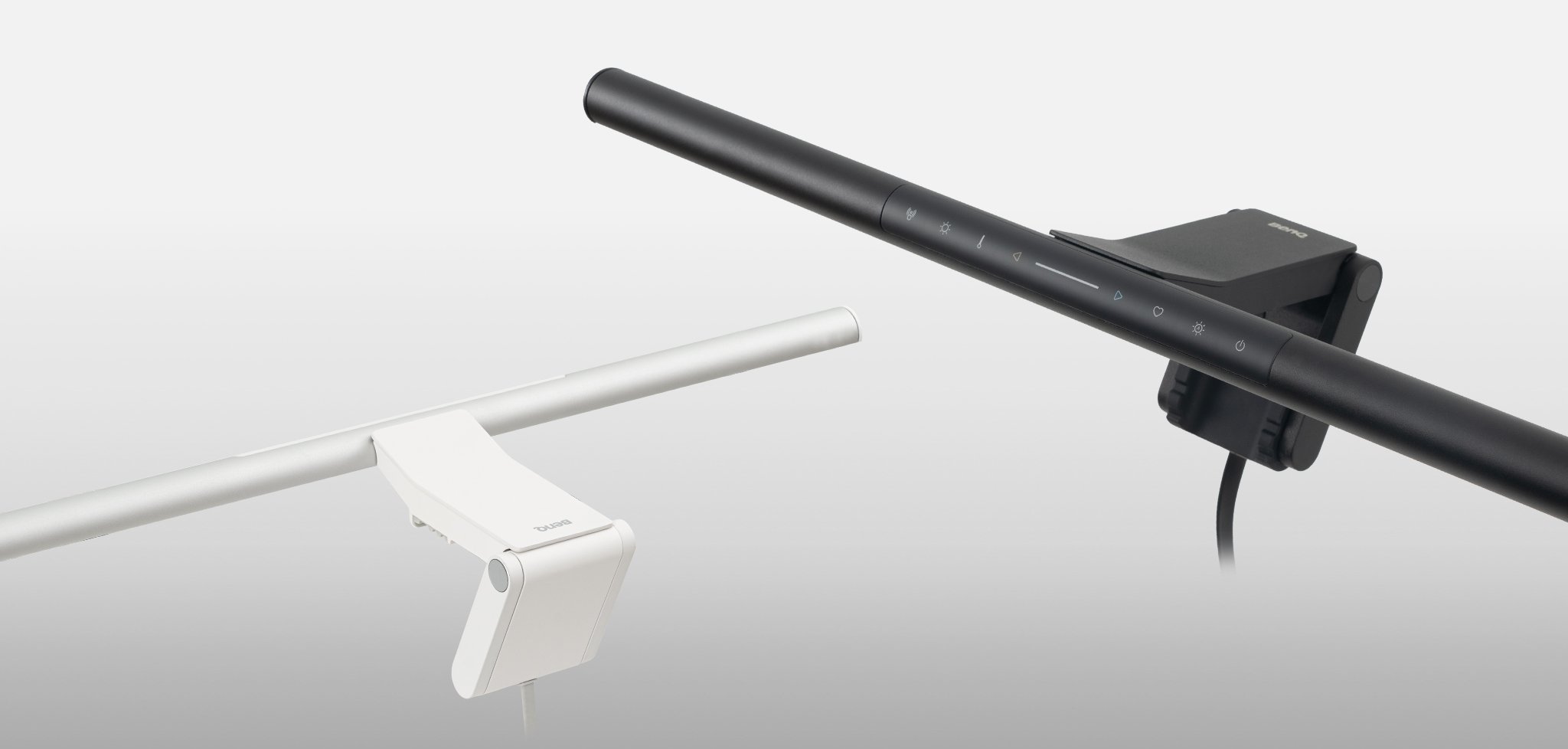
ScreenBar® Pro

Job References


New
ScreenBar® Pro

Which Lamp is right for you?
Compare all lamps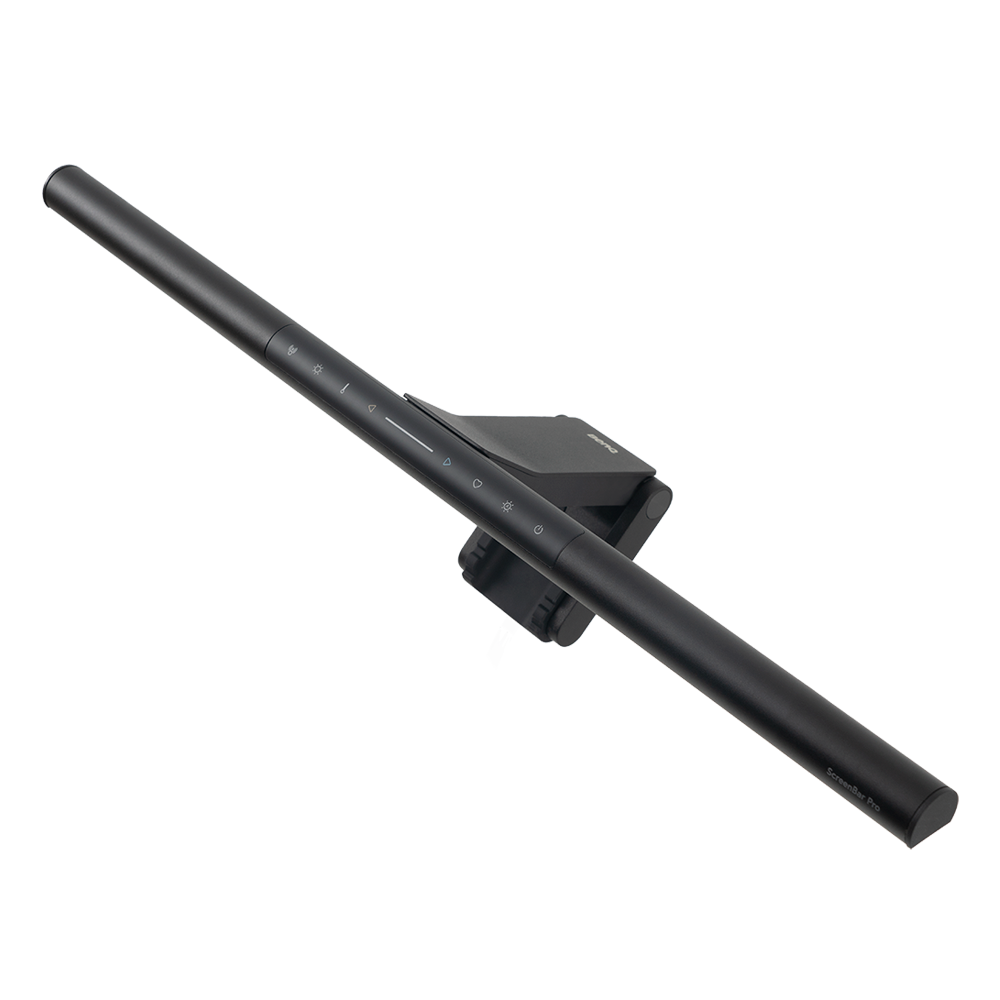
New
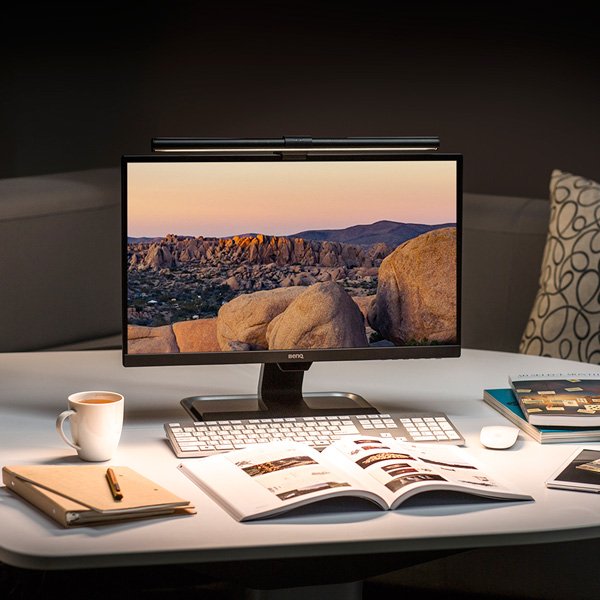
Monitor Light Bar
{{currency}}{{ formatPrice(n[1]) }} -
Learn more

Wireless controller/Controller/Integrated


Curved Monitor/Flat Monitor
Lighting Coverage ( ≧ 500 lux )
2700K~6500K
Color Temperature
Auto Dimming Mode


Real-time Auto-Dimming/Smart-Dimming
Details
ScreenBar & ScreenBar Plus
Thickness: 0.4''- 1.2'' (1cm - 3cm)
Curvature: 1800R
ScreenBar Halo
[Normal]
Thickness: 0.28''- 2.36'' (0.7cm - 6cm)
[Curved]
Thickness: 0.28''- 1.65'' (0.7cm - 4.2cm)
Curvature: 1000R-1800R
ScreenBar Pro
[Normal]
Thickness: 0.16''- 2.55'' (0.43cm - 6.5cm)
[Curved]
Thickness: 0.16''- 2.55'' (0.43cm - 6.5cm)
Curvature: 1000R-1800R
Details
ScreenBar/ ScreenBar Plus
60cm x 30cm
ScreenBar Halo
63cm x 40cm
(Height 45 cm)
ScreenBar Pro
85cm x 50cm
Details of Modes
Real-time Auto-Dimming mode: The lamp changes the lighting according to the ambient brightness.
Smart-Dimming mode: It requires the user to press the button when the ambient lighting has changed, and will not continuously detect ambient lighting. This feature is designed as to avoid any possible disturbances to the light sensor, which could lead to an incorrect illuminance.
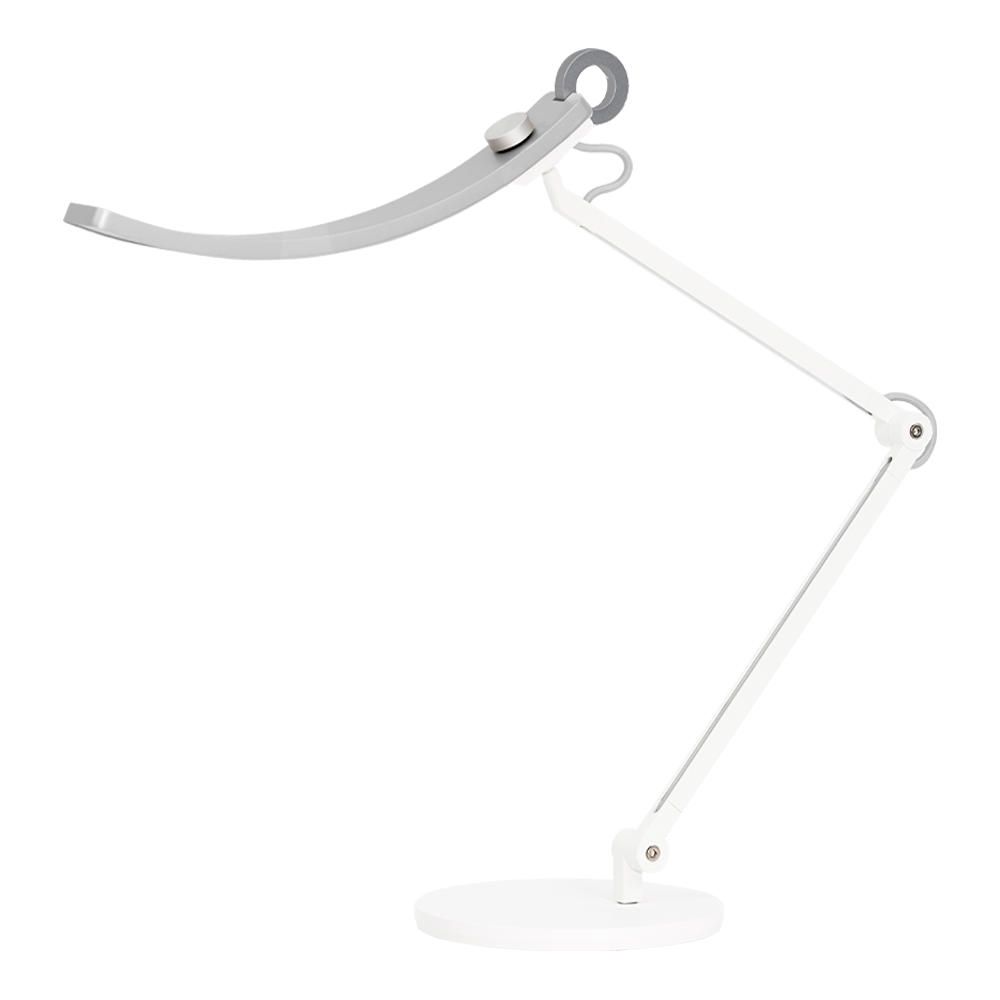
e-Reading Desk Lamp
{{currency}}{{ formatPrice(n[1]) }} -
Learn more1600 lux
Center Illuminance
Width 90cm
Lighting Coverage ( ≧ 500 lux )
2700K~5700K
Color Temperature
Auto Dimming Mode


Paper Mode/Screen Mode
At Height 45cm
At Height 45cm
Details of Modes
Paper Mode: E-Reading Desk Lamp provides 1000lux of illumination directly below—with no glare—at a color temperature of 5700k.
Screen Mode: In order to avoid high lighting contrast between the brightness of the lamp and the screen, the lamp stays at an illumination level of 500lux at a color temperature of 4000k. The unique 'brighter at the sides, darker at the middle’ optical design can reduce screen glare to protect your eyes.
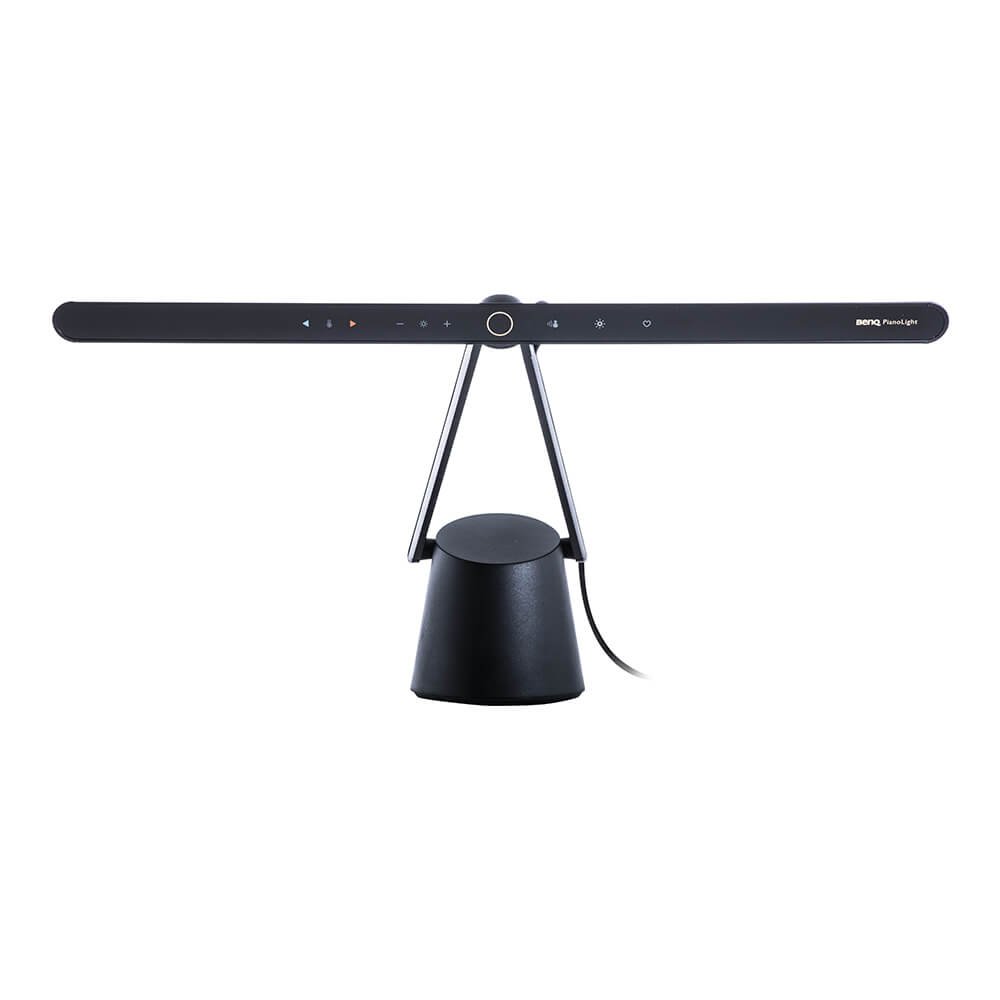
PianoLight
{{currency}}{{ formatPrice(n[1]) }} -
Learn moreUp to
Keyboard 1070lux
Center Illuminance
sheet music 46 cm x 30 cm
Lighting Coverage ( ≧ 500 lux )
2700K~5000K
Color Temperature
Real-time Auto-Dimming
Details
center of keyboard: 1070 lux center of sheet music: 720 lux 4 corners of sheet music: above 500 lux (when the head is 70 cm above center of keyboard)
Details
sheet music: 46 cm x 30 cm 4 corners of sheet music reach above 500 lux (when the head is 70 cm above center of keyboard)
New
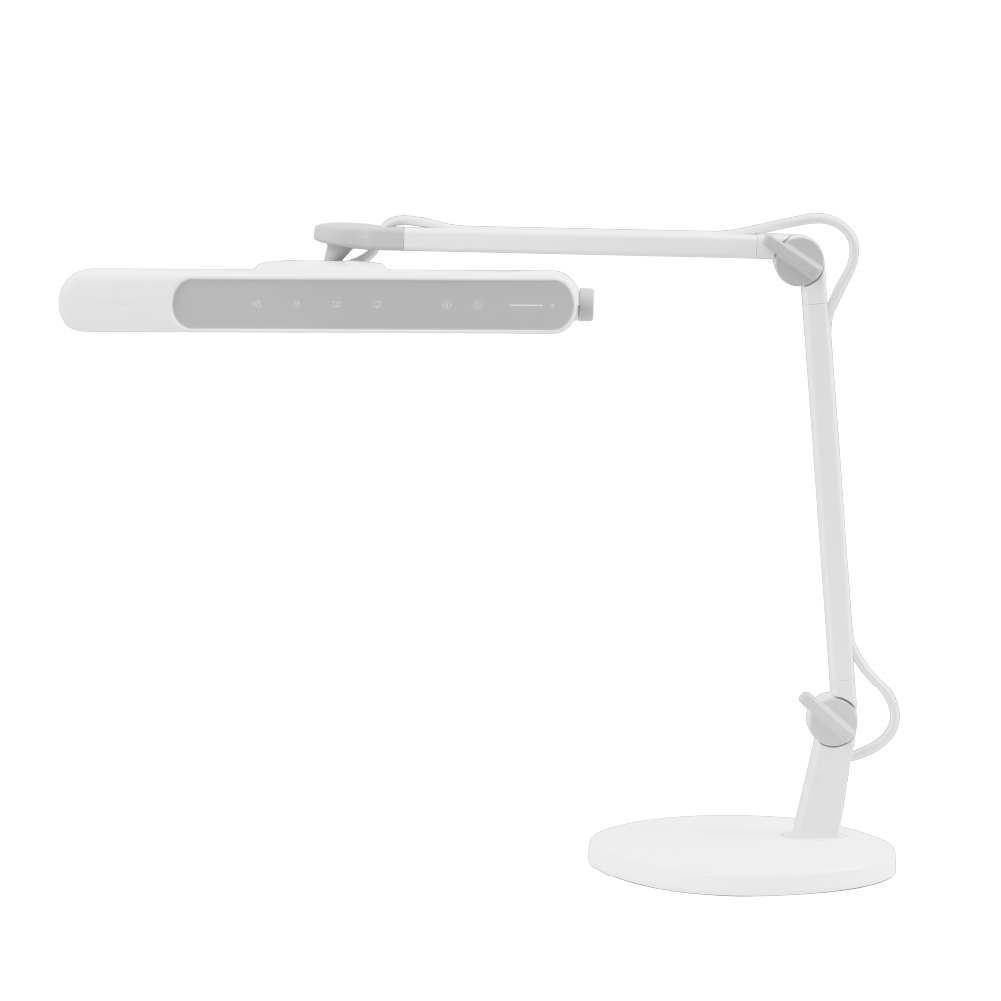
Laptop Light Bar
{{currency}}{{ formatPrice(n[1]) }} -
Learn moreWidth 95cm
Lighting Coverage ( ≧ 500 lux )
Paper Mode/Screen Mode
100~240V AC, 50~60Hz
Power Supply
Support Center
Contact Us

