BenQ respect your data privacy. We use cookies and similar technologies to ensure you get the best experience when visiting our website. You can either accept these cookies by clicking “Accept Cookies”, or click “Only Required Cookies” to refuse all non-essential technologies. You can customise your cookie settings here at any time. For further information, please visit our Cookie Policy and our Privacy Policy.
Page updated: May 2020
Some essential features on BenQ sites just won’t work without cookies. And having other cookies switched off can seriously affect the way you’ll be able to enjoy our services.
Please check your cookie settings below and turn on any cookies you’re happy with.
“Strictly necessary” cookies can’t be turned off. But Functional and Performance cookies can be turned on or off below. You can learn more about cookies and what they do on our other pages.
If you've chosen to block third-party cookies on your browser, your cookie preferences won't carry over from benq.eu to benq.xx and vice versa. Please make sure to set your cookie preferences in both places.
On
These cookies are essential so that you can move around the website and use its features. Without these cookies services you have asked for cannot be provided.
On
Off
These cookies allow the website to remember choices you make to give you better functionality and personal features.
On
Off
Performance cookies
These cookies help to improve the performance of BenQ. If you want to opt-out of advertising cookies, you have to turn-off performance cookies. We also use Google Analytics, SessionCam and Hotjar to track activity and performance on the BenQ website. You can control the information provided to Google, SessionCam and Hotjar. To opt out of certain ads provided by Google you can use any of the methods set forth here or using the Google Analytics opt out browser add-on here. To opt-out of SessionCam collecting data, you can disable tracking completely by following link:https://sessioncam.com/choose-not-to-be-recorded/. To opt-out of Hotjar collecting data, you can disable tracking completely by following link:https://www.hotjar.com/privacy/do-not-track/.
Advertising cookies
These cookies are used to track your activity on the BenQ website and other websites across the Internet, help measure the effectiveness of our advertising campaign and deliver advertisements that are more relevant to you and your interests. We use various advertising partners, including Amazon, Facebook, and Google. These cookies and other technologies capture data like your IP address, when you viewed the page or email, what device you were using and where you were. You can find out how to avoid them below.
BenQ respect your data privacy. We use cookies and similar technologies to ensure you get the best experience when visiting our website. You can either accept these cookies by clicking “Accept Cookies”, or click “Only Required Cookies” to refuse all non-essential technologies. You can customise your cookie settings here at any time. For further information, please visit our Cookie Policy and our Privacy Policy.
Projector
Explore Business Projector
Professional Installation Exhibition & Simulation Conference Room Meeting Room Education ProjectorsMonitor
Lighting
Interactive Display | Signage
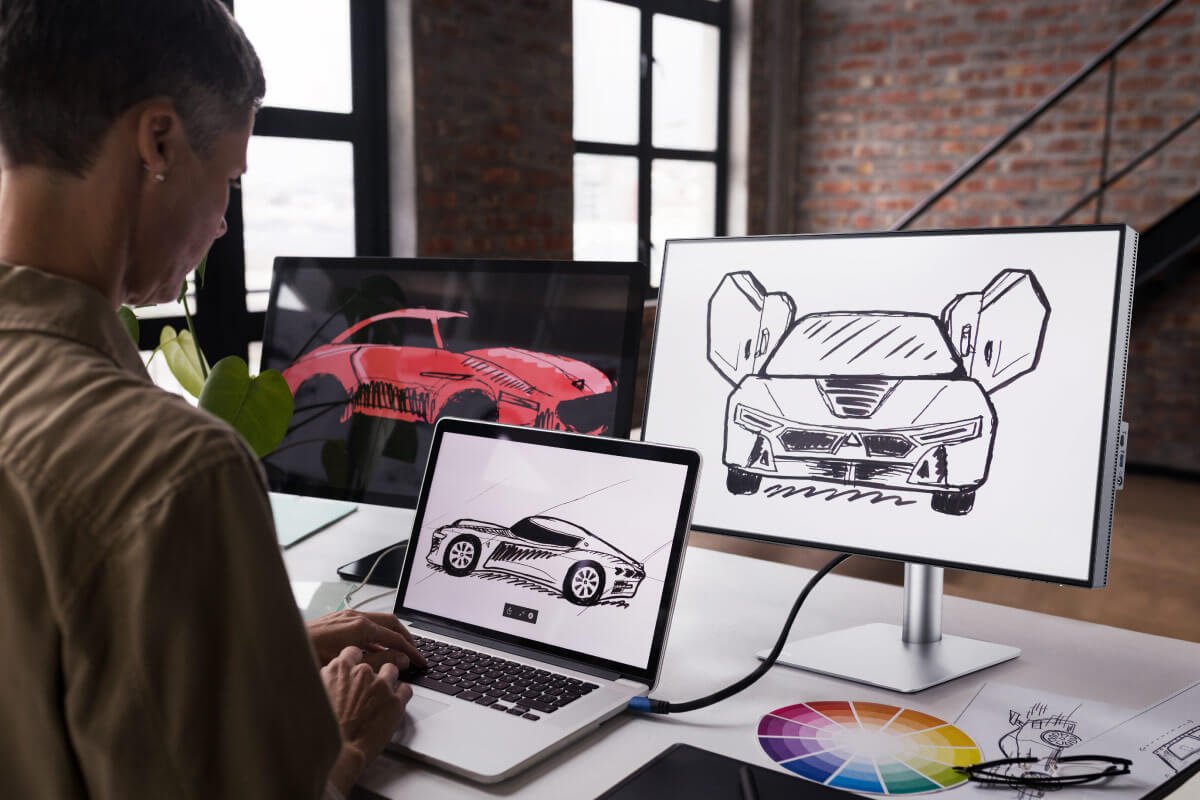
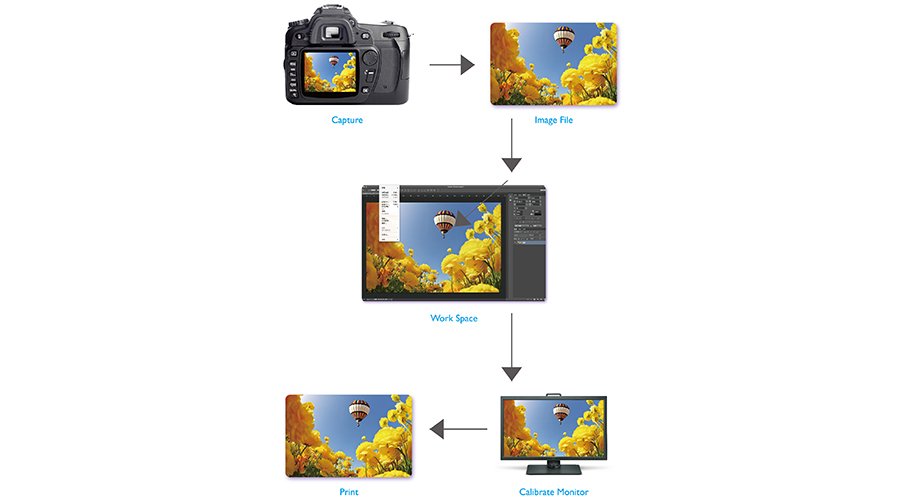
Color plays a crucial role in things we use and buy, and for those who design items like these for a living, ensuring color is accurately applied and displayed is a key aspect of their work. With most of the steps in the design process now being executed digitally, designers are relying more heavily on their computers and monitors to guarantee the accurate display of colors. In order to ensure the highest level of color accuracy, designers have to first familiarize themselves with a tiny set of data called ICC Profile, which plays a small yet decisive role in the design process.
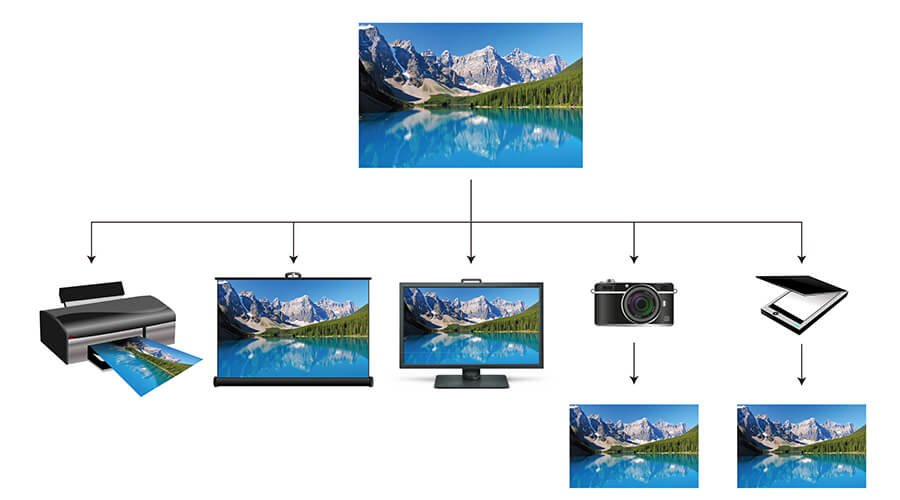
So what is ICC Profile? According to the International Color Consortium (ICC,) ICC profile is a set of data that characterizes a color input or output device. The profiles typically describe the color attributes of a particular device by defining the mapping between the device source and a profile connection space. Simply put, every device that displays color can be assigned a set of profile, and these profiles define the color gamut that will be displayed by these devices.
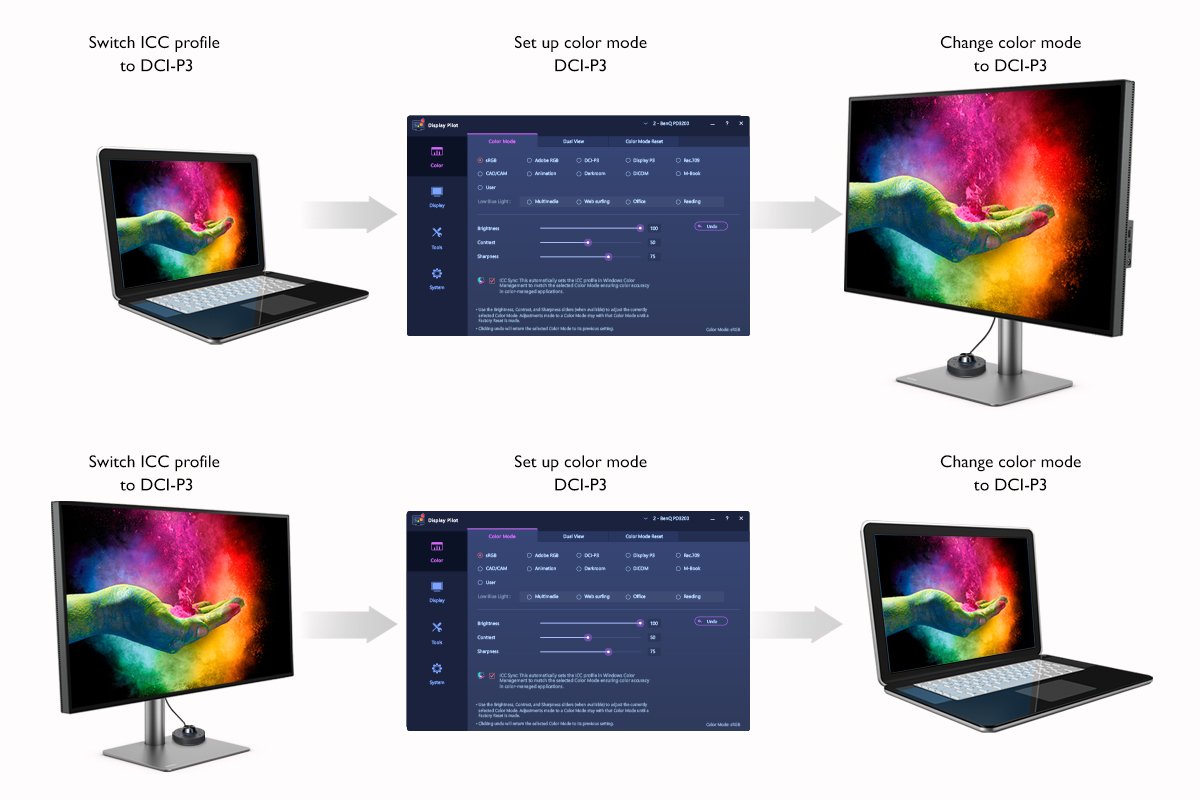
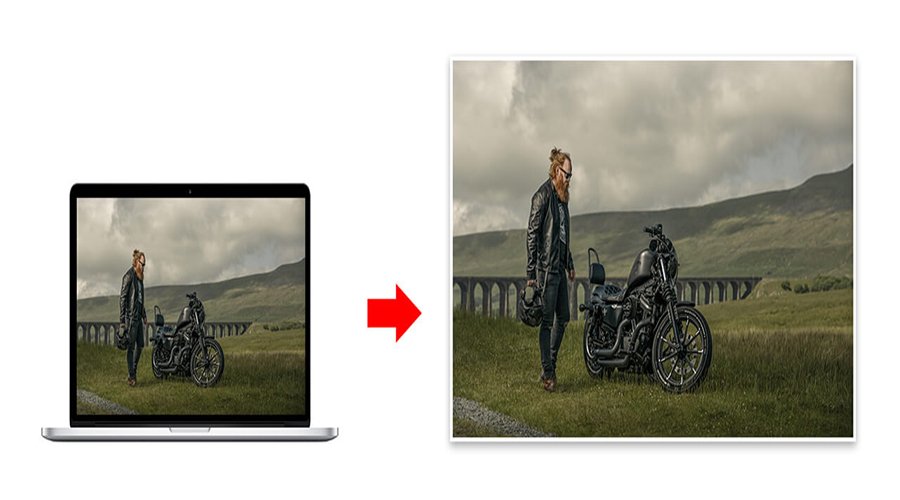
For most designers, the question then becomes, how do they make sure their monitors display the most accurate color? There are a few steps that they can take to smooth the process. First and foremost, designers need to know the color gamut of their devices’ operating systems. Here is an example. If the color gamut of a laptop and monitor are both sRGB, then it means the monitor will display the accurate color. On the other hand, if a laptop’s color gamut is sRGB and the monitor’s color gamut is DCI-P3, then the designer will have to implant the ICC profile of DCI-P3 into the operating system of that computer and set it up in order to guarantee accurate color display.
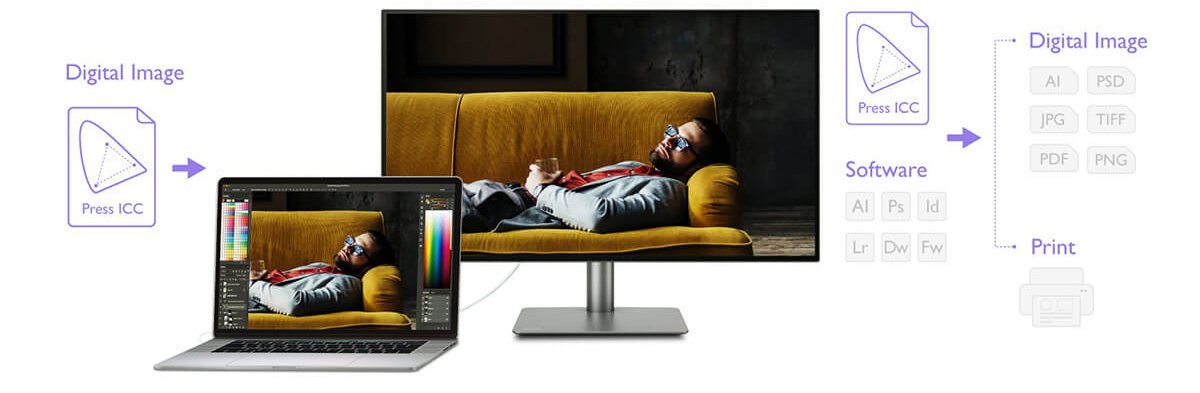
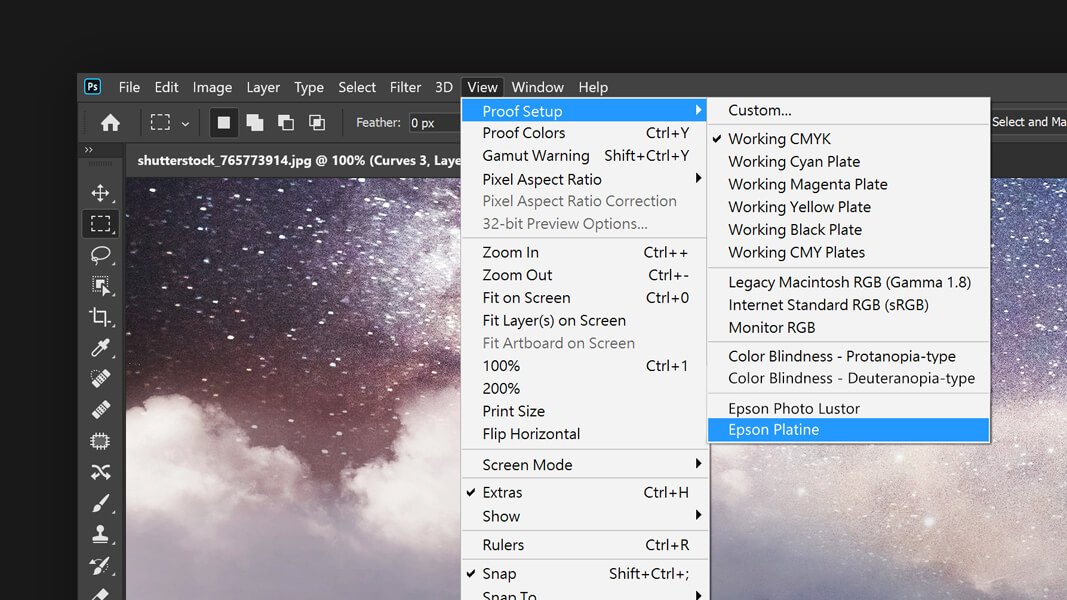
Digital images and graphics all have their own ICC profiles. In order to ensure the image that you are about to work on is displayed accurately, designers have to match the ICC profile of the image with the monitor and implement the corresponding ICC profile into the computer’s operating system. Once these steps are completed, you can then rest assured that the color of the image will be properly displayed.
We understand tedious and complicated steps can potentially mislead users, and based on the steps above, it is fair to conclude that some things can go wrong when designers are trying to match ICC profiles between the monitor, the computer’s operating system and the source file. But it doesn’t need to be that tricky.
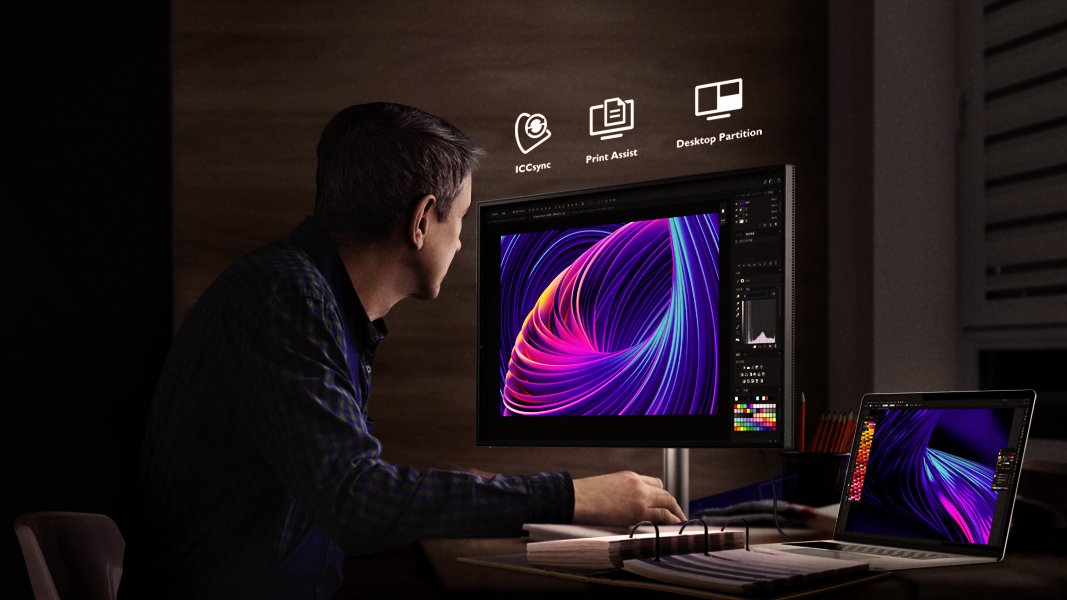
To make life much easier for designers, BenQ introduces a unique feature, ICCsync, through its PD series monitors, which helps to simplify the whole ICC profile mapping process. With ICCsync, designers can now set up the correct ICC profile even when switching between different sets of color gamut. The only step that designers need to take is to activate ICCsync in the built-in software, Display Pilot. Once ICCsync is activated, designers no longer need to adjust the operating system’s ICC profile every time they want to switch to a different color gamut.
Designers now no longer need to worry about inaccurate color display caused by technical glitches during their design processes because BenQ has come to their rescue with ICCsync, the new color-mapping technique that will further increase their efficiency at work.
Thanks for your feedback!