一同享受大畫面的娛樂

Education Business zowie
購買地點 Hong Kong English
{{cartTotal.length}}
thumbnail
{{item.name}}
價格: {{currency}}{{item.price| numberThousandsCommas | numberDecimalPoint}}
數量: {{item.amount}}
購物車總金額:
{{currency}}{{cartTotal.price| numberThousandsCommas | numberDecimalPoint}}
Check out
account-setting

帳戶

sign-in

Sign in

sign-in

Sign Out{{userName}}

logo
投影機
探索所有投影機系列

探索不同系列

玩家級遊戲投影機 家庭劇院投影機 行動微型投影機 投影電視

熱門產品

GV32 W4100i GP520 X3100i GV50

搜尋重點規格

4K UHD (3840×2160) 2D,垂直∕ 水平梯形校正 LED 雷射 連 Android TV 具有低輸入延遲

探索商用投影機

大型場地雷射投影機 展覽及模擬雷射投影機 高級會議室雷射投影機 會議室投影機 高等教育投影機 互動型教育投影機
比較所有投影機
螢幕
探索所有電腦螢幕系列

探索不同系列

影音文書護眼螢幕 專業螢幕 編程專用螢幕 螢幕軟件

熱門產品

MA270S MA270U MA320U RD280U PD2706U

搜尋重點規格

4K(3840x2160) USB-C 含 HAS 27"~28" P3 2.1 聲道內置喇叭

探索商用螢幕

商用螢幕 Zowie 專業電競螢幕 手術醫療螢幕
比較所有螢幕
燈具
探索所有燈具系列

探索不同系列

螢幕掛燈 螢幕閱讀檯燈 筆電燈 鋼琴燈

熱門產品

ScreenBar Halo 2 ScreenBar Pro ScreenBar
比較所有燈具 配件
大型互動觸控顯示屏
探索所有互動觸控顯示屏

探索不同系列

商業互動觸控顯示屏 教育互動觸控顯示屏 智慧數碼電子看板 窄邊框電視牆顯示器 長條型電子顯示看板 互動觸控顯示看板

軟件

電子白板書寫軟體 EZwrite 6 無線投影協作解決方案 Intrashare 2 智慧校園廣播系統軟體 X-Sign Broadcast 智慧帳戶管理系統 AMS 設備管理解決方案 DMS 解決方案合作夥伴
解決方案 資源

參考個案

教育

大學及大專 中學 小學 幼稚園 特殊教育

商業

零售和商用 餐飲

其他

政府及NGO 澳門業務
知識中心 支援中心
search-open
clear
Search history Clear
{{ history }}

{{ result[0] }}

{{ list[0] }}
logo
{{cartTotal.length}}
thumbnail
{{item.name}}
價格: {{currency + item.price}}
數量: {{item.amount}}
購物車總金額:
{{currency}}{{cartTotal.price | numberThousandsCommas | numberDecimalPoint}}
Check out
close
search
取消
搜尋 Clear
{{ history }}

{{ result[0] }}

{{ list[0] }}

投影機

Back Logo
探索所有投影機系列

探索不同系列

玩家級遊戲投影機 家庭劇院投影機 行動微型投影機 投影電視

熱門產品

GV32 W4100i GP520 X3100i GV50

搜尋重點規格

4K UHD (3840×2160) 2D,垂直∕ 水平梯形校正 LED 雷射 連 Android TV 具有低輸入延遲

探索商用投影機

大型場地雷射投影機 展覽及模擬雷射投影機 高級會議室雷射投影機 會議室投影機 高等教育投影機 互動型教育投影機
比較所有投影機

螢幕

Back Logo
探索所有電腦螢幕系列

探索不同系列

影音文書護眼螢幕 專業螢幕 編程專用螢幕 螢幕軟件

熱門產品

MA270S MA270U MA320U RD280U PD2706U

搜尋重點規格

4K(3840x2160) USB-C 含 HAS 27"~28" P3 2.1 聲道內置喇叭

探索商用螢幕

商用螢幕 Zowie 專業電競螢幕 手術醫療螢幕
比較所有螢幕

燈具

Back Logo
探索所有燈具系列

探索不同系列

螢幕掛燈 螢幕閱讀檯燈 筆電燈 鋼琴燈

熱門產品

ScreenBar Halo 2 ScreenBar Pro ScreenBar
比較所有燈具 配件

大型互動觸控顯示屏

Back Logo
探索所有互動觸控顯示屏

探索不同系列

商業互動觸控顯示屏 教育互動觸控顯示屏 智慧數碼電子看板 窄邊框電視牆顯示器 長條型電子顯示看板 互動觸控顯示看板

軟件

電子白板書寫軟體 EZwrite 6 無線投影協作解決方案 Intrashare 2 智慧校園廣播系統軟體 X-Sign Broadcast 智慧帳戶管理系統 AMS 設備管理解決方案 DMS 解決方案合作夥伴
解決方案 資源

參考個案

Back Logo

教育

大學及大專 中學 小學 幼稚園 特殊教育

商業

零售和商用 餐飲

其他

政府及NGO 澳門業務
知識中心 支援中心
購買地點 Hong Kong English account 帳戶 account Sign in shopping-chart Track order shopping-chart Track order account Sign Out{{userName}}
Education Business Zowie

Cookie 設定

BenQ 尊重您的資料隱私。我們使用 Cookie 及類似技術,確保您瀏覽網站時能享有最佳體驗。您可以點選「接受所有 Cookie」來同意,或選擇「僅必要的 Cookie」拒絕所有非必要的技術。您可以隨時在這裡自訂 Cookie 設定。如需更多資訊,請參閱我們的Cookie 政策及隱私政策。


How can I change my BenQ cookie settings?

Page updated: May 2020

Some essential features on BenQ sites just won’t work without cookies. And having other cookies switched off can seriously affect the way you’ll be able to enjoy our services.

Please check your cookie settings below and turn on any cookies you’re happy with.

“Strictly necessary” cookies can’t be turned off. But Functional and Performance cookies can be turned on or off below. You can learn more about cookies and what they do on our other pages.

If you've chosen to block third-party cookies on your browser, your cookie preferences won't carry over from benq.eu to benq.xx and vice versa. Please make sure to set your cookie preferences in both places.

On

Strictly necessary cookies

These cookies are essential so that you can move around the website and use its features. Without these cookies services you have asked for cannot be provided.

See list of strictly necessary cookies

On

Off

Functional cookies

These cookies allow the website to remember choices you make to give you better functionality and personal features.

See list of functional cookies

On

Off

Performance cookies and advertising cookies

Performance cookies

These cookies help to improve the performance of BenQ. If you want to opt-out of advertising cookies, you have to turn-off performance cookies. We also use Google Analytics, SessionCam and Hotjar to track activity and performance on the BenQ website. You can control the information provided to Google, SessionCam and Hotjar.  To opt out of certain ads provided by Google you can use any of the methods set forth here or using the Google Analytics opt out browser add-on here. To opt-out of SessionCam collecting data, you can disable tracking completely by following link:https://sessioncam.com/choose-not-to-be-recorded/. To opt-out of Hotjar collecting data, you can disable tracking completely by following link:https://www.hotjar.com/privacy/do-not-track/.


Advertising cookies

These cookies are used to track your activity on the BenQ website and other websites across the Internet, help measure the effectiveness of our advertising campaign and deliver advertisements that are more relevant to you and your interests. We use various advertising partners, including Amazon, Facebook, and Google. These cookies and other technologies capture data like your IP address, when you viewed the page or email, what device you were using and where you were. You can find out how to avoid them below.


全新MA現正登場

了解更多

全新MA現正登場

了解更多

GV31產品召回通知

了解更多

GV31產品召回通知

了解更多

localNavigation.type = g6-feature-category-page

遊戲投影機

比較
  • 比較

BenQ 遊戲投影機

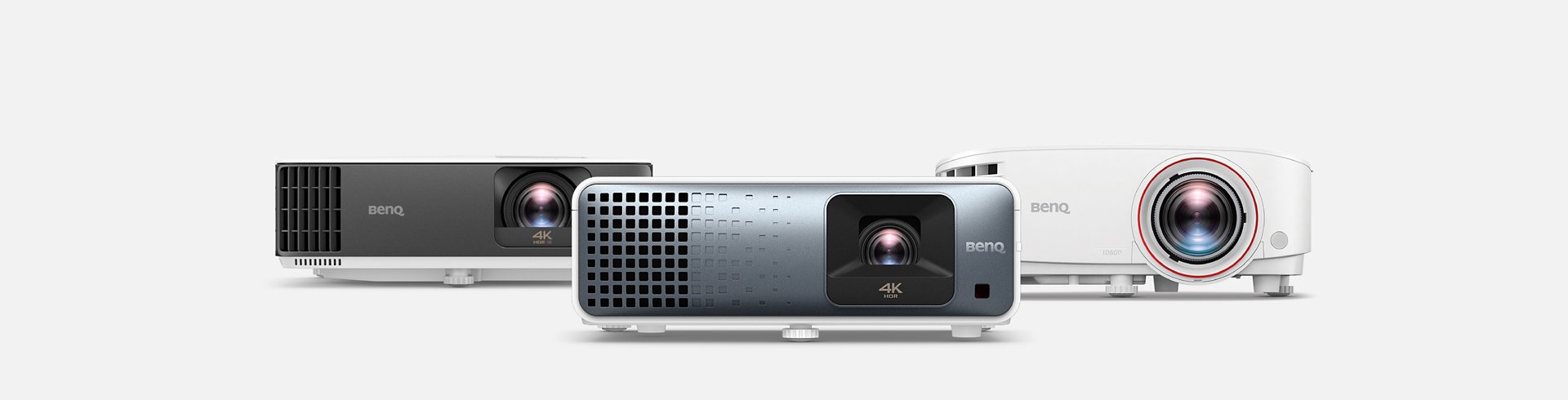
一同享受大畫面的娛樂

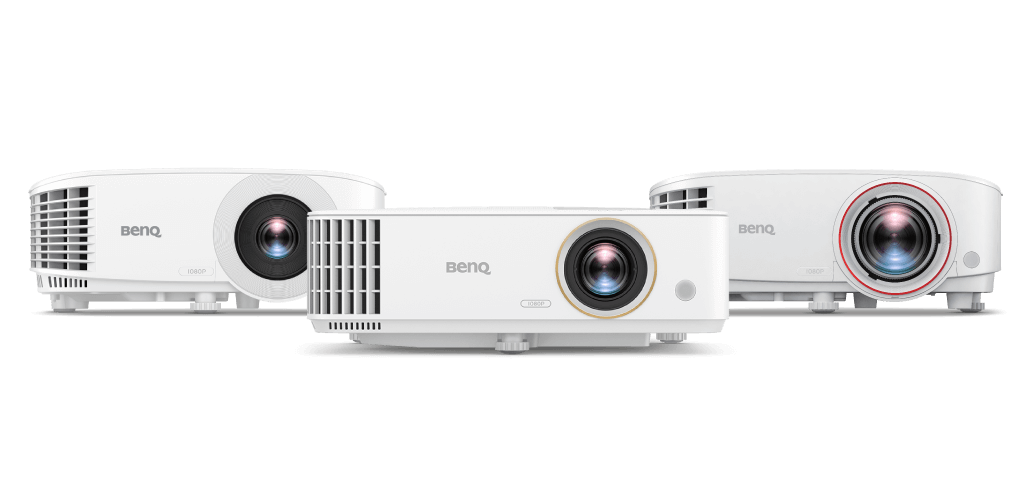
BenQ 遊戲投影機 BenQ 遊戲投影機
明亮空間,亮麗畫質

明亮空間,亮麗畫質

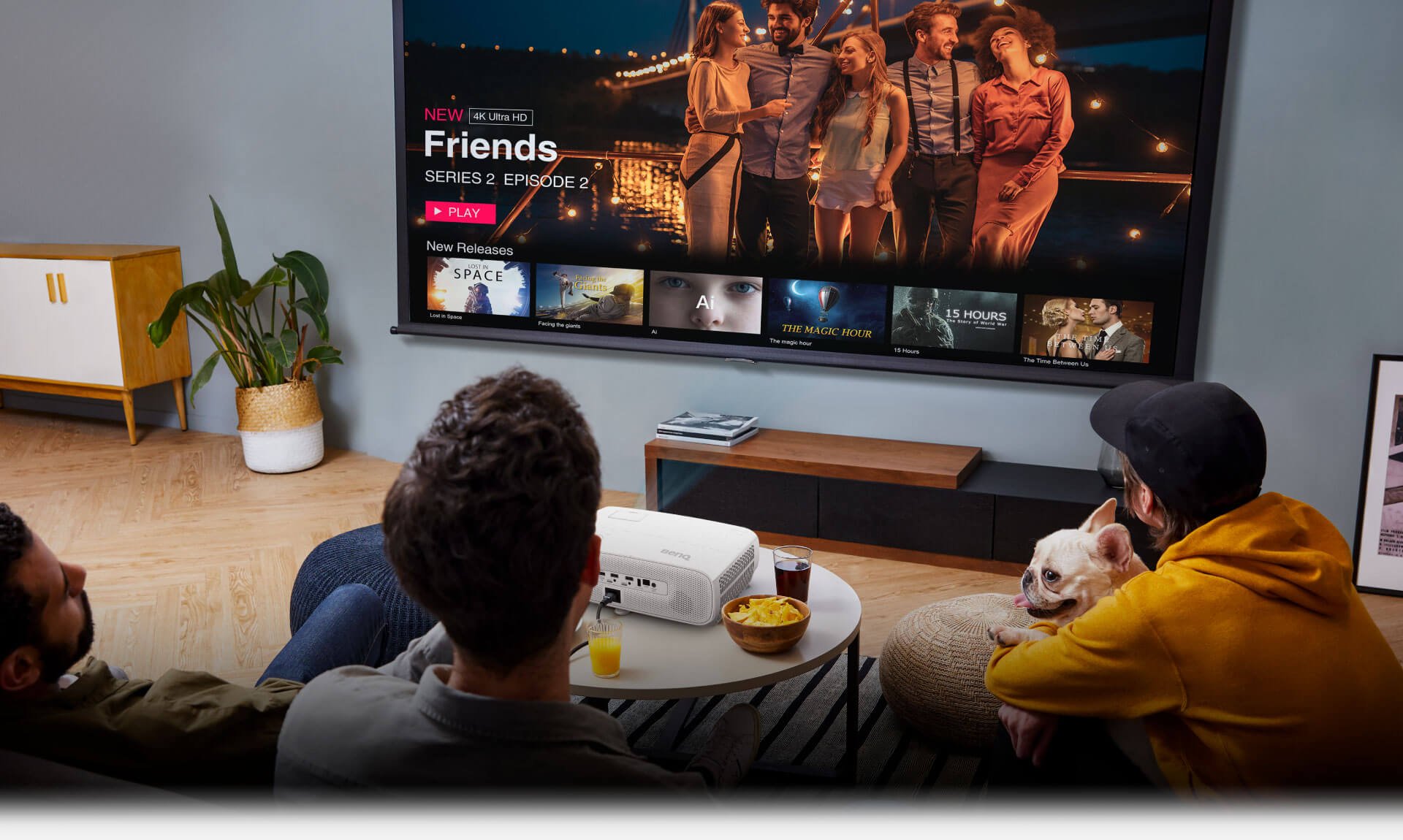
BenQ 投影機可高亮度呈現 Rec.709 國際標準色域色彩,讓您在明亮的客廳中享受鮮豔的色彩、清晰的高畫質和低輸入延遲效能,跟朋友們來場快樂的大畫面派對!

明亮空間,亮麗畫質

BenQ 投影機可高亮度呈現 Rec.709 國際標準色域色彩,讓您在明亮的客廳中享受鮮豔的色彩、清晰的高畫質和低輸入延遲效能,跟朋友們來場快樂的大畫面派對!

隨時隨地就來場電玩派對

隨時隨地來場派對

先進的短焦投影設計,讓你在小空間依然可有百吋大畫面,在家中任何地方都可以舉辦電玩派對。

隨時隨地來場派對

先進的短焦投影設計,讓你在小空間依然可有百吋大畫面,在家中任何地方都可以舉辦電玩派對。

遊戲投影機

比較所有遊戲投影機

4K UHD (3840×2160)
1080p FHD (1920x1080)

4K UHD (3840×2160)

1080p HDR 適合玩休閒遊戲的家用投影機

了解更多
TK710STi

3000lm~3800lm

ANSI 流明亮度

8.3 ms (1080p@120Hz)

低延遲輸入

95% Rec.709

色域覆蓋率

1.1x~1.3x

縮放比例

1080p FHD (1920x1080)

了解更多
TH671ST / TH685P

輸入延遲

投影機的輸入延遲,是指當投影機接收到輸入源(如:PlayStation等遊戲主機)的音訊/影像訊號,到投影機針對訊號產生畫面所需要的時間。

Rec.709 色彩空間

Rec.709Rec.709 是國際電信聯盟(ITU, International Telecommunication Union),使用特定的紅色、綠色、藍色,以及定義光源D65(6500K)為白色制定出的色域標準,百分比越高,色域覆蓋率越大。但不會超出標準範圍。

縮放比例

縮放比例是用於指示鏡頭的變焦範圍,通常用“X”表示。縮放比不等同於鏡頭的總縮放能力,僅表示鏡頭的縮放範圍。

探索其他 BenQ 投影機

投影機

其他商用投影機

查看商用投影機

投影機

銷售地點

前往銷售地點

推薦文章

什麼是智慧投影機?最新智慧投影機推薦 & 選購重點

了解更多

購買 LED 行動微投前要知道的三件事

了解更多

護眼螢幕與一般螢幕的差異

了解更多
獲取您所需的協助

支援中心

獲取您所需的協助

前往支援服務中心
您需要什麼樣的協助

聯絡我們

您需要什麼樣的協助

了解更多
facebook instagram youtube

產品

投影機 螢幕 燈具

解決方案

商業 教育 電競

支援

聯絡我們 檔案下載 常見問答 保養詳情 服務網點

資源

投影機投射距離計算器 知識中心

關於明基

公司簡介 品牌 最新消息 企業社會責任 可永續發展

Copyright © 2024 BenQ. All rights reserved.

隱私權政策 Cookie Policy 進出口遵循

Copyright © 2024 BenQ. All rights reserved.

香港 - 繁體中文