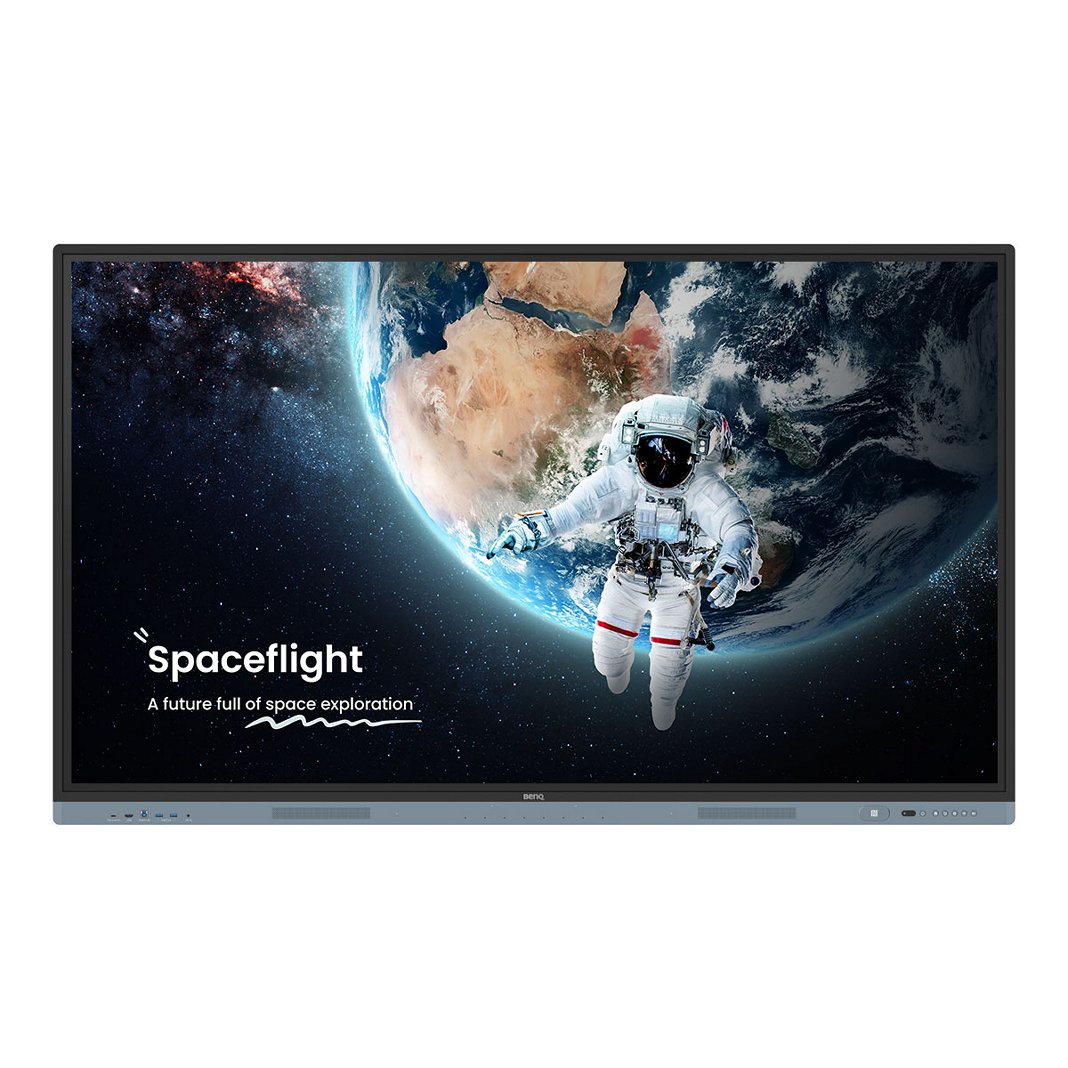
智慧帳戶管理系統

Skip to Main Content
Account Management System open on laptop in front of interactive display in classroom
BenQ AMS Account Management System icon

BenQ AMS

智慧帳戶管理系統

從任何 BenQ 顯示器輕鬆載入和存取您的帳戶和雲端儲存空間。

BenQ AMS

智慧帳戶管理系統

從任何 BenQ 顯示器輕鬆載入和存取您的帳戶和雲端儲存空間。

將任何 BenQ 顯示器變成自己習慣的樣貌

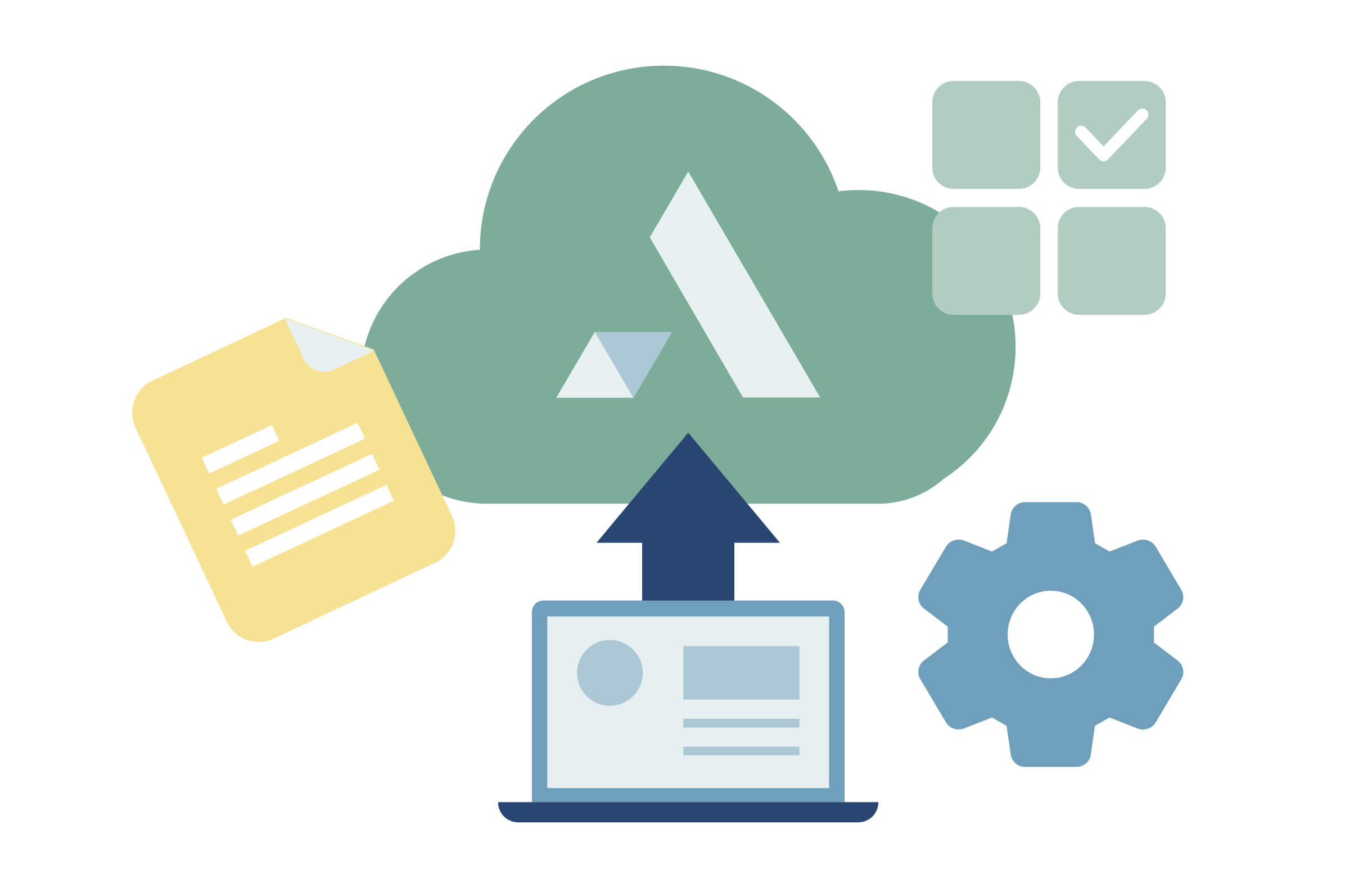
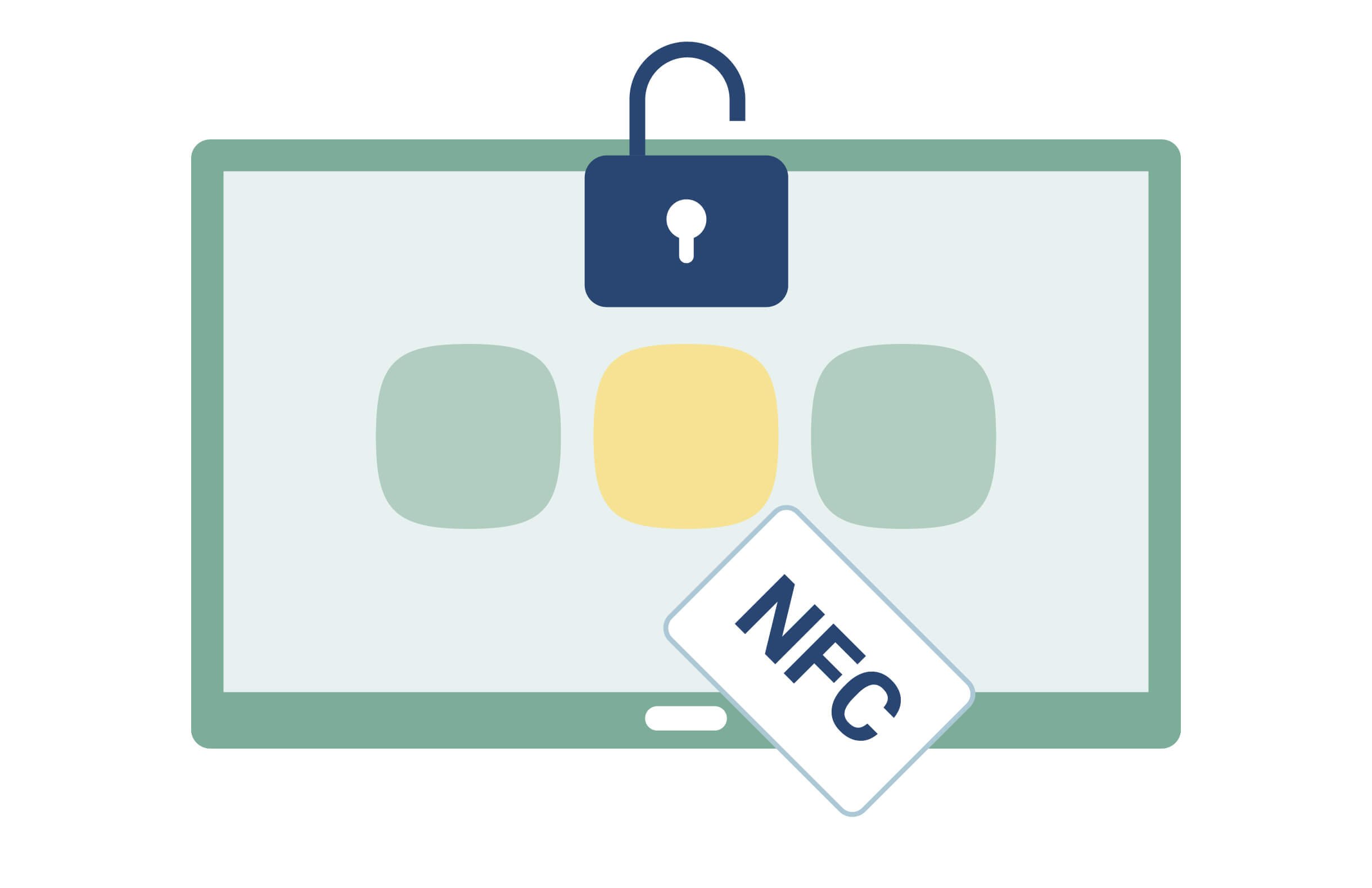
AMS 可讓老師快速安全地在任何 BenQ 顯示器上存取其雲端儲存空間和個人設定。有了 NFC 支援,Pro 系列可啟用一鍵式登入功能,給您最高便利性。

  • 點選即可教學

    點選即可教學

    輕點 NFC 卡即可登入顯示器。

  • 雲端儲存存取

    雲端儲存存取

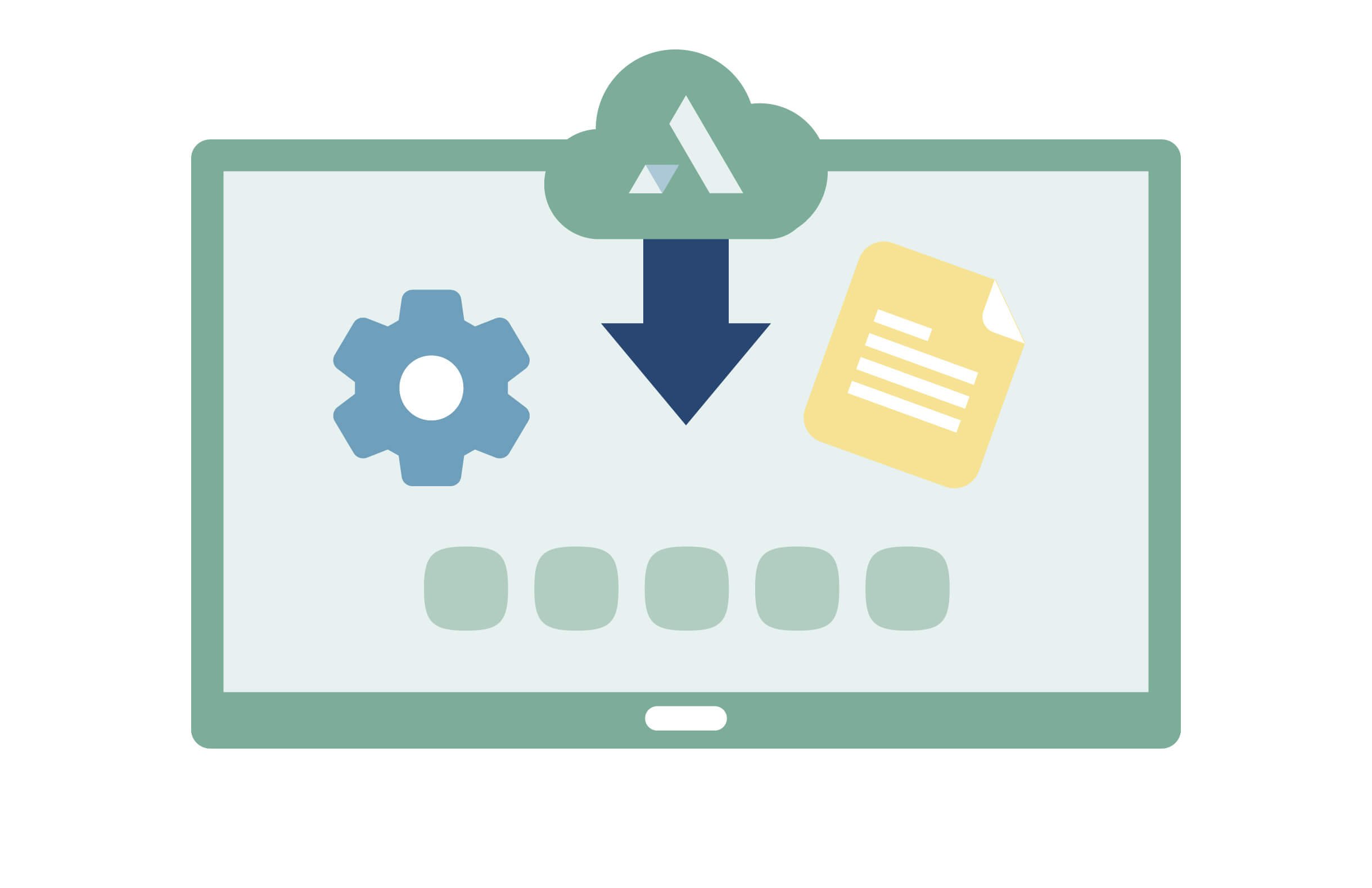
    在任何顯示器上安全地存取您的雲端儲存空間。

  • 個人化顯示器

    個人化顯示器

    登入時自動載入您的個人設定。

  • 增強安全性

    增強安全性

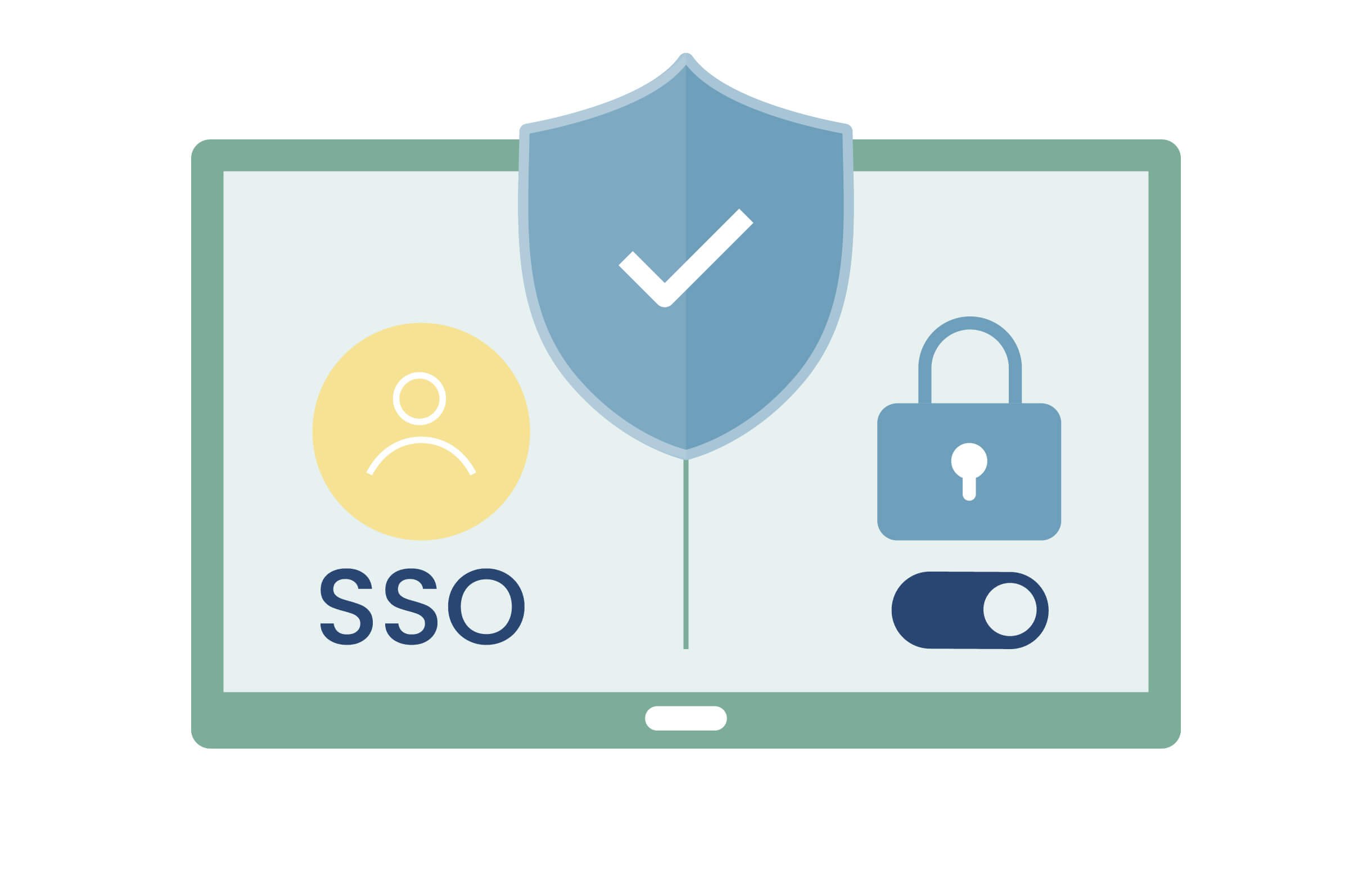
    透過 SSO 和驗證模式保護您的資料。

以您的方式登入

方便、安全

屬於您的教學空間

使用 AMS 登入學校中的任何 BenQ Board,您的安全、個人化教學空間就已準備就緒,並配有您的應用程式、桌布、書籤和雲端儲存。

Your own teaching space

永遠屬於您的資料

獨立的用戶帳戶可確保您獲得完整的資料隱私。這意味著只有您才能在板上看到您的文件、資料夾以及應用程式和 Web 資料。

雲端儲存存取

自動登入 BenQ Board 後,您可以存取已連接的 Google Drive、Dropbox、OneDrive、Box 和 Nextcloud 帳戶。借助 AMS,您可以在板上安全地打開和保存課堂所需的任何文件。

Smartphone being used to log into a display with QR code

對於忙碌的教師

從教室到教室授課,仍可快速輕鬆地從學校任何一台BenQ Board登入您的個人教學空間。當您登出時,您的空間和教材也會隨之登出。

Security lock icon over a hand trying to touch an interactive display

簡單易用

高效率的帳戶管理

一旦您學校的目錄服務與 AMS 同步,使用者就可以透過 SSO 存取所有 BenQ 設備和服務。這大大減少了 IT 的工作量。

IAM and AMS icons and interfaces on two different laptops

已安全保存用戶詳細資訊

當使用您的學校帳戶登入 BenQ Board 時,您的使用者名稱和密碼將直接發送到您的身份驗證伺服器。而且由於您的詳細資料永遠不會儲存在本地,因此您可以更安全地防止憑證被盜。

BenQ AMS interface setting up NFC cards for a user

增強的雲端安全性

AMS 已通過 CASA Tier 2 驗證,可實現高階雲端資料安全。這項嚴格的標準透過確保 AMS 的各個方面都是安全的,為您的用戶資料提供端到端的保護。

BenQ AMS interface setting up NFC cards for a user
  • Google Drive

  • OneDrive

  • Dropbox

專利與成功案例

常見問題解答

  • What is BenQ AMS?

    BenQ AMS (colloquially known by teachers as "All My Stuff") is an account management system designed to enable teachers to quickly and securely access their personal settings and cloud storage on any BenQ Board.

  • What is Tap & Teach?

    Tap & Teach means that you can log in with a single tap of your NFC card. It automatically loads your personal settings and cloud accounts so you can immediately start teaching on the BenQ Board.

  • Can I access my cloud storage on a BenQ Board?

    Yes. You can securely access your cloud storage such as Google Drive, Dropbox, and OneDrive by linking it to your BenQ account making it visible only when you are logged in.

  • I'd prefer not to enter my password in front of the entire class, what can I do?

    You can either scan a QR code and log in from your phone or use an NFC card.

  • What happens when I log in to a BenQ Board in another classroom?

    As long as the board is managed on the same network, you will have no trouble logging in using your BenQ account credentials. You will have the exact same experience on this board as AMS will load all your personal settings and give you secure access to your cloud storage.
Related products

Talk to an expert
Please enter your valid work email address

請在下面發送問題,我們將盡快與您聯繫。

Please verify that you are not a robot.

BenQ is committed to protecting and respecting your privacy, and we’ll only use your personal information to administer your account and to provide the products and services you requested from us. From time to time, we would like to contact you about our products and services, as well as other content that may be of interest to you but only based on your consent and you can unsubscribe from these communications at any time. Your personal data might be transferred to a BenQ group company in a third country – if we do so, it will be solely for the purposes above, and we will implement all necessary measures to safeguard your privacy and data security. You may inquire about, correct, or delete your personal information at any time. For more information on our privacy practices, please review our Privacy Policy.