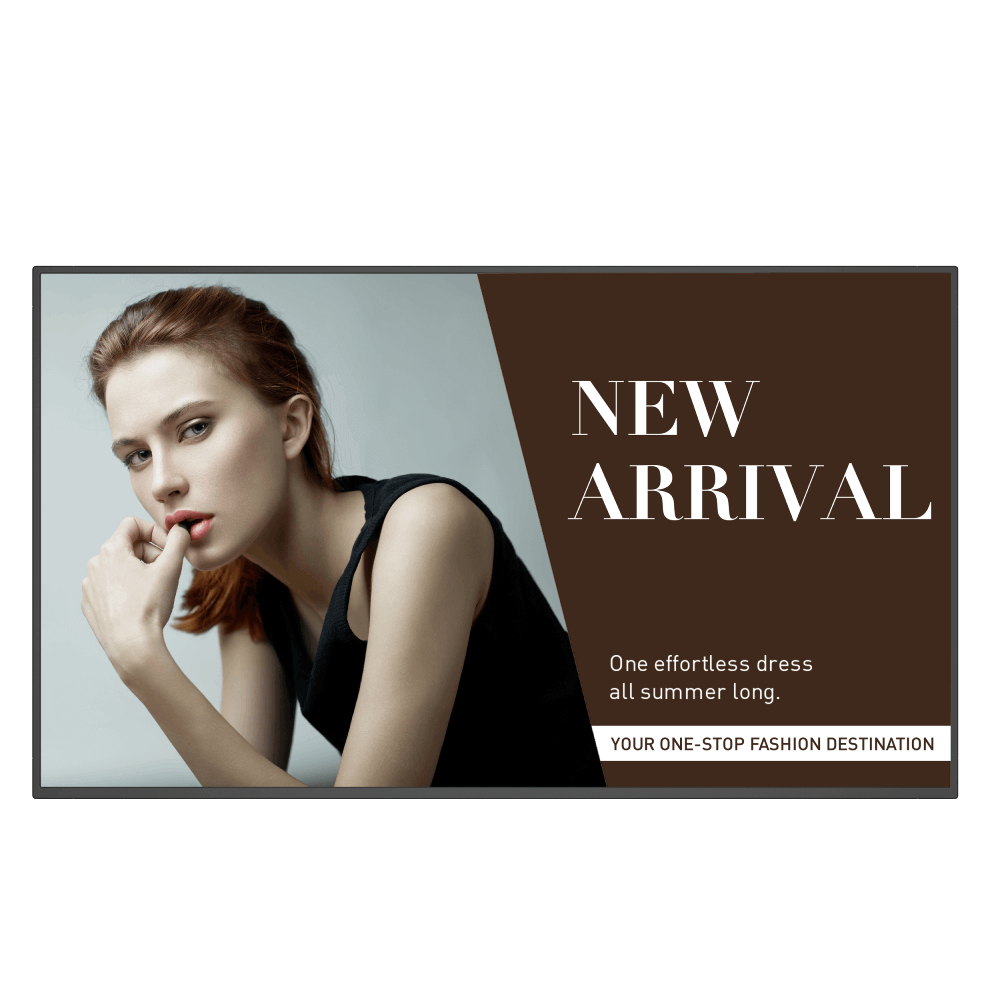
55" DP Daisy Chain for 4K Video Wall Smart Signage|SL550
The All-in-One Smart Choice for Business Big and Small
Application
 Why can't a display be added into DMS Local?

Please update the device definition (JSON) under setting in DMS Local.
Learn More
Why can't the unit be turned on using DMS Local?
1. Ensure that WOL (Wake-on-LAN) setting is supported by this model and enabled on the display.
2. Ensure that the display is connected to the network via the LAN (RJ-45) port. Wake-on-LAN does not work over a Wi-Fi connection. Learn More
2. Ensure that the display is connected to the network via the LAN (RJ-45) port. Wake-on-LAN does not work over a Wi-Fi connection. Learn More
How do I upgrade apps for EZWrite 5.0 and X-Sign?
Most BenQ apps can be upgraded online. Please refer to the demo video for the upgrade process of EZWrite 5.0 and X-Sign.
Learn More
Why does it show "Display ID is invalid" when I tried to register EasySetting with my device?
Please make sure to check the followings:
(1) Is the network working properly? Make sure to use LAN instead of Wi-Fi for internet access.
(2) Make sure EasySetting whitelist is set up already. Learn More
(1) Is the network working properly? Make sure to use LAN instead of Wi-Fi for internet access.
(2) Make sure EasySetting whitelist is set up already. Learn More
Where can I find the log for X-Sign player 2.x in Windows?
Please follow the path below to find the log file:
(1) Go to C:\Users\User name\AppData\Local\BenQ\XSignPlayer
(2) Select \BenQ\
(3) Select \cache\
(4) Select \crash\
(5) Select \data\
(6) Select \log\
(7) Select "XSign.env" Learn More
(1) Go to C:\Users\User name\AppData\Local\BenQ\XSignPlayer
(2) Select \BenQ\
(3) Select \cache\
(4) Select \crash\
(5) Select \data\
(6) Select \log\
(7) Select "XSign.env" Learn More
How long before X-Sign Manager expires will I receive the email notification and what is the frequency for the reminder?
An e-mail notification will be sent 30 days before the expiration date and it will remind the user again 7 days prior to the expiration date.
Learn More
When will X-Sign Manager send error notifications by email?
X-Sign Manager sends e-mail notifications to inform users about errors when the associated device is offline but there is content scheduled to play.
Learn More
How can I delete an account from IAM?
Admin or user accounts can be deleted from the IAM website.
1. Enter BenQ IAM
2. Select the profile icon
Learn More
How do I setup and configure Active Directory (AD) integration with IAM?
Please refer to this video for a step-by-step tutorial:
Learn More
Further Query
A USB device or adapter dongle doesn’t work or interferes with other USB devices randomly. How can I make them work properly?
Why can't I pair my IAM (Identity and Access Management) account with AMS (Account Management System), DMS (Device Management Solution), or X-Sign Broadcast?
Currently, AMS, DMS, and X-Sign Broadcast may all only be paired to one unified IAM admin account. If different IAM admin accounts are used, pairing will fail. For example, if DMS is paired already to an IAM account, you won't be able to pair AMS or X-Sign Broadcast with a new IAM account unless other BenQ services (EX: DMS) are deleted. In essence, AMS, DMS, and X-Sign go together with one IAM account and all need to be unpaired to switch IAM account association.
If you would like to pair software with a new IAM account, please delete the devices in associated BenQ services (DMS, AMS, Broadcast) from the corresponding web site. If other BenQ services are deleted but still encounter a pairing issue, please record the MAC address and contact your local BenQ service center for further assistance.
If you would like to pair software with a new IAM account, please delete the devices in associated BenQ services (DMS, AMS, Broadcast) from the corresponding web site. If other BenQ services are deleted but still encounter a pairing issue, please record the MAC address and contact your local BenQ service center for further assistance.
Why can't I download OTA (over the air) updates for X-Sign Player?
If you've previously used OTA update for X-Sign Player and cancelled it during the download process, you will need to delete the previously downloaded file stored in the "Download" folder of your operating system prior to carrying out a new OTA update.
Why do I get a black screen or connection problem when I try to set up my own web page through the web widget included with X-Sign?
Most web pages use "https" connections. However, if the web site has not passed SSL (Secure Sockets Layer) certification, it may display a black screen or have a connection problem. If that happens, please use "http" instead of "https" in the URL to resolve these issues.
Why can't I use the YouTube apk to watch videos anymore?
The following error messages may be encountered as YouTube has stopped support for smart devices on some older apps.
Alternatively, you can use a browser to view YouTube videos or try other YouTube TV apps you may have.
Learn More
How long before X-Sign Manager expires will I receive the email notification and what is the frequency for the reminder?
Why can't a display be added into DMS Local?
Please update the device definition (JSON) under setting in DMS Local.
Learn More
Why can't the unit be turned on using DMS Local?
1. Ensure that WOL (Wake-on-LAN) setting is supported by this model and enabled on the display.
2. Ensure that the display is connected to the network via the LAN (RJ-45) port. Wake-on-LAN does not work over a Wi-Fi connection. Learn More
2. Ensure that the display is connected to the network via the LAN (RJ-45) port. Wake-on-LAN does not work over a Wi-Fi connection. Learn More
How do I upgrade apps for EZWrite 5.0 and X-Sign?
Most BenQ apps can be upgraded online. Please refer to the demo video for the upgrade process of EZWrite 5.0 and X-Sign.
Learn More
Why does it show "Display ID is invalid" when I tried to register EasySetting with my device?
Please make sure to check the followings:
(1) Is the network working properly? Make sure to use LAN instead of Wi-Fi for internet access.
(2) Make sure EasySetting whitelist is set up already. Learn More
(1) Is the network working properly? Make sure to use LAN instead of Wi-Fi for internet access.
(2) Make sure EasySetting whitelist is set up already. Learn More
Where can I find the log for X-Sign player 2.x in Windows?
Please follow the path below to find the log file:
(1) Go to C:\Users\User name\AppData\Local\BenQ\XSignPlayer
(2) Select \BenQ\
(3) Select \cache\
(4) Select \crash\
(5) Select \data\
(6) Select \log\
(7) Select "XSign.env" Learn More
(1) Go to C:\Users\User name\AppData\Local\BenQ\XSignPlayer
(2) Select \BenQ\
(3) Select \cache\
(4) Select \crash\
(5) Select \data\
(6) Select \log\
(7) Select "XSign.env" Learn More
How long before X-Sign Manager expires will I receive the email notification and what is the frequency for the reminder?
An e-mail notification will be sent 30 days before the expiration date and it will remind the user again 7 days prior to the expiration date.
Learn More
When will X-Sign Manager send error notifications by email?
X-Sign Manager sends e-mail notifications to inform users about errors when the associated device is offline but there is content scheduled to play.
Learn More
How can I delete an account from IAM?
Admin or user accounts can be deleted from the IAM website.
1. Enter BenQ IAM
2. Select the profile icon
Learn More
How do I setup and configure Active Directory (AD) integration with IAM?
Please refer to this video for a step-by-step tutorial:
Learn More
