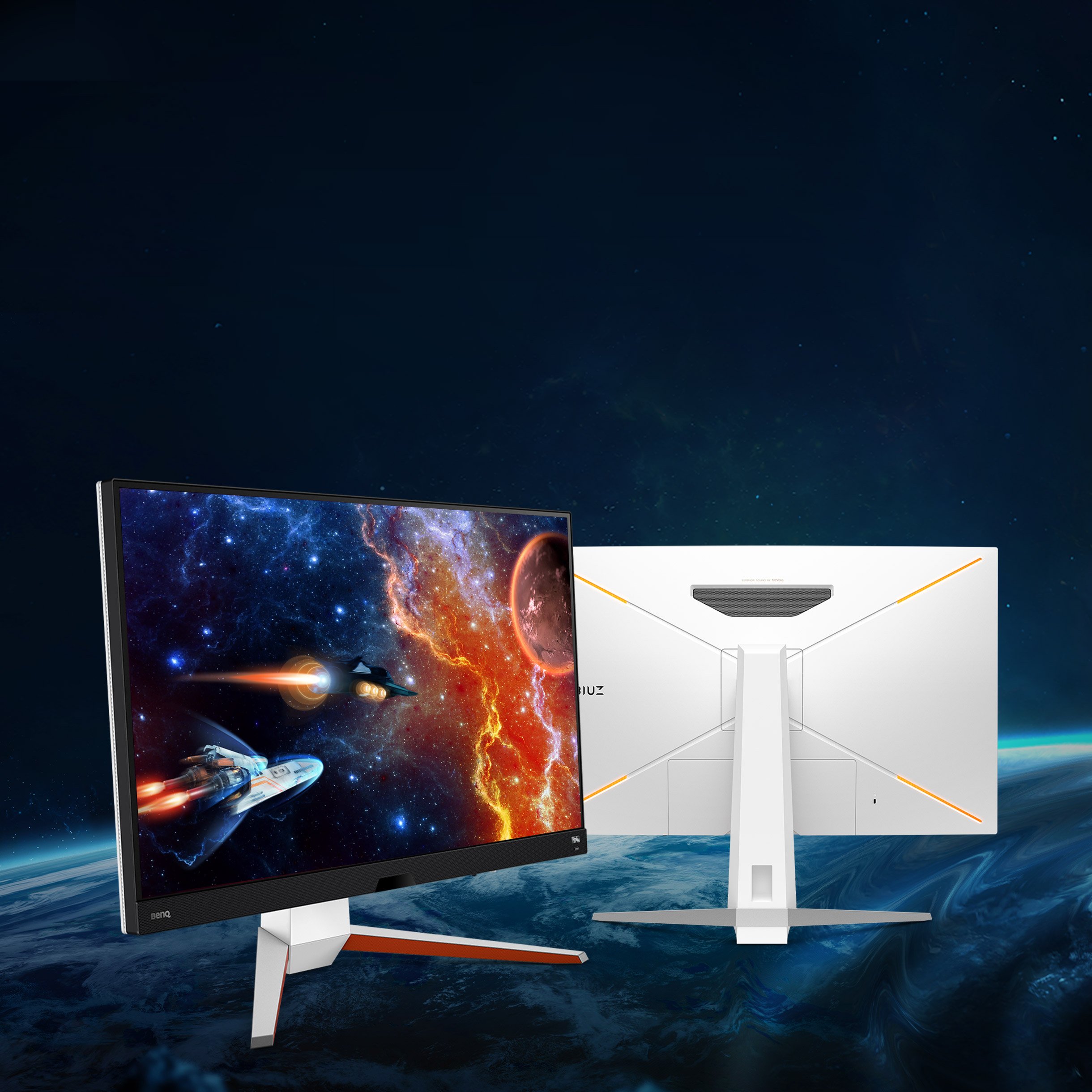
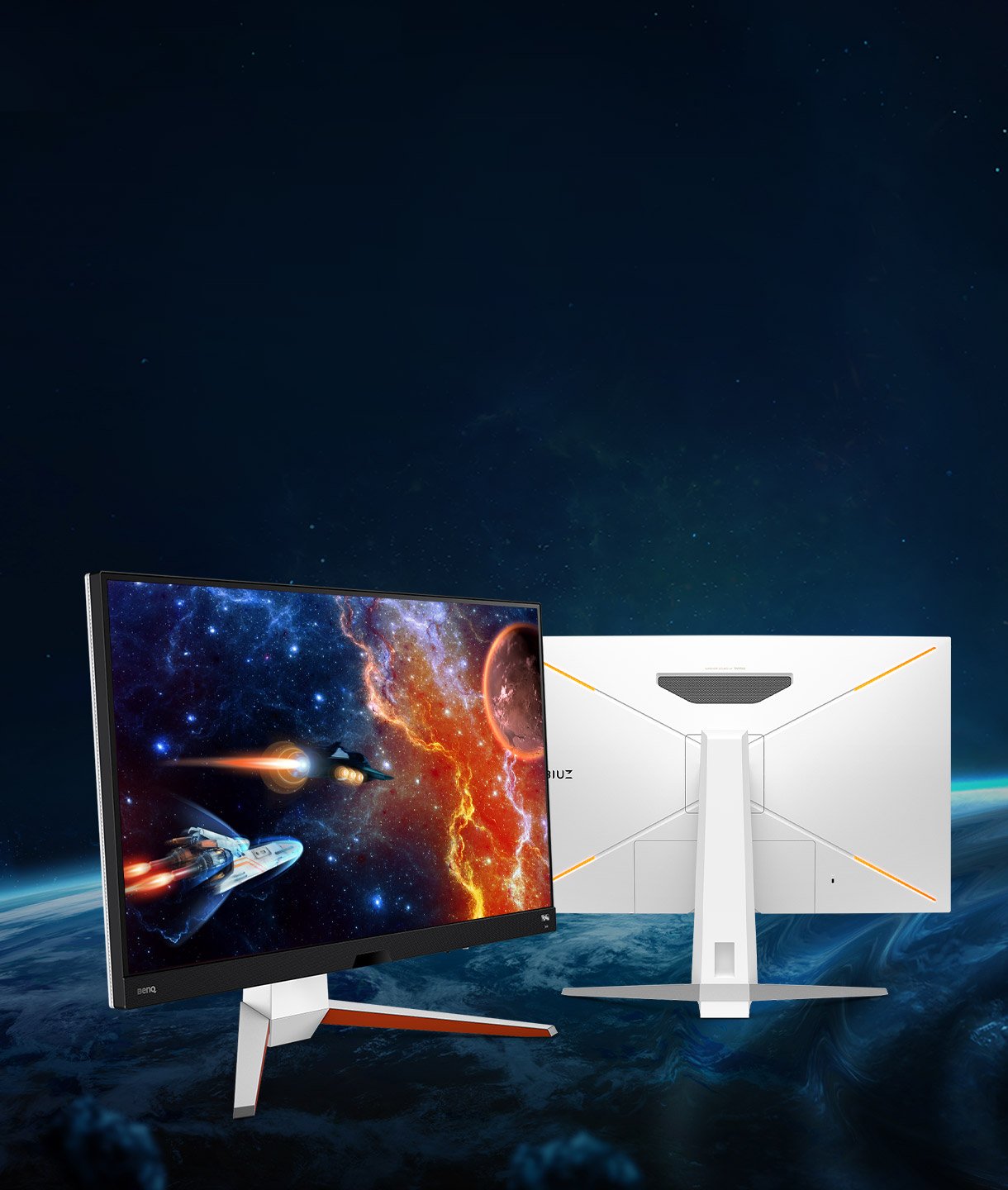
IPS 144Hz 1ms MPRT
Specifications
Display
Audio
Power
Dimension and Weight
Accessories
Connectivity
Eye Care
Environmental Standards
Certification
Video Enjoyment
Professional
Gaming
Software
FAQ
Download
FAQs
Browse all related FAQsDoes MOBIUZ gaming monitors support 1440p resolution on PS5?
Yes, with the release of the 1440p support in the latest PS5 firmware update, BenQ MOBIUZ gaming monitors can reach 1440p@120Hz.
Is my BenQ gaming monitor G-Sync compatible?
BenQ gaming monitors are ready for G-Sync due to universal support for VESA Adaptive Sync. Check the NVIDIA Control Center and turn G-Sync on. Please click and follow the instructions below, or read on to learn more about this topic.
How can I run two gaming monitors at 144Hz?
Enjoy an extended timeline for video editing with the enlarged browsing space. extra screen real estate allows you to personalize your work environment. Please click and follow the instructions below, or read on to learn more about this topic.
How does KVM switch function?
Connect Computer 1 and Computer 2 to your monitor and the Computer 1 and Computer 2 will be identified. Then to switch the input video source is possible. Please click and follow the instructions below, or read on to learn more about this topic.
How is a wide color gamut good to movie-watching and gaming?
With greater color richness, a wide color gamut helps present more detailed and authentic content. Please click and follow the instructions below, or read on to learn more about this topic.
Can we turn off B.I. + in HDRi mode?
Yes, it is possible to do so. You can turn off B.I. + in HDRi mode while maintaining HDR settings and performance.
What’s the difference between HDRi and HDR?
HDR is a tech that can improve the quality of images or videos by capturing or displaying a wider range of brightness and colors. HDRi is BenQ's Exclusive tech to enhance monitors' visual quality using proprietary algorithms to adjust the color tone and detail of the display.
What is HDRi and DisplayHDR and how to get max HDR peak brightness?
HDRi has improved contrast and colors and slightly reduced brightness for eye comfort and premium visuals. A DisplayHDR-certified monitor offers a peak brightness. Please click and read on to learn more about this topic.
Can I use USB-C to charge my MacBook pro?
The monitor's USB-C port delivers 65W which is sufficient for Windows laptops/ MacBook/ MacBook Pro. However, you still need to check if your laptop supports. Please click and follow the instructions below, or read on to learn more about this topic.