


Caring for Your Eyes While Working
BenQ Triple Eye Protection combines TÜV-certified Flicker-Free and Low Blue Light with Visual Optimizer (formerly B.I.+). No complex settings, just balanced work and health.


By Series
Portable Series Home Cinema Series Immersive Gaming Series TV Projector Series Golf Simulator ProjectorsBy Scenario
Best Projector for World Football Best 4K Projectors Home Entertainment Video Streaming Sports Watching GV Series Portable Ceiling ProjectorsBy Trending Word
4K UHD (3840×2160) Short Throw 2D, Vertical/Horizontal Keystone LED Laser With Android TV With Low Input LagExplore Commercial Projector
Professional Installation Exhibition & Simulation Small Business & Corporation Education Golf Simulator Wireless Presentation

It’s more than just eye strain. We spend hours on screens, ever noticed how it affects you? Constant screen time doesn’t just make your eyes tired, it can affect your focus, posture, and overall health over time.
Eye Strain
Long-term exposure to blue light and screen flicker doesn’t just cause discomfort, it can lead to permanent damage.
Poor Posture
Hunching over a laptop? Bad posture over time can lead to chronic pain and irreversible musculoskeletal issues.
Mental & Physical Fatigue
Prolonged screen time accumulates mental and physical fatigue, leading to lasting strain on your well-being and overall health.
Low Blue Light is just the start, real comfort comes from technology that adapts to you. BenQ Eye-Care Monitors go beyond TÜV certification with Triple Eye Protection—Visual Optimizer (formerly B.I.+), Low Blue Light, and Flicker-Free technology for effortless, all-day comfort.
When the light changes, your screen just knows. Visual Optimizer (formerly B.I.+) with a built-in sensor to fine-tune brightness and color temperature to your environment, giving you eye comfort viewing with vivid colors automatically. No guesswork, no fiddling, just comfort from 9 to 6 and beyond.
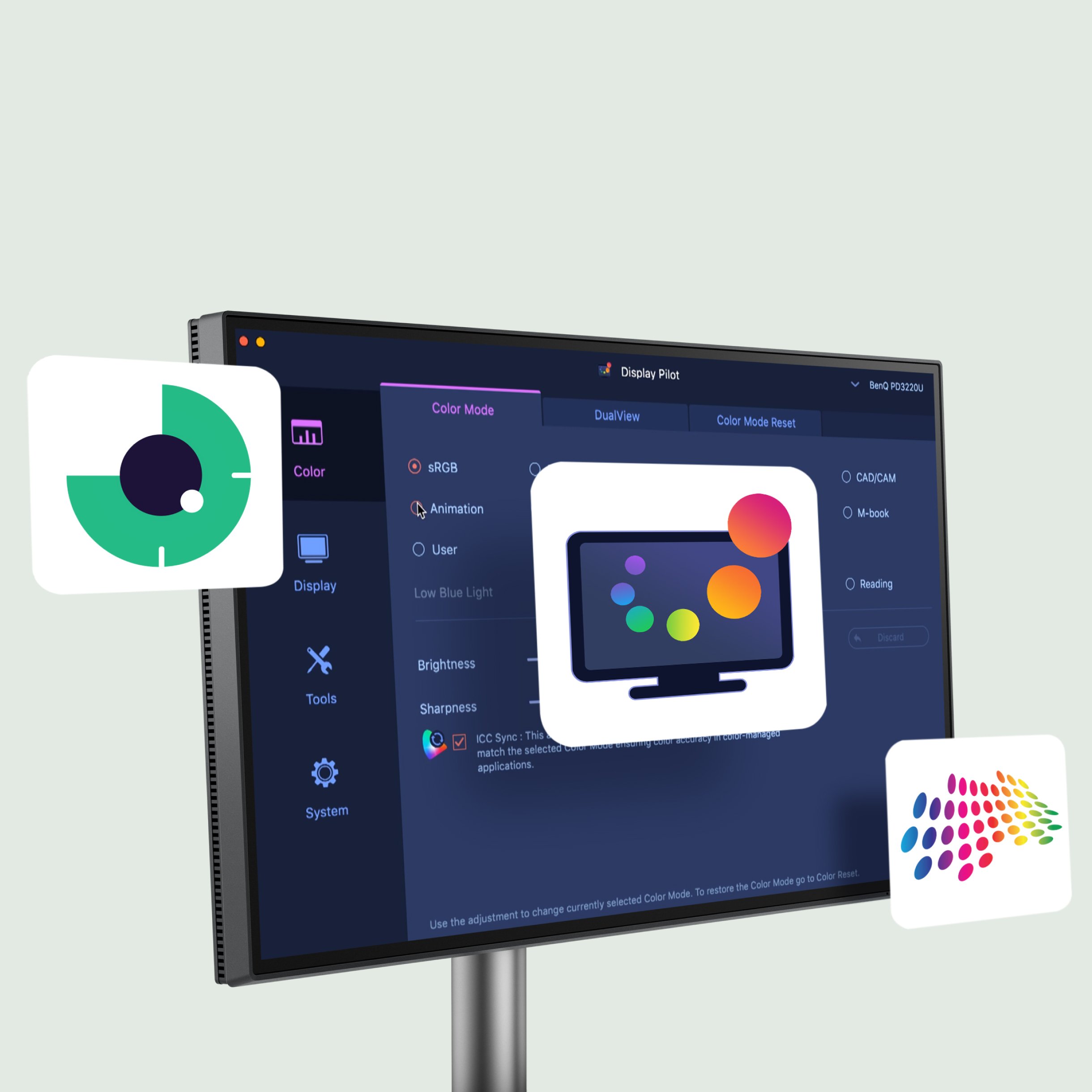
Your built-in eye-care assistant. Designed for BenQ GW monitors, it also offers behavior tracking and eye usage reports unmatched by third-party tools. With intuitive on-screen controls, staying focused is effortless.
*Available in both Light and Dark themes for your eye comfort.
You Work. We Care.
Your built-in eye-care assistant. Designed for BenQ GW monitors, it also offers behavior tracking and eye usage reports unmatched by third-party tools. With intuitive on-screen controls, staying focused is effortless.
*Available in both Light and Dark themes for your eye comfort.
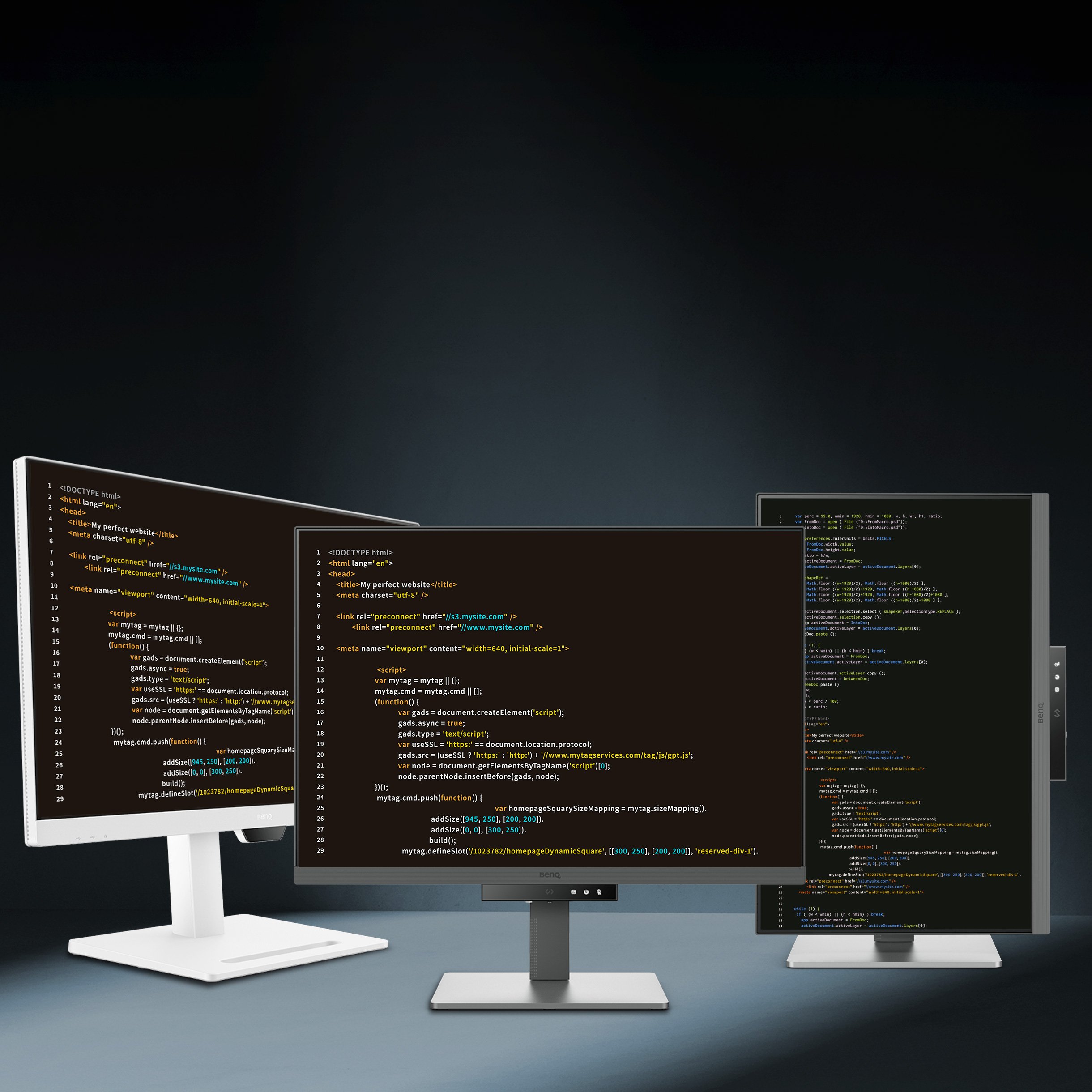
Pivot
Swivel
Tilt
Height Adjustable
We know how hard it can be to balance work, health, and family. But protecting your eyes shouldn’t add to the burden. With a simple setup, you can ease eye strain, stay focused, and make screen time more comfortable—so you can be your best, for yourself and those you love.
Connect
to auto-activate Flicker-Free & Low Blue Light
Tap
the hotkey for Visual Optimizer
Done
to get lasting eye comfort
All models feature BenQ Eye-Care Technology and are designed for work, video calls, or multitasking—whatever your day looks like.
GW2486TC
23.8" Home Office Monitor
23.8" Full HD (1920 x 1080) USB-C (Alt Mode) Ergonomic & Edge to Edge Slim Bezel Design 100Hz
GW2490T
23.8” Eye-care Monitor
23.8” Full HD (1920 x 1080)) USB-C (Alt Mode) Ergonomic & Edge to Edge Slim Bezel Design 144Hz
GW2790Q
27” Eye-care Monitor
27” Full HD (2560 x 1440) HDMI (v2.0) Edge to Edge Slim Bezel Design 100Hz


Not just here for work? We’ve got something for your downtime too.
Exceptional Joy for Your Personal Moments
Not just here for work? We’ve got something for your downtime too.
Home Series
Compare all Home Monitors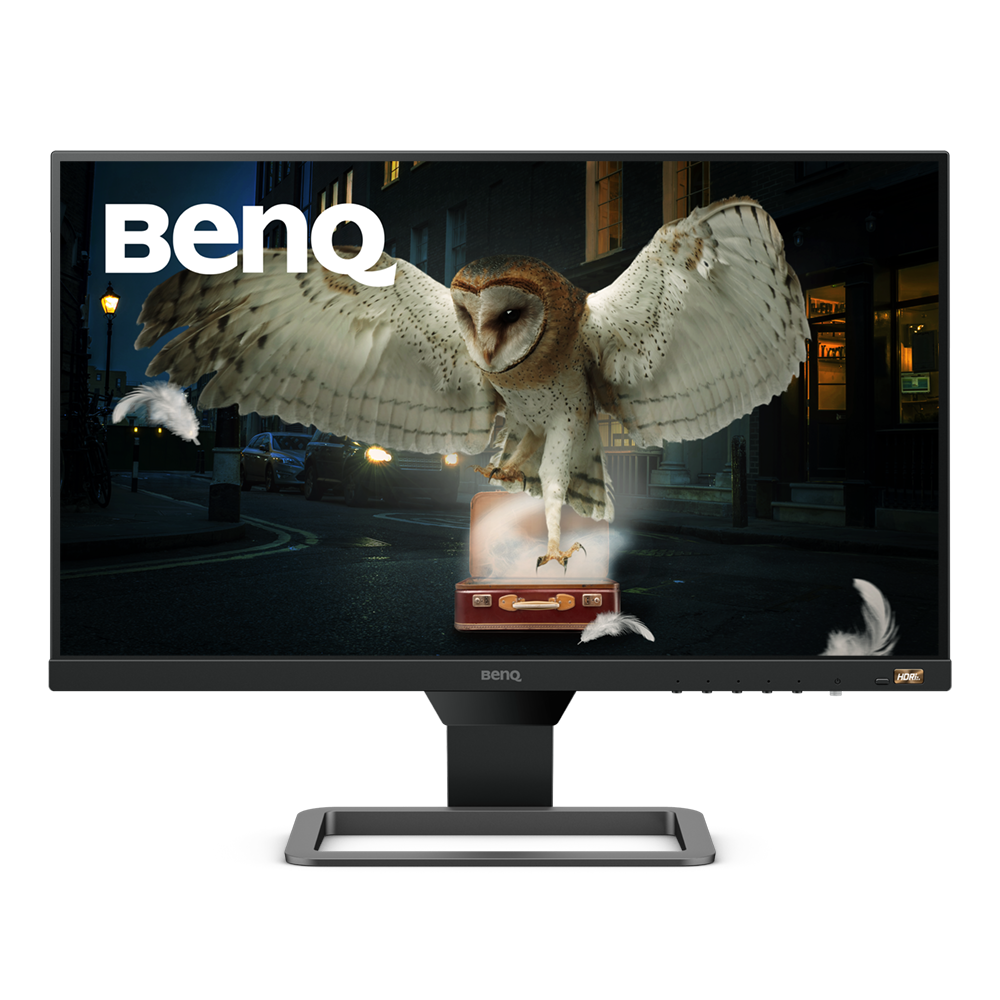
Without HDR
High Dynamic Range to achieve lifelike images
From {{currency}}{{ formatPrice(n[1]) }} -
Learn moreUp to
HDR10
High Dynamic Range
IPS
Panel Type
Up to
72% NTSC
Color Gamut
Up to
1080p (1920x1080)
Resolution
Up to
2.5W Stereo Speaker
Audio Output
HDR
High Dynamic Range (HDR) is a technology that produces images with a large perceptible difference between bright and dark regions for realistically bright or dark pictures without subtle detail loss.
Color Gamut
Color gamut is defined as the range of colors which a particular device can produce or record , with some commonly used standards such as Rec.2020, DCI-P3, AdobeRGB, sRGB, and NTSC.

With HDR
High Dynamic Range to achieve lifelike images
{{currency}}{{ formatPrice(n[1]) }} -
Learn moreUp to
VESA DisplayHDR 400
High Dynamic Range
TN/IPS
Panel Type
Up to
95% P3
Color Gamut
Up to
4K (3840x2160)
Resolution
Up to
110 mm
Height Adjustment Stand
Daisy Chain
Topology
USB-C
Connectivity
Up to
5W Stereo Speaker
Audio Output
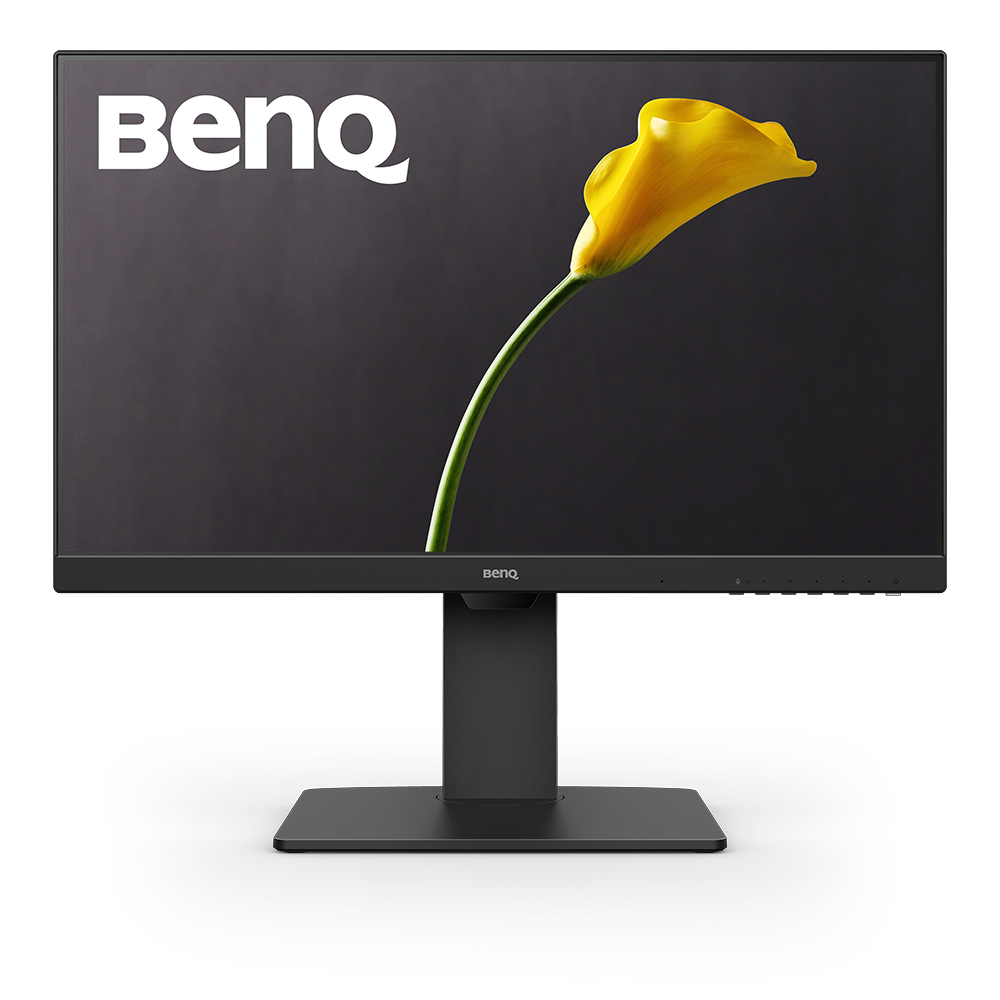
Without HDR
From {{currency}}{{ formatPrice(n[1]) }} -
Learn more-
High Dynamic Range
TN/IPS
Panel Type
Up to
72% NTSC
Color Gamut
Up to
1080p (1920x1080)
Resolution
Up to
130 mm
Height Adjustment Stand
Daisy Chain
Topology
USB-C/USB-A
Connectivity
Up to
Noise Filter Speaker (2Wx2)
Audio Output
HDR
High Dynamic Range (HDR) is a technology that produces images with a large perceptible difference between bright and dark regions for realistically bright or dark pictures without subtle detail loss.
Color Gamut
Color gamut is defined as the range of colors which a particular device can produce or record , with some commonly used standards such as Rec.2020, DCI-P3, AdobeRGB, sRGB, and NTSC.
Daisy Chain
Ways in which you can interconnect multiple monitors via a single cable for each device through recent iterations of standards such as DisplayPort and Thunderbolt.
Color Gamut
Color gamut is defined as the range of colors which a particular device can produce or record , with some commonly used standards such as Rec.2020, DCI-P3, AdobeRGB, sRGB, and NTSC.
Daisy Chain
Ways in which you can interconnect multiple monitors via a single cable for each device through recent iterations of standards such as DisplayPort and Thunderbolt.

With HDR
High Dynamic Range to achieve lifelike images
{{currency}}{{ formatPrice(n[1]) }} -
Learn moreUp to
VESA DisplayHDR 400
High Dynamic Range
IPS/VA
Panel Type
Up to
98% P3
Color Gamut
Up to
4K (3840x2160)
Resolution
Up to
110 mm
Height Adjustment Stand
Daisy Chain
Topology
USB-C
Connectivity
Up to
2.1 Channel with subwoofer
Audio Output
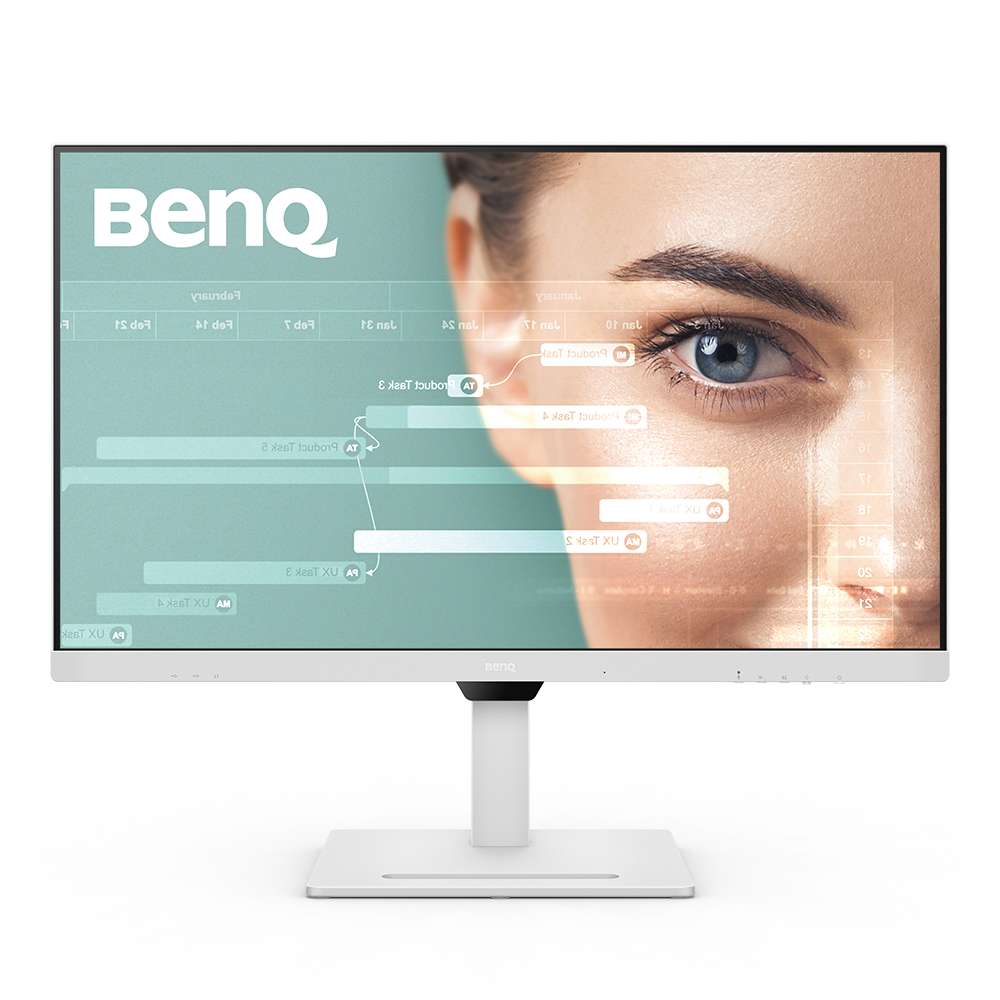
Without HDR
{{currency}}{{ formatPrice(n[1]) }} -
Learn more-
High Dynamic Range
IPS
Panel Type
Up to
99% sRGB
Color Gamut
2K (2560x1440)
Resolution
Up to
110 mm
Height Adjustment Stand
Daisy Chain
Topology
USB-C/HDMI 1.4/DP 1.2/USB-A
Connectivity
Noise Filter Speaker (2Wx2)
Audio Output
HDR
High Dynamic Range (HDR) is a technology that produces images with a large perceptible difference between bright and dark regions for realistically bright or dark pictures without subtle detail loss.
Color Gamut
Color gamut is defined as the range of colors which a particular device can produce or record , with some commonly used standards such as Rec.2020, DCI-P3, AdobeRGB, sRGB, and NTSC.
Daisy Chain
Ways in which you can interconnect multiple monitors via a single cable for each device through recent iterations of standards such as DisplayPort and Thunderbolt.
Color Gamut
Color gamut is defined as the range of colors which a particular device can produce or record , with some commonly used standards such as Rec.2020, DCI-P3, AdobeRGB, sRGB, and NTSC.
Daisy Chain
Ways in which you can interconnect multiple monitors via a single cable for each device through recent iterations of standards such as DisplayPort and Thunderbolt.



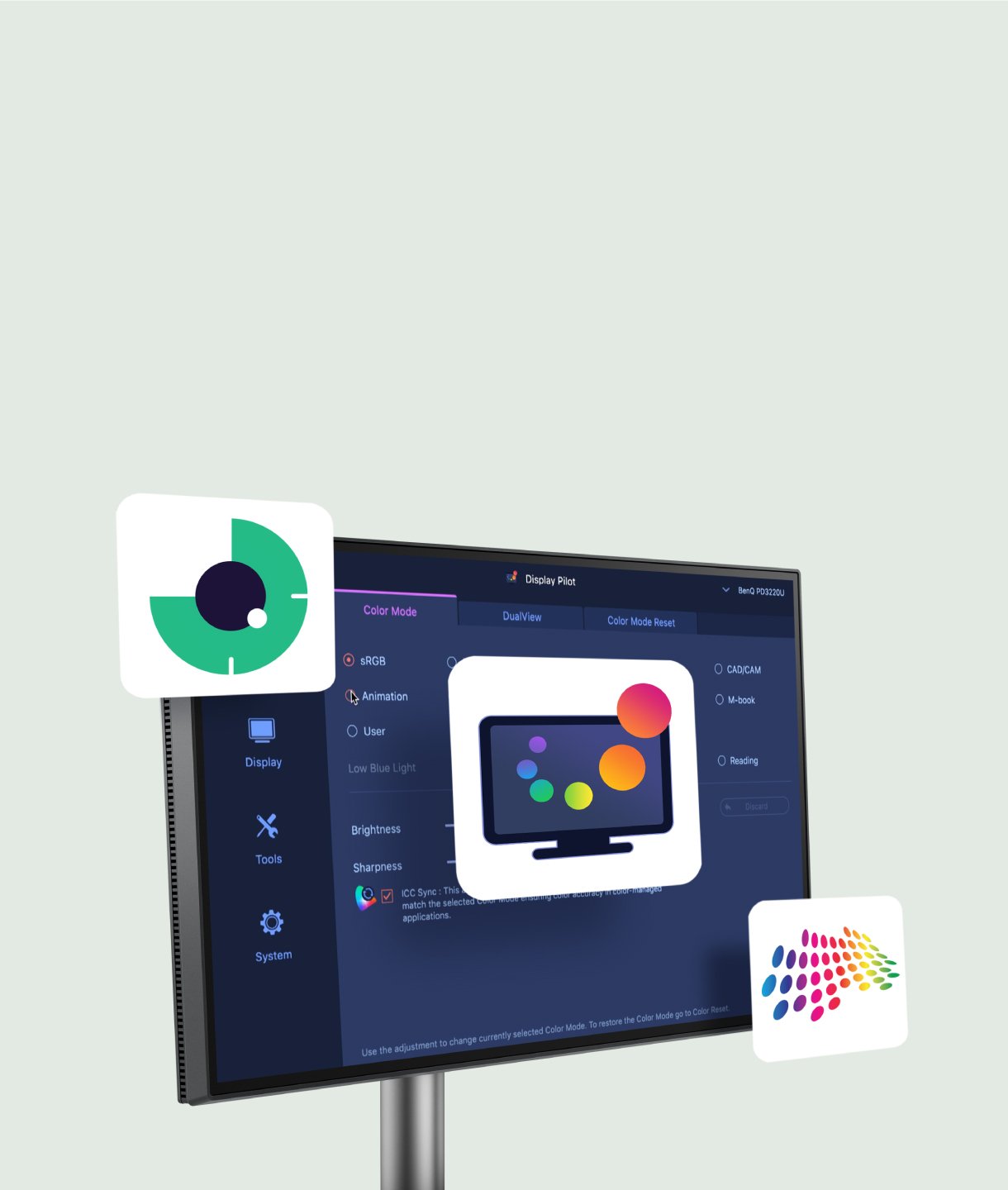

What is Brightness Intelligence Technology and What is the Difference Between B.I. and B.I. Gen2?

Vertical Monitor for Coding: How to Choose the Perfect One

5 Reasons Why BenQ has the Best Monitor for Programming
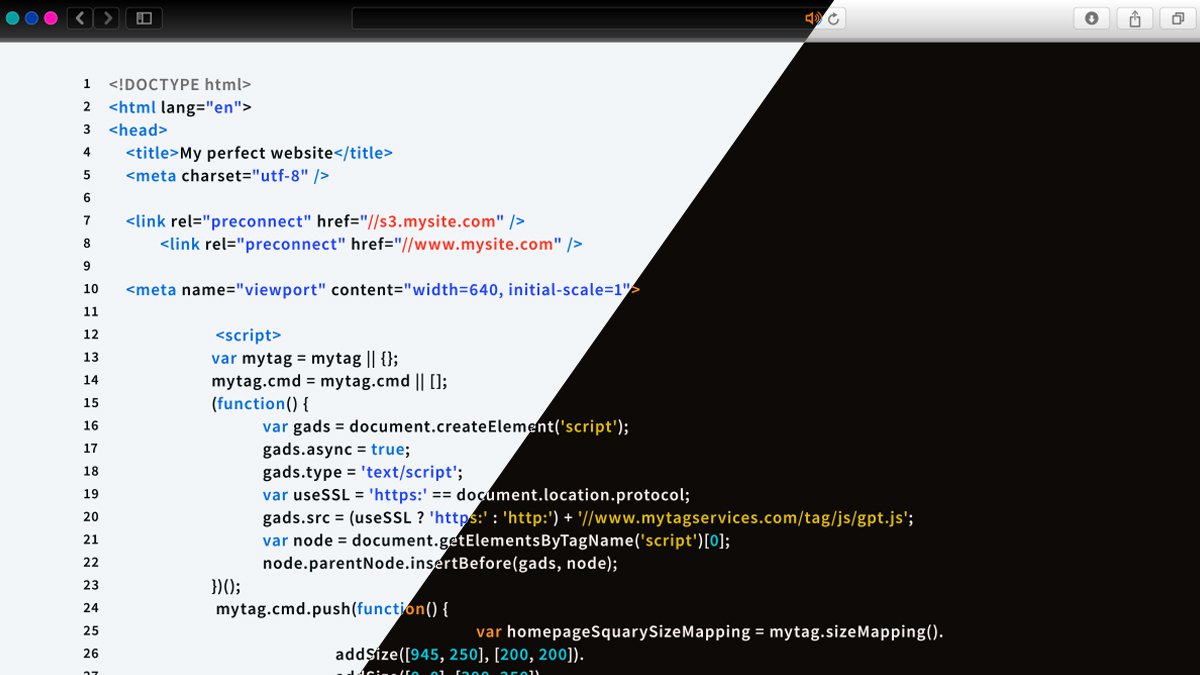
Dark IDE vs. White IDE: Which One is Better?
Support Center
Contact Us


