ScreenBar Halo
Webcam Accessory
GV32|Your New Partner for Laid-back Movie Night
Early Bird Sale: $749 only — FREE Carry Bag included. Save S$150!By Scenario
Home Entertainment Best 4K Projectors Video Streaming Sports Watching GV Series Portable Ceiling ProjectorsBy Trending Word
4K UHD (3840×2160) Short Throw 2D, Vertical/Horizontal Keystone LED Laser With Android TV With Low Input LagExplore Commercial Projector
Professional Installation Exhibition & Simulation Small Business & Corporation Education Golf Simulator Wireless PresentationProjector
By Scenario
Home Entertainment Best 4K Projectors Video Streaming Sports Watching GV Series Portable Ceiling ProjectorsBy Trending Word
4K UHD (3840×2160) Short Throw 2D, Vertical/Horizontal Keystone LED Laser With Android TV With Low Input LagExplore Commercial Projector
Professional Installation Exhibition & Simulation Small Business & Corporation Education Golf Simulator Wireless PresentationMonitor
Lighting
Shop
GV32: Your New Partner for Laid-back Movie Night
Add To CartGV32: Your New Partner for Laid-back Movie Night
Add To Cart
ScreenBar Halo 2 – Comfortable, Focused Lighting for Work
Learn moreScreenBar Halo 2 – Comfortable, Focused Lighting for Work
Learn more
TK705STi: Big Screen, Small Space, Your 100” 4K Cinema
Learn moreTK705STi: Big Screen, Small Space, Your 100” 4K Cinema
Learn more
MA Series|27” & 32” 4K Nano Gloss Monitor for MacBook
Learn moreMA Series|27” & 32” 4K Nano Gloss Monitor for MacBook
Learn more
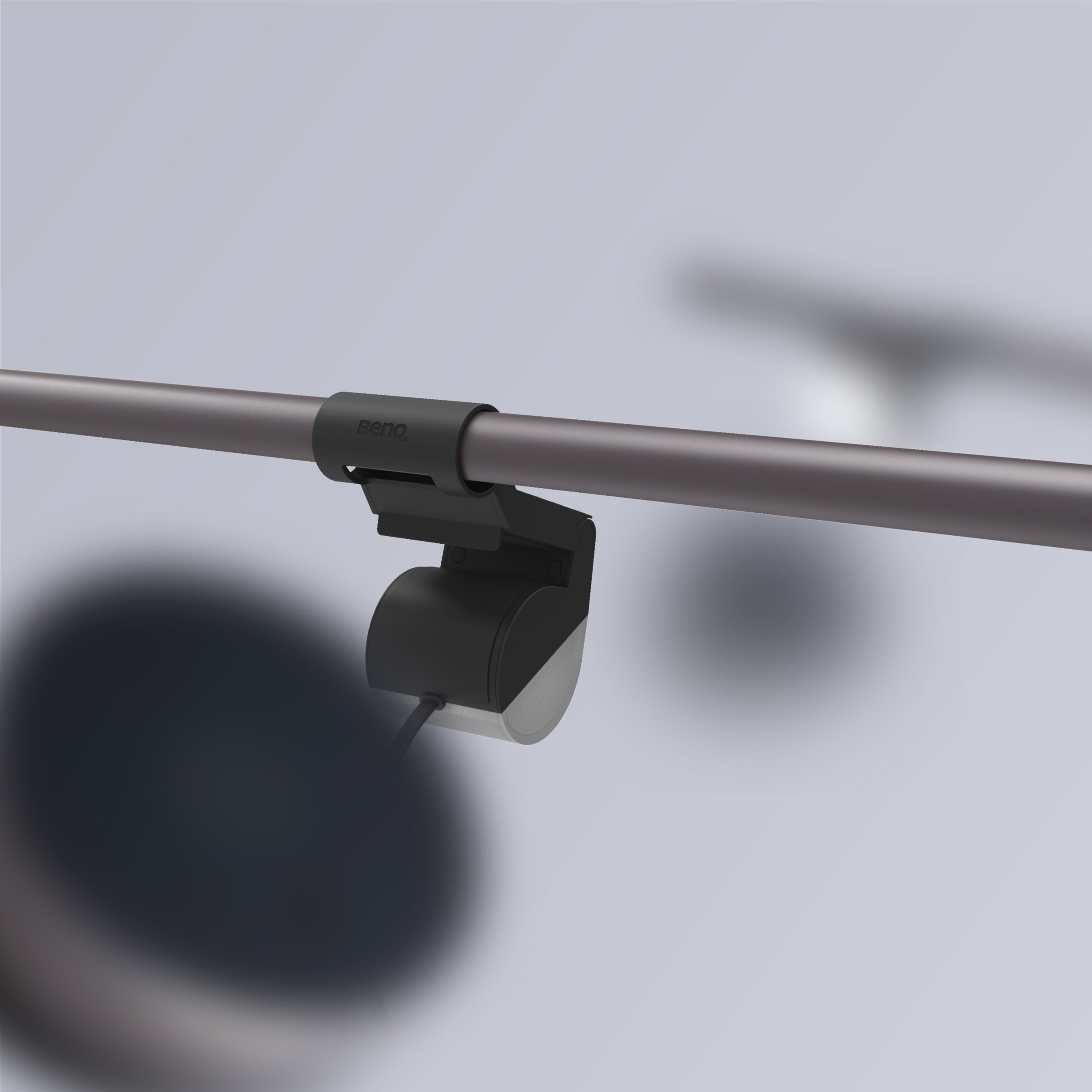
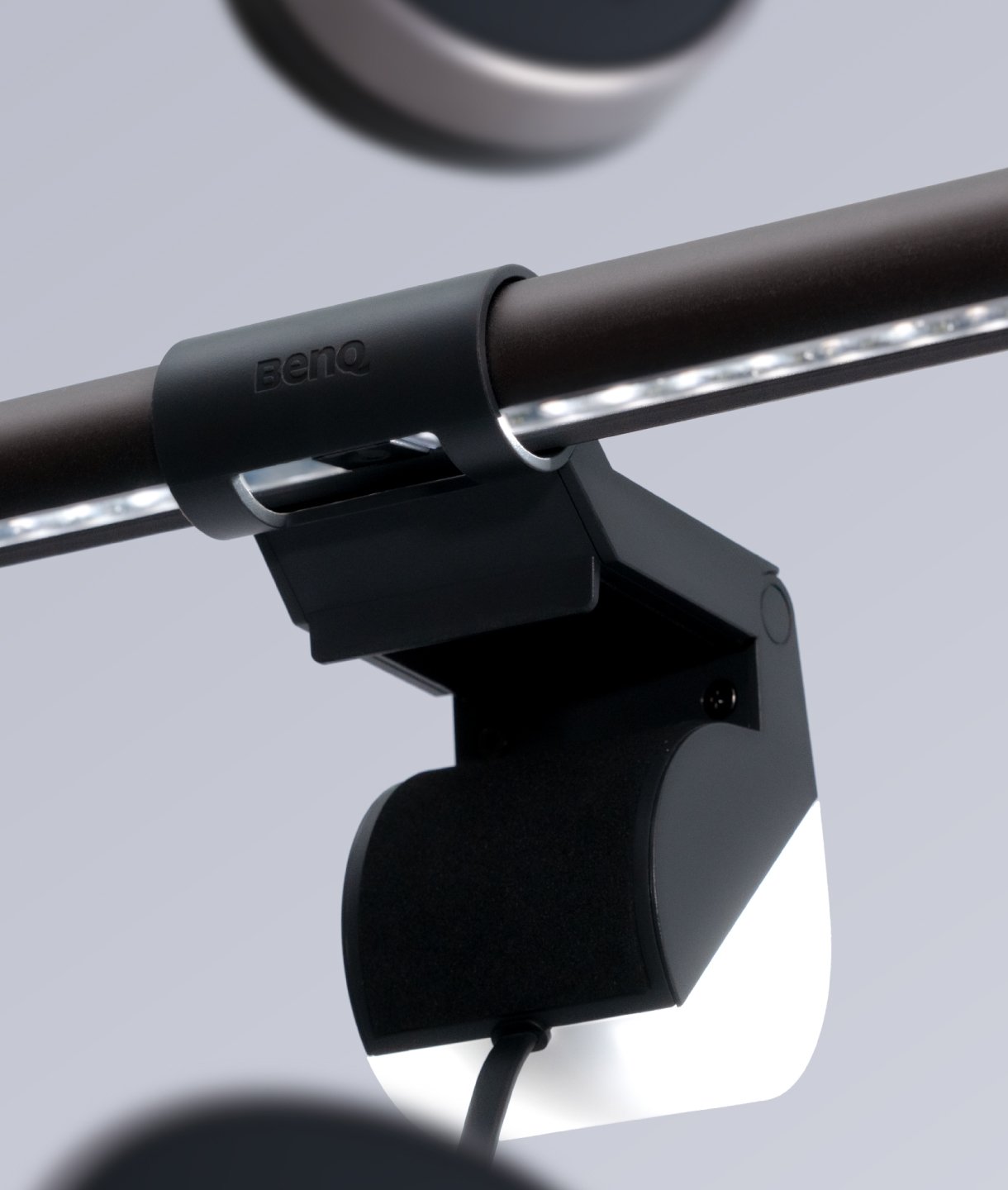
Designed for ScreenBar Halo usage
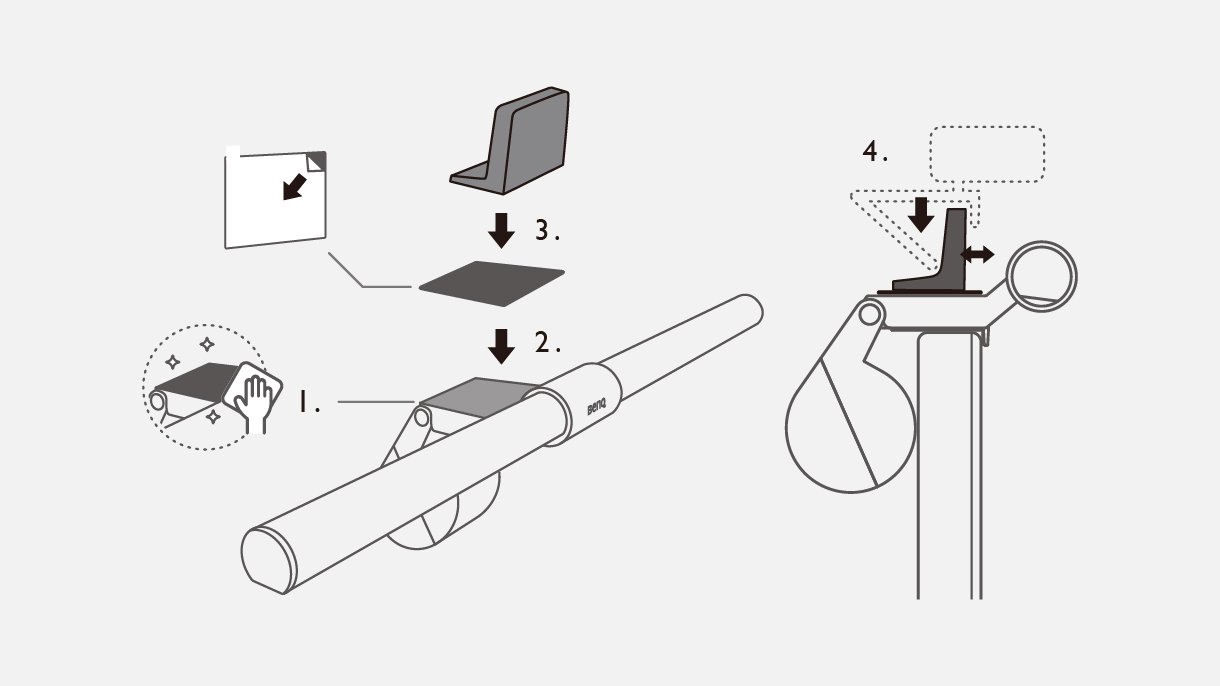
1. Clean the ScreenBar surface before applying the sticker. 2. Tear off the backing of the sticker. 3. Apply the magnetic sticker to the ScreenBar surface, in the designated position. 4. Position the adaptor onto the metallic sticker. 5. Attach your webcam securely and position it to suit your needs.
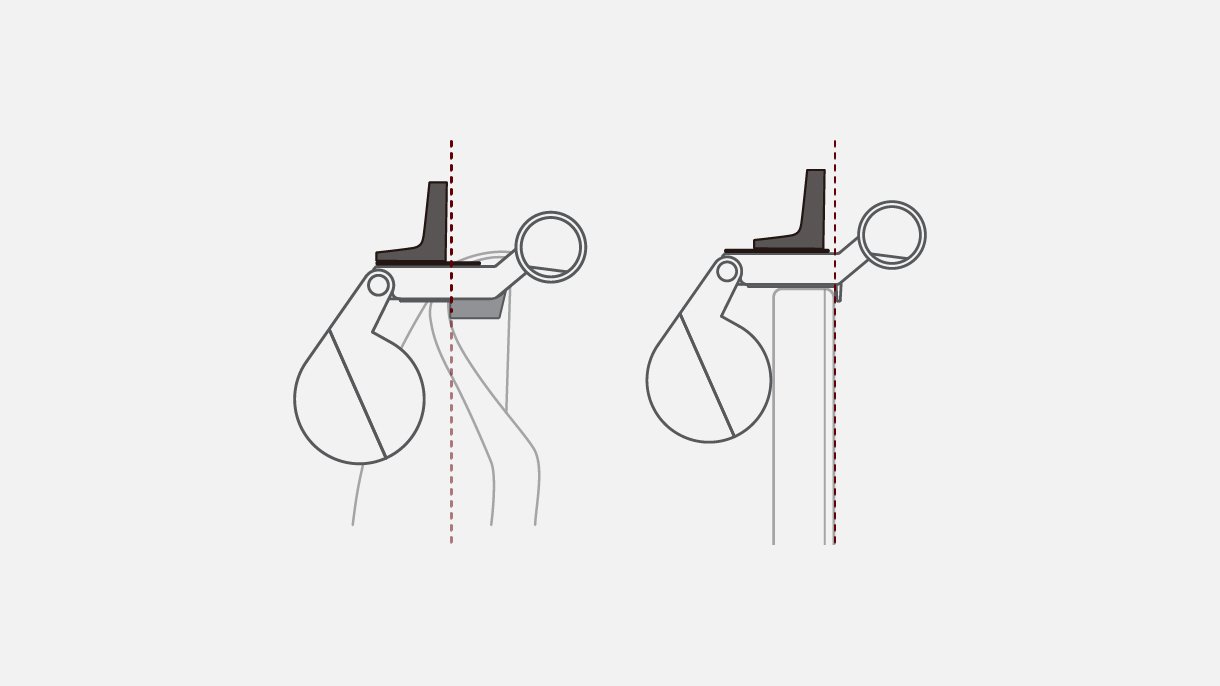
When using with curved monitors, take care not place the adaptor over the edge of screen bezel.
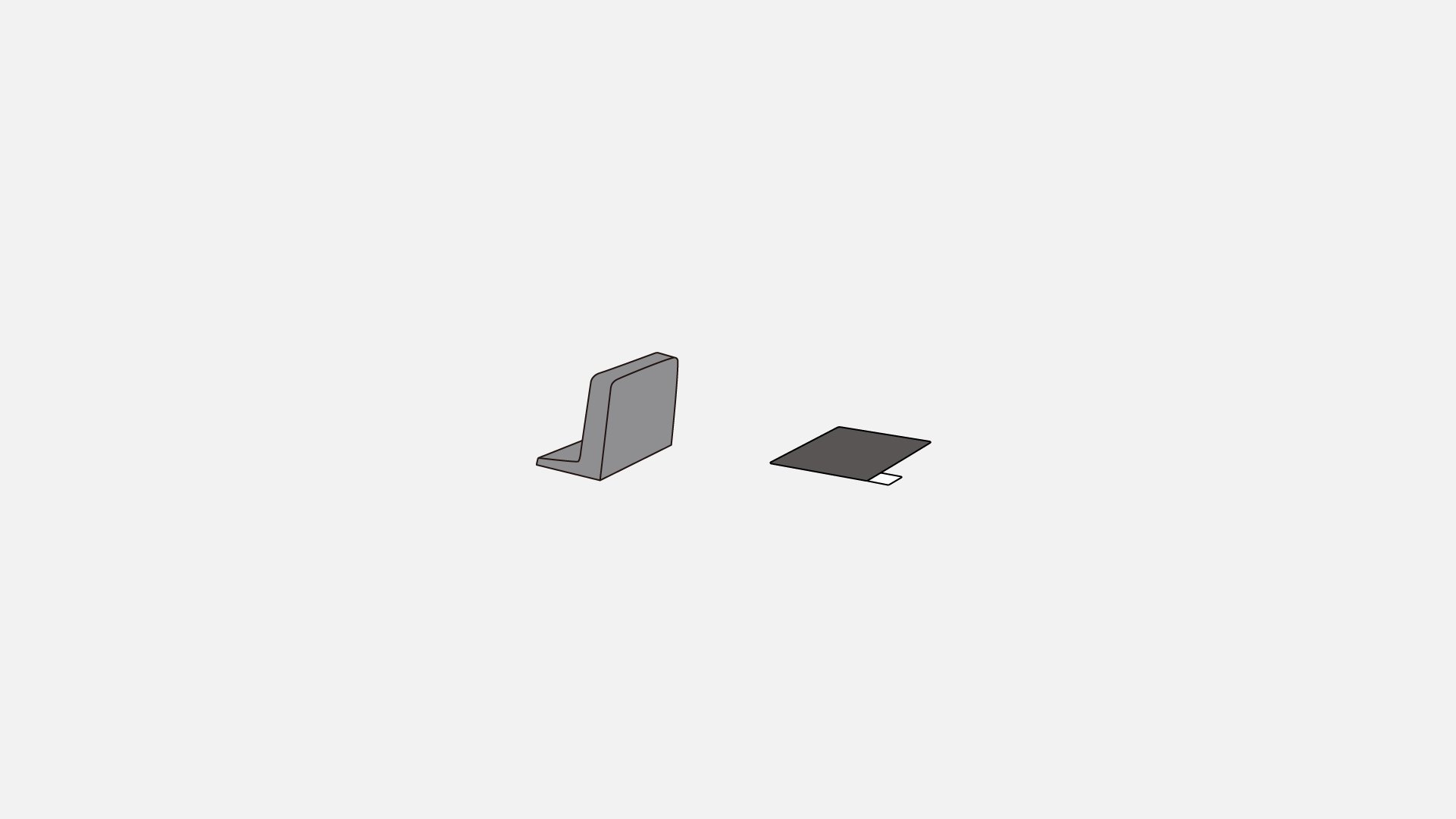
Magnetic Adaptor, Metallic Sticker