localNavigation.type = g6-product-overview-page

Color Shuttle

{{currency}}{{finalPrice.final | numberThousandsCommas | numberDecimalPoint}}

{{currency}}{{regularPrice.final | numberThousandsCommas | numberDecimalPoint}}

Color Shuttle lets you save your fine-tune colors on your BenQ MOBIUZ monitors to take your gaming experience to the next level

The Shuttle Delivers the Hottest Game Art for Open-World AAA Games

Color Shuttle

The Shuttle Delivers the Hottest Game Art for Open-World AAA Games

Color Shuttle

Supercharge Your Game with Color Shuttle

Various authorized presets are tailored for the most popular games to boost the delicacy of your experience.
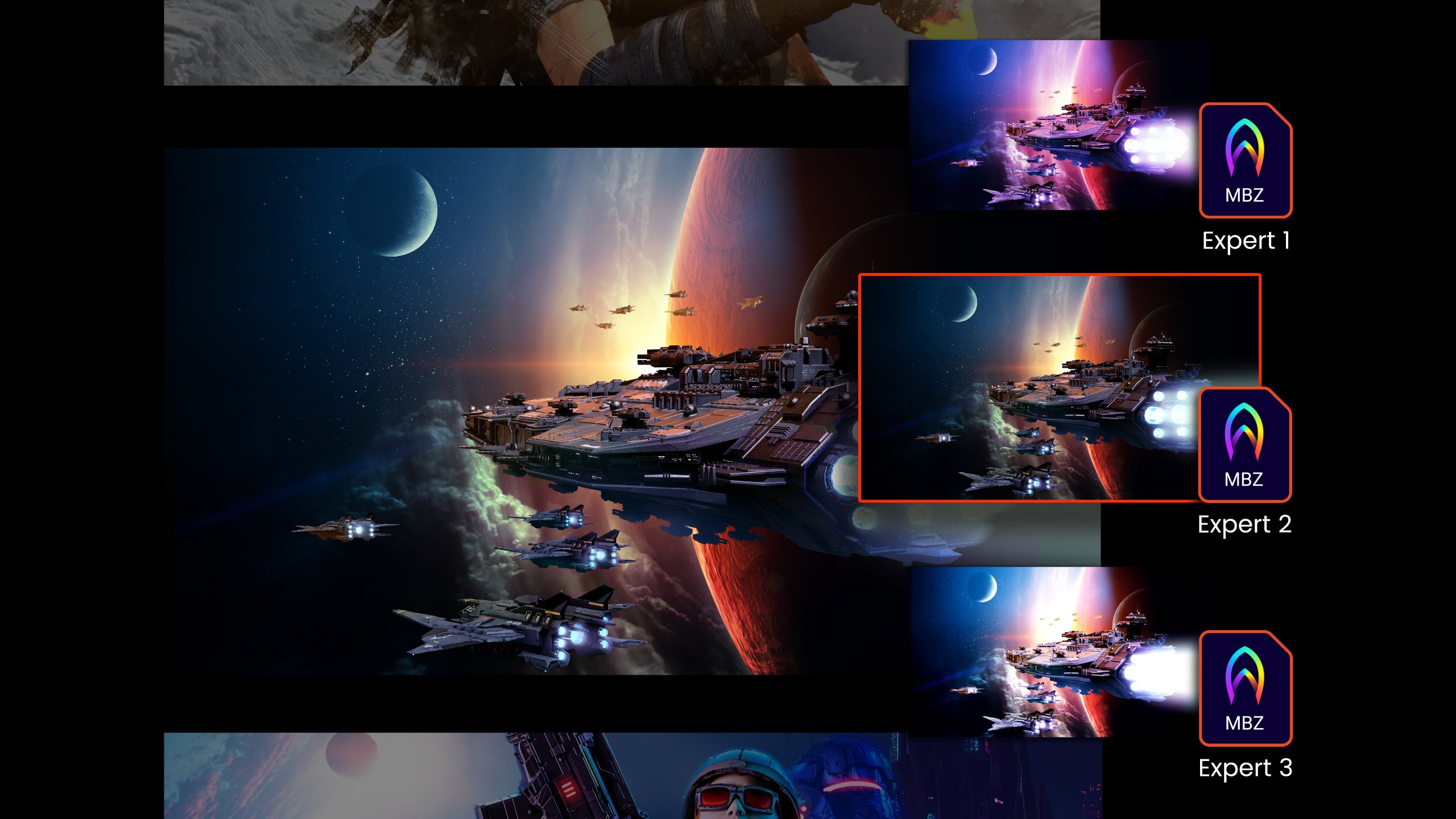
With MOBIUZ Color Shuttle you can up your game with the color profiles defined by the experts With MOBIUZ Color Shuttle you can up your game with the color profiles defined by the experts

Enjoy the Perfect Game Art Settings Automatically Matched for You

Press the activate button in Color Shuttle and enjoy Smart Color, which automatically matches the best game visuals packaged for you in real time! We leverage the latest AI chipset to intelligently detect your game type and automatically switch to the most suitable game art setting from the MOBIUZ Game Color Database.

Smart Color is currently supported on EX271U, EX271Q, EX271, and EX251, with upcoming support for EX321UX and EX381U.

Save Locally or to the Cloud and Switch Settings on the Fly

Once you’ve found the right combination of settings for your favorite games, save them as presets. Then switch between presets as easily as you switch between games. Any of your saved presets can be uploaded to the cloud for later download to whichever new device supporting Color Shuttle.

Share or Download your Settings with Ease

Easily share your custom setups and flex your ultimate display settings. Blow your friends away and dominate the gaming world with visuals maxed out for peak performance.
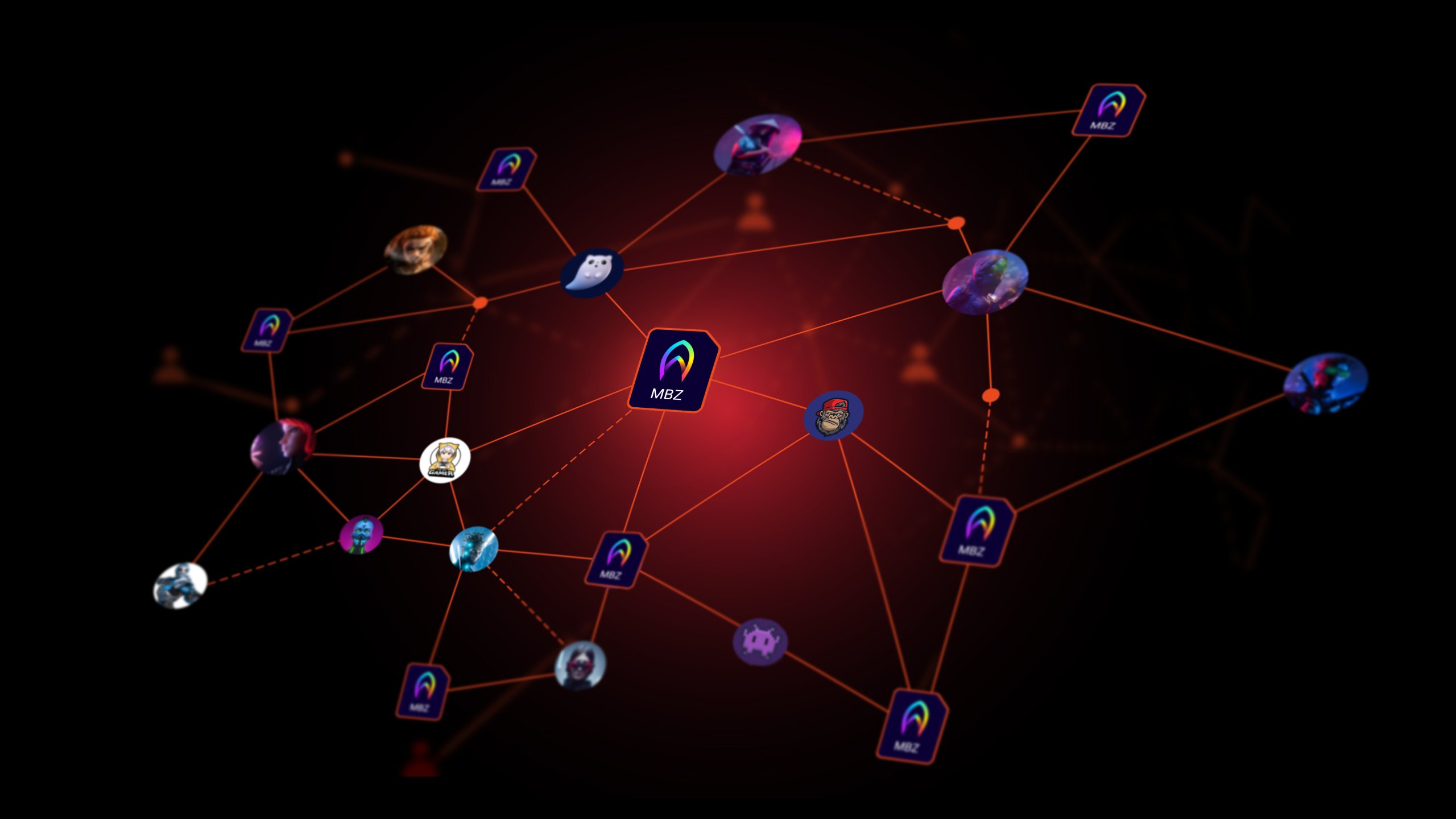
MOBIUZ Color Shuttle to easily share your custom configurations. Wow your friends and the gaming world with display settings that get the most out of game visuals MOBIUZ Color Shuttle to easily share your custom configurations. Wow your friends and the gaming world with display settings that get the most out of game visuals

Is my MOBIUZ compatible with Color Shuttle?

Check your model's compatibility, then download and experience richer, more detailed graphics with accurate colors and breathtaking visuals that stay true to the game creators' vision.

Smart Color is currently supported on EX271U, EX271Q, EX271, and EX251, with upcoming support for EX321UX and EX381U.

Is my MOBIUZ compatible with Color Shuttle?

Check your model's compatibility, then download and experience richer, more detailed graphics with accurate colors and breathtaking visuals that stay true to the game creators' vision.

Smart Color is currently supported on EX271U, EX271Q, EX271, and EX251, with upcoming support for EX321UX and EX381U.

FAQ

Have a question?

Download

Find the latest user manual