


SW242Q|24" 2K BenQ Photographer Monitor
Capture the Moment from Screen to Print


1. Shooting
2. Editing
3. Preview
4. Final output
The BenQ Nano Matte Panel provides a reflection-free performance that results in a simulated-texture screen effect which, in conjunction with Paper Color Sync software, delivers industry-leading screen-to-print results as the ultimate platform for accurate photo editing and reliable soft proofing.
BenQ AQCOLOR technology delivers 'Accurate Reproduction.' This translates to the display of color precisely as it is intended to appear. Led by a color expert, the BenQ team took part in the ICC* and ISO** to establish color-related standards and implementation guidelines. With Delta E ≤ 1.5 and BenQ ICCsync, SW242Q offers out-of-the-box and easy-to-reach color accuracy. The 16-bit 3D lookup table (LUT) improves color blending for precise reproduction.
* International Color Consortium **International Organization of Standardization
Uniformity Control
Full Screen Calibration via Micro-Zone Correction
Color Tolerance Management
High-Precision Instrument Alignment
Industry Standards Compliance
From Rec.709, DCI-P3 to Adobe RGB and Beyond
Uneven color and dim corners aren’t just annoying, they distort your work. BenQ tackles what others overlook. Through full screen calibration, we ensure consistent brightness and color across the entire screen. So whether you're editing center frame or checking the edges, you can create with total confidence.
Non-Uniformity

BenQ Color Uniformity

BenQ PhotoVue monitors are accredited with Calman Verified, Pantone Validated and Pantone SkinTone Validated certifications. Creative professionals demand color excellence, and BenQ delivers. The SW242Q supports world-leading video calibration software, Calman and ColourSpace. Adjust your display's 3D LUT (Lookup Table) for accuracy and consistency at all levels.
Effortless calibration, no experience needed. Follow the visual menus and clear prompts for software calibration that meets international standards.
*For more information on colorimeter models supporting correlation, please visit the AQCOLOR Pilot website. **AQCOLOR Pilot is formerly know as Palette Master Ultimate.
Achieve More Precise Color Matching with a Calibrator
Effortless calibration, no experience needed. Follow the visual menus and clear prompts for software calibration that meets international standards.
*For more information on colorimeter models supporting correlation, please visit the AQCOLOR Pilot website. **AQCOLOR Pilot is formerly know as Palette Master Ultimate.
SW242Q helps pros get the best video results with HDR support and multiple video formats.
Quickly transfer data and deliver power up to 90W. Your Thunderbolt 3/4 devices are compatible with USB-C on BenQ displays, ensuring consistent and seamless work efficiency.
Position your monitor for optimal comfort. With a variety of tilt, swivel, and pivot control points, whether you’re working on design or presenting your ideas to clients, there’s always the right spot and the right angle to do it.
Pivot 90°
Swivel 30°/30°
Tilt -5°~20° & Hight Adjustable
AQCOLOR Pilot
For hardware calibration and convenient color management
*Formerly Palette Master Ultimate
Paper Color Sync
Get an on-screen preview to simulate the printing results
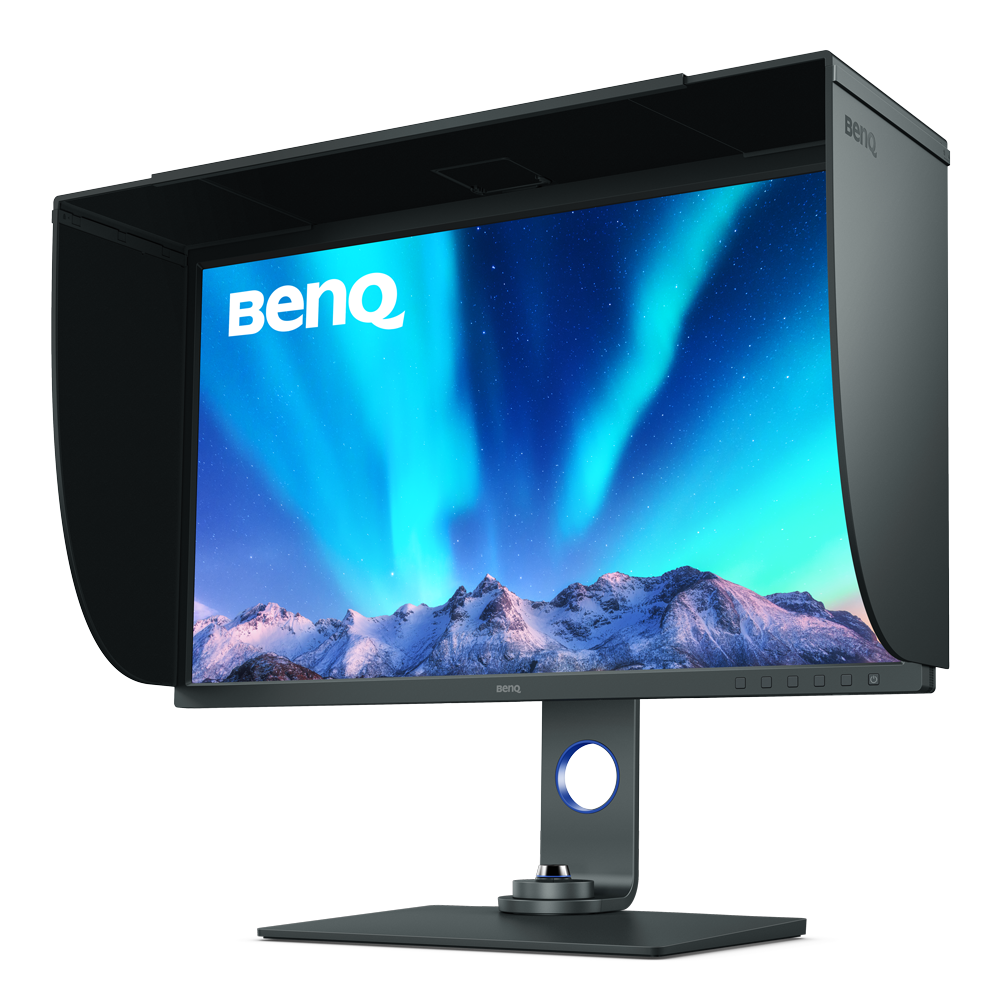
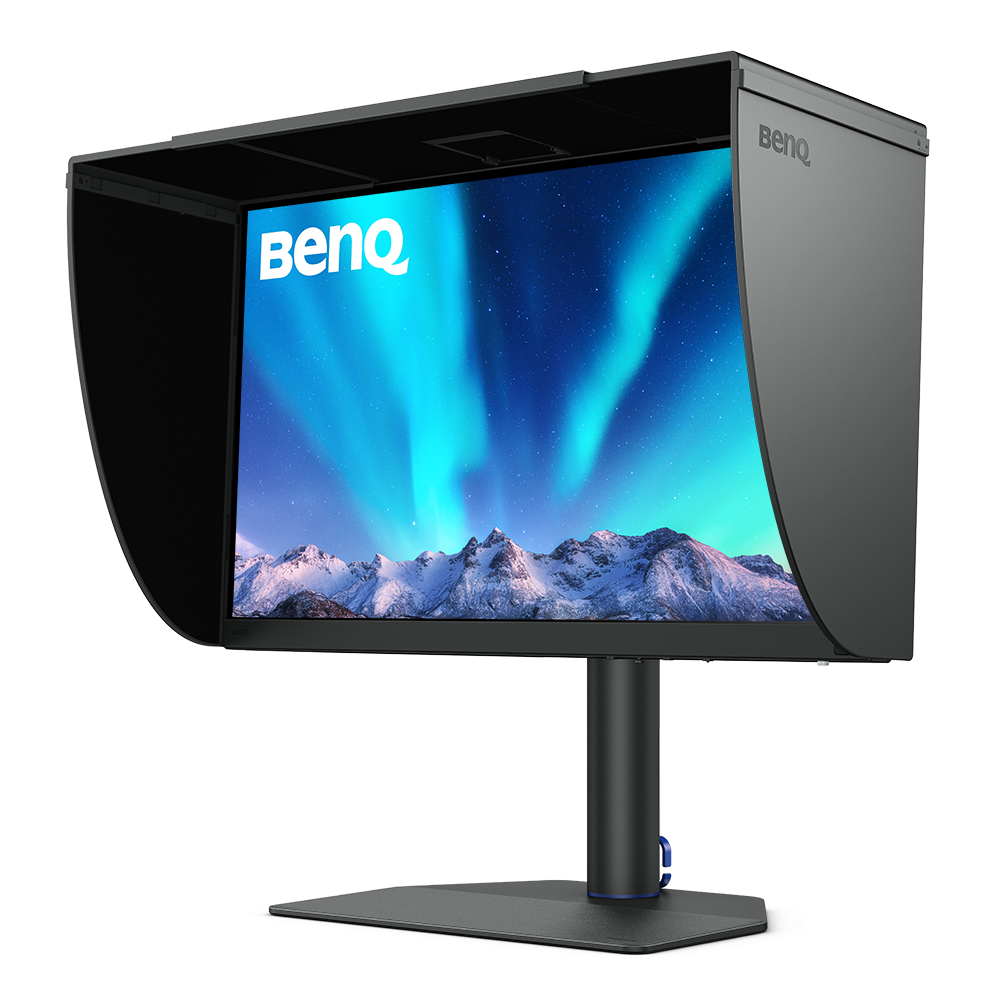
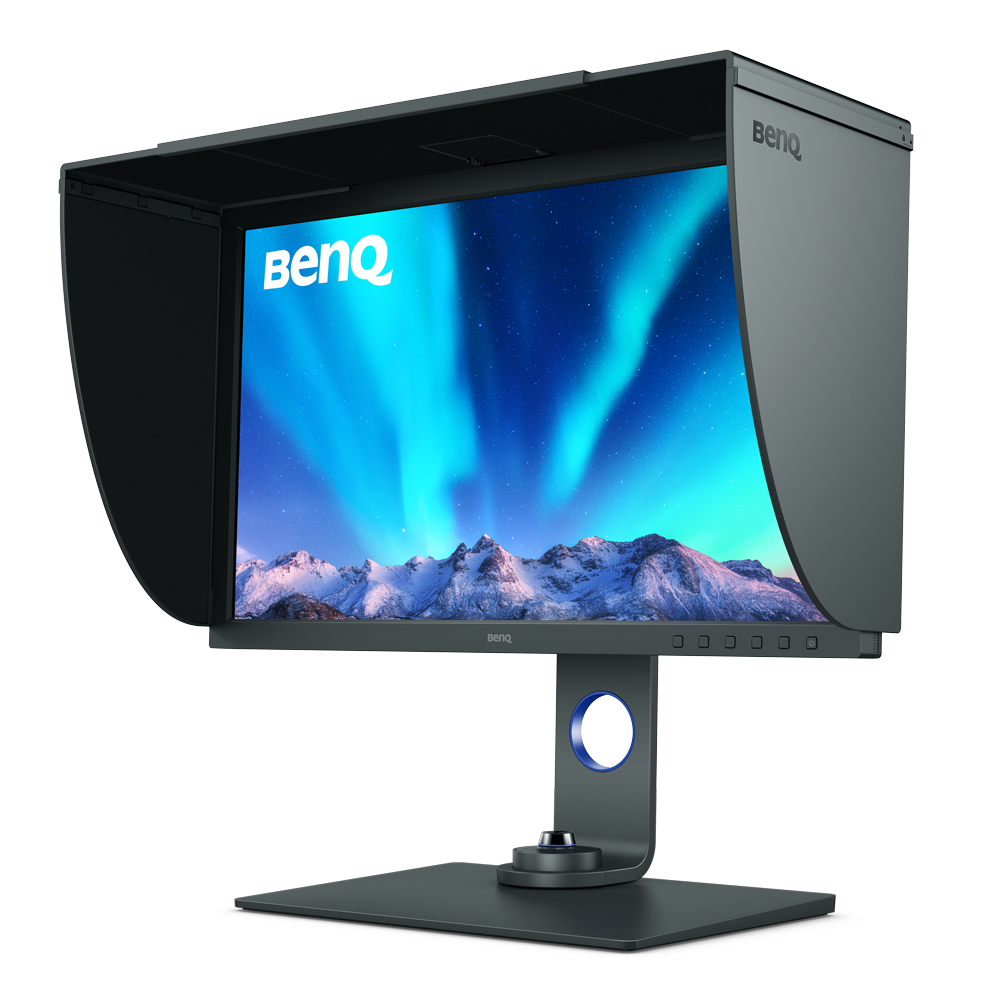
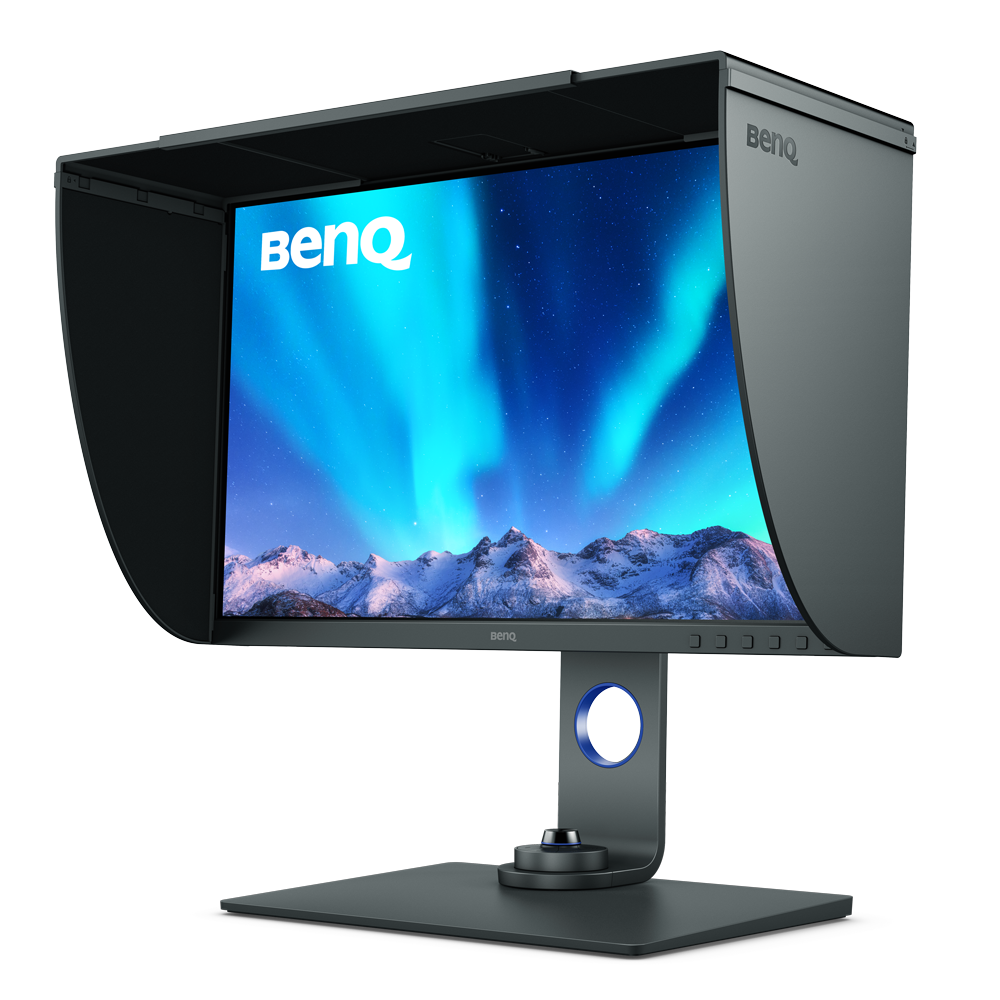
Screen Size
31.5 inch
27 inch
27 inch
27 inch
27 inch
24.1 inch
Color Gamut
100% sRGB, 95% P3, 99% Adobe RGB
100% sRGB, 100% Rec.709, 99% Adobe RGB, 99% P3
100% sRGB, 100% Rec.709, 98% P3, 99% Adobe RGB
100% sRGB, 99% Adobe RGB, 90% P3
100% sRGB, 97% P3, 99% Adobe RGB
100% sRGB, 98% P3, 99% Adobe RGB
Resolution (max.)
3840x2160
3840x2160
2560x1440
3840x2160
2560x1440
2560x1600
Delta E(avg)
≤2
≤1.5
≤1.5
≤2
≤2
≤1.5
HDR
HDR10, HLG
HDR10, HLG
HDR10
HDR10, HLG
HDR10
HDR10
All-in-One Connection
USB-C
USB-C
USB-C
USB-C
USB-C
USB-C


FAQ
Download












?$ResponsivePreset$)