Projector
Explore Business Projector
Professional Installation Exhibition & Simulation Conference Room Meeting Room Education ProjectorsMonitor
Lighting
Interactive Display | Signage
We use cookies and similar technologies on this website to improve our service for you and bring you a more personalized user experience.
By accepting optional cookies, you can enjoy:
Personalized support and live chat (Functional cookies)
Relevant content via anonymized analytics (Analytics / Performance cookies)
Ads and marketing tailored to your interests (Advertising / Targeting cookies)
By clicking “Accept all”, you consent to the use of cookies, including optional cookies. Click “Reject all” to reject optional cookies or click “Cookie Setting” to manage your preferences. Please note that rejecting optional cookies may affect certain website features and functionality. Find out more in our Cookie Policy and Privacy Policy.
Always active
These cookies are required for the operation of the website and cannot be configured.
These cookies allow us to offer you customized content according to your profile, your interests and your usage. By accepting these cookies, you help us to improve the layout and features of our site.
These cookies allow us to understand how you access the site and your browsing habits (e.g. pages viewed, time spent on a page, content clicked). They allow us to analyze the performance and design of our site and to detect possible errors. Owing to these performance indicators, we are constantly improving our site and our products, content and offers.
These cookies are used for BenQ advertisements displayed on third-party websites, including social media, and are tailored to your preferences and to help us measure the effectiveness of our advertising campaigns. They remember that you have visited our site and share this information with partners, such as advertisers, for the purpose of targeted advertising. If you refuse these cookies, advertising (including ours) will continue to be displayed as you browse the Internet, although they will not be specific to your personal interests, and will therefore be less relevant.
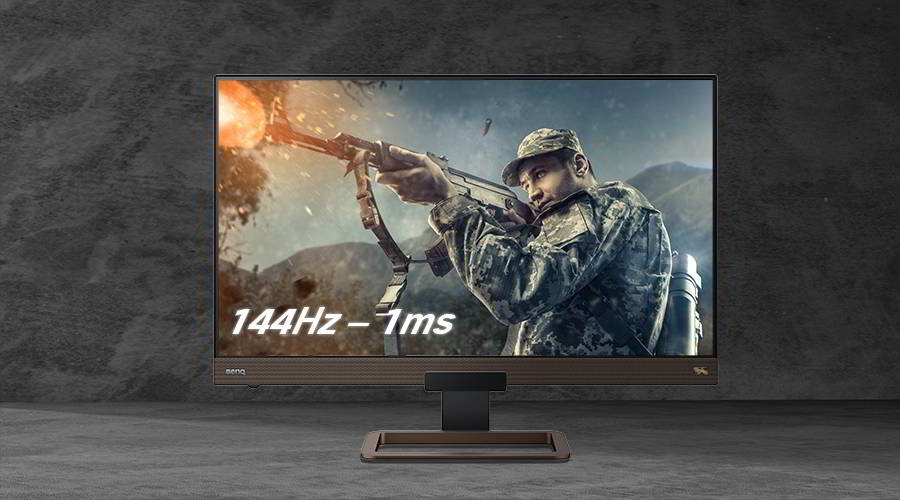
The answer to this quandary depends on your situation. If you already have a good 144Hz gaming monitor, then the 13% increase in max framerate isn’t necessarily worth an upgrade. But if you’re in the market for a high refresh rate gaming monitor and want to choose between a 144Hz and a 165Hz model, then we say go with the latter. That’s because 165Hz is becoming the new 144Hz, or the middle ground between 60Hz and really high frame rates like 240Hz and 360Hz. Being a newer standard means with 165Hz monitors you’re more likely to get improved panels, better color accuracy, better HDR, and faster response. Given the choice, go with 165Hz.
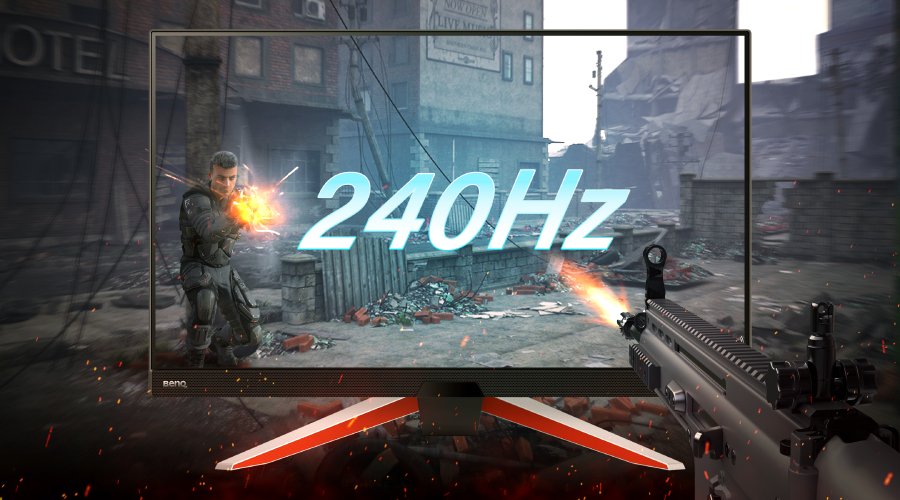
Gaming monitor manufacturers always look for ways to increase refresh rates to support ever-faster games and more powerful graphics cards. Incremental steps have the advantage of offering refresh rates that many GPUs can actually benefit from. A graphics card that can run games at 1080p 144Hz or 1440p 144Hz will easily do the same at 165Hz, but may struggle with a major step-up like 240Hz. So, in effect 165Hz is gaining popularity as a possible replacement for 144Hz. The move from 144Hz to 165Hz doesn’t even require entirely new panel technology. Many manufacturers find that a lot of 144Hz panels can easily be tuned to offer native 165Hz without risky or unstable overclocking. Thus, this is a win-win scenario. For manufacturers, this provides the chance to offer faster panels without costly development. For gamers, that’s extra frames per second for effectively the same price as 144Hz monitors, so why not? A similar situation existed in the past with 90Hz and 100Hz panels that improved on 60Hz monitors. Sure, the difference in frame rates wasn’t night and day, but again – why not? If you can get more refresh for the same money, you should go for it.
We just mentioned the most obvious benefit above. A little bit more frames without breaking the bank. Will you be able to tell the difference between 144 and 165 frames per second? Most likely not, if we’re being honest. But any game running at 165Hz will be smoother than 144Hz, even if you don’t overtly perceive the difference. In competitive gaming, even a 13% increase in frame rate is something.
In 1080p, that’s a definite yes. For 1440p, it varies by the quality of the cable and graphics card drivers. Generally, HDMI 2.0 can even do 4K 120Hz with reduced color depth and lower quality chroma subsampling. So 1440p in 165Hz is doable if you lower color depth to 8-bit and also set chroma subsampling to 4:2:2 or 4:2:0. But the thing with 165Hz monitors is that they’re newer and therefore may have HDMI 2.1 included. Even if they don’t have HDMI 2.1, you can still enjoy 1080p 165Hz. And because this refresh rate is primarily aimed at multiplayer and competitive gaming, 1080p should be more than enough for the experience you want. If you’re into single player games and prioritize resolution and graphics settings, we recommend a good 4K 60Hz monitor.
{{item.productWordingTag}}
{{currency}}{{item.finalPrice| numberThousandsCommas | numberDecimalPoint}} Save {{currency}}{{item.saveAmount | numberThousandsCommas | numberDecimalPoint}} Save {{item.savePercent | numberThousandsCommas | numberDecimalPoint}}%
new device price{{currency}}{{item.regularPrice| numberThousandsCommas | numberDecimalPoint}}