RE7503 – Essential Series Education Interactive Display
Have all your teaching essentials at your fingertips with an interactive display designed to make classes healthier and more engaging.
- Protect health with antimicrobial screens and tools
- Boost engagement with built-in interactive tools
- Push timely announcements with X-Sign Broadcast
- Manage remotely for convenient maintenance
- Built-in 2 × 16W speakers
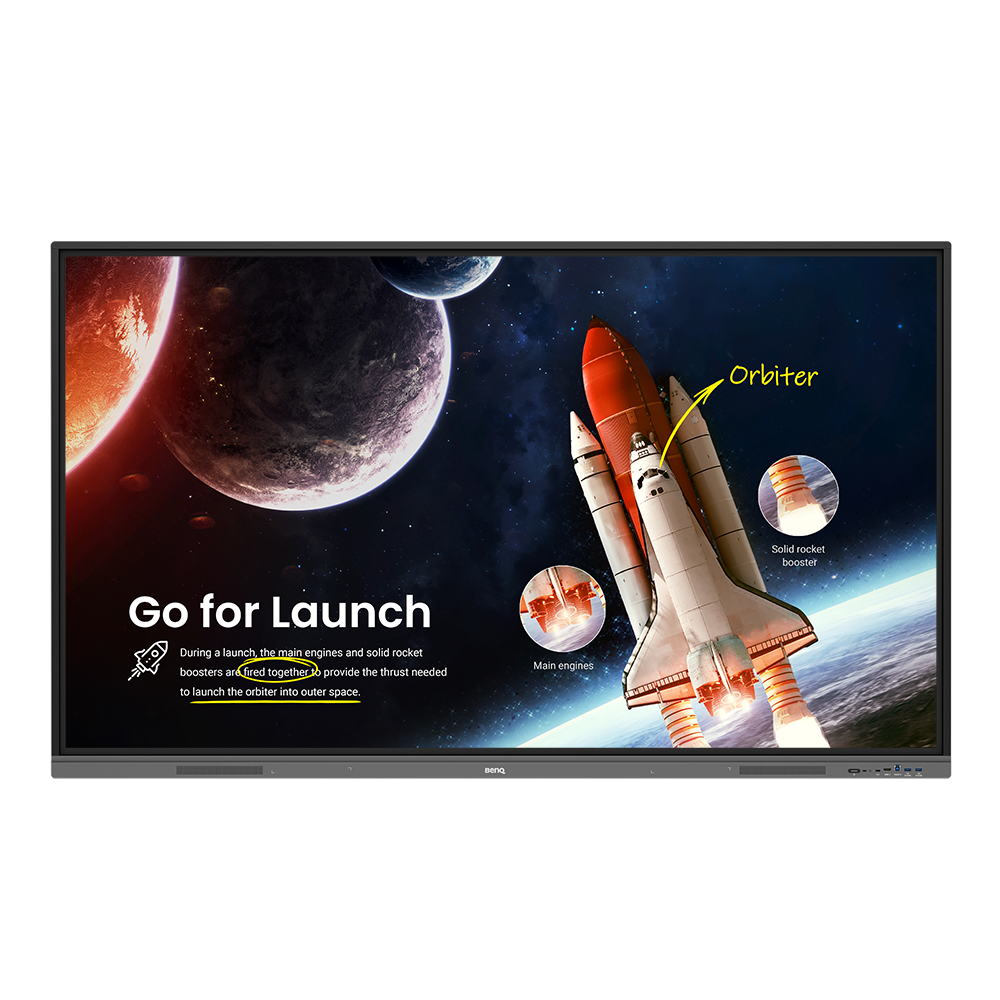


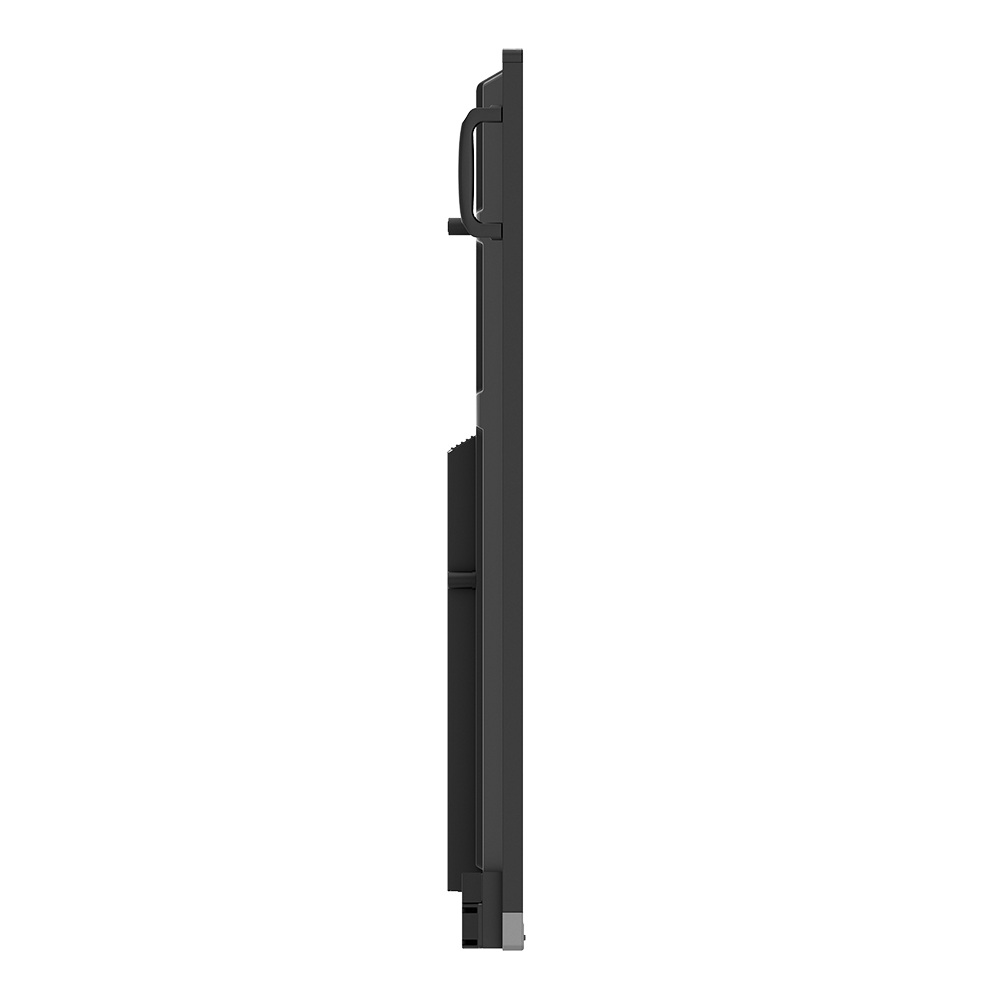

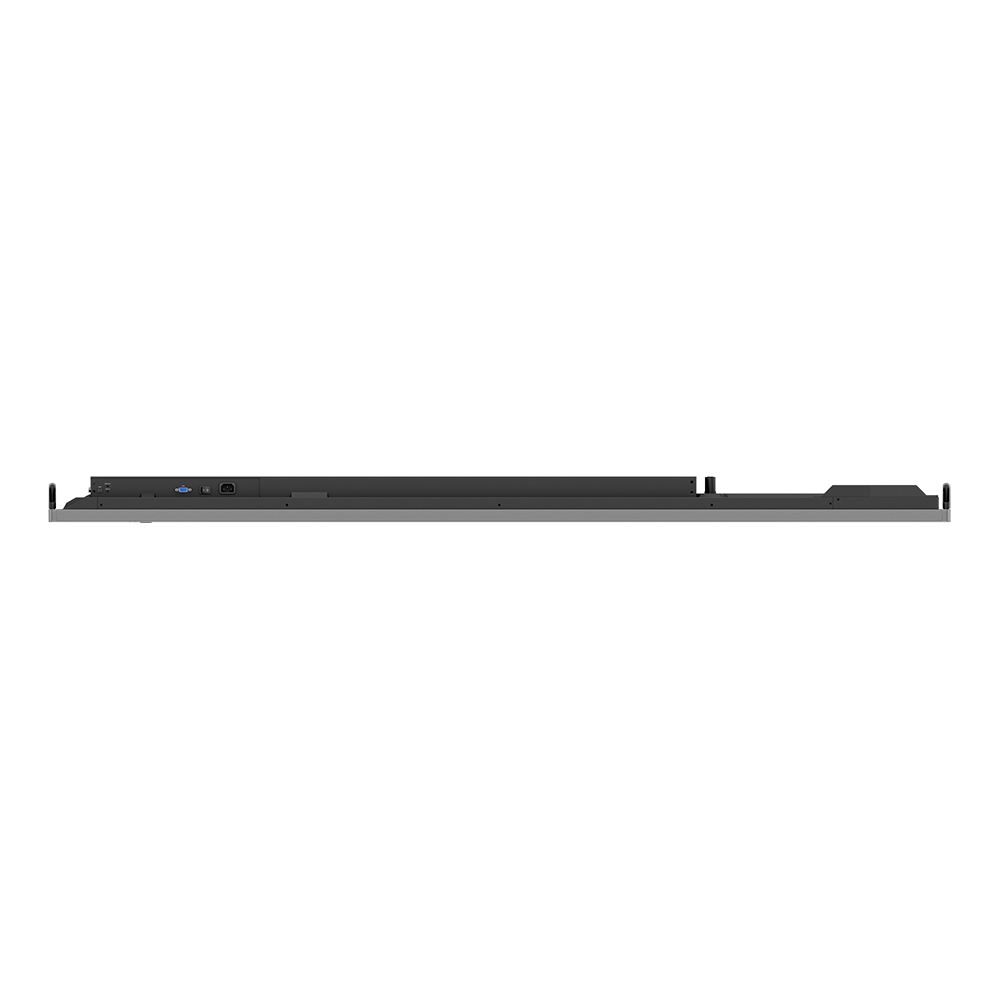
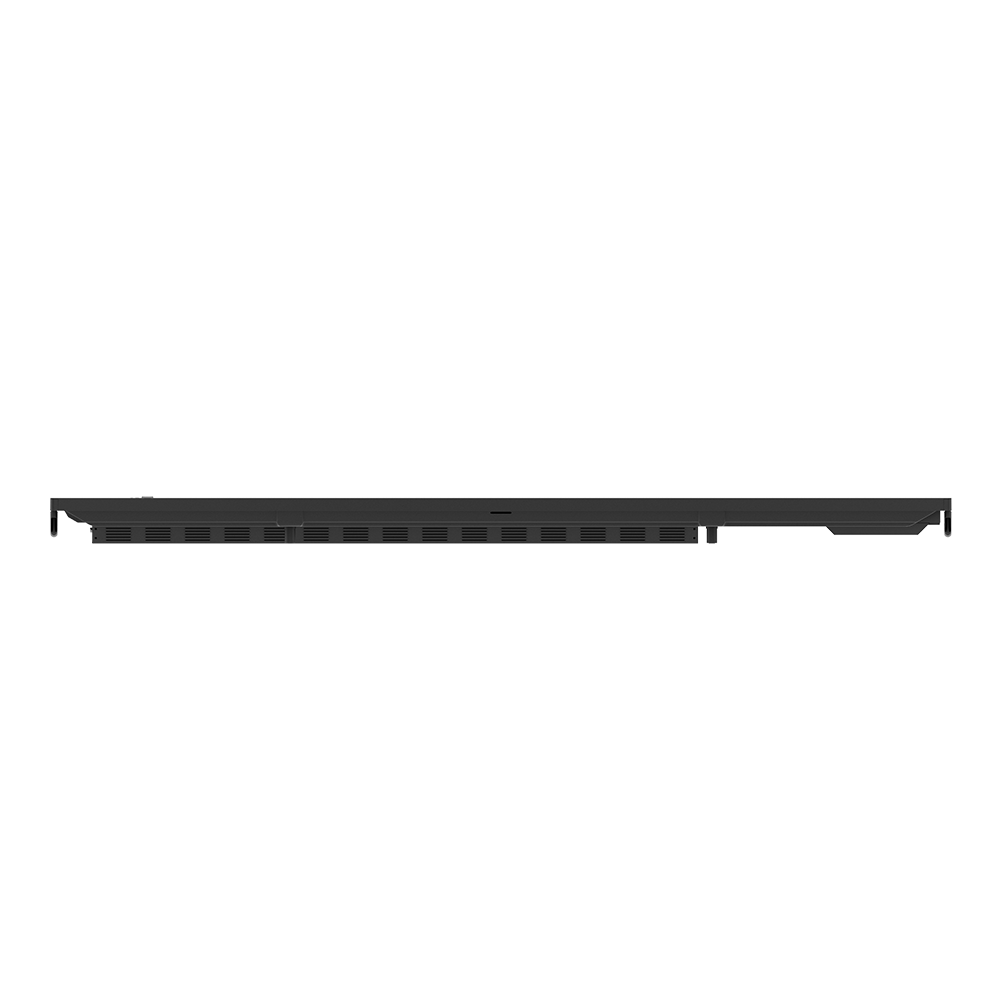
RE7503 – Essential Series Education Interactive Display
Have all your teaching essentials at your fingertips with an interactive display designed to make classes healthier and more engaging.
- Protect health with antimicrobial screens and tools
- Boost engagement with built-in interactive tools
- Push timely announcements with X-Sign Broadcast

The requested qty is not available
The requested qty exceeds the maximum qty allowed in shopping cart
Product that you are trying to add is not available.
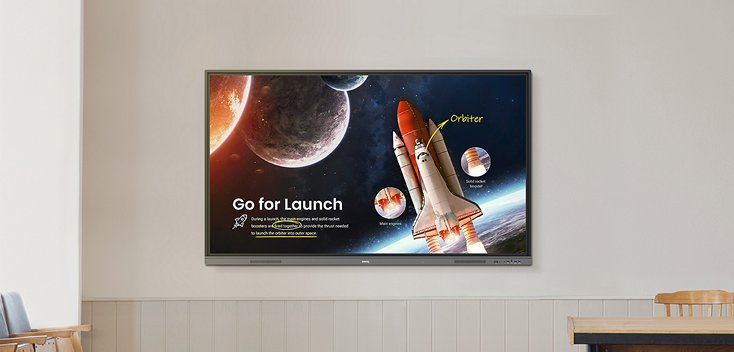
Learning is essential
Have all your teaching essentials at your fingertips with an interactive display designed to make classes healthier and more engaging.

Android 11
40 touch points
IP5X dust proof
65W charging USB type C

1000 ethernet port

OTA remote update


Learning starts with good health
Healthy students are capable of excellence. Provide them with a powerful learning tool that helps protect their well-being in class so they’re able to explore ideas safely and freely.

Safe to touch
The RE series reduces the surface transmission of germs in the classroom.Its touchscreen, pen, and front panel button come with our proprietary germ-resistant formula that is recognized by TÜV to be 99.9% effective against common germs.

Protects your vision
Built-in eye care solutions protect the eyesight of students and teachers when they’re using the RE series display. Low blue light and flicker-free technologies help prevent eye strain while the anti-glare 4K screen offers crisp, clear images.

Flicker-free

Low blue light

Anti-glare
Let the RE suit your style
The RE gives you unparalleled flexibility when it comes to conducting classes. Teach your way by utilizing BenQ’s free-to-use education features that suit both traditional and novel ways of teaching.


Do more than just write
EZWrite 6 is a whiteboard unlike any other. It lets you use different media—like PDFs and images—with interactive tools and templates that make teaching more convenient and classes more fun. Everything you need is on the board.

Get students on board
Open the floor for sharing with InstaShare 2. Students can cast their laptop or tablet screens via Miracast, Airplay, or the InstaShare app or button, allowing everyone to present their work and exchange ideas from their seats.

Use what’s familiar to you
Whether you’re used to teaching from your laptop or loading lessons from your cloud account or Google Classroom, the RE series allows you to use either methods via its multiple I/O ports and integration to cloud platforms.

Bridge the distance
Video conferencing and cloud whiteboarding turn the RE series into a highly interactive hybrid learning hub. Teachers can host classes in school while home-based students or even guest lecturers can join remotely from anywhere.
Designed for convenience
The simplest features make the biggest difference in the classroom.


Ports at the front
Front I/O ports, including a full-feature USB Type-C port, give you quick access to USB charging and touchback capabilities.

Accessible with a tap
BenQ Uni UI shortcuts and the floating tool allow you to instantly launch frequently used apps and tools like EZWrite and screen capture.

Hear loud and clear
Built-in 2×16W speakers make it easy to play audio without needing an external speaker or media device.

So many touch points
With up to 40 touch points and Fine IR+ technology, the RE’s screen ensures fast and smooth response—perfect for group work.

Natural writing
A quick response rate and zero bonding technology make pen strokes smooth and accurate.

Built for speed
High-speed Gigabit Ethernet ensures faster transmission of class files and lesson content.
Certified dust-proof
Meeting IP5X standards, the RE operates consistently even in dust-prone environments.
Effortless management
The Essential Series makes display management simple so you can focus on what matters.

Centrally monitor and manage your displays
Remotely push updates, install apps, and generate device analytics for all your BenQ displays via a single easy-to-use device management platform.


Control access to displays and accounts
The RE works with BenQ IAM and AMS, giving administrators a convenient way to manage user permissions and granting teachers immediate access to their cloud accounts.
Complement your school’s PA system
Keep students and teachers up to date with real-time campus-wide announcements and reminders sent remotely from X-Sign Broadcast.