นวัตกรรมเพื่อการศึกษาระดับพรีเมียม
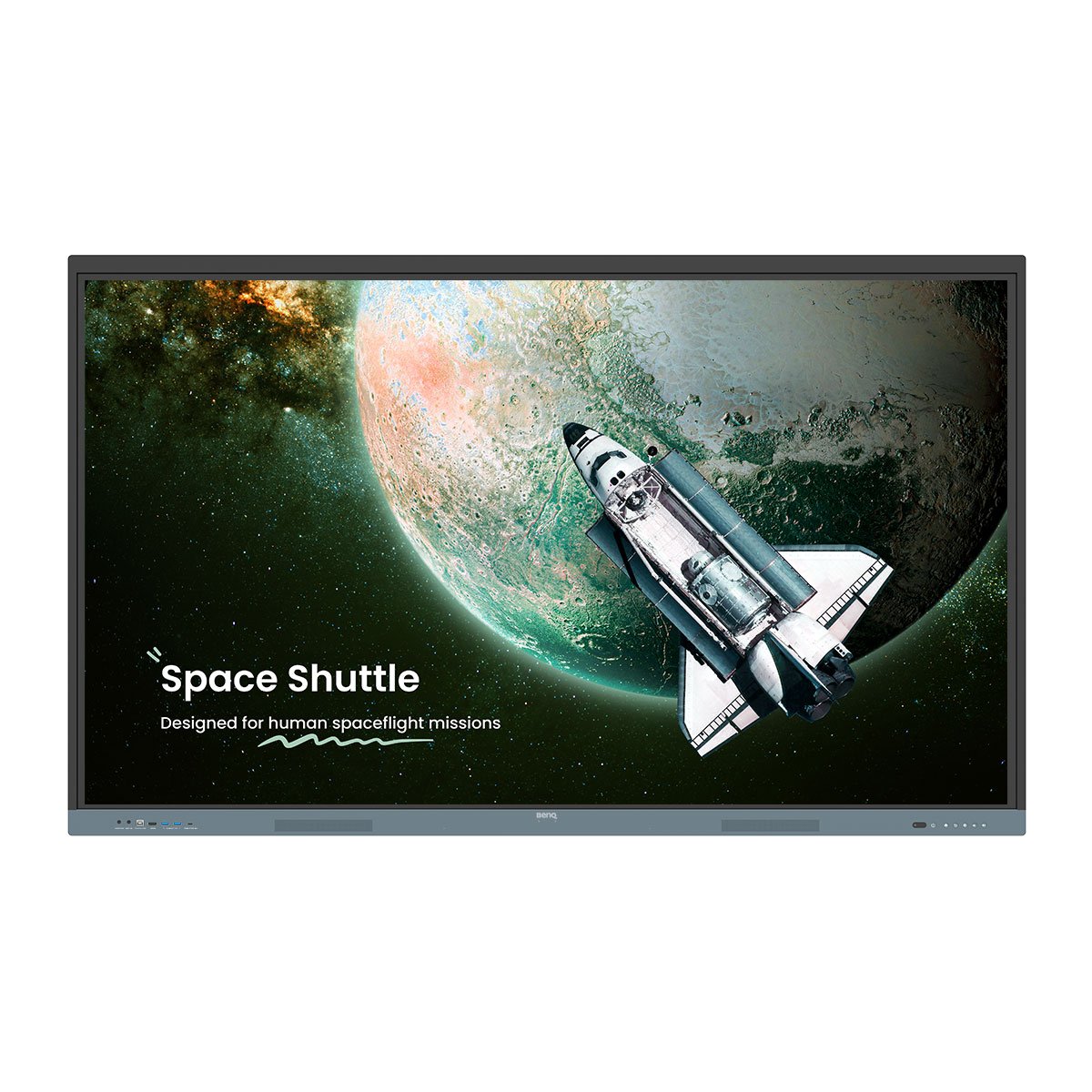
กระดานอัจฉริยะ รุ่น Pro RP05
กระดานอัจฉริยะที่ทันสมัยที่สุดของ BenQ ใช้งานง่ายสำหรับครู สะดวกปลอดภัยสำหรับฝ่าย IT
ได้รับการรับรอง Google EDLA
รองรับ Google Play
10 TOPS NPU
AI ระดับแนวหน้าของอุตสาหกรรม
ฟีเจอร์ AI ในตัว
ผู้ช่วยสอนครบจบในตัวเดียว
Eyesafe 3.0
ปกป้องดวงตาจากแสงสีฟ้าได้สูงสุด
ระบบเสียง 70W
เสียงทรงพลัง คมชัด
Directory sync
ตั้งค่าบัญชีผู้ใช้ให้อัตโนมัติ
เข้าสู่ระบบได้หลายผู้ใช้
QR Code และ NFC
Android 15
สามารถอัปเกรดในอนาคตได้
ไม่ต้องตั้งค่าบัญชีผู้ใช้ด้วยตัวเอง เพียงใช้ directory sync นำเข้าผู้ใช้จาก ClassLink, Clever, Google, Microsoft ผู้ให้บริการอื่นๆ อีกทั้งยังสามารถจัดการได้อย่างง่าย


ออกแบบมาสำหรับครู ขับเคลื่อนด้วย AI ใช้งานง่าย พร้อมเปลี่ยนโฉมการเรียนรู้สู่การศึกษาในอนาคต

ถาม AI
หาคำตอบได้ทันที
ค้นหาแบบ Lasso
วงกลม ค้นหา ค้นพบ
EZMath
มาพร้อมสูตรและแปลงเป็นรูปทรง
วงกลมเพื่อเปลี่ยนเป็นงานศิลป์
จากโน้ตและสเก็ตช์สู่ผลงานศิลปะ
ยกระดับวิธีการสอนในวันนี้ พร้อมเปลี่ยนแปลงสู่ห้องเรียนแห่งอนาคต


นักเรียนและห้องเรียนแต่ละแห่งมีเอกลักษณ์ ซึ่ง RP05 มอบความยืดหยุ่นและปรับเปลี่ยนได้ที่เหมาะกับทุกห้องเรียน
การจดบันทึกที่ลื่นไหล
ลายเส้นและข้อความจะเคลื่อนที่ตามการเลื่อนหน้าจออย่างแม่นยำขณะใช้งานบน Note Browser
เขียนได้อิสระ
เพิ่มบันทึกและไฮไลต์ได้ทุกแอปฯ เอกสาร หรือหน้าจอ
ลากวางแบบสองหน้าจอ
ย้ายเนื้อหาจากแอปต่างๆ ได้อย่างง่ายดาย
แสดงผลขนาดใหญ่
แสดงผลแบบ mirroring จากจอไปโปรเจคเตอร์ สำหรับห้องขนาดใหญ่
เพิ่มพื้นที่งานของคุณเป็นสองเท่า
ขยายพื้นที่ใช้งานได้มากขึ้นด้วยการต่อจอ
รองรับการใช้งานสูงสุด
รองรับ Android, Windows, MacOS, ChromeOS และอื่นๆ
กระดานอัจฉริยะได้รับการออกแบบมาให้ใช้งานง่าย ครูและทีมไอทีสามารถเข้าถึงแหล่งข้อมูลต่างๆ เพื่อเรียนรู้การใช้งานกระดานอัจฉริยะของเราได้อย่างเต็มที่
คู่มือแนะนำการเริ่มต้นใช้งาน
คู่มือสำหรับครู
BenQ Academy
SKOV พลิกโฉมการสอนด้วยกระดานอัจฉริยะ
“กระดานอัจฉริยะ ช่วยให้นักเรียนเรียนรู้ได้ด้วยตนเองหรือเป็นกลุ่ม นี่แหละคือหัวใจของการศึกษา"
PINGUIN เลือกใช้ กระดานอัจฉริยะสำหรับเด็กเล็ก
“ด้วยกระดานอัจฉริยะจาก BenQ ตอนนี้เราได้ก้าวใกล้สู่ Kindergarten 4.0 อีกขั้น"
BenQ ClassroomCare® นำเสนอฟีเจอร์ปกป้องหลายประการ เพื่อให้มั่นใจว่าสภาพแวดล้อมการเรียนรู้ปลอดภัย
ทุกการเรียนรู้คือจุดเริ่มต้นของความสำเร็จ
BenQ ClassroomCare® นำเสนอฟีเจอร์ปกป้องหลายประการ เพื่อให้มั่นใจว่าสภาพแวดล้อมการเรียนรู้ปลอดภัย
Eyesafe 3.0
ปกป้องดวงตาจากแสงสีฟ้าในระดับสูงสุด
ช่วยปรับสมดุล
สนับสนุนการนอนหลับให้เป็นปกติ
ต้านเชื้อโรค
ป้องกันเชื้อโรคทั่วไปได้ถึง 99.9%
กันแสงสะท้อน เทคโนโลยี Flicker Free
ลดอาการล้าตา ภาพคมชัดยิ่งขึ้น
ตรวจวัดคุณภาพอากาศ
ตรวจสอบ CO₂, PM₂.₅ และ TVOC ได้แบบเรียลไทม์
Ionizer ในตัว
ควบคุมเชื้อโรคในอากาศ
ดูสเปคของสินค้าทั้งหมด

ติดต่อฝ่ายขาย


ติดต่อฝ่ายขาย
ติดต่อฝ่ายขาย
สำรวจอื่นๆ
FAQs
What is the BenQ Board Pro RP05?
The BenQ Board RP05 is a premium interactive display designed for modern classrooms. It empowers teachers with AI-enabled teaching tools, ensures student safety with ClassroomCare® technology, and simplifies IT management through secure, automated account setup.
What is an NPU and why does the BenQ Board Pro RP05 need one?
Most AI features rely on remote servers to process data. This setup works well for complex tasks that don’t require instant responses. However, for AI tasks that demand real-time performance, a Neural Processing Unit (NPU) enables these operations to run directly on the board. By processing AI tasks locally, the NPU not only delivers faster, more responsive performance but also enhances data privacy, since sensitive information doesn’t need to be transmitted to external servers.
Is the BenQ Board Pro RP05 easy to adopt for schools?
Yes, the board is designed for intuitive use from day one. Most teachers can walk up to the display and start using it immediately. For additional support, BenQ offers teacher guides, training resources, and BenQ Academy courses to support ongoing professional development.
Can multiple teachers or students use the BenQ Board Pro RP05 at the same time?
Yes. With up to 50 touchpoints and special feature that divide the board for friendly competition, teachers and students can both use the BenQ Board at the same time. To go farther the RP05 also supports multi-user logins via QR code or NFC. Teachers can log in instantly to securely access their personalized apps, files, and cloud accounts without worrying about data exposure.
How easy is it for IT teams to manage BenQ Boards?
All BenQ smart displays support directory syncing with existing services (ClassLink, Clever, Google, and Microsoft), eliminating the need to manually create user accounts. Admins can also remotely install apps, update firmware, create power schedules, and adjust settings.
Can teachers use their preferred apps on the BenQ Board Pro RP05?
Yes. The RP05 is Google EDLA Certified, giving teachers access to the Google Play Store to download their preferred educational apps. They can also connect their laptop via HDMI or USB-C and control it directly from the BenQ Board to use any app on the large screen.
How can the BenQ Board Pro RP05 be used beyond whiteboarding?
Beyond whiteboarding, the RP05 enhances every part of teaching. Teachers can share content wirelessly, use interactive learning apps, and annotate over any lesson material. With built-in AI tools, cloud access, and video conferencing, it supports engaging, flexible, and connected classroom experiences.
What kind of advanced screen sharing capabilities are on the BenQ Board Pro RP05?
BenQ’s screen-sharing software lets up to nine devices share their screens to the board, or allows the board to broadcast its screen to all devices in the classroom such as laptops and iPads. Teachers have full control over who can share or annotate on the display.
Is the BenQ Board Pro RP05 secure?
Yes. The BenQ Board Pro RP05 incorporates comprehensive security measures, including user and device access controls, single sign-on, multi-factor authentication, and Google Play Protect. It also adheres to key international data protection regulations such as GDPR, CCPA, and PSTI, ensuring compliance and safeguarding user information.
Where can I buy the BenQ Board?
Learn more on how to buy our product on this page.