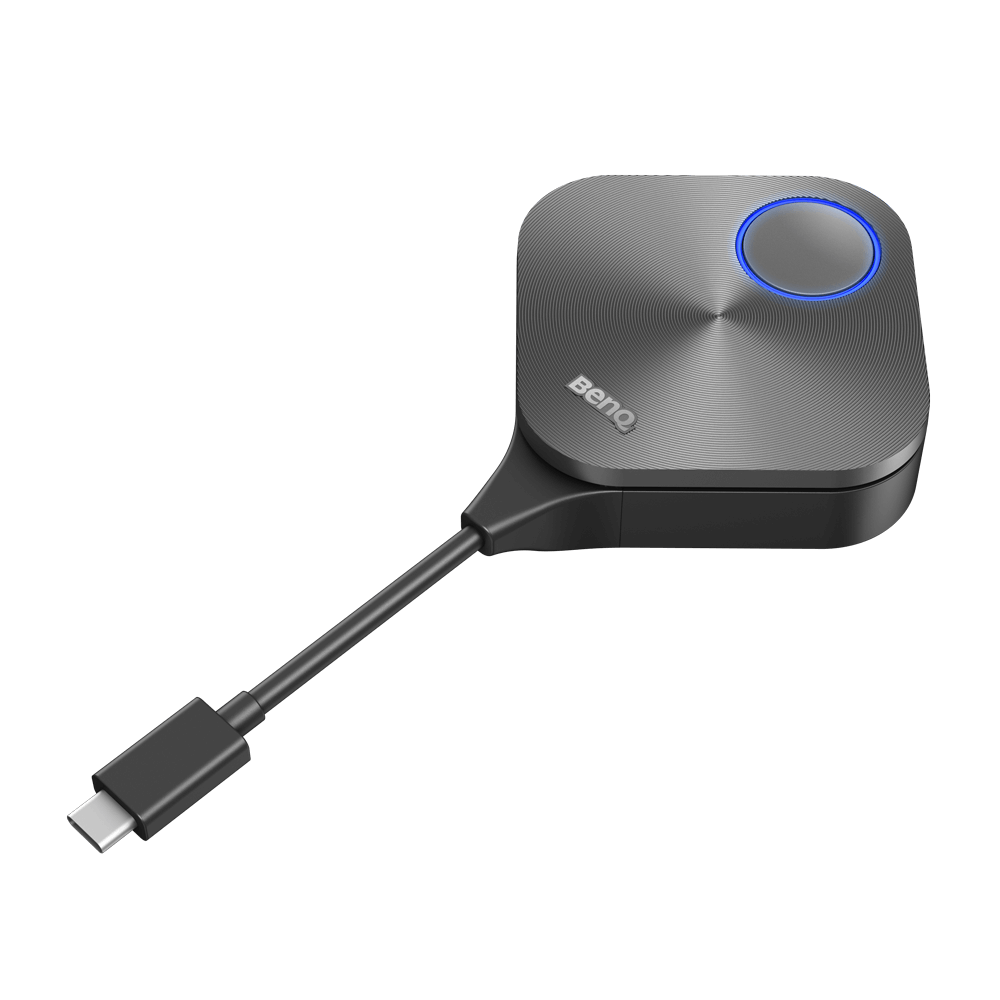
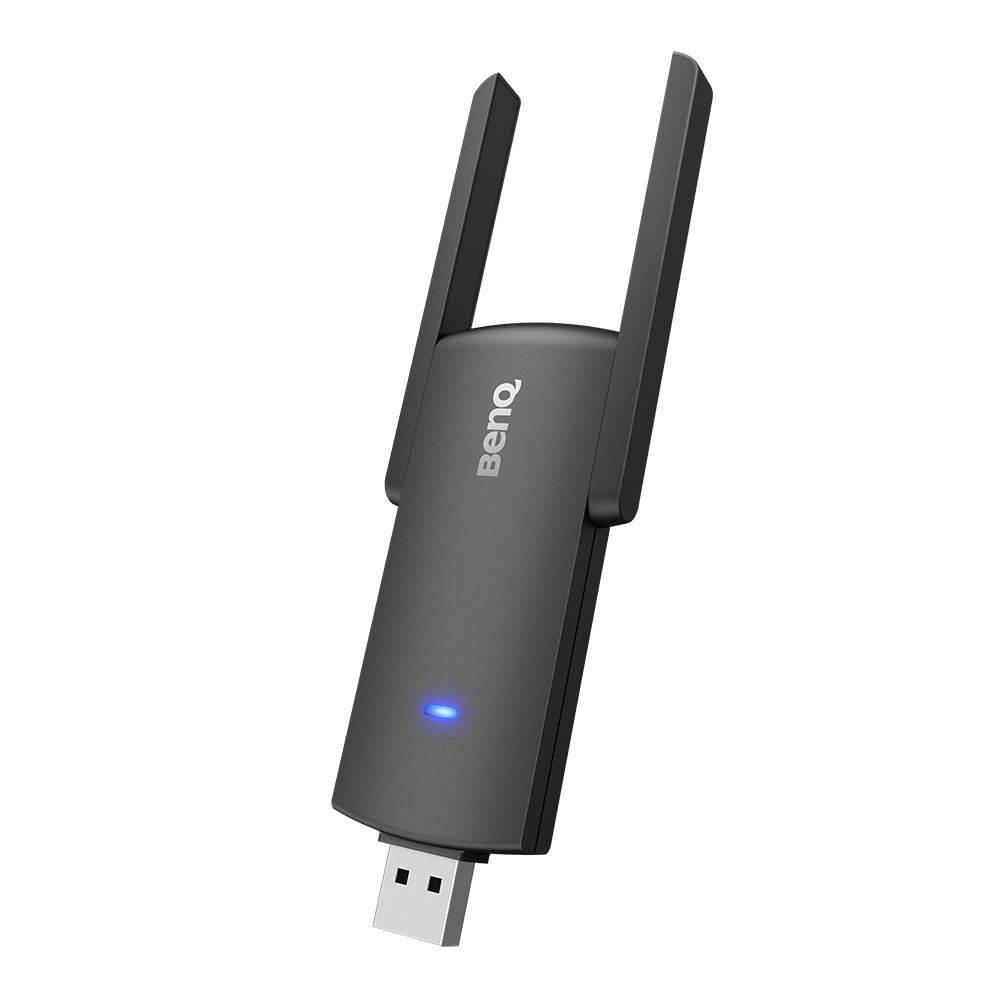
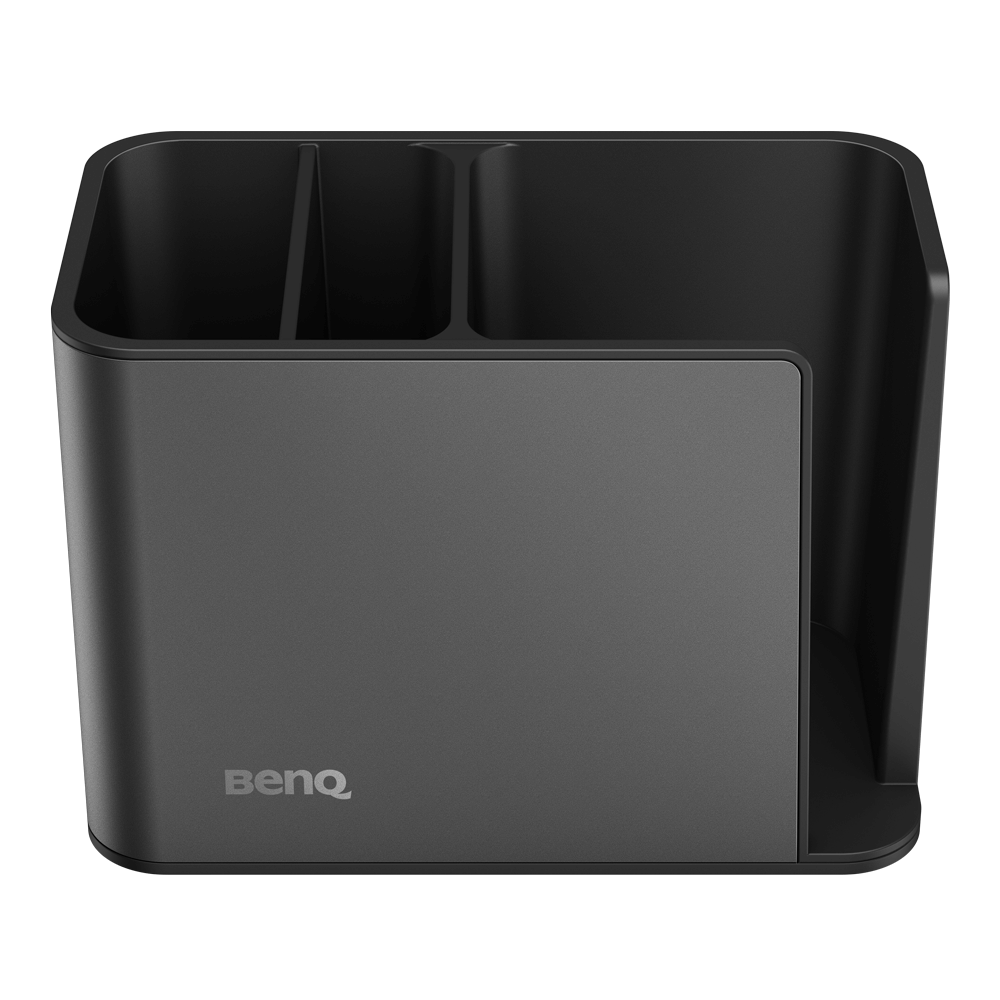
TZY31 InstaShare Button Solution
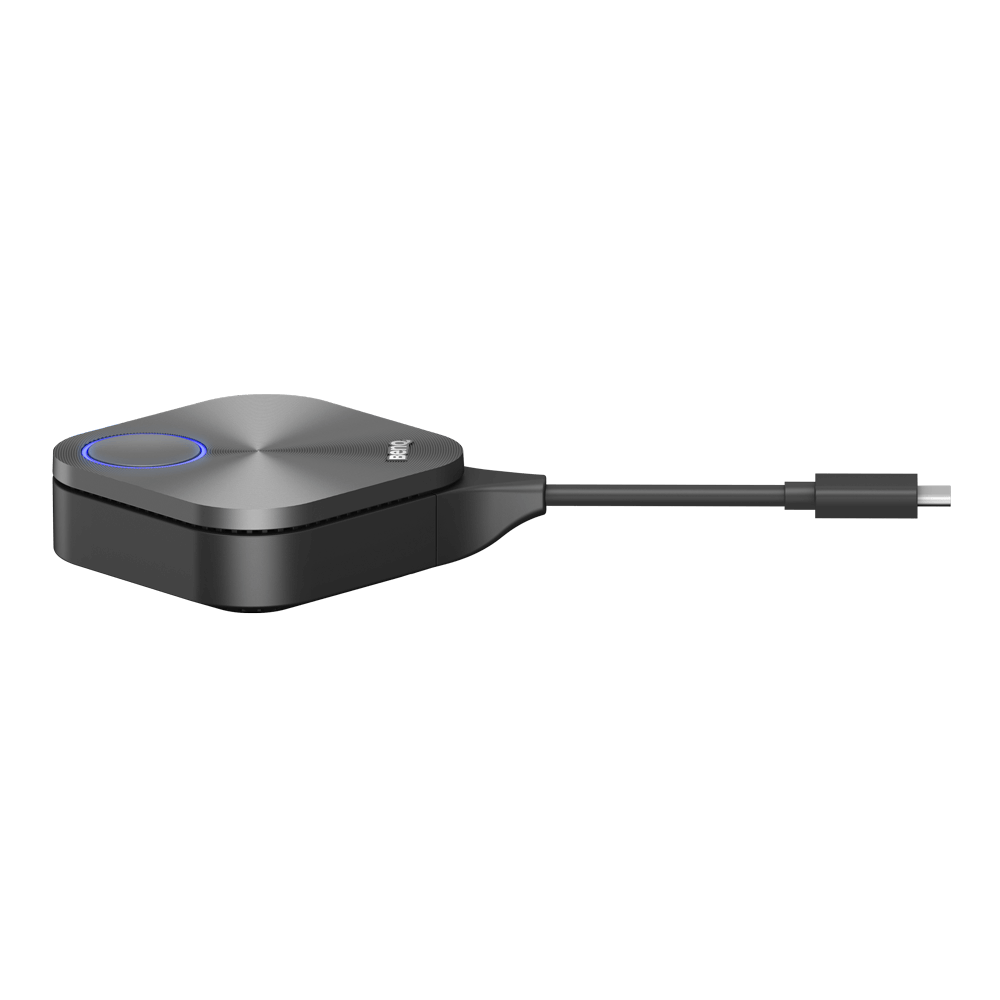
One-click wireless screen sharing for BenQ Displays
- เพียงแค่เสียบปลั๊ก ก็สามารถแชร์หน้าจอของคุณได้ทันที
- สามารถแชร์หน้าจอพร้อมกันได้หลายหน้าจอ แชร์ได้ทุกไฟล์มีเดีย
- ออกอากาศจอแสดงผลขนาดใหญ่ไปยังอุปกรณ์ที่เชื่อมต่อ
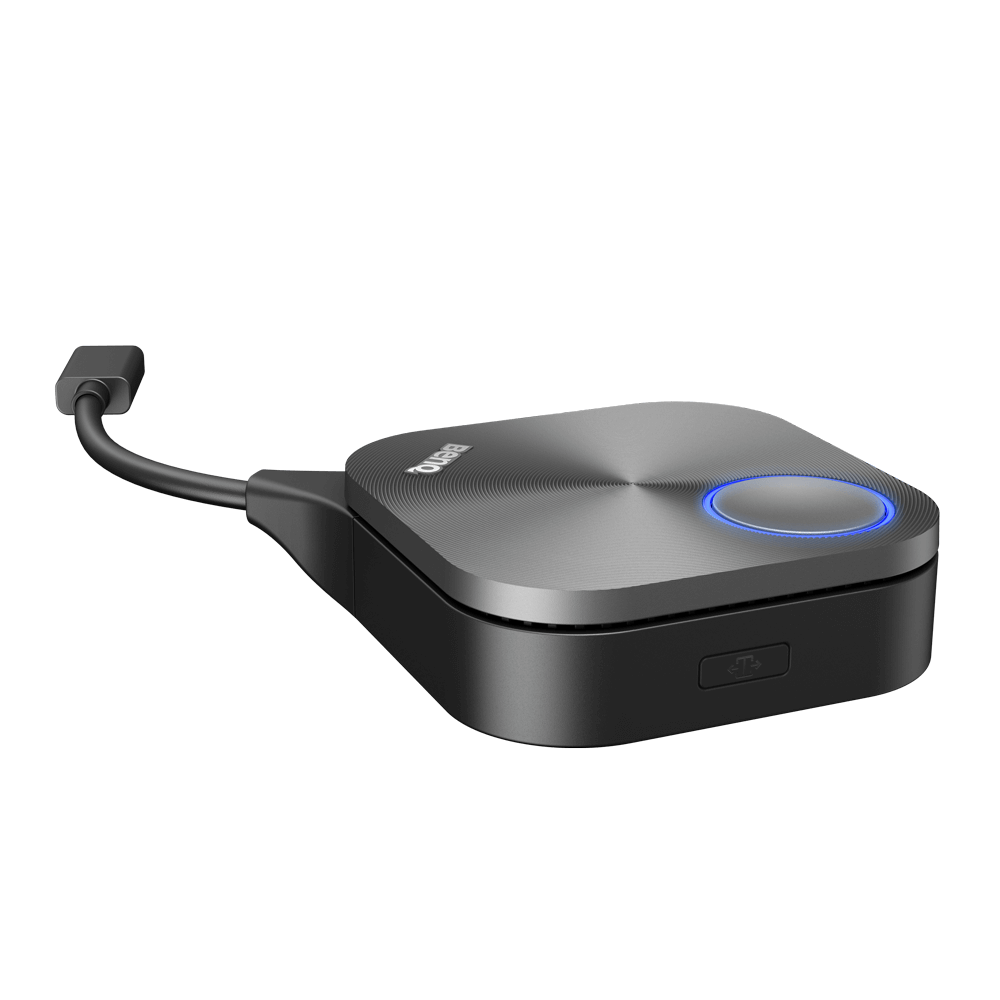
- เพียง กดปุ่มเพียงปุ่มเดียวเพื่อเริ่มการนําเสนอ
- ไม่ต้องชาร์จหรือใส่แบตเตอรี่
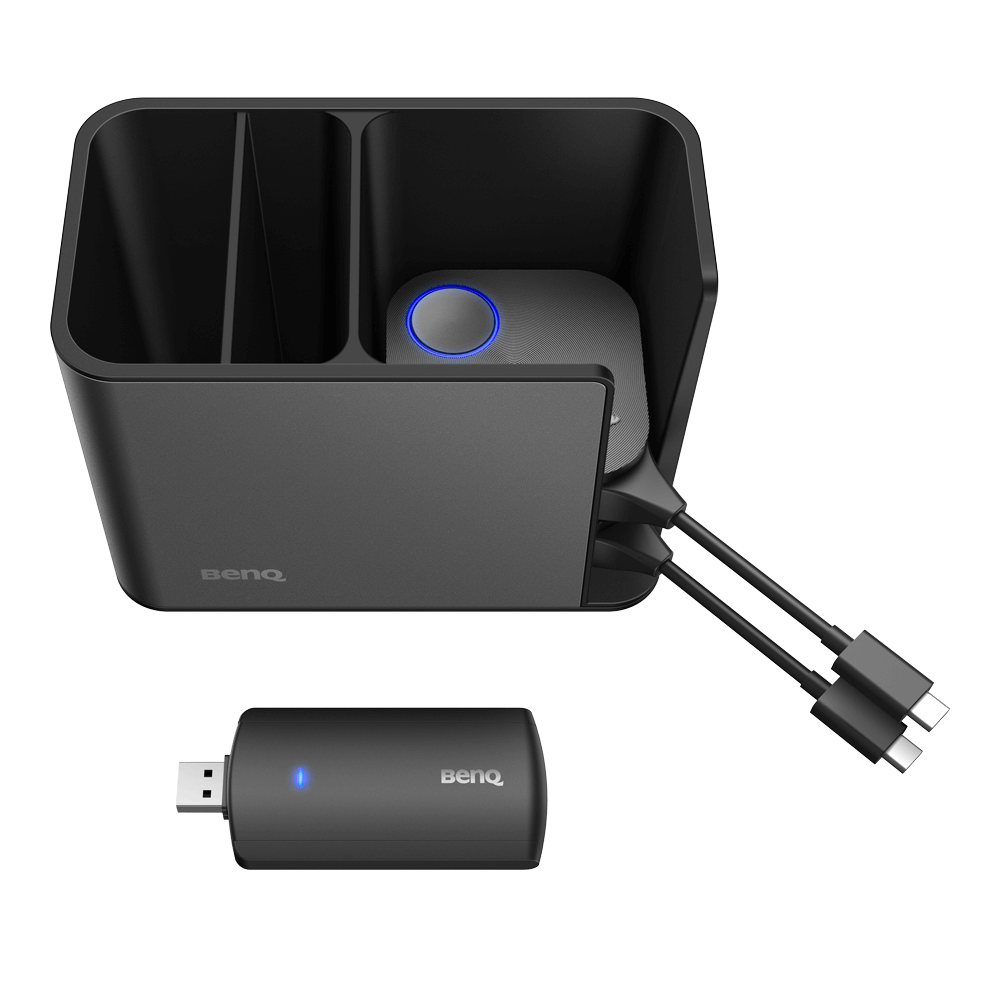
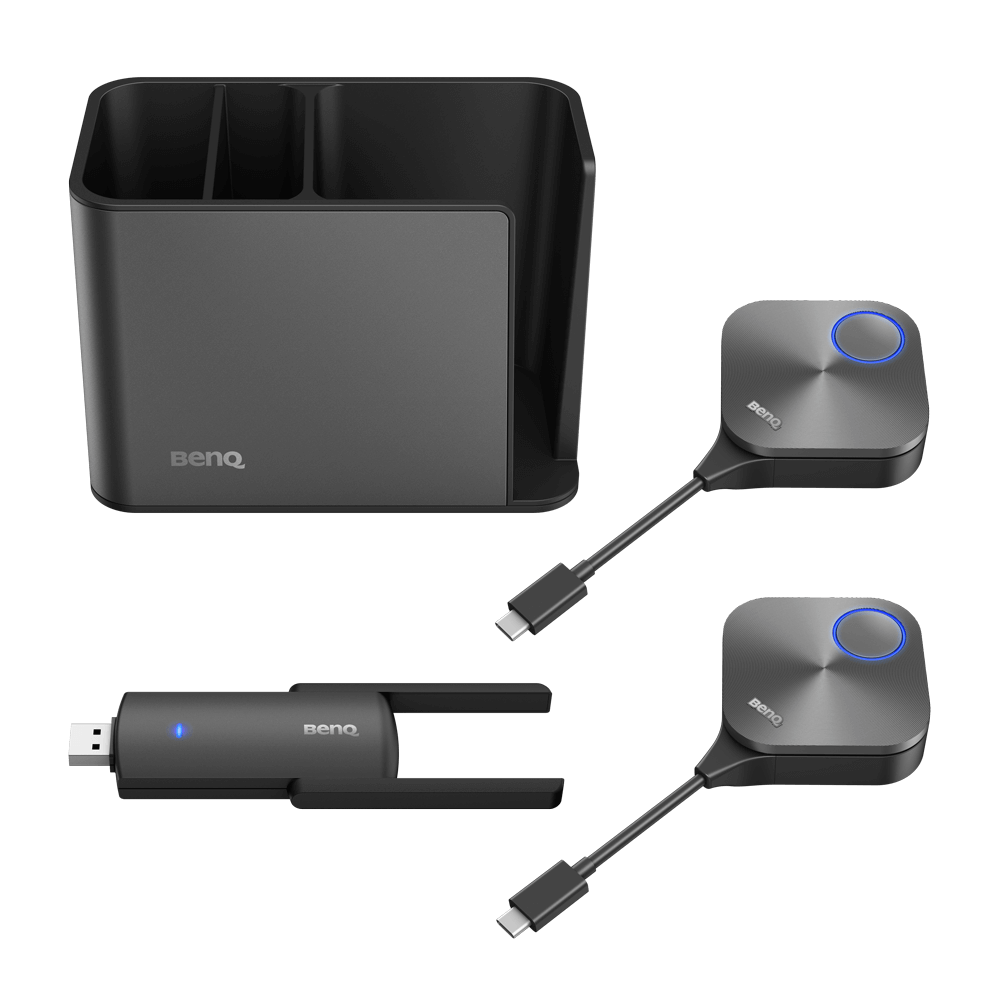
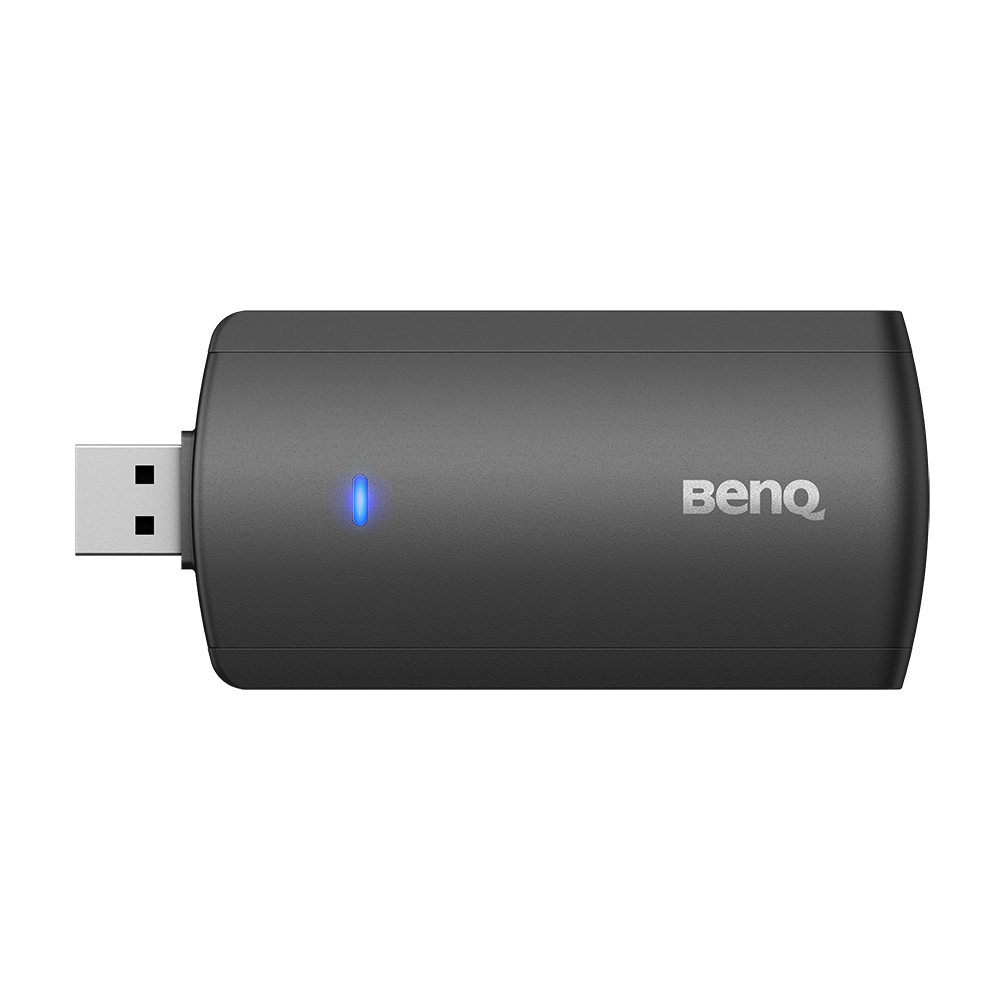
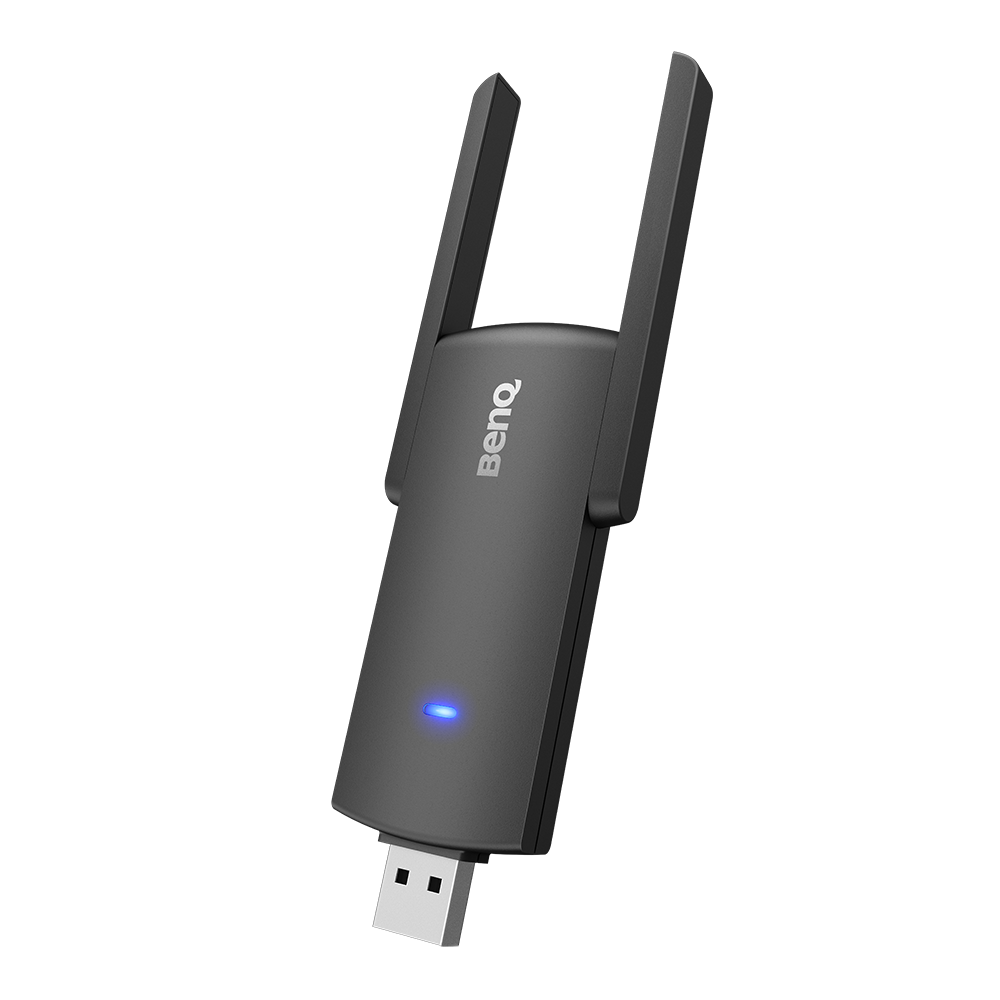
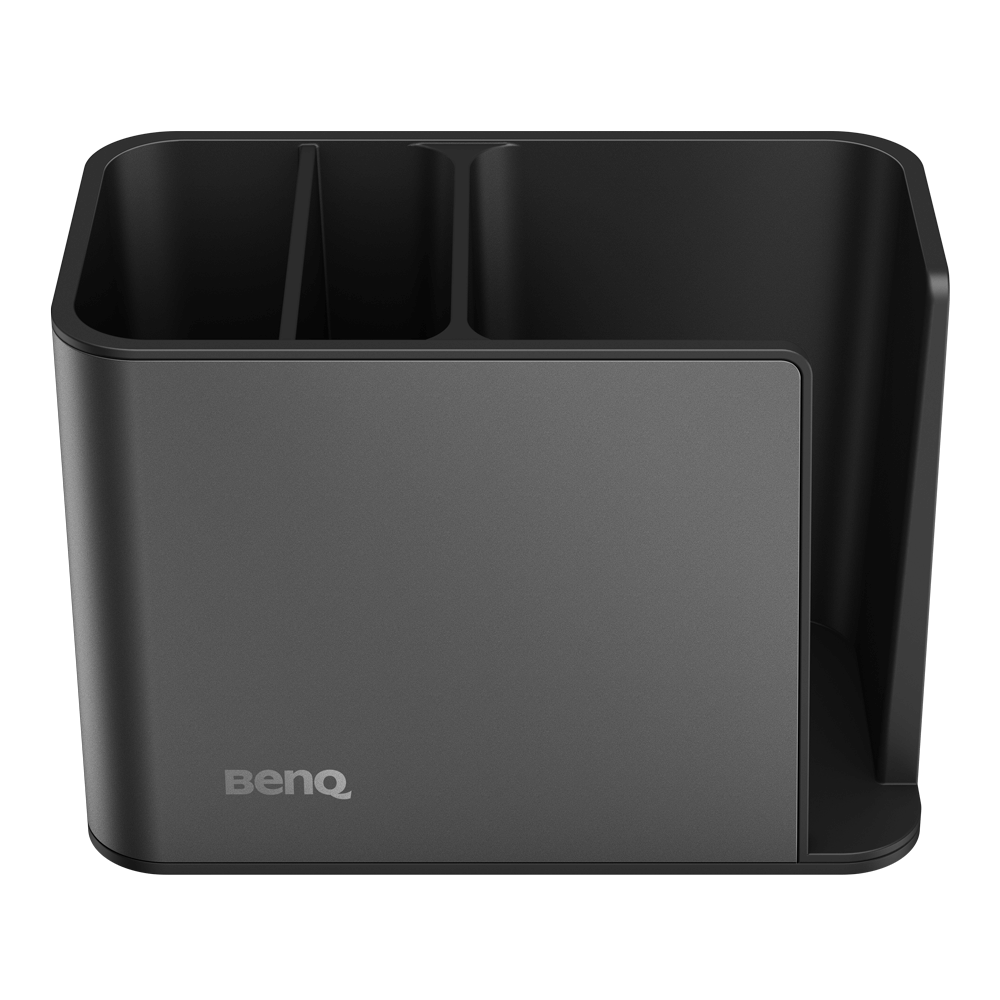
TZY31 InstaShare Button Solution
One-click wireless screen sharing for BenQ Displays
- เพียงแค่เสียบปลั๊ก ก็สามารถแชร์หน้าจอของคุณได้ทันที
- สามารถแชร์หน้าจอพร้อมกันได้หลายหน้าจอ แชร์ได้ทุกไฟล์มีเดีย
- ออกอากาศจอแสดงผลขนาดใหญ่ไปยังอุปกรณ์ที่เชื่อมต่อ

The requested qty is not available
The requested qty exceeds the maximum qty allowed in shopping cart
Product that you are trying to add is not available.
Share your next great idea with a single click
Get ready to welcome a new generation of meetings where you’re free to move around and share content without limits. Whether it’s to share details with the room or start video conferencing on the large screen, the InstaShare Button Solution eliminates the fuss of passing around cables so everyone can focus on what’s important-your ideas.

Seamless content sharing for all notebooks
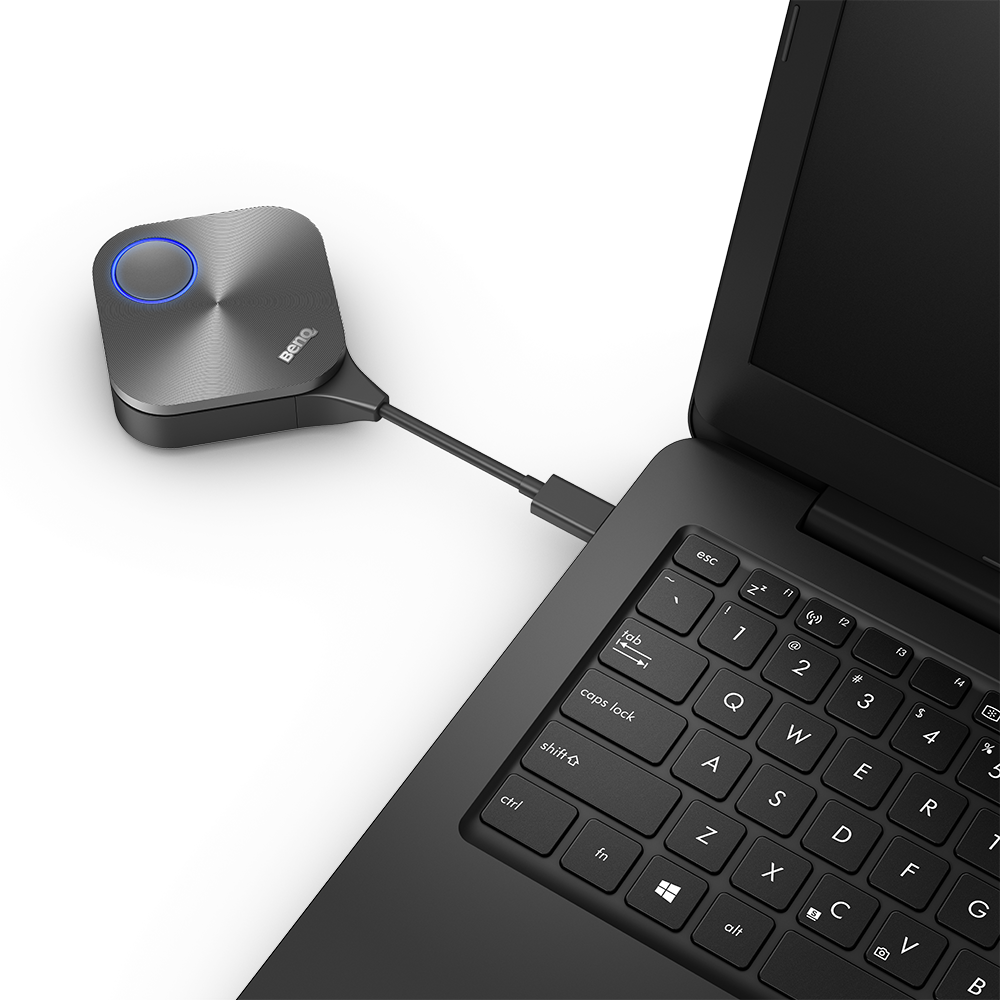
Wirelessly share content with everyone in the meeting no matter what notebook you’re using. The InstaShare Button Solution is compatible with Windows, macOS, and Chrome OS laptops.

Convenient connectivity
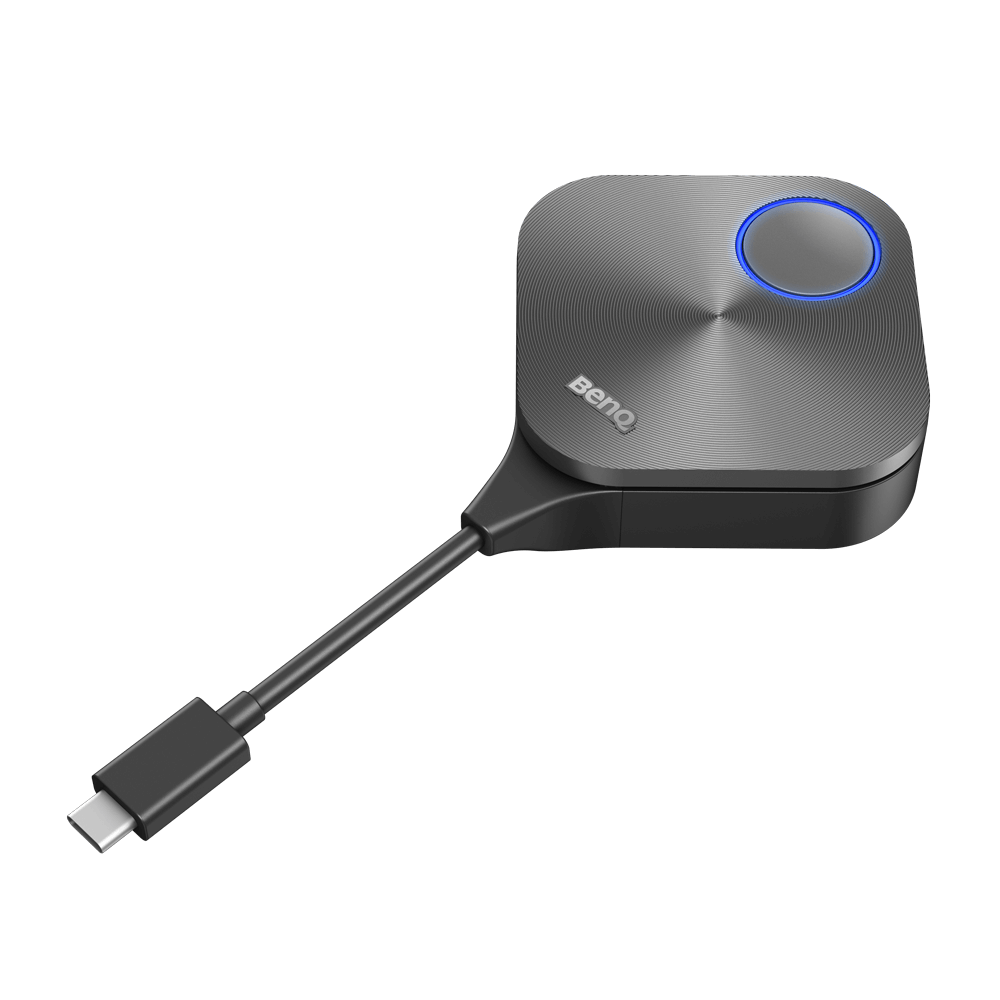
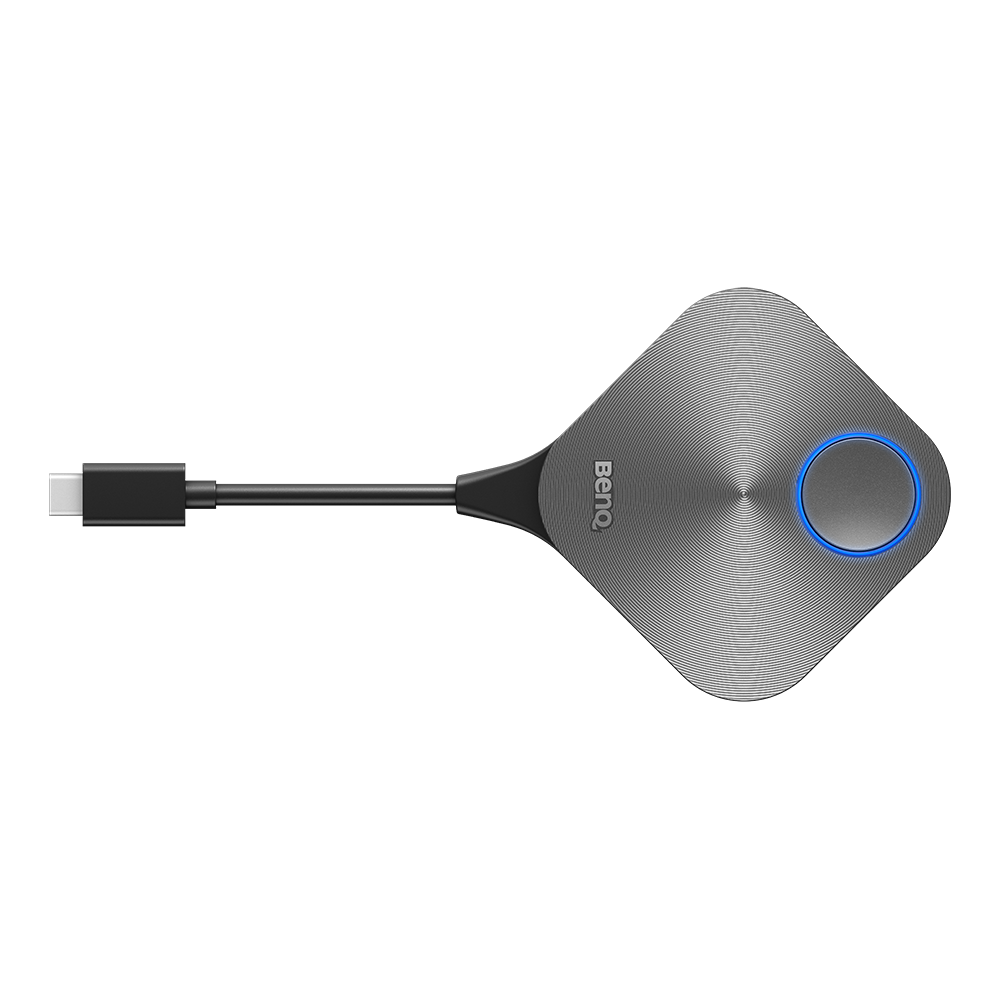
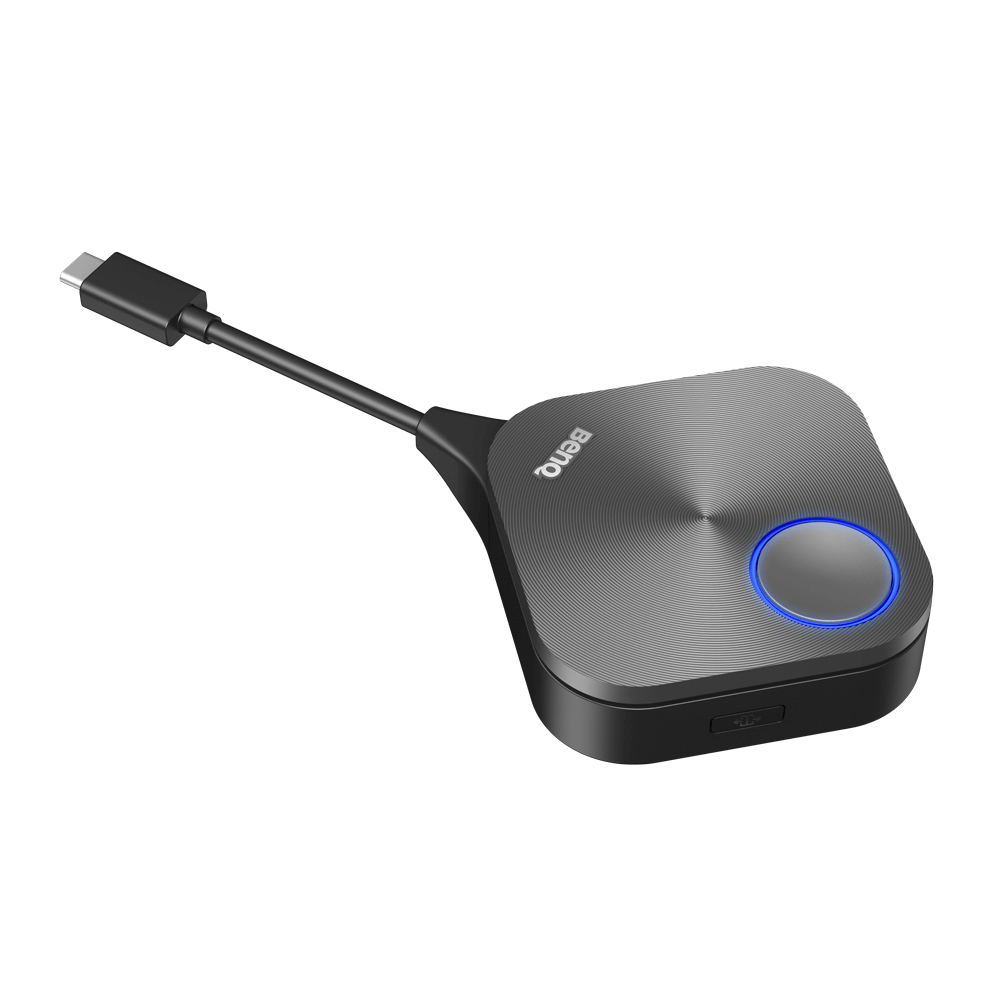
The USB Type-C connector enables a one-cable plug-and-play solution that works seamlessly with Windows notebooks, MacBooks, and Chromebooks. Just plug the InstaShare Button in and start sharing content with a single click.
Get everyone involved
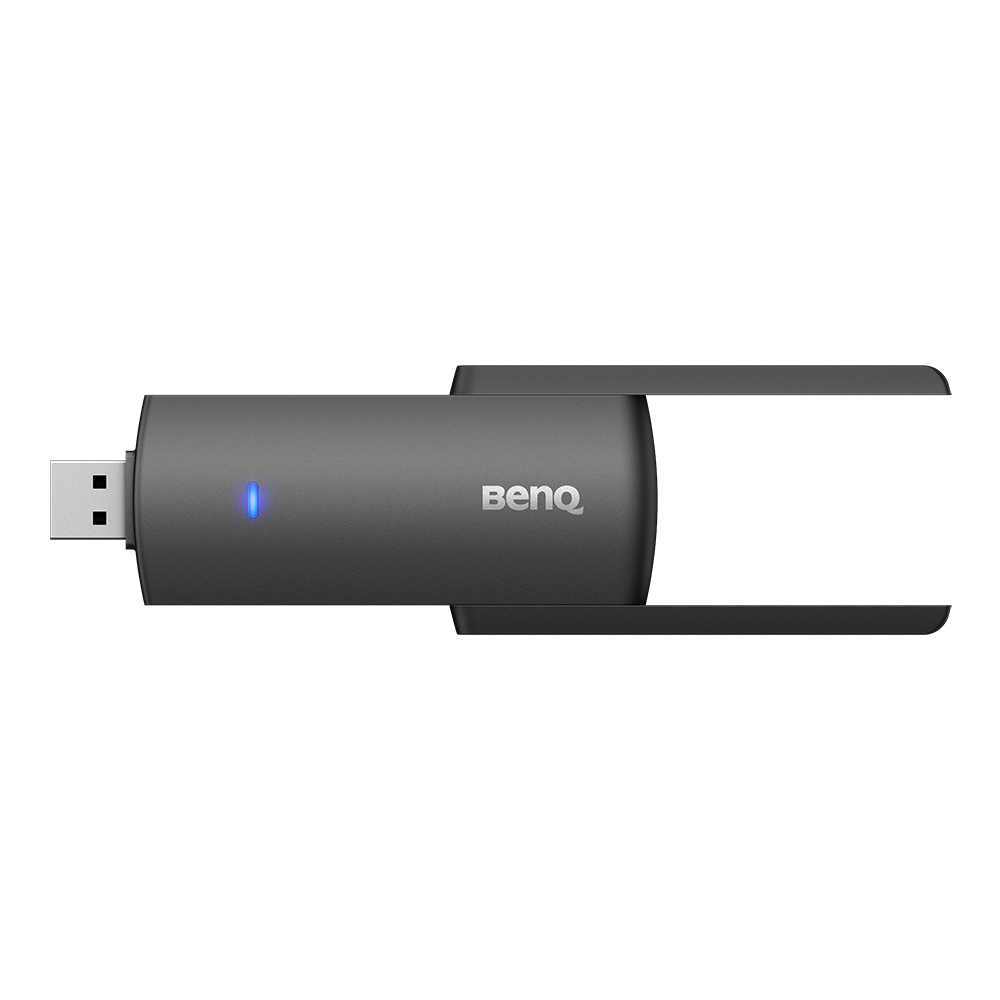
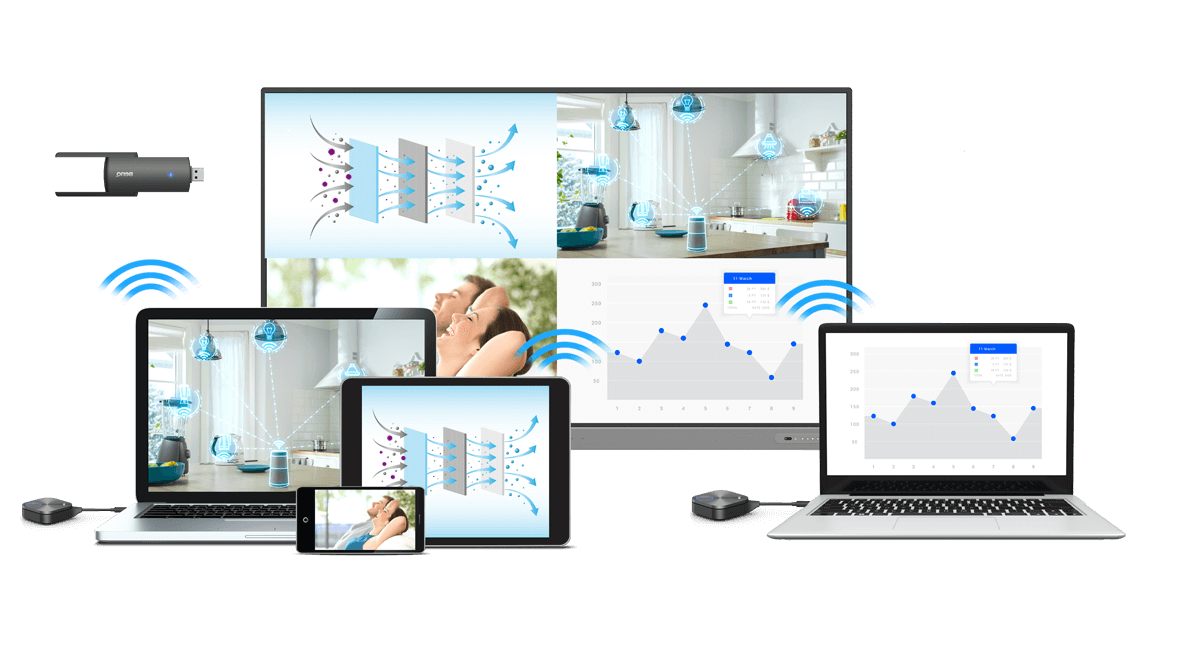
Enhance productivity with a side-by-side view of everyone’s contributions. The InstaShare Button Solution works with InstaShare 2, a wireless screen sharing software that lets up to 9 devices cast content simultaneously on your BenQ display.

Share content your way
Easily switch between casting your entire screen or customizing the content you show. With the InstaShare Button Solution, you can opt to share photos, videos, audio, or your camera feed for flexible discussions without interruptions.

Complete control with touchback
Enhance collaboration with seamless content sharing. The InstaShare Button lets you cast personal device screens onto the BenQ display to let all meeting attendees see. With touchback, users can also control shared devices right from the display.

Industry-leading connection quality
Enjoy smooth meetings without disruptions. The InstaShare Button Solution features industry-leading connection quality to ensure stable screen sharing no matter where you sit in the room.