azure-location

localNavigation.type = g6-product-overview-page

RD280UG

{{currency}}{{finalPrice.final | numberThousandsCommas | numberDecimalPoint}}

{{currency}}{{regularPrice.final | numberThousandsCommas | numberDecimalPoint}}

구매
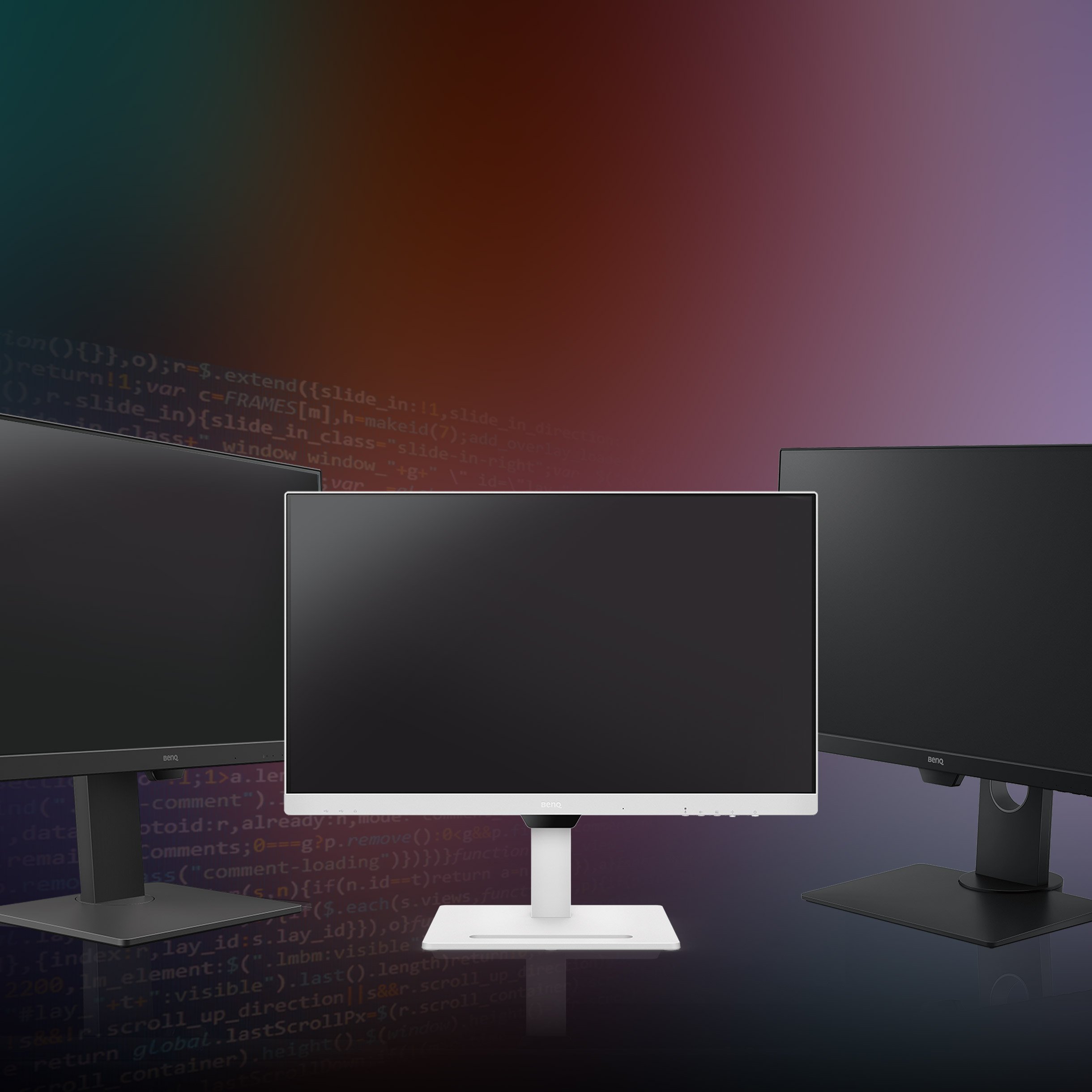
BenQ RD280UG combines a 28.2" 4K+ display, 120Hz refresh rate, 3:2 aspect ratio, Nano Matte Panel, MoonHalo backlight, exclusive Coding Modes, 2000:1 contrast ratio, ergonomic design, and Eye-Care technology to deliver effortless coding sessions.

문헤일로 후면 조명 탑재

RD280UG|28인치 4K+ 120Hz 벤큐 프로그래밍 모니터

코딩의 모든 순간 눈은 편안하게, 코드는 선명하게

문헤일로 후면 조명 탑재

RD280UG|28인치 4K+ 120Hz 벤큐 프로그래밍 모니터

코딩의 모든 순간 눈은 편안하게, 코드는 선명하게

BenQ RD280UG combines a 28.2" 4K+ display, 120Hz refresh rate, 3:2 aspect ratio, Nano Matte Panel, MoonHalo backlight, exclusive Coding Modes, 2000:1 contrast ratio, ergonomic design, and Eye-Care technology to deliver effortless coding sessions.

‎

‎

코딩 핫키 터치 한 번으로 코딩 모드에 돌입하세요

코딩 핫키를 누르면 기능 표시줄(Function Bar)이 활성화되어 곧바로 코딩을 시작할 수 있습니다. 코딩 모드 적용부터 밝기, 명암비, 시력 보호 설정 조정은 물론, 야간 보호 모드 전환과 문헤일로 후면 조명까지 간편하게 제어할 수 있습니다.

‎

‎

눈과 몸의 편안함까지 생각한 코딩 환경

눈 건강과 올바른 자세는 코딩 작업에서 중요한 요소입니다. 벤큐는 사용자의 눈과 몸이 모두 편안할 수 있도록 제품 설계의 모든 과정에서 시력 보호와 인체공학적 디자인을 최우선으로 고려합니다.

BenQ RD280UG knows the importance of eyes and ergonomics, so we prioritize them in every design.

‎

‎

  • BenQ RD280UG knows the importance of eyes and ergonomics, so we prioritize them in every design.

    Pivot

  • BenQ RD280UG knows the importance of eyes and ergonomics, so we prioritize them in every design.

    Swivel

  • BenQ RD280UG knows the importance of eyes and ergonomics, so we prioritize them in every design.

    Tilt

  • BenQ RD280UG knows the importance of eyes and ergonomics, so we prioritize them in every design.

    Height Adjustable Stand

문헤일로(MoonHalo)로 더욱 쾌적한 작업 공간을 완성하세요

단순한 모니터를 넘어, 뛰어난 후면 간접 조명 기능까지 갖췄습니다. 문헤일로는 색온도와 밝기, 조명 모드를 원하는 대로 설정할 수 있으며, 자동 밝기 조절 기능도 지원합니다. 집에서든 사무실에서든 눈의 피로를 줄이고 작업에 더욱 집중할 수 있도록 도와줍니다.

120Hz 주사율로 더욱 부드럽고 쾌적한 코딩 환경

120Hz 고주사율로 더욱 부드러운 화면 전환과 매끄러운 스크롤을 경험해 보세요. 다양한 작업에서도 빠르고 원활한 화면 반응을 제공하며, 장시간 코딩 작업 시에도 눈의 부담을 줄여 편안한 사용 환경을 만들어줍니다.

늦은 밤에도 눈이 편안한 야간 보호 모드

늦은 밤에도 편안하게 코딩에 집중하세요. 야간 보호 모드(Night Hours Protection)는 화면 밝기를 최저 2니트(nits)까지 낮춰 어두운 환경에서도 눈의 부담을 줄이고, 창의적인 작업에 더욱 몰입할 수 있도록 도와줍니다.

BenQ RD280UG is TÜV-certified for Flicker-Free, Reflection-Free, Low Blue Light, Eye Comfort 2.0, and Eyesafe 2.0, perfect for coding as well as movies, images, or games after work.

눈의 편안함을 위한 종합 시력 보호 기술

비주얼 옵티마이저(Visual Optimizer) 기능이 주변 작업 환경에 맞춰 화면 밝기와 색온도를 자동으로 조절합니다. RD280UG는 TÜV 라인란드의 Flicker-Free), Reflection-Free, Low Blue Light, Eye Comfort 2.0 및 Eyesafe 2.0 인증을 획득했습니다. 이를 통해 화면 깜빡임과 빛 반사, 유해 청색광을 줄이고, 생생하고 자연스러운 색감을 유지하면서도 눈이 편안한 시청 환경을 제공합니다.

RD280UG is TÜV-certified for Flicker-Free, Reflection-Free, Low Blue Light, Eye Comfort 2.0, and Eyesafe 2.0, perfect for coding as well as movies, images, or games after work. RD280UG is TÜV-certified for Flicker-Free, Reflection-Free, Low Blue Light, Eye Comfort 2.0, and Eyesafe 2.0, perfect for coding as well as movies, images, or games after work.

모든 훌륭한 프로젝트는 명확한 코드에서 시작됩니다

벤큐만의 코딩 모드는 다크 테마와 라이트 테마 모두에서 코드를 더욱 선명하게 볼 수 있도록 화면을 세밀하게 최적화했습니다. 새롭게 추가된 종이 색상 모드는 인쇄물과 유사한 화면을 구현하여 눈의 부담을 줄이고, 더욱 편안하게 코딩에 집중할 수 있도록 도와줍니다.

In BenQ RD280UG exclusive Coding Modes, displays are finely tuned for optimal clarity in both dark and light themes. The all-new Paper Color Mode adds another way to refine your code-reading experience.

‎

‎

  • BenQ RD280UG's Dark Theme enhances readability, boosts coding speed, and improves debugging precision.

    다크 테마

    코드의 가독성을 높여 코딩 속도를 향상시키고, 더욱 정확한 디버깅을 도와줍니다.

  • BenQ RD280UG's Light Theme is for clear viewing without eye strain.

    라이트 테마

    눈의 피로를 줄이면서도 코드를 선명하고 편안하게 확인할 수 있습니다.

  • BenQ RD280UG's new - Paper Color Mode lets you enjoy the comfort of paper-like reading.

    종이 색상 모드

    새롭게 추가된 종이 색상 모드로 실제 종이를 읽는 듯 편안한 화면을 경험할 수 있습니다.

빛 반사를 줄여 더욱 선명한 화면을 구현하는 나노 매트 패널

빛 반사를 최소화하는 저반사 코팅 기술로 화면의 방해 요소를 줄여 작업 몰입도와 생산성을 높여줍니다. 더욱 선명한 화면과 편안한 시야를 제공하여 눈의 피로를 줄이고, 최적의 작업 환경을 만들어줍니다.

Featuring a low reflection property to minimize distractions, BenQ RD280UG Nano Matte Panel enhances focus and boosts productivity, delivering unparalleled clarity for peak performance. Featuring a low reflection property to minimize distractions, BenQ RD280UG Nano Matte Panel enhances focus and boosts productivity, delivering unparalleled clarity for peak performance.

하이 픽셀 콘트라스트 기술로 더욱 선명해지는 화면의 디테일

RD280UG는 2000:1의 높은 명암비와 다층 구조의 하이 픽셀 콘트라스트(High Pixel Contrast) 기술을 적용했습니다. 정적·동적 명암비 조절과 로컬 콘트라스트(Local Contrast) 최적화 기술을 통해 미세한 디테일까지 선명하게 표현하며, 어두운 영역의 가시성을 높여줍니다. 코딩을 위한 개발 환경(IDE)은 물론, 업무 후 영화 감상이나 게임을 즐길 때에도 더욱 생생하고 선명한 화면을 경험할 수 있습니다.

BenQ RD280UG's  Clear shadows and refined details make coding in your IDE readability and effortless, while the screen also delivers a high-quality visual experience for movies, images, or games after work. BenQ RD280UG's  Clear shadows and refined details make coding in your IDE readability and effortless, while the screen also delivers a high-quality visual experience for movies, images, or games after work.

나만의 공간에서 시작되는 무한한 가능성

RD280UG와 함께 책상을 생산성을 높이는 효율적인 작업 공간으로 바꿔보세요. 편안함과 몰입감을 높이는 최적의 작업 환경에서 새로운 아이디어와 영감을 마음껏 펼칠 수 있습니다.

Transform your desk into a productivity hub. With BenQ Programming Monitor, experience a workspace designed for comfort, focus, and inspiration. Transform your desk into a productivity hub. With BenQ Programming Monitor, experience a workspace designed for comfort, focus, and inspiration.
  • Transform your desk into a productivity hub. With BenQ Programming Monitor, experience a workspace designed for comfort, focus, and inspiration.

    PBP

    화면 분할 모드

  • Transform your desk into a productivity hub. With BenQ Programming Monitor, experience a workspace designed for comfort, focus, and inspiration.

    PIP

    화면 속 화면 모드

  • Transform your desk into a productivity hub. With BenQ Programming Monitor, experience a workspace designed for comfort, focus, and inspiration.

    DualView Plus

    두 가지 색상 모드 동시 표시

3:2 화면비로 한눈에 더 많은 코드를 확인하세요

스크롤은 줄이고, 작업 효율은 높여보세요. RD280UG는 개발자를 위해 설계된 3:2 화면비를 적용해 세로로 더욱 넓은 작업 공간을 제공합니다. 더 많은 코드를 한눈에 확인할 수 있어 멀티태스킹과 코드 검토 작업을 더욱 효율적이고 편안하게 수행할 수 있습니다.

편리한 연결성과 뛰어난 접근성

손쉽게 사용할 수 있는 위치에 다양한 연결 포트를 배치하여 여러 기기를 빠르고 간편하게 연결할 수 있습니다.

With BenQ RD280UG's versatile ports, front or back within easy reach, connecting your devices is effortless, quick, and simple. With BenQ RD280UG's versatile ports, front or back within easy reach, connecting your devices is effortless, quick, and simple.
  • Maximum efficiency with BenQ RD280UG through unified integration with diverse devices and built-in KVM (keyboard, video, mouse) for seamless source switching.

    KVM 전환 기능

    내장된 KVM 스위치를 통해 여러 대의 기기를 연결하고, 하나의 키보드와 마우스로 간편하게 제어할 수 있습니다.

  • Expand your view with BenQ RD280UG's Multi-Stream Transport via USB Type-C. A single 90W cable handles visuals, data, and charging simultaneously—streamlined and effortless.

    데이지 체인(Daisy Chain) 연결*

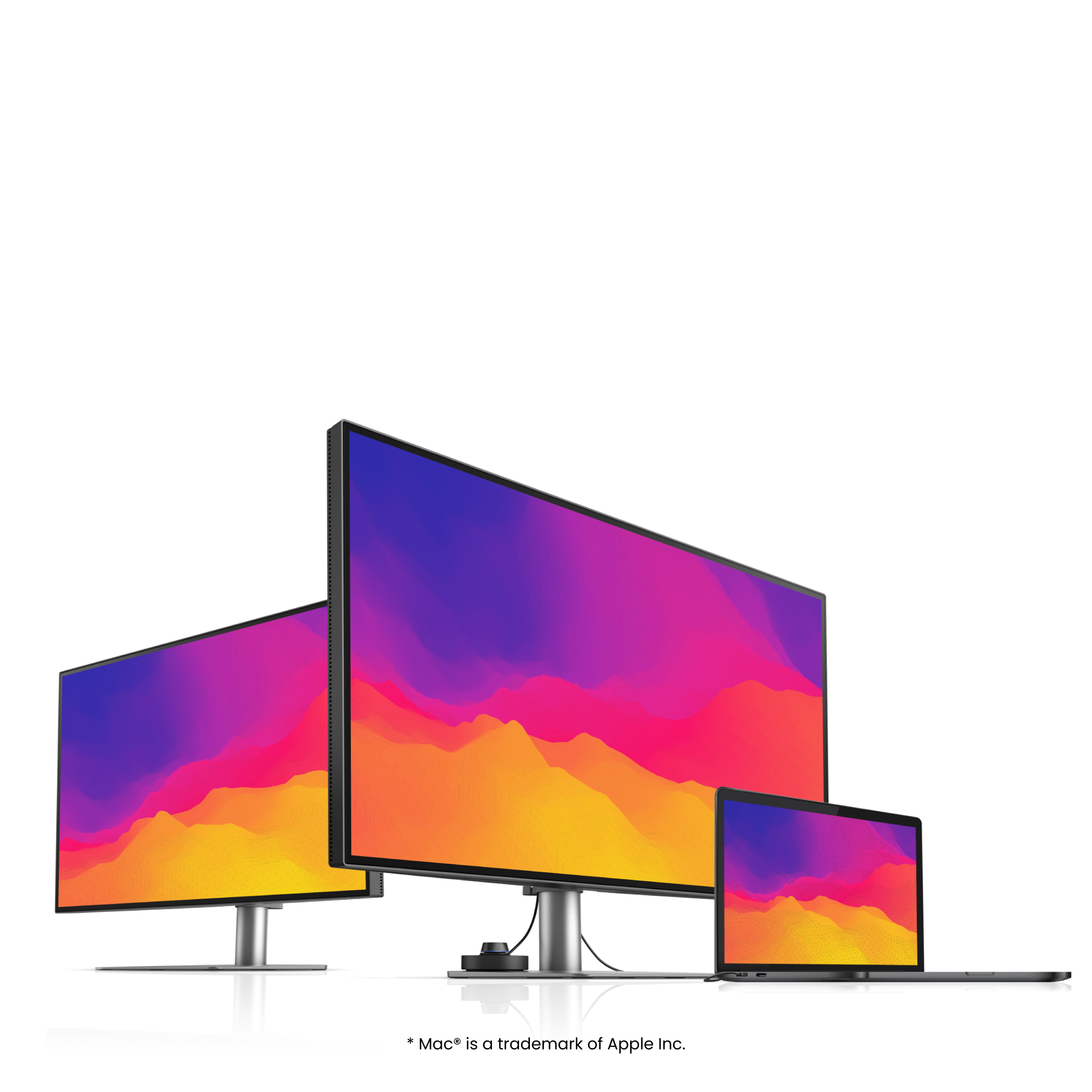
    USB Type-C의 멀티 스트림 전송(MST) 기술을 통해 여러 대의 모니터를 연결하여 작업 공간을 확장할 수 있습니다. 90W 전원 공급을 지원하는 USB Type-C 케이블 하나로 영상 출력, 데이터 전송, 충전을 동시에 처리할 수 있습니다.

.

*Mac® 및 MacBook® 기기는 Thunderbolt를 통한 데이지 체인 연결만 지원합니다. HDMI 또는 일반 USB 포트를 통한 데이지 체인 연결은 지원되지 않습니다. 또한 M1 또는 M2 칩이 탑재된 Mac 기기는 외부 디스플레이를 최대 1대까지만 연결할 수 있습니다. 자세한 내용은 Apple 공식 웹사이트를 참고하시기 바랍니다.

macOS, Windows, Linux를 지원하는 디스플레이 파일럿 2

벤큐 프로그래밍 모니터를 위한 소프트웨어인 Display Pilot 2는 문헤일로 후면 조명, 야간 보호 모드, 화면 내 KVM 제어 등 다양한 기능을 직관적으로 설정할 수 있도록 지원합니다. 또한 FloW, 단축키, 데스크톱 화면 분할, 애플리케이션 모드, 소프트웨어 밝기 조절, 생체 리듬 모드 등 프로그래머를 위한 다양한 기능을 제공하여 더욱 스마트하고 효율적인 작업 환경을 만들어줍니다.

Not only for macOS and Windows, now supporting Linux as well! The BenQ Programming Series software makes your workflow smarter and more efficient. Not only for macOS and Windows, now supporting Linux as well! The BenQ Programming Series software makes your workflow smarter and more efficient.
  • The BenQ Programming Series software caters to your needs with intuitive control of features like MoonHalo, Night Hours Protection, and KVM onscreen control.

    문헤일로 후면 조명 설정

  • The BenQ Programming Series software offers programmer-focused tools such as FloW, Shortcuts, Desktop Partition, Application Mode, Software Dimming, and Circadian Mode.

    색상 모드 연동

  • The BenQ Programming Series software offers programmer-focused tools such as FloW, Shortcuts, Desktop Partition, Application Mode, Software Dimming, and Circadian Mode.

    데스크톱 화면 분할 설정

  • The BenQ Programming Series software offers programmer-focused tools such as FloW, Shortcuts, Desktop Partition, Application Mode, Software Dimming, and Circadian Mode.

    듀얼 복사·붙여넣기 단축키

제품 개봉 및 퀵 스타트 가이드

FAQ

궁금한 게 있으신가요?

다운로드

더 다양한 유저메뉴얼 찾기