{{item.name}}
Price: {{currency}}{{item.price| numberThousandsCommas | numberDecimalPoint}}
Qty: {{item.amount}}


The QP30 wireless dongle makes it easy to project content from your device to a projector without using cables. This article covers the most common setup and configuration topics, including connecting to the internet, updating firmware, adjusting WiFi settings, and more.
Use the links below to find step-by-step instructions for each QP30 setup topic.
BenQ QP30 is a HDMI wireless dongle.
Optional accessory for part of BenQ projectors for wireless projection.
It supports resolution up to full HD at 60Hz 16:9 output and allows multiple devices to connect simultaneously, splitting up to 4 screens.
Note that if you're pairing with the 4:3, 16:10, 1:1, or non-standard impact screen, your image might be distorted while connecting. Or you might have to manually select the corresponding output resolution.
For connection, QP30 supports 2.4GHz and 5GHz network and is in compliance with wireless standards up to 802.11ac.
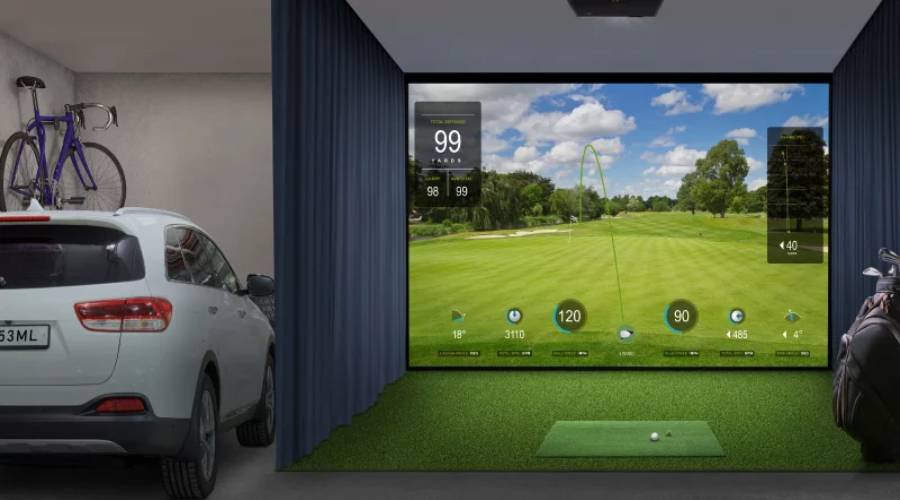
While connecting with golf-use, please check your launch monitor connectivity type :
Note: QP30 is different from the BT dongle (FSC-BP10Y) some projectors may have listed in the User Manual.
LK830ST, LH860ST, LK936ST, AK700ST, AH700ST, AH500ST, AH30ST, AW30ST
BenQ has trained staff to help you find the perfect golf simulator projector – within your room size and budget. To help you make the best decision, you can reach out to one of our experts to set up anything from a chat to a complete online demo, to help you find the right projector for your needs.
{{productsCount}}Result
{{item}}
{{item.productWordingTag}}
{{currency}}{{item.finalPrice| numberThousandsCommas | numberDecimalPoint}} Save {{currency}}{{item.saveAmount | numberThousandsCommas | numberDecimalPoint}} Save {{item.savePercent | numberThousandsCommas | numberDecimalPoint}}%
new device price {{currency}}{{item.regularPrice| numberThousandsCommas | numberDecimalPoint}}
{{item}}
{{itemTag.title}}
Max 4 products to compare reached.


