{{item.name}}
Price: {{currency}}{{item.price| numberThousandsCommas | numberDecimalPoint}}
Qty: {{item.amount}}


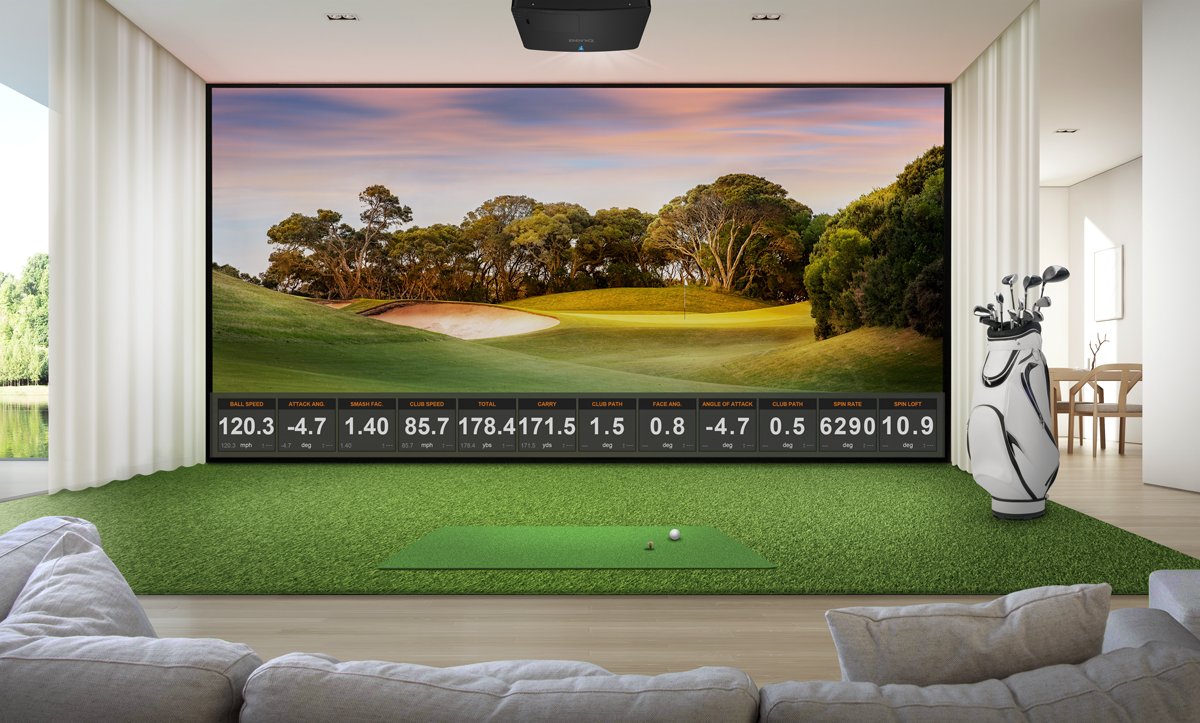
If you’re looking to setup a golf simulator in a garage, pool house, man cave or basement, a 0.50 short throw projector is the easiest way to ensure you can squeeze all your components into a tight space. In this article, we’ll compare two of these projectors that have the same lens – but are designed for completely different use cases to answer this question: Can a projector designed for the office make the cut when it comes to golf simulators? We break down how they fare using the information from each manufacturer’s website and third-party reviews to break down the key differences.
Both projectors are from well-known and established projector brands and have the same short throw lens with a 0.50 throw ratio which is ideal for using on an office table as well as tighter simulation and immersive spaces. And unlike many of the latest Epson models that have confusing “4K Enhancement” technology that only delivers half the number of pixels needed to meet the industry 4K standard, both projectors feature true 4K UHD resolution – so every detail is rendered on the screen with 8.3 million pixels. But why is the BenQ LK830ST more expensive than the Optoma ZK431ST – and is it worth it?
The first – and largest difference between these two 4K UHD projectors their color accuracy. Just like a commercial cinema projector or TV, the BenQ LK830ST uses the industry standard Rec. 709 color accuracy specification to ensure that Augusta fairways and Pebble beach ocean shots look like they do in real life. In addition, BenQ engineers have created a custom golf mode that is designed for those complex organic colors found in those ugly brown pot bunkers found at Troon and the red rock backdrops at Seven Canyons or Wolf Creek. The LK830ST’s color accuracy also can accurately render even difficult logo colors like Lufthansa orange and Coca Cola red.
Like most other conference room projectors, the Optoma ZK431ST and ZK431ST-B has only brightness specifications and doesn’t specify any industry standard color accuracy measurements. So, while the green may look bright on the screen, the projector may not have the native color accuracy needed to create an accurate Bentgrass green or Kentucky Bluegrass fairway in a immersive golf sim.
For most conference room applications, the Optoma ZK431ST is placed on a table or mounted on the ceiling. But golf simulators and immersive spaces installations are a lot more complex. Let’s break down the differences in how easy these projectors are to install in a golf sim.
Only BenQ offers an online 360° golf simulator planning tool to help you find the right spot to mount your LK830ST projector so that it works with your launch monitor, impact screen and room size. Just select your projector, launch monitor location and impact screen size and shape – and in a few seconds you get every measurement you need to ensure that every component is properly located. The tool can also enable you to plan curved screens, and email you the drawings and measurements.
The Optoma planner is more limited as of October 2026. It lacks 360° viewing capability, selects only one projector for your setup, and there is no curved screen or email capability.
One big advantage of the BenQ LK830ST is that it can support multiple aspect ratios with a simple push of the projector remote button. While both the Optoma and BenQ projectors use a native 4K chip with a 16:9 aspect ratio, the BenQ LK830ST has a special “Screen Fill” feature that eliminates squished or stretched images, while maintaining the high pixel density detail of 4K UHD resolution on the most common aspect ratios used in golf simulator impact screens – including 4:3 and 1:1. Simply select that aspect ratio from the Screen Fill menu on the projector and it will recalibrate the image so the image is correct – and you can see every detail on the screen exactly the way the designer intended.
The Optoma ZK431ST and ZK431ST-B use a traditional approach for conference room projectors. Optoma does not support any 1:1 aspect ratio on this projector model in their specification sheet but offers a smart phone app to change the screen resolution to fit different aspect ratios. The app has not received enough reviews as of October 2026 on either Google or Apple app stores to generate a rating.
While conference room projectors don’t need much adjustment (the table is usually placed in front of the screen), installing a short throw projector in a golf sim can be a challenge. The BenQ LK830ST is designed for Murphy’s Law and has twice as much horizontal and vertical keystone as the Optoma ZK431ST and ZK431ST-B. So, if a stud isn’t in the right place – or you made a mistake in your measurements, you have a pretty good chance of fixing the image on the BenQ LK830ST using both the corner fit and keystone correction to avoid having to re-mount the projector.
These two projectors have similar brightness specifications. The BenQ LK830ST is rated as 4000 ANSI lumens of brightness while the Optoma ZK431ST is rated at 4100 ISO lumens. The ANSI standard used by BenQ is the most conservative standard, and some brands use the more liberal ISO standard (to deliver a higher specification number).
But when you look at an image on the screen, the BenQ may look brighter due to its higher color accuracy that can properly display tough organic colors like Georgia pine straw and complex skyscapes found in the newest platforms like GSPro and Uneekor Gameday.
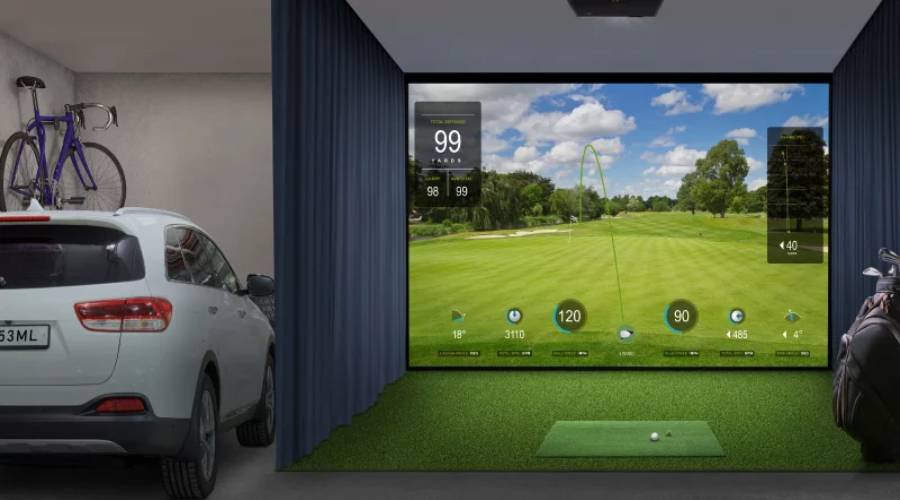
Figure 2 - BenQ LK830ST can support an accurate image on a 1:1 aspect impact screen.
Since it’s nearly impossible to find a place where you can compare the two projectors side by side, let’s look at the different online reviews for each model. The BenQ LK830ST projector already has excellent third-party reviews in both golf simulation and immersive spaces from highly respected content creators. These are detailed reviews with closeups of projected images and honest opinions from human reviewers.
The Optoma ZK430ST was the predecessor of the ZK431ST and ZK431ST-B has been available since 2023, but as of October 2026 the only third-party reviews were mechanical style affiliate videos highlighting the projector specifications and no human third party reviews of any of these models.
There’s no question that the BenQ LK830ST costs more than the Optoma ZK431ST, but is purpose built for golf simulation. The projector has many human third party reviews using real golf sim setups, is easier to install, and delivers more accurate / realistic color. Check out the comparison table below to see if the BenQ LK830ST model would be best for your simulator setup.
Projector Feature / Model
BenQ LK830ST
Optoma ZK431ST & ZK431ST-B
Resolution
4K UHD
4K UHD
Short Throw Lens (0.5)
Yes
Yes
Brightness
4000 ANSI Lumens
4100 ISO Lumens
Rec. 709 Color Accuracy
93%
Not Specified
Screen Fill Technology
Yes
Requires Smartphone app
Asepct Ratio Support
1:1 | 4:3 | 5:4 | 16:9 | 16:10
16:9, 16:10, 4:3 - other ratios with smart phone app
Horizontal Keystone
30%
15%
Vertical Keystone
30%
15%
Golf Sim Planning Tool
Yes
Limited
Human Third Party Reviews
Yes
No
Street Price
$2499
$1799
BenQ has trained staff to help you find the perfect golf simulator projector – within your room size and budget. To help you make the best decision, you can reach out to one of our experts to set up anything from a chat to a complete online demo, to help you find the right projector for your needs.
{{item.productWordingTag}}
{{currency}}{{item.finalPrice| numberThousandsCommas | numberDecimalPoint}} Save {{currency}}{{item.saveAmount | numberThousandsCommas | numberDecimalPoint}} Save {{item.savePercent | numberThousandsCommas | numberDecimalPoint}}%
new device price{{currency}}{{item.regularPrice| numberThousandsCommas | numberDecimalPoint}}