BenQ DesignVue Monitors
PD2706U|27-inch 4K UHD P3 DisplayHDR 400 USB-C Designer Monitor

By Trending Word
4K UHD (3840×2160) Short Throw 2D, Vertical/Horizontal Keystone LED Laser With Android TV With Low Input LagExplore Commercial Projector
Professional Installation Exhibition & Simulation Small Business & Corporation Education Golf SimulatorProjector
By Trending Word
4K UHD (3840×2160) Short Throw 2D, Vertical/Horizontal Keystone LED Laser With Android TV With Low Input LagExplore Commercial Projector
Professional Installation Exhibition & Simulation Small Business & Corporation Education Golf SimulatorMonitor
Lighting
Interactive Display | Signage
Cookie Setting
How can I change my BenQ cookie settings?
Page updated: May 2020
Some essential features on BenQ sites just won’t work without cookies. And having other cookies switched off can seriously affect the way you’ll be able to enjoy our services.
Please check your cookie settings below and turn on any cookies you’re happy with.
“Strictly necessary” cookies can’t be turned off. But Functional and Performance cookies can be turned on or off below. You can learn more about cookies and what they do on our other pages.
If you've chosen to block third-party cookies on your browser, your cookie preferences won't carry over from benq.eu to benq.xx and vice versa. Please make sure to set your cookie preferences in both places.
On
Strictly necessary cookies
These cookies are essential so that you can move around the website and use its features. Without these cookies services you have asked for cannot be provided.
On
Off
Functional cookies
These cookies allow the website to remember choices you make to give you better functionality and personal features.
On
Off
Performance cookies and advertising cookies
Performance cookies
These cookies help to improve the performance of BenQ. If you want to opt-out of advertising cookies, you have to turn-off performance cookies. We also use Google Analytics, SessionCam and Hotjar to track activity and performance on the BenQ website. You can control the information provided to Google, SessionCam and Hotjar. To opt out of certain ads provided by Google you can use any of the methods set forth here or using the Google Analytics opt out browser add-on here. To opt-out of SessionCam collecting data, you can disable tracking completely by following link:https://sessioncam.com/choose-not-to-be-recorded/. To opt-out of Hotjar collecting data, you can disable tracking completely by following link:https://www.hotjar.com/privacy/do-not-track/.
See list of performance and advertising cookies
Advertising cookies
These cookies are used to track your activity on the BenQ website and other websites across the Internet, help measure the effectiveness of our advertising campaign and deliver advertisements that are more relevant to you and your interests. We use various advertising partners, including Amazon, Facebook, and Google. These cookies and other technologies capture data like your IP address, when you viewed the page or email, what device you were using and where you were. You can find out how to avoid them below.
See list of performance and advertising cookies
【New Product Launch】Illuminate your world with Screenbar Pro✨
BUY NOW【New Product Launch】Illuminate your world with Screenbar Pro✨
BUY NOW
Create BenQ account to get tech-savvy tips & member-exclusive offers.
Create NowCreate BenQ account to get tech-savvy tips & member-exclusive offers.
Create Now
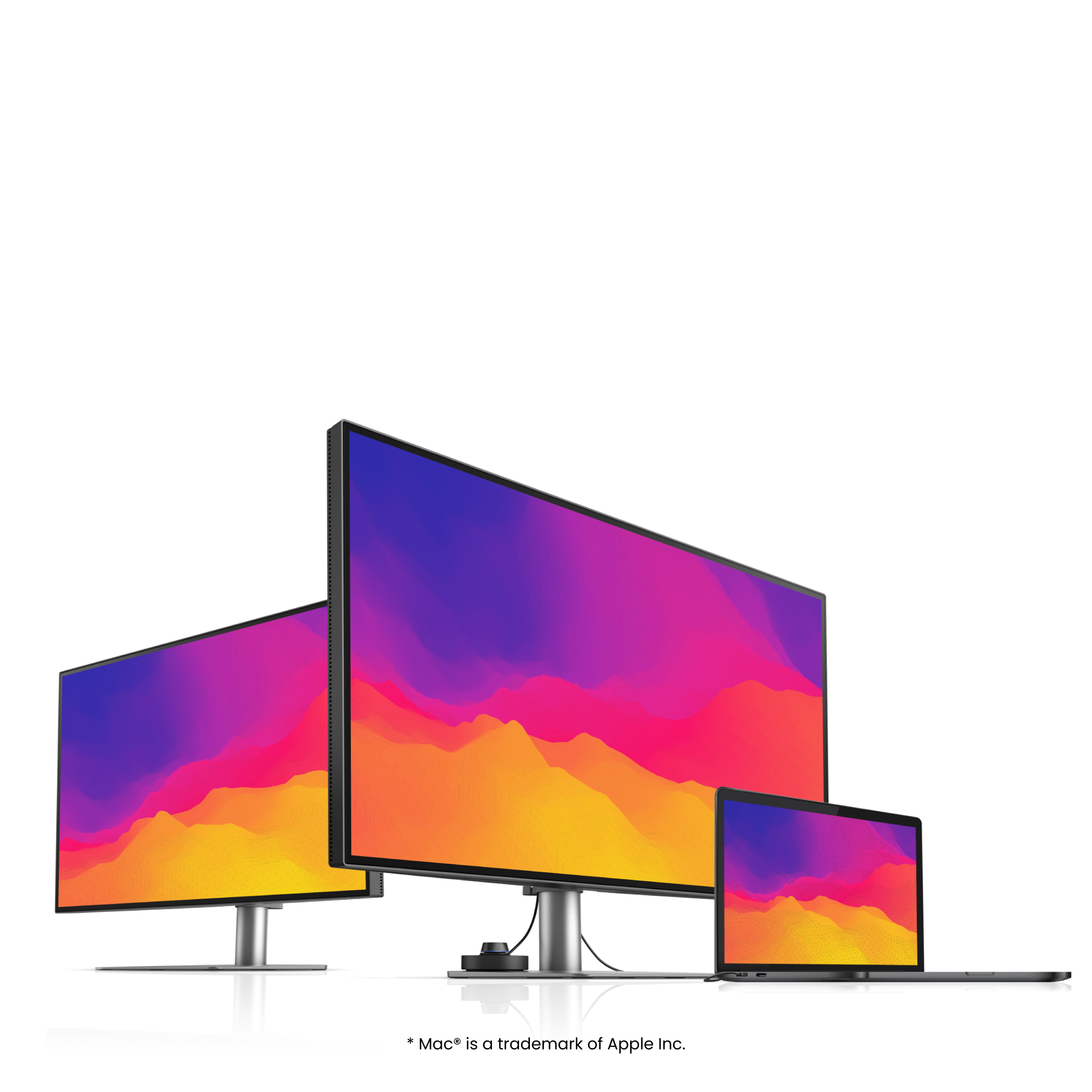
PD2706U|27-inch 4K UHD P3 DisplayHDR 400 USB-C Designer Monitor
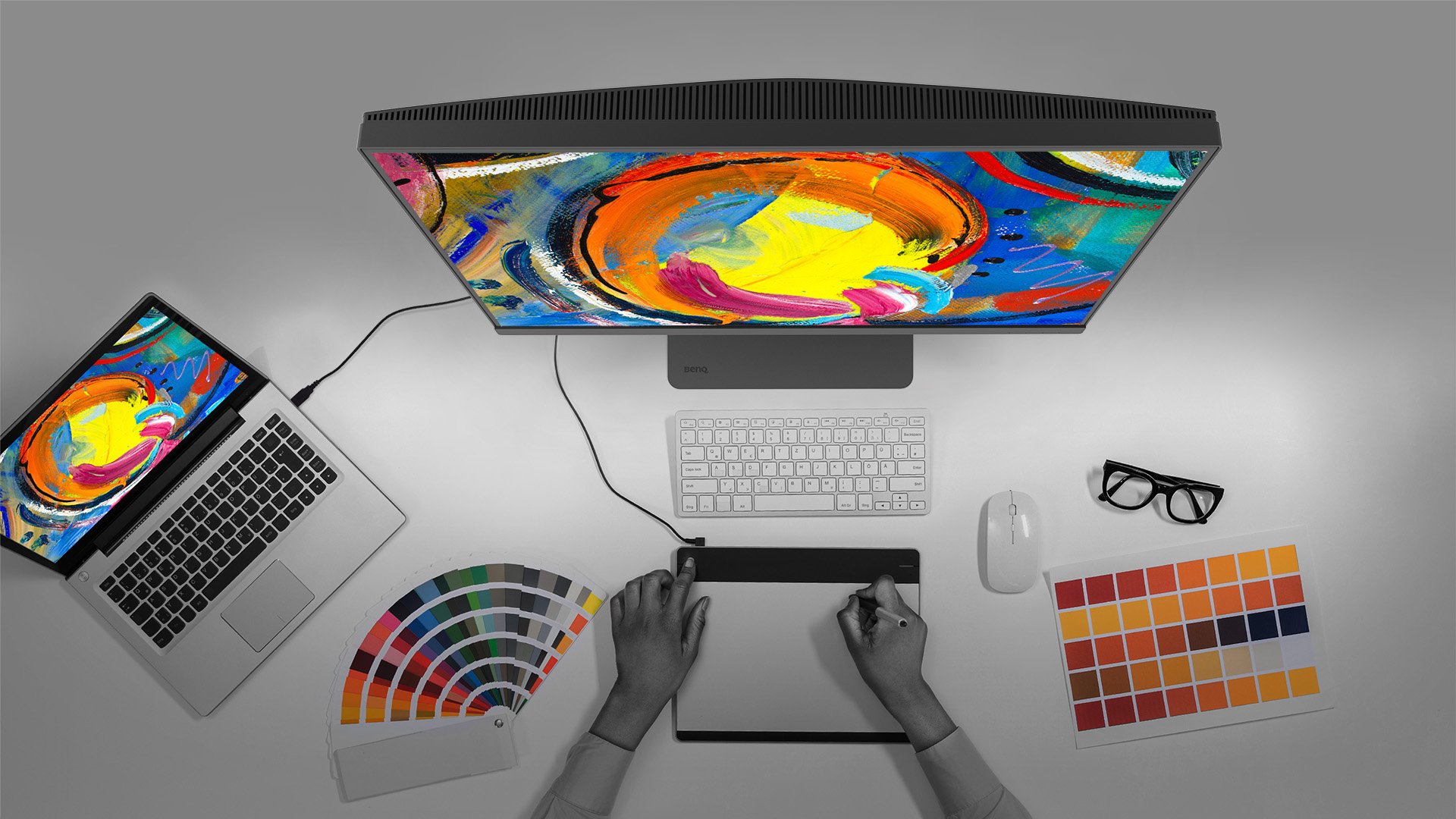
BenQ empowers creative professionals with AQCOLOR technology to help inspire ideas and make projects come to life.
PD2706U covers 95% P3, 100% sRGB, and 100% Rec.709 color spaces and has amazing Delta E ≤ 3 color reproduction to ensure superb accuracy and absolute color confidence.
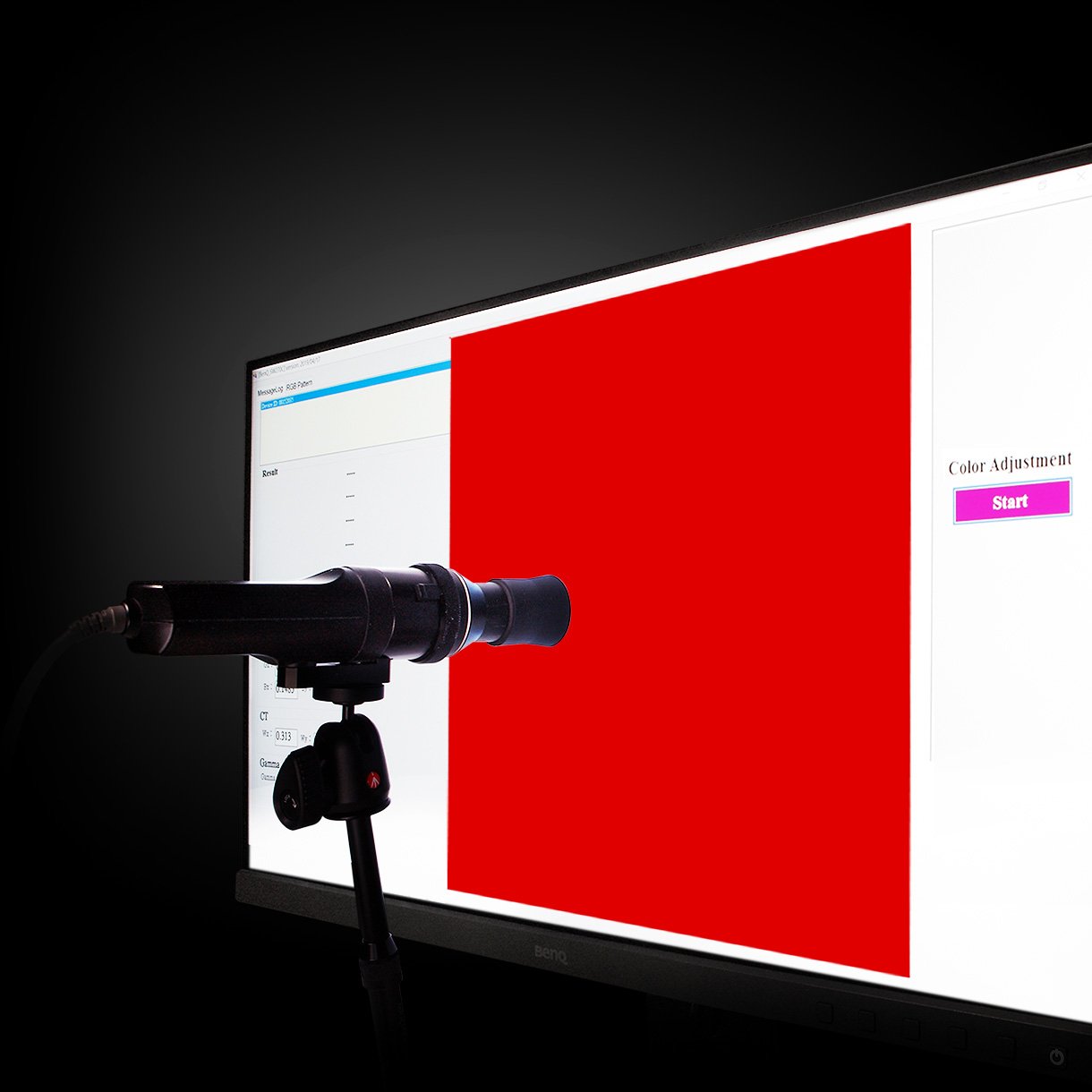
BenQ DesignVue monitors feature meticulous factory calibration, so designers make full use of total display color accuracy from the get go.
PD2706U is fully CalMan Verified. Creative professionals demand excellence, and BenQ delivers.
BenQ DesignVue monitors feature meticulous factory calibration, so designers make full use of total display color accuracy from the get go.
PD2706U is fully CalMan Verified. Creative professionals demand excellence, and BenQ delivers.
PD2706U also features Pantone and Pantone SkinTone validation, appealing to professionals who need a display that achieves utmost authenticity when showing real-world colors.
Go digital with BenQ, the first brand to work with Pantone on a mobile app. As an existing owner or a new purchaser of BenQ professional monitors, you get one year of free Pantone Connect Premium for digitally mobile color consistency and accuracy.
PD2706U also features Pantone and Pantone SkinTone validation, appealing to professionals who need a display that achieves utmost authenticity when showing real-world colors.
Go digital with BenQ, the first brand to work with Pantone on a mobile app. As an existing owner or a new purchaser of BenQ professional monitors, you get one year of free Pantone Connect Premium for digitally mobile color consistency and accuracy.
BenQ Display Pilot offers keyboard shortcuts to access OSD (on-screen display) adjustments for different functions, including color mode switching and more.
Usually, syncing color profiles between your monitor and laptop takes an exhausting amount of fiddling with settings. BenQ Display Pilot and BenQ ICCsync free you from this hassle.
BenQ Display Pilot offers keyboard shortcuts to access OSD (on-screen display) adjustments for different functions, including color mode switching and more.
Usually, syncing color profiles between your monitor and laptop takes an exhausting amount of fiddling with settings. BenQ Display Pilot and BenQ ICCsync free you from this hassle.
BenQ ICCsync quickly installs pre-calibrated ICC profiles onto your Mac, and more. With ICC profile compatibility, BenQ ICCsync makes it easy to sync in just a second with one click via BenQ Display Pilot.
BenQ ICCsync auto-matches and auto-synchronizes ICC profiles on the monitor when you change color modes, and also between your Mac and BenQ monitor. All of this is done instantly.
BenQ ICCsync quickly installs pre-calibrated ICC profiles onto your Mac, and more. With ICC profile compatibility, BenQ ICCsync makes it easy to sync in just a second with one click via BenQ Display Pilot.
BenQ ICCsync auto-matches and auto-synchronizes ICC profiles on the monitor when you change color modes, and also between your Mac and BenQ monitor. All of this is done instantly.
90W USB-C carries images, videos, and other data seamlessly plus charges your mobile devices at the same time all with one cable.
Expand Your Workstation with All-in-One Cable
90W USB-C carries images, videos, and other data seamlessly plus charges your mobile devices at the same time all with one cable.
With built-in KVM (keyboard, video, mouse) switch functionality, PD2706U allows users to control two systems from one keyboard and mouse set. Click to switch between systems via Hotkey Puck G2 to boost efficiency.
BenQ Hotkey Puck G2 offers users the flexibility to customize and access their most-used features. Press and switch the dial to access brightness, contrast, and volume adjustment, plus assign shortcuts to feature sets using the three function keys. Additionally, the rotation key allows users to assign custom shortcuts to settings.
Go split screen. Picture In Picture (PIP) and Picture By Picture (PBP) let you customize your workflow.
With built-in KVM (keyboard, video, mouse) switch functionality, PD2706U allows users to control two systems from one keyboard and mouse set. Click to switch between systems via Hotkey Puck G2 to boost efficiency.
BenQ Hotkey Puck G2 offers users the flexibility to customize and access their most-used features. Press and switch the dial to access brightness, contrast, and volume adjustment, plus assign shortcuts to feature sets using the three function keys. Additionally, the rotation key allows users to assign custom shortcuts to settings.
Go split screen. Picture In Picture (PIP) and Picture By Picture (PBP) let you customize your workflow.
Delivering corner-to-corner authentic colors and consistent luminescence. The display is divided into hundreds of sub-regions and rigorously fine-tuned for precision. This innovative tech assures ultra-dependable image fidelity.
Without

With

DisplayHDR 400 offers better results more when you work on designs with better brightness, color uniformity and black leve
HDR Technology
DisplayHDR 400 offers better results more when you work on designs with better brightness, color uniformity and black leve
Showcase designs in two modes side-by-side for improved workflow and enhanced productivity.
Enjoy superior contrast of lines and shapes in technical illustrations.
Showcase designs in two modes side-by-side for improved workflow and enhanced productivity.
Enjoy superior contrast of lines and shapes in technical illustrations.
Enhance the clarity of dark areas without overexposing bright regions.
Adjust image brightness and contrast for work in dark environments.
Enhance the clarity of dark areas without overexposing bright regions.
Adjust image brightness and contrast for work in dark environments.
Simulates e-book display to read and edit digital publications in comfort.
BenQ's industry-leading Eye-Care Technology reduces eye fatigue while ensuring greater user comfort during long periods of use.
Create with Fresh Eyes
BenQ's industry-leading Eye-Care Technology reduces eye fatigue while ensuring greater user comfort during long periods of use.
TÜV Rheinland Certification
TÜV Rheinland certifies Flicker-Free and Low Blue Light, resulting in a truly human eye-friendly monitor.
Low Blue Light
Low blue light technology filters harmful blue light to protect your eyes and increase comfort.
Flicker-Free™
Flicker-Free™ eliminates screen flicker found in traditional monitors for vastly improved comfort during extended usage.