【New Product Launch】Illuminate your world with Screenbar Pro✨

BUY NOW

【New Product Launch】Illuminate your world with Screenbar Pro✨

Create BenQ account to get tech-savvy tips & member-exclusive offers.

Create Now

Create BenQ account to get tech-savvy tips & member-exclusive offers.

localNavigation.type = g6-series-page

For MacBook

Compare

BenQ MA Series for MacBook

Show Mac Colors

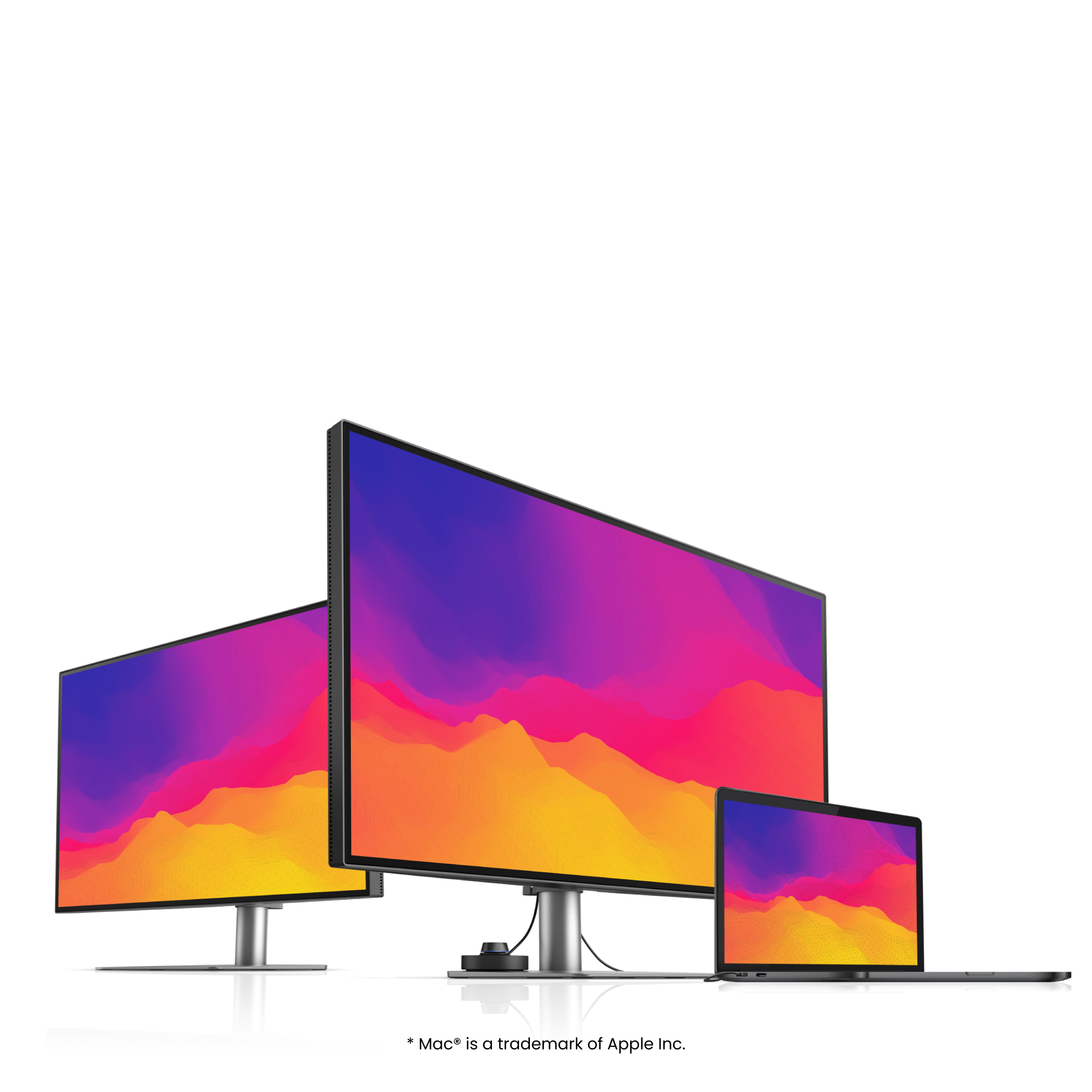
Expand Your MacBook®’s View with Consistent Colors Through Just One Cable

*“Apple,” “Mac,” and “MacBook” are registered trademarks of Apple Inc. BenQ and its products are not, in any way, affiliated with Apple Inc.

Colors Not Matching?Plug in and Get the Right Colors

Most external monitors display colors differently from MacBook. As the best color-matching monitor for your MacBook, the BenQ MA270U/MA320U delivers the P3 wide color gamut and BenQ's professionally calibrated vibrant colors for MacBook.

Colors Not Matching?Plug in and Get the Right Colors

Most external monitors display colors differently from MacBook. As the best color-matching monitor for your MacBook, the BenQ MA270U/MA320U delivers the P3 wide color gamut and BenQ's professionally calibrated vibrant colors for MacBook.

Sync with MacBook Control

Now you can synchronize controls between your MacBook computer and monitor with simple keystrokes, just like you would on your MacBook Pro and MacBook Air®. Simply press the brightness or volume key, and both displays will adjust simultaneously.

Sync with MacBook Control

Now you can synchronize controls between your MacBook computer and monitor with simple keystrokes, just like you would on your MacBook Pro and MacBook Air®. Simply press the brightness or volume key, and both displays will adjust simultaneously.

Get it Done with Display Pilot 2

Experience Mac-like simplified settings with BenQ Display Pilot 2 software.

Get it Done with Display Pilot 2

Experience Mac-like simplified settings with BenQ Display Pilot 2 software.

For the Way You Work and Live

From the crisp clarity of everyday tasks to the vibrant precision of creative work, the MA Series extends your view effortlessly. Two tailored experiences. One simple connection. Show Mac colors.

For MacBook Users

the crisp clarity of everyday tasks

For Mac Creators

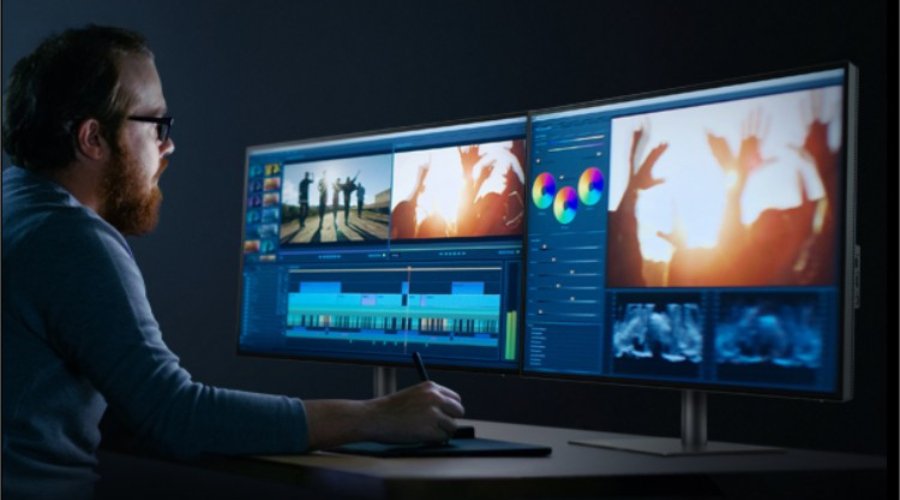
the vibrant precision of creative work

A Powerful Hub Connects All

More than a stylish external monitor for your MacBook Pro and MacBook Air computer, it’s also a powerful hub for your desktop Apple ecosystem. The built-in 90W and 15W USB-C ports* charge your iPad® and iPhone® devices while you work.

*USB-IF certified USB-C ports ensure safe charging and reliable connectivity without risking damage to your Apple devices.

More than a stylish external monitor for your MacBook, it’s also a powerful hub for your desktop Apple ecosystem More than a stylish external monitor for your MacBook, it’s also a powerful hub for your desktop Apple ecosystem
  • Mobile

  • iPad

  • iPhone

  • Mac mini

  • Game Console

▼

▼

  • Get connected to various devices for multitasking

  • Built-in 90W and 15W USB-C keeps your devices charged* and expands connectivity

    *Ensure your devices stay charged even when the monitor is off with Always-on Power Charging.

We Adjust Easily. You View Comfortably.

No more bad posture. BenQ’s best monitors for MacBook Pro and MacBook Air go beyond screen limitations, offering greater freedom with multiple angles and height adjustments for an improved viewing experience.

Free Your Ideas in 3 Steps

  • 1. Connects seamlessly via USB-C

  • 2. Displays Mac Colors

  • 3. Expands Your MacBook's View

Which Monitor is Right for You?

  • 27” | MA270S

    27” | MA270S

    5K Nano Gloss Monitor

  • 27” | MA270UP

    27” | MA270UP

    4K Nano Gloss Monitor

  • 32” | MA320U

    32” | MA320U

    4K Nano Matte Monitor

The Glossy panel reveals every shade and subtlety with deep blacks, bright highlights, and color contrast that pops

Nano Gloss Panel

Mac Colors, in Full Clarity

Love the way your Mac looks? You’ll see it here, all in stunning detail. The Nano Gloss surface brings crystal-clear depth, true blacks, and brilliant highlights, revealing every nuance with natural contrast. Even from the side, colors stay accurate and lifelike, so every angle feels unmistakably Mac.

Nano Gloss Panel

Mac Colors, in Full Clarity

Love the way your Mac looks? You’ll see it here, all in stunning detail. The Nano Gloss surface brings crystal-clear depth, true blacks, and brilliant highlights, revealing every nuance with natural contrast. Even from the side, colors stay accurate and lifelike, so every angle feels unmistakably Mac.

Nano Matte Panel

Your Work, in Full Comfort

Influencer Reviews

Loved by Creators, Trusted by Media

Influencer Reviews
  • MacHow2

    "BenQ's MA series monitors are the most Mac-compatible displays we've tried outside of the Apple Studio Display. "

  • Macworld

    "If you’re looking for a Mac display at a good price, take a look at the BenQ MA270U. Made with the Mac in mind, this 27-inch, 4K display is a nice combination of price, features, and image quality."

  • 9to5Mac

    "BenQ is doubling down on this by introducing the MA series, its first budget-friendly focused monitor, which is made specifically for Mac users. Again, for the price, I was very impressed by everything you get."

Experience Flawless MacBook Integration Now

We believe, like you, that simplicity best expresses individuality. That's why you need a stylish external monitor that effortlessly integrates with your MacBook Pro or MacBook Air. The new BenQ MA Series frees your ideas without limitations. With our exclusive Mac Color tuning, enjoy consistent colors seamlessly replicated from your MacBook. Buy the BenQ MA Series 4K Monitor for MacBook now and expand your MacBook's brilliant display to match your sophistication.

We Prioritize Eye Care

  • 10-panels-that-protect-v2.jpg

    Panels that Protect

    BenQ makes the best monitors that treat your eyes right. The innovative fine-coated panel and BenQ Eye-Care technology eliminate elements like reflection and glare that could harm your vision.

  • TUV Reflection Free Certified

    Being TUV Reflection Free Certified ensures multitasking with minimized distractions. The global safety authority TÜV Rheinland also certifies the MA series' Low Blue Light feature as truly friendly to the human eye, ensuring the display reduces harmful blue light.

Triple 4K Monitors, Simply One Docking Station

Now empower your workstation with the BenQ Docking Station. It overcomes MacBook Apple silicon's display limitations, providing consistent triple 4K extended displays and 100W charging capabilities for your MacBook laptops.

11-triple-4k-monitors-simply-one-docking-station-v2.jpg 11-triple-4k-monitors-simply-one-docking-station-v2.jpg

Master macOS Sequoia with Our 45 Keyboard Shortcuts Guide

Our free PDF guide includes 45 essential keyboard shortcuts—20 basic and 25 advanced—to help you work more efficiently in macOS Sequoia. Learn how to speed up common tasks and navigate like a pro, all while making the most of your MacBook Pro and MA Series monitor.

A meaningful milestone—

BenQ’s carbon reduction equals 210 Central Parks

Based on the annual net carbon sequestration of Central Parks in New York City.

A meaningful milestone—

BenQ’s carbon reduction equals 210 Central Parks

Based on the annual net carbon sequestration of Central Parks in New York City.

BenQ MA Series for MacBook

Compare all MA Series Monitors
4K(3840x2160)
5K(5120x2880)

27"~28"
31"~32"

27"~28"

Learn more

Nano Gloss Panel/Nano Matte Panel

Screen Coating

P3

Color Gamut

96W,35W

USB-C Power Delivery

USB-C,Thunderbolt 4

All-in-One Connection

115mm/150mm

Maximum Adjustable Height

Display Pilot 2

Assistant Tool

31"~32"

Learn more

Nano Gloss Panel/Nano Matte Pro Panel

Screen Coating

P3

Color Gamut

90W,15W

USB-C Power Delivery

USB-C

All-in-One Connection

115mm

Maximum Adjustable Height

Display Pilot 2

Assistant Tool

27"~28"
Explore Other BenQ Monitors

Explore Trending Topics

How to Set Up Dual Monitors?

How to Set Up Dual Monitors?

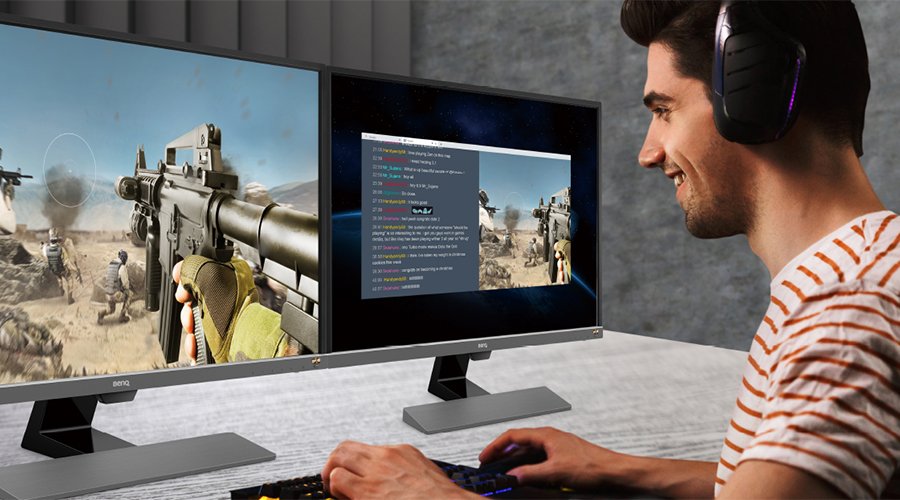
What Are the Benefits of Dual Monitor Setup for Gaming?

What Are the Benefits of Dual Monitor Setup for Gaming?

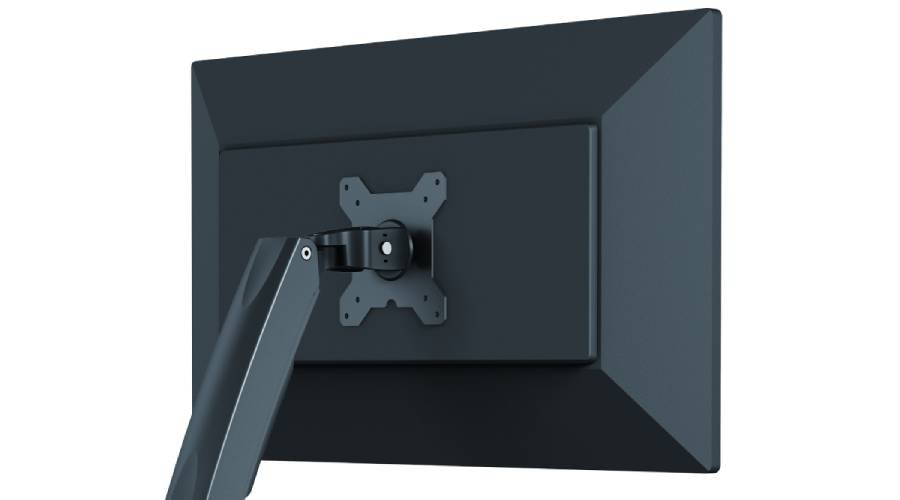
What is a VESA mount for monitors and TVs and can I use it?

What is a VESA mount for monitors and TVs and can I use it?

Support Center

Tell us we can help.

Contact Us

Need To Get In Touch?