Keeping Your Vivid Memories
BenQ Paper Color Sync
Memorable photos are worth printing out to make every moment stay. Experience Paper Color Sync to get your photos down on paper just clicks away.

By Series
4K Laser TV Projector Portable Series Home Cinema Series Projectors Immersive Gaming Series Golf Simulator ProjectorsBy Trending Word
4K UHD (3840×2160) Short Throw 2D, Vertical/Horizontal Keystone LED Laser With Android TV With Low Input LagExplore Commercial Projector
Professional Installation Exhibition & Simulation Small Business & Corporation K12 & Higher Education Golf Simulator ProjectorRemote Work & Learning
Projector
By Series
4K Laser TV Projector Portable Series Home Cinema Series Projectors Immersive Gaming Series Golf Simulator ProjectorsBy Trending Word
4K UHD (3840×2160) Short Throw 2D, Vertical/Horizontal Keystone LED Laser With Android TV With Low Input LagExplore Commercial Projector
Professional Installation Exhibition & Simulation Small Business & Corporation K12 & Higher Education Golf Simulator ProjectorMonitor
Lighting
Interactive Display
Remote Work & Learning
e-Store
We use cookies and similar technologies on this website to improve our service for you and bring you a more personalized user experience.
By accepting optional cookies, you can enjoy:
Personalized support and live chat (Functional cookies)
Relevant content via anonymized analytics (Analytics / Performance cookies)
Ads and marketing tailored to your interests (Advertising / Targeting cookies)
By clicking “Accept all”, you consent to the use of cookies, including optional cookies. Click “Reject all” to reject optional cookies or click “Cookie Setting” to manage your preferences. Please note that rejecting optional cookies may affect certain website features and functionality. Find out more in our Cookie Policy and Privacy Policy.
Always active
These cookies are required for the operation of the website and cannot be configured.
These cookies allow us to offer you customized content according to your profile, your interests and your usage. By accepting these cookies, you help us to improve the layout and features of our site.
These cookies allow us to understand how you access the site and your browsing habits (e.g. pages viewed, time spent on a page, content clicked). They allow us to analyze the performance and design of our site and to detect possible errors. Owing to these performance indicators, we are constantly improving our site and our products, content and offers.
These cookies are used for BenQ advertisements displayed on third-party websites, including social media, and are tailored to your preferences and to help us measure the effectiveness of our advertising campaigns. They remember that you have visited our site and share this information with partners, such as advertisers, for the purpose of targeted advertising. If you refuse these cookies, advertising (including ours) will continue to be displayed as you browse the Internet, although they will not be specific to your personal interests, and will therefore be less relevant.
BenQ Paper Color Sync
Memorable photos are worth printing out to make every moment stay. Experience Paper Color Sync to get your photos down on paper just clicks away.
BenQ Paper Color Sync
Memorable photos are worth printing out to make every moment stay. Experience Paper Color Sync to get your photos down on paper just clicks away.
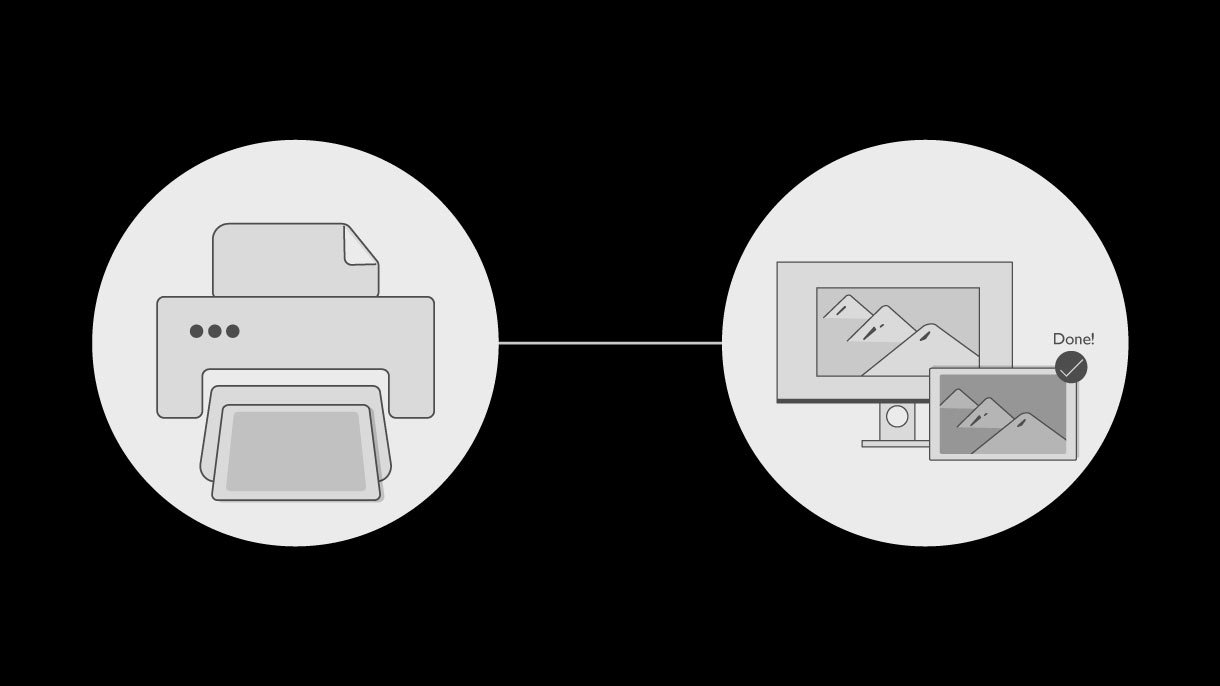
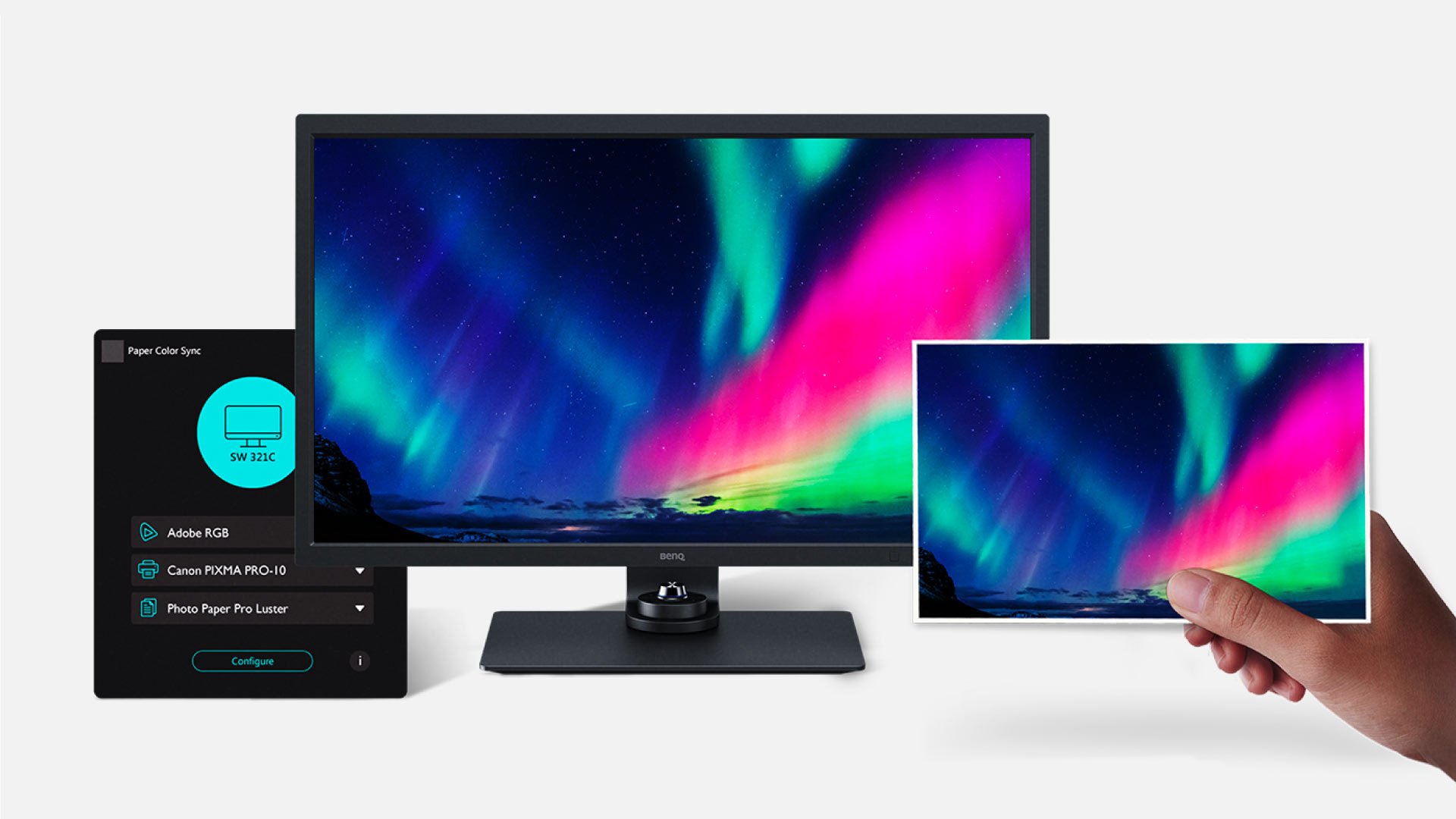
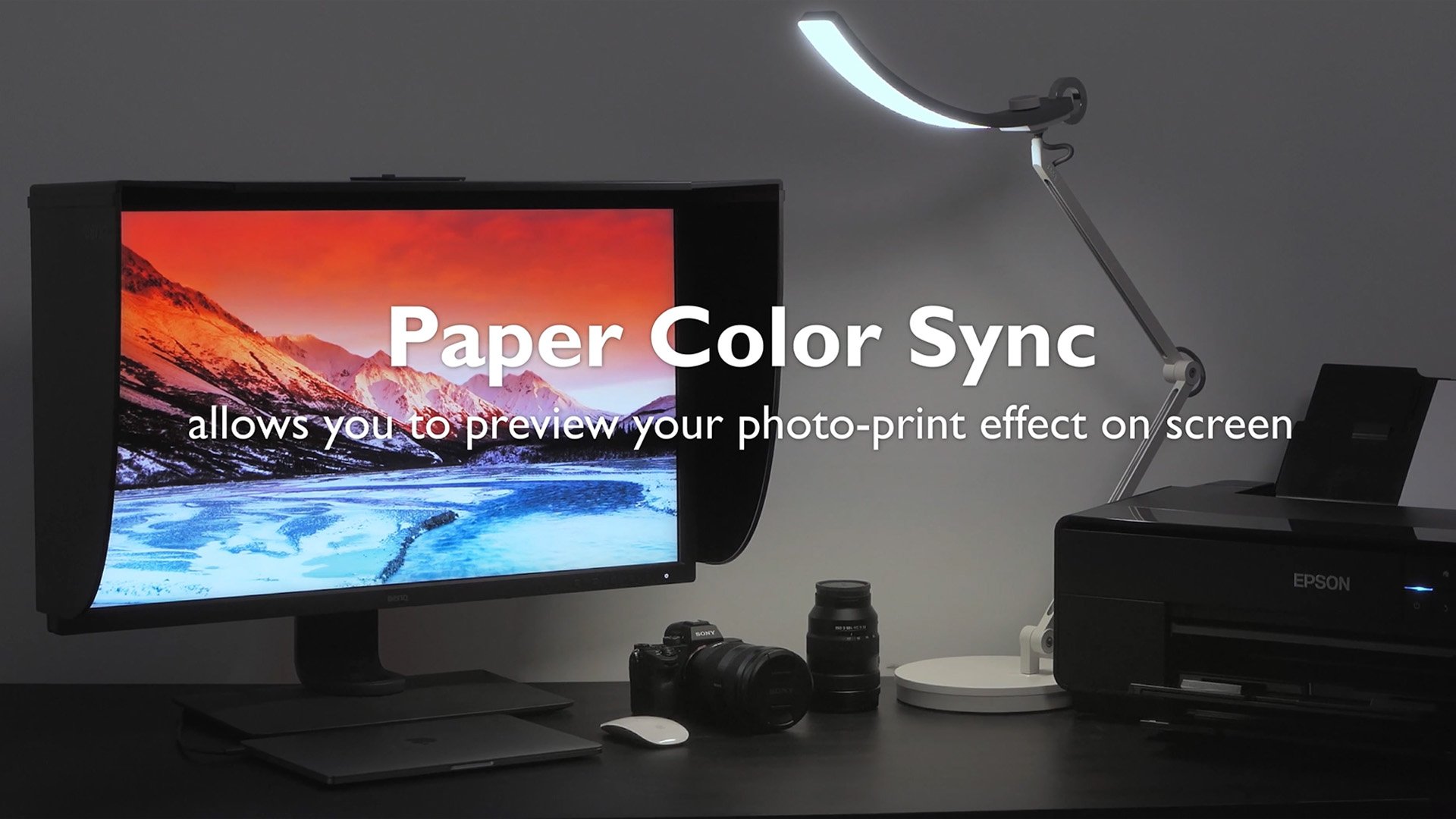
Paper Color Sync is the BenQ proprietary software to simulate the printing results. You can edit photos with efficiency and confidence in this time-saving screen-to-print process by selecting the color gamut, printer model and paper type to get an on-screen preview which faithfully reproduces the final color output.
Paper Color Sync allows you to facilitate the editing-to-printing process by just choosing the color gamut, printer model and the photo paper.
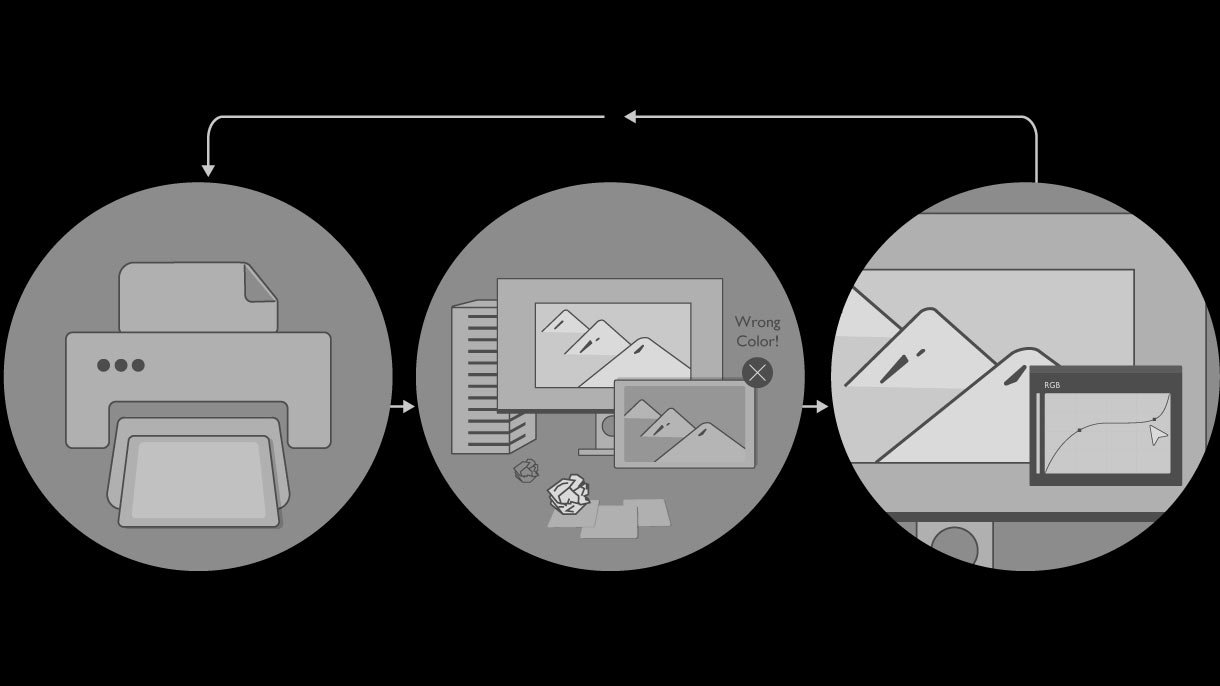
With Paper Color Sync, you can confidently retouch your photos on our color-critical SW series Photographer monitor to get the satisfactory results saving you the time and efforts from repetitively comparing your photos against your monitor.
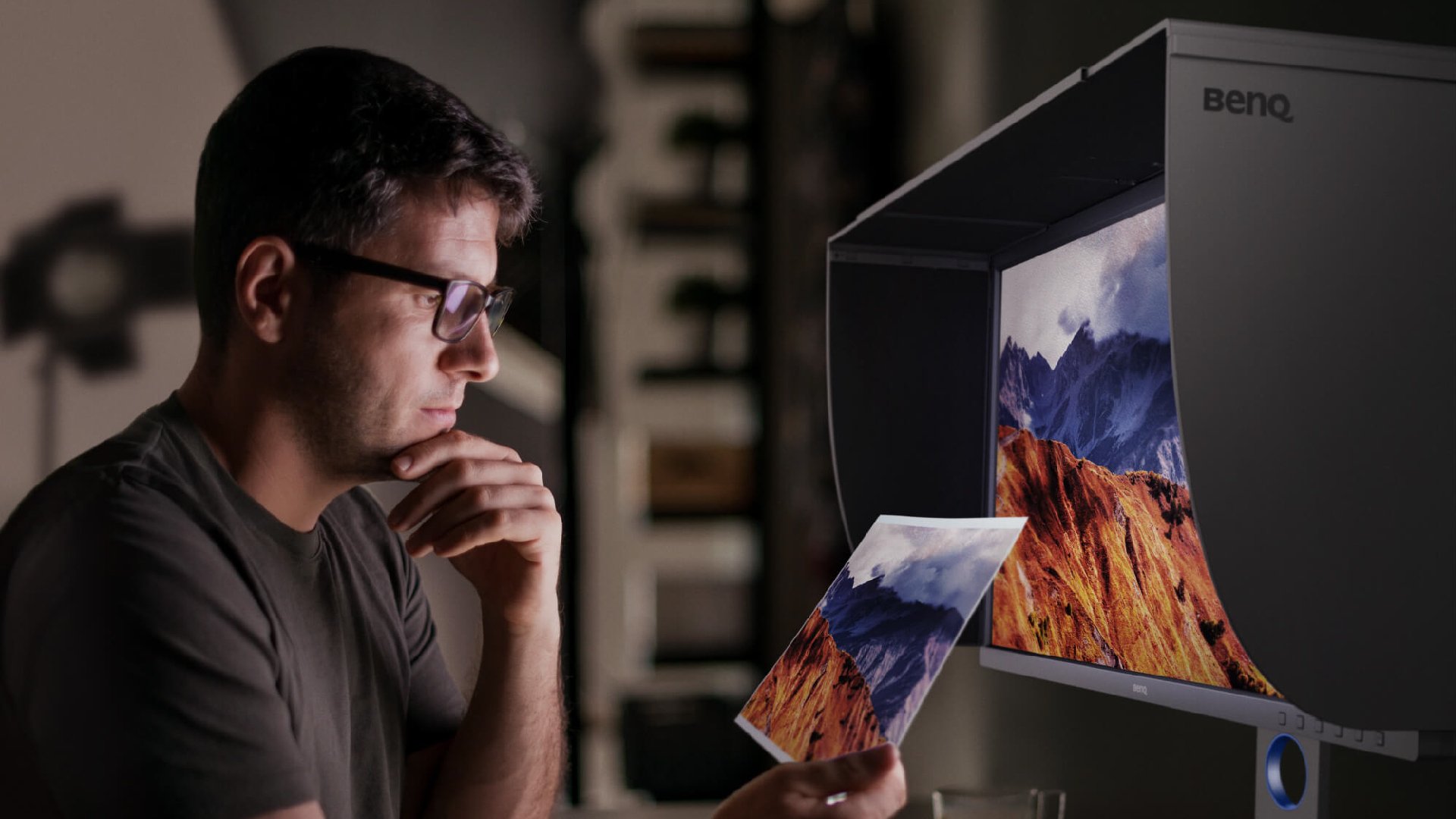
How Paper Color Sync Assists to Preview Results on Screen?
Using a shading hood will help decrease the influence of the ambient light. * It's highly recommended finding a lamp which allows its users to change the color temperatures, such as WiT.
Make sure all the cables are connected and the printer driver installed.
Control ambient light conditions with color temperatures. Make sure the printed hard copy with color temperatures between 4500K-5000K.
Make sure all the cables are connected and the printer driver installed.
Control ambient light conditions with color temperatures. Make sure the printed hard copy with color temperatures between 4500K-5000K.
Follow ⓐ to ⓔ and your monitor will be switched to Paper Color Sync mode.
Retouching your photo under color matching condition. * You can refer to User Manual for more details
Once configured, your monitor will be switched to Paper Color Sync mode and the monitor's color setting will simulate the final output.
* You can refer to User Manual for more details
After retouching, check the color and ICC profile setting and then start printing the photo. * For Lightroom Classic users, adjust color setting before print.
Match the Photo against the Monitor for comparison.