AMS (Account Management System)
Conveniently load and access your account and cloud storage from any BenQ display
- Access Google Drive, OneDrive and Dropbox
- One-tap login with NFC
- Sync with Windows Active Directory
- Personalize your display and save your preferences
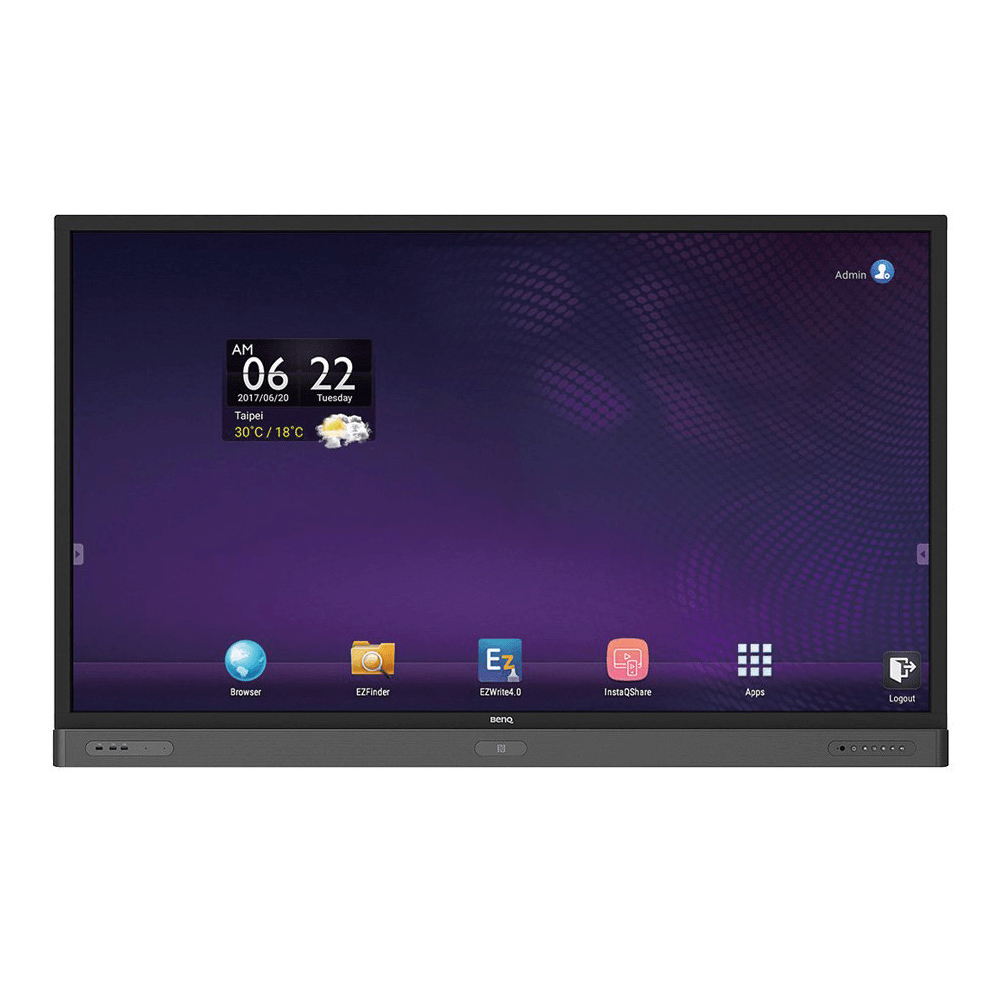
AMS (Account Management System)
Conveniently load and access your account and cloud storage from any BenQ display
- Access Google Drive, OneDrive and Dropbox
- One-tap login with NFC
- Sync with Windows Active Directory

The requested qty is not available
The requested qty exceeds the maximum qty allowed in shopping cart
Product that you are trying to add is not available.
Personalized User Environment and Instant Access to Cloud Storage through AMS
Personalized Workspace Environments
As interactive displays are generally considered to be public devices that store data from many users, the data is often unorganized and difficult to locate. There is no solution to customize each user’s environment and filter out their data. AMS provides customized workspace environments, private local storage space, and personalized settings for user’s convenience. Users can access their personalized workspace environment and settings on any interactive displays that they have logged into, and the process could be further accelerated with BenQ designed NFC cards.
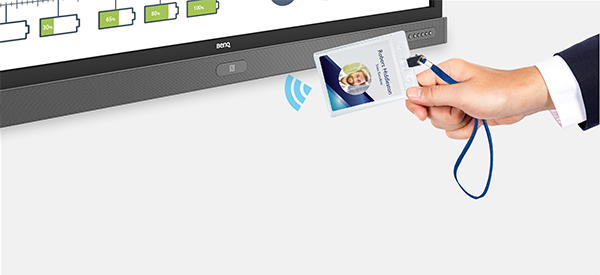
Auto Login to Cloud Storage Accounts
Data on Android devices can be difficult for novice users to locate and bring with them. Cloud storage is the solution that fits this need, but logging into a cloud account with sensitive login credentials can be a risky behavior. AMS strengthens the level of security and gets rid of the complexity of entering passwords when users try to access their cloud storage accounts. With BenQ AMS, users only have to log into their cloud storage accounts once at setup/ account creation, and they can then start accessing data without having to login ever again on your smart interactive boards. AMS automatically sets permissions for personal and network folders, providing another way for users to easily find and organize their data. AMS makes accessing various storage spaces more secure and easily accessible.
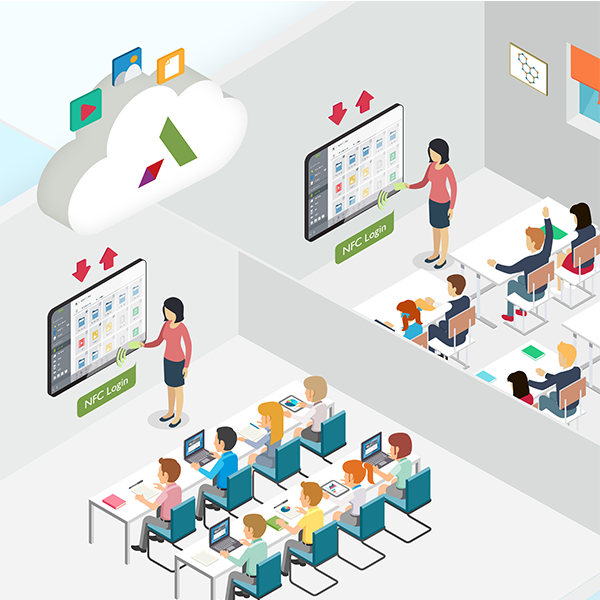
AMS Tutorial Video for End Users (Principals, Teachers and Students)
AMS Tutorial Video for IT Members and Administrators
Efficient Account Management and Simplified Setup for IT Managers
Efficient Account Management
Traditionally, it is extremely time consuming to manage large amounts of user accounts for corporate IT managers. AMS provides a clear and intuitive user interface for IT managers to import and manage multiple user accounts.
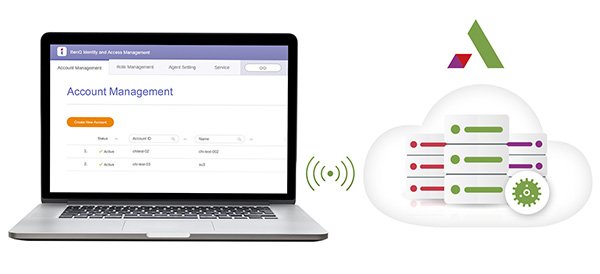
One Step NFC Card Setting
Connecting personal accounts to ID cards through traditional management software is a complicated process to implement. AMS eliminates the complicated process of setup and encryption and can link an account to an ID card through one simple step.
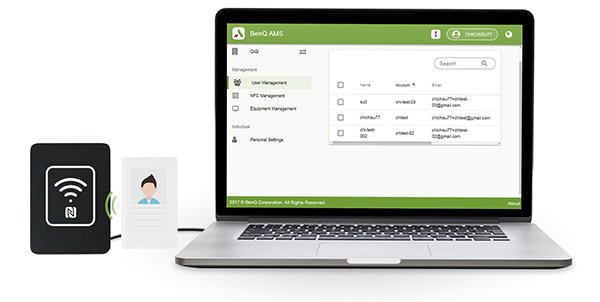
Hassle-free Account Binding with AMS
Traditional ways to match the interactive displays with data management systems are complicated and have limitations. AMS can simply bind devices seconds after the devices are connected to the network.
How to Videos
1. Bind your display
2. Bind NFC card
3. Link cloud storage
4. Connect corporate network drive
Need help setting up your meeting room or school displays?
