BenQ PhotoVue Monitors

Education Business zowie
Where to buy 繁體中文
{{cartTotal.length}}
thumbnail
{{item.name}}
Price: {{currency}}{{item.price| numberThousandsCommas | numberDecimalPoint}}
Qty: {{item.amount}}

Cart Subtotal:
{{currency}}{{cartTotal.price| numberThousandsCommas | numberDecimalPoint}}
Check out
account-setting

Account

sign-in

Sign in

sign-in

Sign Out{{userName}}

logo
Projector
Explore All Projector Series

By Series

Immersive Gaming Series Home Cinema Series Portable Series TV Projector Series

Popular Products

W4100i X3100i GP520 GV50 GV32

By Trending Word

4K UHD (3840×2160) Short Throw 2D, Vertical/Horizontal Keystone LED Laser With Android TV With Low Input Lag

Explore all Business Projectors

Large Venue Projectors Installation Projectors Superior Conference Room Projectors Meeting Room Projectors Higher Education Projectors Interactive Classroom Projectors
Compare all Projectors
Monitor
Explore all monitor series

By Series

Professional Series Home Series Gaming Series Programming Series Software

Popular Product

Monitors for MacBook RD280U SW272U PD2706U

By Trending Word

4K(3840x2160) USB-C With HAS 27"~28" 165Hz P3 2.1 Channel Built-in Speakers

Explore Business Monitors

Business Monitors Zowie E-sport Monitors Medical-surgical Monitors
Compare all monitors
Lighting
Explore all Lighting Series

By Series

e-Reading Desk Lamp Monitor Light Bar Laptop Light Bar Piano Light

Popular Products

ScreenBar Pro ScreenBar
Compare all Lighting Products Accessories
Digital Display
Explore all Digital Display Series

Explore different Series

Corporate Interactive Display Education Interactive Display Smart Signage Super Narrow Bezel Stretch Display Series. Interactive Signage

Software

EZwrite 6 Intrashare 2 X-Sign Broadcast Account Management System (AMS) Device Management Solution (DMS) Solution Partner
Solution Sources

Job References

Education

University Secondary School Primary School Kindergarten Special Educational Needs

Business

Commercial Food and Berverage

Others

Government and NGO Macau
Knowledge Center Support
search-open
search
Search Clear
{{ history }}

{{ result[0] }}

{{ list[0] }}
search-close
logo
{{cartTotal.length}}
thumbnail
{{item.name}}
Price: {{currency + item.price}}
Qty: {{item.amount}}
Cart Subtotal:
{{currency}}{{cartTotal.price | numberThousandsCommas | numberDecimalPoint}}
Check out
close
search
Cancel
Search Clear
{{ history }}

{{ result[0] }}

{{ list[0] }}

Projector

Back Logo
Explore All Projector Series

By Series

Immersive Gaming Series Home Cinema Series Portable Series TV Projector Series

Popular Products

W4100i X3100i GP520 GV50 GV32

By Trending Word

4K UHD (3840×2160) Short Throw 2D, Vertical/Horizontal Keystone LED Laser With Android TV With Low Input Lag

Explore all Business Projectors

Large Venue Projectors Installation Projectors Superior Conference Room Projectors Meeting Room Projectors Higher Education Projectors Interactive Classroom Projectors
Compare all Projectors

Monitor

Back Logo
Explore all monitor series

By Series

Professional Series Home Series Gaming Series Programming Series Software

Popular Product

Monitors for MacBook RD280U SW272U PD2706U

By Trending Word

4K(3840x2160) USB-C With HAS 27"~28" 165Hz P3 2.1 Channel Built-in Speakers

Explore Business Monitors

Business Monitors Zowie E-sport Monitors Medical-surgical Monitors
Compare all monitors

Lighting

Back Logo
Explore all Lighting Series

By Series

e-Reading Desk Lamp Monitor Light Bar Laptop Light Bar Piano Light

Popular Products

ScreenBar Pro ScreenBar
Compare all Lighting Products Accessories

Digital Display

Back Logo
Explore all Digital Display Series

Explore different Series

Corporate Interactive Display Education Interactive Display Smart Signage Super Narrow Bezel Stretch Display Series. Interactive Signage

Software

EZwrite 6 Intrashare 2 X-Sign Broadcast Account Management System (AMS) Device Management Solution (DMS) Solution Partner
Solution Sources

Job References

Back Logo

Education

University Secondary School Primary School Kindergarten Special Educational Needs

Business

Commercial Food and Berverage

Others

Government and NGO Macau
Knowledge Center Support
Where to buy 繁體中文 account Account account Sign in shopping-chart Track order shopping-chart Track order account Sign Out{{userName}}
Education Business Zowie

Cookie Setting

BenQ respect your data privacy. We use cookies and similar technologies to ensure you get the best experience when visiting our website. You can either accept these cookies by clicking “Accept Cookies”, or click “Only Required Cookies” to refuse all non-essential technologies. You can customise your cookie settings here at any time. For further information, please visit our Cookie Policy and our Privacy Policy.

How can I change my BenQ cookie settings?

Page updated: May 2020

Some essential features on BenQ sites just won’t work without cookies. And having other cookies switched off can seriously affect the way you’ll be able to enjoy our services.

Please check your cookie settings below and turn on any cookies you’re happy with.

“Strictly necessary” cookies can’t be turned off. But Functional and Performance cookies can be turned on or off below. You can learn more about cookies and what they do on our other pages.

If you've chosen to block third-party cookies on your browser, your cookie preferences won't carry over from benq.eu to benq.xx and vice versa. Please make sure to set your cookie preferences in both places.

On

Strictly necessary cookies

These cookies are essential so that you can move around the website and use its features. Without these cookies services you have asked for cannot be provided.

See list of strictly necessary cookies

On

Off

Functional cookies

These cookies allow the website to remember choices you make to give you better functionality and personal features.

See list of functional cookies

On

Off

Performance cookies and advertising cookies

Performance cookies

These cookies help to improve the performance of BenQ. If you want to opt-out of advertising cookies, you have to turn-off performance cookies. We also use Google Analytics, SessionCam and Hotjar to track activity and performance on the BenQ website. You can control the information provided to Google, SessionCam and Hotjar.  To opt out of certain ads provided by Google you can use any of the methods set forth here or using the Google Analytics opt out browser add-on here. To opt-out of SessionCam collecting data, you can disable tracking completely by following link:https://sessioncam.com/choose-not-to-be-recorded/. To opt-out of Hotjar collecting data, you can disable tracking completely by following link:https://www.hotjar.com/privacy/do-not-track/.


Advertising cookies

These cookies are used to track your activity on the BenQ website and other websites across the Internet, help measure the effectiveness of our advertising campaign and deliver advertisements that are more relevant to you and your interests. We use various advertising partners, including Amazon, Facebook, and Google. These cookies and other technologies capture data like your IP address, when you viewed the page or email, what device you were using and where you were. You can find out how to avoid them below.


localNavigation.type = g6-feature-category-page

Photographer Monitors

Compare
  • Compare

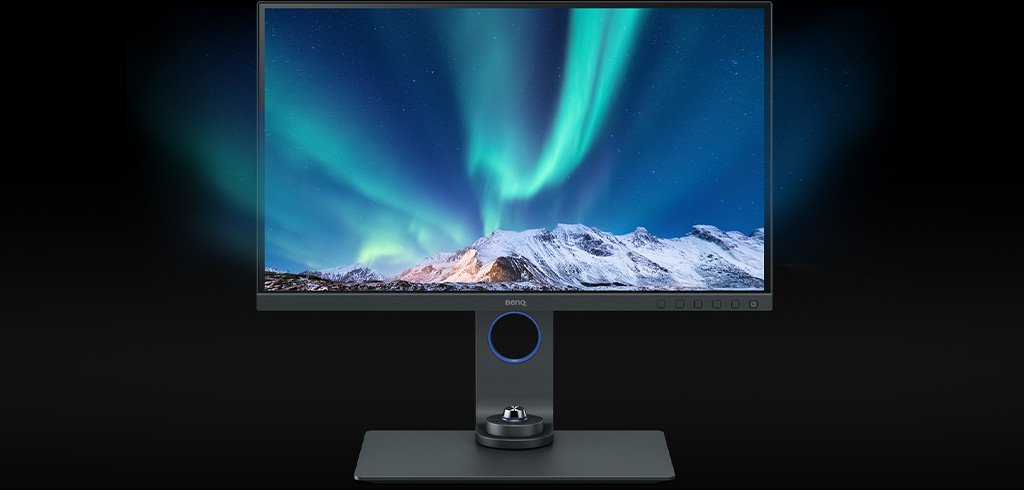
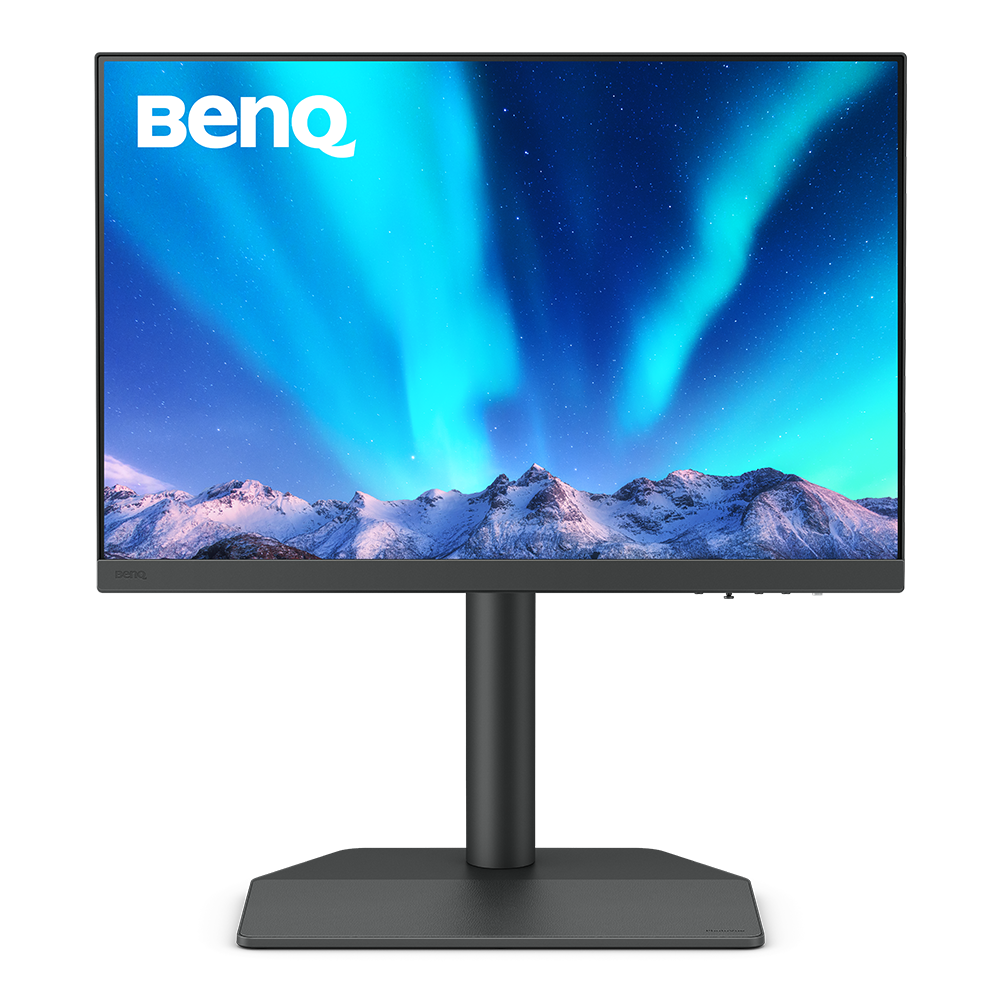
BenQ PhotoVue Monitors

Capture the Moments

Capture the Moments

BenQ PhotoVue Monitors Get the Color Precision for Your Professional Results

Get the Color Accuracy You Need with BenQ PhotoVue Monitors

Get the Color Accuracy You Need with BenQ PhotoVue Monitors

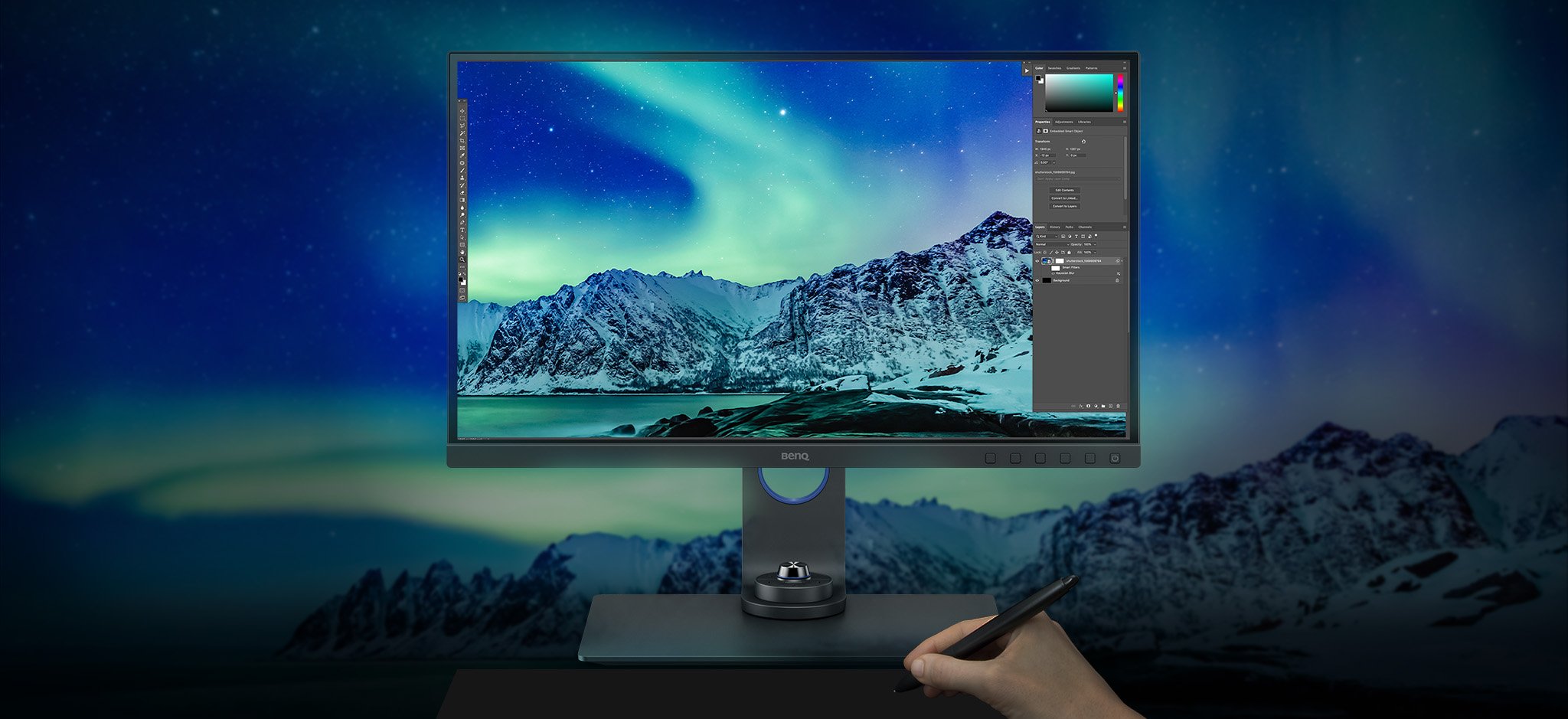
BenQ AQCOLOR technology delivers Accurate Reproduction. This translates to the display of color precisely as it is intended to appear. Led by a color expert, the BenQ team took part in the ICC and ISO to establish color-related standards and implementation guidelines. BenQ AQCOLOR technology delivers Accurate Reproduction. This translates to the display of color precisely as it is intended to appear. Led by a color expert, the BenQ team took part in the ICC and ISO to establish color-related standards and implementation guidelines.

Colors You Can Trust

Accurate Colors Benefit Creators

BenQ empowers creative professionals with AQCOLOR technology to help inspire ideas and make projects come to life.

BenQ AQCOLOR Technology
The 16-bit lookup table (LUT) improves color blending for precise reproduction. Delta E ≤ 2 in Adobe RGB and sRGB assures accuracy.

Industry Leading Color Performance

The 16-bit lookup table (LUT) improves color blending for precise reproduction. Delta E ≤ 2 in Adobe RGB and sRGB assures accuracy.

The Design Story of AQCOLOR
BenQ Uniformity Technology delivers corner-to-corner authentic color and consistent luminescence. The display is divided into hundreds of sub-regions and meticulously fine-tuned for precision. This innovative tech assures dependable image fidelity.

BenQ Uniformity Technology

Delivering corner-to-corner authentic colors and consistent luminescence. The display is divided into hundreds of sub-regions and rigorously fine-tuned for precision. This innovative tech assures ultra-dependable image fidelity.

The Importance of Uniformity
BenQ PhotoVue monitors earn Calman Verified, Pantone and Pantone SkinTone Validated status, appealing to whom appreciate products that realize authenticity in the display of real-world colors, and that accurately represent the world's palette of skin tones. Creative professionals demand excellence, and BenQ delivers.

Color Accuracy Guarantee

BenQ PhotoVue monitors earn Calman Verified, Pantone and Pantone SkinTone Validated status, appealing to whom appreciate products that realize authenticity in the display of real-world colors.

Pantone and Pantone SkinTone Validated

Industry Leading Color Performance

The 16-bit lookup table (LUT) improves color blending for precise reproduction. Delta E ≤ 2 in Adobe RGB and sRGB assures accuracy.

The Design Story of AQCOLOR

BenQ Uniformity Technology

Delivering corner-to-corner authentic colors and consistent luminescence. The display is divided into hundreds of sub-regions and rigorously fine-tuned for precision. This innovative tech assures ultra-dependable image fidelity.

The Importance of Uniformity

Color Accuracy Guarantee

BenQ PhotoVue monitors earn Calman Verified, Pantone and Pantone SkinTone Validated status, appealing to whom appreciate products that realize authenticity in the display of real-world colors.

Pantone and Pantone SkinTone Validated
BenQ PhotoVue Monitors Get the Color Precision for Your Professional Results

What You See is What You Get

Get the Color Precision for Your Professional Results

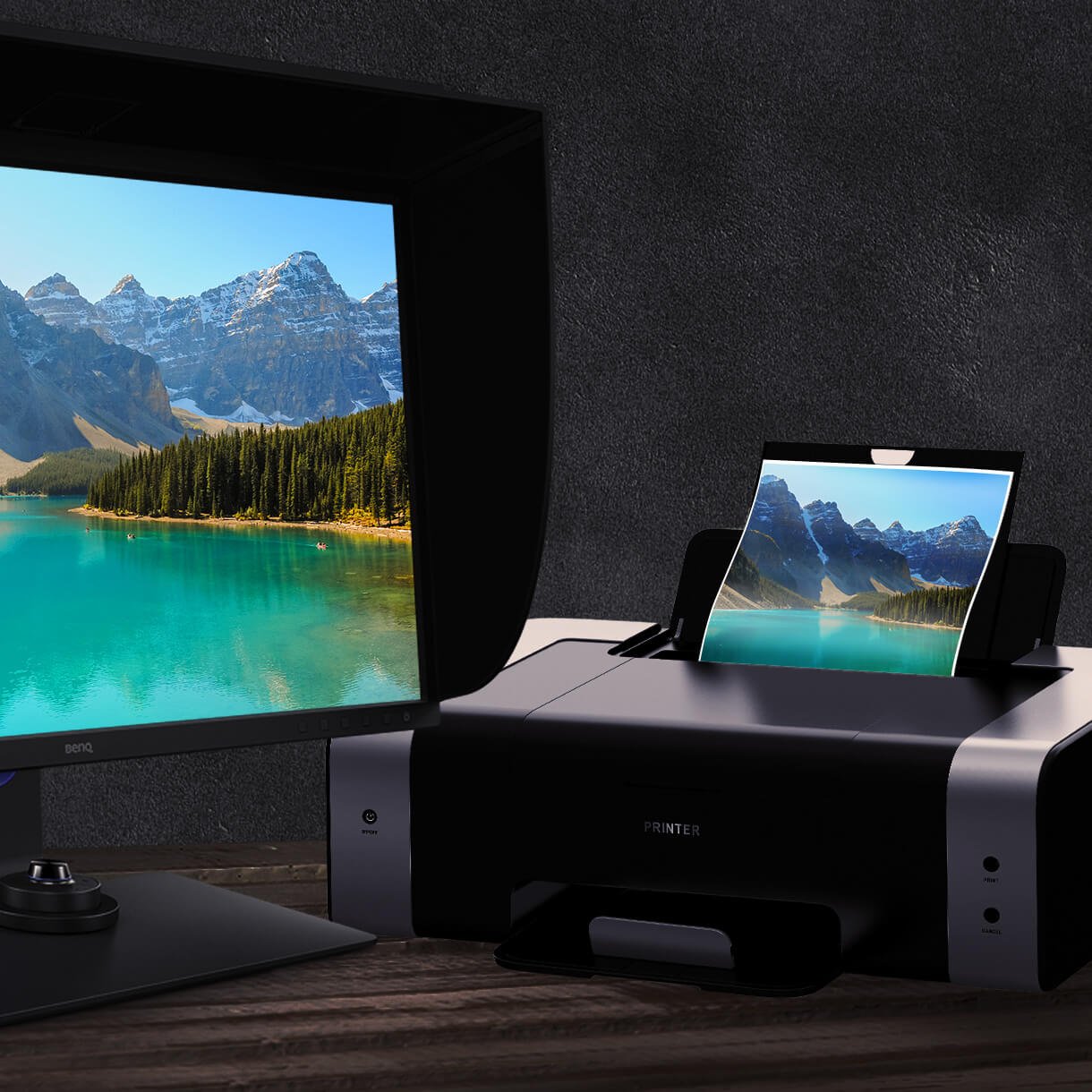
BenQ Screen-to-Print Solution

What You See is What You Get

Get the Color Precision for Your Professional Results

BenQ Screen-to-Print Solution

Screen-to-Print Consistency

Paper Color Sync, a BenQ proprietary software, generates simulated images attuned to the color settings, printer, and photo paper in use. You’ll enjoy on-screen display with nearly identical properties to printed hardcopies.

BenQ Paper Color Sync generates simulated images attuned to the color settings, printer, and photo paper in use. You’ll enjoy on-screen display with nearly identical properties to printed hardcopies.

Expand Your Mac

USB-C carries images, videos, and other data seamlessly plus charges your mobile devices at the same time all with one cable.

Your USB-C, Thunderbolt3/4 devices are compatible with USB-C on BenQ displays, ensuring consistent and seamless work efficiency.

Find a BenQ monitor for your Mac

.

.

BenQ PhotoVue Monitors Get the Color Precision for Your Professional Results

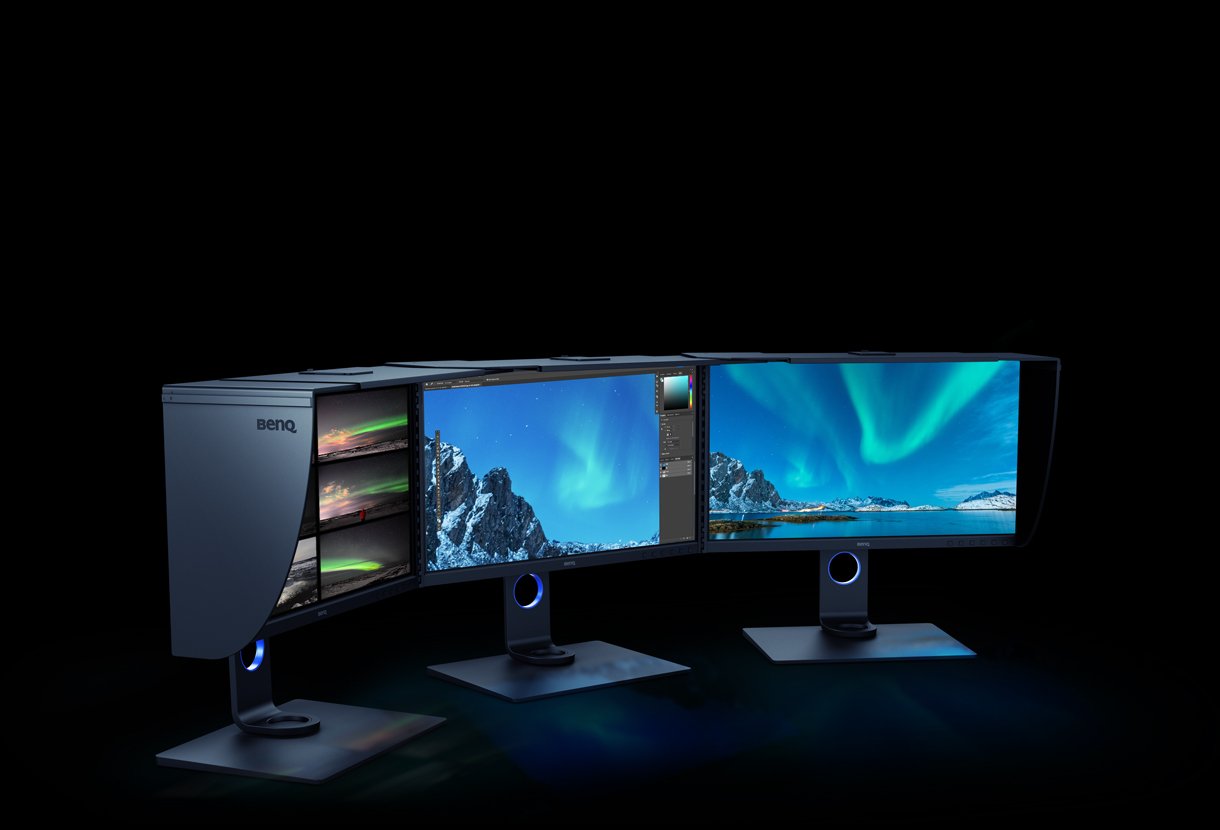
Enables the Use of More Multiple-Monitor in Color-Critical Projects

Enables the Use of More Multiple-Monitor in Color-Critical Projects

BenQ Photographer Experts

BenQ PhotoVue Monitors

Compare all PhotoVue Monitors

27"~28"
SW242Q

27"~28"

{{currency}}{{ n[1]| numberThousandsCommas | numberDecimalPoint }} -

Learn more
SW272U

Up to

WQXGA (2560x1600)

Resolution

Up to

99% Adobe RGB

Color Gamut

Up to

Delta E ≤ 1.5

Color Accuracy

Hardware Calibration

Color Calibration

Color Certification

Up to

HDR10

High Dynamic Range

Fine-Coated AR Technology

Panel Coated

Paper Color Sync,Palette Master Ultimate

Assistant Tool

Color Gamut

Color gamut is defined as the range of colors which a particular device can produce or record , with some commonly used standards such as Rec.2020, DCI-P3, AdobeRGB, sRGB, and NTSC.

Color Accuracy

Delta E is often used to evaluate perceived color differences. A delta of less than 1.00 means that there is no perceivable difference for color experts when two colors are compared side by side.

Color Certification

Certifications that test, evaluate, or verify the monitor's ability to accurately reproduce Pantone colors and lifelike skin tones that match and include all consumers,or whether a display has met the criteria for video post-production editing and reviewing purposes.

Assistant Tool

BenQ Assistant Tool enables photographers and designers to facilitate their workflow while doing color management, screen-to-print adjustment and color gamuts switching in color critical projects.

Explore Other BenQ Monitors

All Monitors

Browse, compare, and learn more about our selection of monitors of stunning 4K, brilliant colors, curved, ergonomic, gaming, video conferencing and more.

Compare all Monitor

Accessories

Try our ScreenBar series

Learn More

Monitor

Where to buy

Search now

Support Center

Tell us we can help.

Go Support Center

Contact Us

Need To Get In Touch?

Get Support
facebook instagram youtube

Product

Projector Monitor Lighting

Solution

Business Education E-sport

Support

Contact us Download search FAQ search Warranty information Repair service

Sources

Projector installation calculator Knowledge center

About BenQ

Introduction Branding News

Copyright © 2024 BenQ. All rights reserved.

Privacy Policy Cookie Policy Terms of Use Notice Import/Export Compliance

Copyright © 2024 BenQ. All rights reserved.

Hong Kong - English