A:
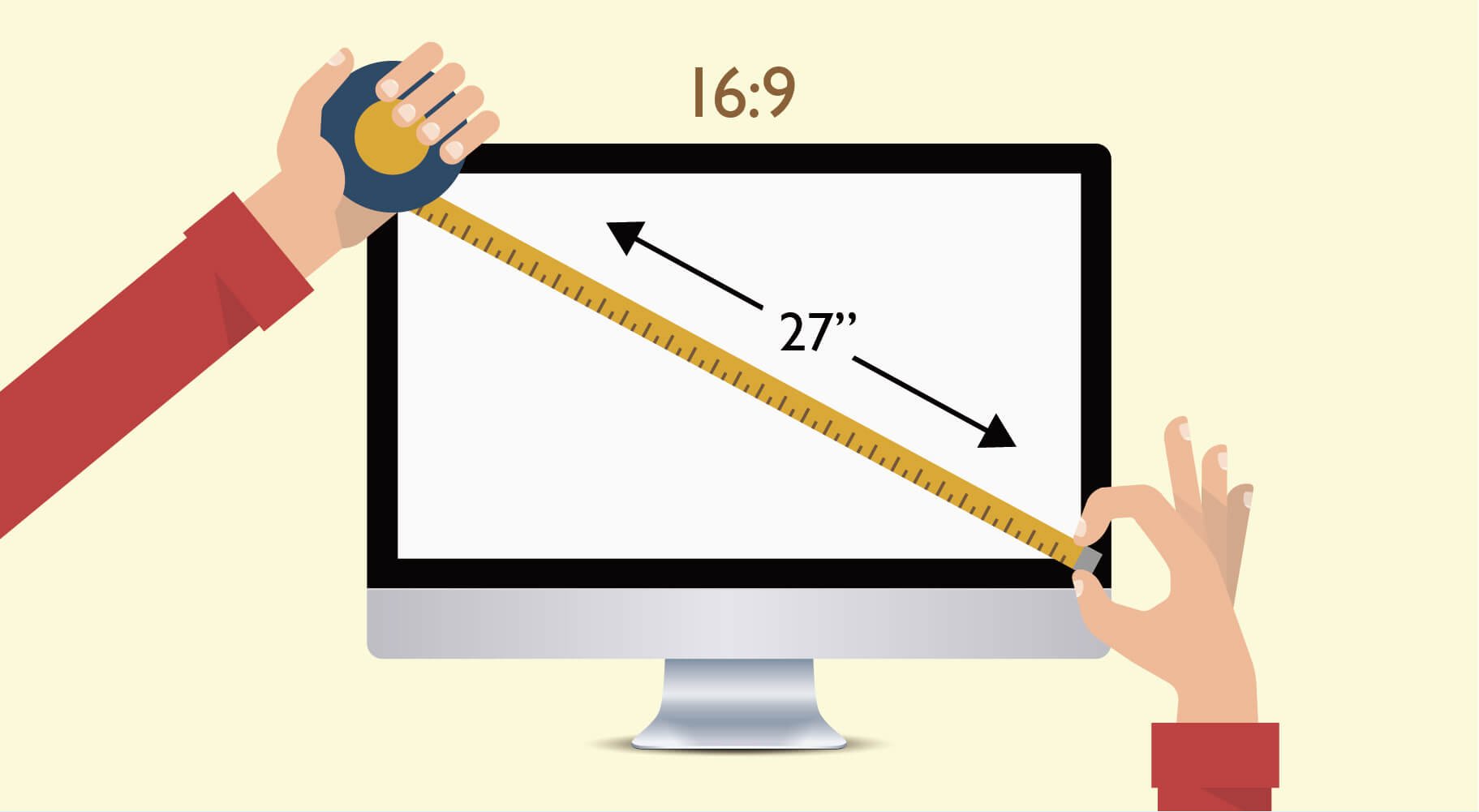
With 24", 27", 32", 34” and more to choose from, what do these numbers mean? The size of the monitor refers to the size of the screen, which is usually calculated in inches. The measurement method is based on the diagonal length of the screen panel, and converts centimeters into inches (1 inch = 2.54cm) to measure the size of the monitor. Widescreen monitors have been mainstream for nearly two decades (e.g., 27", 16:9). In addition to providing a wider viewing area (34”, 21:9), they also help photographers view more details when editing images. For editing software such as Photoshop, Lightroom, Premiere, VEGAS, iMovie, etc., they also support more open windows and toolbars on a desktop at once to maximize work efficiency.