BenQ respect your data privacy. We use cookies and similar technologies to ensure you get the best experience when visiting our website. You can either accept these cookies by clicking “Accept Cookies”, or click “Only Required Cookies” to refuse all non-essential technologies. You can customise your cookie settings here at any time. For further information, please visit our Cookie Policy and our Privacy Policy.
Page updated: May 2020
Some essential features on BenQ sites just won’t work without cookies. And having other cookies switched off can seriously affect the way you’ll be able to enjoy our services.
Please check your cookie settings below and turn on any cookies you’re happy with.
“Strictly necessary” cookies can’t be turned off. But Functional and Performance cookies can be turned on or off below. You can learn more about cookies and what they do on our other pages.
If you've chosen to block third-party cookies on your browser, your cookie preferences won't carry over from benq.eu to benq.xx and vice versa. Please make sure to set your cookie preferences in both places.
On
These cookies are essential so that you can move around the website and use its features. Without these cookies services you have asked for cannot be provided.
On
Off
These cookies allow the website to remember choices you make to give you better functionality and personal features.
On
Off
Performance cookies
These cookies help to improve the performance of BenQ. If you want to opt-out of advertising cookies, you have to turn-off performance cookies. We also use Google Analytics, SessionCam and Hotjar to track activity and performance on the BenQ website. You can control the information provided to Google, SessionCam and Hotjar. To opt out of certain ads provided by Google you can use any of the methods set forth here or using the Google Analytics opt out browser add-on here. To opt-out of SessionCam collecting data, you can disable tracking completely by following link:https://sessioncam.com/choose-not-to-be-recorded/. To opt-out of Hotjar collecting data, you can disable tracking completely by following link:https://www.hotjar.com/privacy/do-not-track/.
Advertising cookies
These cookies are used to track your activity on the BenQ website and other websites across the Internet, help measure the effectiveness of our advertising campaign and deliver advertisements that are more relevant to you and your interests. We use various advertising partners, including Amazon, Facebook, and Google. These cookies and other technologies capture data like your IP address, when you viewed the page or email, what device you were using and where you were. You can find out how to avoid them below.
BenQ respect your data privacy. We use cookies and similar technologies to ensure you get the best experience when visiting our website. You can either accept these cookies by clicking “Accept Cookies”, or click “Only Required Cookies” to refuse all non-essential technologies. You can customise your cookie settings here at any time. For further information, please visit our Cookie Policy and our Privacy Policy.
Projector
Explore Business Projector
Professional Installation Exhibition & Simulation Conference Room Meeting Room Education ProjectorsMonitor
Lighting
Interactive Display | Signage
After a seven year wait, the sequel to Dying Light by Techland is almost here!
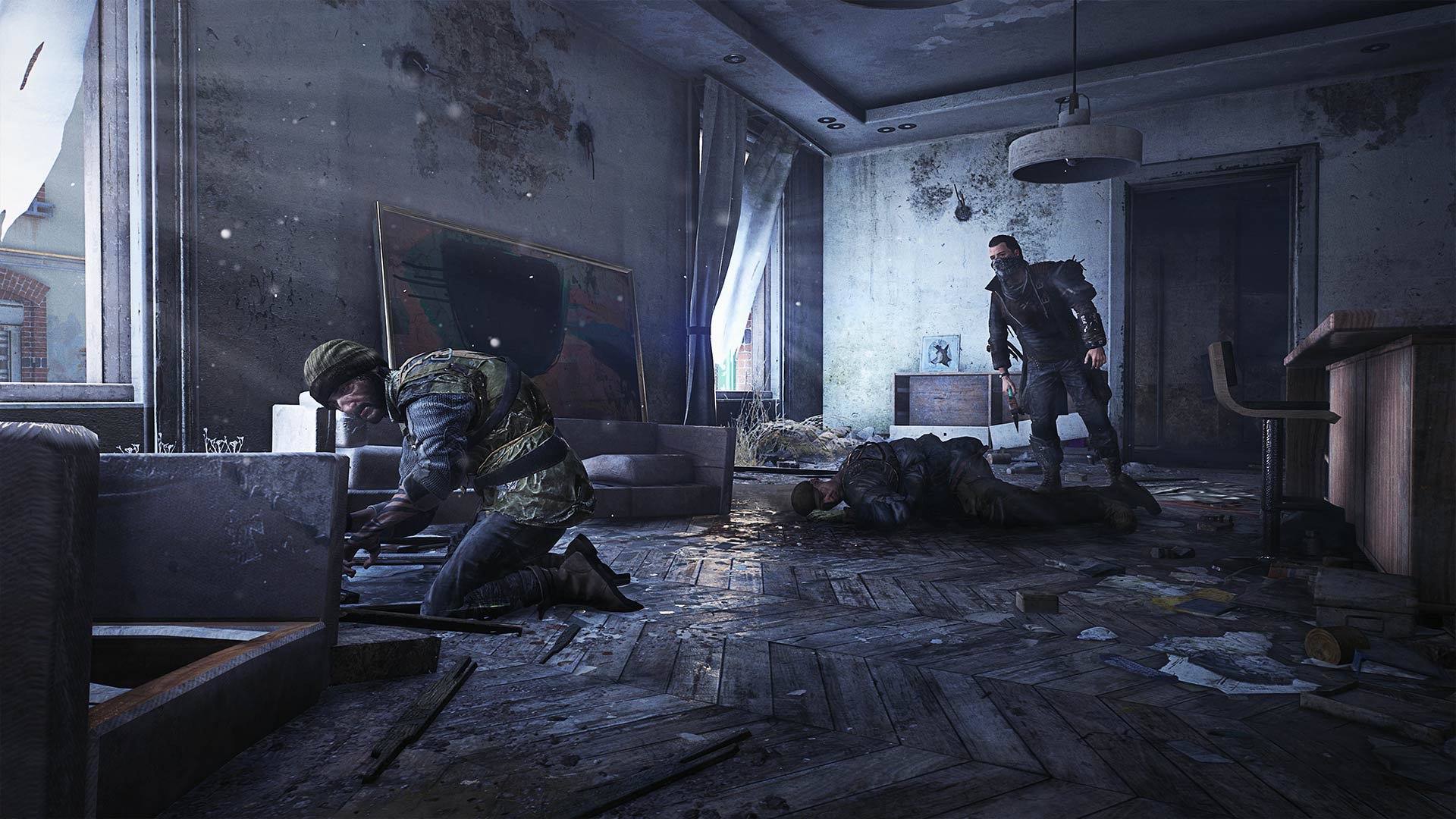
The open world first person parkour actioner starring a whole lot of zombies and set in the fictional City promises plenty of action and meaningful story choices.
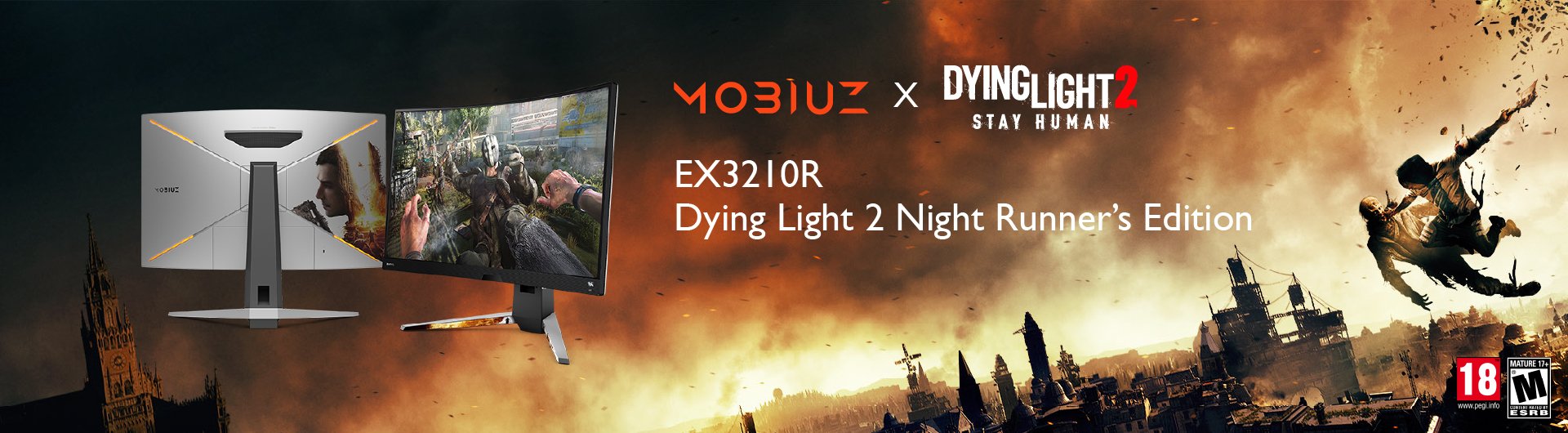
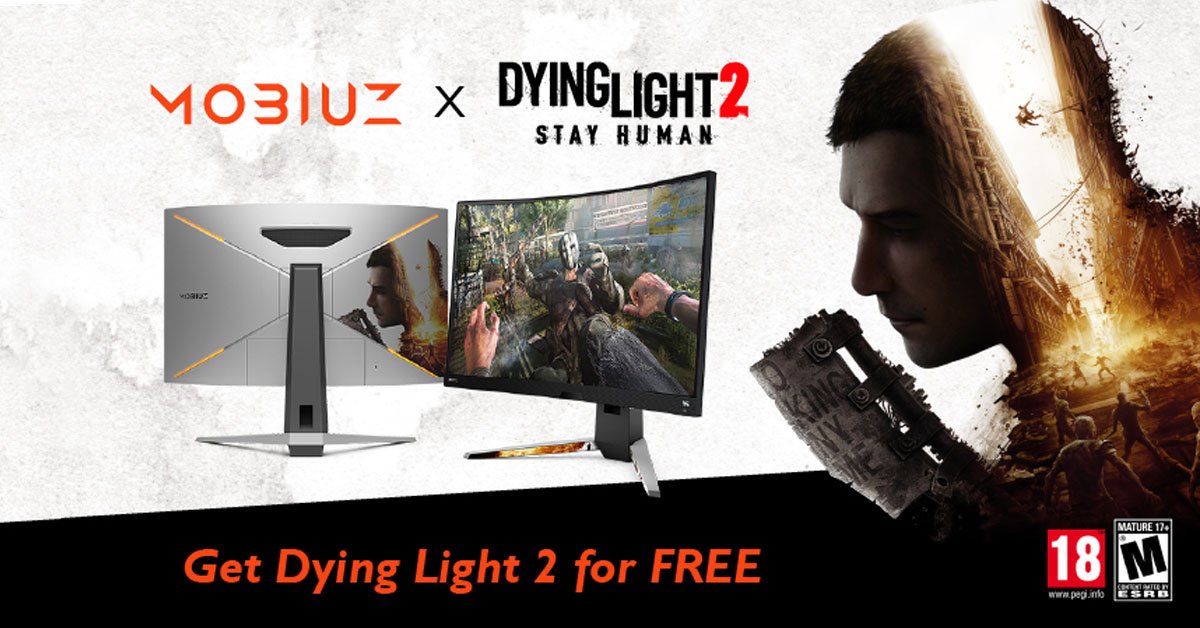
We’re happy to share that BenQ has teamed up with Techland in creating a Dying Light 2 Stay Human Night Runner’s Special Edition MOBIUZ EX3210R gaming monitor that’s perfect for the best survival experience and much more.
Dying Light 2 Stay Human revolves around environmental awareness, high speed movement, quick responses, and detail retention so you don’t miss any resources or overlook threats.
That’s especially important during the nighttime portions of the game, which feature tougher enemies and special mutated opponents.
Yes, the night and day mechanic returns from Dying Light 2015. You can choose to only venture out during the day and play it a little safer, but the biggest rewards are from taking on nocturnal outings.
So what kind of monitor do you need for the most enjoyable experience with Dying Light 2?
Clear All
{{displaySortType}}
{{item.displaySortType}}
{{spec}}
{{item.price}}
{{item.price}}
{{item.promotePrice}}
Save {{item.savePrice}}
Pre-order Now Pre-order will be available starting {{item.localReleaseDate}}
{{item.created}}
{{item.img}}
{{item.link}}
{{item.gamodelid}}
{{item.skucode}}
{{item.stock}}
{{item.price}}
{{item.category}}
{{title}}
We will notify you when the product becomes available.
{{notifyMeNote}}
We will send you an email once the product becomes available.
Sorry, our store is currently down for maintenance.We should be back shortly. Thank you for your patience!
The requested qty is not available
The requested qty exceeds the maximum qty allowed in shopping cart
Product that you are trying to add is not available.
Techland have revealed the system requirements for Dying Light 2 some time back. While on consoles the target frame rate is 60Hz and the same applies to the average PC configuration, we believe Dying Light 2 is similar to a first person shooter in that high refresh rates prove beneficial. While not really a shooter, the game features high speed movement and traversal by the player character, and from our experience with the first Dying Light, the higher the refresh, the better. We’ve played the first game on PC, Xbox One, and Switch, and the PC version was by far the best because we could use an unlocked frame rate and got much better response as a result.
With the EX3210R, you get up to 165Hz in 1440p, which is perfect for Dying Light 2. We don’t think you should settle for 60Hz if you can help it, but of course the game will be enjoyable nonetheless.
Dying Light 2 features a co-op campaign option so you can team up with friends to take on the hordes of infected roaming the City. Most likely the game engine and AI will ramp up the difficulty level and/or number of zombies to compensate for the presence of multiple players working as allies, so don’t expect a walk in the park. A good monitor that offers excellent spatial awareness and superb viewing angles thanks to a premium IPS panel and a 1000R curvature will definitely prove useful. The EX3210R features signature BenQ integrated audio, with powerful, clear sound via dual speakers and subwoofer. While using headphones is still best, having the option of proper monitor sound without the hassle of external speakers is great. In games like Dying Light 2 audio is essential because you need to know where every zombie is relative to you, plus if you’re in co-op hearing your allies clearly is likewise vital. If the sequel is anything like the first one, then even on Easy it’ll be very possible to get cornered and swarmed if you’re not careful, costing you precious XP and progression.
Hard to believe, but we’ve been enjoying Dying Light 2 for a month now. This huge game has so many quests, side missions, and interesting characters, that finishing the main story soon becomes a secondary objective. Also, the co-op aspect is quite fun if you want to play together with friends. Working together is especially useful for handling some of our favorite activities, which are best done at night. Those include liberating or unlocking metro stations and taking on mighty GRE anomalies. You can do these solo, but they might be a bit tough.
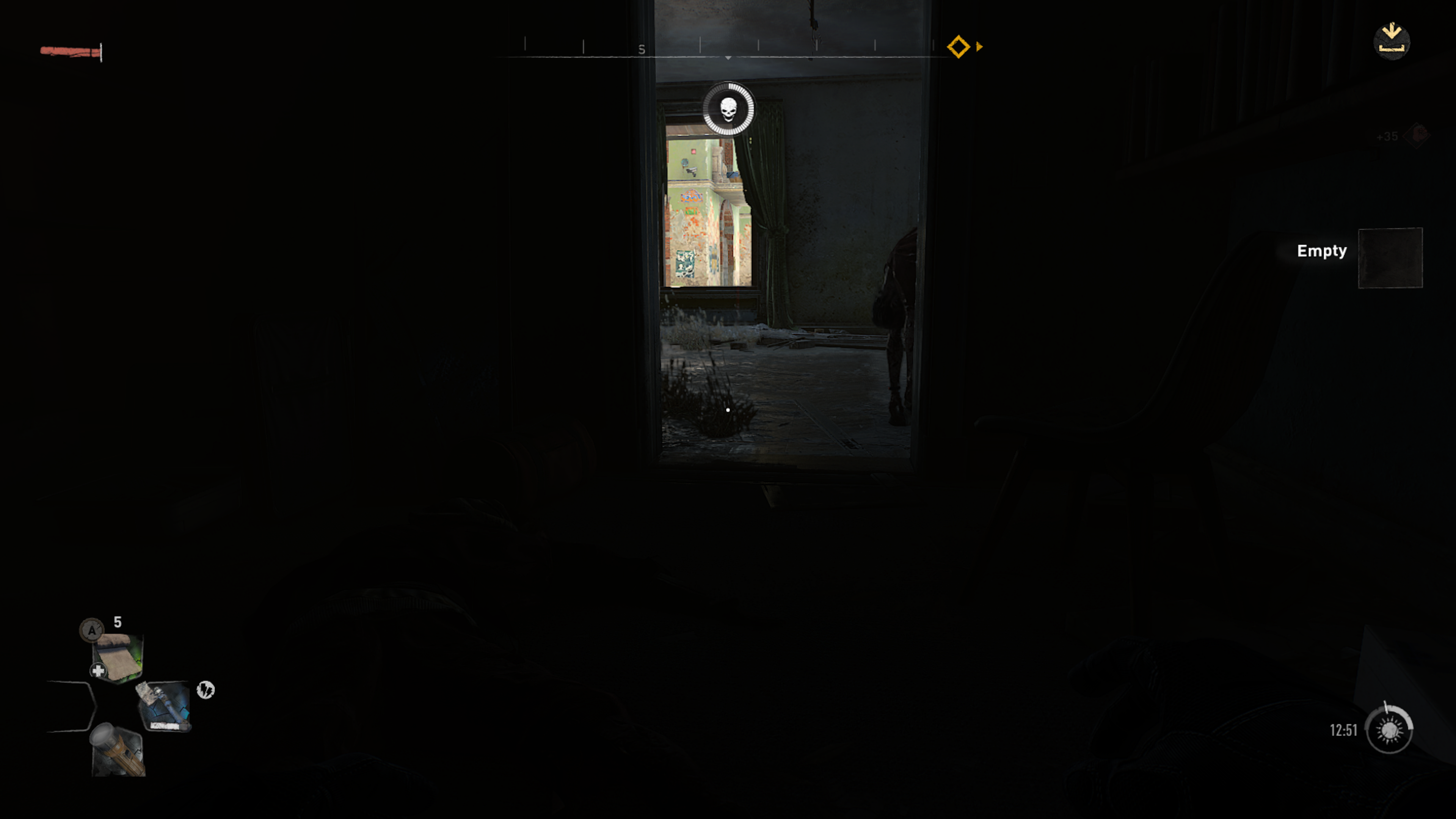
Unlike the first Dying Light, moving around at night isn’t so dangerous unless you stop and pick a fight with the infected. And that’s likely to happen because the best rewards are obtainable at night. As we said, unlocking metro stations (which serve as fast travel locations) is lots of fun, but really shows that you need a good display with precision brightness. We hooked our Xbox Series X to a QLED TV from a major brand, and the image is great, but within the metro, darkness can be overwhelming and appear uniform, crushing details.
On the EX3210R with its DisplayHDR 400 and Light Tuner, we still got the same imposing night effect, but details were retained to a greater degree. It was easier to spot lurking enemies, and that’s important because they’re generally dormant unless you stumble on them.
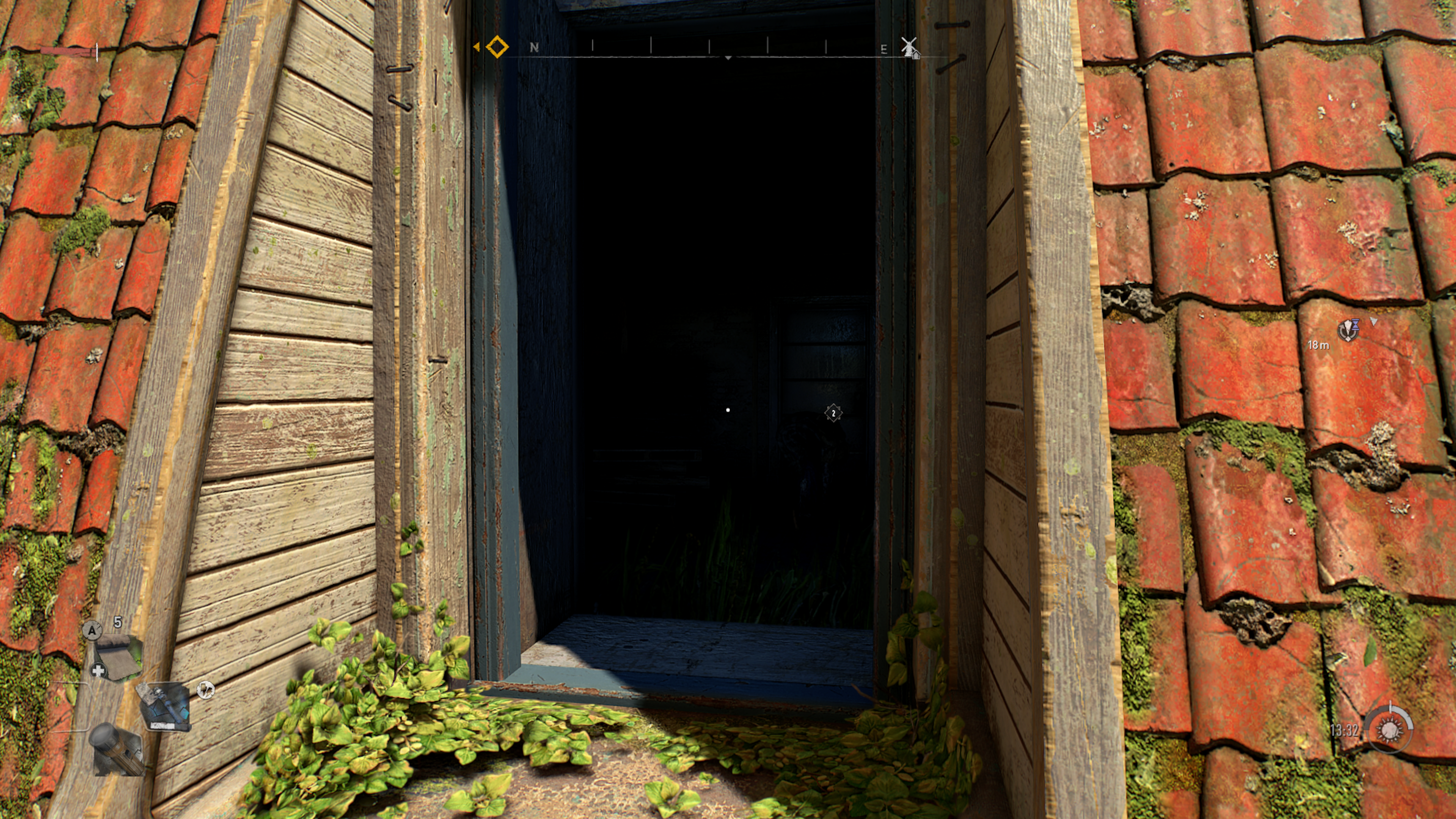
Another aspect of Dying Light 2 that really benefits from precision brightness are dark zones that hide GRE inhibitors. Those are the most valuable items in the game, as inhibitors increase your character’s stamina or health, and also immunity. The more immunity you have, the longer you can survive in the dark. You start the game with around four minutes of immunity, but with inhibitors gradually raise that. Every second counts! Anyway, to get the most inhibitors you’ll need to venture into maze-like dark zones where it’s really easy to get lost if your screen isn’t precise enough. Get lost and bump into a giant goon infected that can crush you with a few blows. So you see why good brightness control is absolutely essential in Dying Light 2.
The EX3210R packs tons of assists in your arsenal of gaming. With HDRi, Black eQualizer, and Light Tuner, you get amazing visual fidelity. Brightness, contrast, and color temperature are all automatically optimized as you play to ensure the most accurate depiction of game graphics. As mentioned above, details are super important in Dying Light 2. You rely on finding resources and spotting enemies in all kinds of places around the City, and if your display loses detail definition in very bright or dark portions of the screen, then you miss out. That’s not going to happen with the EX3210R.
On top of all that, the MOBIUZ EX3210R Night Runner’s Special Edition arrives with a cool Dying Light 2 Stay Human skin on the back of the monitor and the front of the base, all custom created and in limited supply.
Want more? You bet.
Every purchase of the special edition includes a free code for a full download of Dying Light 2 Stay Human from Steam!
Clear All
{{displaySortType}}
{{item.displaySortType}}
{{spec}}
{{item.price}}
{{item.price}}
{{item.promotePrice}}
Save {{item.savePrice}}
Pre-order Now Pre-order will be available starting {{item.localReleaseDate}}
{{item.created}}
{{item.img}}
{{item.link}}
{{item.gamodelid}}
{{item.skucode}}
{{item.stock}}
{{item.price}}
{{item.category}}
{{title}}
We will notify you when the product becomes available.
{{notifyMeNote}}
We will send you an email once the product becomes available.
Sorry, our store is currently down for maintenance.We should be back shortly. Thank you for your patience!
The requested qty is not available
The requested qty exceeds the maximum qty allowed in shopping cart
Product that you are trying to add is not available.
For fans of the Dying Light series, which is now finally a series indeed after a long wait, this version of the EX3210R is a must-have. And if you’re into high performance gaming in general, then you’ll get a lot of value out of the EX3210R with its many exciting features. Good night, and good luck!
Thanks for your feedback!