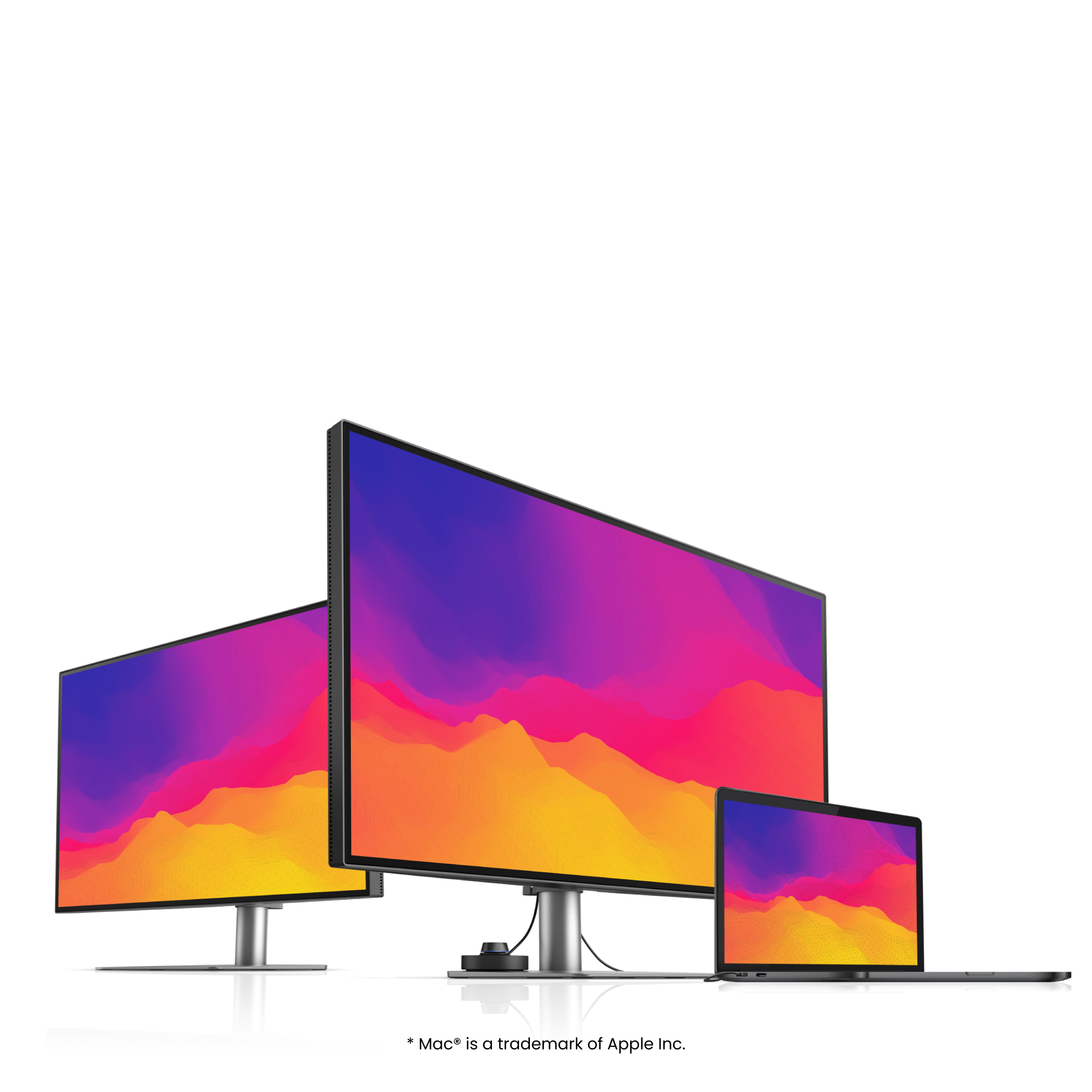
Looks perfect as you'd expect
Specifications
Display
Audio
Power
Dimension and Weight
Accessories
Connectivity
Eye Care
Video Enjoyment
Professional
Gaming
FAQ
Download
FAQs
Browse all related FAQsHow does newly-optimized HDRi upgrade my monitor with better performance?
Newly-optimized HDRi comes with more pop-up colors and adjustable color vibrance. Download BenQ's firmware update software, Display QuicKit, and update your monitor now for the best performance and features. Please read on to learn more about this topic.
How to protect your OLED monitor against image burn-in?
Users can select a shorter screen sleep time, avoid displaying the same image at high brightness, or take advantage of BenQ OLED screen protection features. Please click and follow the instructions below, or read on to learn more about this.
What’s the difference between CinemaHDRi and GameHDRi?
GameHDRi makes game elements more realistic by increasing the contrast and saturation of red tones. CinemaHDRi provides vivid and lifelike display of content by adjusting the color balance and contrast levels. Please click and read on to learn more about this topic.
Do MOBIUZ gaming monitors support Variable Refresh Rate(VRR) technology on Xbox Series X/S?
Yes, BenQ MOBIUZ gaming monitors support the VRR with Xbox Series X/S via either HDMI 2.0 or HDMI 2.1. Please click and follow the instructions below, or read on to learn more about this topic.
Do MOBIUZ gaming monitors support Variable Refresh Rate(VRR) technology on PS5?
Yes, since PS5 supports VRR through an HDMI 2.1 connection, only the models with HDMI 2.1 can activate VRR on the PS5.
Check if your BenQ monitor/software is compatible with M1/M2/M3?
Find more info to see if your BenQ monitor/software is compatible with M1/M2/M3 here. Please click and follow the instructions below, or read on to learn more about this topic.
Is my BenQ gaming monitor G-Sync compatible?
BenQ gaming monitors are ready for G-Sync due to universal support for VESA Adaptive Sync. Check the NVIDIA Control Center and turn G-Sync on. Please click and follow the instructions below, or read on to learn more about this topic.
How does KVM switch function?
Connect Computer 1 and Computer 2 to your monitor and the Computer 1 and Computer 2 will be identified. Then to switch the input video source is possible. Please click and follow the instructions below, or read on to learn more about this topic.
What will users benefit from the adoption of a DSP chip?
The DSP chip optimizes various sound effects by enhancing or weakening the sound, offers noise cancelation and optimal tuning. Please click and follow the instructions below, or read on to learn more about this topic.
How are the five sound modes different and optimized?
FPS mode sound localization. RCG mode 3D surround effects. SPG mode announcers’ voices. Pop/Live mode live music concerts. Cinema mode dialogue clarity. Please click and follow the instructions below, or read on to learn more about this topic.