Page updated: May 2020
Some essential features on BenQ sites just won’t work without cookies. And having other cookies switched off can seriously affect the way you’ll be able to enjoy our services.
Please check your cookie settings below and turn on any cookies you’re happy with.
“Strictly necessary” cookies can’t be turned off. But Functional and Performance cookies can be turned on or off below. You can learn more about cookies and what they do on our other pages.
If you've chosen to block third-party cookies on your browser, your cookie preferences won't carry over from benq.eu to benq.xx and vice versa. Please make sure to set your cookie preferences in both places.
On
These cookies are essential so that you can move around the website and use its features. Without these cookies services you have asked for cannot be provided.
On
Off
These cookies allow the website to remember choices you make to give you better functionality and personal features.
On
Off
Performance cookies
These cookies help to improve the performance of BenQ. If you want to opt-out of advertising cookies, you have to turn-off performance cookies. We also use Google Analytics, SessionCam and Hotjar to track activity and performance on the BenQ website. You can control the information provided to Google, SessionCam and Hotjar. To opt out of certain ads provided by Google you can use any of the methods set forth here or using the Google Analytics opt out browser add-on here. To opt-out of SessionCam collecting data, you can disable tracking completely by following link:https://sessioncam.com/choose-not-to-be-recorded/. To opt-out of Hotjar collecting data, you can disable tracking completely by following link:https://www.hotjar.com/privacy/do-not-track/.
Advertising cookies
These cookies are used to track your activity on the BenQ website and other websites across the Internet, help measure the effectiveness of our advertising campaign and deliver advertisements that are more relevant to you and your interests. We use various advertising partners, including Amazon, Facebook, and Google. These cookies and other technologies capture data like your IP address, when you viewed the page or email, what device you were using and where you were. You can find out how to avoid them below.
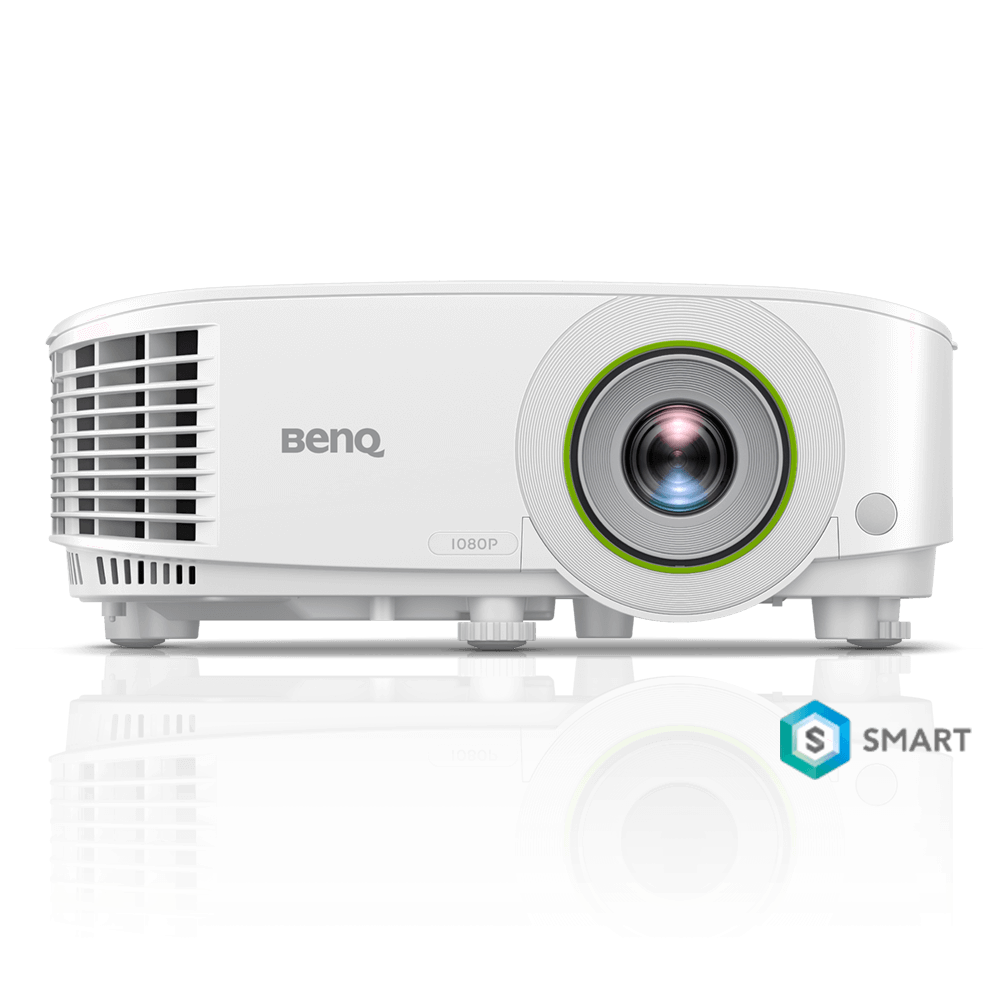
智慧無線會議室投影機 EH600 ,擁有 BenQ 一貫堅持全玻璃光學鏡頭,提供無比清透的高解析度、高對比度;3500 高流明亮度,不關燈依然清晰亮麗。
EH600採用Android作業系統,可直接讀取USB隨身碟播放照片、影片、Office檔案;也有 2.4G / 5G 雙頻段,可提供iPhone、iPad、Android手機、Mac、筆電無線投影。同時也有準備完整、簡單的使用教學影片,讓大家可以享受更便利、更簡單的無線投影、快速的行動商務的享受!
點選上方觀看沒有無線網路,EH600如何設定無線投影
點選上方觀看 藍牙喇叭與USB隨身碟的使用教學
點選上方觀看 EH600 下載安裝APP的使用教學
點選上方觀看 Wifi環境中,手機/平板/筆電如何設定無線投影
* 請注意,Android機種需透過 Chrome cast 執行無線投影 (某些機種有內建 Chrome cast 功能,若無請自行下載Google home)
點選上方觀看 EH600 的基本使用教學
全玻璃光學鏡頭、高對比度與高解析度,讓會議簡報看得清
手機/平板/筆電,直接Wifi連線無線投影
內建作業系統,可直接讀取USB隨身碟開啟多媒體檔案、或是直接聯網瀏覽外部網路
Thanks for your feedback!