Page updated: May 2020
Some essential features on BenQ sites just won’t work without cookies. And having other cookies switched off can seriously affect the way you’ll be able to enjoy our services.
Please check your cookie settings below and turn on any cookies you’re happy with.
“Strictly necessary” cookies can’t be turned off. But Functional and Performance cookies can be turned on or off below. You can learn more about cookies and what they do on our other pages.
If you've chosen to block third-party cookies on your browser, your cookie preferences won't carry over from benq.eu to benq.xx and vice versa. Please make sure to set your cookie preferences in both places.
On
These cookies are essential so that you can move around the website and use its features. Without these cookies services you have asked for cannot be provided.
On
Off
These cookies allow the website to remember choices you make to give you better functionality and personal features.
On
Off
Performance cookies
These cookies help to improve the performance of BenQ. If you want to opt-out of advertising cookies, you have to turn-off performance cookies. We also use Google Analytics, SessionCam and Hotjar to track activity and performance on the BenQ website. You can control the information provided to Google, SessionCam and Hotjar. To opt out of certain ads provided by Google you can use any of the methods set forth here or using the Google Analytics opt out browser add-on here. To opt-out of SessionCam collecting data, you can disable tracking completely by following link:https://sessioncam.com/choose-not-to-be-recorded/. To opt-out of Hotjar collecting data, you can disable tracking completely by following link:https://www.hotjar.com/privacy/do-not-track/.
Advertising cookies
These cookies are used to track your activity on the BenQ website and other websites across the Internet, help measure the effectiveness of our advertising campaign and deliver advertisements that are more relevant to you and your interests. We use various advertising partners, including Amazon, Facebook, and Google. These cookies and other technologies capture data like your IP address, when you viewed the page or email, what device you were using and where you were. You can find out how to avoid them below.
現在智慧行動裝置越來越方便,越來越多上班族、公司開會,老闆都希望可以將手機、平板、筆電內的畫面直接投影出來;或是許多追劇族,習慣用手機或平板追劇、看電影,可是手機、平板的畫面那麼小,不僅看久眼睛會累,其實因為螢幕太小,很多影片中精采細節根本看不清楚。
無論是公司會議室,還是家裡客廳電視,其實無線投影一點也不難,首先釐清自己的無線投影需求,建議可以先用使用設備、情境來區分:
| 公司、會議室 | 家裡 | |
公司、會議室 推薦產品: | 家裡 無線超大螢幕追劇 推薦產品:QP20、 | |
一般電視 | 公司、會議室 | 家裡 |
觸控顯示器 (電子白板) | 公司、會議室 什麼是電子白板的無線投影? 推薦產品:InstaQShare | 家裡 |
1. 輪流簡報。常需要一位同仁先將報告檔案統一彙整,由單一電腦播放,但偶爾會發生格式不一的播放問題
2.傳統公司開會最常面臨到幾個問題:每位同事輪流拿筆電簡報,同事間要輪流換位置導致耽誤會議議程
3. VGA、HDMI 連接埠因頻繁插拔,導致接觸不良;如果投影機倒吊天花板上,更新VGA線、HDMI線將會是一個大工程
1. 每到一間新會議室、就需重新設定區域網路,而無線投影的設定超麻煩
2. 各廠牌作業系統、設定介面不一樣,IT人員為協助設定疲於奔命
3. 電腦需要安裝無線投影軟體,IT人員會禁止員工自行安裝電腦軟體
4. 電腦需要透過USB開啟軟體,但電腦USB 連接埠因資安問題無法任意使用
5. 訪客因資安需求,無法連接上公司內無線網路
基於以上原因,企業如需導入無線投影設備,最要考量的無線投影設備有三,依序為筆記型電腦、智慧型手機、平板電腦三種類型。
•隨插即用,無需安裝任何軟體,不用設定區域網路
•支援無線傳流播放 Full HD影片
•最高可對應16台設備,一鍵立即切換
•適用投影機、電腦螢幕、電視、商用顯示器等具 HDMI 連接埠的顯示設備
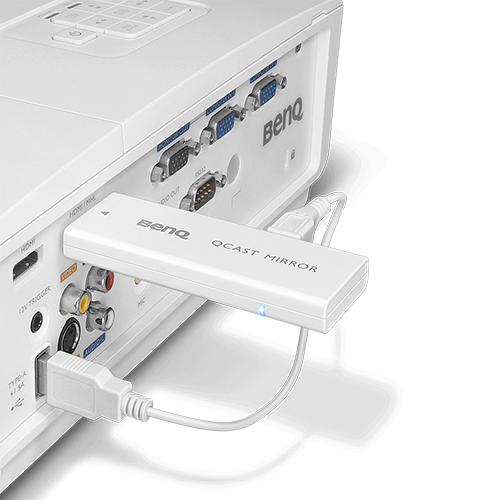
•不用安裝軟體、APP,支援iOS、Android系統
•不需設定區域網路
•支援無線傳流播放 Full HD影片
•適用投影機、電腦螢幕、電視、商用顯示器等具 HDMI 連接埠的顯示設備
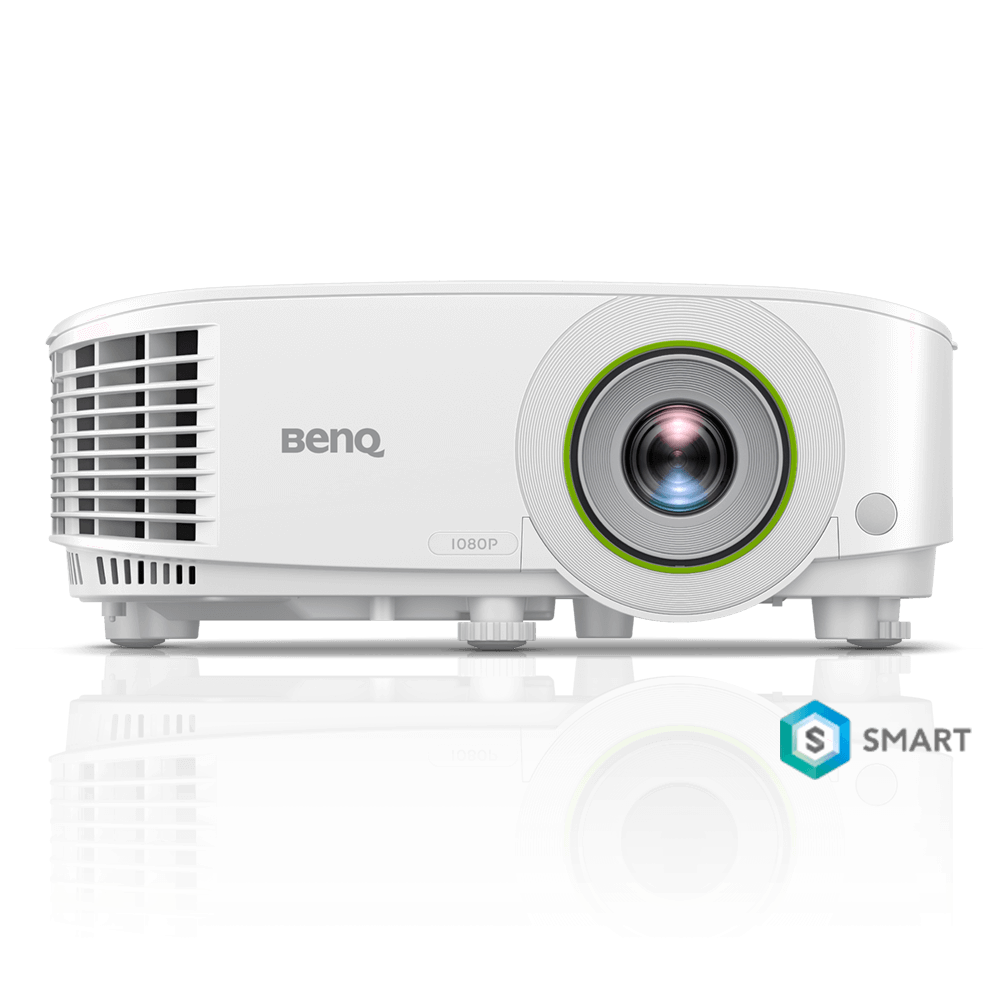
•手機/平板/筆電,直接Wifi連線無線投影
•內建作業系統,可直接讀取USB隨身碟開啟多媒體檔案、或是直接聯網瀏覽外部網路
•全玻璃光學鏡頭、高對比度與高解析度,讓會議簡報看得更清楚

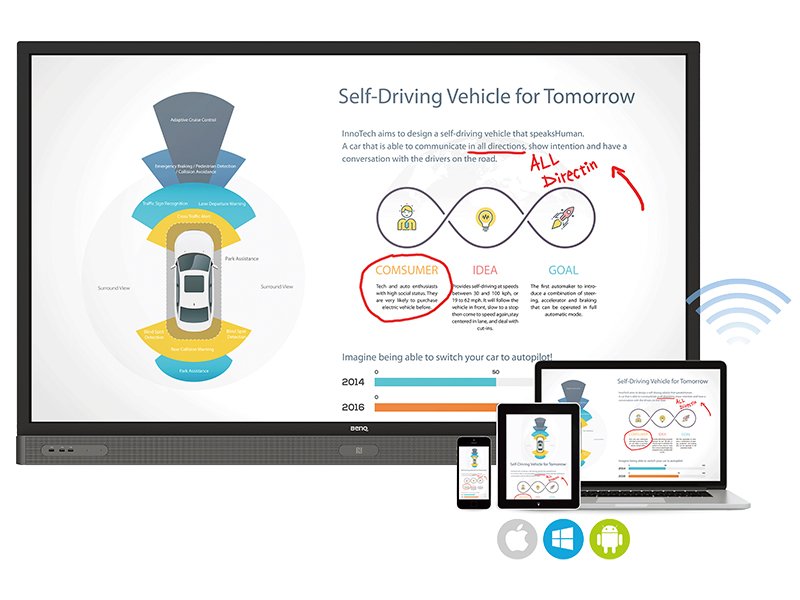
如果會議室內安裝BenQ大型互動觸控顯示器 (觸控電子白板),其Android系統的顯示器內安裝BenQ獨家無線投影簡報應用程式 InstaQShare,讓同一區域網路內的手機、平板、筆電,支援Android、iOS、Mac、Windows、Mac等作業系統,最高可連接16-20個裝置,直接進行鏡像無線投影,甚至還可以將觸控顯示器的畫面無線回傳至行動裝置。
BenQ 護眼大型液晶 S、F、J、E四個系列皆支援小屏傳大屏,可將手機、平板內的畫面鏡射無線投影至大畫面上。採用Android 及iOS系統的設備,只要將手機/平板與電視連上同一個網域,即可輕鬆無線投影、將畫面傳到大螢幕觀看。而針對Windows10系統的裝置,不須連網即可點對點傳輸畫面,十分方便。(系統支援狀況依型號而異)
此外,S、F、J、E系列也內建各式影音APP,讓你可直接使用遙控器,一鍵開啟內建的Netflix、YouTube或愛奇藝,盡享精彩的影音震撼!
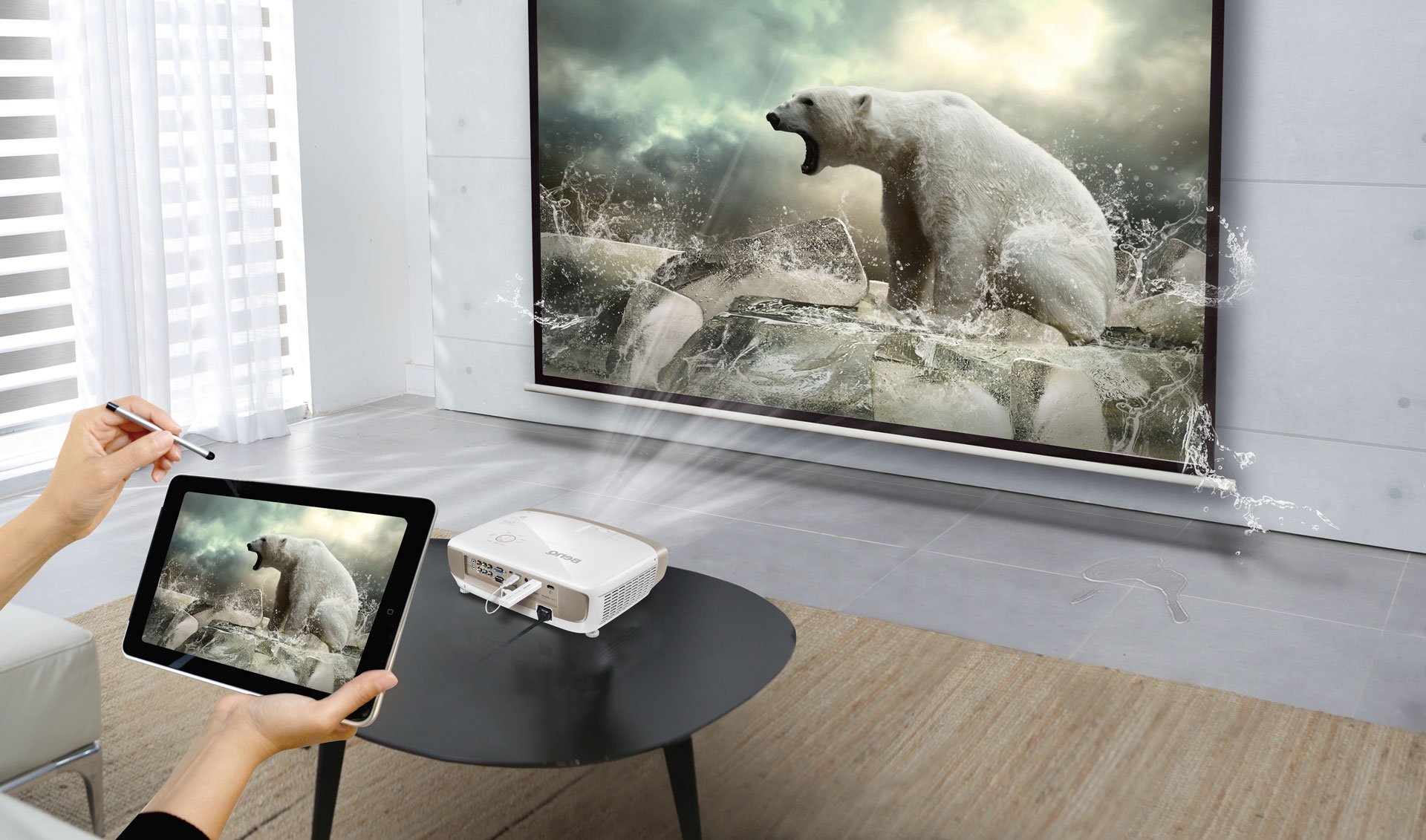
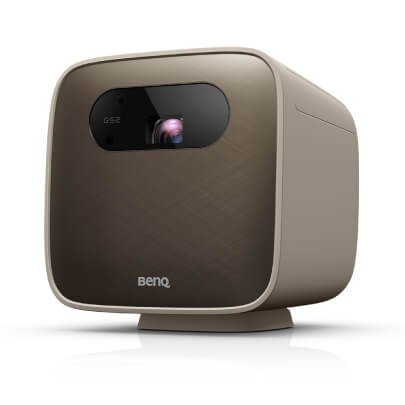
如果在家有一台微型投影機,輕巧可攜好行動,就可讓家裡處處皆是電影院。
最新兩款LED無線行動投影機GV1 & 行動露營投影機GS2,支援 iOS / Android手機 / 筆記型電腦無線投影,即使沒有無線區域網路,一樣可以透過4G連網觀看網路串流影片,內建3小時大容量電池,實現走到哪、看到哪的行動劇院夢想。

Thanks for your feedback!