Casual Gaming için BenQ Projektörler
Işıklar Açıkken bile Eğlence Devam Ediyor

Trend Olan Kelimeye Göre
4K UHD (3840×2160) Kısa Atım 2B, Dikey/Yatay Keystone LED Lazer Android TV ile Düşük Giriş Gecikmesi ileKurumsal Projektörü Keşfedin
Simulasyon Projektörü SmartEco Projektör Golf Simülatörü Toplantı Odası ProjektörüProjektör
Trend Olan Kelimeye Göre
4K UHD (3840×2160) Kısa Atım 2B, Dikey/Yatay Keystone LED Lazer Android TV ile Düşük Giriş Gecikmesi ileKurumsal Projektörü Keşfedin
Simulasyon Projektörü SmartEco Projektör Golf Simülatörü Toplantı Odası ProjektörüMonitör
İnteraktif Ekranlar
Çerez Ayarları
How can I change my BenQ cookie settings?
Page updated: May 2020
Some essential features on BenQ sites just won’t work without cookies. And having other cookies switched off can seriously affect the way you’ll be able to enjoy our services.
Please check your cookie settings below and turn on any cookies you’re happy with.
“Strictly necessary” cookies can’t be turned off. But Functional and Performance cookies can be turned on or off below. You can learn more about cookies and what they do on our other pages.
If you've chosen to block third-party cookies on your browser, your cookie preferences won't carry over from benq.eu to benq.xx and vice versa. Please make sure to set your cookie preferences in both places.
On
Strictly necessary cookies
These cookies are essential so that you can move around the website and use its features. Without these cookies services you have asked for cannot be provided.
On
Off
Functional cookies
These cookies allow the website to remember choices you make to give you better functionality and personal features.
On
Off
Performance cookies and advertising cookies
Performance cookies
These cookies help to improve the performance of BenQ. If you want to opt-out of advertising cookies, you have to turn-off performance cookies. We also use Google Analytics, SessionCam and Hotjar to track activity and performance on the BenQ website. You can control the information provided to Google, SessionCam and Hotjar. To opt out of certain ads provided by Google you can use any of the methods set forth here or using the Google Analytics opt out browser add-on here. To opt-out of SessionCam collecting data, you can disable tracking completely by following link:https://sessioncam.com/choose-not-to-be-recorded/. To opt-out of Hotjar collecting data, you can disable tracking completely by following link:https://www.hotjar.com/privacy/do-not-track/.
Advertising cookies
These cookies are used to track your activity on the BenQ website and other websites across the Internet, help measure the effectiveness of our advertising campaign and deliver advertisements that are more relevant to you and your interests. We use various advertising partners, including Amazon, Facebook, and Google. These cookies and other technologies capture data like your IP address, when you viewed the page or email, what device you were using and where you were. You can find out how to avoid them below.
localNavigation.type = g6-feature-category-page
Casual Gaming
Işıklar Açıkken bile Eğlence Devam Ediyor
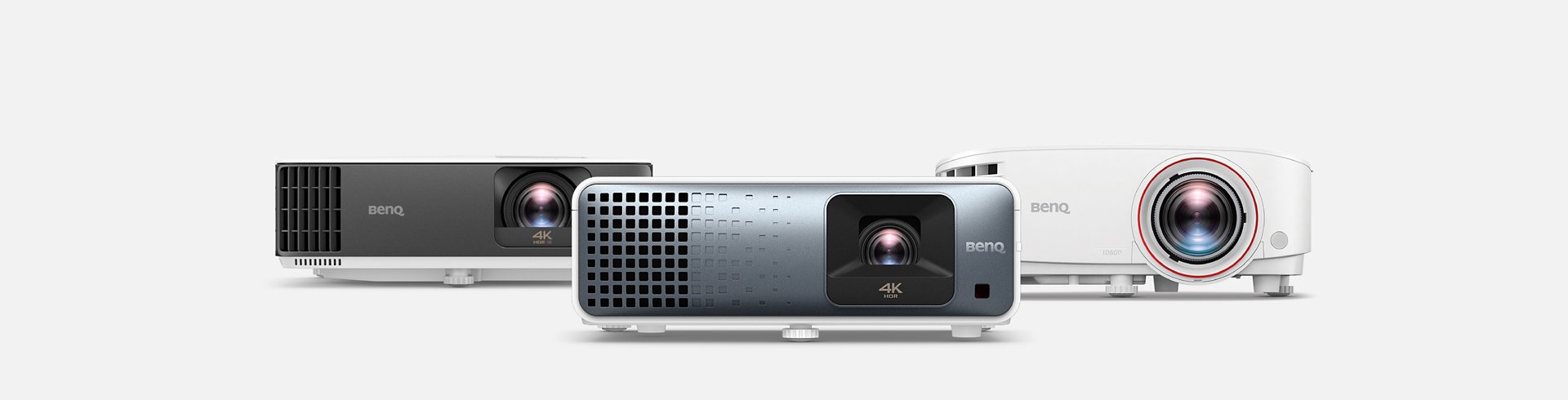
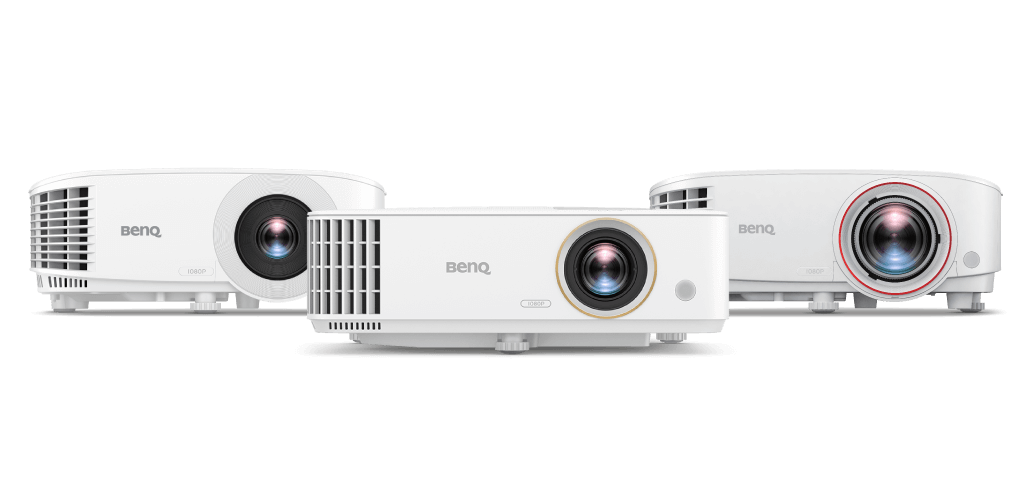
BenQ projektörleri, Rec.709 renk doğruluğu ile yüksek parlaklık sağlayarak aydınlık oturma odalarında canlı renklerin, 1080p netliğin ve düşük giriş gecikmesi performansının keyfini çıkarmanızı sağlar. Herkesin birlikte eğlendiği destansı bir oyun partisine arkadaşlarınızı davet edin.
Aydınlık Odalarda Canlı Renkler
BenQ projektörleri, Rec.709 renk doğruluğu ile yüksek parlaklık sağlayarak aydınlık oturma odalarında canlı renklerin, 1080p netliğin ve düşük giriş gecikmesi performansının keyfini çıkarmanızı sağlar. Herkesin birlikte eğlendiği destansı bir oyun partisine arkadaşlarınızı davet edin.
Bir grup insan toplantığında projektörü yansıtmak için yer yok mu? Kısa mesafeli tasarım, minimum mesafeyle büyük ekran eğlencesine olanak tanır ve partiyi evin herhangi bir yerinde başlatmak için mevcut alanınızı maksimuma çıkarır.
Partiyi Her Yerden Başlatın
Bir grup insan toplantığında projektörü yansıtmak için yer yok mu? Kısa mesafeli tasarım, minimum mesafeyle büyük ekran eğlencesine olanak tanır ve partiyi evin herhangi bir yerinde başlatmak için mevcut alanınızı maksimuma çıkarır.
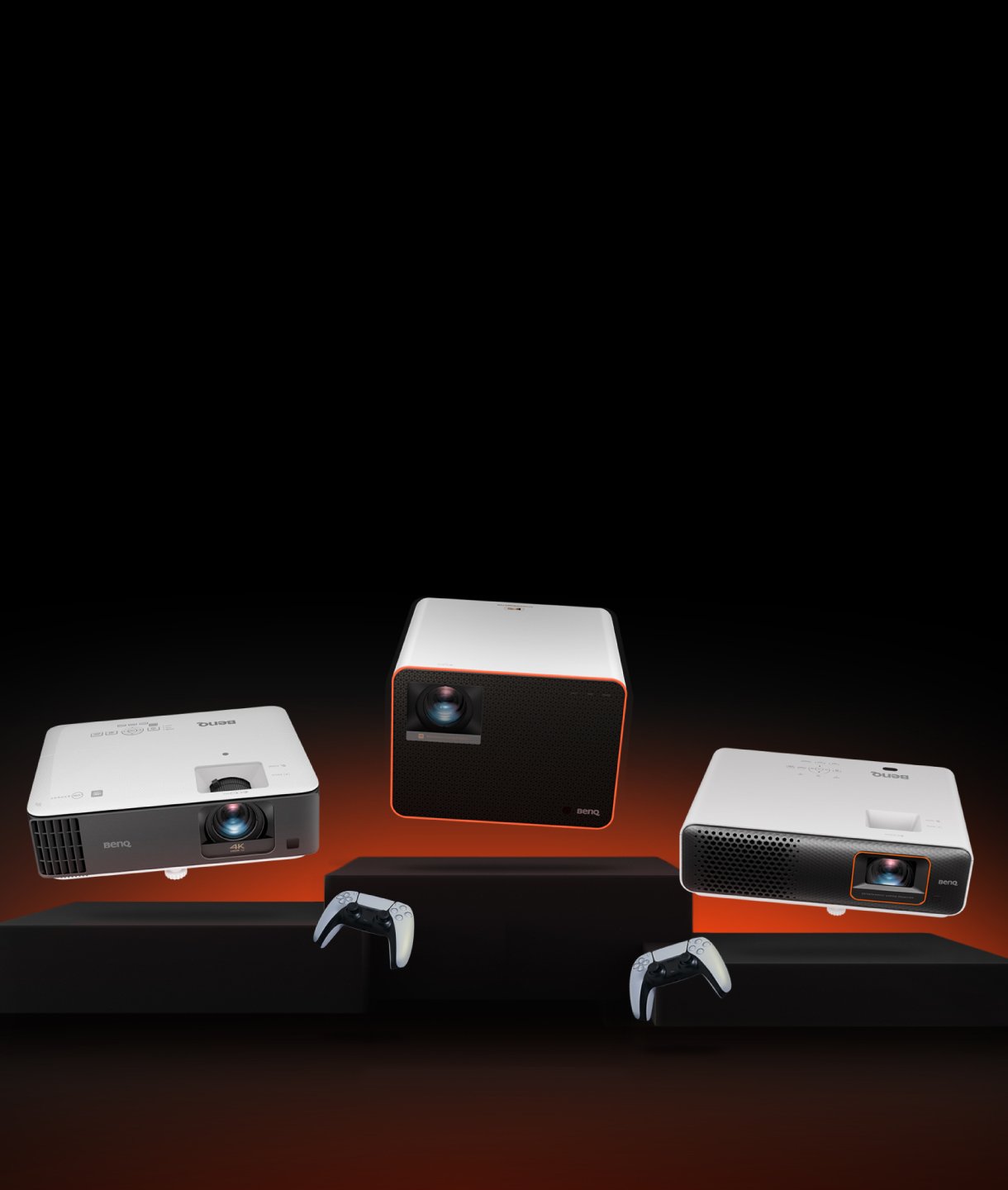
Casual Gaming Projektör
Tüm casual gaming projektörleri karşılaştırın4K UHD (3840×2160)
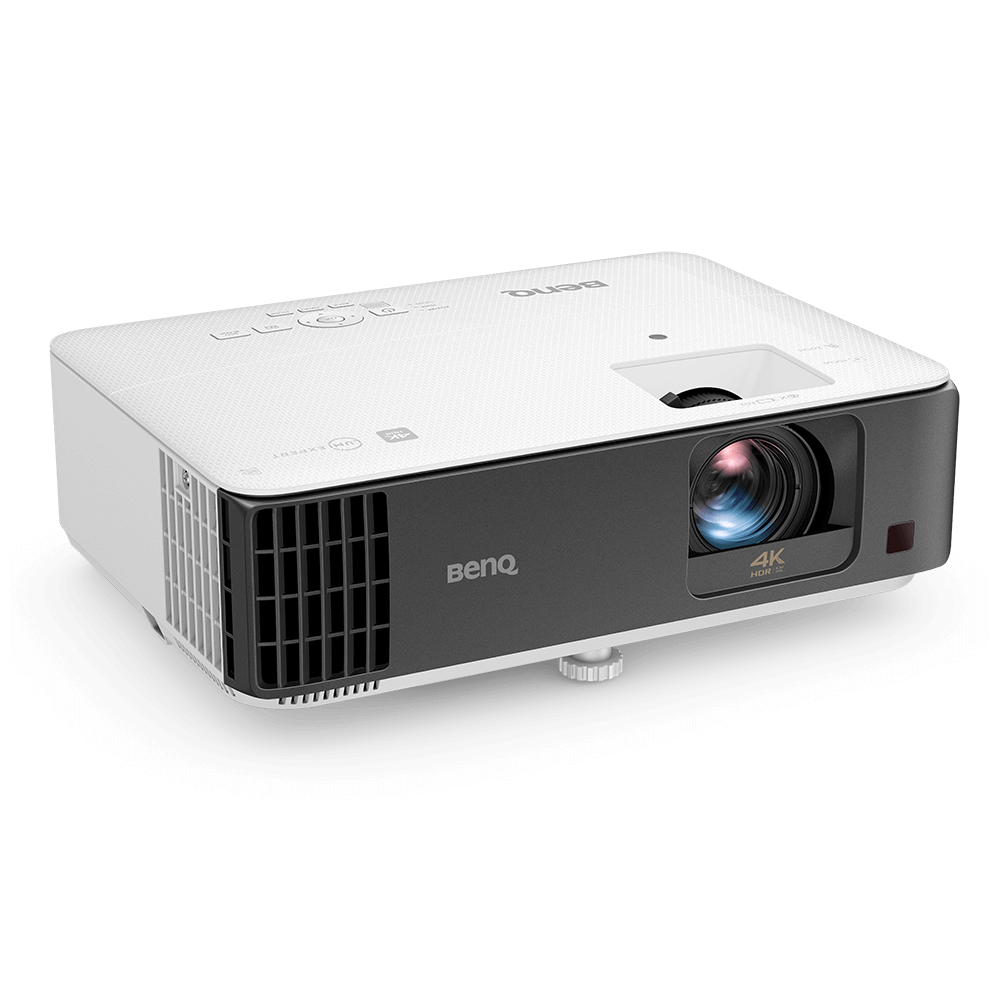
Casual gaming için 4K HDR projektör
{{currency}}{{ n[1]| numberThousandsCommas | numberDecimalPoint }} -
Daha Fazla3000lm~3200lm
Brightness
Up to
Input Lag
Up to
95% Rec.709
Color Coverage
1.2x~1.3x
Zoom Ratio
Audio Return
Lamp
Light Source
Projection Distance
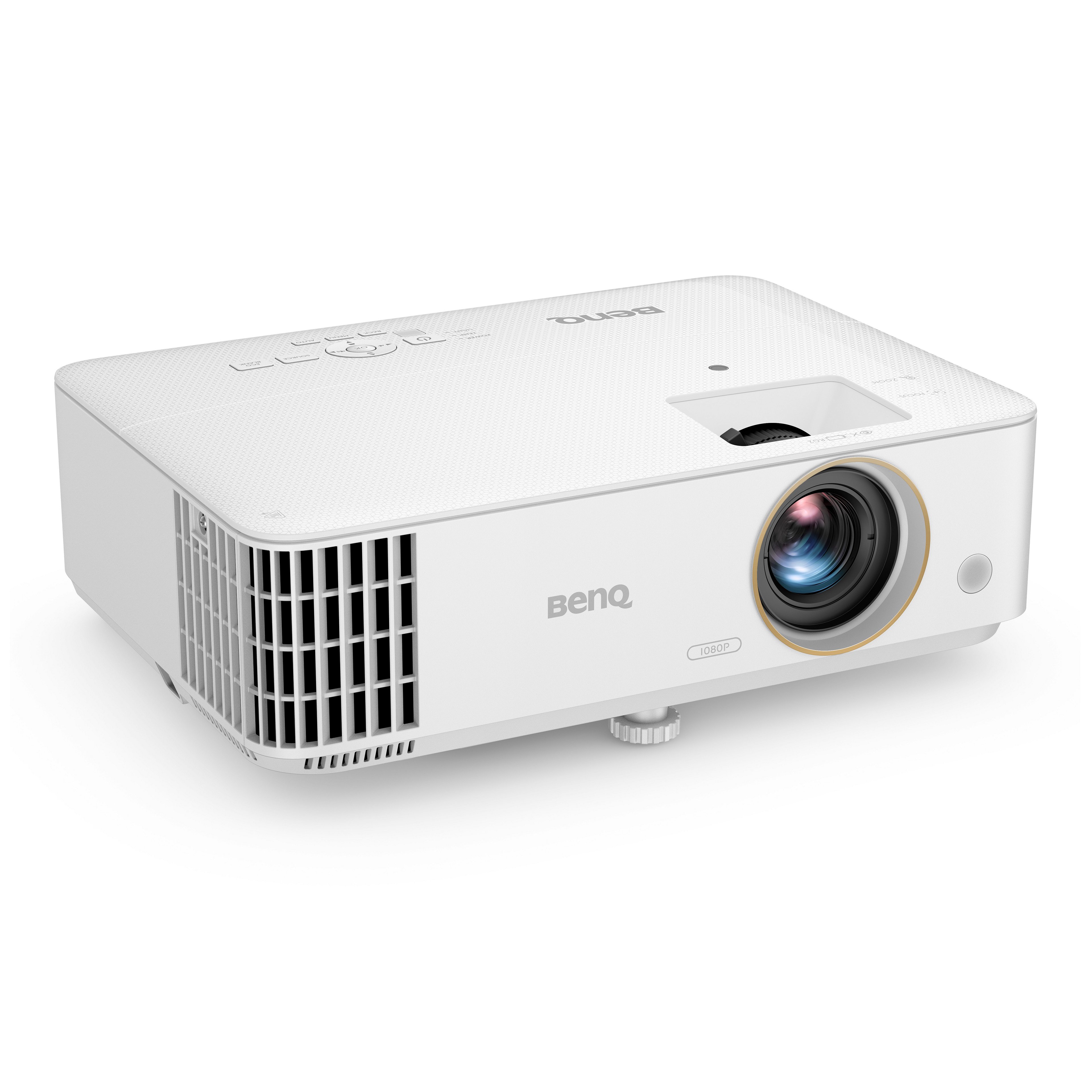
1080p FHD (1920x1080)
Casual gaming için 1080P HDR projektör
{{currency}}{{ n[1]| numberThousandsCommas | numberDecimalPoint }} -
Daha Fazla2300lm~3800lm
Brightness
Up to
8 ms (1080p@120Hz)
Input Lag
98% Rec.709
Color Coverage
1.1x~1.3x
Zoom Ratio
-
Audio Return
Lamp/LED
Light Source
100" @5ft (1.5m)
Projection Distance
Input Lag (Giriş gecikmesi)
Giriş gecikmesi , kaynağın gönderdiği andan itibaren bir sinyalin ekranda görüntülenmesi için geçen süredir.
Rec.709 Renk Alanı
Rec.709, standartlaştırılmış bir renk alanı oluşturmak ve doğru renk gamı ve gri tonlamayı yeniden üretmek amacıyla beyaz nokta için özel kırmızı, yeşil ve mavi renkler ile aydınlatıcı D65 (6500k) kullanır ve yüzde ne kadar yüksek olursa, renk gamı da o kadar geniş olur.
Yakınlaştırma Oranı
Yakınlaştırma oranı merceğin yakınlaştırma aralığını belirtmek için kullanılır; bunun "X" ile listelendiğini göreceksiniz. Yakınlaştırma oranı merceğin toplam yakınlaştırma gücüne eşit değildir; sadece merceğin yakınlaştırma aralığına eşittir.
Projeksiyon Mesafesi
Makine boyutu ve projektör lens tasarımı açısından birçok seçenek bulunmaktadır. Bu, 100 inçlik bir ekranın yansıtılacağı mesafedir.
Input Lag (Giriş gecikmesi)
Giriş gecikmesi, kaynağın gönderdiği andan itibaren bir sinyalin ekranda görüntülenmesi için geçen süredir.
Rec.709 Renk Alanı
Rec.709, standartlaştırılmış bir renk alanı oluşturmak ve doğru renk gamı ve gri tonlamayı yeniden üretmek amacıyla beyaz nokta için özel kırmızı, yeşil ve mavi renkler ile aydınlatıcı D65 (6500k) kullanır ve yüzde ne kadar yüksek olursa, renk gamı da o kadar geniş olur.
Yakınlaştırma Oranı
Yakınlaştırma oranı merceğin yakınlaştırma aralığını belirtmek için kullanılır; bunun "X" ile listelendiğini göreceksiniz. Yakınlaştırma oranı merceğin toplam yakınlaştırma gücüne eşit değildir; sadece merceğin yakınlaştırma aralığına eşittir.
Projeksiyon Mesafesi
Makine boyutu ve projektör lens tasarımı açısından birçok seçenek bulunmaktadır. Bu, 100 inçlik bir ekranın yansıtılacağı mesafedir.