BenQ ScreenBar Halo สุดยอดนวัตกรรมแห่งแสงสว่าง เพิ่มประสิทธิภาพให้คนยุคใหม่บนโต๊ะทำงาน

ดูทั้งหมด

BenQ ScreenBar Halo สุดยอดนวัตกรรมแห่งแสงสว่าง เพิ่มประสิทธิภาพให้คนยุคใหม่บนโต๊ะทำงาน

localNavigation.type = g6-product-overview-page

RD270Q

{{currency}}{{finalPrice.final | numberThousandsCommas | numberDecimalPoint}}

{{currency}}{{regularPrice.final | numberThousandsCommas | numberDecimalPoint}}

ซื้อ
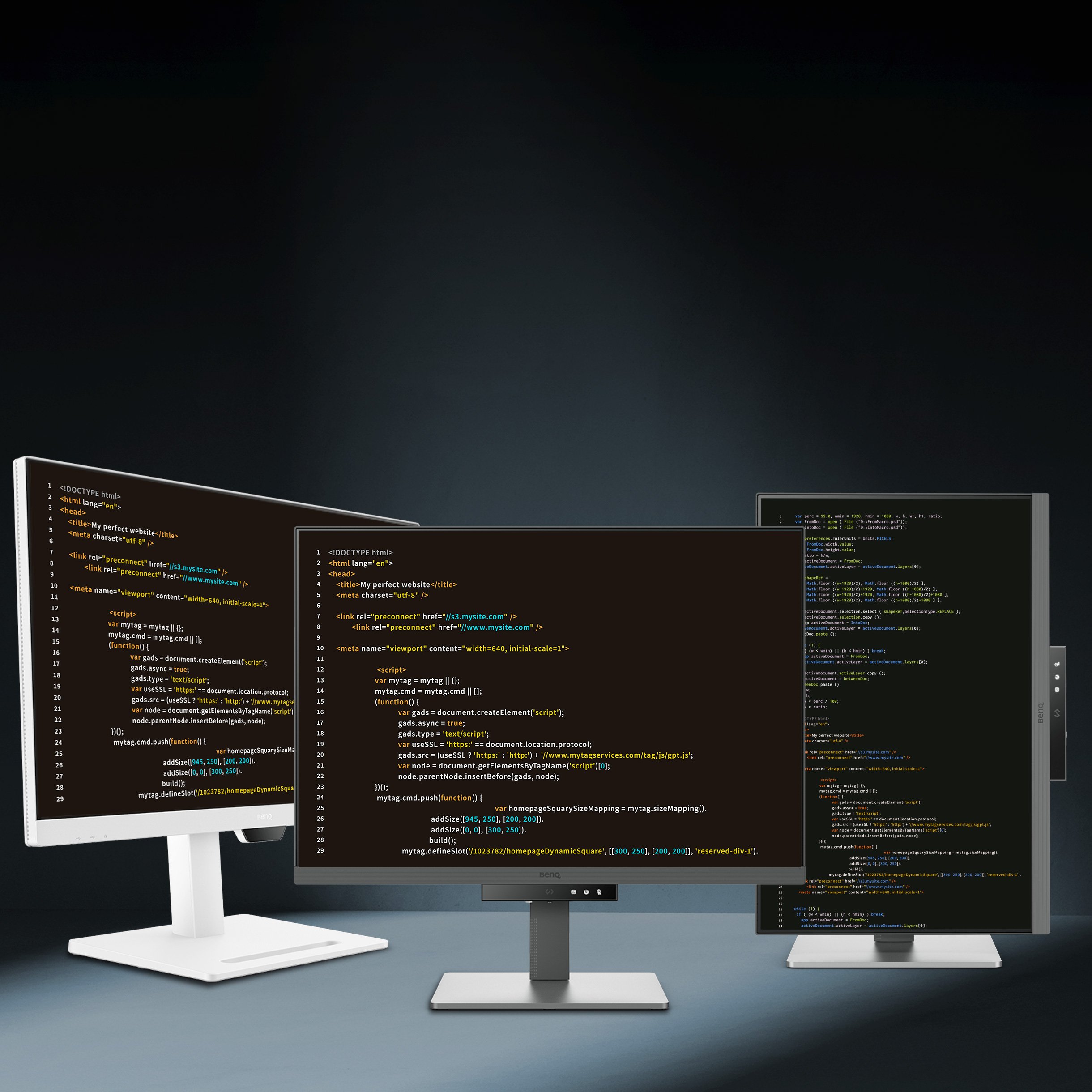
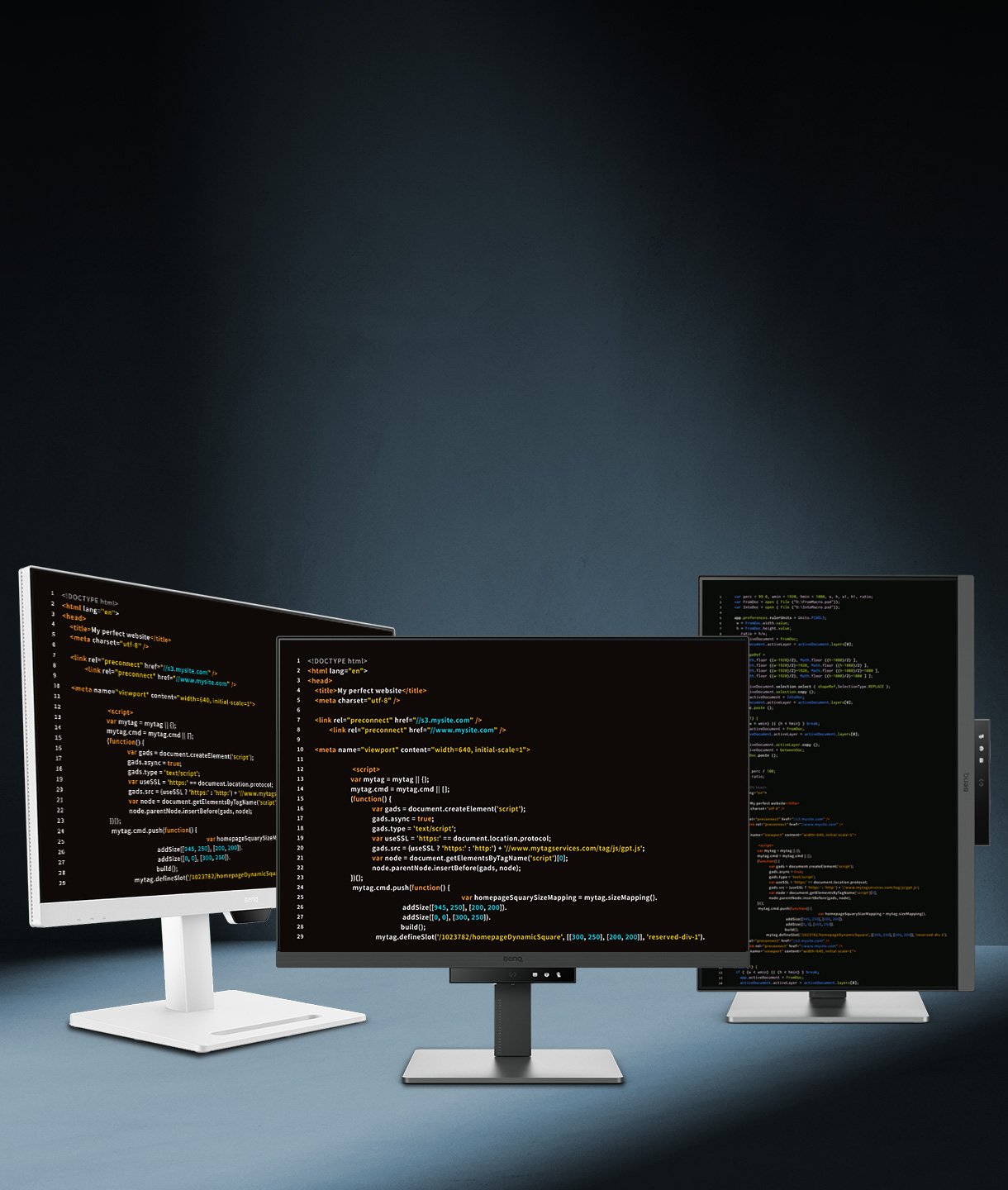
BenQ RD270Q boosts programming productivity through its Nano Matte Panel, 144Hz refresh rate, and exclusive coding modes. It delivers crystal-clear fonts for improved code differentiation, seamlessly adapting to both light and dark themes across diverse development environments.

RD270Q|27” 2K 144Hz BenQ Programming Monitor

Code Smarter with All-day Clarity and Care

Code with precision. Keep your logic flowing with perfect focus.

RD270Q|27” 2K 144Hz BenQ Programming Monitor

Code Smarter with All-day Clarity and Care

Code with precision. Keep your logic flowing with perfect focus.

BenQ RD270Q boosts programming productivity through its Nano Matte Panel, 144Hz refresh rate, and exclusive coding modes. It delivers crystal-clear fonts for improved code differentiation, seamlessly adapting to both light and dark themes across diverse development environments.

Press the Hotkey to Start Your “Hello, World!”

Hit the Coding HotKey and dive straight into coding. Instantly apply coding modes, adjust brightness, contrast, eye-care settings, and toggle Night Hours Protection, to shield your vision in dark environments without missing a beat.

Every Great Project Begins with Code Clarity

In the exclusive Coding Modes, displays are finely tuned for optimal clarity in both dark and light themes. The new Paper Color Mode simulates the look and feel of printed media and is an additional way to read while being easy on the eyes.

In the RD270Q exclusive Coding Modes, displays are finely tuned for optimal clarity in both dark and light themes. The new Paper Color Mode simulates the look and feel of printed media and is an additional way to read while being easy on the eyes.

  • BenQ RD270Q's Dark Theme enhances readability, boosts coding speed, and improves debugging precision.

    Coding - Dark Theme

    Dark Theme enhances readability, boosts coding speed, and improves debugging precision.

  • BenQ RD270Q's Light Theme for clear viewing without eye strain.

    Coding - Light Theme

    Light Theme for clear viewing without eye strain.

  • BenQ RD270Q's  new Coding - Paper Color Mode lets you enjoy the comfort of paper-like reading.

    Coding - Paper Color

    The new Coding - Paper Color Mode lets you enjoy the comfort of paper-like reading.

Nano Matte Panel: Minimizing Reflections for Pure Focus

Featuring a low reflection finish that minimizes distractions, this advanced technology enhances focus and boosts productivity, delivering unparalleled clarity for peak performance.

RD270Q features a low reflection finish that minimizes distractions, this advanced technology enhances focus and boosts productivity, delivering unparalleled clarity for peak performance. RD270Q features a low reflection finish that minimizes distractions, this advanced technology enhances focus and boosts productivity, delivering unparalleled clarity for peak performance.

High Pixel Contrast: Enhancing Every Line for Sharper Detail

The RD270Q features high-contrast performance with multi-layered High Pixel Contrast Technology. Static and dynamic contrast tuning, combined with Local Contrast Optimization, reveal fine details and enhanced dark-area clarity, for your IDE, movies, or games after work.

BenQ RD270Q features high-contrast performance with multi-layered High Pixel Contrast Technology. Static and dynamic contrast tuning, combined with Local Contrast Optimization, reveal fine details and enhanced dark-area clarity, for your IDE, movies, or games after work. BenQ RD270Q features high-contrast performance with multi-layered High Pixel Contrast Technology. Static and dynamic contrast tuning, combined with Local Contrast Optimization, reveal fine details and enhanced dark-area clarity, for your IDE, movies, or games after work.

All-Day Eye Comfort, From Dawn to Dusk

We know the importance of eyes, so we prioritize them in every design.

Smooth and Snappy Coding with 144Hz

144Hz refresh rate offers lag-free performance to end flicker-related fatigue and headaches, ensuring peak eye comfort from your first scroll to your last.

Night Hours Protection for Late Night Programmers

Keep the inspiration, lose the strain. Night Hours Protection’s ultra-low brightness technology shields your eyes from light-induced fatigue, ensuring a gentle viewing experience that lets you code all night without the sting.

Complete Eye-Care, Covered!

The RD270Q is TÜV-certified for Flicker-Free, Reflection-Free, Low Blue Light, Eye Comfort 2.0, and Eyesafe 2.0, ensuring minimal distractions, reduced harmful blue light, and a comfortable, safe viewing experience without compromising vivid, lifelike colors. Moreover, featuring Visual Optimizer with automatic brightness and color temperature adjustments, the RD270Q adapts seamlessly to your workspace.

BenQ RD270Q is TÜV-certified for Flicker-Free, Reflection-Free, Low Blue Light, Eye Comfort 2.0, and Eyesafe 2.0. BenQ RD270Q is TÜV-certified for Flicker-Free, Reflection-Free, Low Blue Light, Eye Comfort 2.0, and Eyesafe 2.0.

Your Body Deserves the Same Care as Your Code

Ergonomic comfort designed to reduce strain and support productivity.

BenQ RD270Q knows the importance of eyes and ergonomics, so we prioritize them in every design.

  • BenQ RD270Q knows the importance of eyes and ergonomics, so we prioritize them in every design.

    Pivot

  • BenQ RD280UG knows the importance of eyes and ergonomics, so we prioritize them in every design.

    Swivel

  • BenQ RD280UG knows the importance of eyes and ergonomics, so we prioritize them in every design.

    Tilt

  • BenQ RD280UG knows the importance of eyes and ergonomics, so we prioritize them in every design.

    Height Adjustable Stand

Easy Access for Smart Connectivity

Maximize efficiency through intuitive software controls and a purposeful selection of ports, perfectly configured to meet every setup need.

Take Up Less Space. Make It Your Innovation Hub.

Slim and lightweight, the RD270Q reduces desk clutter with a compact stand and VESA mount support for flexible setups.

Transform your desk into a productivity hub. With BenQ Programming Monitor, experience a workspace designed for comfort, focus, and inspiration. Transform your desk into a productivity hub. With BenQ Programming Monitor, experience a workspace designed for comfort, focus, and inspiration.

Maximizing Productivity, Simplified with USB-C

Keep your workspace tidy and your focus sharp, the USB-C port delivers lightning-fast video, audio, and data transmission, along with up to 65W of power. Everything you need, without the clutter.

With BenQ RD280UG's versatile ports, front or back within easy reach, connecting your devices is effortless, quick, and simple. With BenQ RD280UG's versatile ports, front or back within easy reach, connecting your devices is effortless, quick, and simple.

Display Pilot 2 for macOS, Windows, and Linux

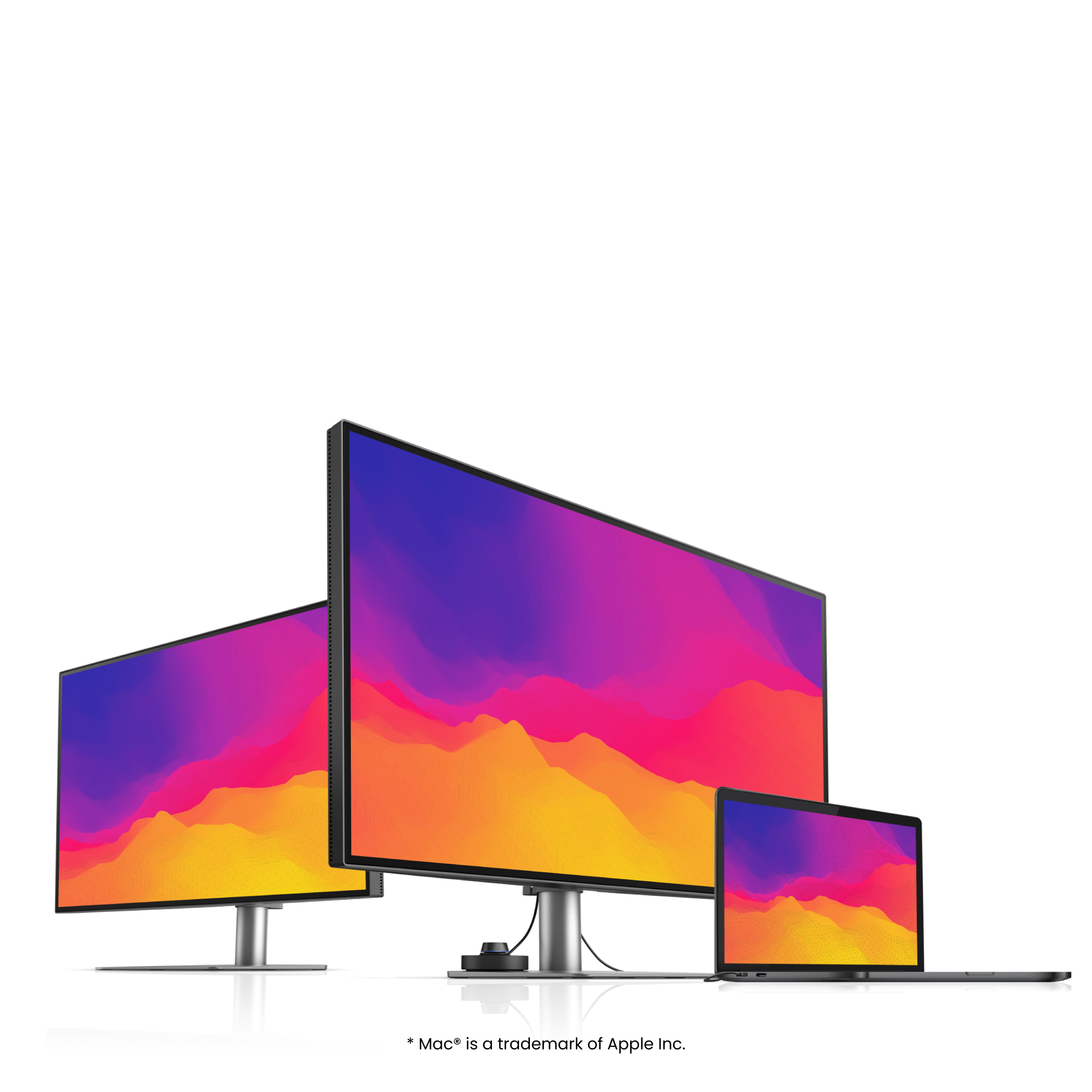
Not just for macOS and Windows, Display Pilot 2 now supports Linux as well! The BenQ Programming Series software caters to your needs with intuitive control of features like Night Hours Protection and Visual Optimizer. It also offers programmer-focused tools such as FloW, Shortcuts, Desktop Partition, Application Mode, Software Dimming, and Circadian Mode, all making your workflow smarter and more efficient.

Not only for macOS and Windows, now supporting Linux as well! The BenQ Programming Series software makes your workflow smarter and more efficient. Not only for macOS and Windows, now supporting Linux as well! The BenQ Programming Series software makes your workflow smarter and more efficient.
  • The BenQ Programming Series software caters to your needs with intuitive control of features like MoonHalo, Night Hours Protection, and KVM onscreen control.

    FloW

  • The BenQ Programming Series software offers programmer-focused tools such as FloW, Shortcuts, Desktop Partition, Application Mode, Software Dimming, and Circadian Mode.

    Pivot Adapts to Your Screen

  • The BenQ Programming Series software offers programmer-focused tools such as FloW, Shortcuts, Desktop Partition, Application Mode, Software Dimming, and Circadian Mode.

    Dual Copy & Paste Shortcuts

  • The BenQ Programming Series software offers programmer-focused tools such as FloW, Shortcuts, Desktop Partition, Application Mode, Software Dimming, and Circadian Mode.

    Color Modes Binding

  • Intelligent Circadian Mode

lcd-page-1-white-v4.jpg

lcd-page-2-white-v2.jpg

คำถามที่พบบ่อย

สอบถามข้อมูล

ดาวน์โหลด

ค้นหาคู่มือผู้ใช้ล่าสุด