azure-location

What is the Difference among Factory Calibration, Software Calibration and Hardware Calibration?

  • BenQ Color Technology Lab
  • 2024-10-25

Very often we have been asked, what is the difference among factory calibration, software calibration and hardware calibration? Hence, this article makes sure that everyone understands the difference among these three calibration methods.

Factory Calibration

By definition, it can only be calibrated in the factory and by trained personnel, and will only calibrate the factory preset modes, such as “AdobeRGB,” “sRGB,” “DCI-P3,” “B+W,” etc. on a BenQ PhotoVue monitor. The memory block for storing factory preset modes is specially designed and can only be accessed by specialized equipment in the factory and by the factory personnel. Therefore, no matter which calibration method you apply on your BenQ PhotoVue monitor, there is always an accurate color mode that you can choose from.

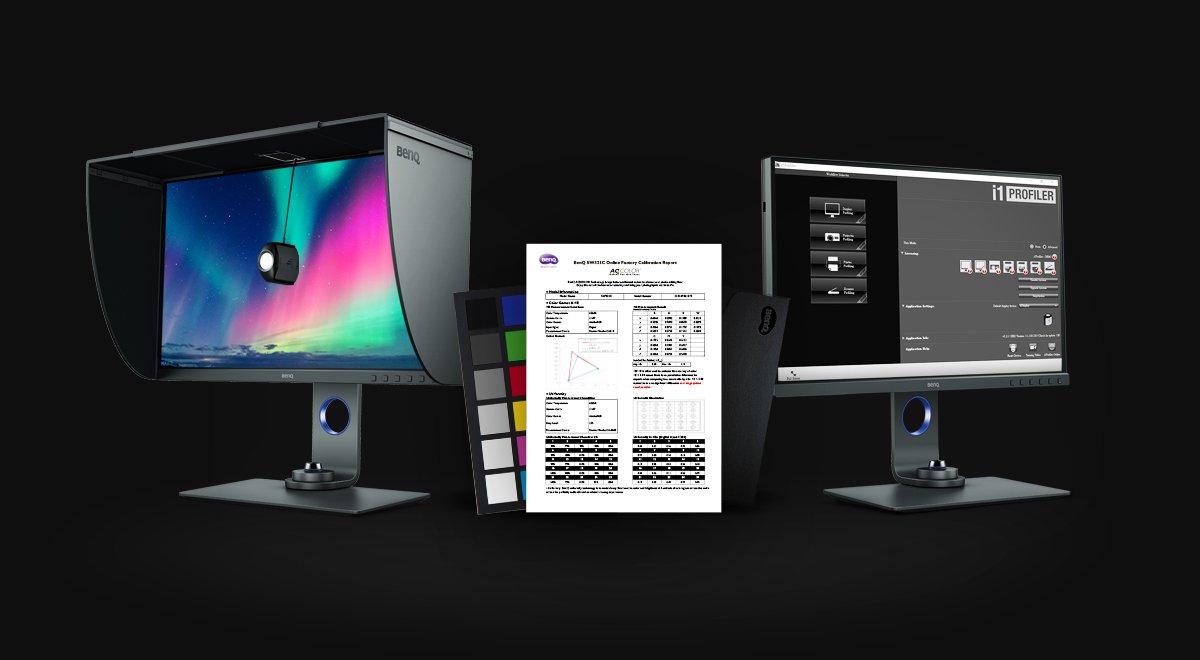
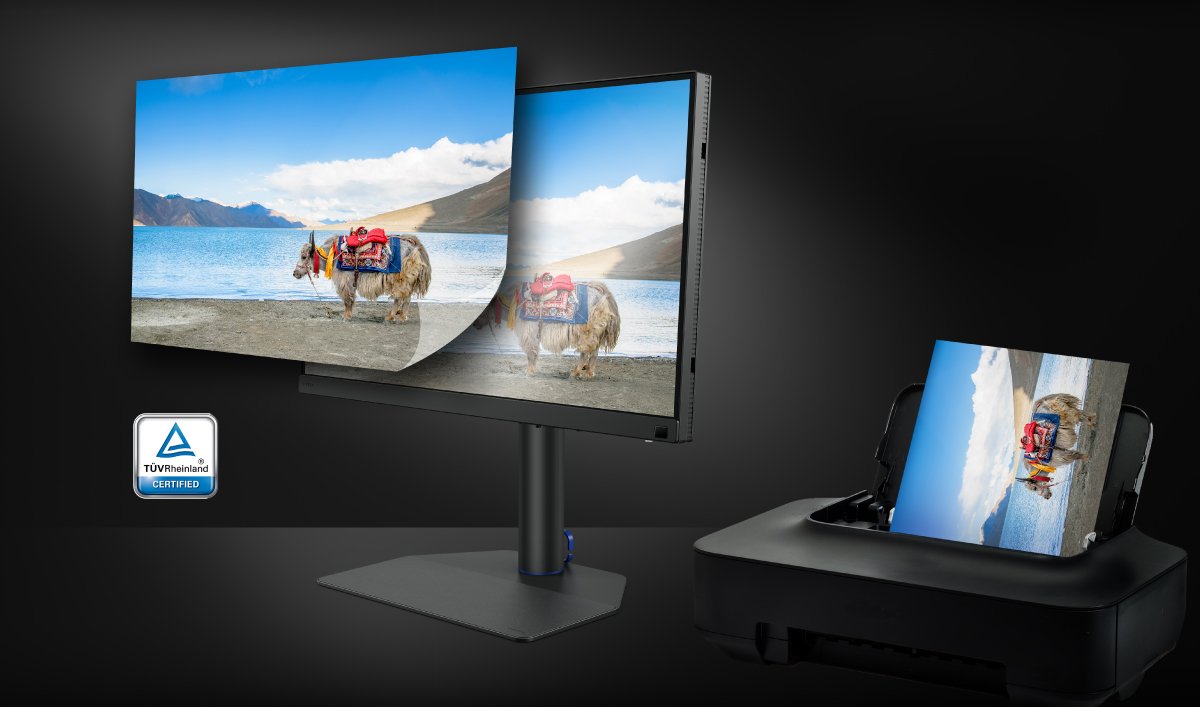
Factory calibration on BenQ PhotoVue monitors is done unit by unit to ensure that the highest color accuracy could be achieved. This is backed by the calibration report which comes with each unit of the monitor. Users can experience the out-of-the-box color accuracy from our factory preset modes.

Color Match at Its Best

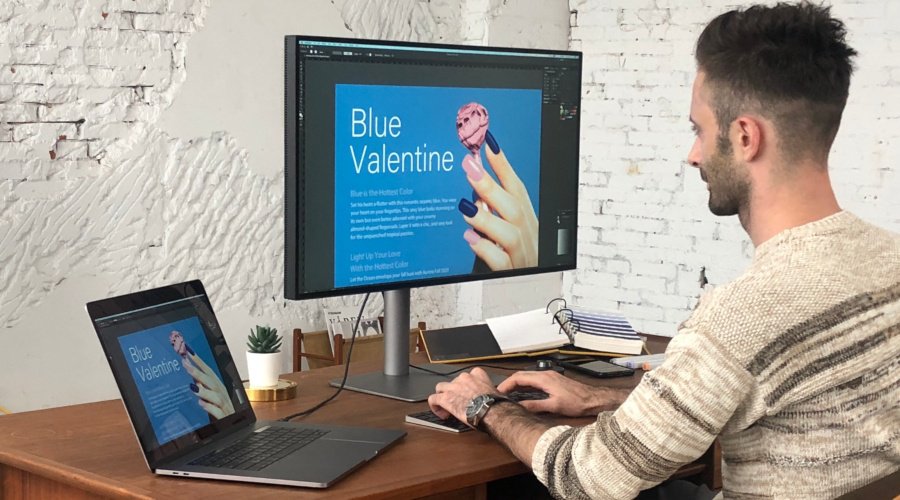
Looks perfect as you'd expect

Software Calibration

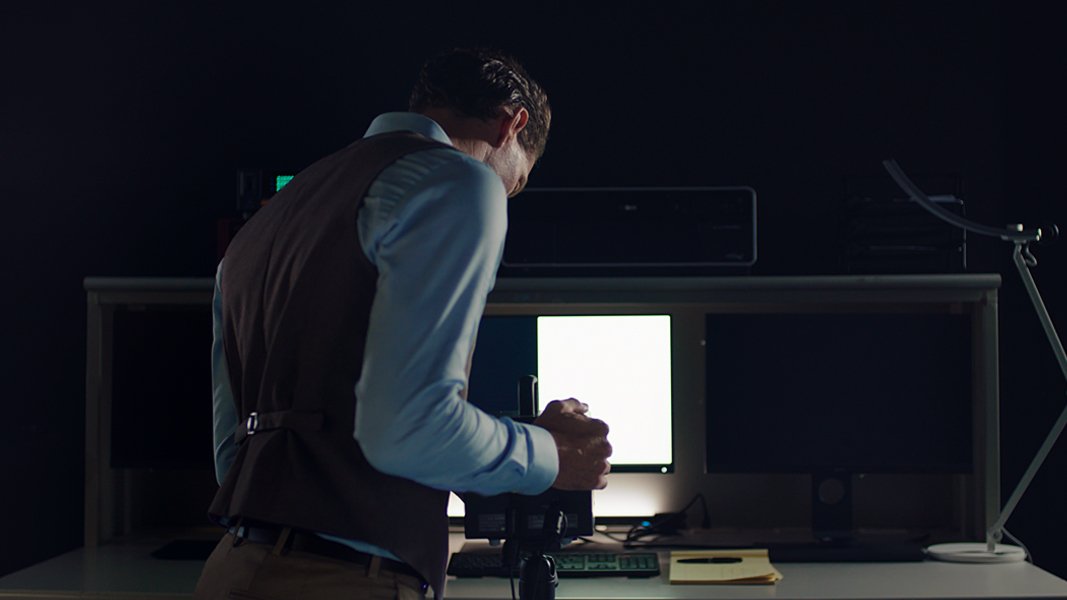
Software calibration is the most widely used calibration method performed by end-users. All you need is a calibrator and the software that comes with the calibrator. Users can apply software calibration to almost any displays, such as standalone monitors, laptop monitors, TV, and even tablets. It calibrates the parameters on the graphics card connecting to the display, so the whole process will only take less than 10 minutes (without the manual adjustment part). The calibration result is dependent on how good the graphics card is. If you use a professional-level graphics card, then you could obtain a good result, but if you use an on-board graphics card, then it’s likely that you will get a less satisfactory calibration result.

While software color calibration on monitors offers many advantages for users, color gamut transformation functionality is not one of them. For example, you can’t software calibrate a display limited to sRGB to accurately portray Adobe RGB or any color gamut wider than sRGB. Also, users often need to manually adjust the white point to get a good match to the target, which requires experience and time.

Inconsistent Color?

Upsets more than you'd expect

Hardware Calibration

Hardware calibration can only be performed on monitors that offered color gamut transformation functionality, such as BenQ PhotoVue monitors. You can hardware calibrate your BenQ PhotoVue monitor with calibrators from major manufactures, such as Calibrite or Datacolor, and with BenQ proprietary software, Palette Master Element, for a calibration result best for BenQ PhotoVue monitors. There is no significant difference between software calibration and hardware calibration from an operating procedure point of view, but the underlying mechanism is very different. As stated in the previous paragraph, software calibration primarily adjusts basic parameters on source device graphics cards without changing anything on the connected display. Hardware calibration thoroughly adjusts internal display parameters and LUTs (look-up tables) on a much deeper level than software adjustments. Monitor parameters and LUTs are more complex than graphics card parameters, and so monitor hardware calibration takes considerably longer than software calibration. Still, the results are worth it and far more accurate than software calibration. In addition, hardware calibration offers color gamut transformation functionality so you can specify the color coordinates of the RGB primaries, and the monitor will be calibrated to the target.

The only traditional drawback of the color-calibrated monitors tends to be a higher price tag. However, BenQ PhotoVue monitors provide exceptional quality at a very accessible price point. If you are serious about colors, they are displays you do not want to miss out on!

Get One Free Year Pantone Connect

$90 value

Find Out How AQCOLOR Technology Creates Accurate Colors

Was this article helpful?

Yes No

Recommended Products

  • SW242Q|24-inch 2K AdobeRGB 90W USB-C Photographer Monitor

    • Free 3 months extended warranty if you purchase from BenQ online store.
    • Fine-Coated Panel with TUV anti-reflection certification ensures the high quality of professional deliverables and 90W USB Type-C to transfer various data and deliver power for unlimited convenience.
    • 99% Adobe RGB/DCI-P3/Display P3, Delta E ≤ 1.5, 16 bit 3D LUT, for accurate color delivery.

    ₹39,989.00

    ₹49,990.00

  • PD3205U|31.5-inch 4K UHD sRGB USB-C Designer Monitor , Rec.709, HDR10, IPS, AQCOLOR Technology, Factory-Calibrated, Color Mode, Darkroom Mode, CAD/CAM Mode, Hotkey Puck G2

    • FREE 3 MONTHS EXTENDED WARRANTY - PURCHASE FROM BENQ ONLINE STORE
    • 31.5” 3840x2160 UHD 16:9 HDR IPS 4K Monitor, 99% sRGB and Rec.709 color spaces
    • USB-C One-Cable Connectivity

    ₹47,990.00

    ₹69,990.00

  • PD2506Q|25-inch 2K QHD P3 USB-C Designer Monitor | 95% P3 | 100% sRGB| 100% Rec. 709 | Pantone Skintone Validated | Daisy Chain | CAD/CAM | Animation Mode | Color Accurate | Auto Pivot | HDMI

    • FREE 3 MONTHS EXTENDED WARRANTY - PURCHASE FROM BENQ ONLINE STORE
    • 25” 2K QHD 16:9 IPS LED Monitor USB-C connectivity, Covers 95% P3 and offer Delta E ≤ 3 color consistency
    • KVM & ICCsync boost work efficiency

    ₹29,750.00

    ₹46,990.00

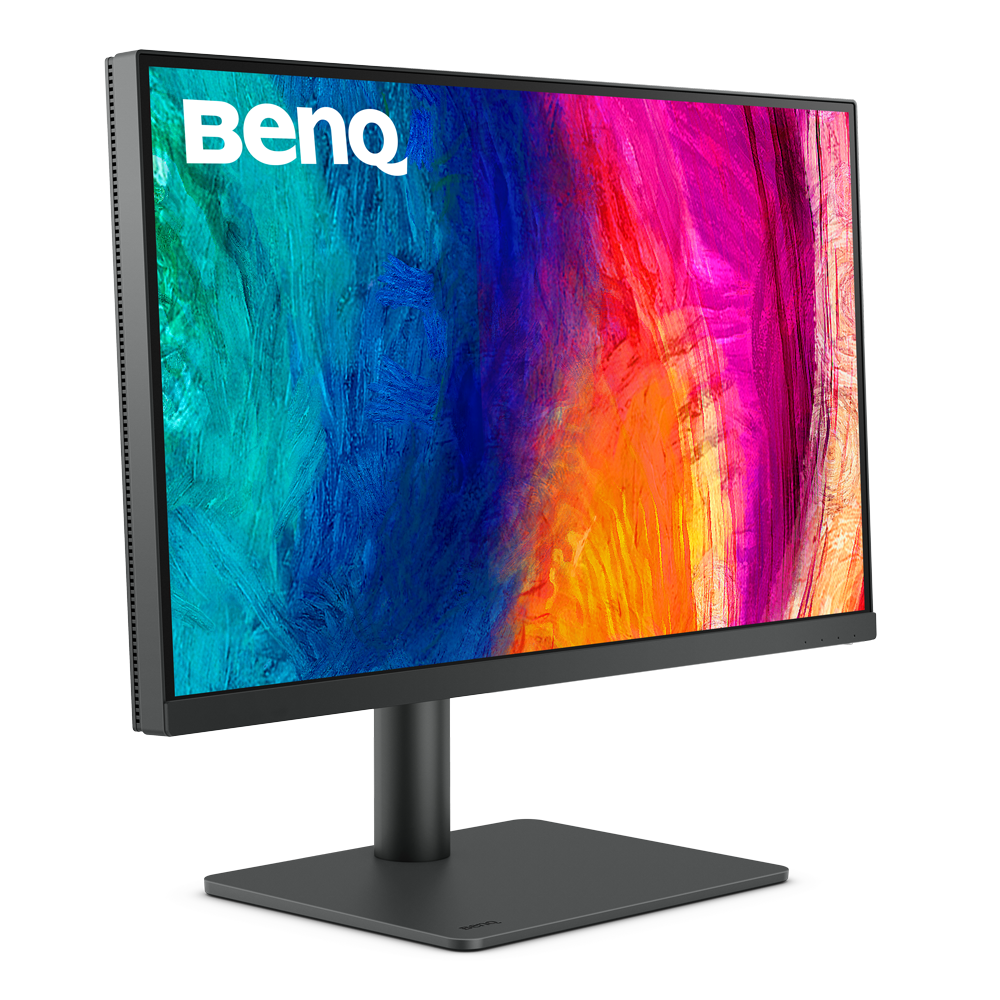
  • PD2705U|27-inch 4K UHD sRGB USB-C Designer Monitor | 99% sRGB & 99% Rec.709 | Color Mode | Darkroom Mode | Animation Mode | CAD/CAM

    • Free 3 months extended warranty - purchase from BenQ online store.
    • 27” 3840x2160 UHD 16:9 HDR IPS 4K Monitor, 99% sRGB and Rec.709 color spaces
    • USB-C One-Cable Connectivity
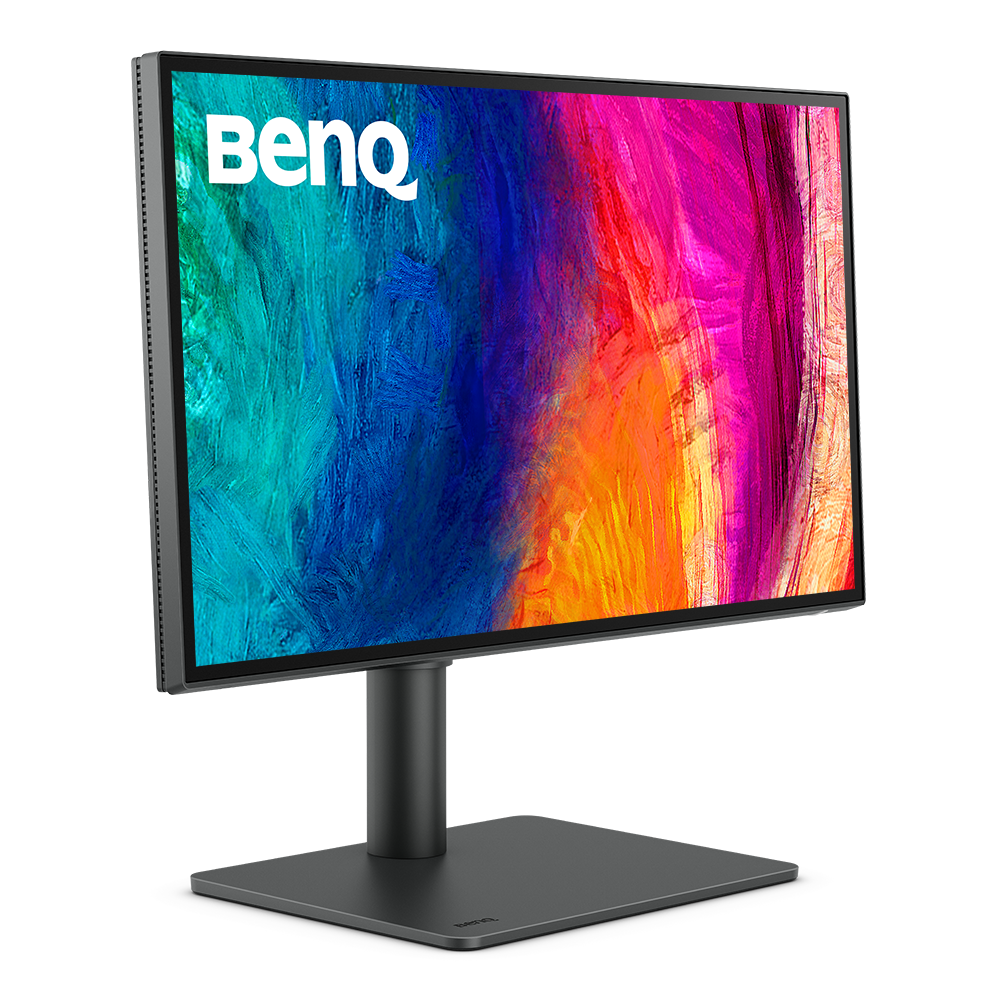
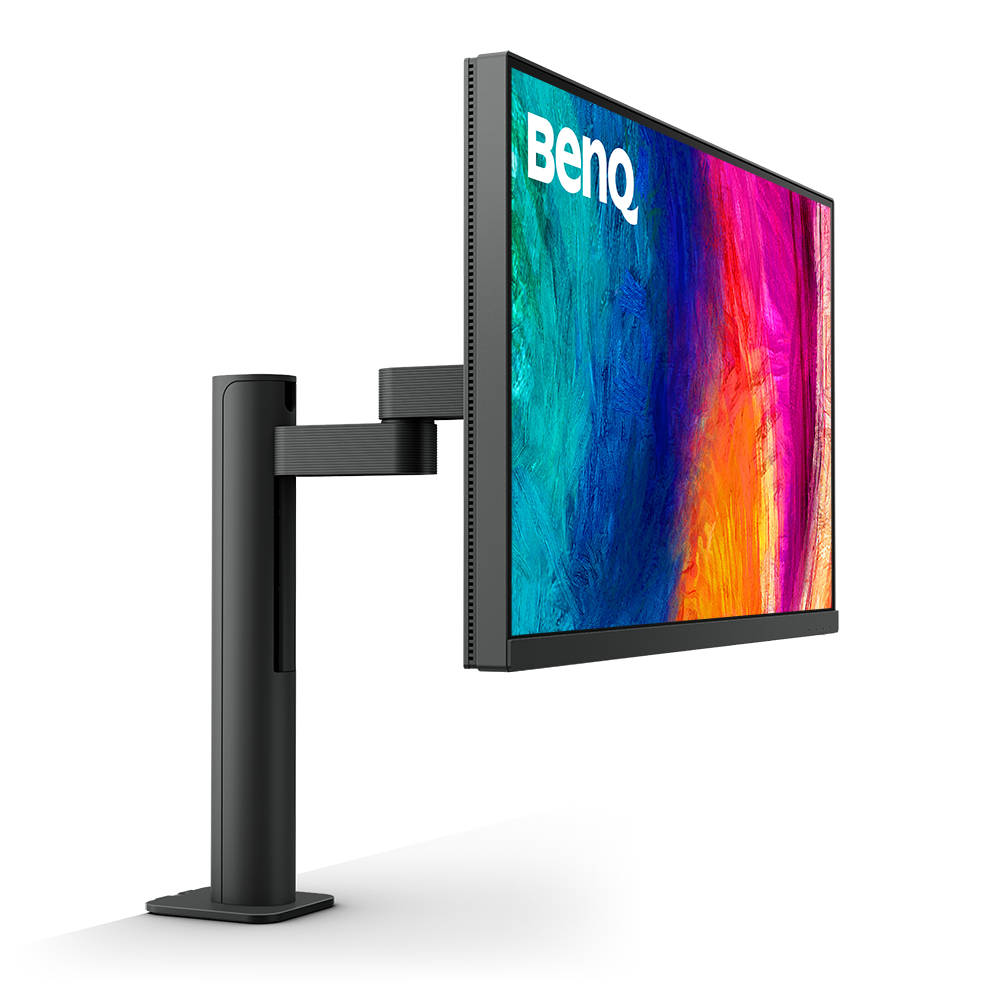
  • PD2705UA|27-inch Ergo Arm 4K UHD sRGB HDR10 USB-C Designer Monitor | 99% sRGB and Rec.709 color spaces

    • Free 3 months extended warranty - purchase from BenQ online store
    • Create with the comfort of ergo arm and enjoy the productivity, 27” 3840x2160 UHD 16:9 HDR IPS 4K Monitor
    • 99% sRGB and Rec.709 color spaces

    ₹42,500.00

    ₹65,000.00

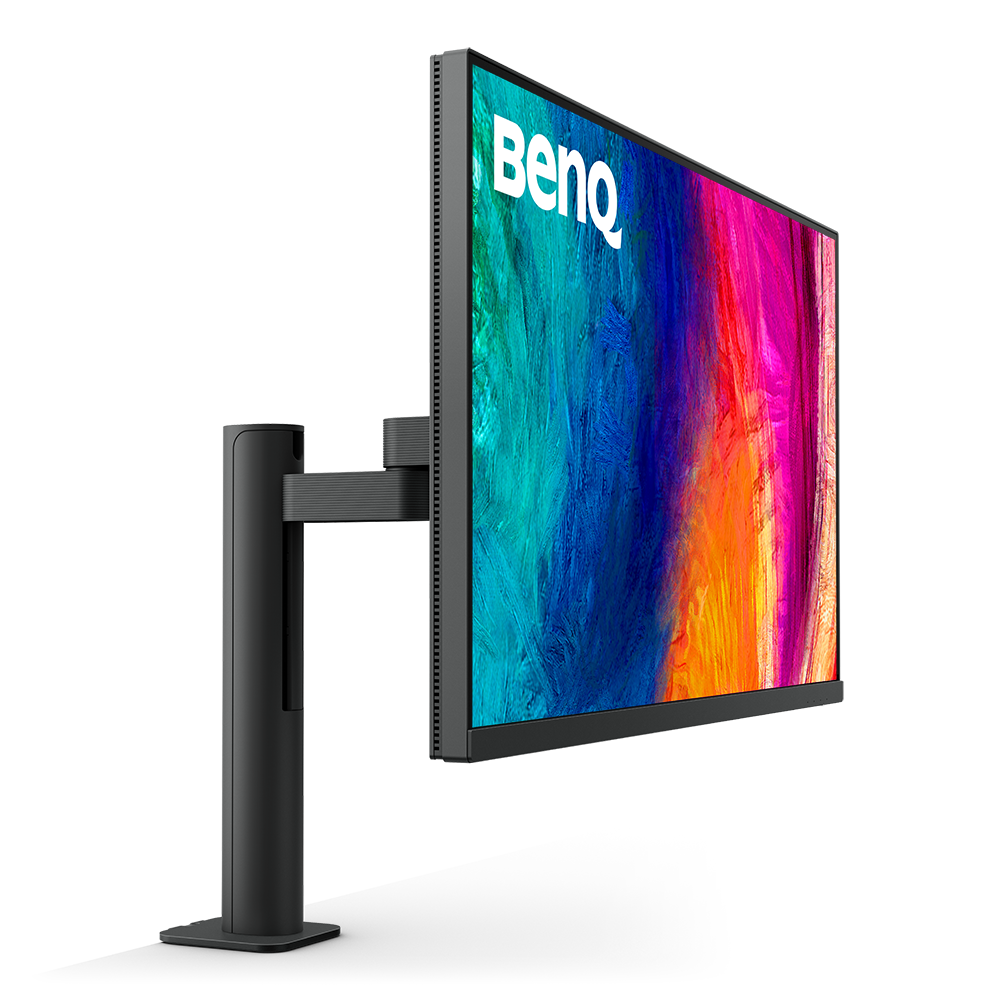
  • PD3205UA|32-inch Ergo Arm 4K UHD sRGB HDR10 USB-C Designer Monitor | 99% sRGB and Rec.709 color spaces

    • Free 3 months extended warranty - purchase from BenQ online store
    • Create with the comfort of ergo arm and enjoy the productivity, 32” 3840x2160 UHD 16:9 HDR IPS 4K Monitor
    • 99% sRGB and Rec.709 color spaces

    ₹54,990.00

    ₹79,990.00

  • PD2706UA 27-inch Ergo Arm 4K UHD P3 Display HDR 400 USB-C Designer Monitor | Ergo Arm with 95% P3 Color Gamut

    • Free 3 months extended warranty - purchase from BenQ online store
    • Create with the comfort of ergo arm and enjoy the productivity, Equipped with 95% P3 color space to guarantee consistent color applications. | 100% Rec 709, 100% sRGB, & Pantone Skintone Validated
    • 27” 4K UHD 16:9 IPS LED monitor with 90W USB-C connectivity

    ₹44,500.00

    ₹69,990.00

  • PD2725U|27-inch 4K UHD 2000:1 P3 Thunderbolt 3 Mac® Compatible Designer Monitor, Vesa Display HDR400, Pantone Validated, Thunderbolt 3

    • FREE 3 MONTHS EXTENDED ONSITE WARRANTY - PURCHASE FROM BENQ ONLINE STORE
    • Thunderbolt 3 synchronizes images, videos, data seamlessly, and can charge your mobile devices with all-in-one cable., Daisy Chain by Thunderbolt 3 to extend your workspace on up to dual 4k monitors and high-speed transfer.
    • Equipped with 95% Display P3 color space to guarantee consistent color applications for websites, printings, videos among all designers.

    ₹66,990.00

    ₹84,990.00

  • SW272U|27-inch 4K AdobeRGB 90W USB-C Photographer Monitor

    • Free 3 months extended warranty - purchase from BenQ online store
    • Fine-coating panel with TUV anti-reflection certification ensures the high quality of professional deliverables, 90W USB-C to transfer various data and deliver power, cordless Hotkey Puck for unlimited convenience
    • 99% Adobe RGB/DCI-P3/Display P3, Delta E ≤ 2, 10 bit color depth, 16 bit 3D LUT, for accurate color delivery

    ₹134,990.00

    ₹159,000.00

  • SW272Q|27-inch 2K AdobeRGB 90W USB-C Photographer Monitor

    • Free 3 months extended warranty - purchase from BenQ online store
    • Fine-coating panel with TUV anti-reflection certification ensures the high quality of professional deliverables, 99% Adobe RGB and 98% DCI-P3/Display P3, Delta E ≤ 1.5, 10 bit color depth, 16 bit 3D LUT, for accurate color delivery
    • 90W USB-C to transfer various data and deliver power, cordless Hotkey Puck for unlimited convenience

    ₹69,989.00

    ₹84,990.00

  • PD2705Q|27-inch 2K QHD USB-C Designer Monitor | 100% sRGB & Rec.709 | Pantone Validated | Calman Verified | Daisy Chain | Animation Mode | DesignVue Color Accurate Monitor | Auto Pivot | HDMI

    • Free 3 months extended warranty - purchase from BenQ online store.
    • 27” 2K QHD 16:9 IPS LED Monitor USB-C connectivity, Covers 100% sRGB and offer Delta E ≤ 3 color consistency
    • KVM & ICCsync boost work efficiency
  • SW321C|32-inch 4K AdobeRGB USB-C Photographer Monitor

    • Free 3 months extended warranty - purchase from BenQ online store
    • Best Professional Photo Monitor 2020 - TIPA (Technical Image Press Association)
    • Uniformity Technology for Screen-Wide Color Accuracy , Paper Color Sync Software Simulates Photo Print Effect on Screen

    ₹174,990.00

    ₹199,000.00

  • PD3220U|32-inch 4K UHD P3 Thunderbolt 3 Mac® Compatible Designer Monitor

    • Thunderbolt 3 synchronizes images, videos, data seamlessly, and can charge your mobile devices with all-in-one cable.
    • Daisy Chain by Thunderbolt 3 to extend your workspace on up to dual 4k monitors and high-speed transfer.
    • Equipped with 95% Display P3 color space to guarantee consistent color applications for websites, printings, videos among all designers.