BenQ Projectors for Casual Gaming
The Fun Keeps Going, Even with the Lights On

By Scenario
Home Entertainment 4K UHD Projectors Best Gaming Projectors Best Projector for World Football Video Streaming Ceiling ProjectorsBy Trending Word
4K UHD (3840×2160) Short Throw 2D, Vertical/Horizontal Keystone LED Laser With Android TV With Low Input LagExplore Commercial Projector
Professional Installation Exhibition & Simulation Golf Simulator Small Business & Corporation EducationRemote Work & Learning
Explore Monitor Arms
Ergo ArmsExplore Docks and Hubs
beCreatus DP1310Projector
By Scenario
Home Entertainment 4K UHD Projectors Best Gaming Projectors Best Projector for World Football Video Streaming Ceiling ProjectorsBy Trending Word
4K UHD (3840×2160) Short Throw 2D, Vertical/Horizontal Keystone LED Laser With Android TV With Low Input LagExplore Commercial Projector
Professional Installation Exhibition & Simulation Golf Simulator Small Business & Corporation EducationMonitor
Lighting
Remote Work & Learning
Interactive Display | Signage
Store
Cookie Setting
How can I change my BenQ cookie settings?
Page updated: May 2020
Some essential features on BenQ sites just won’t work without cookies. And having other cookies switched off can seriously affect the way you’ll be able to enjoy our services.
Please check your cookie settings below and turn on any cookies you’re happy with.
“Strictly necessary” cookies can’t be turned off. But Functional and Performance cookies can be turned on or off below. You can learn more about cookies and what they do on our other pages.
If you've chosen to block third-party cookies on your browser, your cookie preferences won't carry over from benq.eu to benq.xx and vice versa. Please make sure to set your cookie preferences in both places.
On
Strictly necessary cookies
These cookies are essential so that you can move around the website and use its features. Without these cookies services you have asked for cannot be provided.
On
Off
Functional cookies
These cookies allow the website to remember choices you make to give you better functionality and personal features.
On
Off
Performance cookies and advertising cookies
Performance cookies
These cookies help to improve the performance of BenQ. If you want to opt-out of advertising cookies, you have to turn-off performance cookies. We also use Google Analytics, SessionCam and Hotjar to track activity and performance on the BenQ website. You can control the information provided to Google, SessionCam and Hotjar. To opt out of certain ads provided by Google you can use any of the methods set forth here or using the Google Analytics opt out browser add-on here. To opt-out of SessionCam collecting data, you can disable tracking completely by following link:https://sessioncam.com/choose-not-to-be-recorded/. To opt-out of Hotjar collecting data, you can disable tracking completely by following link:https://www.hotjar.com/privacy/do-not-track/.
See list of performance and advertising cookies
Advertising cookies
These cookies are used to track your activity on the BenQ website and other websites across the Internet, help measure the effectiveness of our advertising campaign and deliver advertisements that are more relevant to you and your interests. We use various advertising partners, including Amazon, Facebook, and Google. These cookies and other technologies capture data like your IP address, when you viewed the page or email, what device you were using and where you were. You can find out how to avoid them below.
See list of performance and advertising cookies
MA-UP Glossy Series is here!
Shop NowMA-UP Glossy Series is here!
Shop Now
BenQ projectors provide high brightness with Rec.709 colour accuracy, letting you enjoy vibrant colours, 1080p clarity, and low input lag performance in bright living rooms. Invite your friends over for an epic gaming party everyone enjoys together.
Vibrant Colours in Brightly Lit Rooms
BenQ projectors provide high brightness with Rec.709 colour accuracy, letting you enjoy vibrant colours, 1080p clarity, and low input lag performance in bright living rooms. Invite your friends over for an epic gaming party everyone enjoys together.
No room for projection when a bunch of people are over? Short-throw design allows big-screen entertainment with minimal distance, maximising your available space to start the party anywhere at home.
Get the Party Started in Any Corner
No room for projection when a bunch of people are over? Short-throw design allows big-screen entertainment with minimal distance, maximising your available space to start the party anywhere at home.
Based on the annual net carbon sequestration of Central Parks in New York City.
BenQ’s carbon reduction equals 210 Central Parks
Based on the annual net carbon sequestration of Central Parks in New York City.
Casual Gaming Projector
Compare all casual gaming projectors4K UHD (3840×2160)
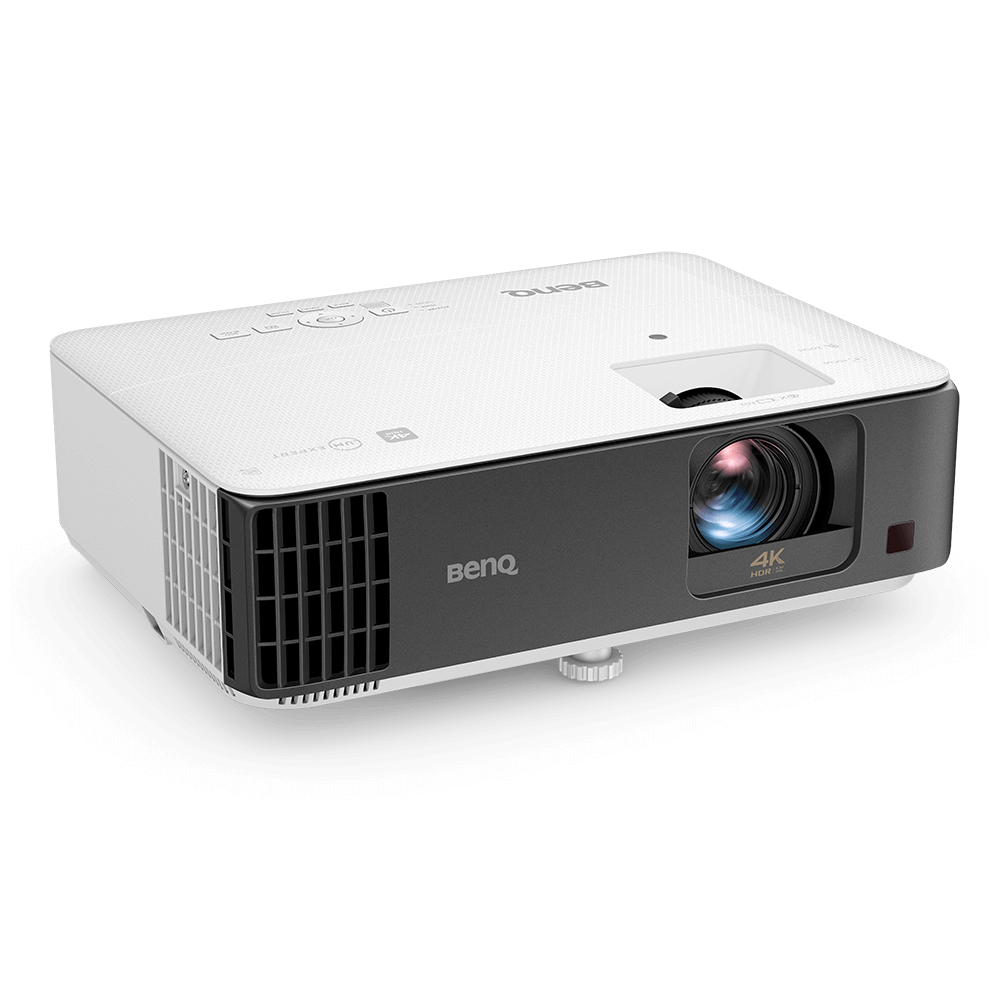
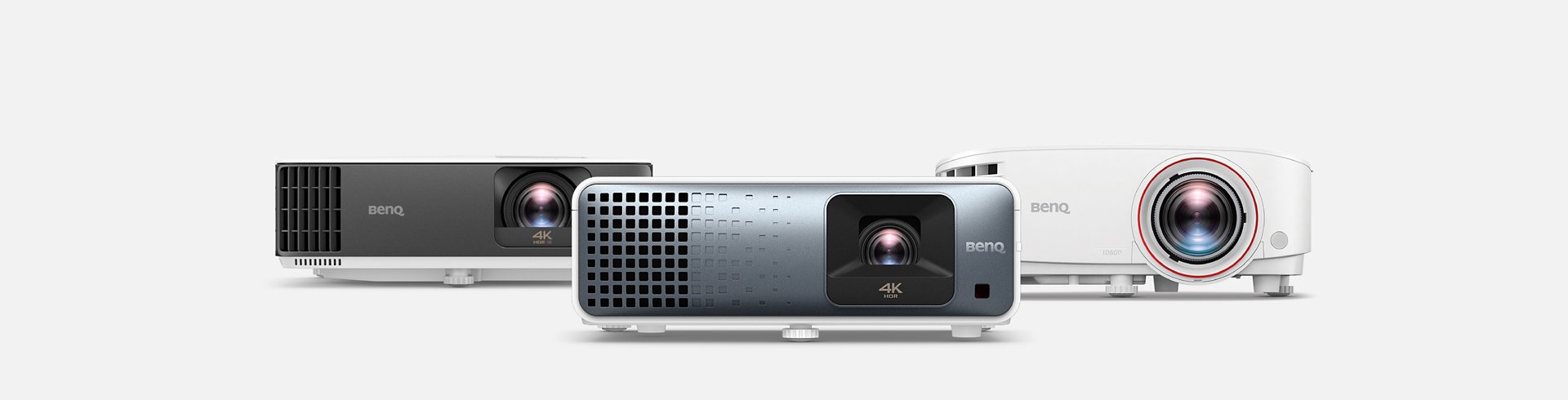
4K HDR projector for casual gaming
From {{currency}}{{ n[1]| numberThousandsCommas | numberDecimalPoint }} -
Learn more3000lm~3200lm
Brightness
Up to
Input Lag
Up to
95% Rec.709
Color Coverage
1.2x~1.3x
Zoom Ratio
Audio Return
Lamp
Light Source
Projection Distance
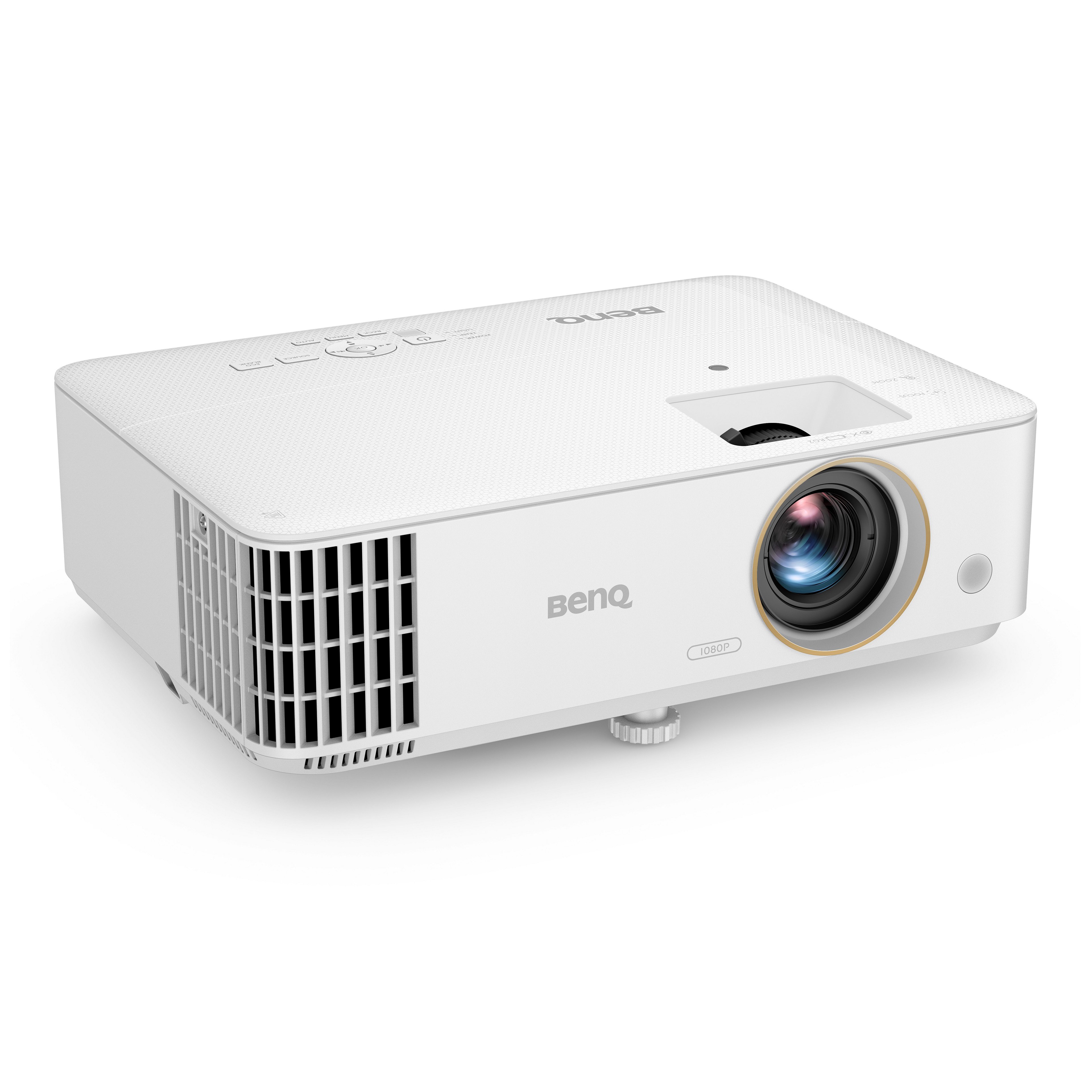
1080p FHD (1920x1080)
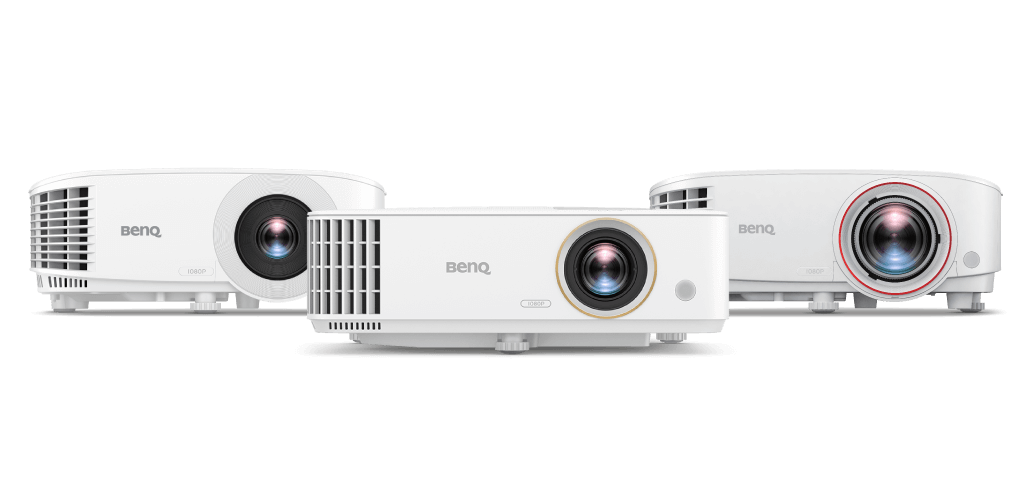
1080P HDR projector for casual gaming
{{currency}}{{ n[1]| numberThousandsCommas | numberDecimalPoint }} -
Learn more2300lm~3800lm
Brightness
Up to
8 ms (1080p@120Hz)
Input Lag
Up to
98% Rec.709
Color Coverage
1.1x~1.3x
Zoom Ratio
-
Audio Return
Light Source
100" @5ft (1.5m)
Projection Distance
Input Lag
Input lag or input latency is the amount of time it takes to display a signal on the screen from when the source sends it.
Rec.709 Color Space
Rec.709 uses specific red, green, and blue colors and illuminant D65 (6500k) for the white point to build a standardized color space and reproduce accurate color gamut and grayscale, and the percentage higher, the color gamut wider.
Zoom Ratio
The zoom ratio is used to indicate the zoom range of the lens, you will see it listed with an "X". The zoom ratio does not equate to the total zoom power of the lens, simply the zoom range of the lens.
Input Lag
Input lag or input latency is the amount of time it takes to display a signal on the screen from when the source sends it.
Rec.709 Color Space
Rec.709 uses specific red, green, and blue colors and illuminant D65 (6500k) for the white point to build a standardized color space and reproduce accurate color gamut and grayscale, and the percentage higher, the color gamut wider.
Zoom Ratio
The zoom ratio is used to indicate the zoom range of the lens, you will see it listed with an "X". The zoom ratio does not equate to the total zoom power of the lens, simply the zoom range of the lens.
Projection Distance
There are many choices in terms of machine size and projector lens design. This is the distance to project a 100-inch screen.