azure-location

Check out our full range of MA Series monitors!

Shop Now

Check out our full range of MA Series monitors!

localNavigation.type = g6-product-overview-page

SW272U

{{currency}}{{finalPrice.final | numberThousandsCommas | numberDecimalPoint}}

{{currency}}{{regularPrice.final | numberThousandsCommas | numberDecimalPoint}}

Buy

BenQ PhotoVue Monitors

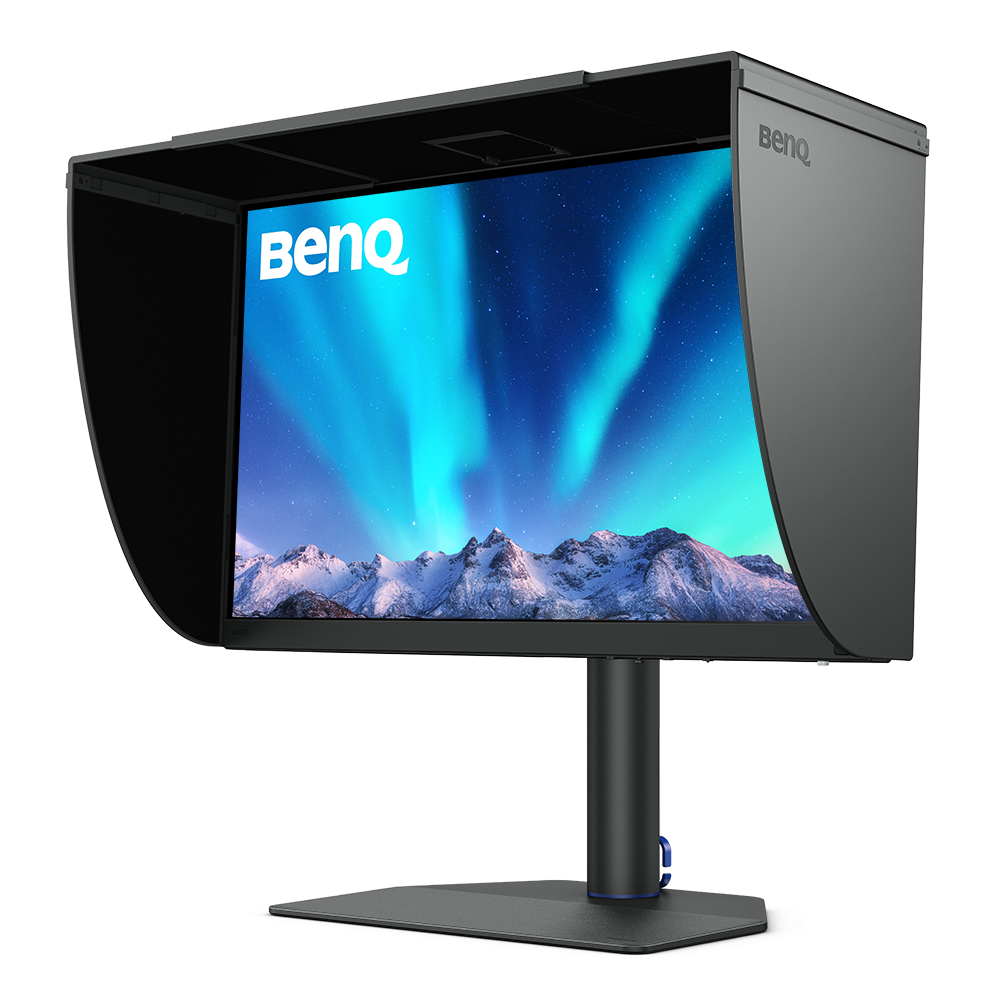
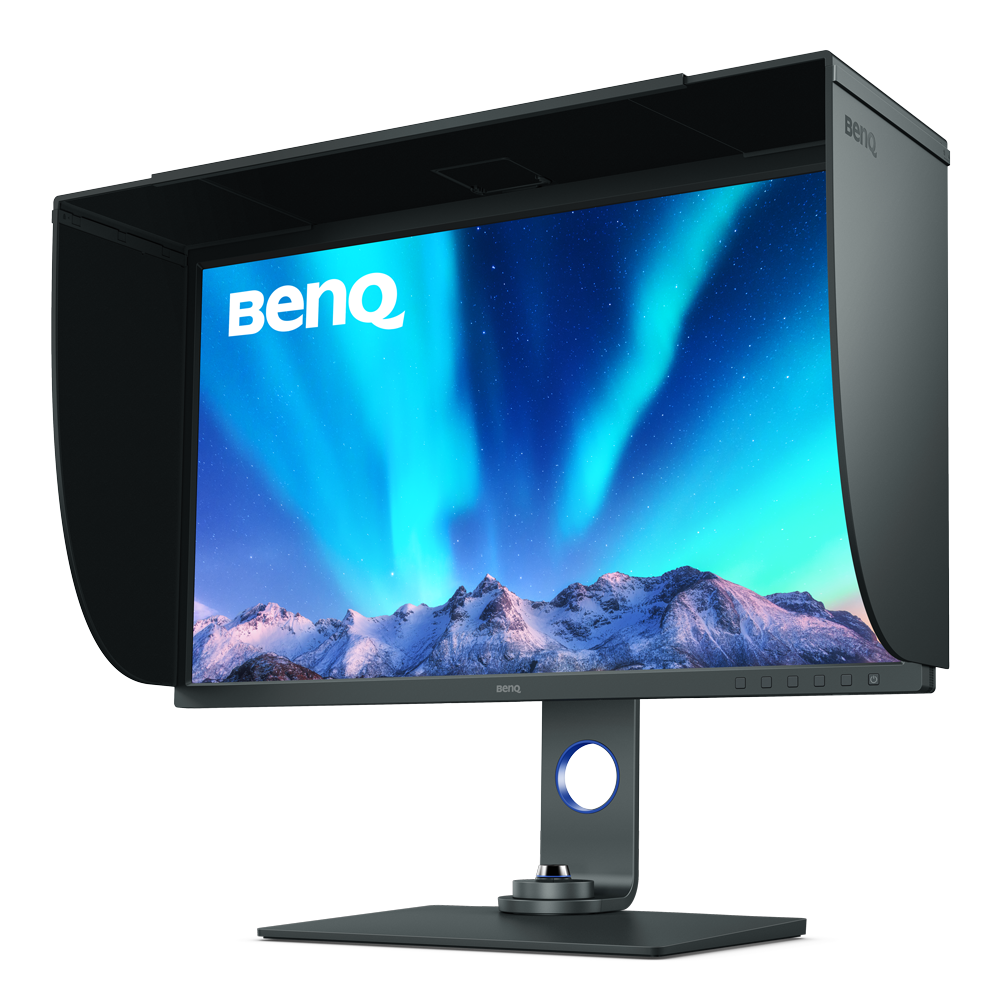
SW272U│27-inch 4K AdobeRGB 90W USB-C Photographer Photo Editing Monitor

TIPA 2024 Award

BenQ PhotoVue Monitors

SW272U│27-inch 4K AdobeRGB 90W USB-C Photographer Photo Editing Monitor

TIPA 2024 Award

Pursuing Perfection

Pursuing Perfection

  • photo shooting

    1. Shooting

  • photo editing

    2. Editing

  • photo preview

    3. Preview

  • final output

    4. Final output

BenQ PhotoVue Monitors Make the Moment Alive with True Colors

Make the Moment Alive with True Colors

Make the Moment Alive with True Colors

BenQ SW272U utilizes Fine-Coated anti-reflection panel to eliminate glare and reflection for simulated paper-texture visual experiences on screen under different types of ambient lighting to get perfect results.

Nano Matte Panel for Reflection-Free Retouching

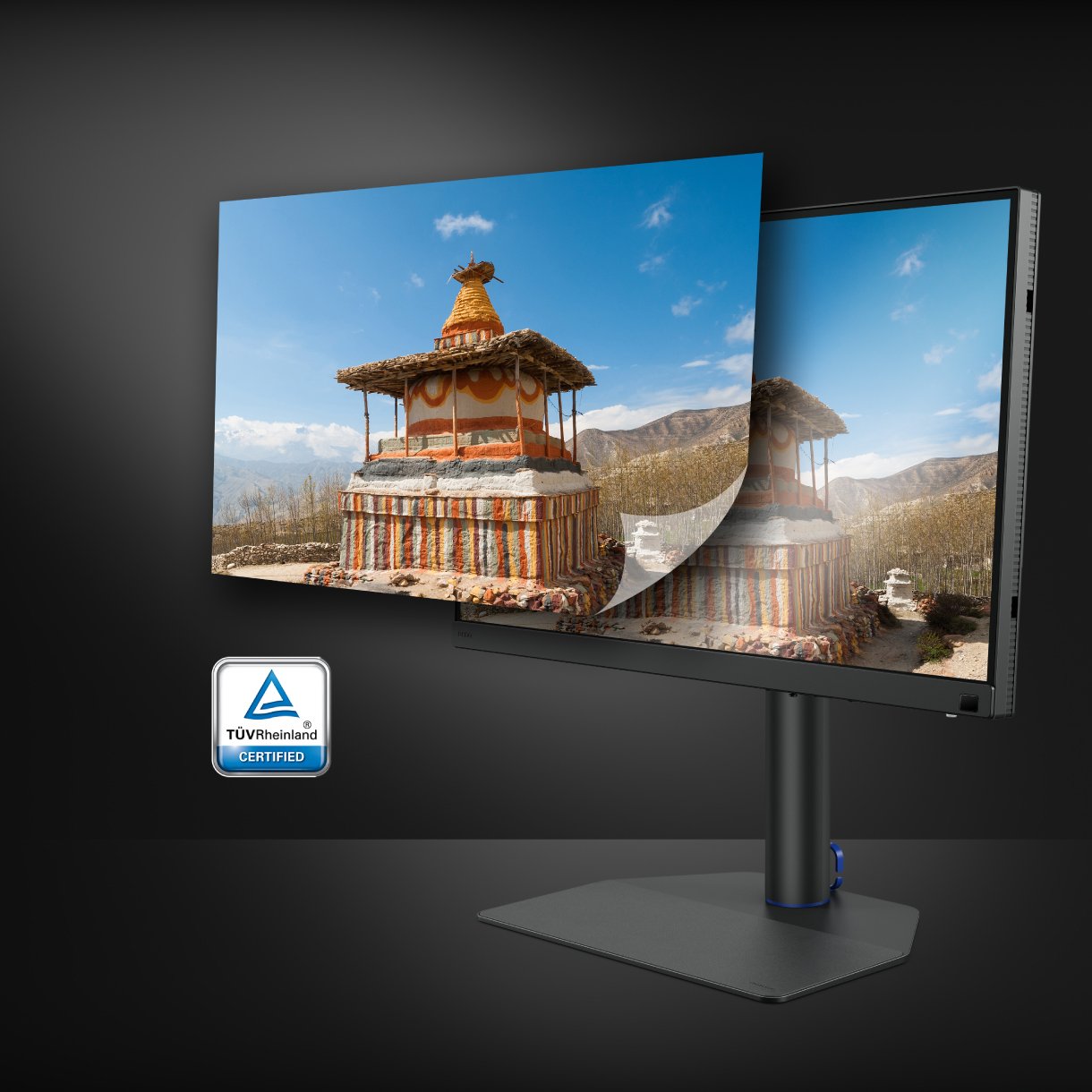
Certified with TUV Rheinland Reflection-Free Certifications, SW242Q utilises Nano Matte Panel to eliminate glare and reflection for simulated paper-texture visual experiences on screen under different types of ambient lighting to get perfect results.

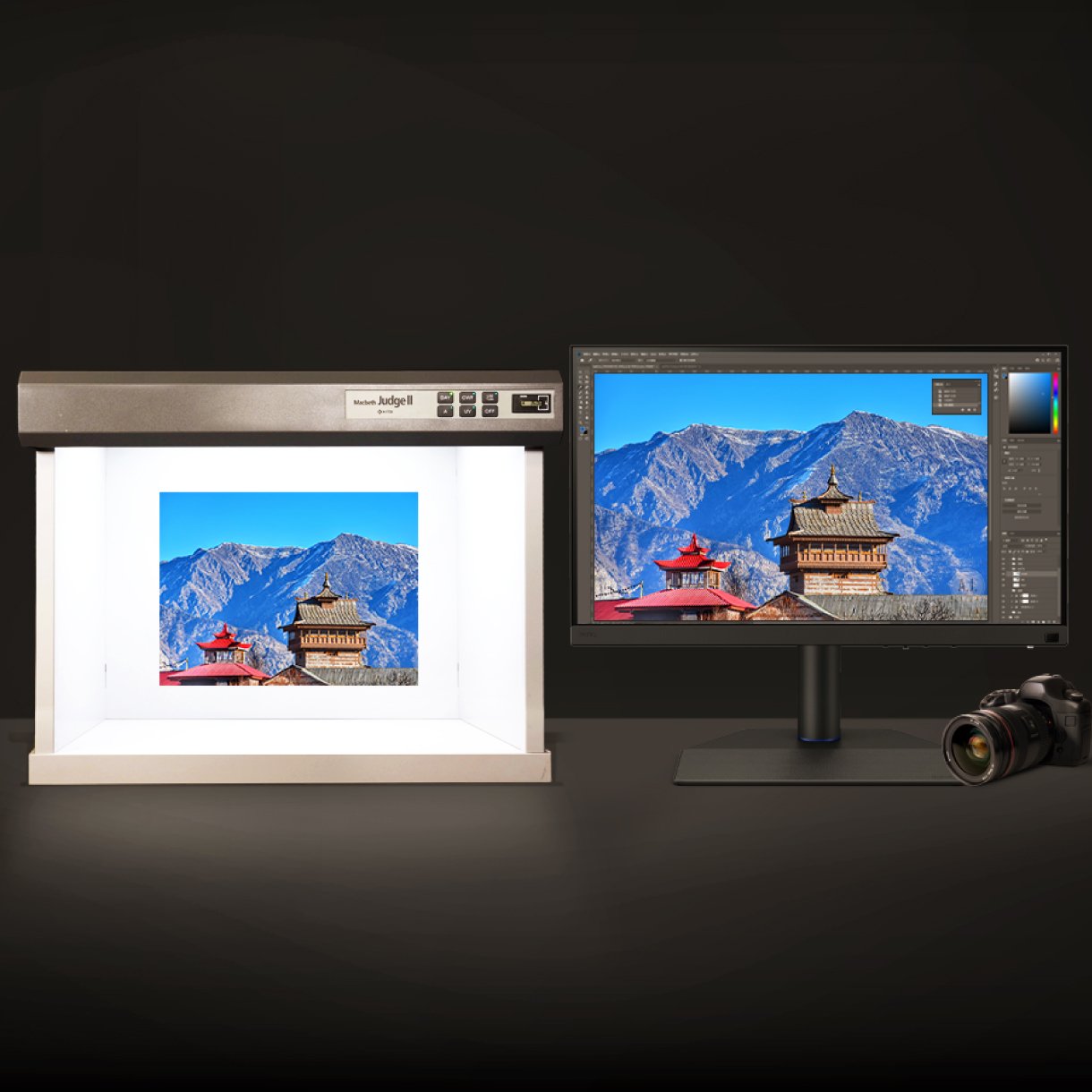
BenQ SW272U offers the finest creative experiences with color consistency to simulate paper texture on-screen, and Paper Color Sync for accurate printed output, BenQ achieved unparalleled color performance beyond the industry standard.

Fine-Coated Panel for Precise Soft-proofing

Offering the finest creative experiences with colour consistency to simulate paper texture on-screen, and Paper Colour Sync for accurate printed output, BenQ achieved unparalleled colour performance beyond the industry standard.

Nano Matte Panel for Reflection-Free Retouching

Certified with TUV Rheinland Reflection-Free Certifications, SW242Q utilises Nano Matte Panel to eliminate glare and reflection for simulated paper-texture visual experiences on screen under different types of ambient lighting to get perfect results.

Fine-Coated Panel for Precise Soft-proofing

Offering the finest creative experiences with colour consistency to simulate paper texture on-screen, and Paper Colour Sync for accurate printed output, BenQ achieved unparalleled colour performance beyond the industry standard.

aqcolor

Corner-to-Corner Colour Precision, From Panel to Production

BenQ AQCOLOR technology delivers 'Accurate Reproduction.' This translates to the display of colour precisely as it is intended to appear. Led by a colour expert, the BenQ team took part in the ICC* and ISO** to establish colour-related standards and implementation guidelines. Covering 99% Adobe RGB, P3 and 100% sRGB colour spaces, with Delta E ≤ 1.5 and BenQ ICCsync, SW272U offers out-of-the-box and easy-to-reach colour accuracy. The 16-bit 3D lookup table (LUT) improves colour blending for precise reproduction.

* International Color Consortium **International Organization of Standardization

  • Uniformity Control

    Full Screen Calibration via Micro-Zone Correction

  • Color Tolerance Management

    High-Precision Instrument Alignment

  • Industry Standards Compliance

    From Rec.709, DCI-P3 to Adobe RGB and Beyond

Corner-to-Corner Uniformity

Uneven colour and dim corners aren’t just annoying, they distort your work. BenQ tackles what others overlook. Through full screen calibration, we ensure consistent brightness and colour across the entire screen. So whether you're editing centre frame or checking the edges, you can create with total confidence.

Non-Uniformity

Non-Uniformity

BenQ Total-Field Uniformity

BenQ Total-Field Uniformity

Calman Verified, Pantone Validated, and 3rd-Party Video Calibration Software Supported

BenQ PhotoVue monitors are accredited with Calman Verified, Pantone Validated and Pantone SkinTone Validated certifications. Creative professionals demand colour excellence, and BenQ delivers. Moreover, SW272U supports world-leading video calibration software, Calman and ColourSpace. Adjust your display's 3D LUT (Lookup Table) for accuracy and consistency at all levels.

  • BenQ PhotoVue monitors are accredited with Calman Verified, Pantone Validated and Pantone SkinTone Validated certifications.
  • BenQ PhotoVue monitors are accredited with Calman Verified, Pantone Validated and Pantone SkinTone Validated certifications.
  • BenQ SW272U supports world-leading video calibration software, Calman and ColourSpace. Adjust your display's 3D LUT (Lookup Table) for accuracy and consistency at all levels.
  • BenQ SW272U supports world-leading video calibration software, Calman and ColourSpace. Adjust your display's 3D LUT (Lookup Table) for accuracy and consistency at all levels.
  • BenQ SW272U supports world-leading video calibration software, Calman and ColourSpace. Adjust your display's 3D LUT (Lookup Table) for accuracy and consistency at all levels.
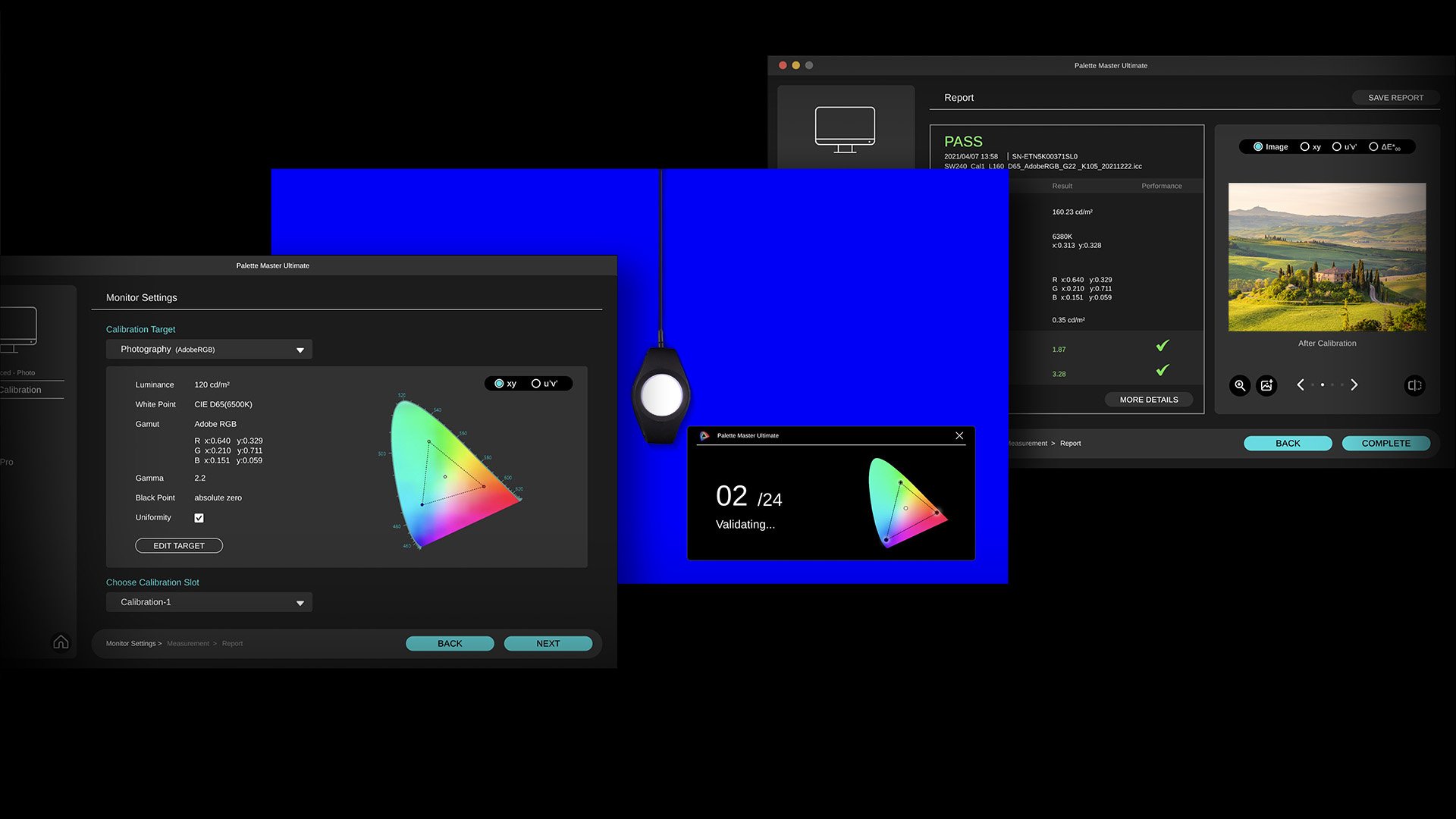
BenQ Palette Master Ultimate is the software for Hardware Calibration. Tune and maintain the color performance of your monitors with Palette Master Ultimate software and get the optimal color consistency in 3 steps.

AQCOLOR Pilot

Hardware Calibration Simplified with Precision

Effortless calibration, no experience needed. Follow the visual menus and clear prompts for hardware calibration that meets international standards.

*Supports industry-standard calibrators. Learn more on the AQCOLOR Pilot website. **AQCOLOR Pilot was formerly known as Palette Master Ultimate.
AQCOLOR Pilot

Hardware Calibration Simplified with Precision

Effortless calibration, no experience needed. Follow the visual menus and clear prompts for hardware calibration that meets international standards.

*Supports industry-standard calibrators. Learn more on the AQCOLOR Pilot website. **AQCOLOR Pilot was formerly known as Palette Master Ultimate.

Your Best Choice for Precise-colour Management

BenQ Palette Master Ultimate is Your Best Choice for Precise-color Management BenQ Palette Master Ultimate is Your Best Choice for Precise-color Management
Whether you're designing web content in sRGB, editing 4K videos in DCI-P3, or retouching photos in Adobe RGB, BenQ SW272U wide color coverage showcases your talent, letting your finished work look the way you intended.

Realized Outputs As the Way You Intended

Whether you're retouching photos in Adobe RGB or editing 4K videos in DCI-P3, SW272U’s wide colour coverage showcases your talent, letting your finished work look the way you intended.

Realized Outputs As the Way You Intended

Whether you're retouching photos in Adobe RGB or editing 4K videos in DCI-P3, SW272U’s wide colour coverage showcases your talent, letting your finished work look the way you intended.

BenQ Paper Color Sync offers simulated images attuned to the color settings, printer, and photo paper in use for easy and accurate photo preview before print.

Paper Colour Sync

Paper Colour Sync offers simulated images attuned to the colour settings, printer, and photo paper in use for easy and accurate photo preview before print.

With BenQ PhotoVue Monitoris GamutDuo users can preview the same image in two color gamuts, side-by-side, for comparison in photo editing.

GamutDuo Preview for Adobe RGB, sRGB, and more

Preview the same image in two colour gamuts, side-by-side, for comparison in photo editing.

Equipped with P3 Color Space, BenQ SW272U delivers accurate colors to videos with P3 color space for your video projects.

P3 Color Preview for Digital Outputs

Deliver accurate colors to videos with P3 color space for your video projects.

Paper Colour Sync

Paper Colour Sync offers simulated images attuned to the colour settings, printer, and photo paper in use for easy and accurate photo preview before print.

GamutDuo Preview for Adobe RGB, sRGB, and more

Preview the same image in two colour gamuts, side-by-side, for comparison in photo editing.

P3 Color Preview for Digital Outputs

Deliver accurate colors to videos with P3 color space for your video projects.

Video Format Support

SW272U helps pros get the best video results with HDR support and multiple video formats.

BenQ has tested select SDI to HDMI devices as compatible with SW272U. Videographers can thus connect their SDI devices to the monitor for stable and non-compressed signal transmission and real quality video image.

Select SDI to HDMI Device Compatibility

With SW272U, videographers can thus connect their SDI devices to the monitor for stable and non-compressed signal transmission and real quality video image. *Black Magic Teranex Mini SDI to HDMI 12G, Black Magic Micro Converter SDI to HDMI, Black Magic DeckLink 4K Extreme 12G, AJA Hi5 12G, AJA KONA5

BenQ SW272U is compatible with HDR10 and HLG formats. Preview the HDR effect of video content during the editing process for best results.

HDR10 and HLG

Thanks to SDI to HDMI Device Compatibility, SW272U is also HDR10- and HLG-compatible, making it perfect to preview the HDR effect of video content during the editing process for best results.

BenQ SW272U supports 4:4:4, 4:2:2, and 4:2:0 sampling in determining monitor fidelity.

Chroma Sampling Support or Video Format

Combined with the above video format compatibilities, SW272U supports 4:4:4, 4:2:2, and 4:2:0 sampling in determining monitor fidelity.

Select SDI to HDMI Device Compatibility

With SW272U, videographers can thus connect their SDI devices to the monitor for stable and non-compressed signal transmission and real quality video image. *Black Magic Teranex Mini SDI to HDMI 12G, Black Magic Micro Converter SDI to HDMI, Black Magic DeckLink 4K Extreme 12G, AJA Hi5 12G, AJA KONA5

HDR10 and HLG

Thanks to SDI to HDMI Device Compatibility, SW272U is also HDR10- and HLG-compatible, making it perfect to preview the HDR effect of video content during the editing process for best results.

Chroma Sampling Support or Video Format

Combined with the above video format compatibilities, SW272U supports 4:4:4, 4:2:2, and 4:2:0 sampling in determining monitor fidelity.

BenQ PhotoVue Monitors SW272U provides Hassle-Free Work Environment for Efficiency

Hassle-free Work Environment for Efficiency

Hassle-free Work Environment for Efficiency

Expand Your Mac

USB-C carries images, videos, and other data seamlessly plus charges your mobile devices at the same time all with one cable.

Your USB-C, Thunderbolt3/4 devices are compatible with USB-C on BenQ displays, ensuring consistent and seamless work efficiency.

.

.

Hotkey Puck G3

Cordless for unlimited convenience.
.

.

The Convenient Design of BenQ SW272U, user can easily access OSD, I/O port, and card reader efficiently.

Convenient Design

Easy to access OSD, I/O port, and card reader efficiently.

With the exclusive Leatherette Base of BenQ SW272U, saving the workspace for valuable items.

Leatherette Base

Save the workspace for valuable items.

Convenient Design

Easy to access OSD, I/O port, and card reader efficiently.

Leatherette Base

Save the workspace for valuable items.

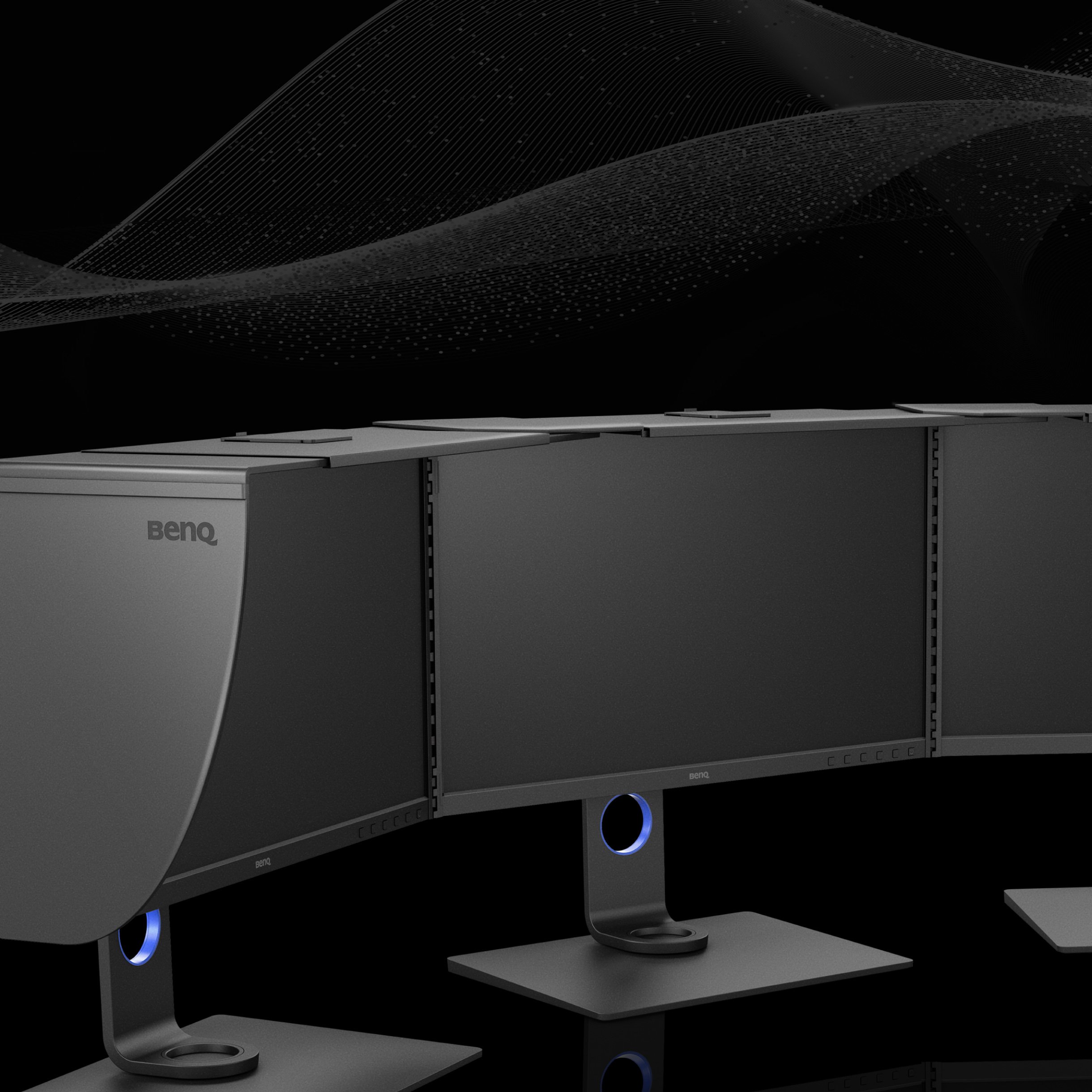
BenQ PhotoVue Shading hood bridge, the Pursuit of Perfection Never Ends

The Pursuit of Perfection Never Ends

The Pursuit of Perfection Never Ends

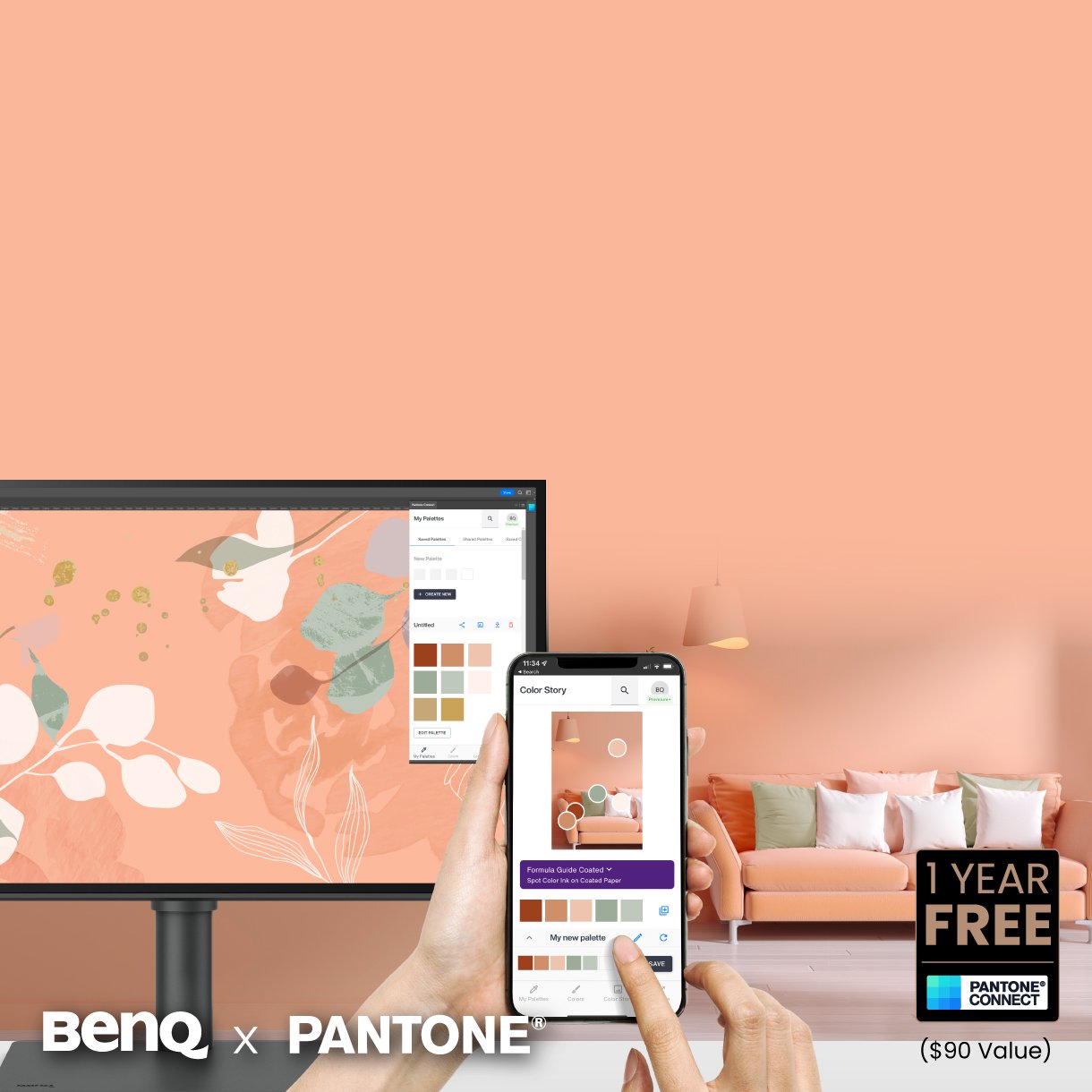
As an existing owner or a new purchaser of BenQ professional monitors, you get one year of free Pantone Connect Premium for digitally mobile color consistency and accuracy.

Pantone Connect Premium

Go digital with BenQ, the first brand to work with Pantone on a mobile app. As an existing owner or a new purchaser of BenQ professional monitors, you get one year of free Pantone Connect Premium for digitally mobile color consistency and accuracy.

Pantone Connect Premium

Go digital with BenQ, the first brand to work with Pantone on a mobile app. As an existing owner or a new purchaser of BenQ professional monitors, you get one year of free Pantone Connect Premium for digitally mobile color consistency and accuracy.

BenQ Experts

BenQ Experts

BenQ ESG sustainable product infographic

BenQ sustainable monitor showing carbon footprint reduction journey and eco design innovation

Related Products

      • Special Offer

        SW242Q

      • Special Offer

        SW272Q

      • Special Offer

        SW272U

      • SW321C

    • Screen Size

      • 24.1 inch

      • 27 inch

      • 27 inch

      • 31.5 inch

    • Color Gamut

      • 100% sRGB, 98% P3, 99% Adobe RGB

      • 100% sRGB, 100% Rec.709, 98% P3, 99% Adobe RGB

      • 100% sRGB, 100% Rec.709, 99% Adobe RGB, 99% P3

      • 100% sRGB, 95% P3, 99% Adobe RGB

    • Resolution (max.)

      • 2560x1600

      • 2560x1440

      • 3840x2160

      • 3840x2160

    • Delta E(avg)

      • ≤1.5

      • ≤1.5

      • ≤1.5

      • ≤2

    • HDR

      • HDR10

      • HDR10

      • HDR10, HLG

      • HDR10, HLG

    • USB C(PowerDelivery 60W, DisplayPort Alt Mode, Data)

      • 1

      • {{currency}}{{ n[1]| numberThousandsCommas | numberDecimalPoint }} {{currency}}{{ n[2]| numberThousandsCommas | numberDecimalPoint }}
        Buy
      • {{currency}}{{ n[1]| numberThousandsCommas | numberDecimalPoint }} {{currency}}{{ n[2]| numberThousandsCommas | numberDecimalPoint }}
        Buy
      • {{currency}}{{ n[1]| numberThousandsCommas | numberDecimalPoint }} {{currency}}{{ n[2]| numberThousandsCommas | numberDecimalPoint }}
        Buy
      • 3599
        Buy
Explore Other Professional Monitors

FAQ

Have a question?

Download

Find the latest user manual