
When it comes to teacher and student health, BenQ is always ahead of the class. All BenQ interactive displays come equipped with ClassroomCare®, our proprietary line of health-centric technologies carefully designed and tested to make active engagement in the classroom safe for everyone.

Reduce disease transmission in the classroom with ClassroomCare® germ-resistant screens and pens. All BenQ interactive displays have touchscreens coated with a nano-ionic silver formula that kills 99.9% of common germs after contact.

As part of ClassroomCare® technologies, BenQ displays come with low blue light and flicker-free technology for reduced eye strain and a comfortable viewing experience. Anti-glare screens additionally ensure that display content is seen clearly, even on hybrid and remote calls.

Flicker-Free

Low Blue Light

Anti-Glare
TÜV


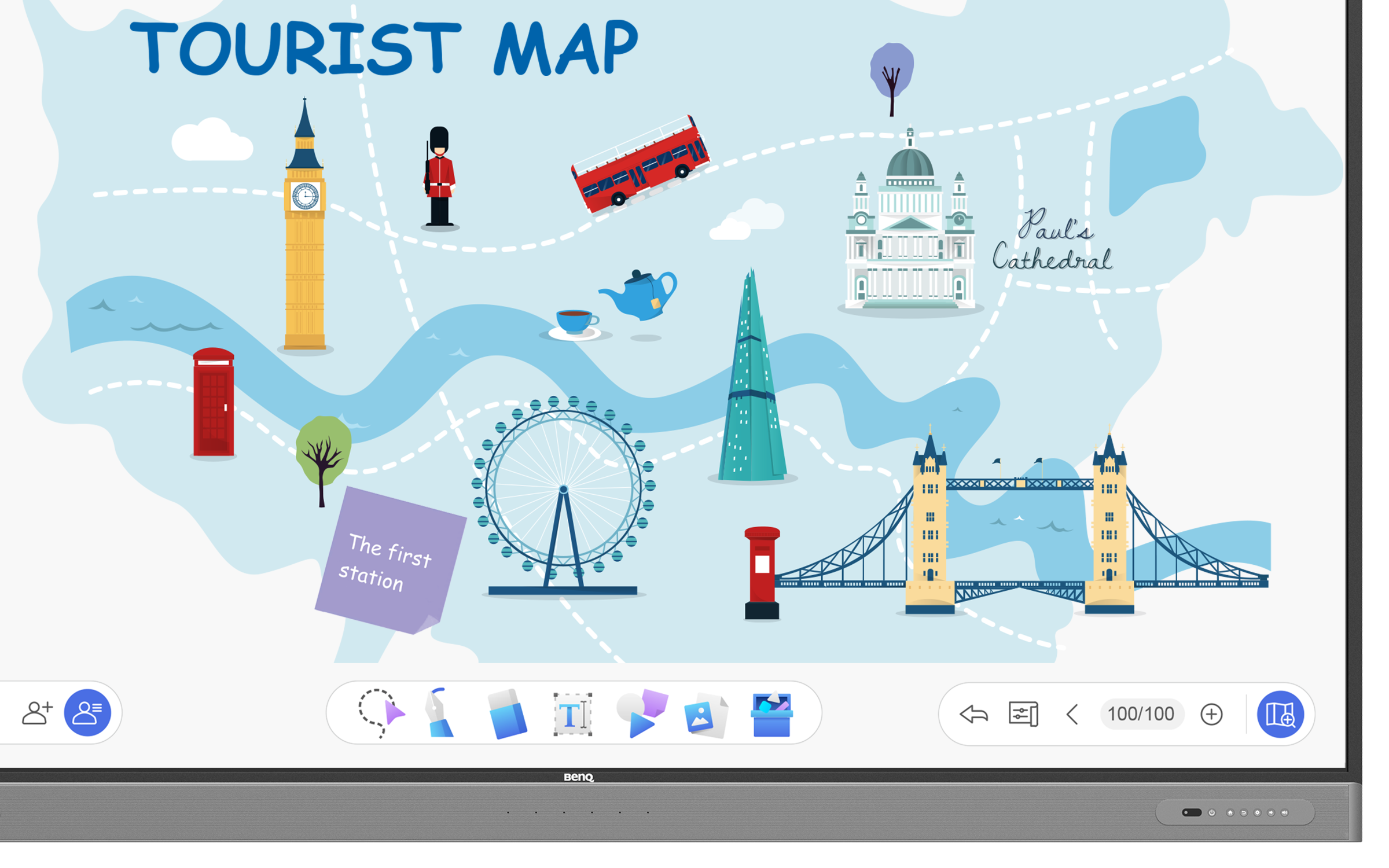
Foster collaborative learning with an intuitive whiteboard. EZWrite 6 lets you work on the canvas from the interactive display or your device.
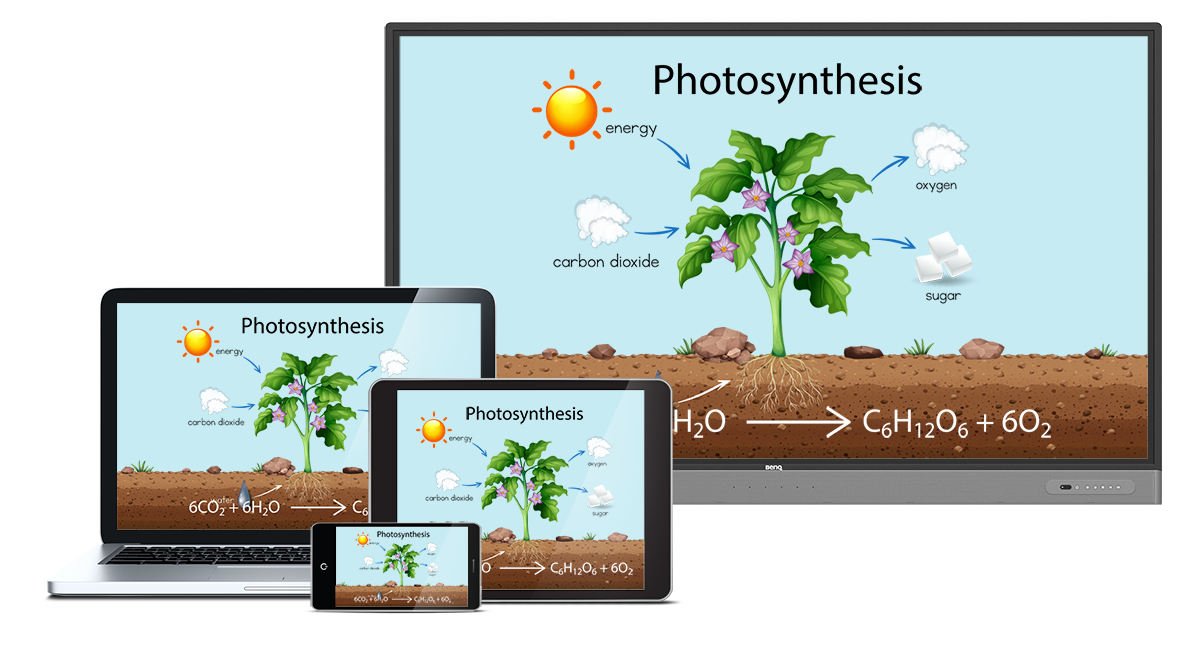
Empower students to wirelessly present their ideas in class without the hassle of cables. InstaShare 2 lets students simultaneously cast their device screens onto the interactive display.

Have students learn from home or invite a guest speaker to join remotely. The RM03 is compatible with all leading video conferencing software such as Zoom, Google Meet, and Microsoft Teams. Use a slot-in PC or plug in the TZY31 InstaShare Button Solution to start video calls on the display with a single click.

Enjoy Google Classroom integration as well as compatibility with Canvas and other LMS.
*Available H1 2022

Keep students engaged with student response systems such as Kahoot! and other SRS.
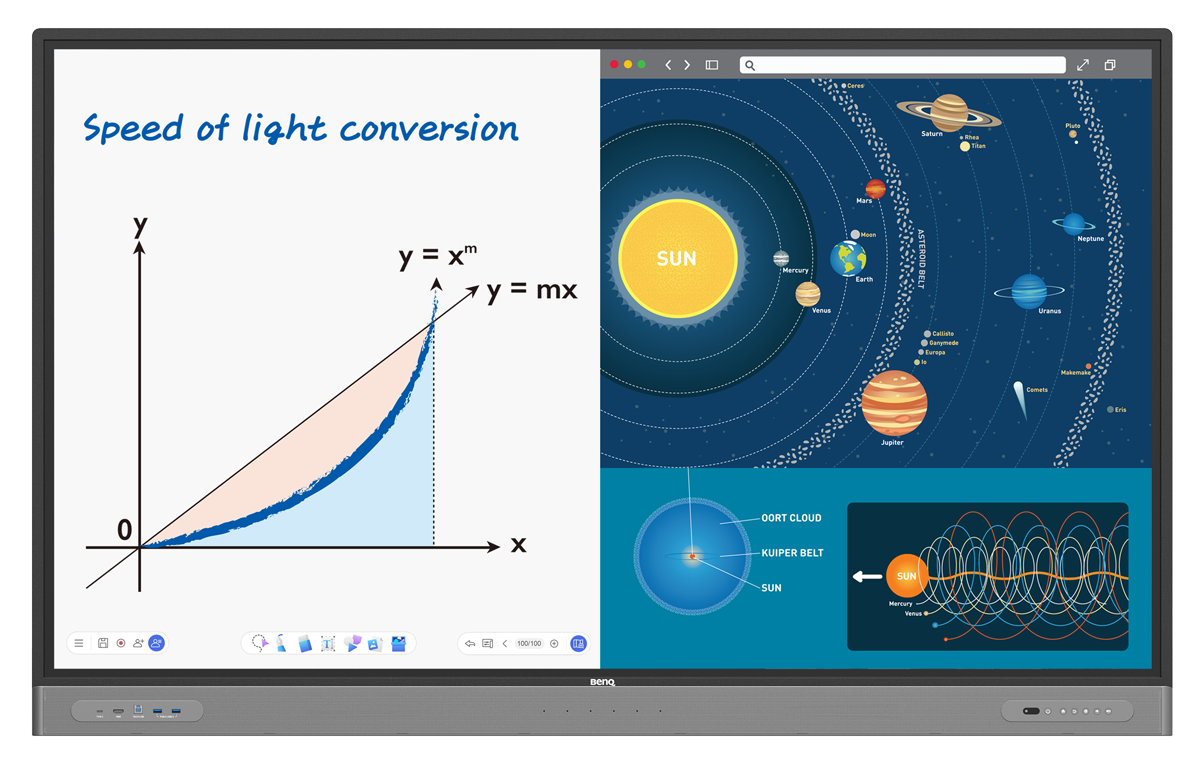
Make lessons more efficient by running two apps side by side. Explain in detail with a whiteboard on one side and supporting content on the other.
*Available Q2 2022

Load your personal settings and files on any display. Securely access lesson materials on Dropbox, Google Drive, and OneDrive.





The built-in 2 × 16W speakers and 6-microphone array ensure that the entire class can hear and be heard during hybrid and remote lessons.

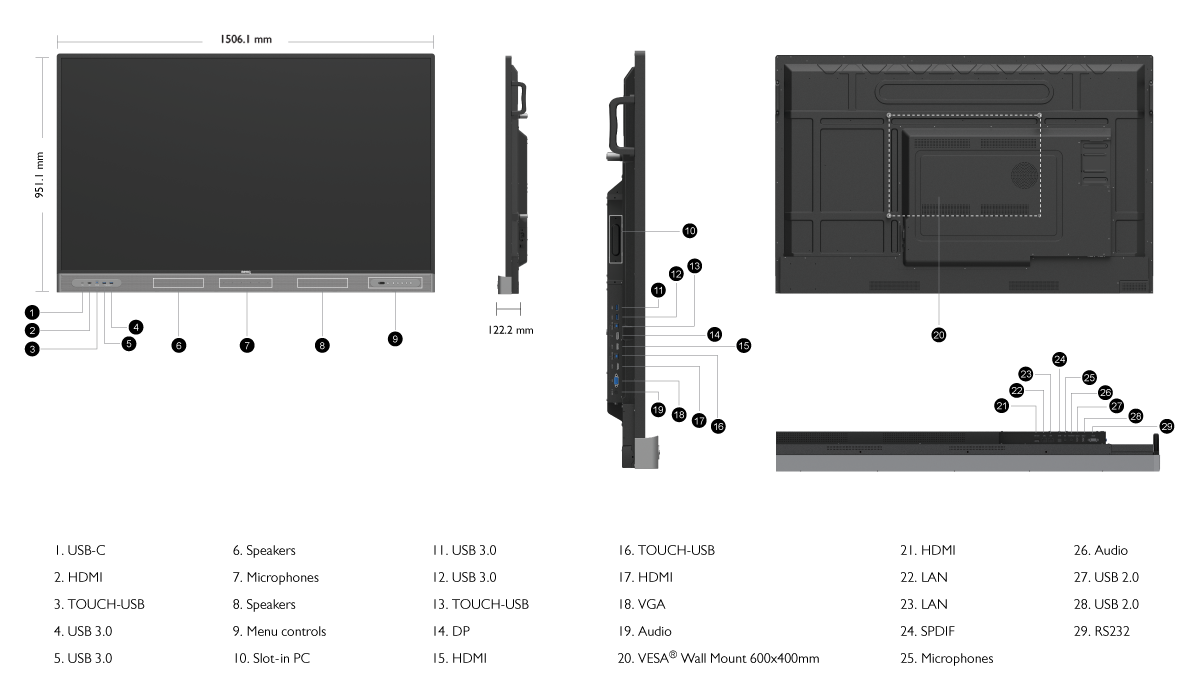
The front ports cover all your connectivity needs. Charge your notebook, display your screen, and enable touch with a single Type-C cable.

Teach lessons on the RM03 from anywhere in the room with the remote control and voice assistant for increased accessibility.
*Available Q1 2022
Keep everyone informed and up to date on events, safety protocols, and emergencies. Deliver clear and effective messages to multiple BenQ displays with X-Sign Broadcast.

Easily monitor and analyze the status of all your BenQ devices on a single dashboard. Manage displays, apps, and OTA updates remotely for maximum convenience.
The IP5X certification ensures that the panel will deliver consistent operation, even in dust-prone environments.
*Complies with IEC standard 60529

BenQ’s Interactive Flat Panels (IFP) are classroom-ready solutions to support schools by bringing a truly healthy and collaborative classrooms. Request a demo to see how BenQ’s IFP enables teachers and students to enhance learning experience and boost interaction

Copyright @ BenQ Corporation. All Rights Reserved. | Privacy Policy | Cookie Policy

